
How to Mave Pokemon Move Habitats & Homes In Pokopia
How to Move Pokemon Habitats & Homes in Pokopia
Your Pokemon might not always be satisfied with their current living situation. Fortunately, moving your Pokemon to a new habitat or home in Pokopia is a straightforward process that any player can master in just a few steps. Whether you’re relocating your Pokemon to a more suitable environment or into a new structure, this guide will walk you through exactly how to do it.
Understanding Pokemon Homes and Habitats
Each Pokemon in Pokopia lives in a specific habitat or home. For example, Charmander may be living in one location, while Oddish resides in another. If you want to change where your Pokemon lives, you’ll need to understand the mechanics of moving them between different habitats.
How to Move Your Pokemon to a New Home
Step 1: Talk to Your Pokemon
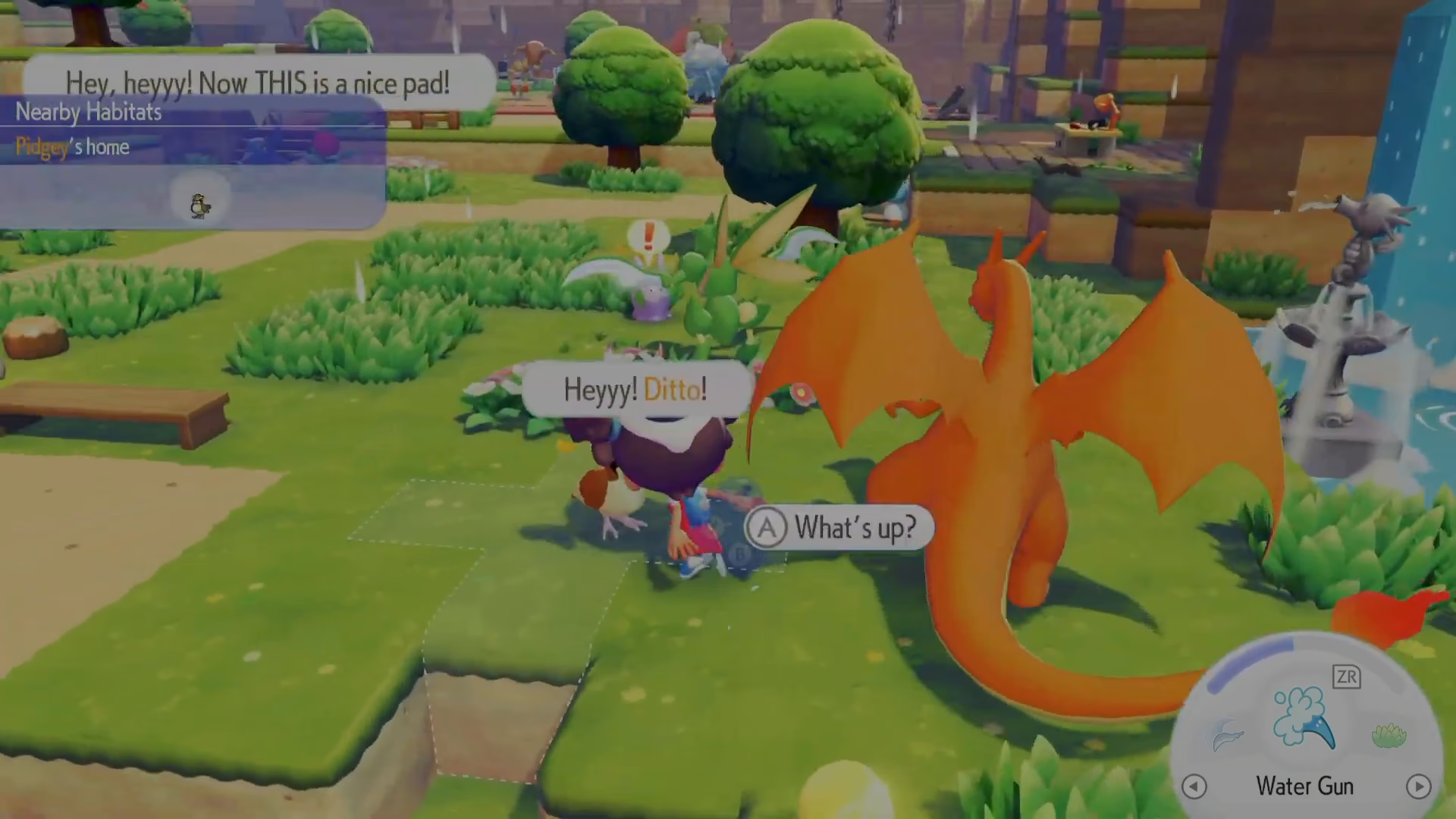
First, locate the Pokemon you want to move. Approach them and interact with them to open the conversation menu.
Step 2: Command Them to Follow You
Once you’ve talked to your Pokemon, select the “Follow me” option. Your Pokemon will now follow you as you navigate around Pokopia.
Step 3: Lead Them to Their New Home
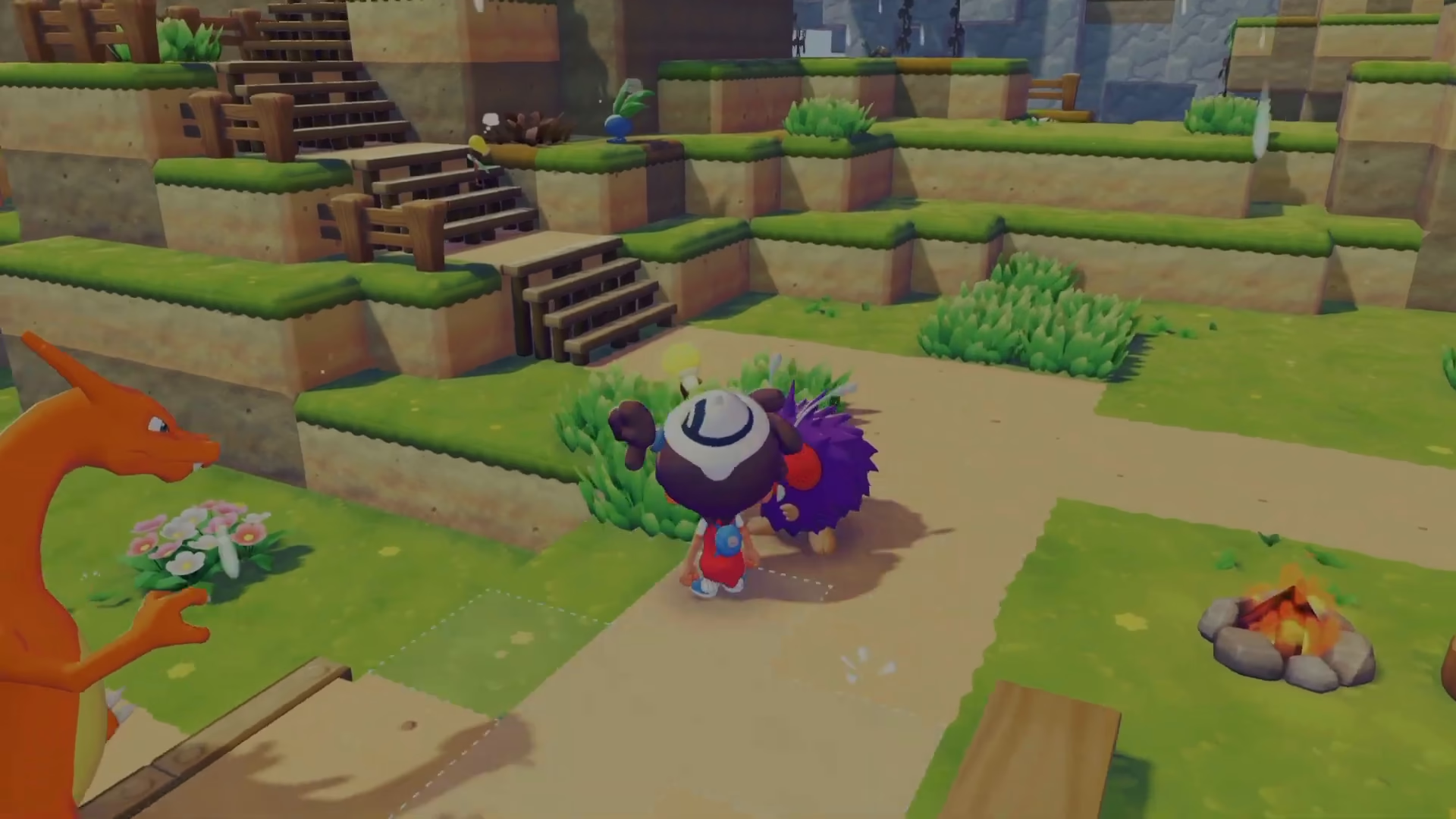
Walk to the new habitat or home where you’d like your Pokemon to live. This could be a different location in the environment or an actual house structure.
Step 4: Ask Them to Move In
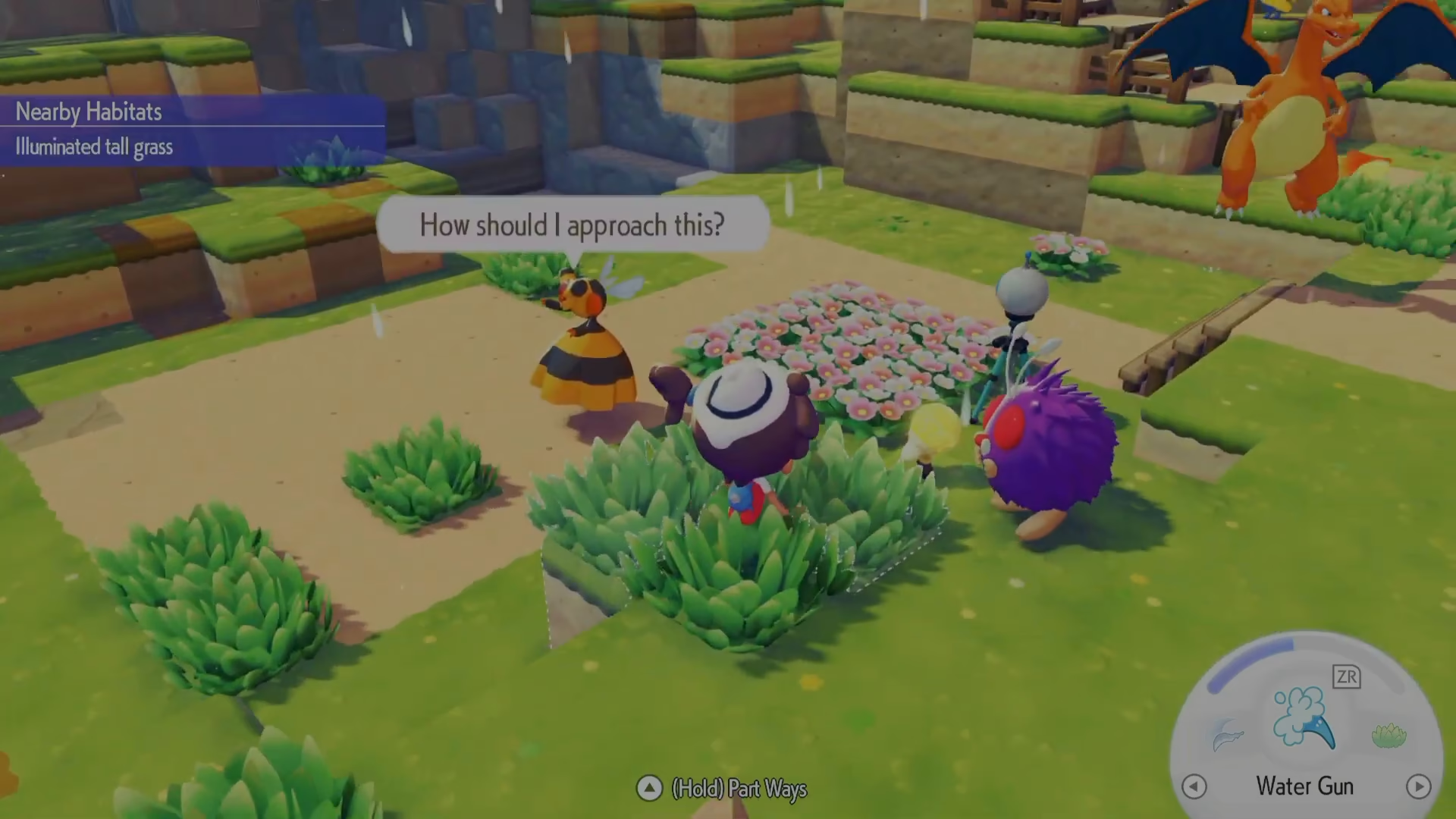
Once you’ve arrived at the new location, talk to your Pokemon again. This time, select the option “Want to move in here?” to prompt them to consider the new home.
Step 5: Confirm the Move
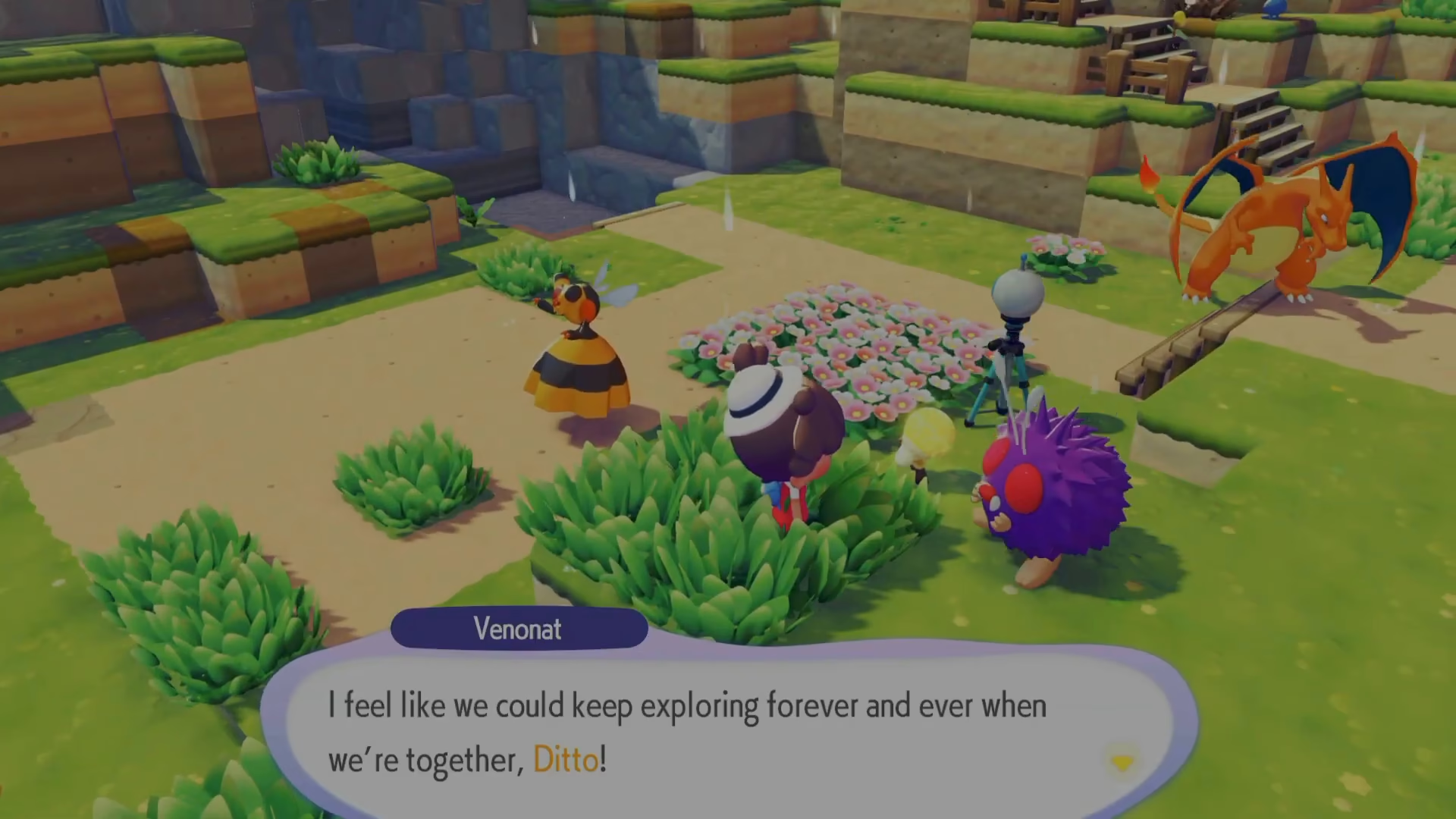
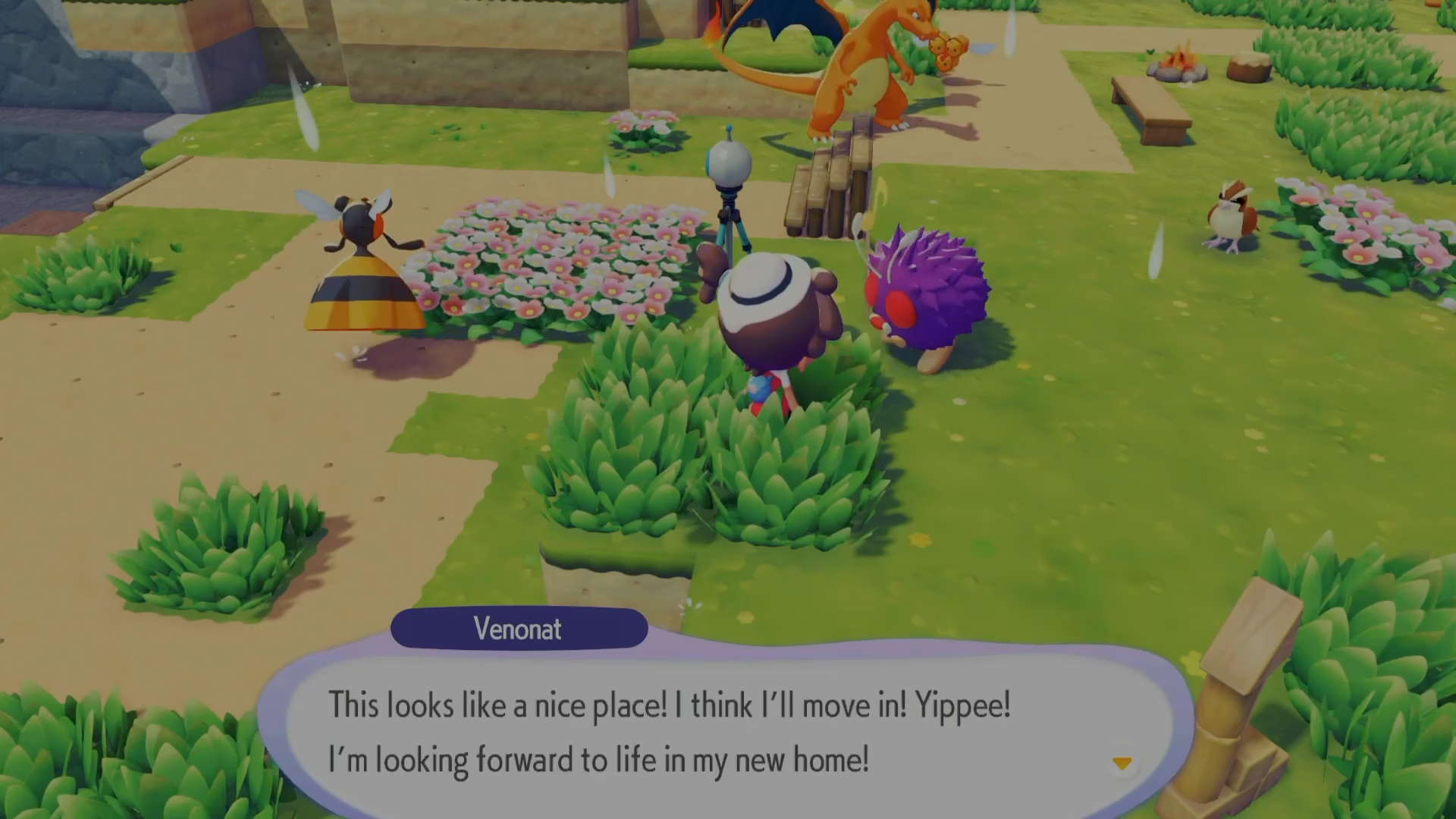
Your Pokemon will respond positively (if the habitat suits them). They’ll confirm by saying something like “Gary is. Looks like a nice place. I’ll move in.” Your Pokemon is now successfully relocated to their new home.
Why Move Your Pokemon?
There are several reasons you might want to relocate your Pokemon in Pokopia:
Environmental Preferences: Some Pokemon prefer more humid environments. For instance, Squirtle (often the first Pokemon players move) wants to live near the water.
Better Living Conditions: You might want to move your Pokemon into an actual house structure for improved accommodation.
Pokemon Happiness: Placing your Pokemon in their preferred habitat increases their satisfaction and overall happiness in the game.
Summary
Moving your Pokemon to new habitats and homes in Pokopia is incredibly simple. Just talk to your Pokemon, tell them to follow you, lead them to the new location, and ask them if they want to move in. That’s all there is to it! With this basic process, you can keep all your Pokemon in environments where they’re truly happy and comfortable.
Want to Support?
If you would like to help us continue making these guides – please consider joining our patreon here – https://www.patreon.com/c/JaviHeals
Alternatively – you can join our discord here – https://discord.gg/zD7Gjt6MHF