





How to Use Force Palm In Crimson Desert
How to Use Force Palm in Crimson Desert
Force Palm is a useful skill in Crimson Desert that allows you to push enemies and objects away from you. Whether you’re in combat or solving puzzles, mastering this ability is essential. This guide will walk you through finding the Force Palm keybinding and using it effectively in the game.
Finding Your Force Palm Keybinding
The first step is to locate your Force Palm keybinding, as it may vary depending on your platform and personal settings. By default on PC, Force Palm is bound to middle click. However, console players may have a different keybinding.
To find your keybinding, navigate to the main menu and select Options.
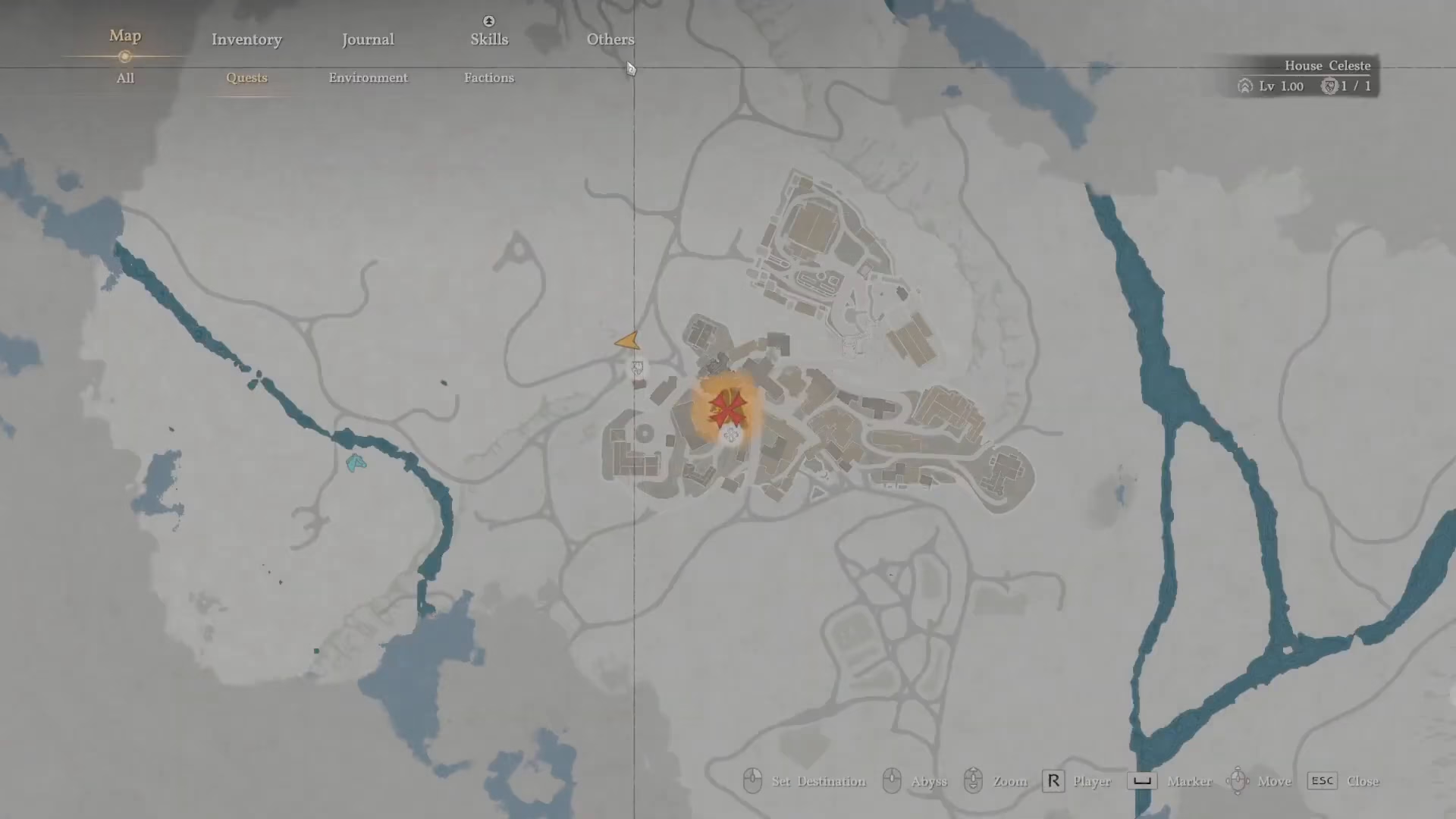
From the Options menu, go to Settings.
Next, select Shortcuts and Input Settings.
In the Input Settings menu, look for the skill section labeled Force Palm. Here you’ll see your current keybinding displayed. For most PC players, this will show as middle click.
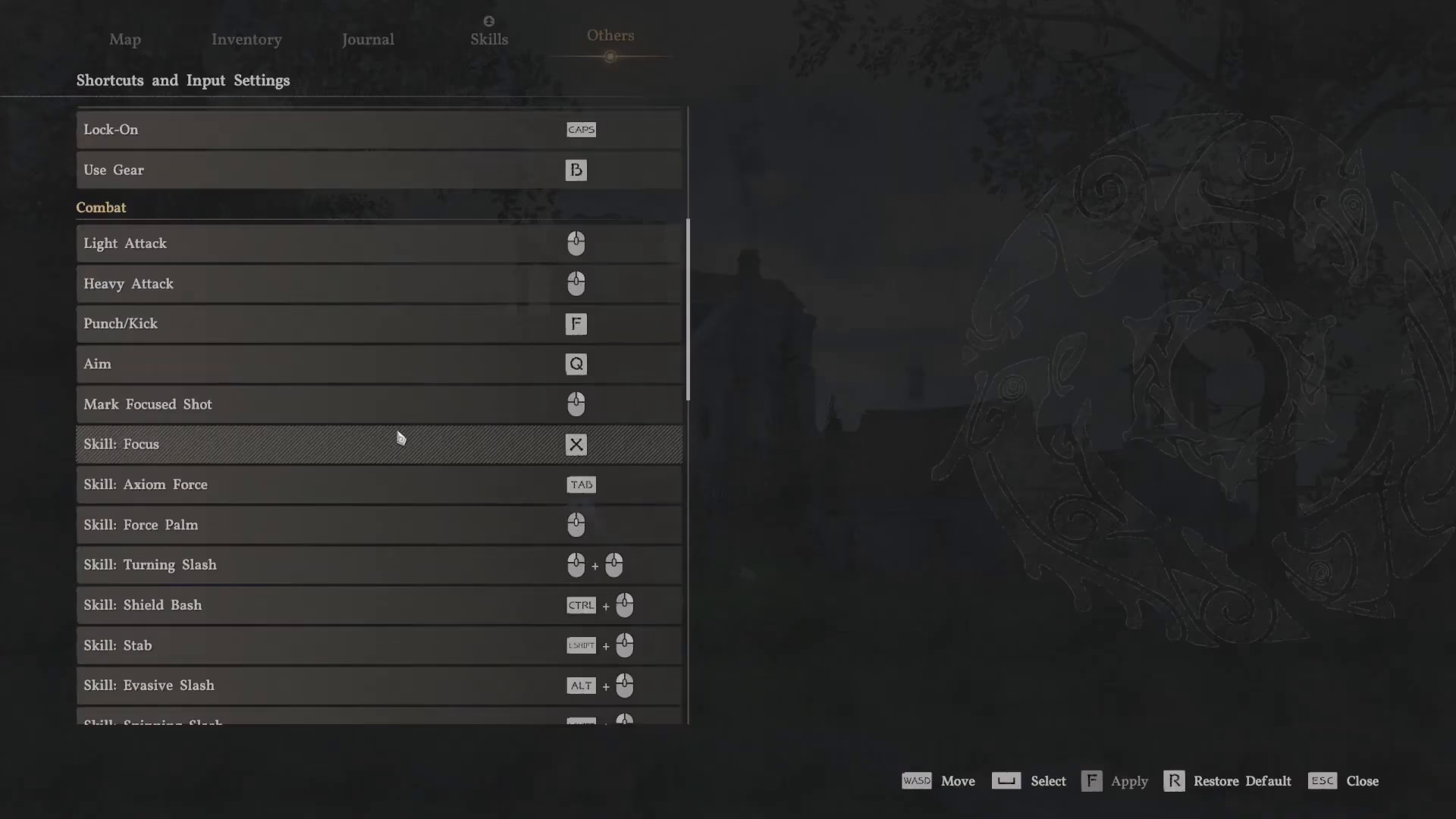
This menu is incredibly useful if you ever forget your keybinding, as Crimson Desert contains a large number of skills and commands.
Using Force Palm in Combat
Once you’ve confirmed your keybinding, using Force Palm is straightforward. Simply press your bound key (middle click by default) while targeting an enemy or object in front of you.
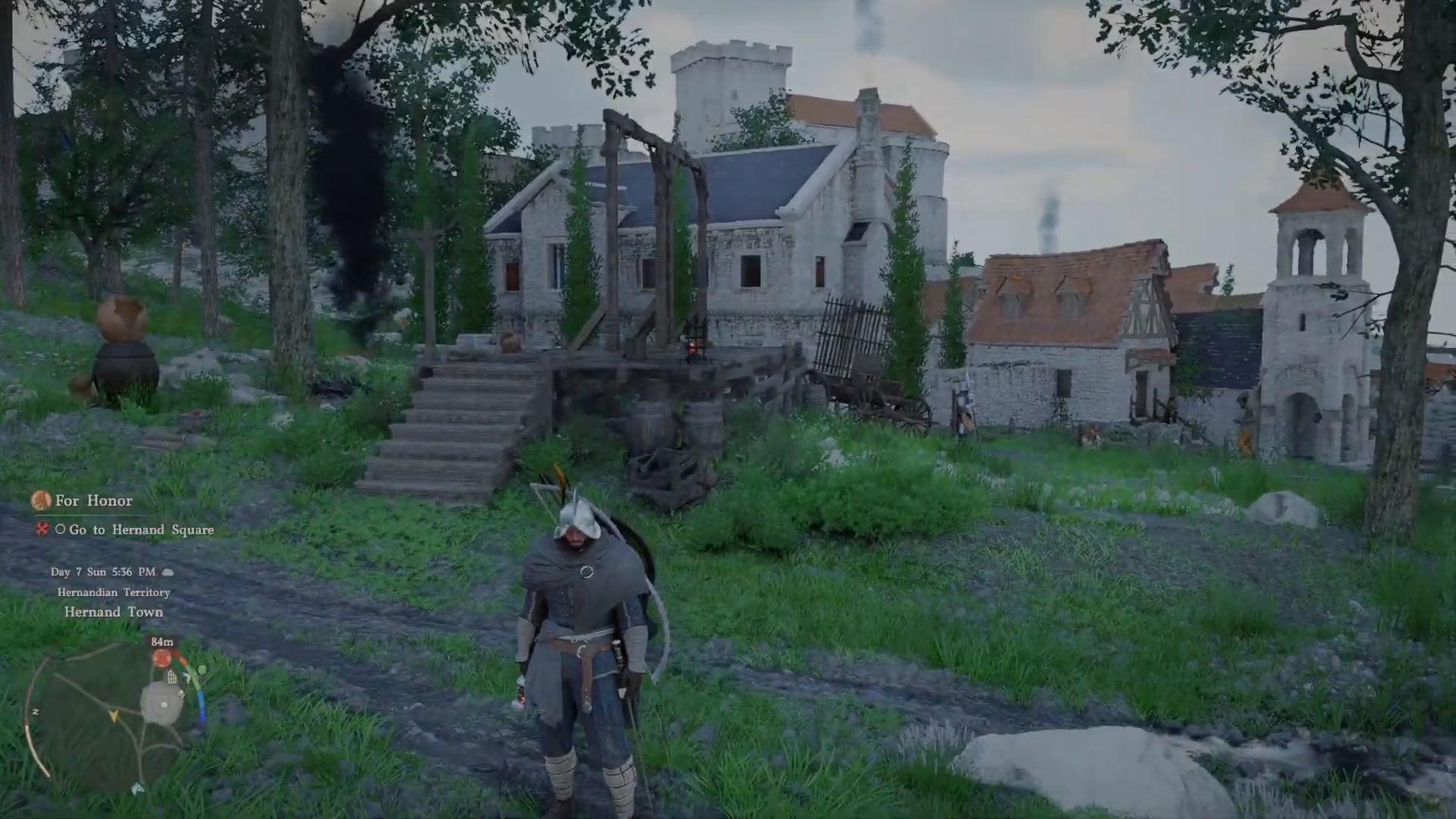
When activated, Force Palm will push enemies away from you with a forceful impact. This is excellent for crowd control and creating distance between yourself and threats.
Breaking Objects and Environmental Interactions
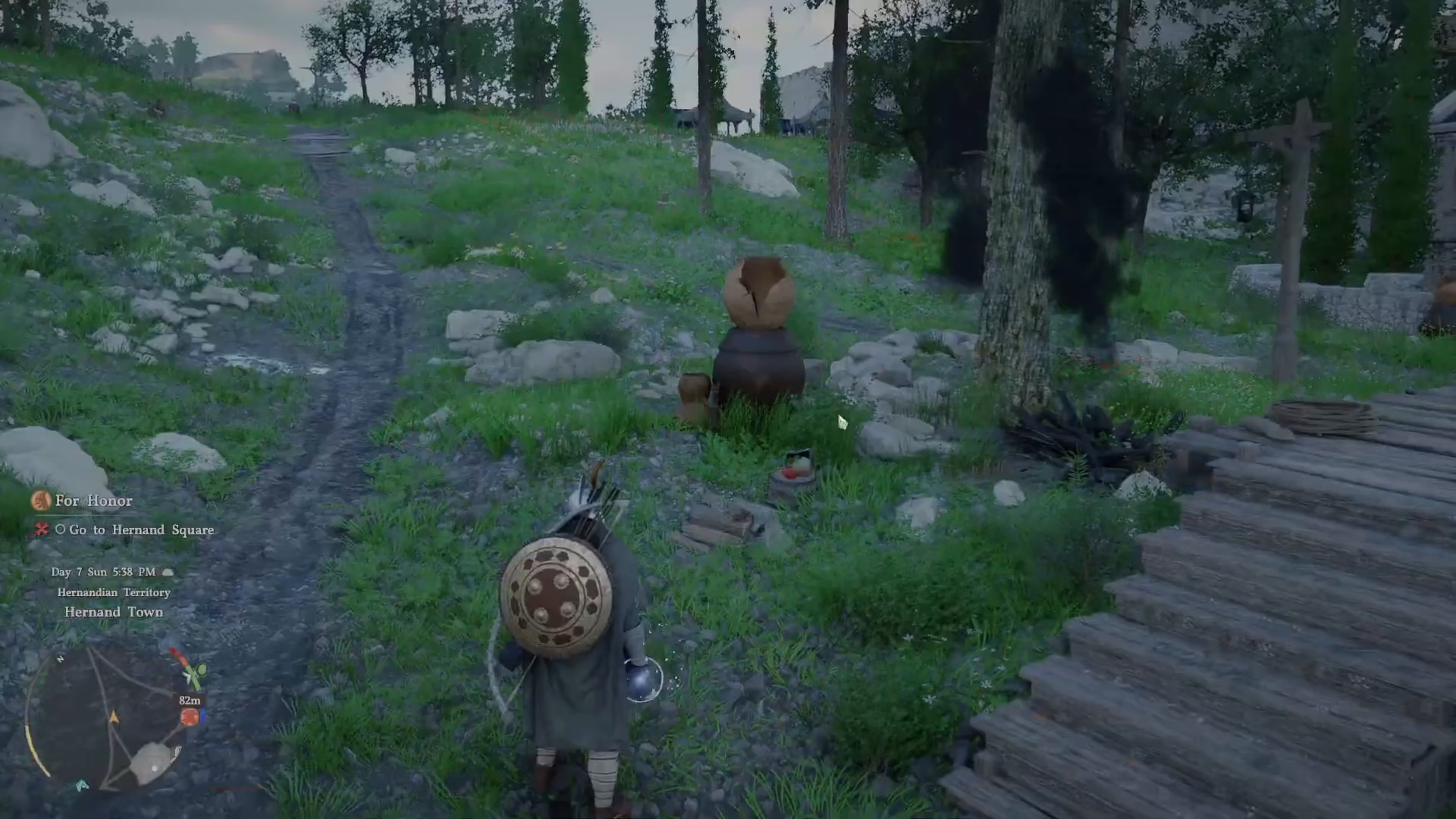
Beyond combat, Force Palm is effective for breaking destructible objects and environmental props scattered throughout the world. Use it to smash through obstacles and create new pathways.
Solving Puzzles with Force Palm
Force Palm isn’t just for combat—it’s also a valuable puzzle-solving tool. Many puzzles in Crimson Desert require you to push objects or activate mechanisms using this skill. If you encounter a puzzle that seems stuck, try using Force Palm on nearby objects or pressure plates.
Conclusion
Force Palm is a versatile ability that every Crimson Desert player should know how to use. Whether you’re pushing enemies away in combat, breaking environmental objects, or solving puzzles, this skill will serve you well. Remember that your keybinding (middle click by default on PC) can always be checked in your Input Settings if you forget. Now get out there and start using Force Palm to master Crimson Desert!
— Want to Support? —
If you would like to help us continue making these guides – please consider joining our patreon here – https://www.patreon.com/c/JaviHeals
Alternatively – you can join our discord here – https://discord.gg/zD7Gjt6MHF



