





How to Enable Cross Progression in Dead by Daylight
How to Enable Cross Progression in Dead by Daylight
Cross progression is a game-changing feature that allows you to sync your Dead by Daylight progress across multiple gaming platforms. This guide will walk you through the simple steps needed to set up cross progression so you can seamlessly continue your gameplay regardless of which platform you’re playing on.
Getting Started with Cross Progression
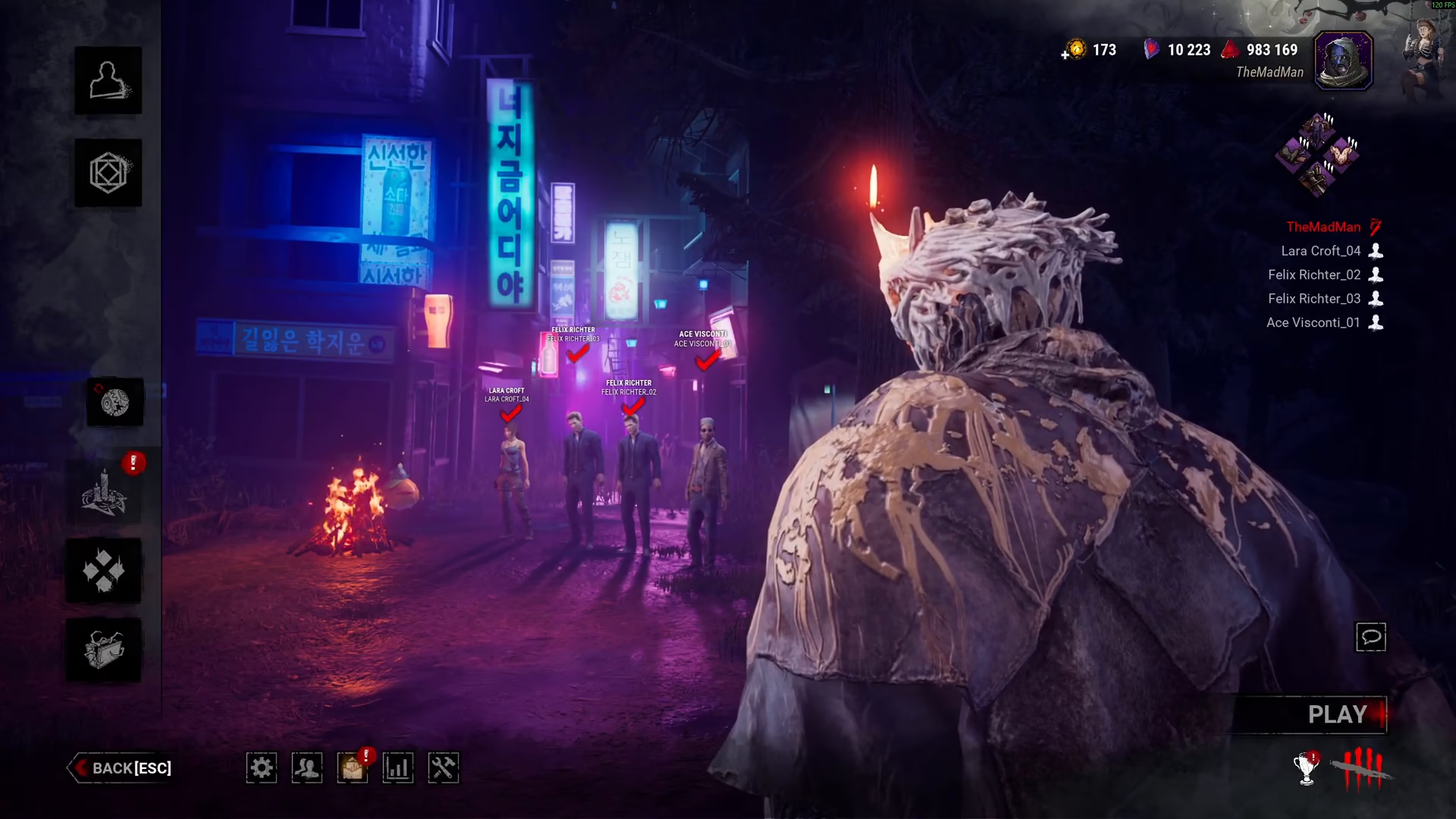
To enable cross progression in Dead by Daylight, the first step is to create or log into your Behavior account. This account serves as the central hub that links all your gaming platforms together.
Connecting Your Platforms
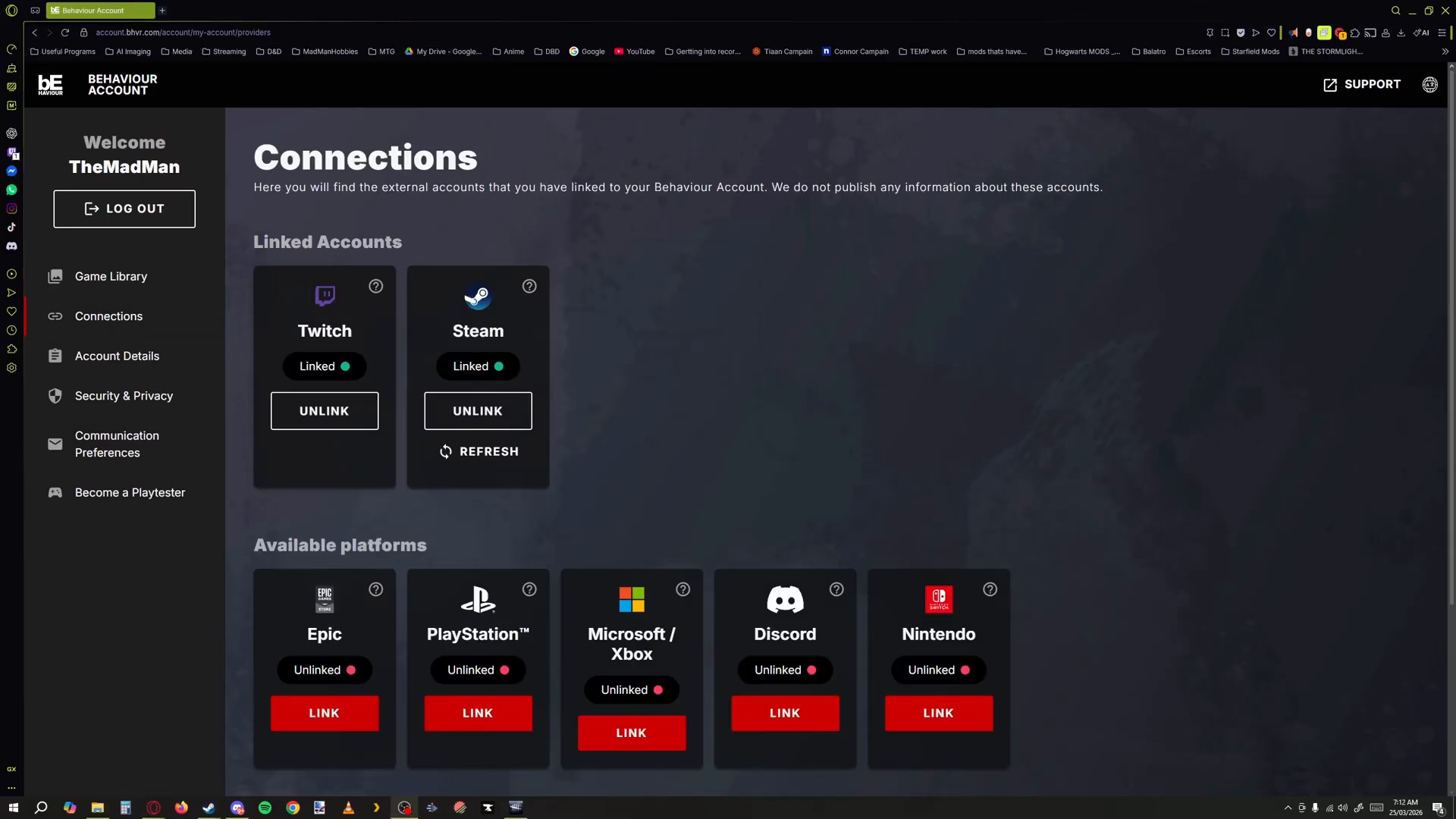
Once you’ve successfully logged in to your Behavior account, navigate yourself to the Connection section. In this area, you’ll find options to connect whatever platforms are relevant to yourself, such as Steam, PlayStation, Xbox, or Nintendo Switch.
Finalizing Your Setup
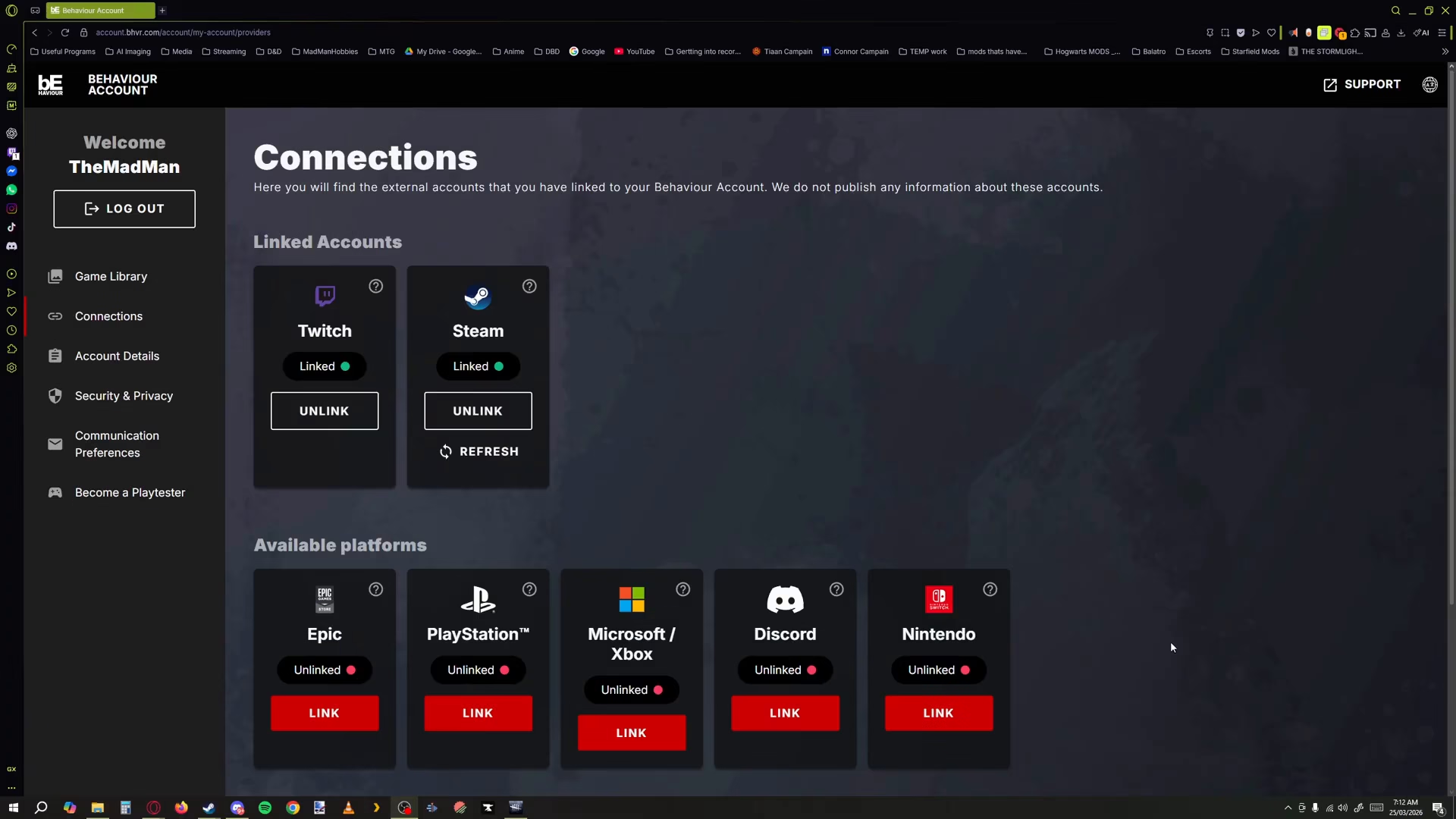
After you’ve linked all your desired platforms, make sure to synchronize everything. Once you’ve linked and synchronized all your platforms, your cross progression setup will be complete and ready to use.
Summary
Enabling cross progression in Dead by Daylight is straightforward and only requires a few simple steps. By creating or logging into your Behavior account, navigating to the Connection section, and linking your gaming platforms, you’ll have full cross progression functionality. This means all your progress, cosmetics, and unlocked content will follow you across platforms, making your Dead by Daylight experience truly seamless.
— Want to Support? —
If you would like to help us continue making these guides – please consider joining our patreon here – https://www.patreon.com/c/JaviHeals
Alternatively – you can join our discord here – https://discord.gg/zD7Gjt6MHF

