





How to Look Behind You While Running in Dead by Daylight
How to Look Behind You While Running in Dead by Daylight
Looking behind you while running is a crucial skill in Dead by Daylight that can help you keep track of the killer’s position without losing momentum. This guide will show you exactly how to perform this advanced movement technique using keyboard and mouse controls.
The Basic Technique
To look behind you while running, you need to move in the opposite direction of where your camera is facing. Here’s how it works:
Start by running in your desired direction. While moving, hold the backward movement key (S key on keyboard and mouse) while simultaneously rotating your camera to face the opposite direction. This creates the effect of looking behind you as you run.
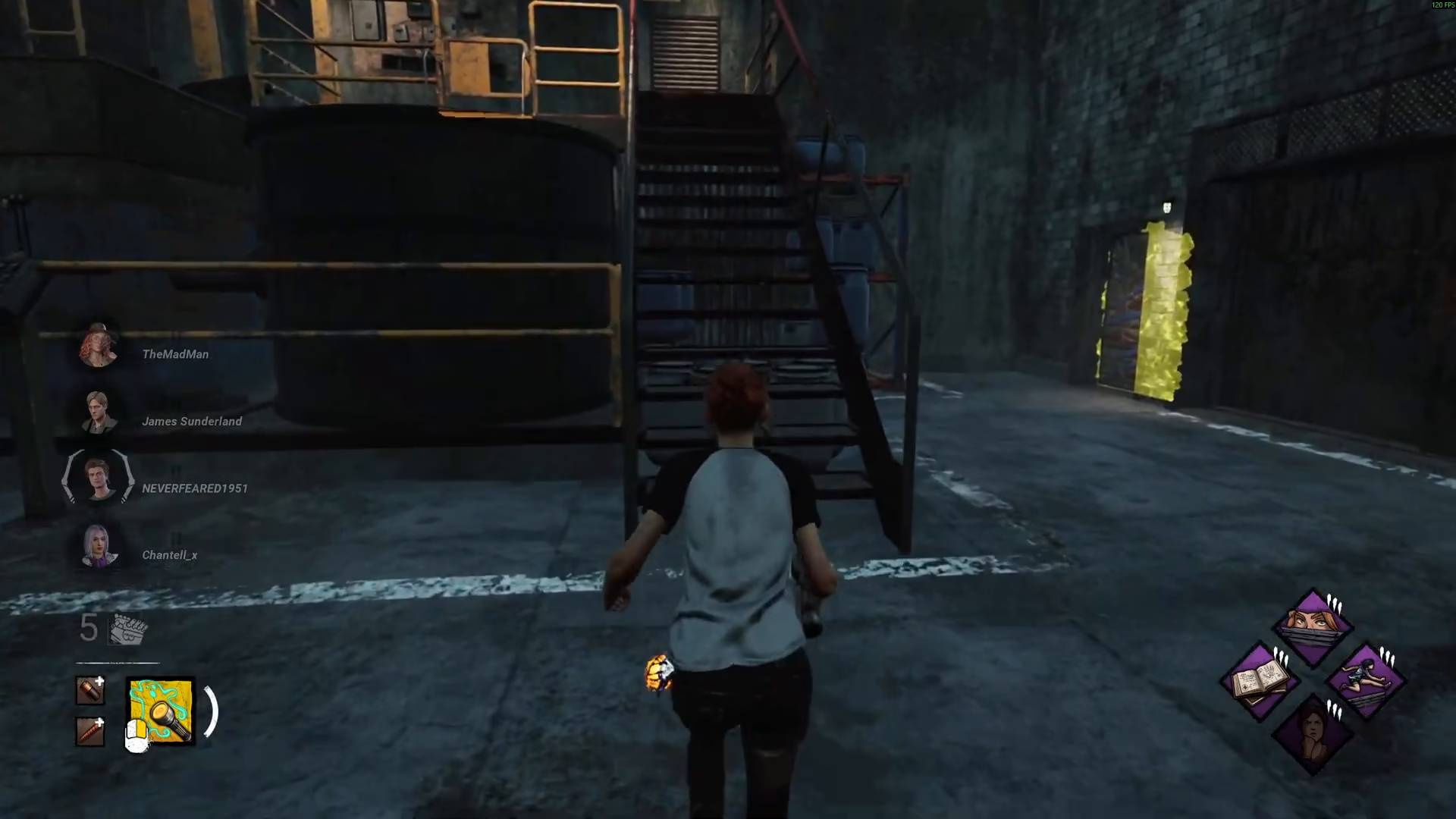
Control Setup
This guide demonstrates the technique using keyboard and mouse controls. The method relies on your ability to independently control character movement and camera direction—a fundamental feature of Dead by Daylight’s control scheme.
Why This Matters
Mastering the ability to look behind you while running allows you to maintain awareness of the killer’s position and distance without slowing down or stopping. This tactical advantage can mean the difference between escaping and getting caught.
Summary
Looking behind you in Dead by Daylight is simple once you understand the mechanic: hold the backward movement key (S) while turning your camera to face the opposite direction. Practice this technique in-game until it becomes second nature, and you’ll significantly improve your survival chances against killers.
— Want to Support? —
If you would like to help us continue making these guides – please consider joining our patreon here – https://www.patreon.com/c/JaviHeals
Alternatively – you can join our discord here – https://discord.gg/zD7Gjt6MHF

