How To Connect Door Control System In Prison Architect
How To Connect Door Control System In Prison Architect
In Prison Architect, connecting your door control system to door servos is an essential skill for managing prison security and operations. This guide walks you through the straightforward process of linking these two components together so your automated doors function properly.
Connecting the Door Control System
To connect a door servo to your door control system, start by locating the door control system in your prison. Click on it to select it.
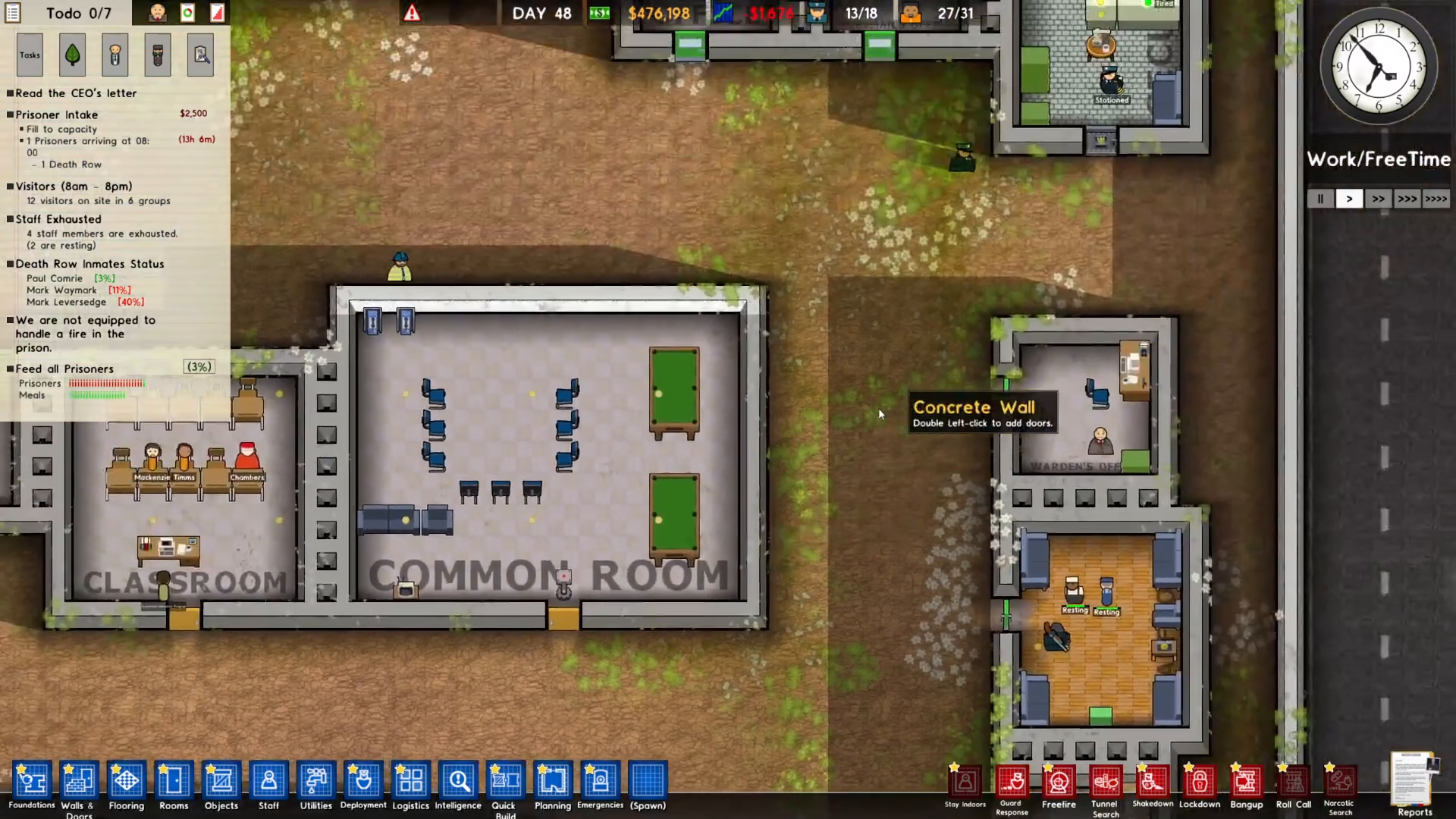
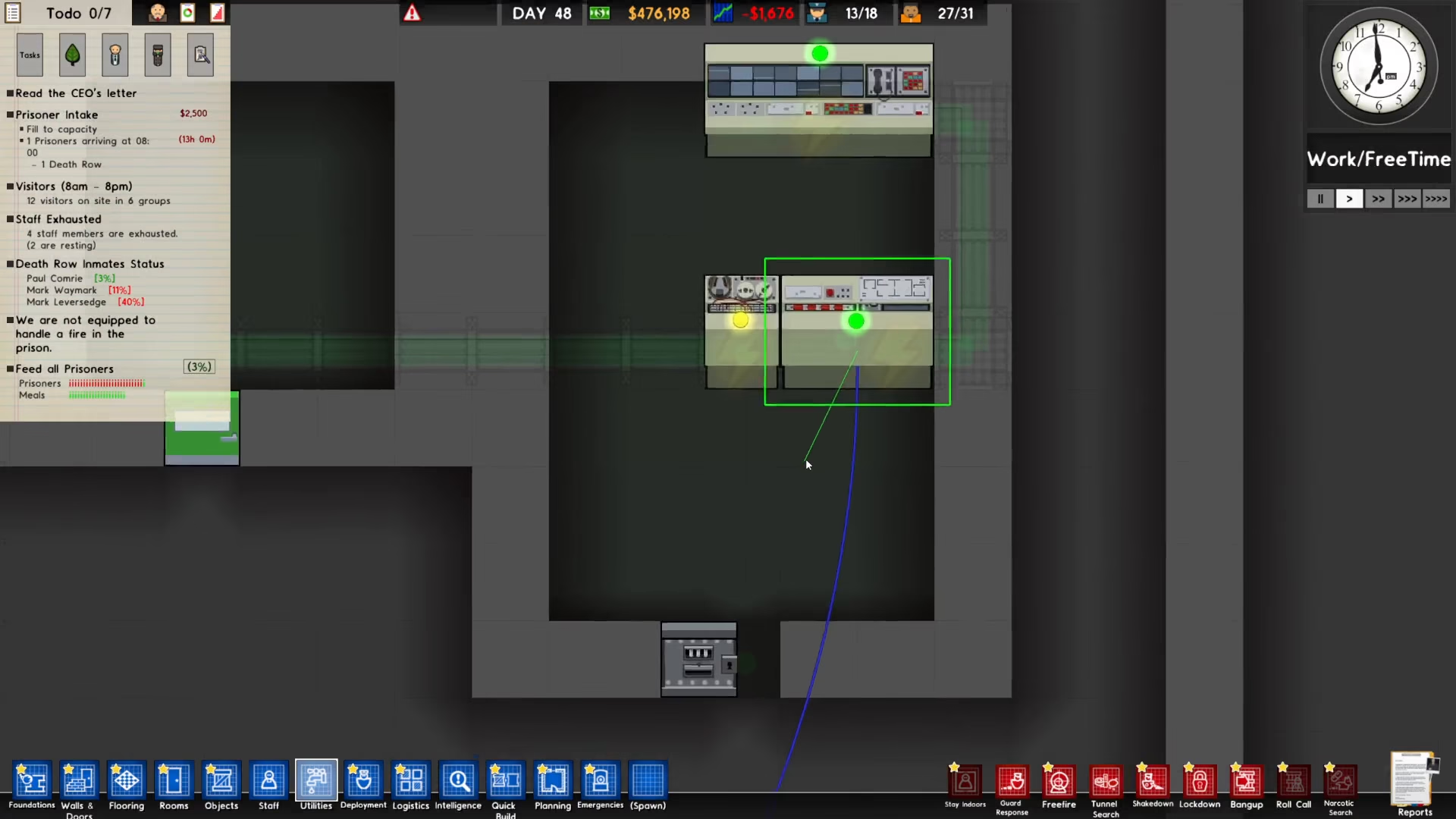
Once the door control system is selected, look for the connect option and click on it.
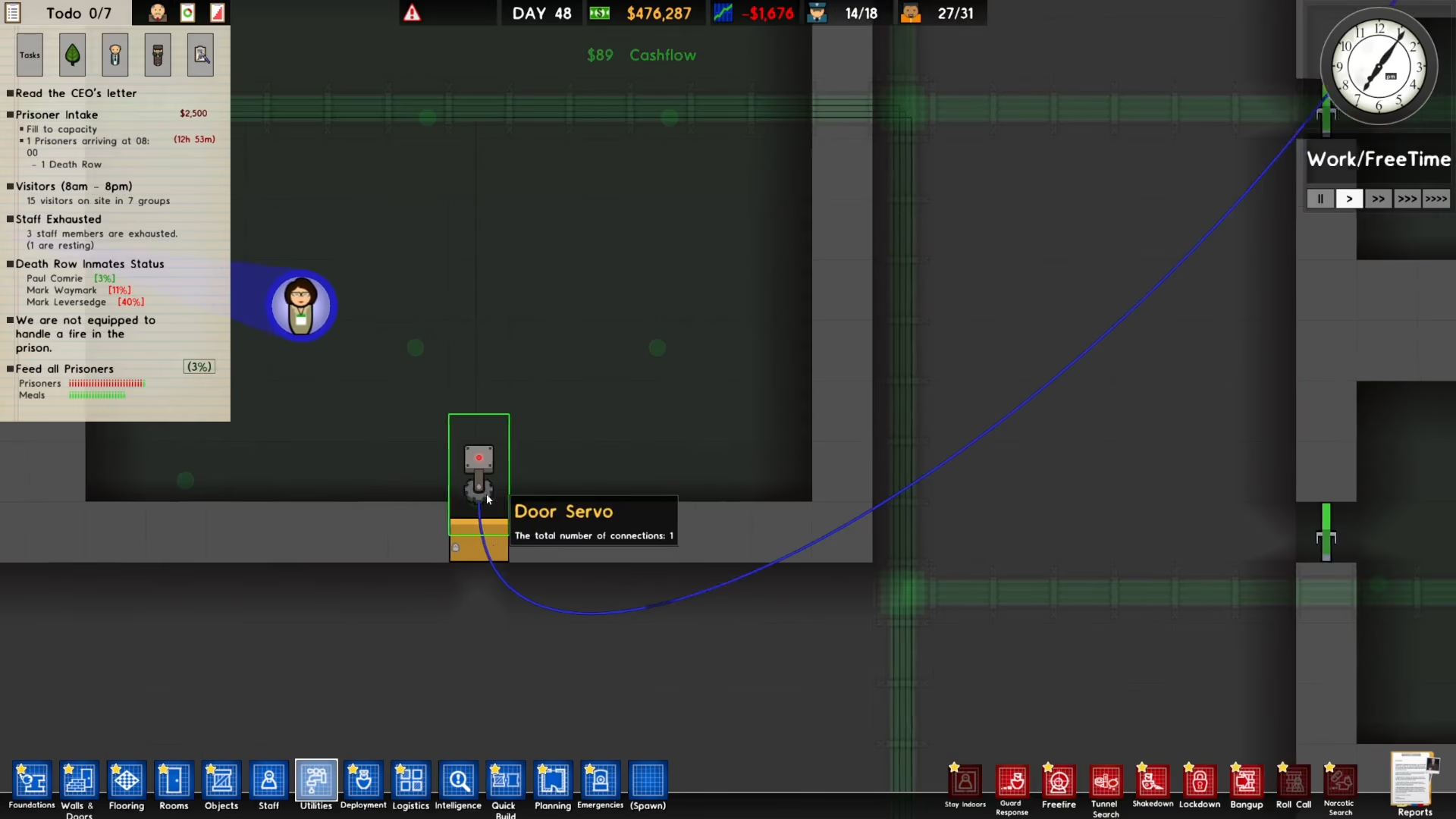
Next, click on the door servo that you want to connect to the system. This will establish the link between the two components.
Verifying the Connection
After completing the connection, you’ll see a blue line appearing between the door control system and the door servo. This visual indicator confirms that the two components are now successfully connected and communicating with each other.
Summary
Connecting a door control system in Prison Architect is a simple three-step process: select the door control system, click connect, and then click on the door servo you wish to link. The blue connection line will verify that your setup is working correctly. With this connection established, your automated door system will function as intended.
Want to Support?
If you would like to help us continue making these guides – please consider joining our patreon here – https://www.patreon.com/c/JaviHeals
Alternatively – you can join our discord here – https://discord.gg/zD7Gjt6MHF