






How To Get Rid Of Prisoners In Prison Architect
How To Get Rid Of Prisoners In Prison Architect
Managing your prison population is a key part of playing Prison Architect effectively. Whether you need to remove specific prisoners or transfer them elsewhere, this guide will walk you through the quickest and easiest method to get rid of prisoners in Prison Architect. Follow these simple steps to remove any prisoner from your facility.
Enable Prisoner Transfer
The easiest way to get rid of prisoners is by enabling the prisoner transfer feature. This setting allows you to remove prisoners from your prison when needed.
To enable prisoner transfer, start by pressing the Escape key to open the main menu. From there, navigate to Extras, then select Map Settings. Scroll down through the options until you locate the Cleared for Transfer setting and enable it.
Once you’ve enabled this feature, you’re ready to proceed with removing prisoners from your facility.
Remove a Prisoner Using Security Menu
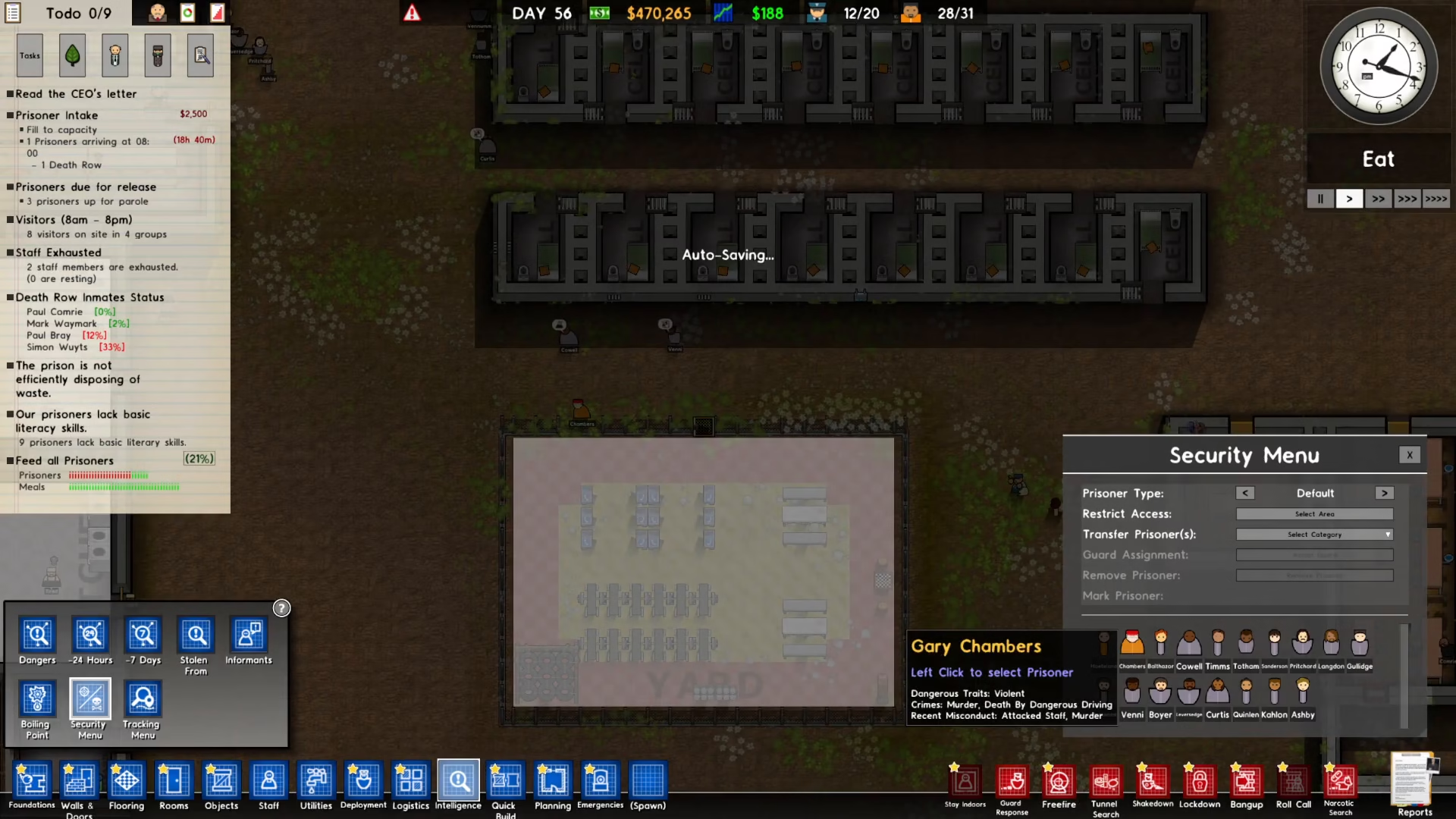
With prisoner transfers enabled, you can now remove any prisoner you choose. To do this, access the Security Menu where you’ll find all available options for managing individual prisoners.
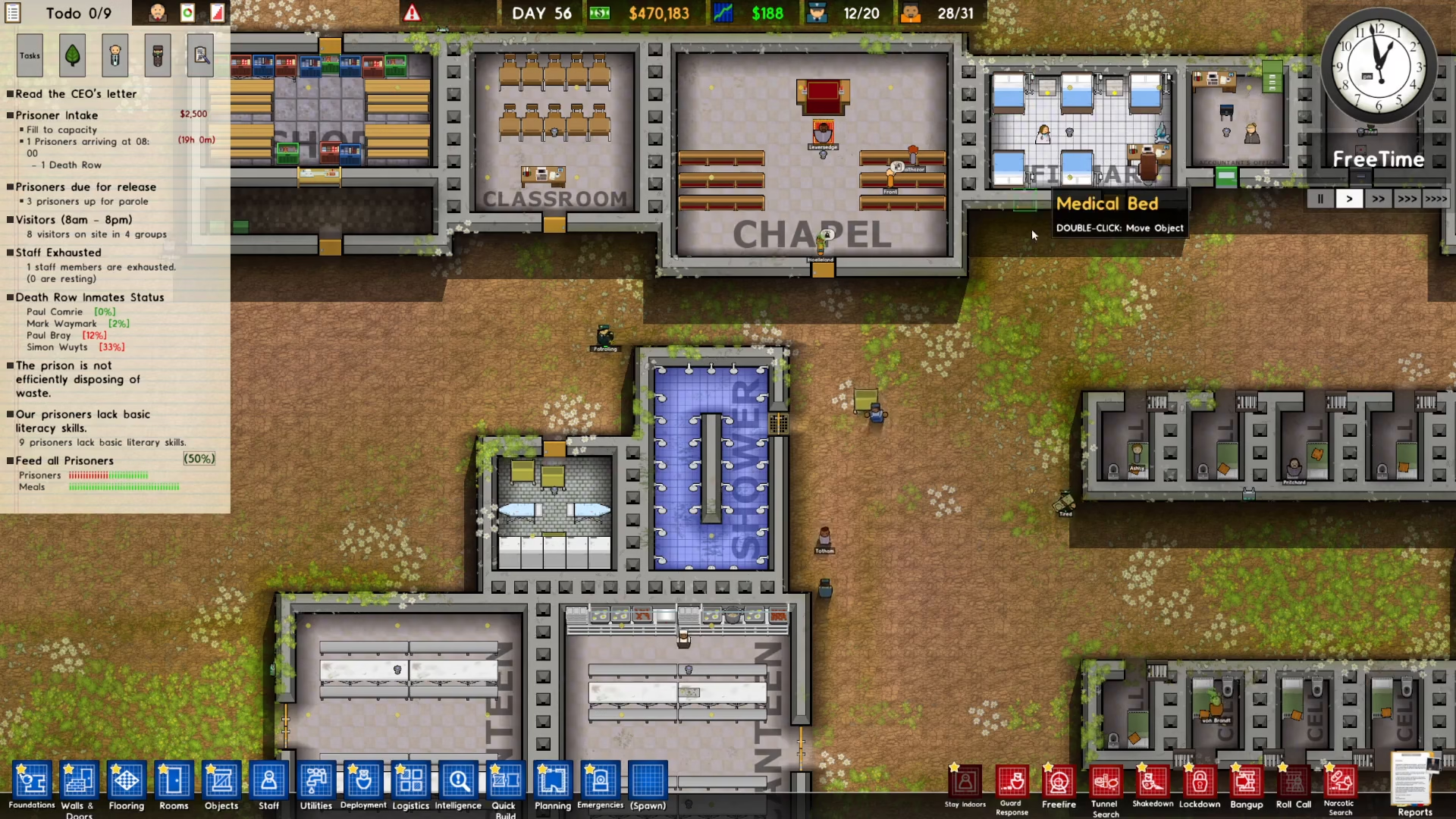
Step 1: Open the Intelligence Panel
Click on Intelligence located in the bottom left corner of your screen.
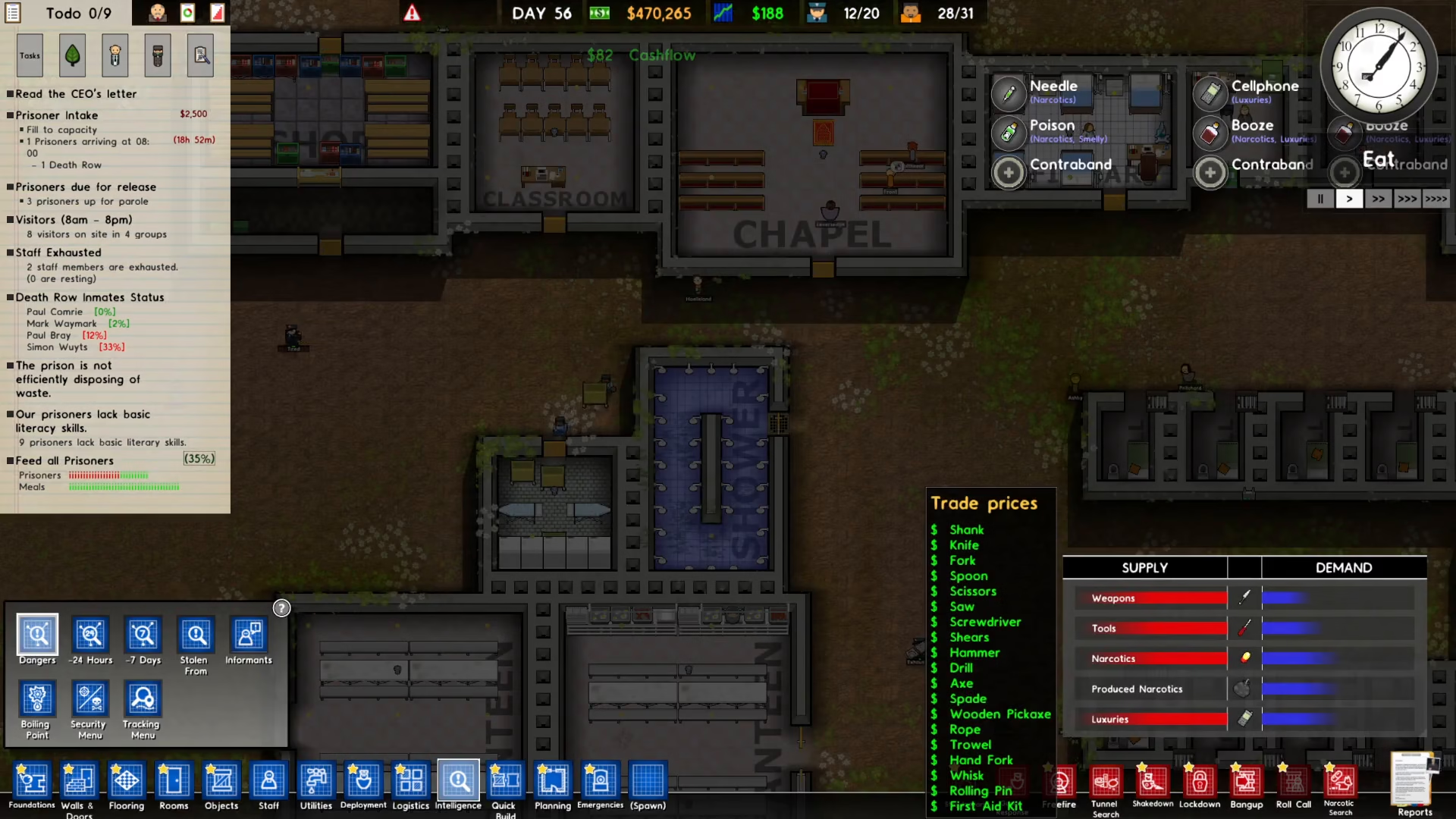
Step 2: Access the Security Menu
Once the Intelligence panel is open, click on Security Menu to view prisoner options.
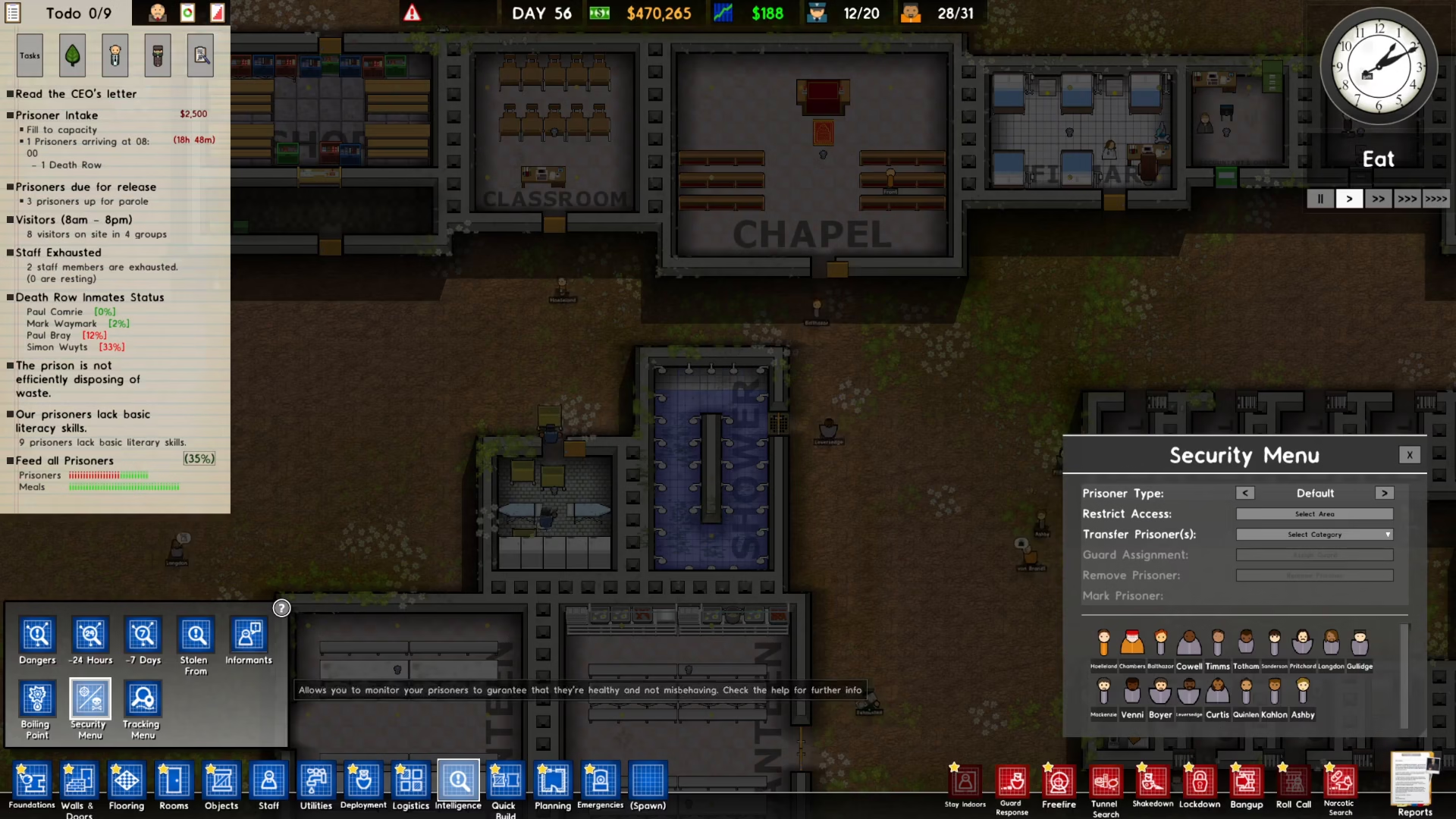
Step 3: Select Your Target Prisoner
On the right side of the Security Menu, you’ll see a list of prisoners in your facility. Click on the prisoner you wish to remove. For example, to remove Prisoner Chambers, simply click on their name in the list.
Step 4: Remove the Prisoner
After selecting your target prisoner, click on the Remove Prisoner button. A confirmation dialog will appear—confirm the action to proceed with the removal.
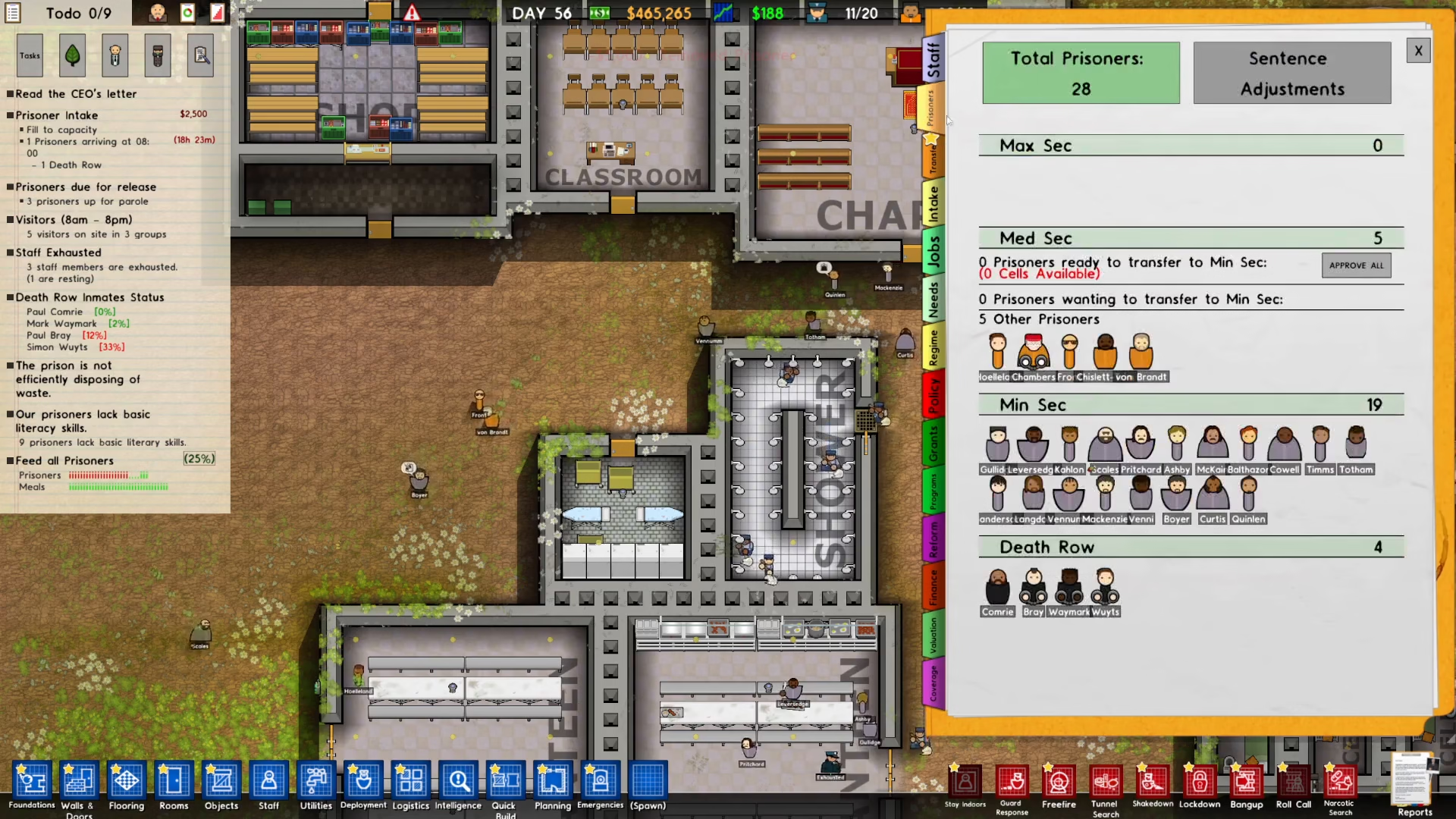
The prisoner will then be transported out of your facility. Wait a moment for the transfer to complete, and the prisoner will be gone from your prison.
Summary
Removing prisoners in Prison Architect is straightforward once you know the steps. Simply enable the Cleared for Transfer option in your Map Settings, then use the Intelligence and Security Menu to select and remove any prisoner you wish. This method is the fastest and most efficient way to manage your prison population and maintain control over who stays in your facility.
Want to Support?
If you would like to help us continue making these guides – please consider joining our patreon here – https://www.patreon.com/c/JaviHeals
Alternatively – you can join our discord here – https://discord.gg/zD7Gjt6MHF