





How To Play Escape Mode In Prison Architect
How To Play Escape Mode In Prison Architect
Escape Mode in Prison Architect offers an exciting way to experience the game from a completely different perspective. Instead of managing a prison, you’ll be playing as an inmate trying to break free. This guide walks you through the simple steps to access and start playing Escape Mode in just a few clicks.
Accessing Escape Mode
To begin, press the Escape key to open the main menu.
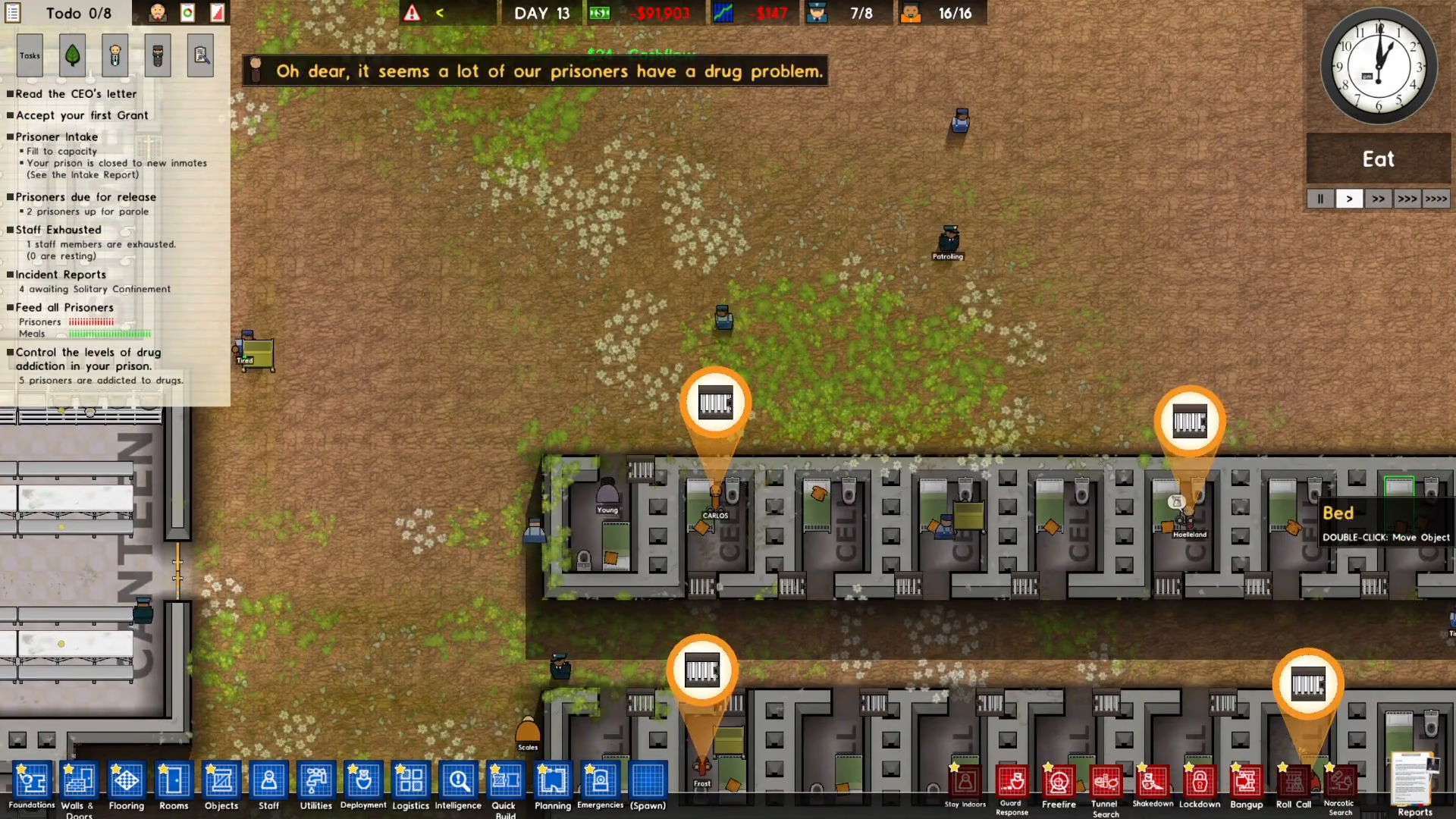
Once the menu appears, navigate to the Extras section.
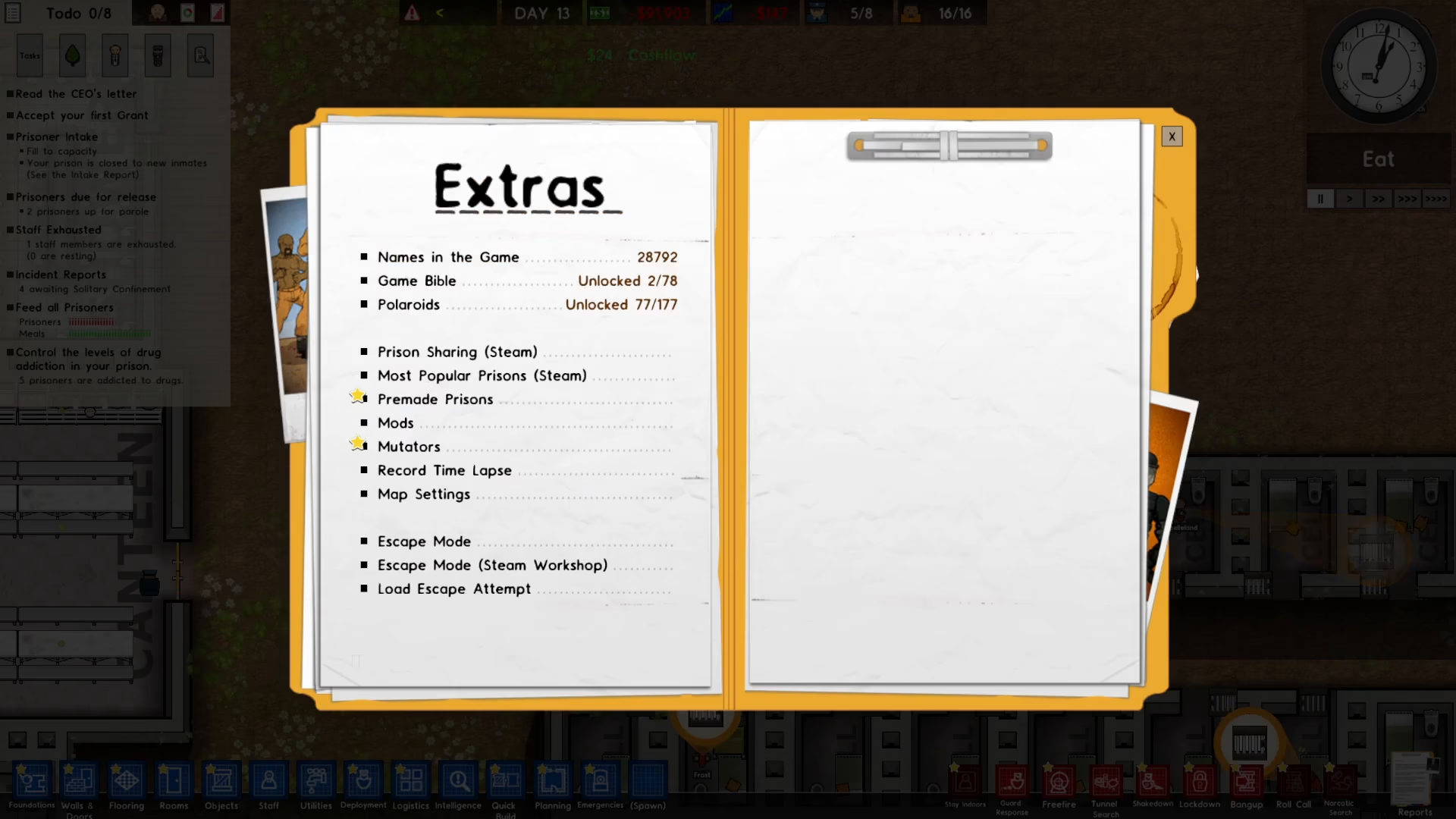
In the Extras menu, click on Escape Mode to access the mode selection screen.
Loading Your Prison Save
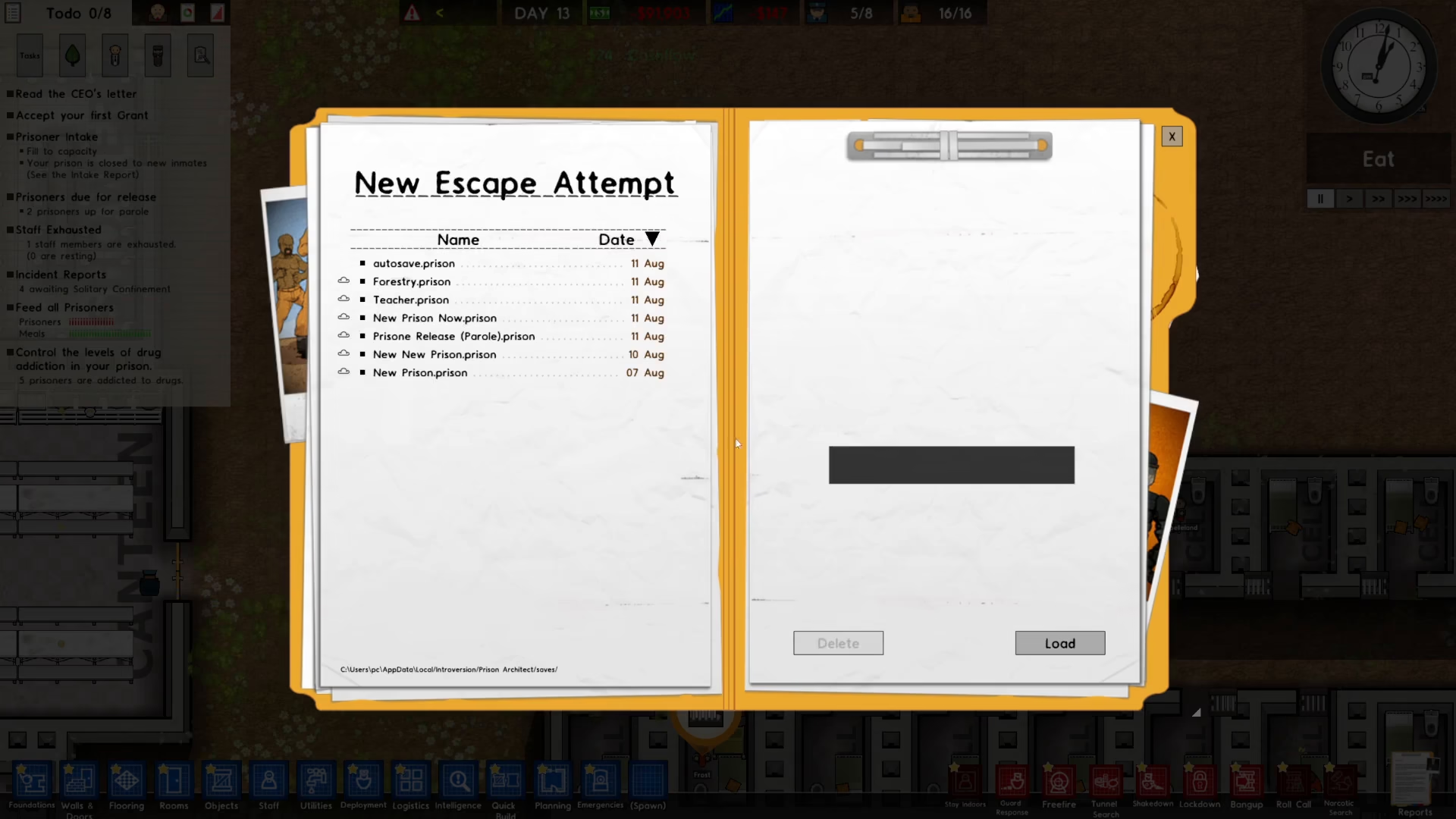
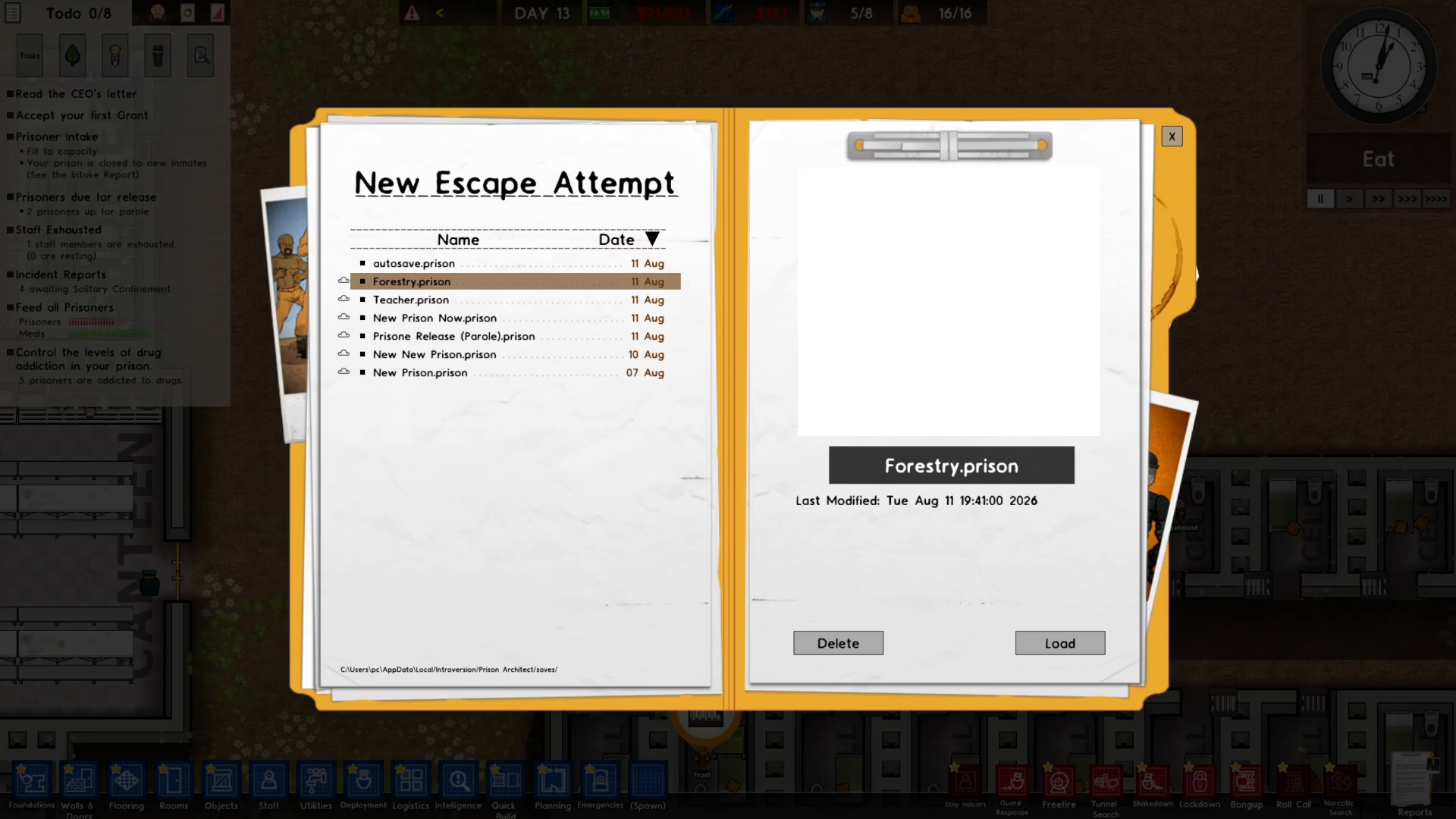
Next, you’ll need to select a prison save file to load for Escape Mode. Choose the save you want to use for your escape attempt.
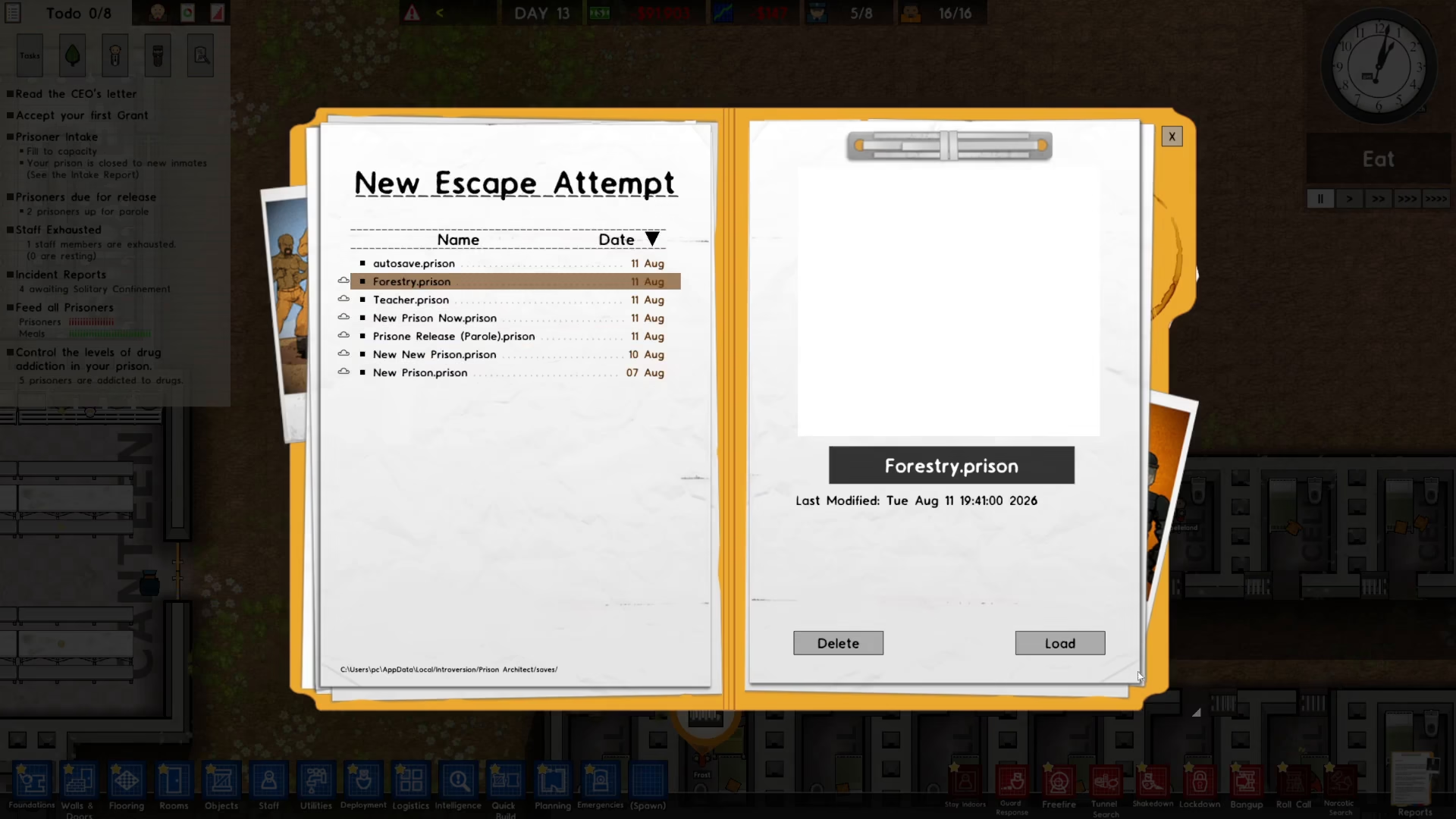
After selecting your save, click the Load button to proceed.
Starting Your Escape
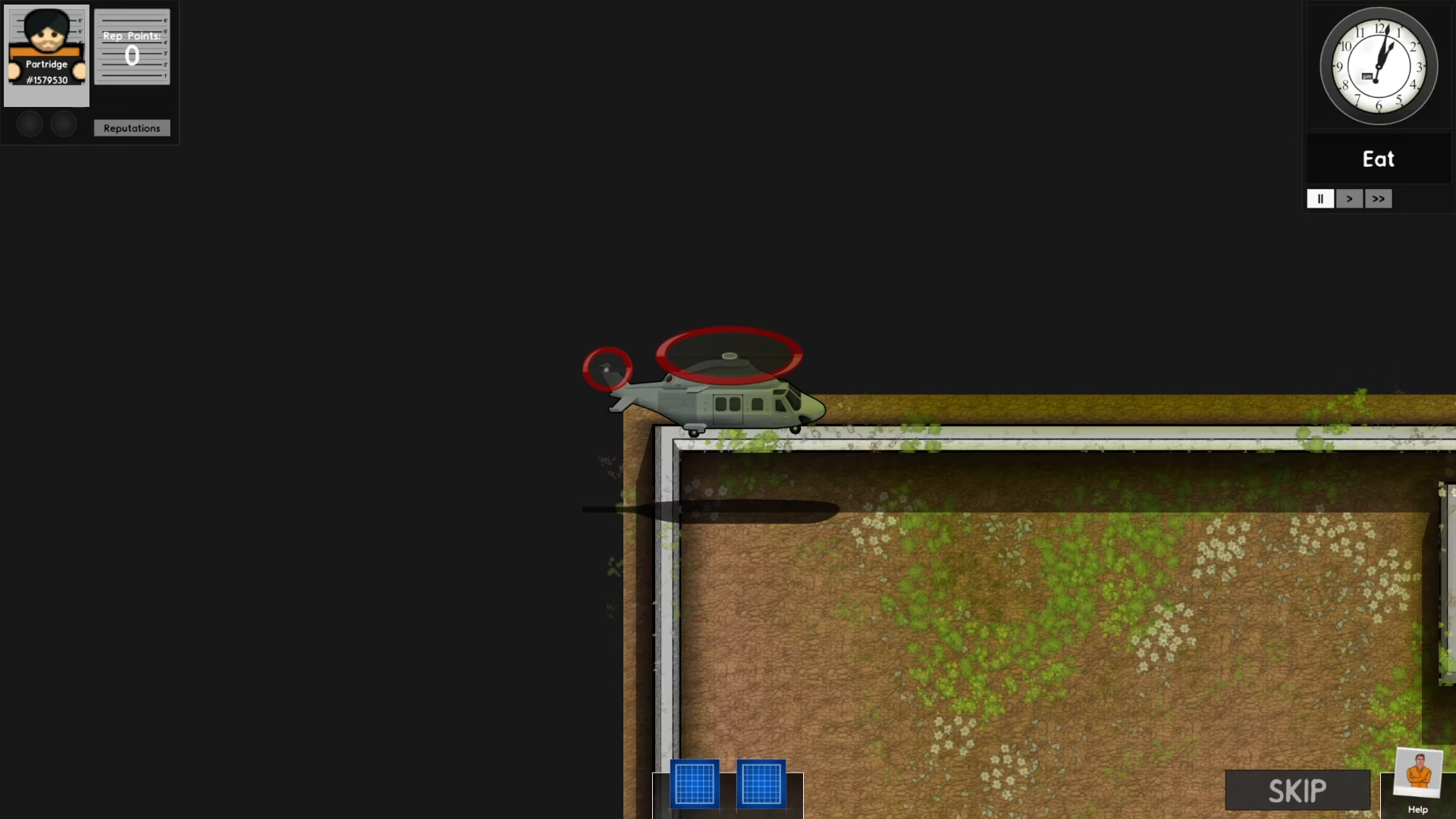
A skip button will appear on the screen—click Skip to bypass any introductory content.
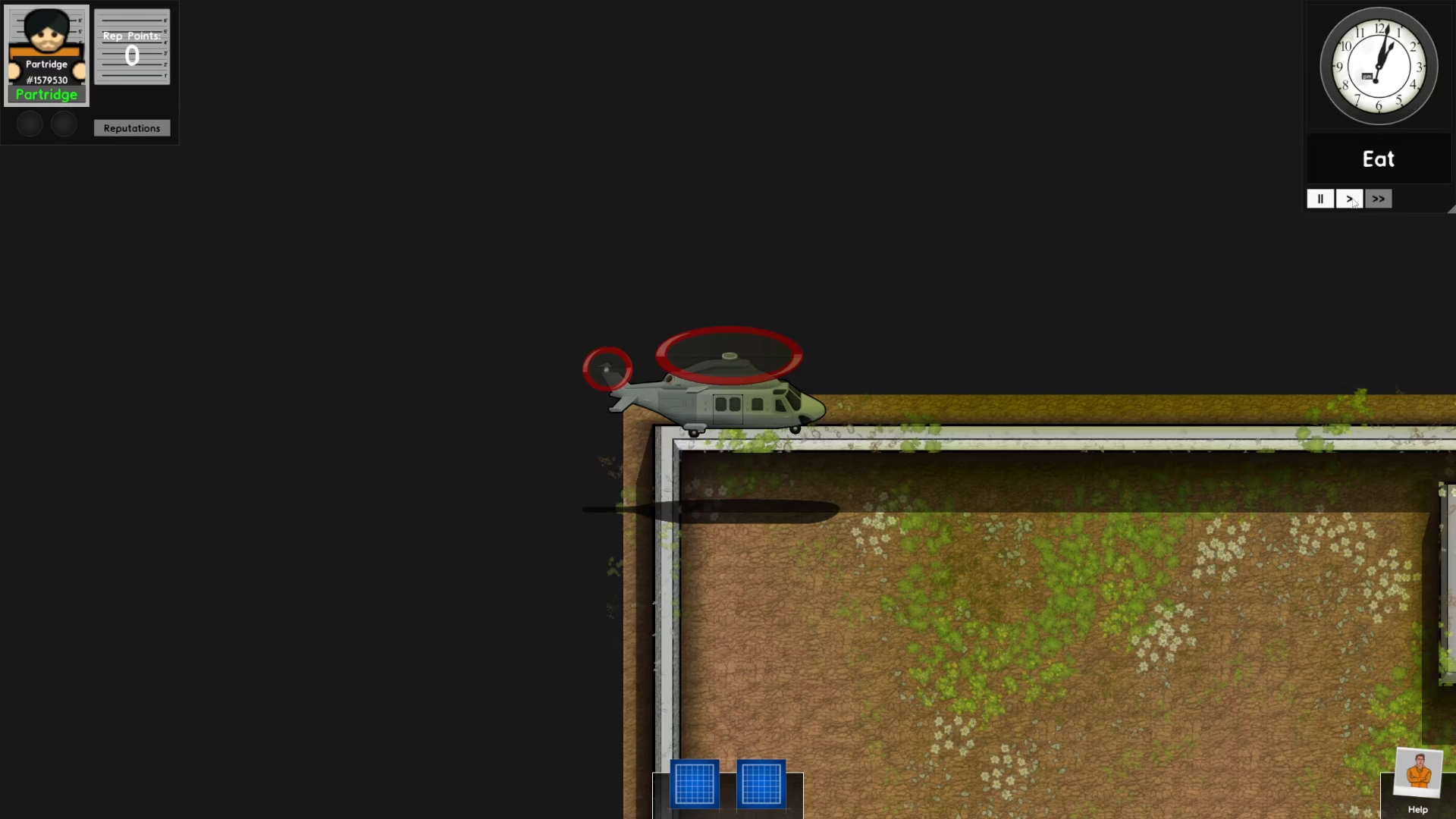
Finally, click on the time display to officially start your Escape Mode experience and begin your prison break attempt.
Summary
That’s all there is to it! Playing Escape Mode in Prison Architect is straightforward and quick to set up. With just a few simple steps—opening the menu, selecting Extras, choosing Escape Mode, loading a save, and confirming your start—you’ll be ready to experience the game as an inmate attempting a daring escape. Have fun plotting your prison break!
— Want to Support? —
If you would like to help us continue making these guides – please consider joining our patreon here – https://www.patreon.com/c/JaviHeals
Alternatively – you can join our discord here – https://discord.gg/zD7Gjt6MHF