





How To Play Multiplayer In Prison Architect
How To Play Multiplayer In Prison Architect
Prison Architect offers an engaging multiplayer experience that allows you to build and manage prisons alongside other players. Whether you want to join an existing game or host your own server, this guide will walk you through the entire process step-by-step. Learn how to connect to multiplayer servers, select your region, and customize your gaming experience.
How to Join an Online Game
To join a multiplayer game in Prison Architect, start by pressing Escape while in-game to open the menu.
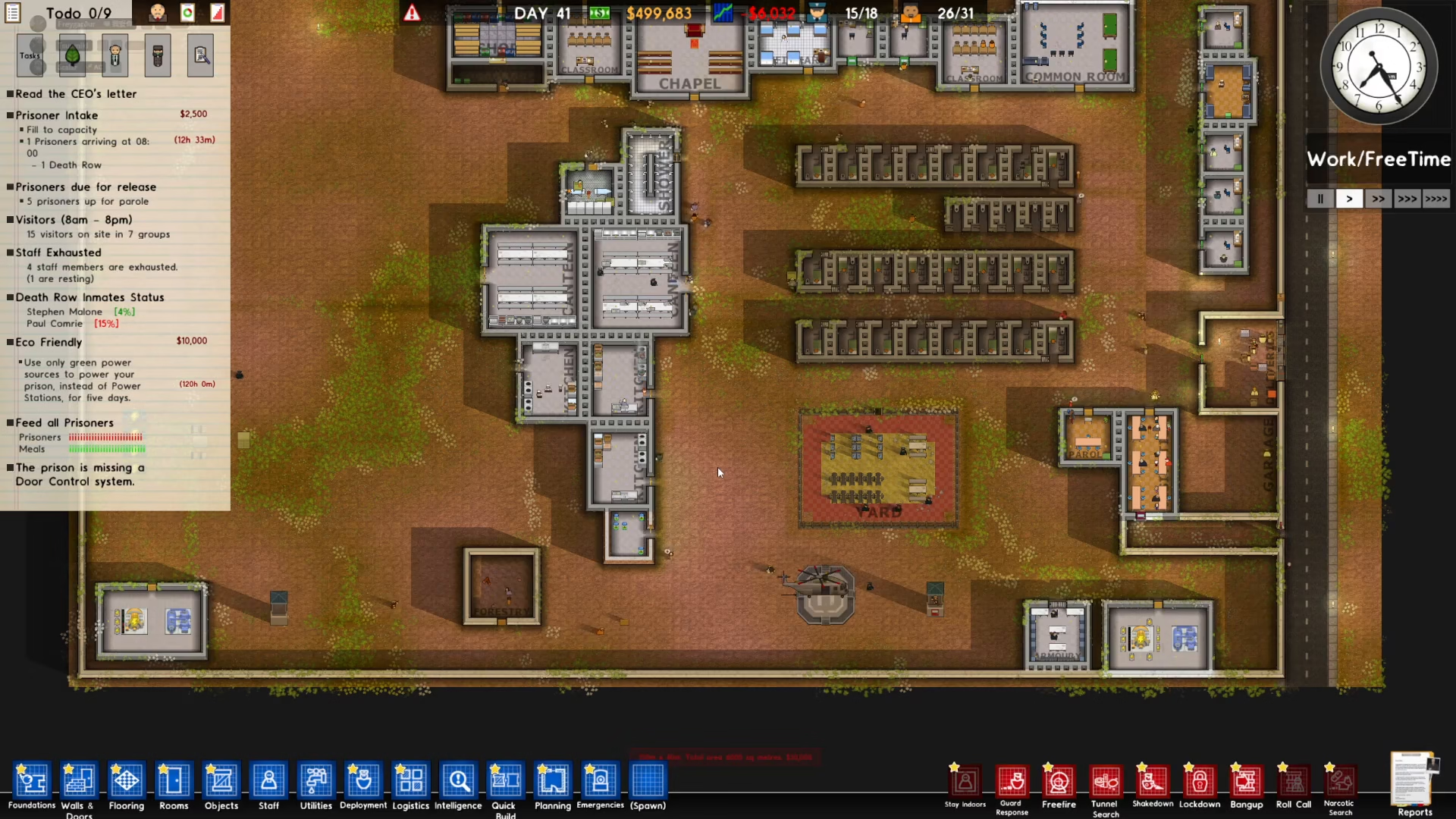
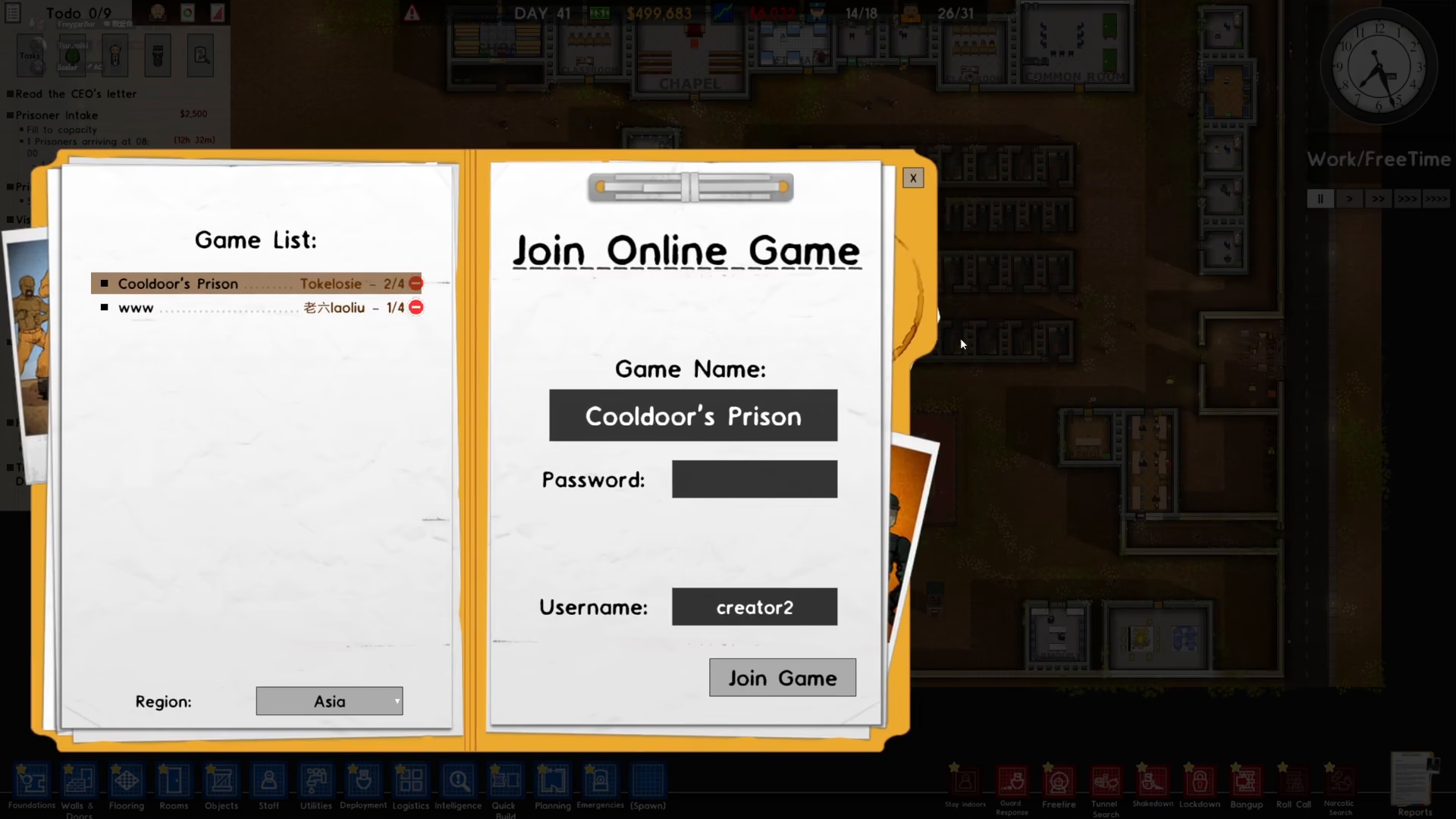
Next, click on the “Join Online Game” option to view available servers.
Select Your Region
Once you’ve clicked Join Online Game, you’ll see a region selection panel on the left side of your screen. Prison Architect offers four regional options to help you find servers with optimal connection speeds:
Europe
USA East
USA West
Asia
Australia
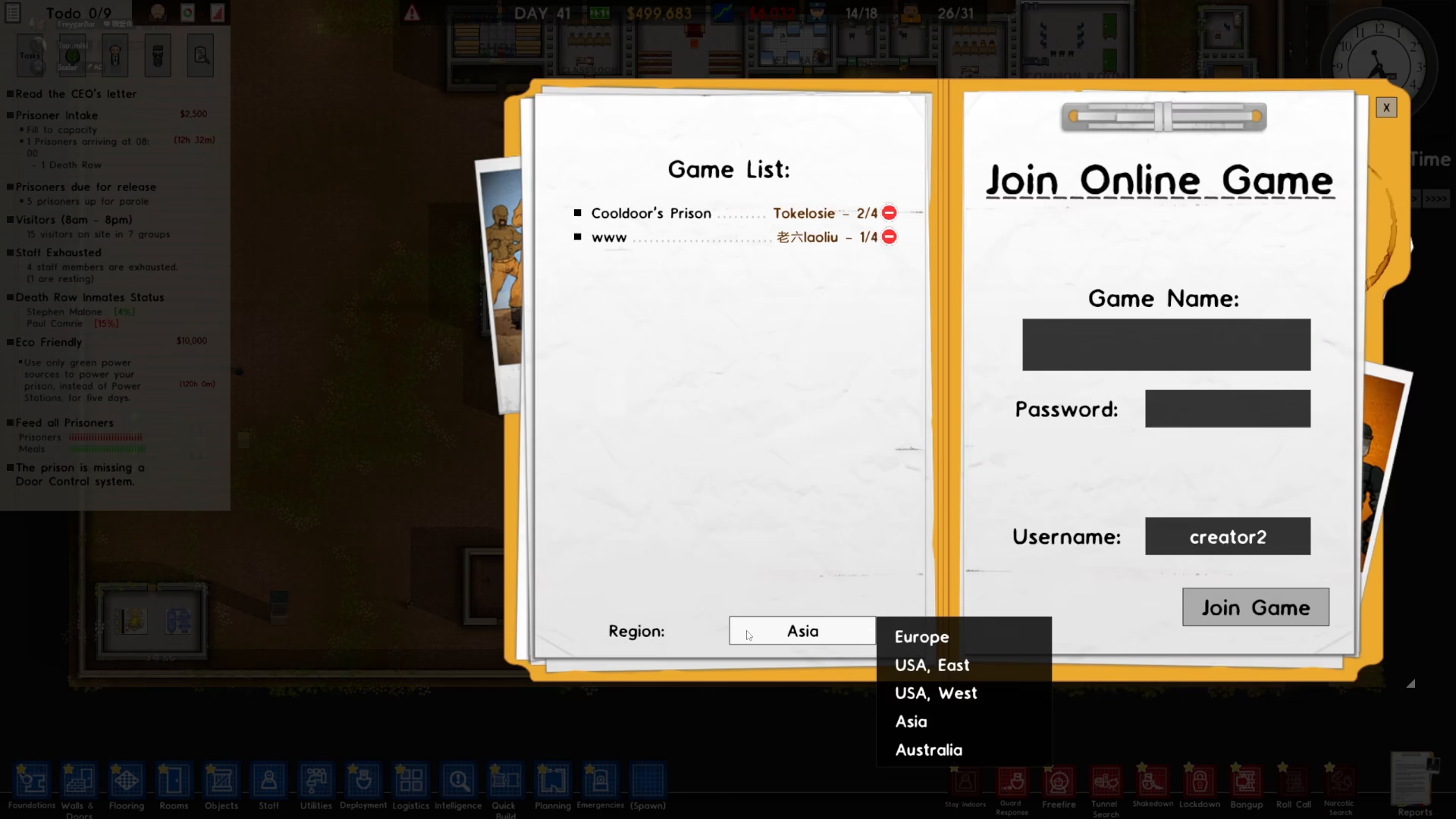
Pick the region that best matches your location to ensure the best gameplay experience.
Choose a Server
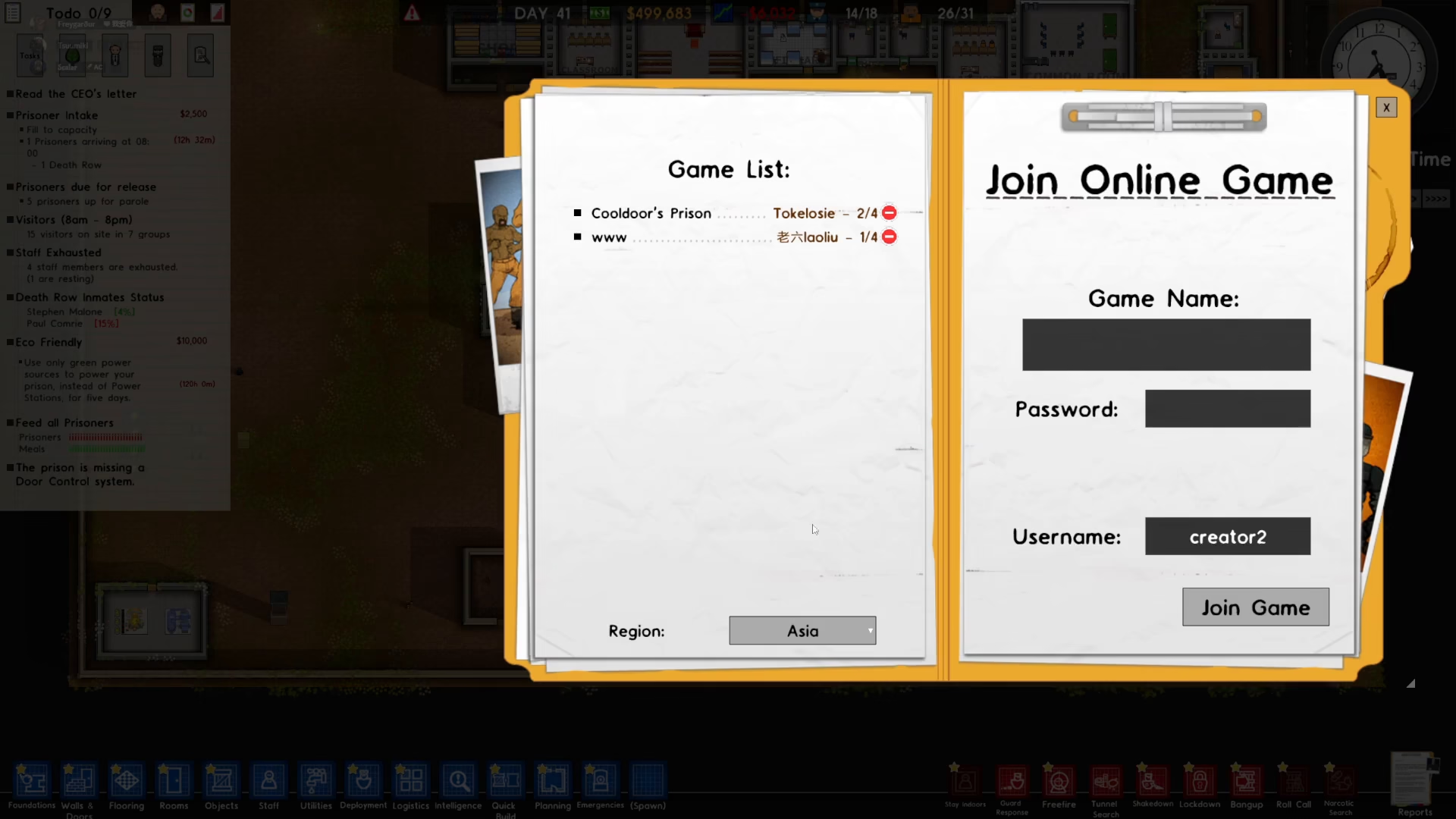
After selecting your region, browse the available servers listed in the lobby. You can join any public server that interests you. For example, you might see a server named “Cool Doors Prison” among the options.
Enter Password and Username (if needed)
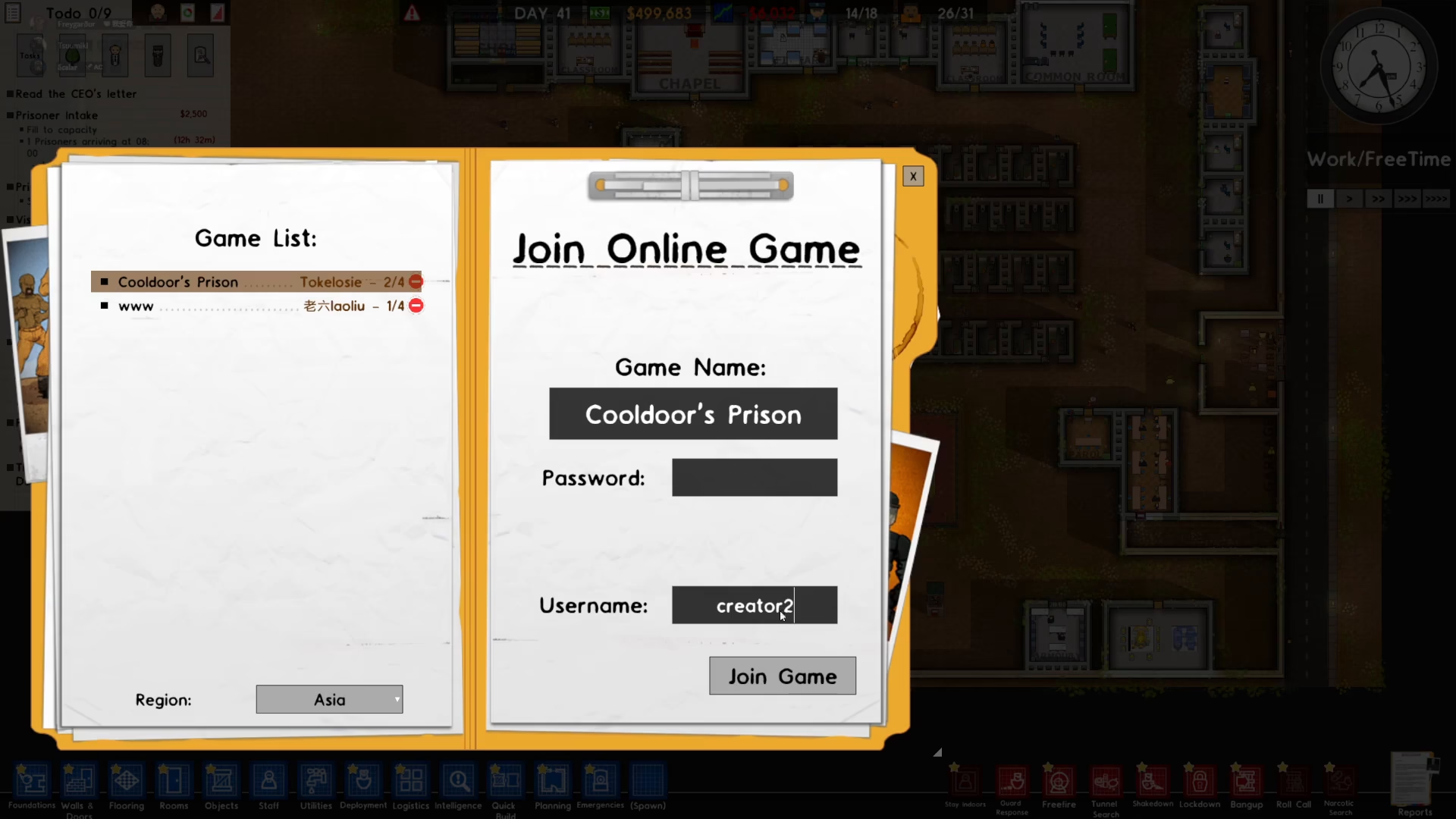
If the server you’re joining has a password protection, you’ll need to input the password to gain access. Additionally, if you want to change your username for this session, you can do so before joining.
Join the Game
Once you’ve entered the password (if required) and confirmed your username, simply press the “Join Game” button to connect to the server and begin playing.
How to Host Your Own Multiplayer Game
If you prefer to be in control, you can create and host your own multiplayer server in Prison Architect. This allows you to set the rules and invite specific players or open it to the public.
Access the Create Game Menu
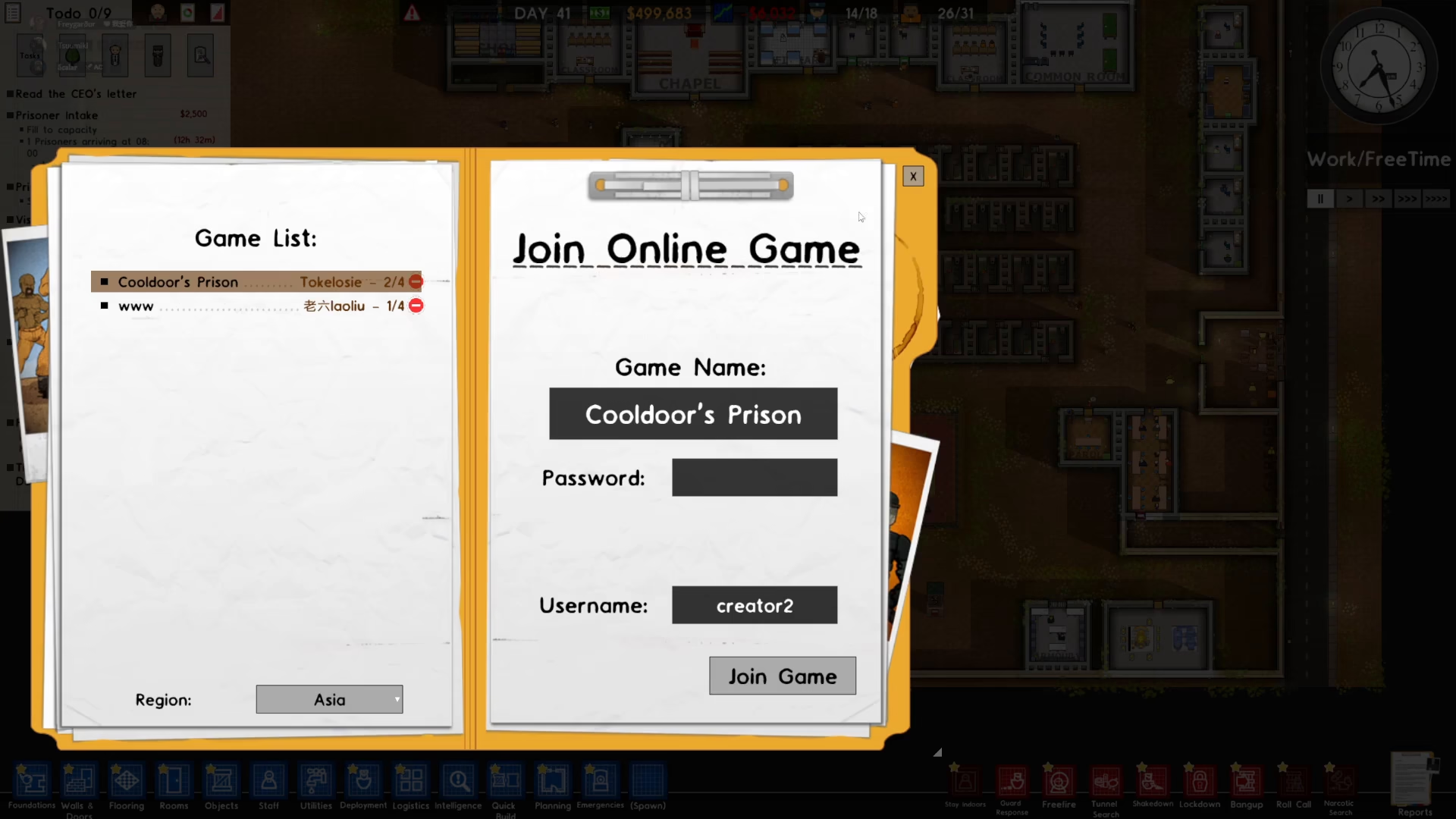
To host a game, press Escape while in-game and navigate to the online section. Look for the option to create a new server.
Name Your Server
Enter a name for your server. This is what other players will see when browsing the public lobby. For example, you might name it “The Server” or any custom name you prefer.
Choose Public or Private Listing
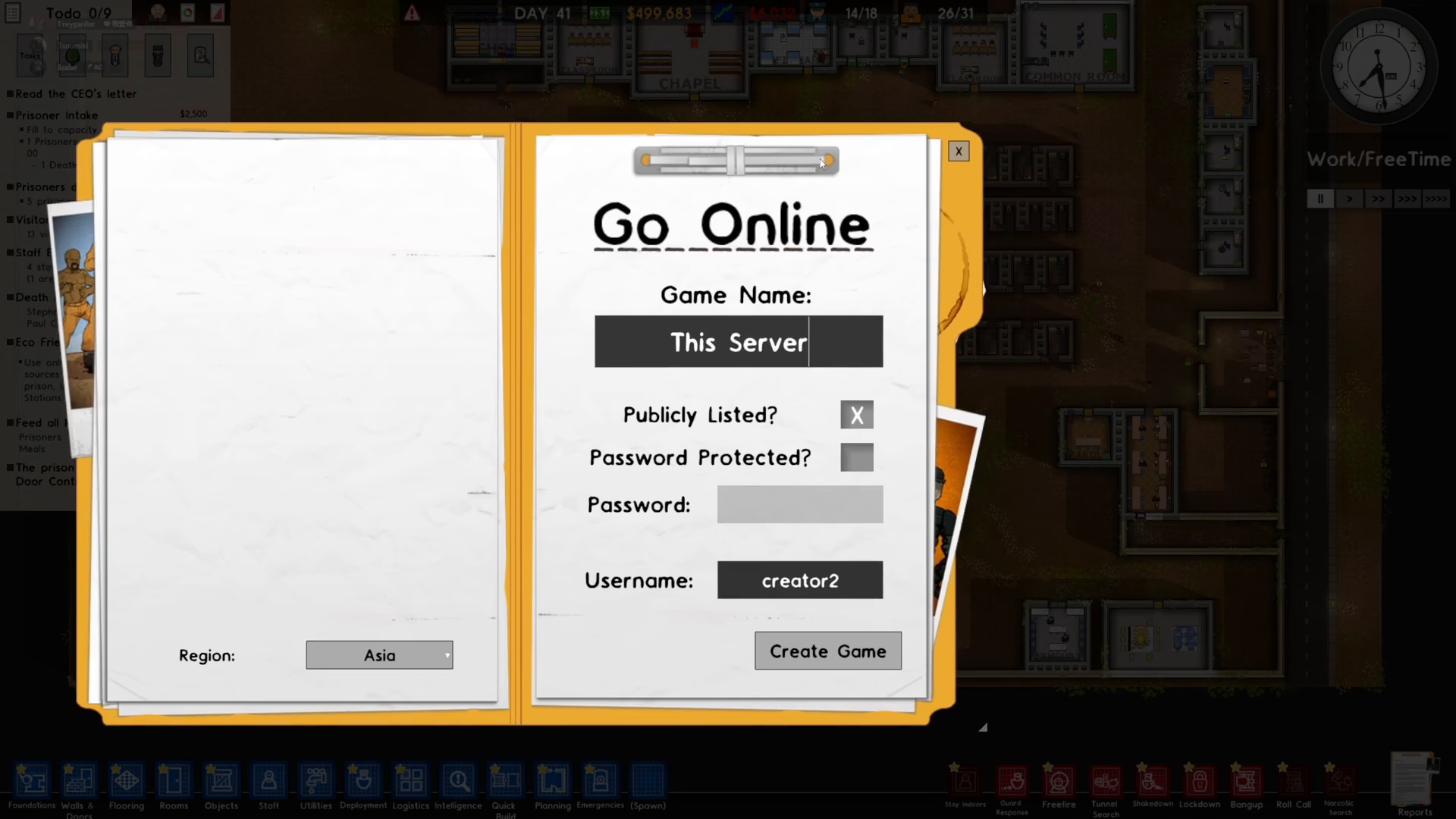
Decide whether you want your game to be publicly listed in the server browser or if you want to keep it private for only your friends. If you select public, your server will appear for anyone searching your region. If you select private, only players you invite will be able to join.
Set a Password (Optional)
If you want to add an extra layer of security to your server, you can enable password protection. Simply check the password option and input your desired password. If you don’t want a password, leave it blank—there’s no requirement to set one.
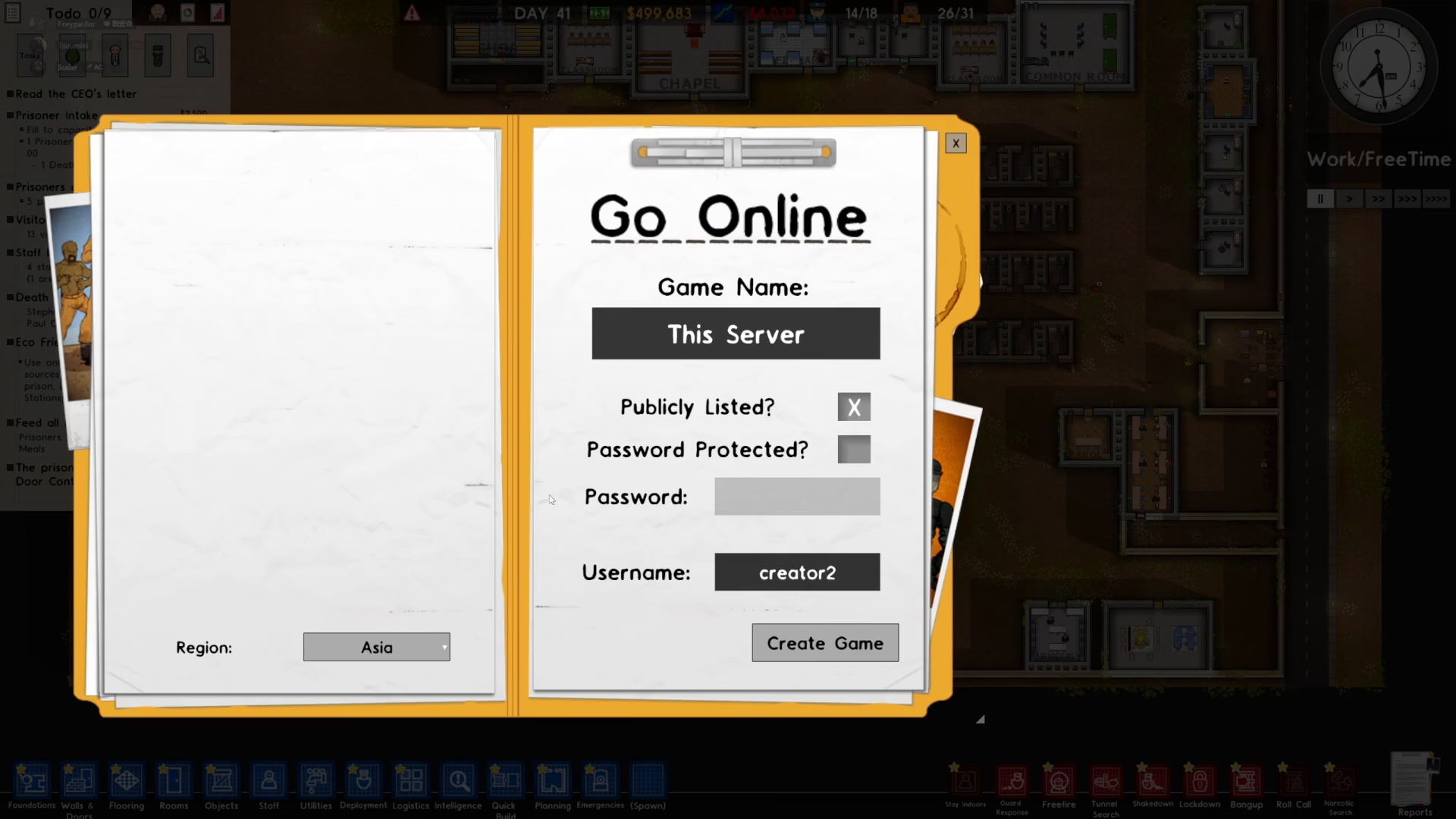
Customize Your Username
You can change your username if desired before creating the game.
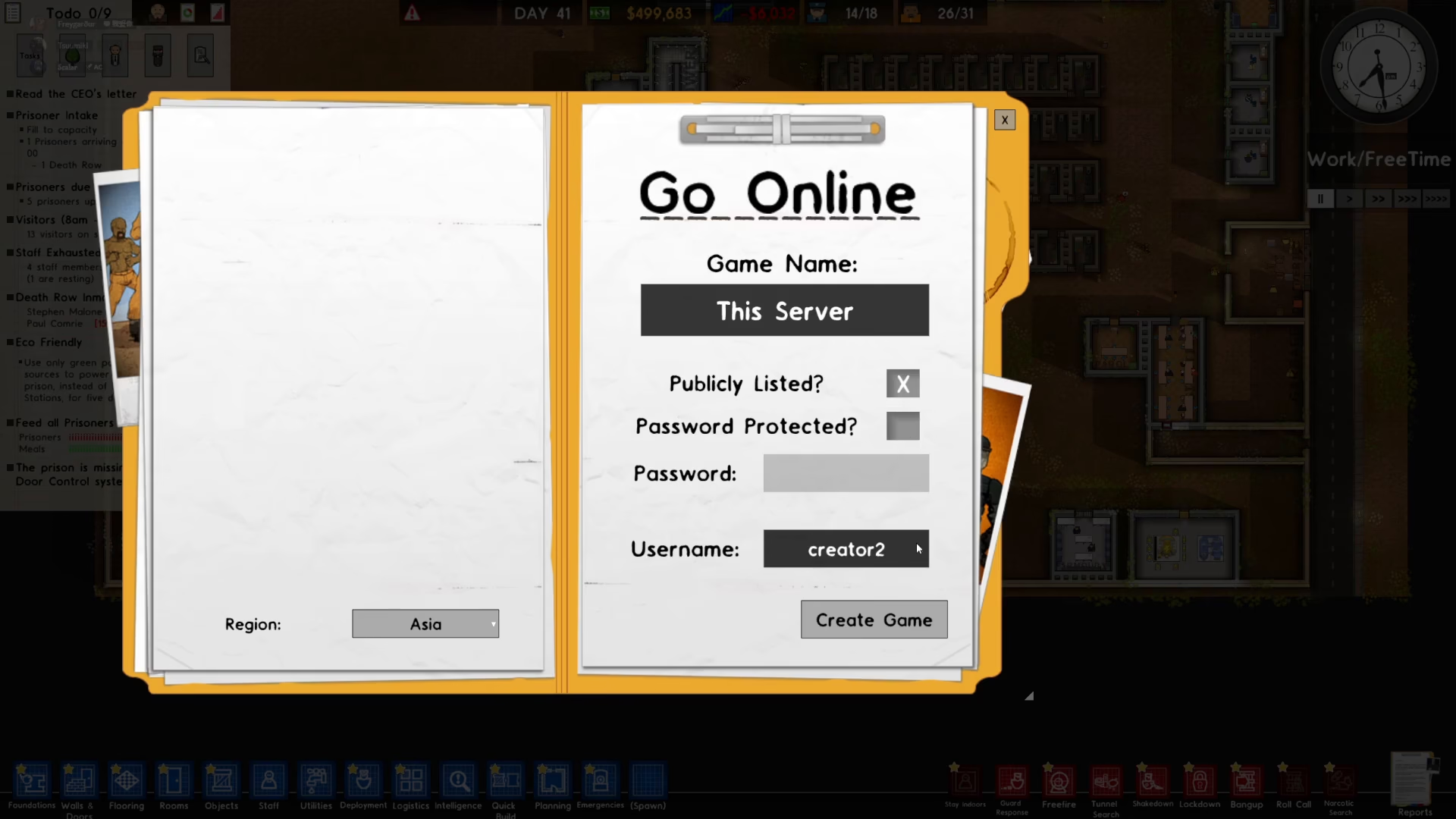
Create Your Game
Once you’ve configured all the settings to your preference, press the “Create Game” button to launch your server.
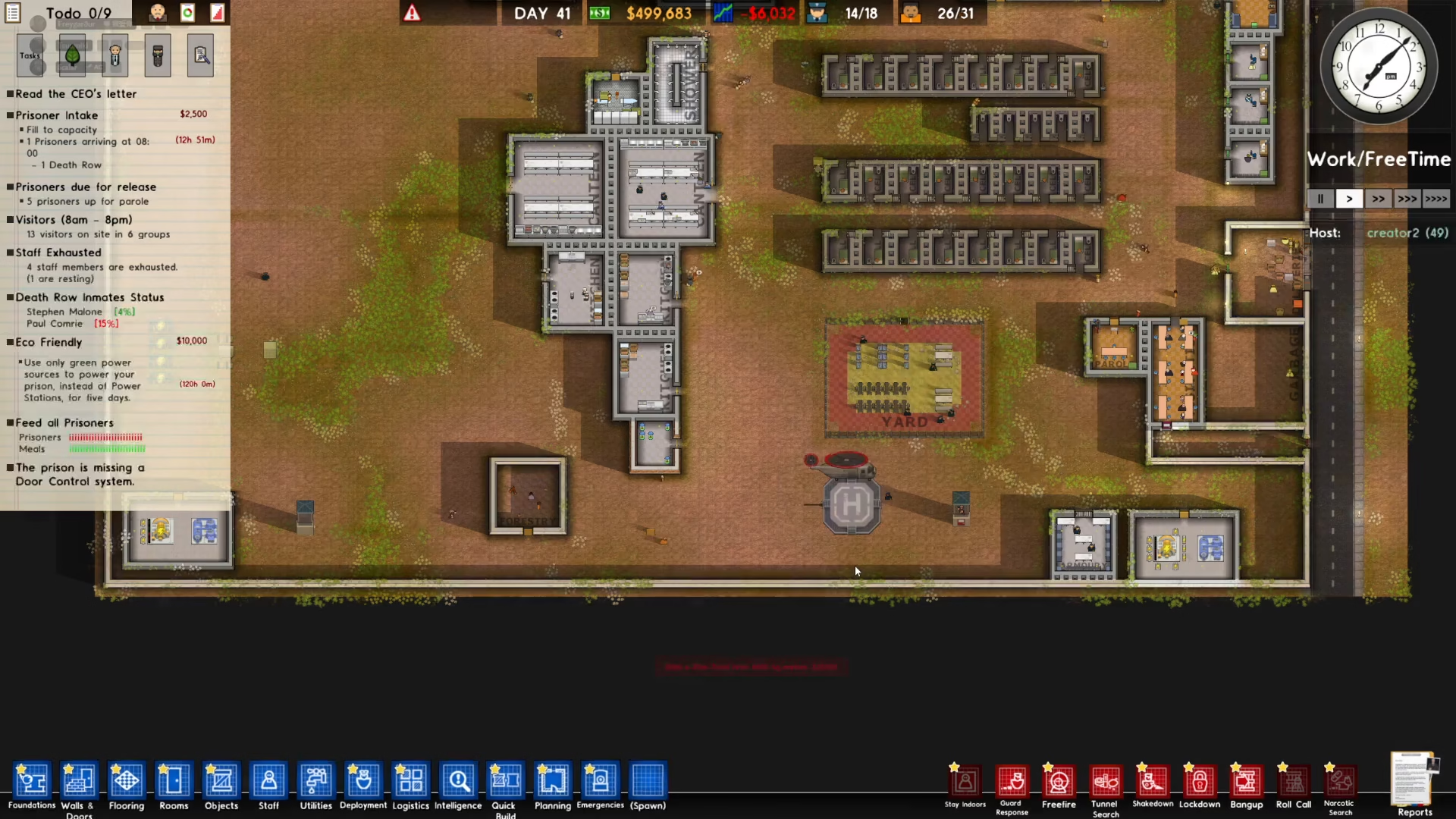
After pressing Create Game, your hosted server will be added to the public lobby (if you selected public listing). Other players can now find your game when they search for servers in your region, and they’ll see it as an available option to join.
Summary
Playing multiplayer in Prison Architect is straightforward and accessible to players of all skill levels. Whether you’re joining an existing server or hosting your own, the process involves just a few simple steps. Remember to select the appropriate region for your location, choose whether to join or host, and configure any password protection you need. Now you’re ready to build and manage prisons with other players from around the world!
Want to Support?
If you would like to help us continue making these guides – please consider joining our patreon here – https://www.patreon.com/c/JaviHeals
Alternatively – you can join our discord here – https://discord.gg/zD7Gjt6MHF