





How To Schedule Programs In Prison Architect
How to Schedule Programs in Prison Architect
Programming your inmates is a crucial part of managing an effective prison in Prison Architect. Whether you’re setting up educational programs, work schedules, or rehabilitation activities, understanding how to schedule programs properly will help keep your facility running smoothly. This guide walks you through the step-by-step process of creating and managing program schedules for your prisoners.
Accessing the Programs Menu
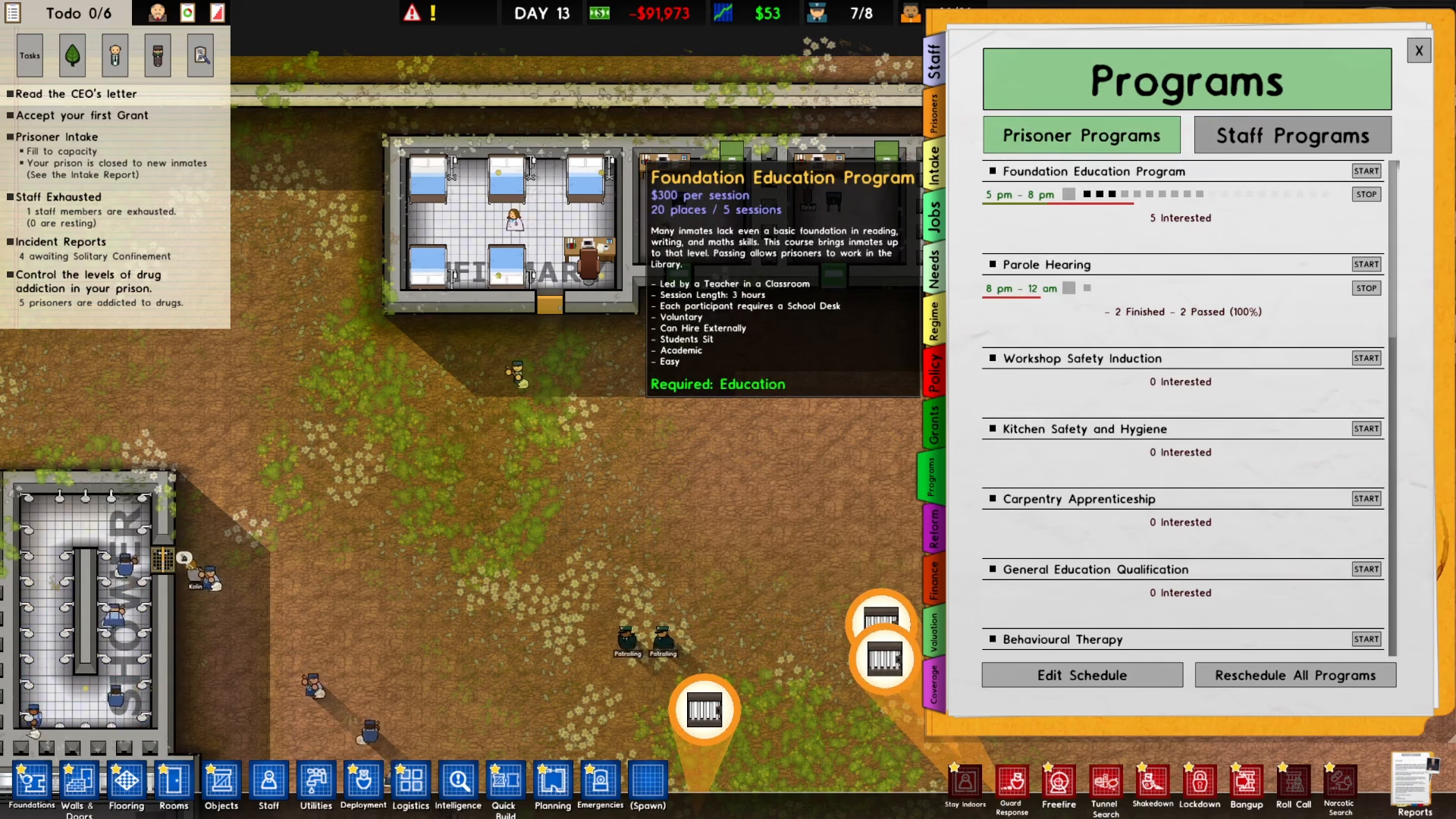
To begin scheduling a program, first navigate to the bottom right corner of your screen and click on Reports.
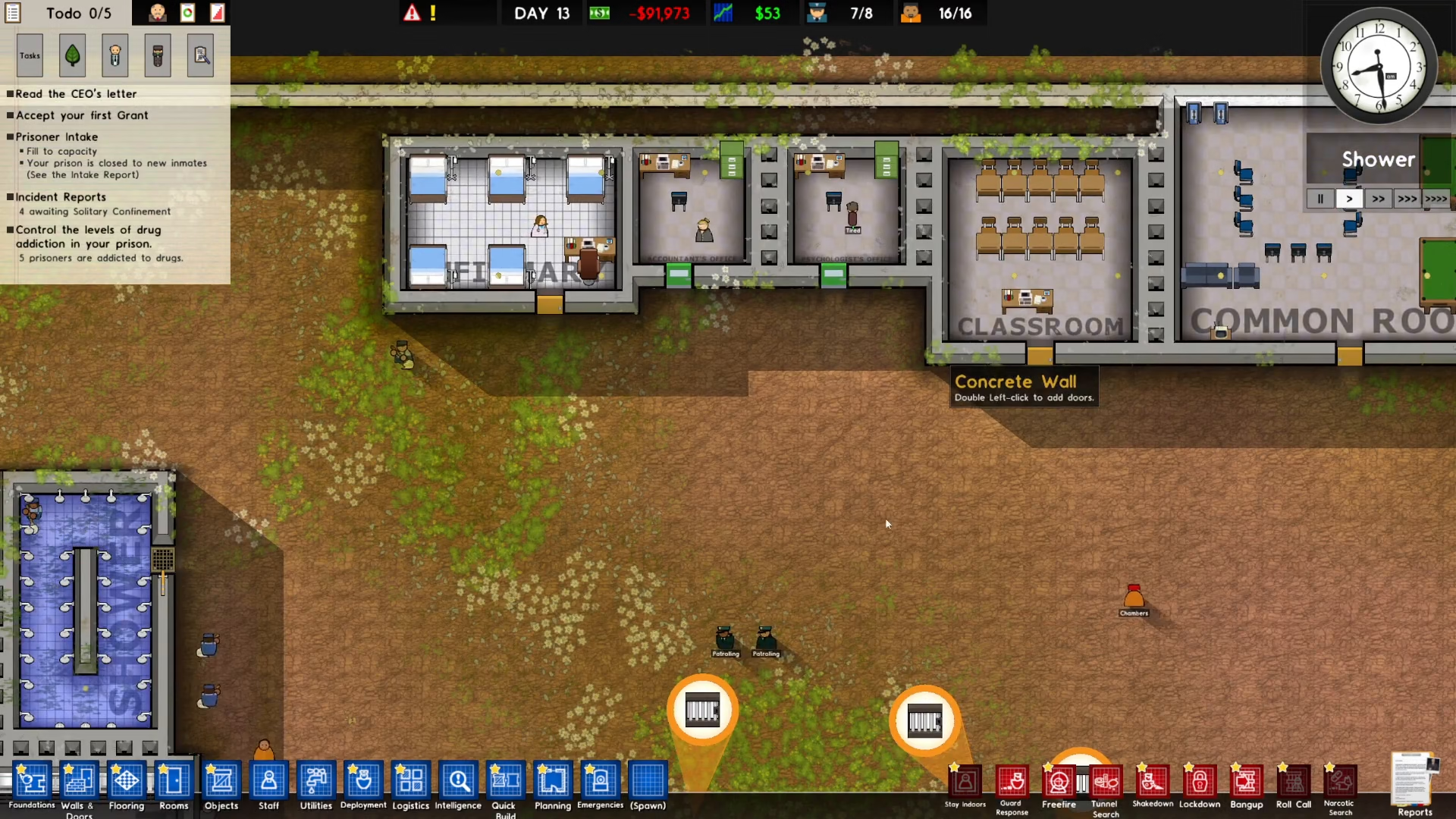
Once the Reports window opens, locate and click on Programs from the side menu.
Starting Your Program
With the Programs menu open, select the specific program you want to schedule. For example, you can start with the Foundation Education Program for a classroom setting.
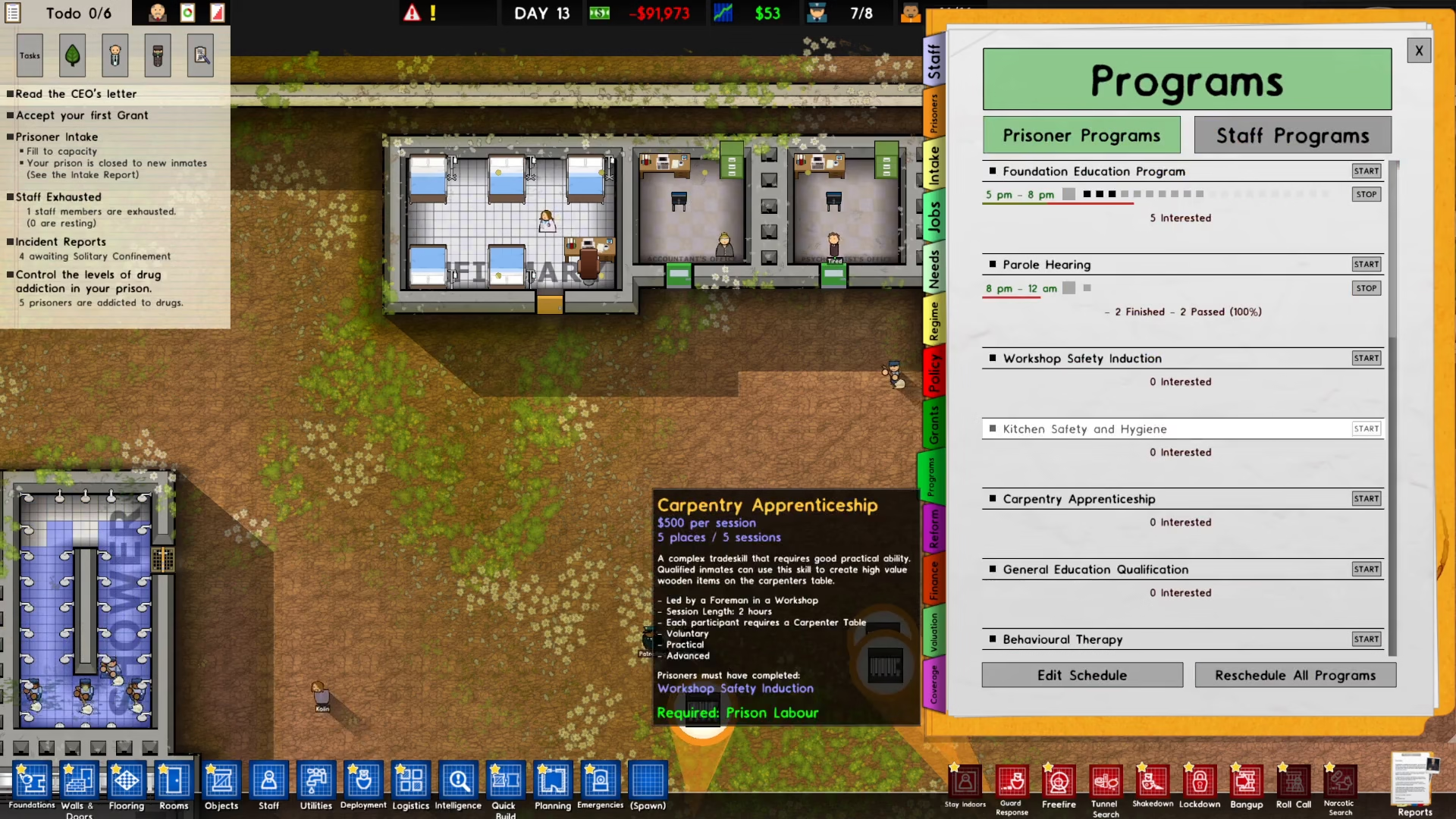
Click the Start button to activate your chosen program.
Editing Your Schedule
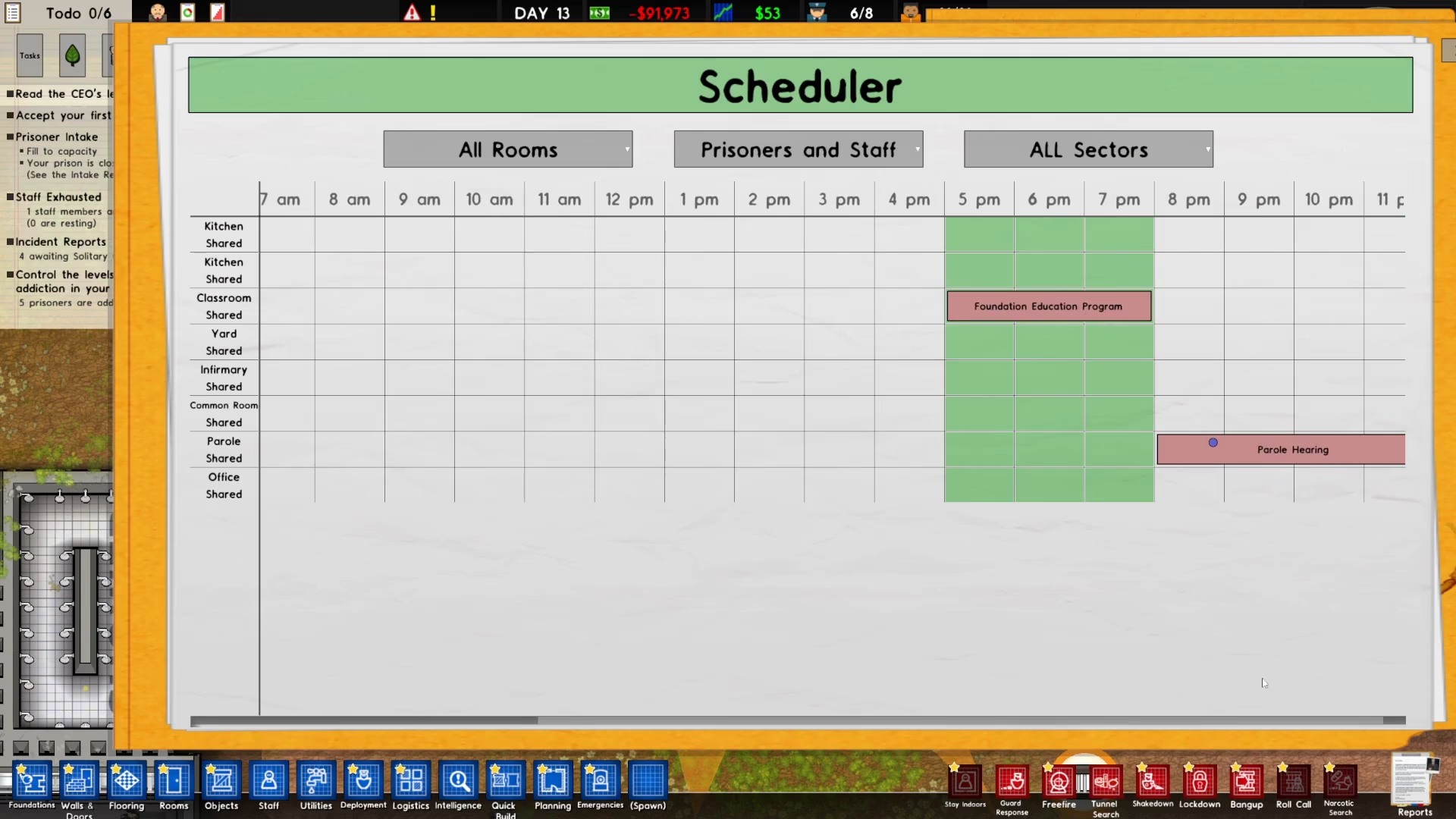
After starting your program, click on Edit Schedule to set when your prisoners will participate.
Next, select the time slots when your prisoners are free. For example, if prisoners are available from 5pm to 7pm, click on that time block in the schedule.
Assigning Programs to Locations
From the list on the left side, select the location where the program will run. For instance, click on Classroom to assign your Foundation Education Program to that facility.
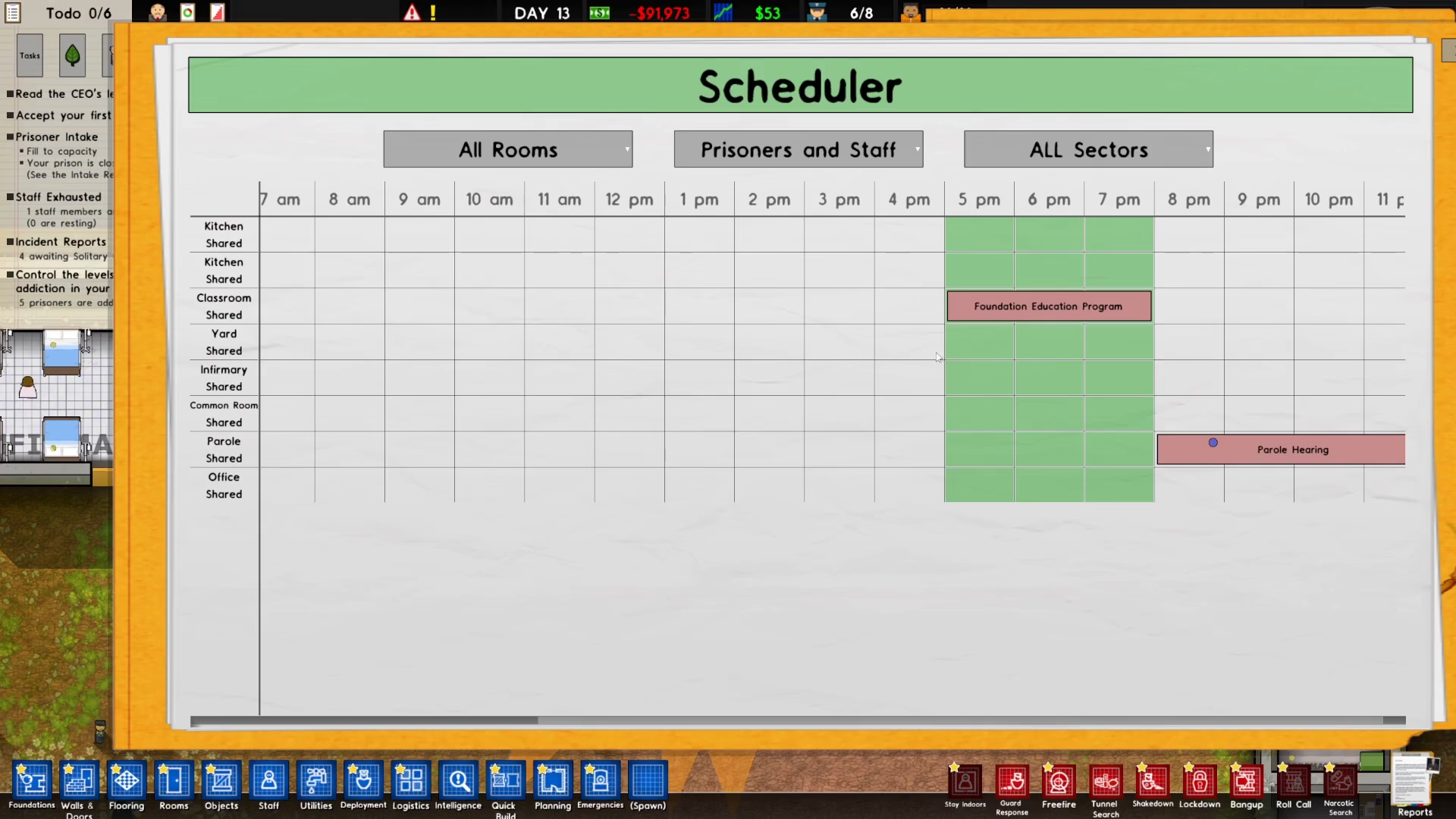
Once assigned, your program will appear in the schedule grid.
Managing Multiple Programs
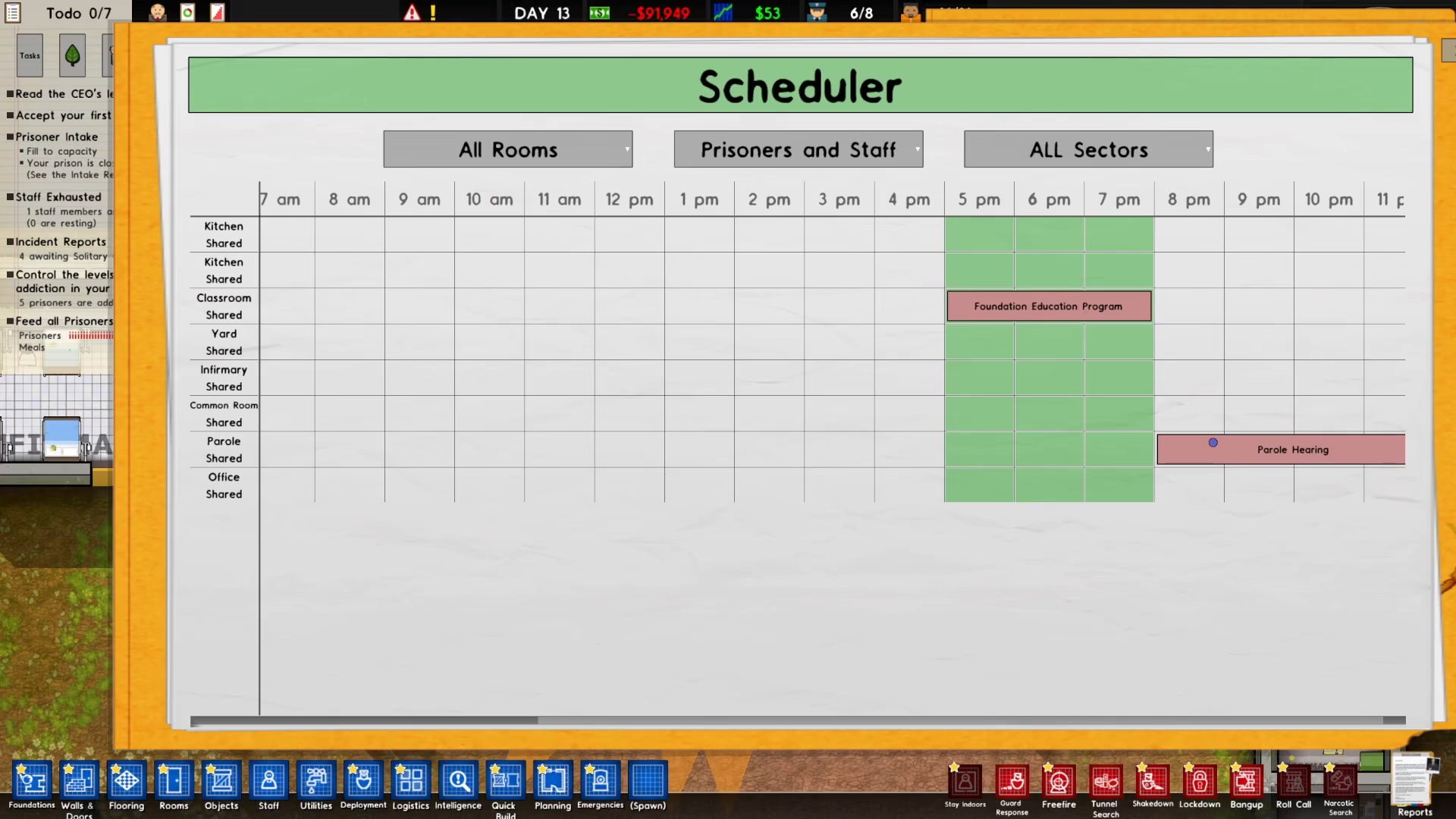
If you need to change or remove a program from a time slot, click on the existing program entry and delete it if necessary.
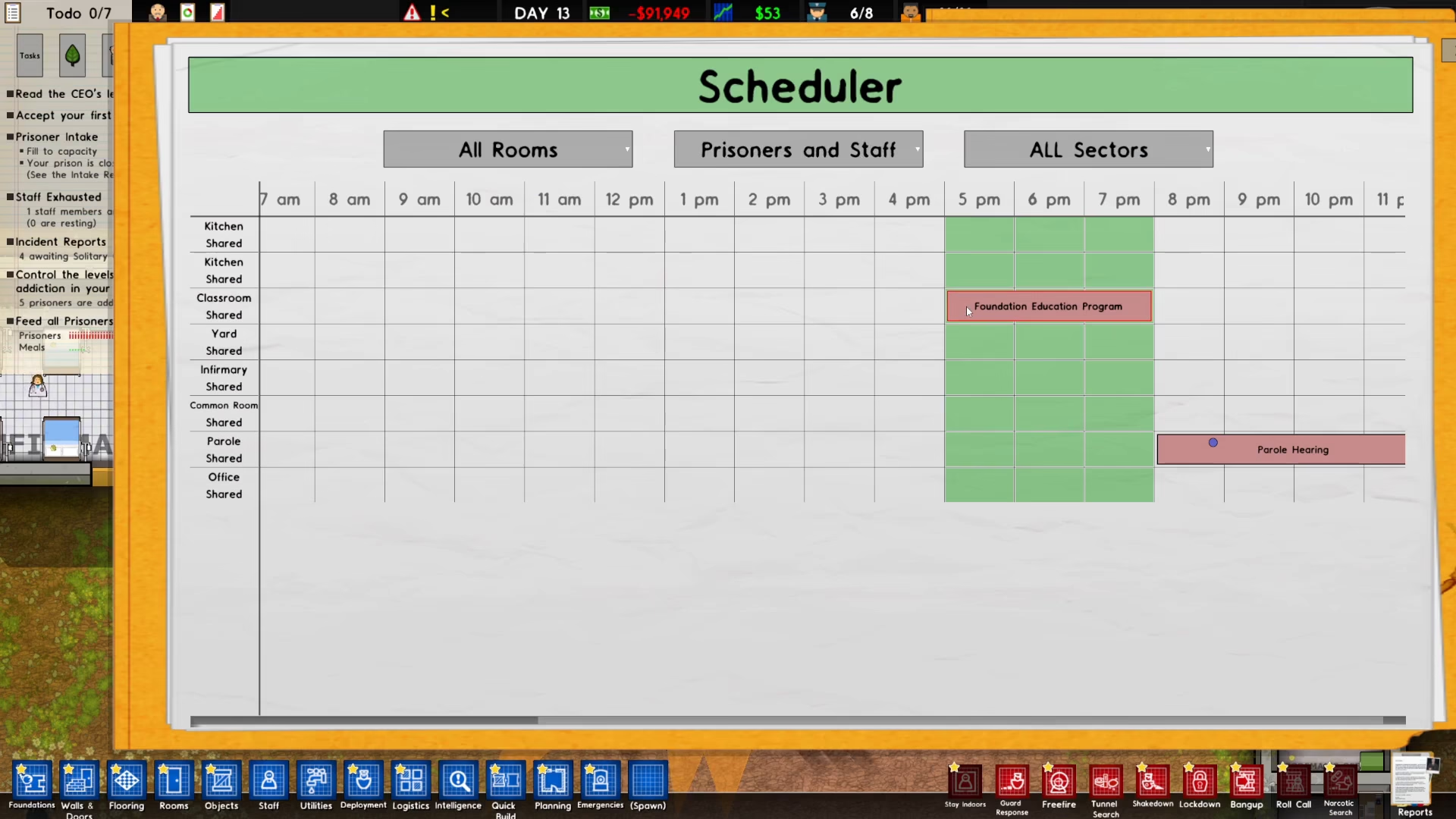
You can then select a different program to replace it. For example, you might switch from one program to General Education Qualification.
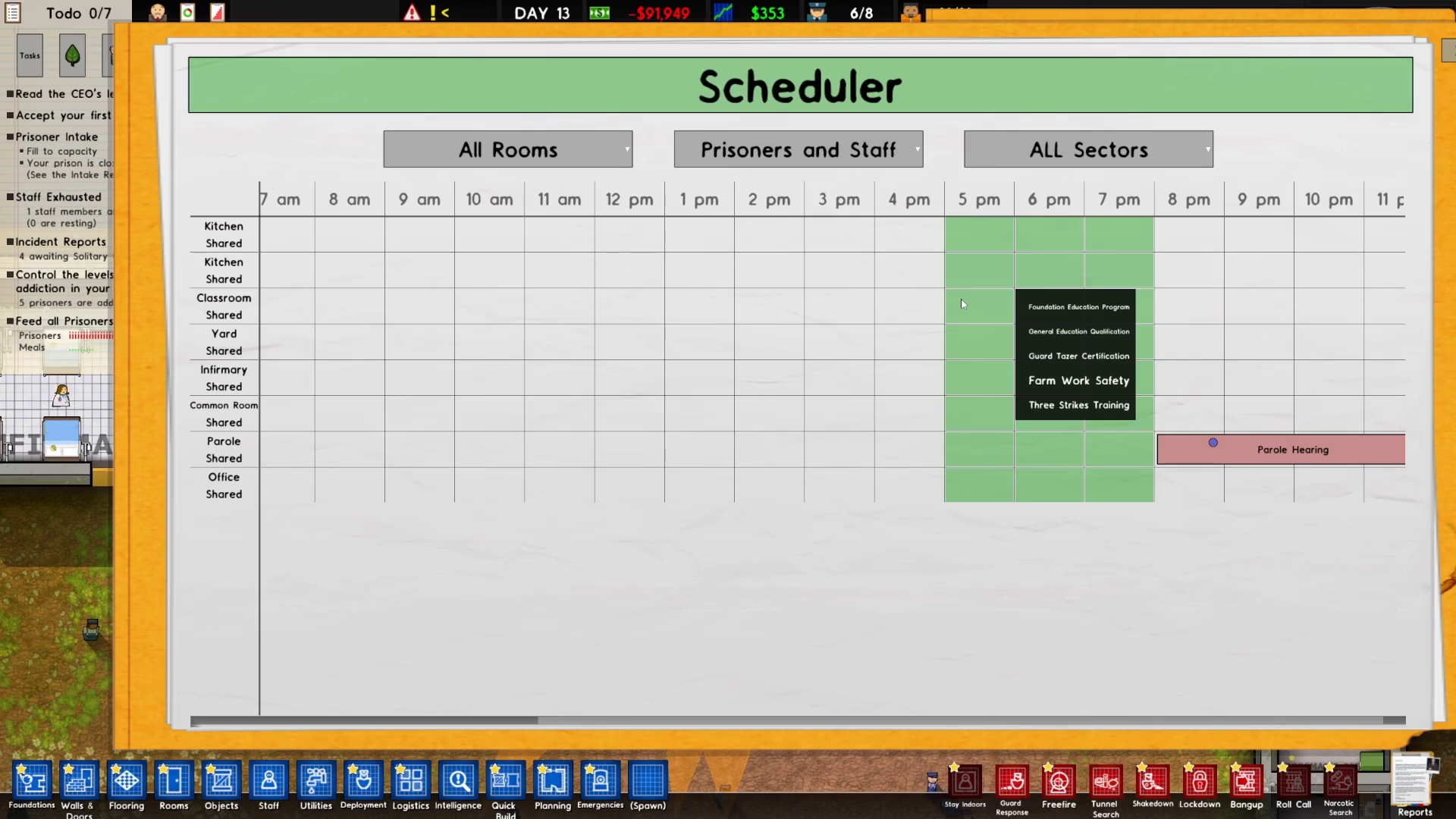
To add additional programs to other time slots, simply click on any blank schedule cell and select the program you want to schedule there.
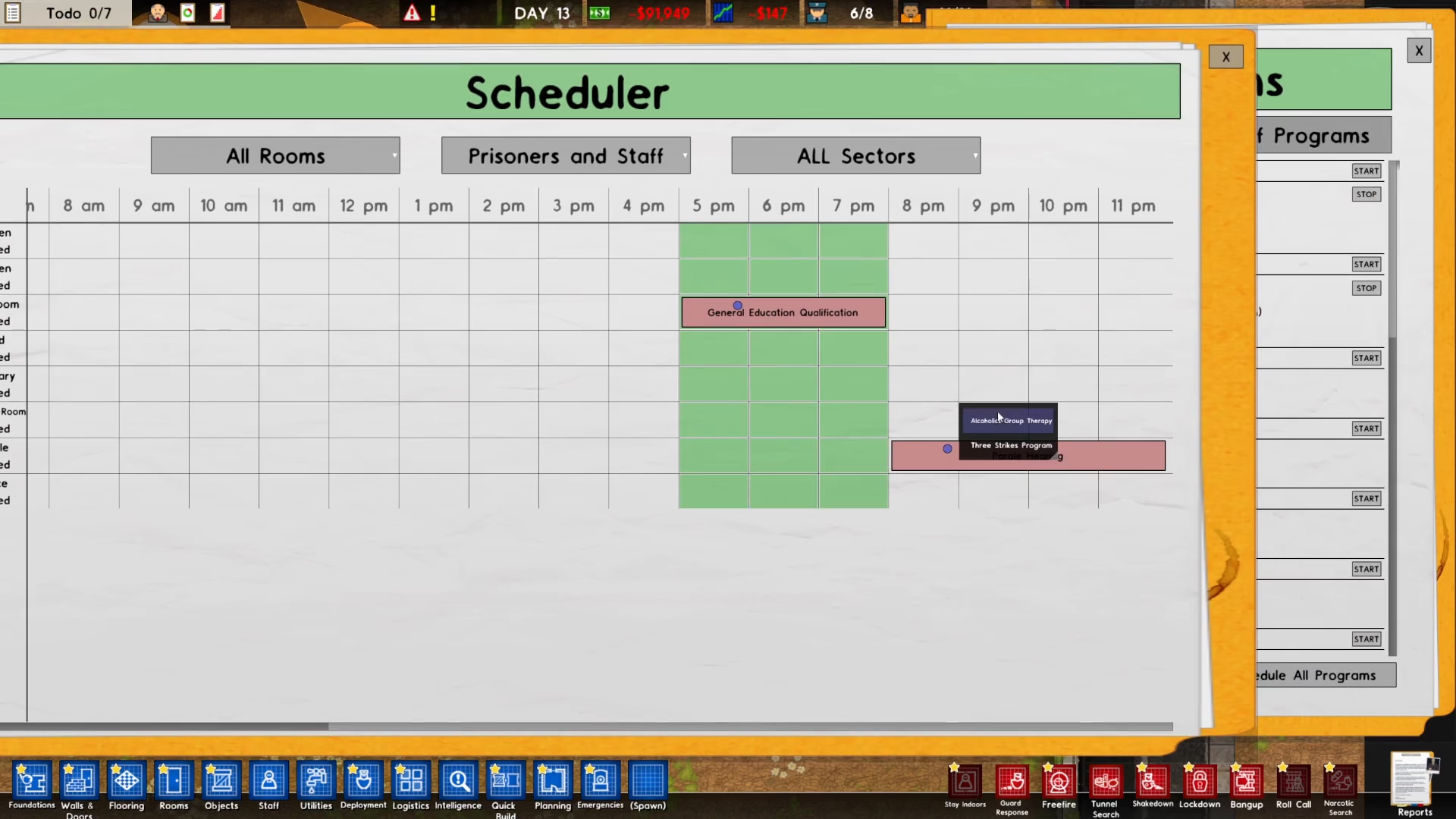
Checking Your Prison Regime
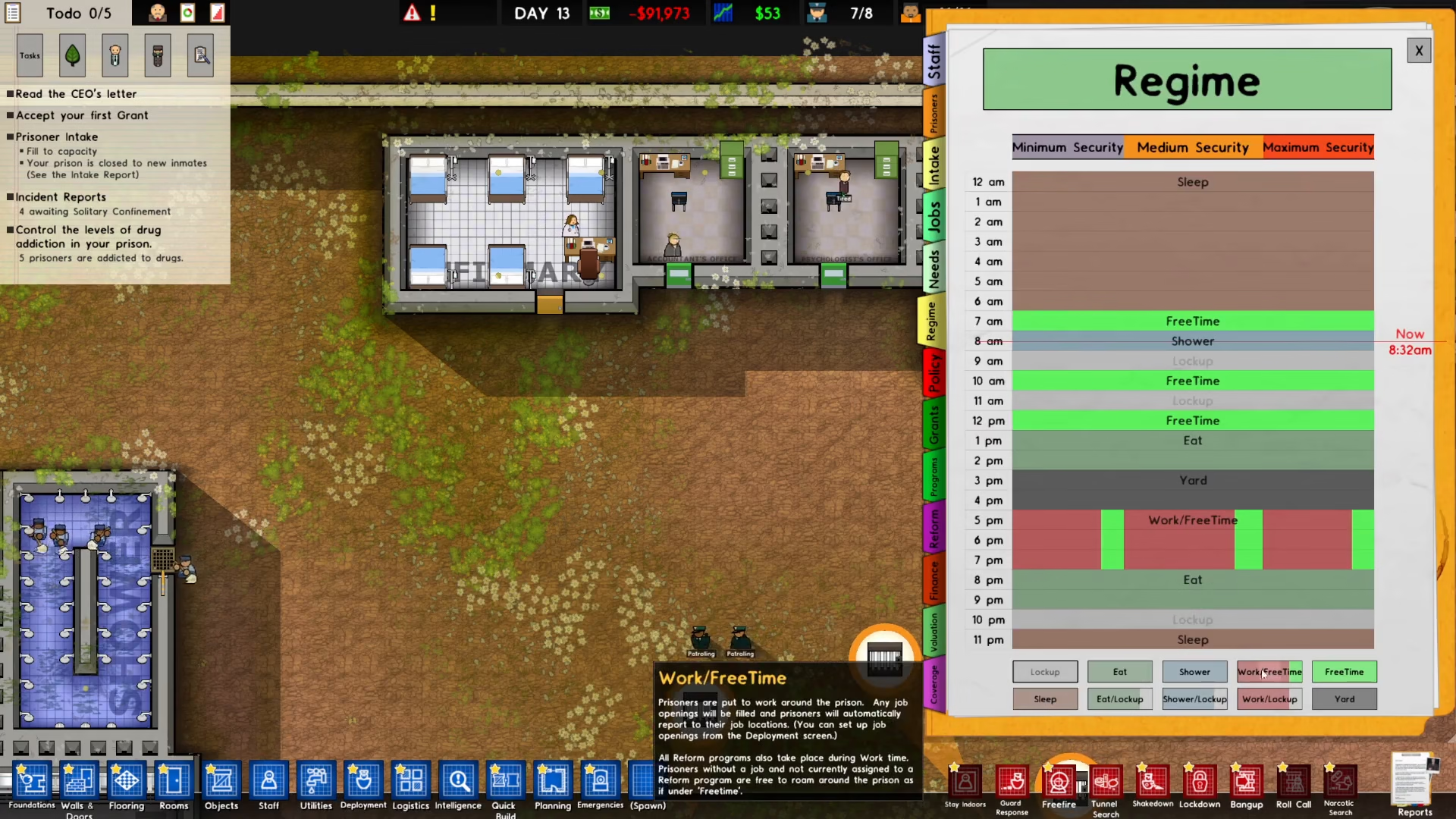
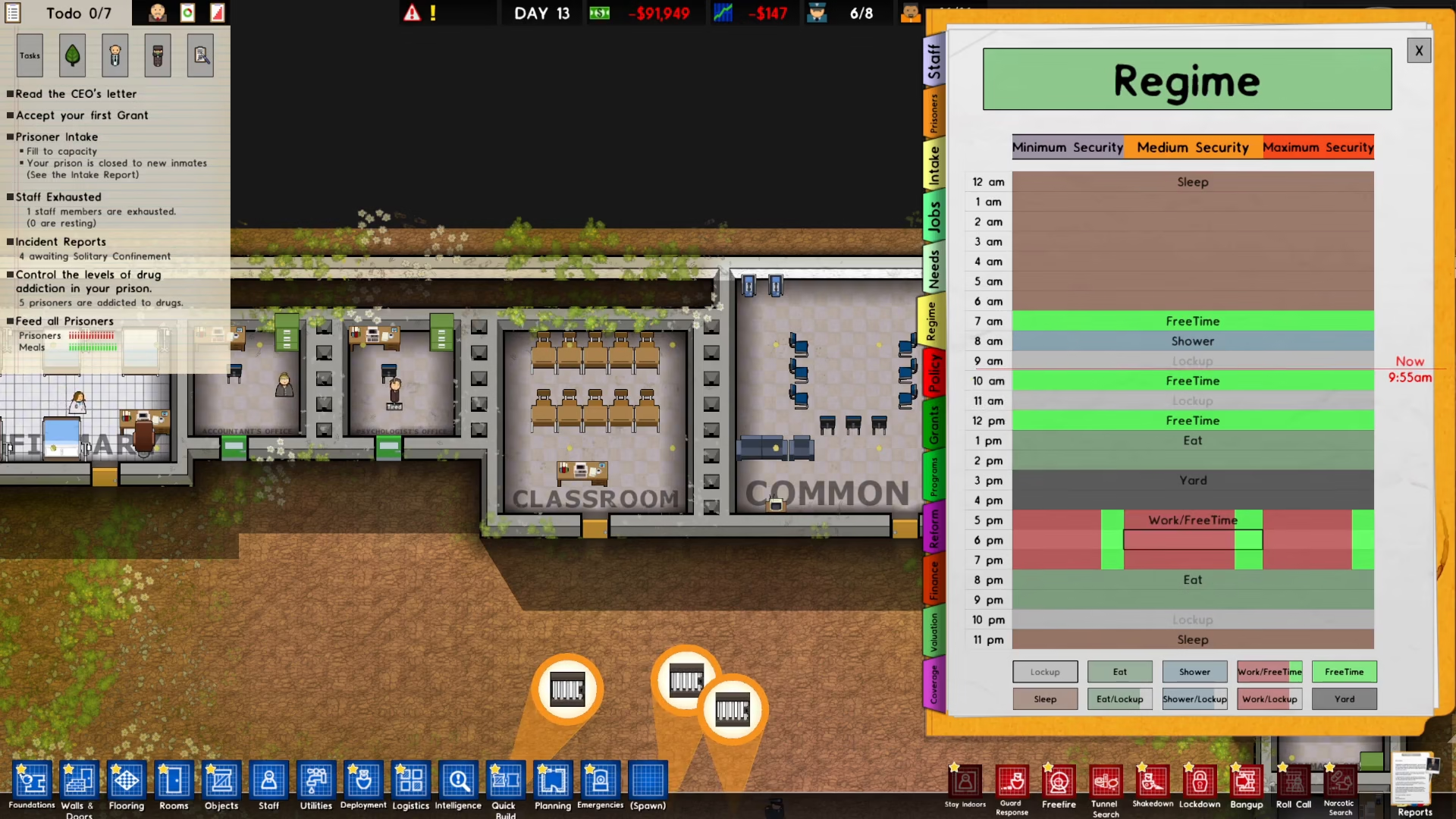
An important step often overlooked is verifying that your prisoners are actually available during the scheduled program times. Always check your prison’s Regime settings to ensure there are no conflicts.
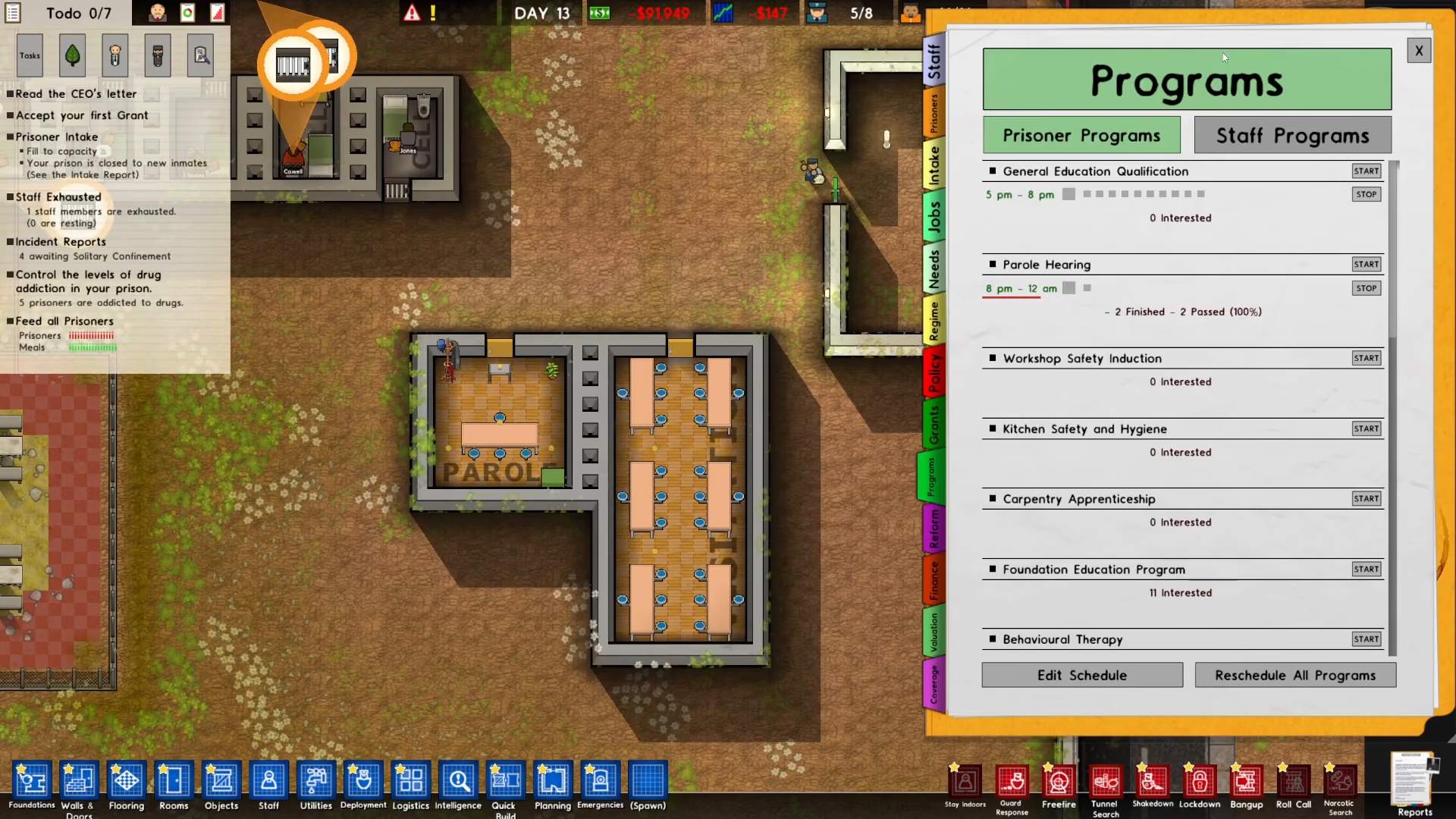
To do this, edit both your Regime and your Programs settings side-by-side, confirming that prisoners have no other obligations during the program hours you’ve selected.
Summary
Scheduling programs in Prison Architect is straightforward once you understand the workflow: access Reports, select Programs, start your desired program, edit the schedule, assign it to a location, and verify availability in your prison’s Regime. By following these steps, you’ll be able to create a comprehensive program schedule that keeps your inmates engaged in productive activities throughout the day.
— Want to Support? —
If you would like to help us continue making these guides – please consider joining our patreon here – https://www.patreon.com/c/JaviHeals
Alternatively – you can join our discord here – https://discord.gg/zD7Gjt6MHF



