





How To Unlock Policy In Prison Architect
How To Unlock Policy In Prison Architect
Prison Architect offers various management tools to help you run your facility effectively. One of the most important features is the ability to set prison policies. This guide walks you through the simple steps needed to unlock and access the policy system in your prison.
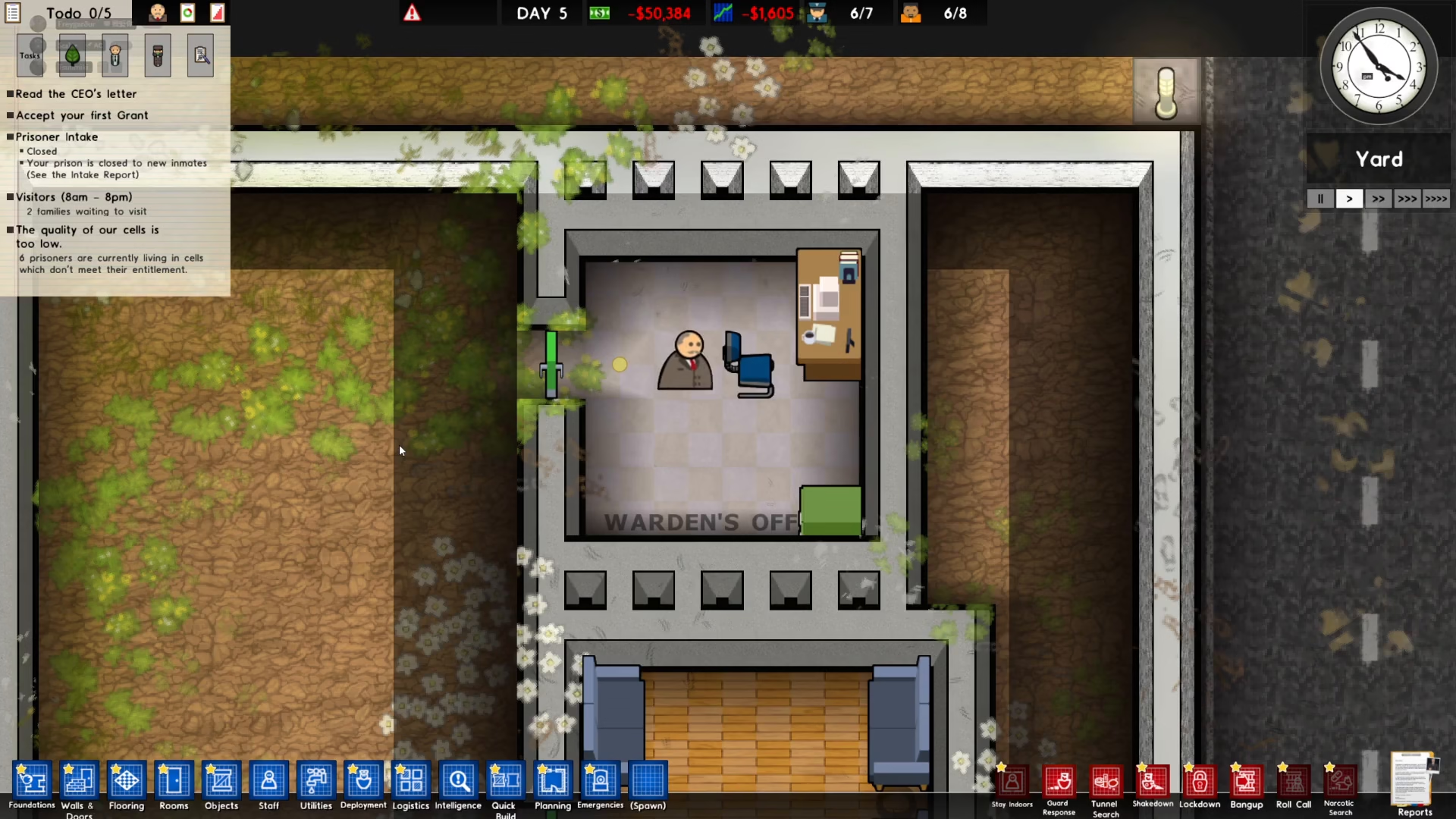
Step 1: Hire a Warden and Build an Office
The first thing you need to do is hire a warden and build an office for them. This administrative staff member is essential for accessing the management features of your prison, including the policy system.
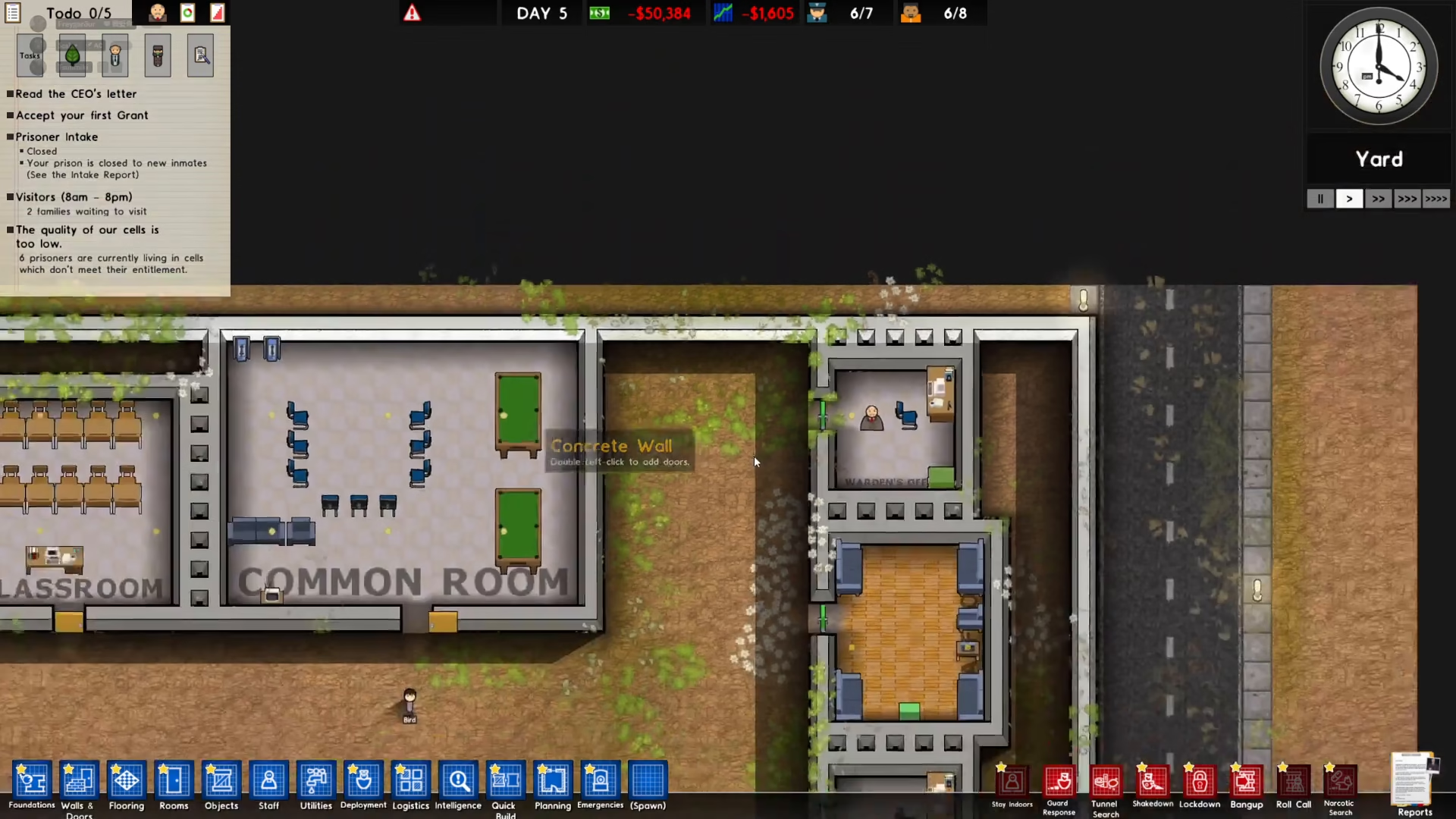
Step 2: Access the Bureaucracy Menu
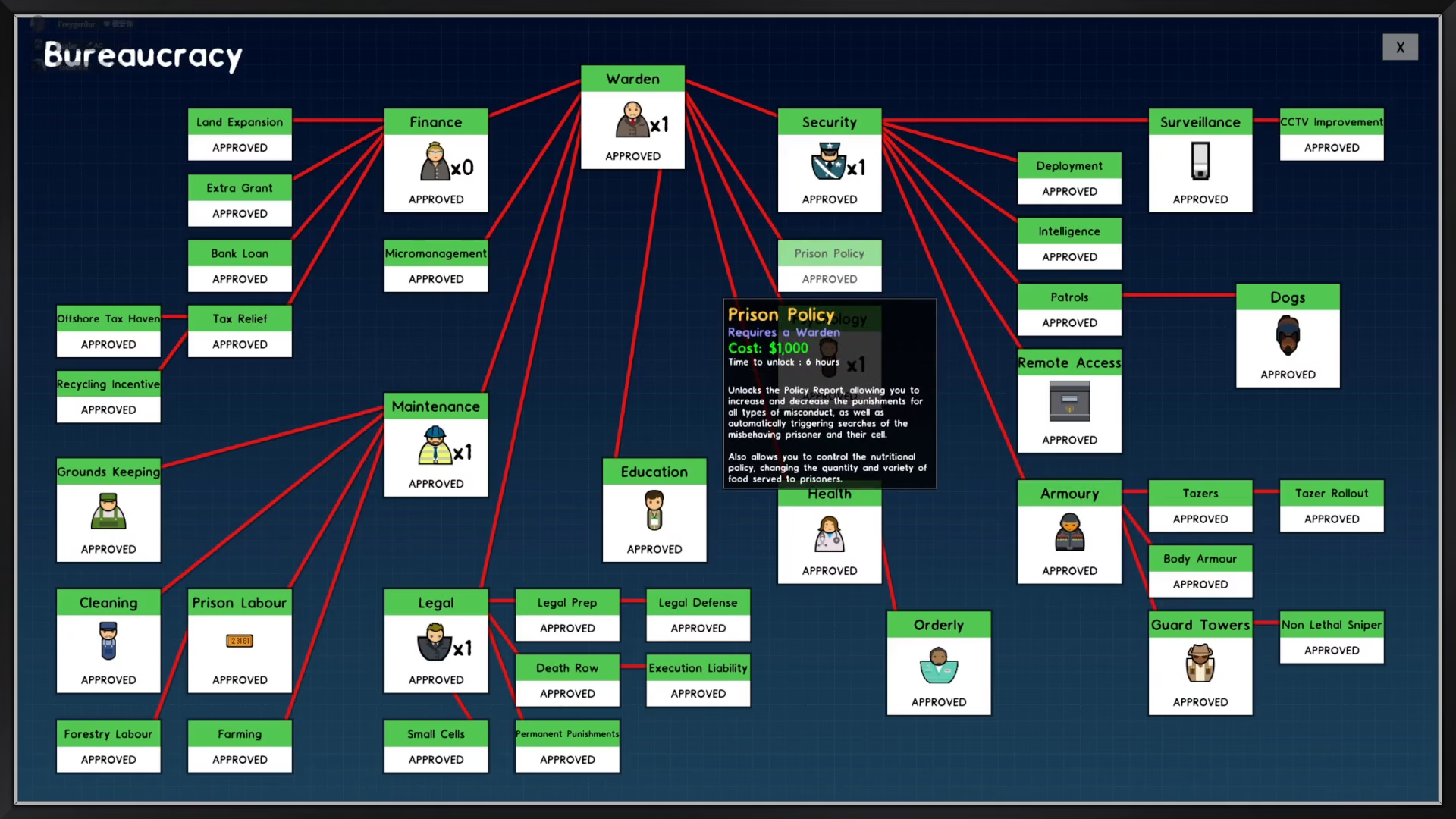
Once you have your warden in place, navigate to the top left of your screen and click on the bureaucracy option. This menu displays the warden’s face and is your gateway to learning new prison management features.
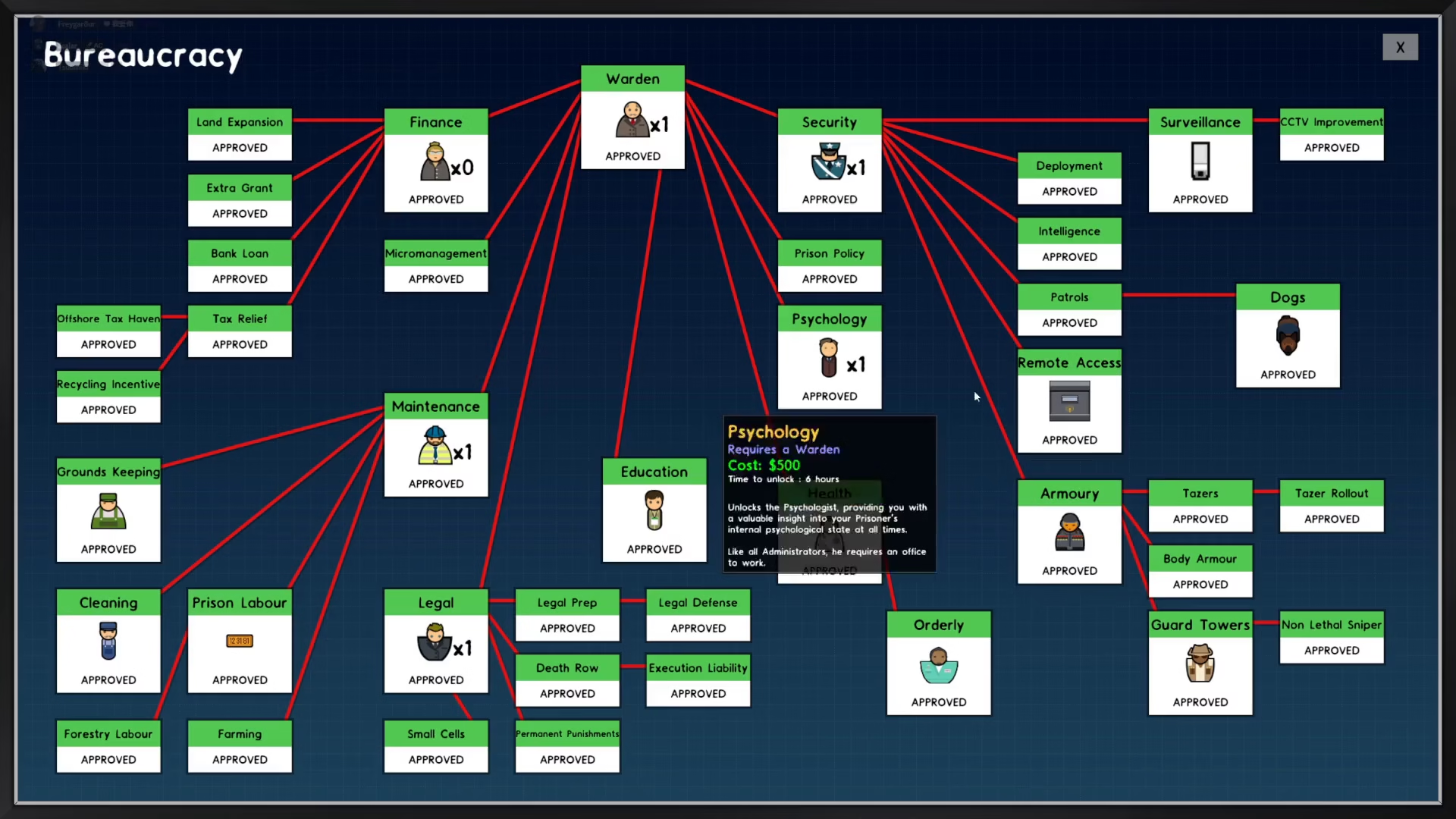
Step 3: Learn Prison Policy
Within the bureaucracy menu, the first thing you want to learn is the prison policy option. This is a crucial step that unlocks your ability to customize how your prison operates.
Step 4: Access Your Policies
After learning prison policy, you can now access it anytime you need to make adjustments. Go to the reports section located on the bottom right of your screen, then click on the policy option. From here, you can view and modify all your prison policies.
Summary
Unlocking the policy system in Prison Architect is straightforward: hire a warden, build their office, access bureaucracy, learn prison policy, and then manage your policies through the reports menu. Once you’ve completed these steps, you’ll have full control over your prison’s operational policies and can run your facility exactly how you want it.
— Want to Support? —
If you would like to help us continue making these guides – please consider joining our patreon here – https://www.patreon.com/c/JaviHeals
Alternatively – you can join our discord here – https://discord.gg/zD7Gjt6MHF



