





How To Use Monkey Paw In Phasmophobia
How To Use Monkey Paw In Phasmophobia
The Monkey Paw is a powerful artifact in Phasmophobia that allows you to make wishes to influence the game’s events and outcomes. This guide will walk you through everything you need to know about finding and using the Monkey Paw effectively.
Finding the Monkey Paw
The first step is locating the Monkey Paw during your investigation. Once you pick it up, you’ll gain access to a special menu that lets you make wishes. The Monkey Paw is a valuable tool that can help turn the tide during difficult ghost encounters.
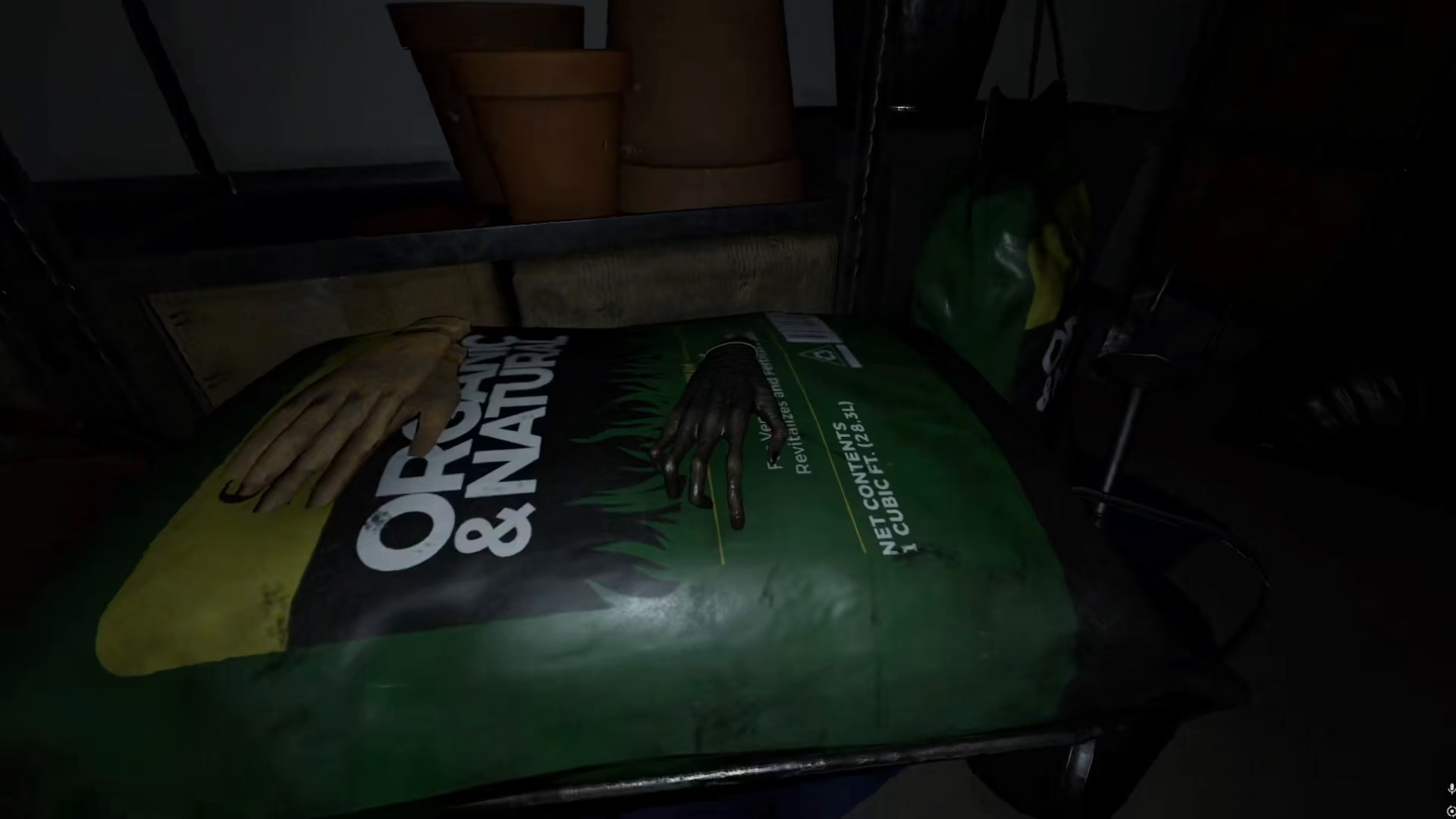
Available Wishes
The Monkey Paw offers several different wishes you can make. Here are all the available options:
I wish to leave
I wish to be safe
I wish to revive my friend
I wish for knowledge
Additional wishes (various effects)
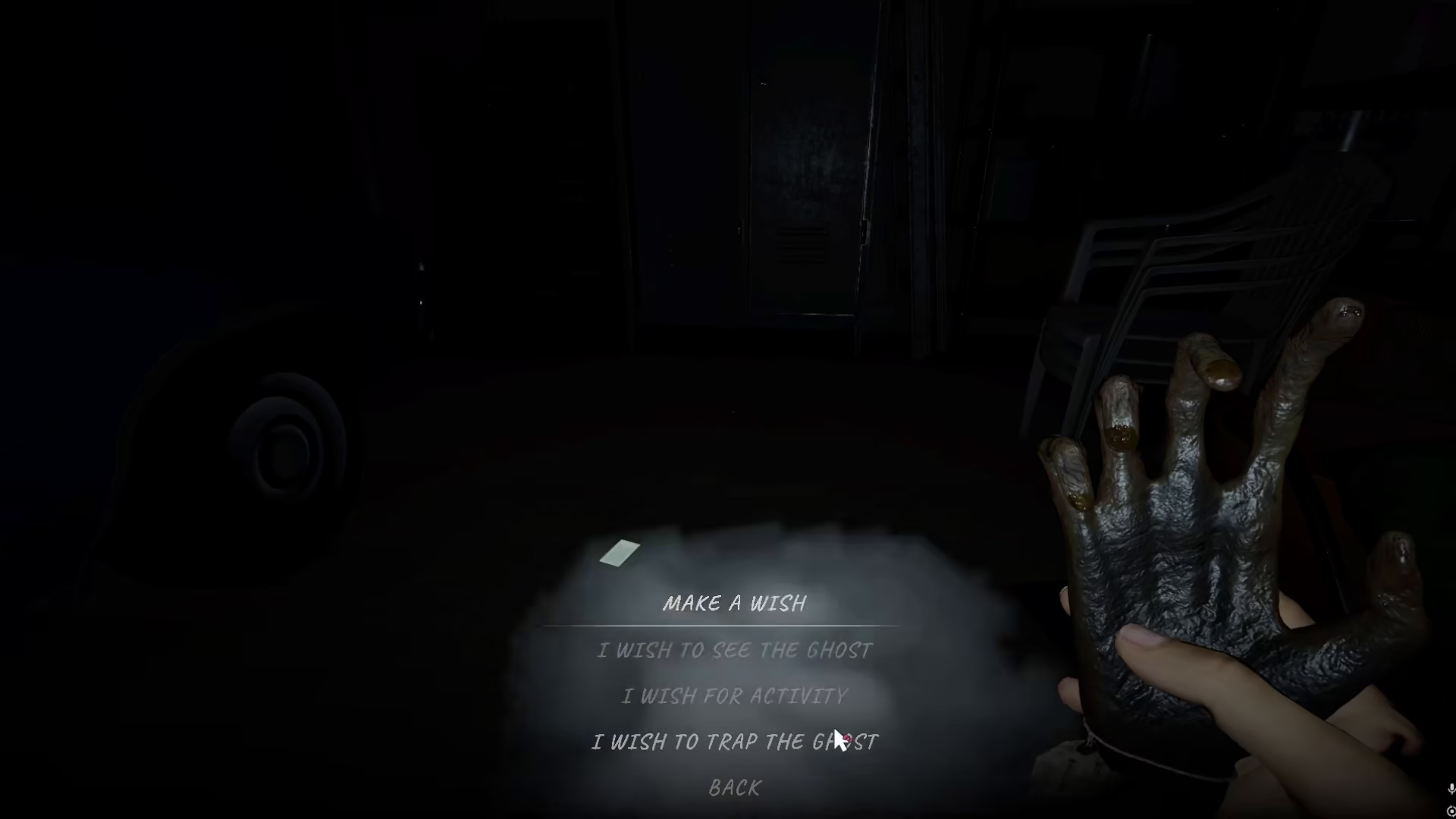
How to Make a Wish
To use the Monkey Paw, open the text menu and browse through your available wishes. Simply click the icon corresponding to the wish you want to activate. Each wish has different effects on your investigation and the ghost’s behavior.
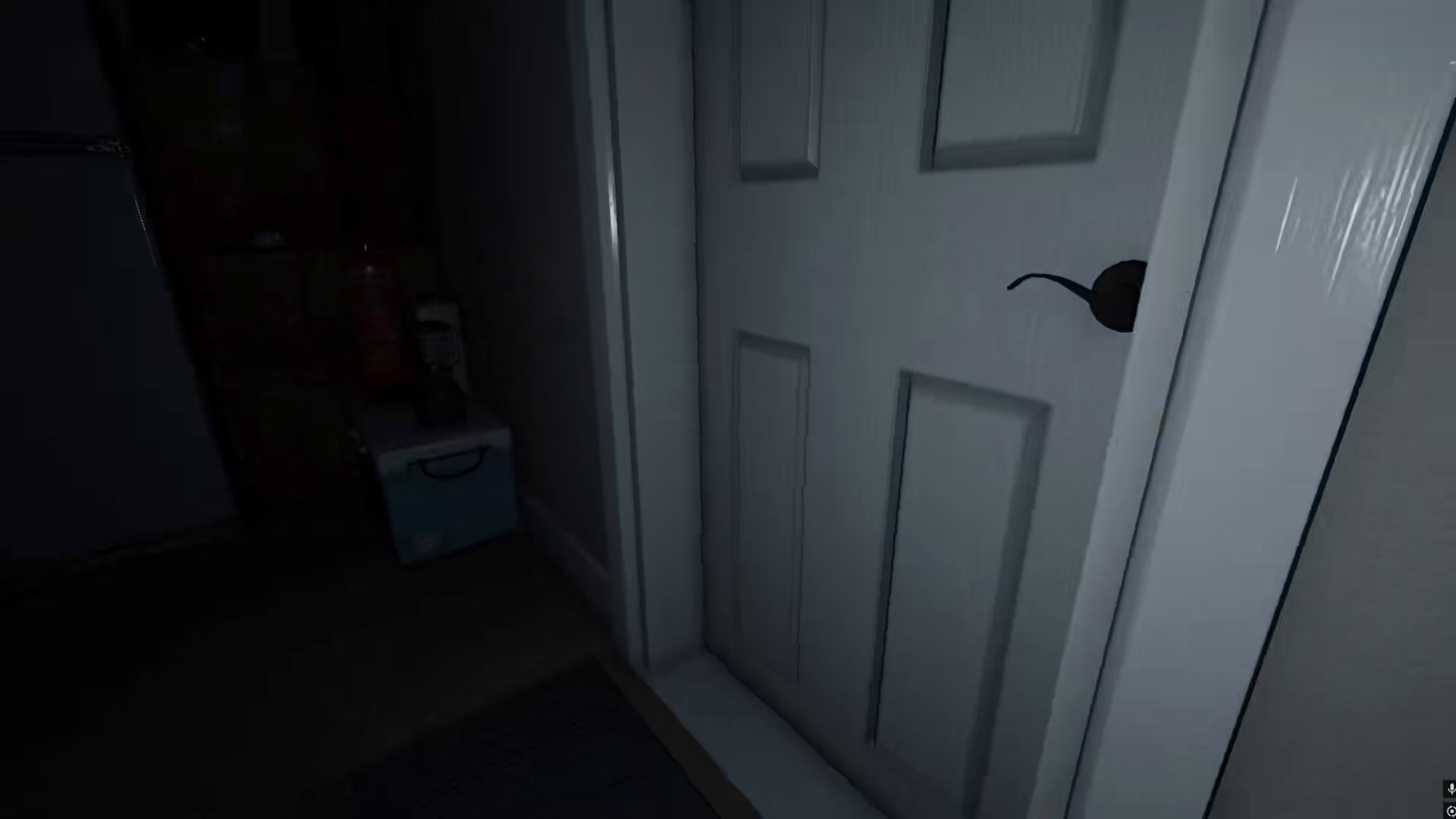
Example: Wish to Drop the Ghost
One particularly interesting wish is the ability to drop the ghost into a room. When you use this wish, the ghost will be forced into a specific location, and the door to that room will lock. This can be a tactical advantage when you need to isolate the ghost or protect your team.
Summary
The Monkey Paw is a game-changing tool in Phasmophobia that gives you direct control over certain aspects of your investigation. By understanding the different wishes available and when to use them strategically, you can greatly improve your chances of success. Whether you’re looking to escape, protect your team, or gain crucial knowledge about the ghost, the Monkey Paw has you covered.
— Want to Support? —
If you would like to help us continue making these guides – please consider joining our patreon here – https://www.patreon.com/c/JaviHeals
Alternatively – you can join our discord here – https://discord.gg/zD7Gjt6MHF


