






How To Add Perk Points With Commands In Fallout 4
How To Add Perk Points With Commands In Fallout 4
Want to instantly boost your character’s abilities in Fallout 4? Using console commands, you can add perk points to your character without grinding through levels. This guide walks you through the simple steps to use the command console and grant yourself as many perk points as you need.
Opening the Command Console
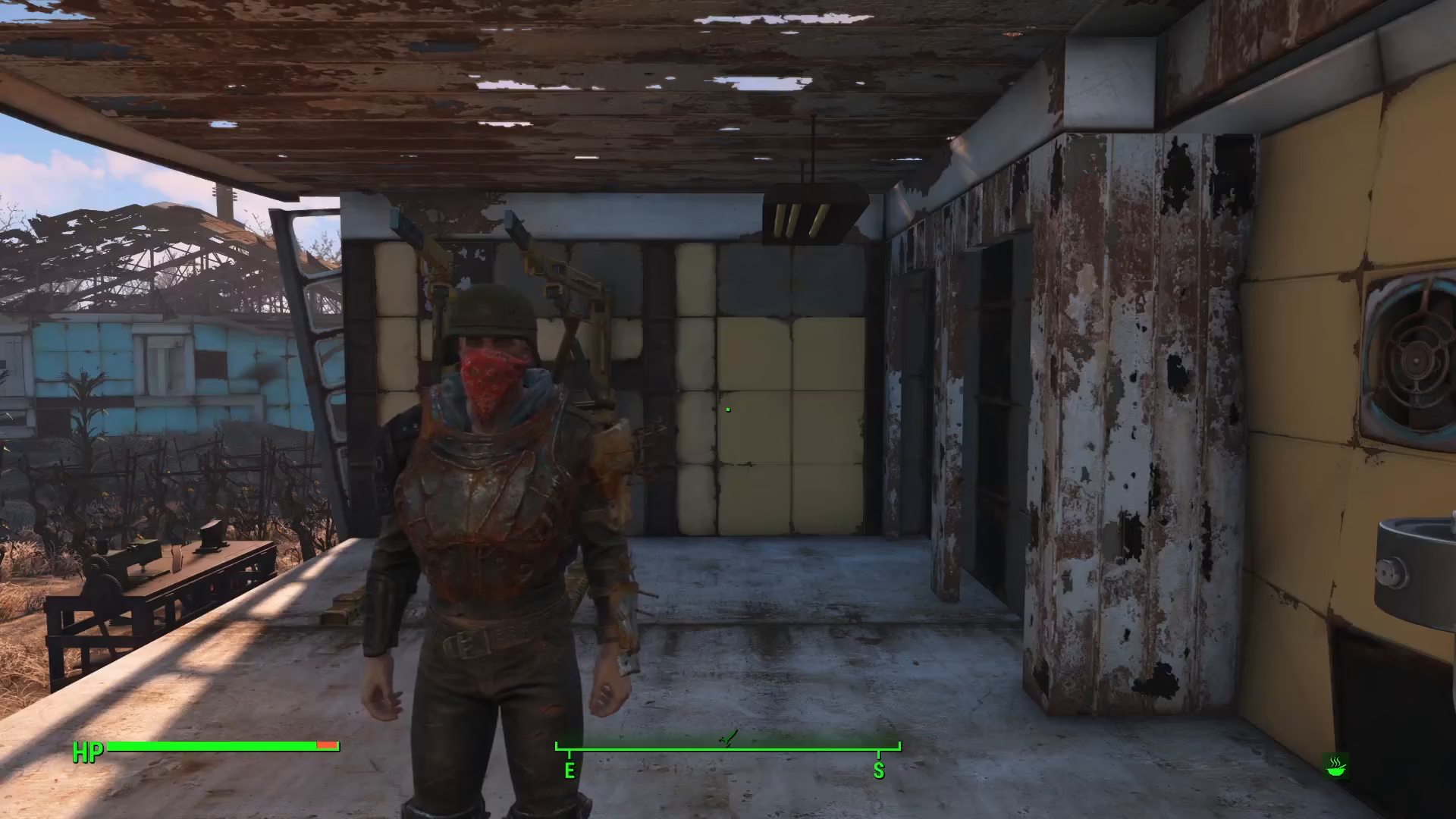
To begin, you need to access Fallout 4’s command console. Press the tilde key (~), which is located directly below the Escape key on your keyboard. This will bring up the console menu where you can input commands.
Entering the Perk Point Command
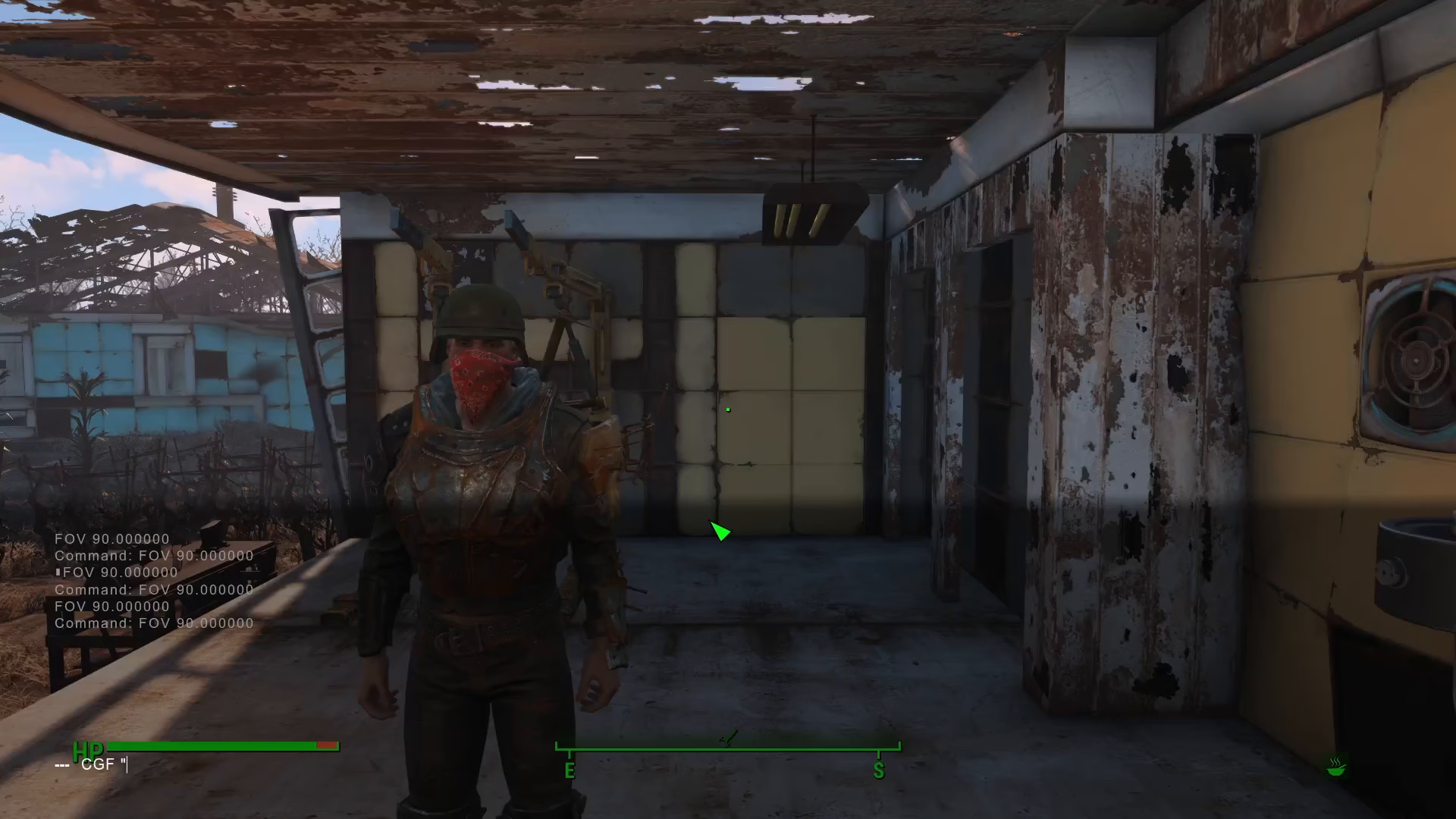
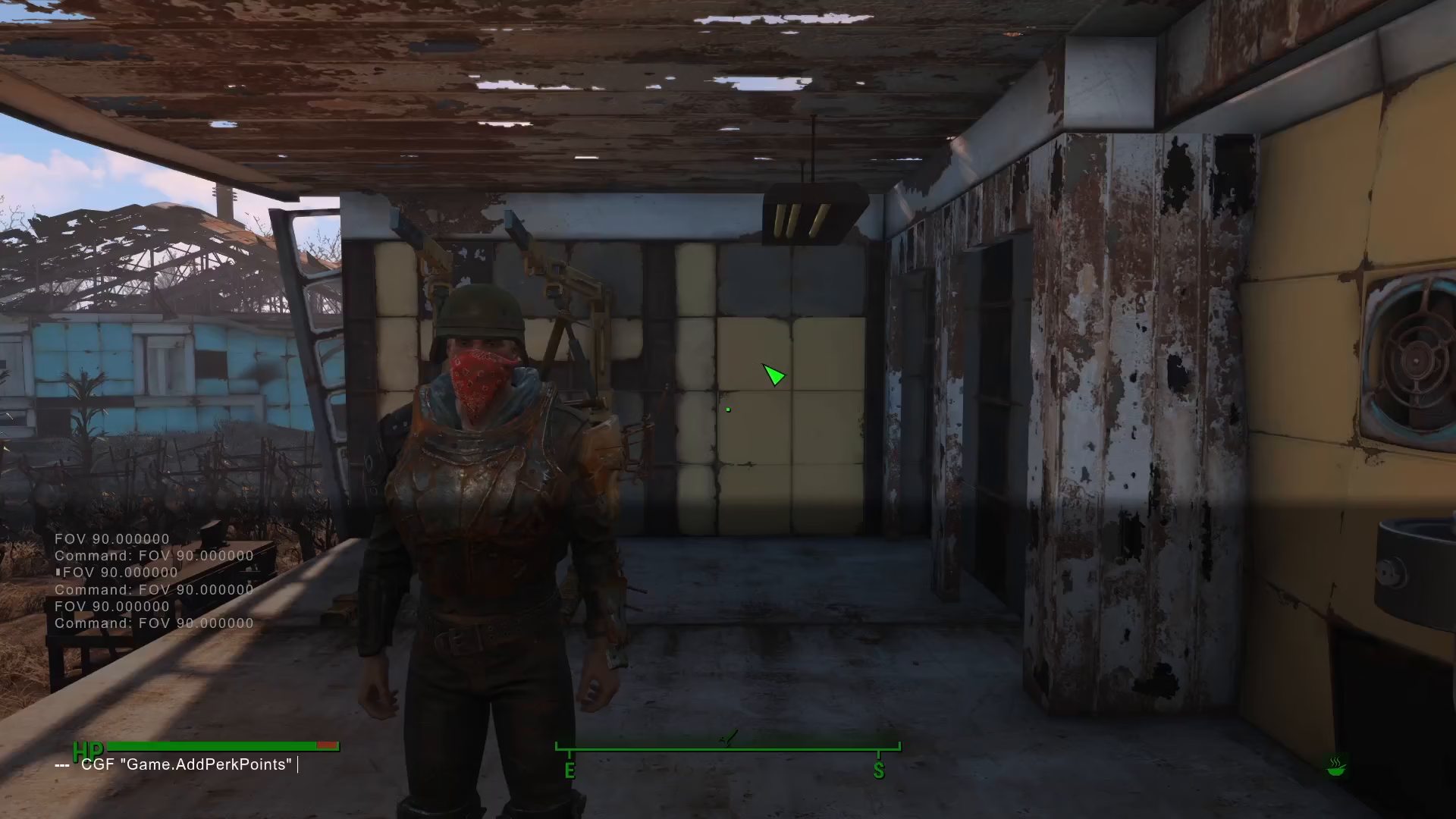
Once the console is open, type the following command:
cgf “game.addperkpoints” [amount]
Replace [amount] with the number of perk points you want to add. For example, to add five perk points, you would type:
cgf “game.addperkpoints” 5
Confirming Your Perk Points
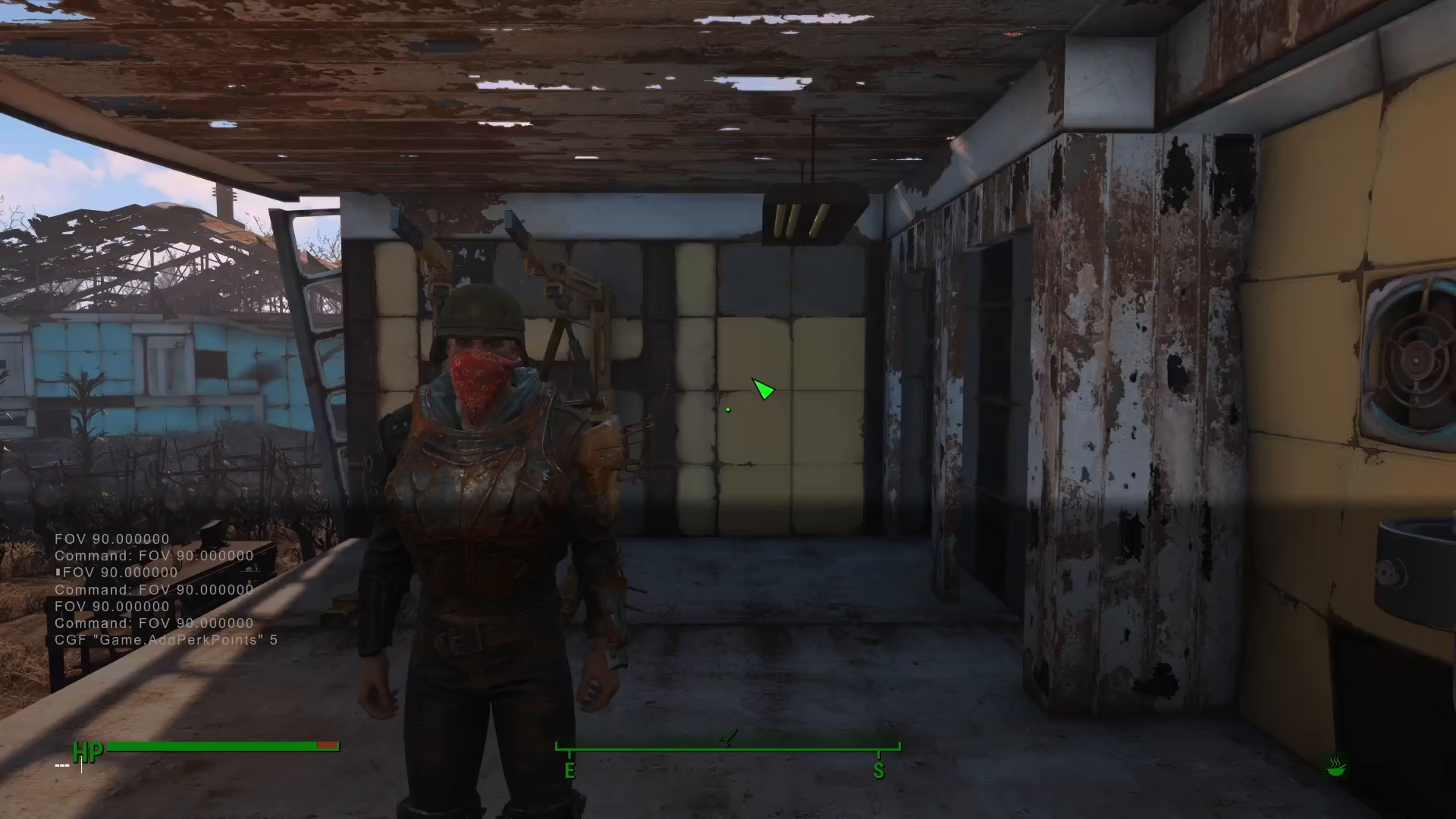
After entering the command, press Enter to execute it. Press the tilde key again to close the console and return to the game.
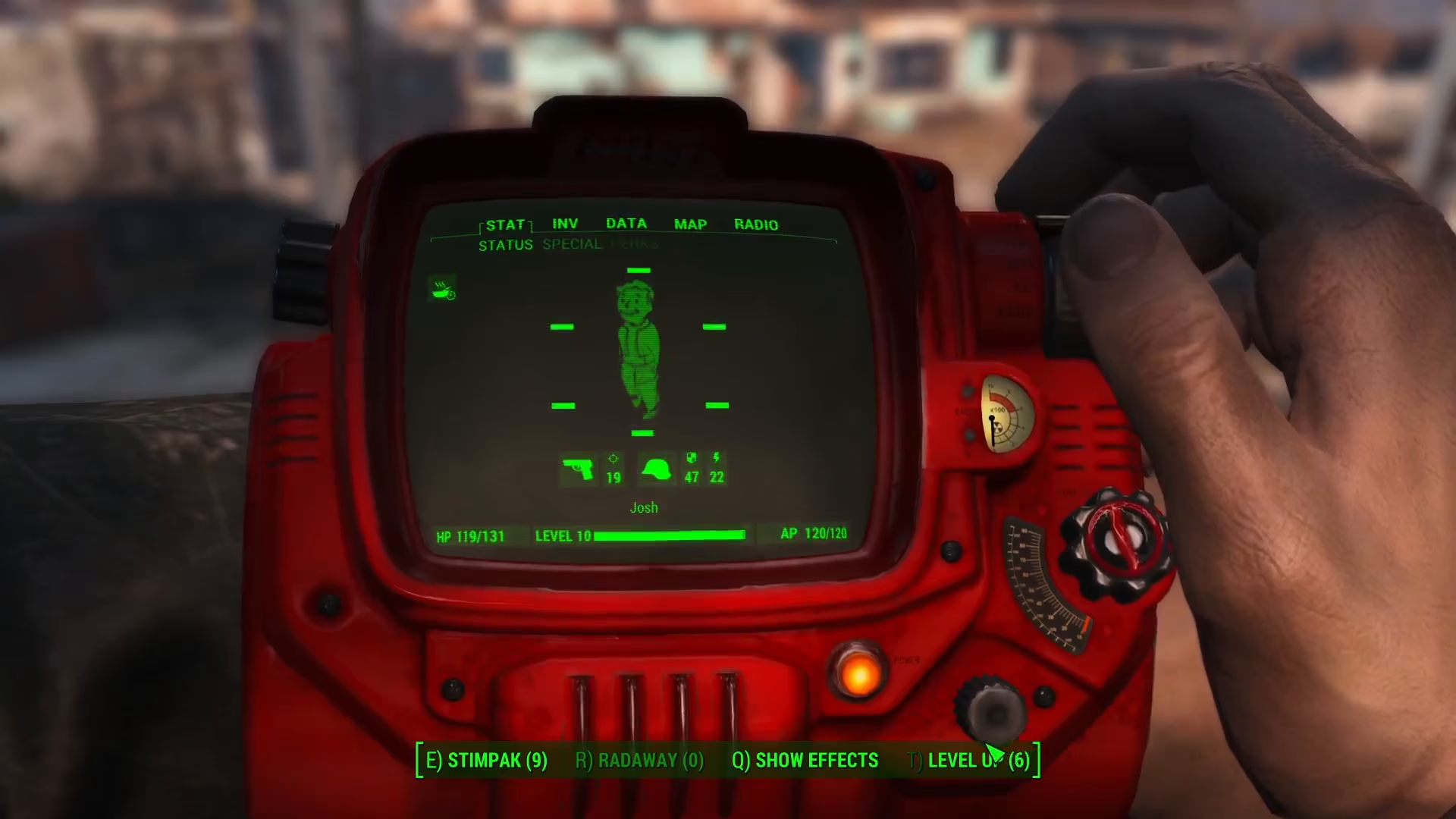
Now open your Pip-Boy menu. Navigate to the “Level Up” section, and you’ll see your perk points have been added. The display will show the total number of perk points available to spend, including any you had before running the command.
Spending Your Perk Points
With your new perk points available, you can now select which perks to upgrade. Click on any perk to spend a point and increase that perk’s effectiveness. You’ll be able to allocate all your newly added perk points across any perks you choose.
Summary
Adding perk points in Fallout 4 using console commands is straightforward. Simply open the console with the tilde key, enter the command cgf “game.addperkpoints” [amount], and you’ll instantly have new perk points to allocate to your character’s abilities. This is a quick way to customize your build without waiting for level-ups.
— Want to Support? —
If you would like to help us continue making these guides – please consider joining our patreon here – https://www.patreon.com/c/JaviHeals
Alternatively – you can join our discord here – https://discord.gg/zD7Gjt6MHF