






How To Assign Settlers In Fallout 4
How To Assign Settlers In Fallout 4
Managing your settlement in Fallout 4 requires assigning settlers to various tasks and stations. This guide walks you through the simple process of selecting settlers and assigning them to workstations like barber chairs, crafting stations, and other settlement utilities. Follow these steps to ensure your settlers are productive and your settlement runs smoothly.
Opening the Workshop Menu
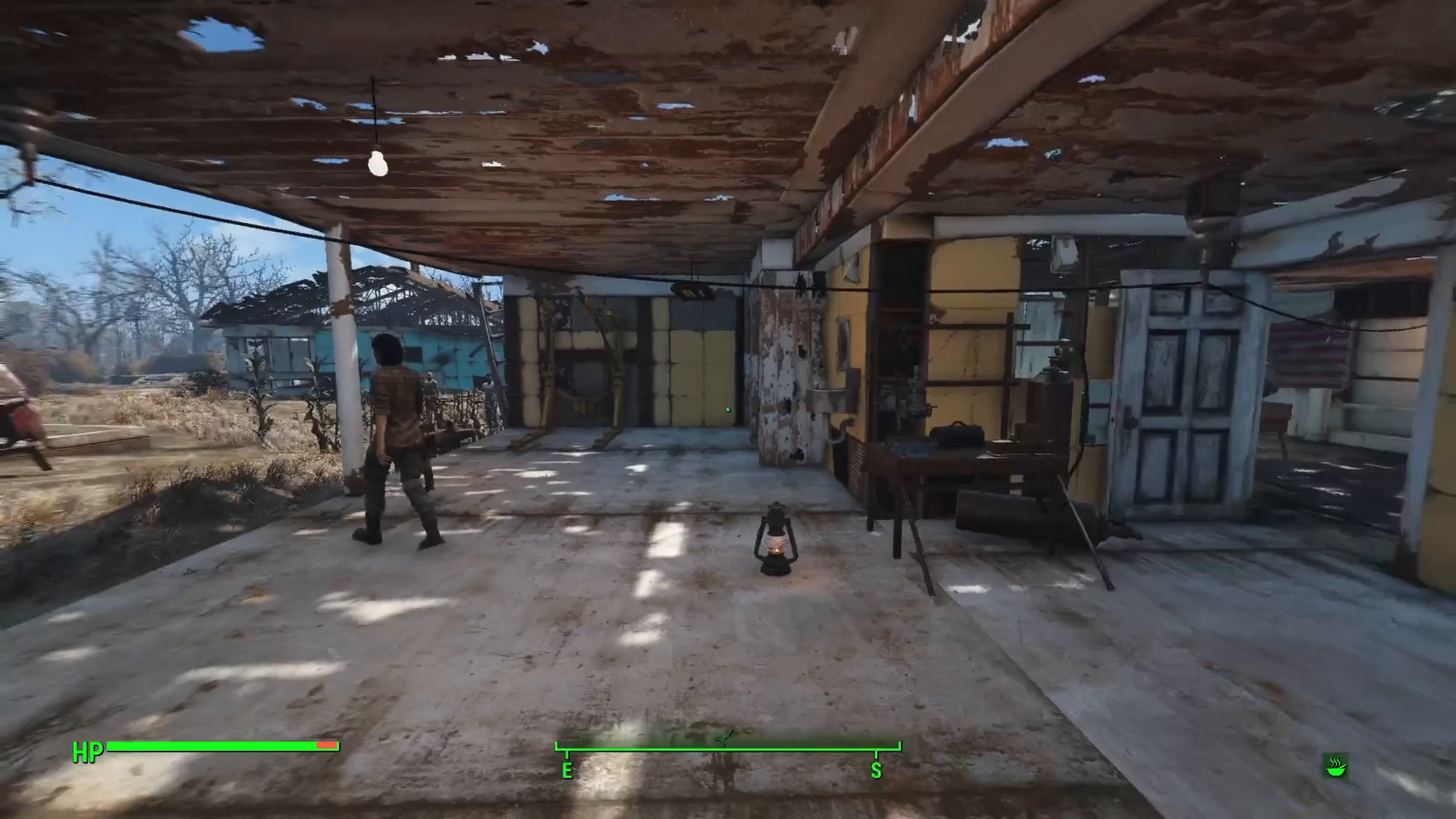
To begin assigning settlers, you first need to access the Workshop menu. Open the workshop mode for your settlement by pressing the interaction key.
Selecting Your Settler
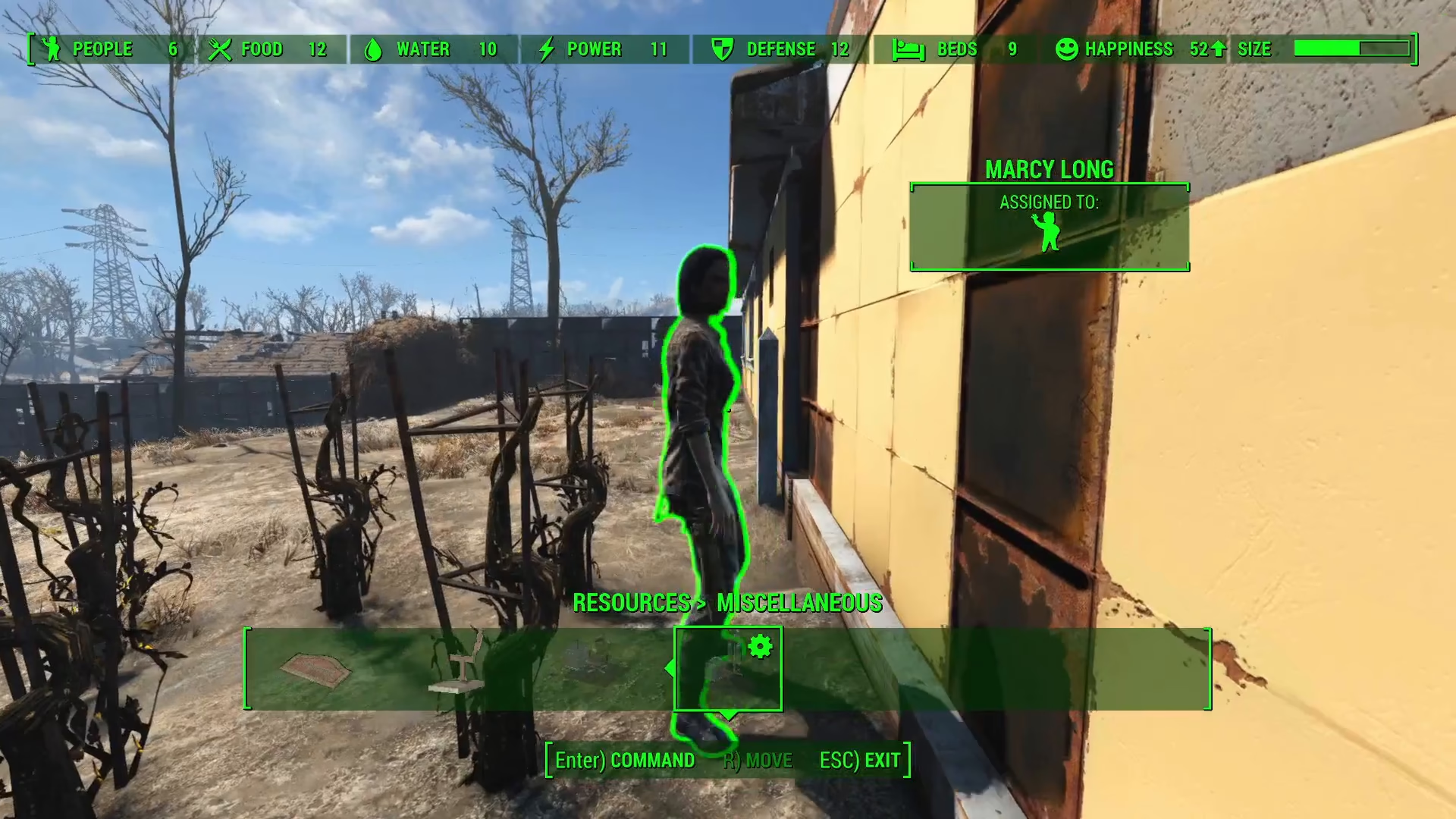
Once in the Workshop menu, navigate to the settler you wish to assign. Locate the settler in your settlement—you may already have some settlers who are assigned to tasks, while others may be unassigned and available for work.
To select a settler, approach them and press E on your keyboard. You will see the prompt change from “select” to “go” at the bottom of your screen.
Choosing a Workstation
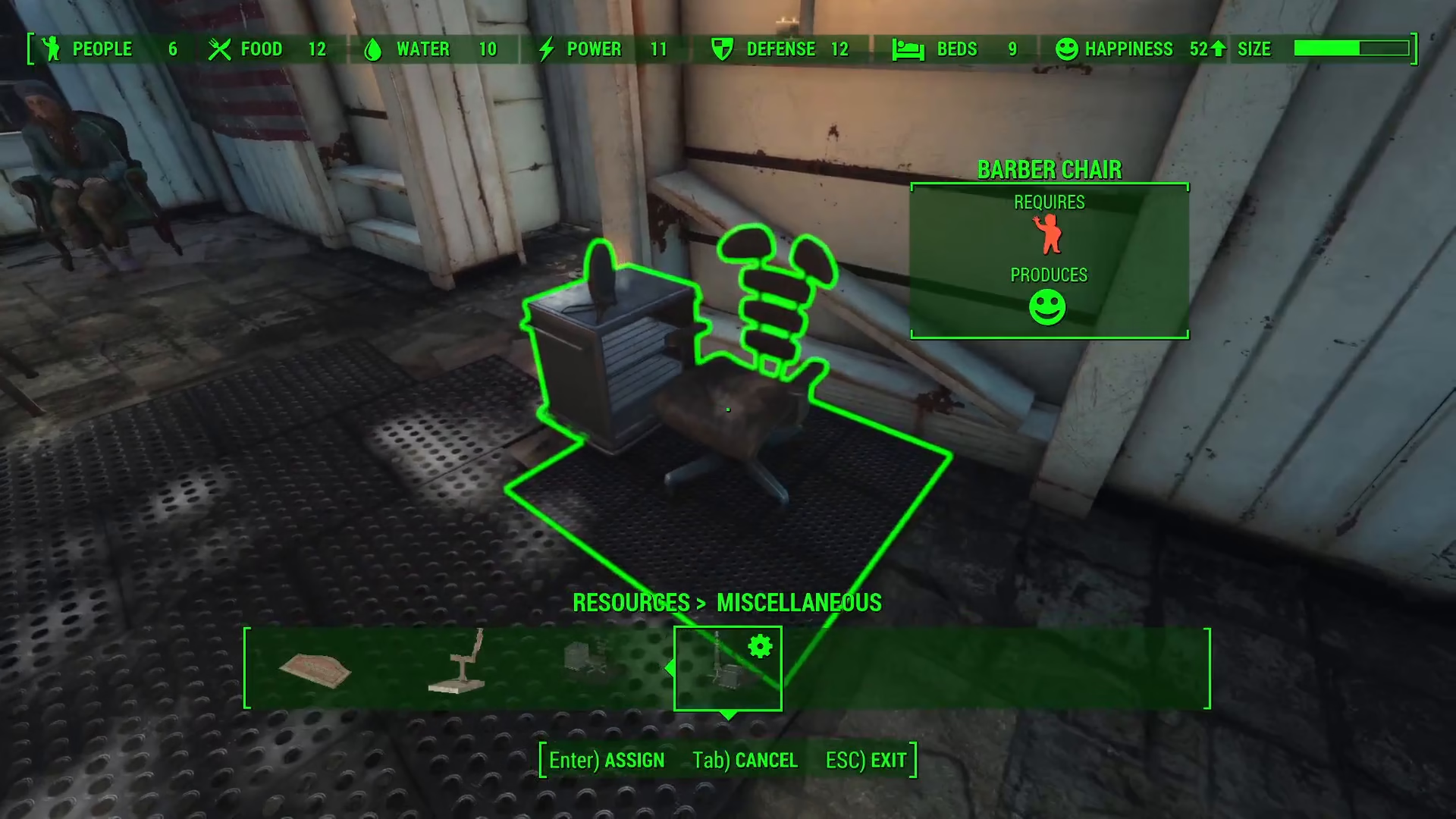
After selecting your settler, you need to identify an unassigned workstation to assign them to. Common workstations include barber chairs, crafting stations, food production areas, and other settlement utilities.
Look for workstations that display an unassigned status. When you hover over an available workstation, the prompt at the bottom of your screen will change to “assign.”
Assigning the Settler
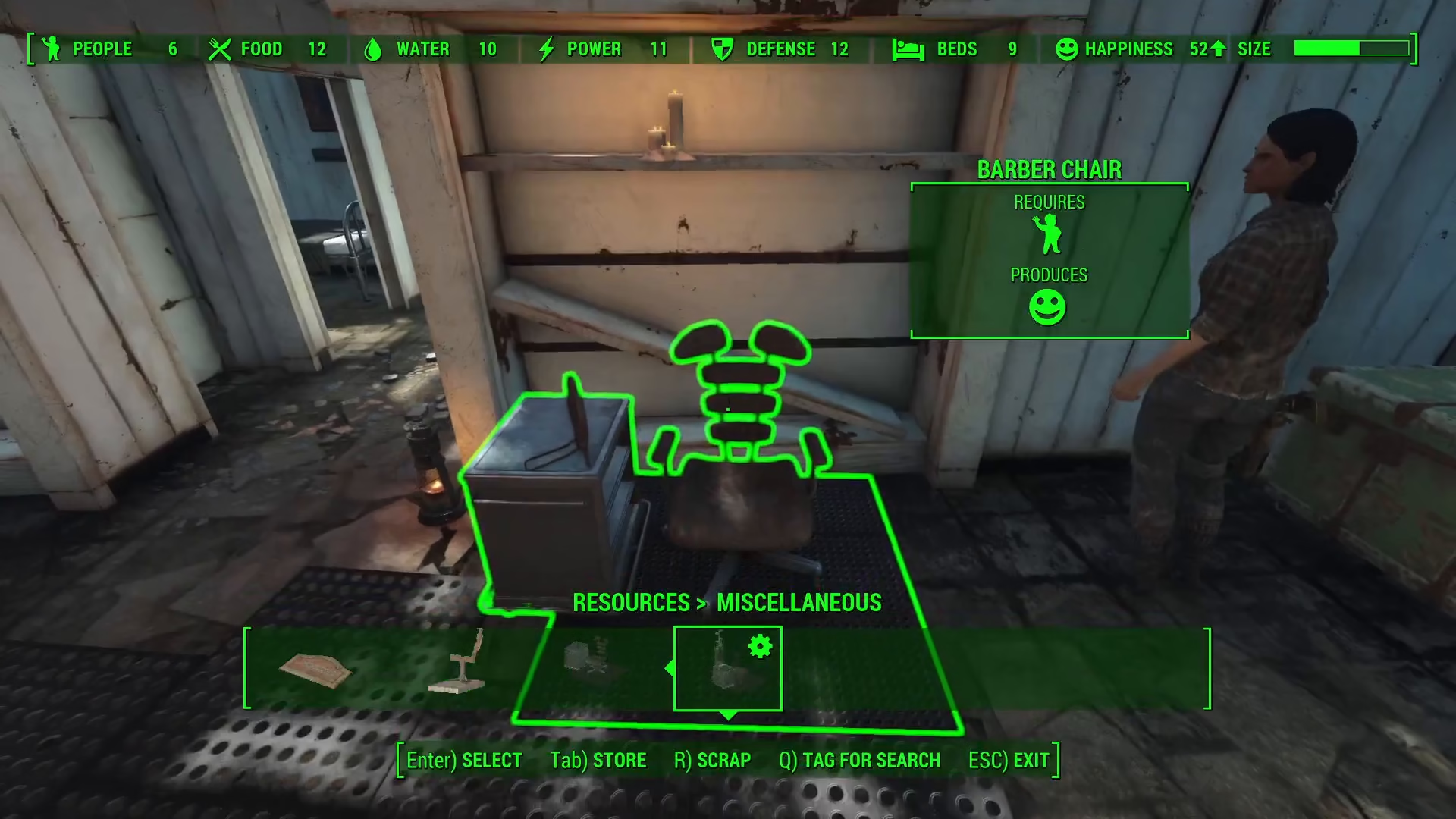
Once you have selected both a settler and an available workstation, complete the assignment by pressing E again while hovering over the workstation. The settler will now be assigned to that station.
You will notice a visual confirmation: the assignment icon will change from red to green, indicating that the settler has been successfully assigned to the workstation.
Summary
Assigning settlers in Fallout 4 is a straightforward process. Open your Workshop menu, select an available settler by pressing E, locate an unassigned workstation, and press E again to complete the assignment. Watch for the icon change from red to green to confirm the settler is now working at that station. With this knowledge, you can efficiently manage your settlement and keep your settlers productive.
— Want to Support? —
If you would like to help us continue making these guides – please consider joining our patreon here – https://www.patreon.com/c/JaviHeals
Alternatively – you can join our discord here – https://discord.gg/zD7Gjt6MHF