






How To Call For Dogmeat In Fallout 4
How To Call For Dogmeat In Fallout 4
Fallout 4 doesn’t include a traditional “call” command for Dogmeat, but that doesn’t mean you’re stuck without your faithful companion. If Dogmeat gets lost or separated from you during your adventures in the Commonwealth, there are practical solutions to reunite with him. This guide walks you through the easiest methods to locate and retrieve Dogmeat, including a handy console command for PC players.
Finding Dogmeat: Your Options
When Dogmeat goes missing in Fallout 4, you have two primary approaches: manually search for him or use a console command if you’re playing on PC.
Manual Search Method
The first option is to look around for Dogmeat. This requires some exploration, but it’s straightforward—simply retrace your steps and search the area where you last saw your companion.
PC Console Command Method
If you’re playing on PC, you can use a console command to instantly teleport Dogmeat to your location. This is the fastest and most reliable way to bring him back to you.
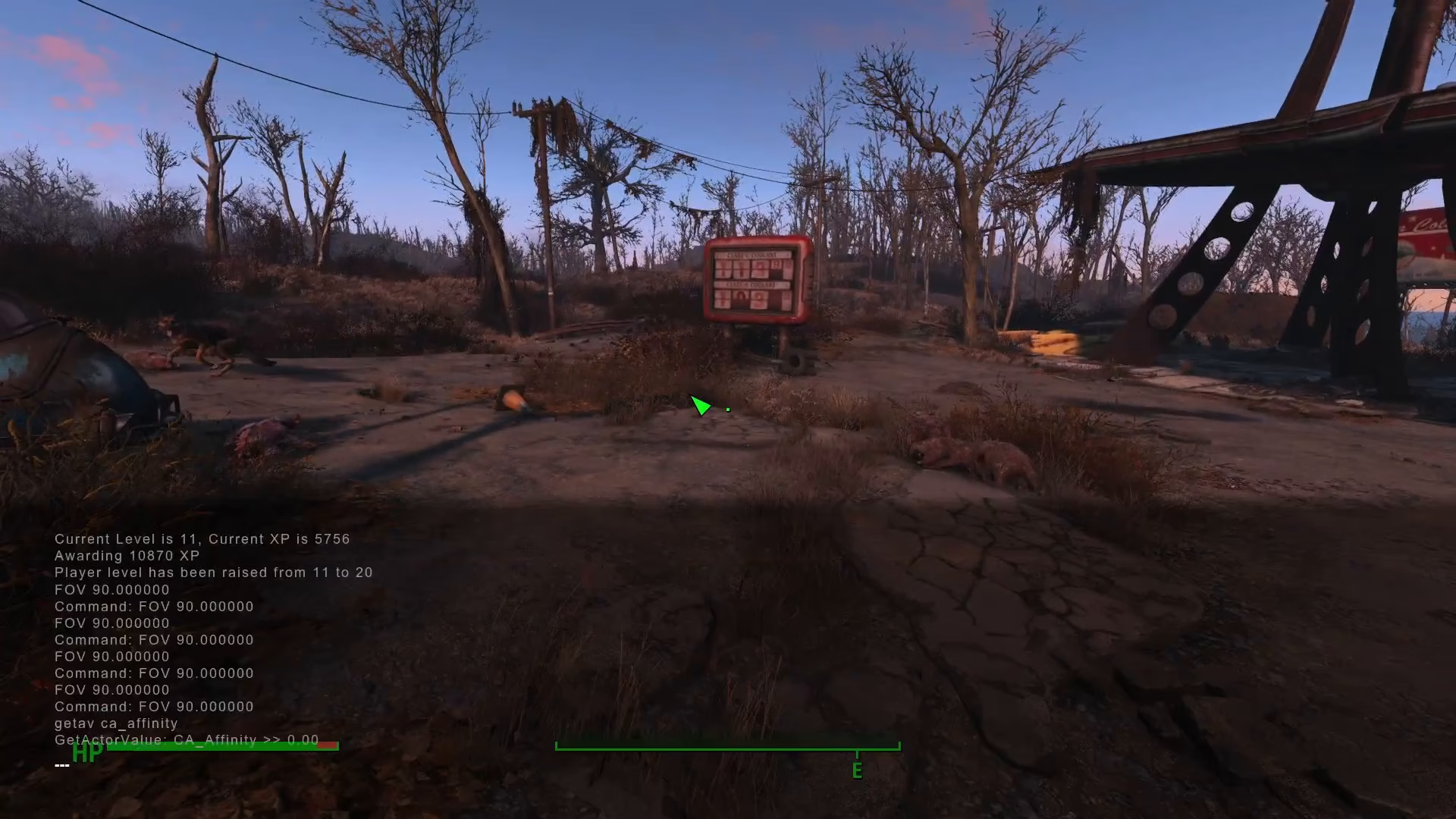
Step 1: Open the Console
Press the tilde key (~), which is located below the Escape key on your keyboard. This will open the developer console.
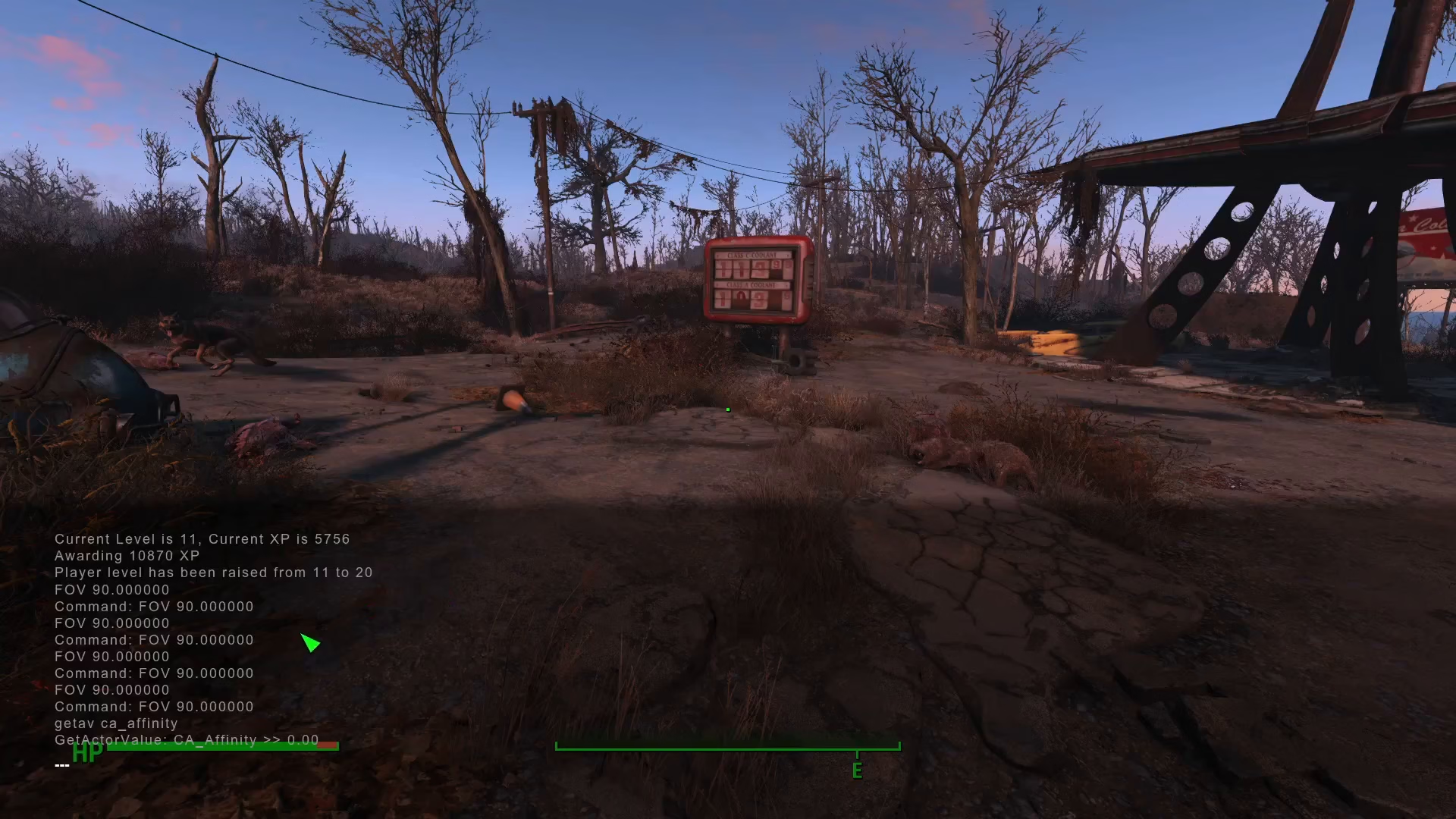
Step 2: Enter Dogmeat’s Reference ID
Type the following command to select Dogmeat:
PRID 0001D162
The reference ID 0001D162 is Dogmeat’s unique identifier in Fallout 4. This command targets him in your game.
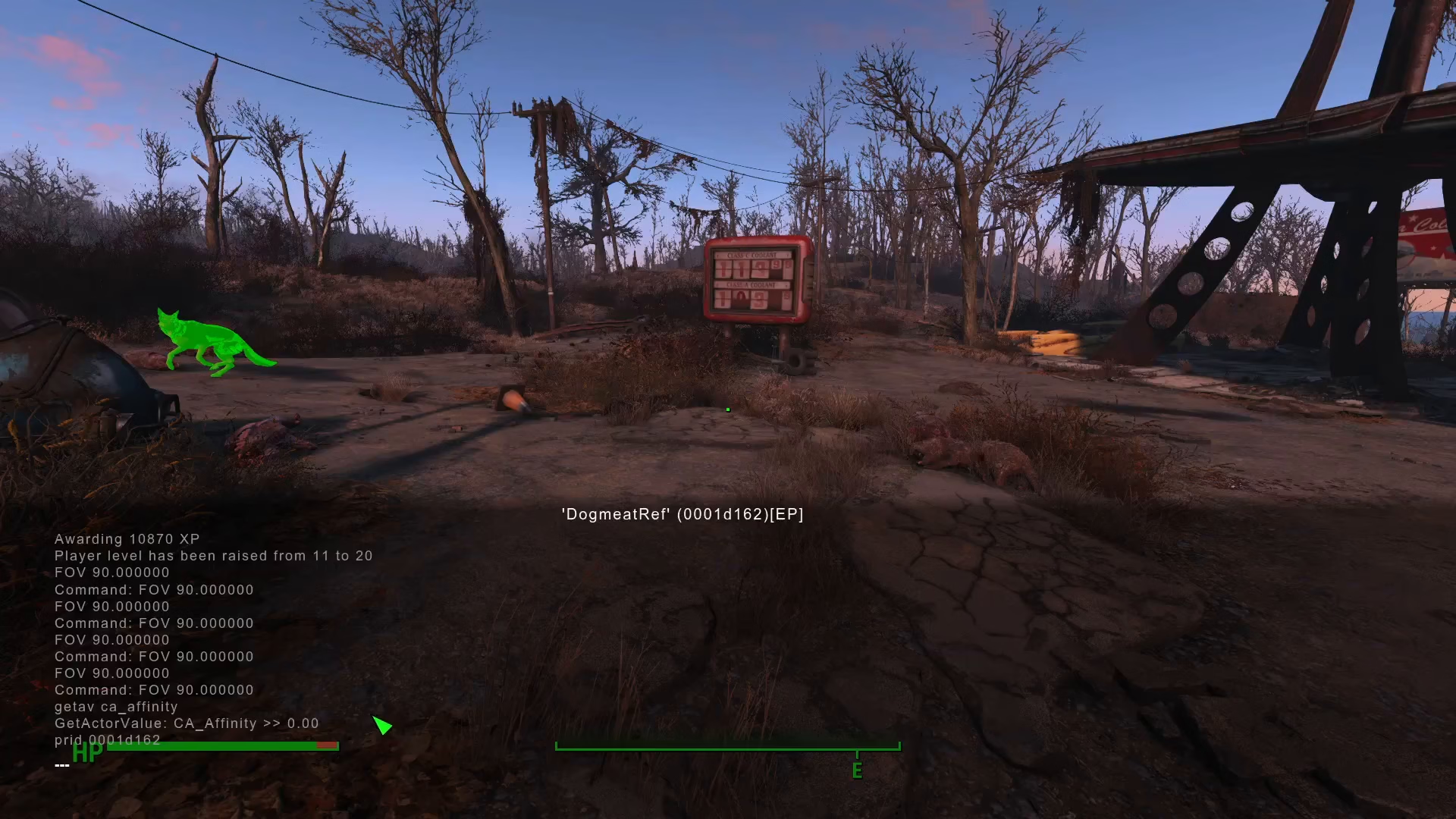
Step 3: Teleport Dogmeat to You
After entering Dogmeat’s ID, type the following command:
moveto player
This command will instantly move Dogmeat to your current location.
Step 4: Exit the Console
Close the console by pressing the tilde key again. Dogmeat should now appear at your side.
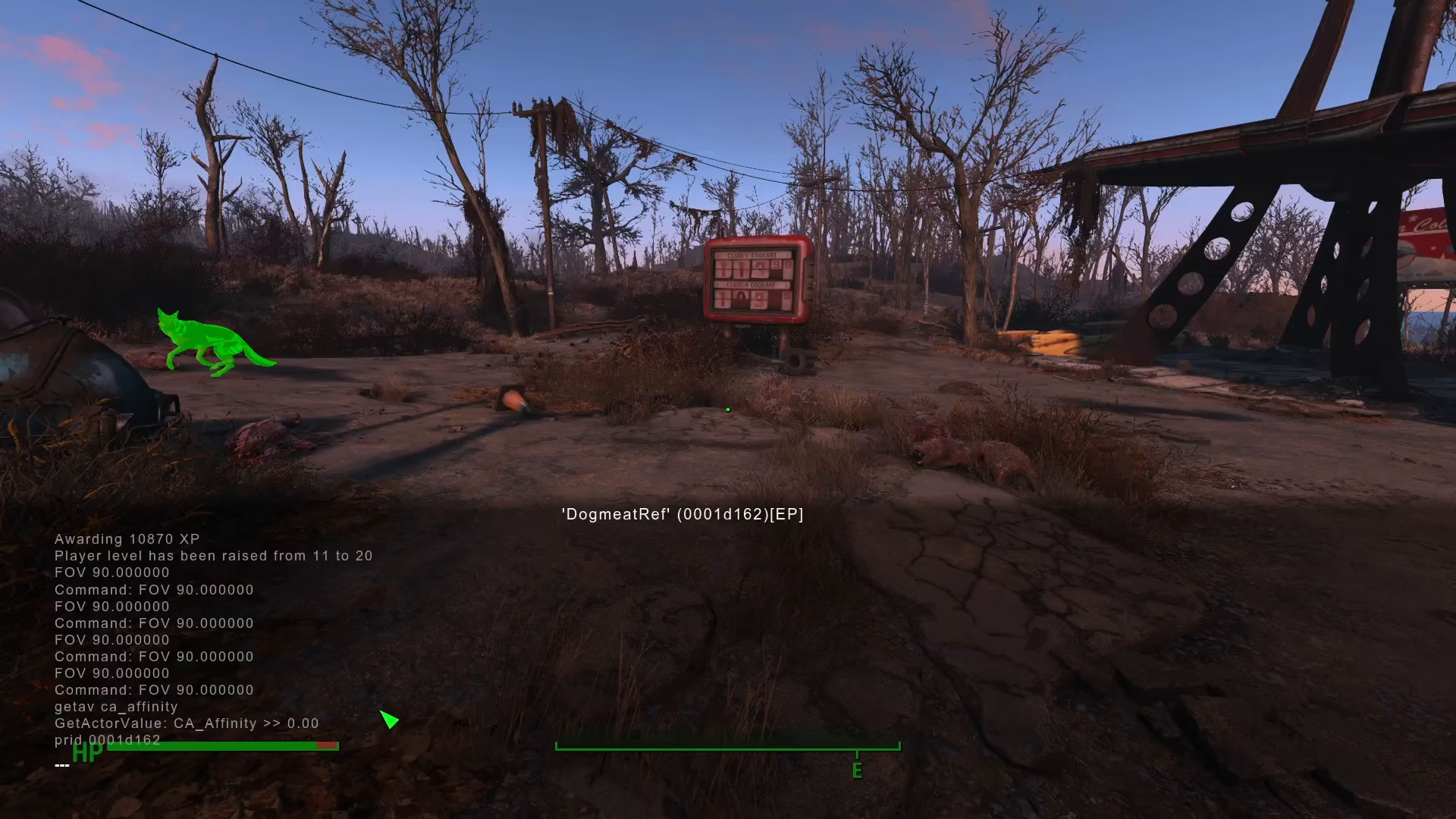
Fixing the Green Glow Issue
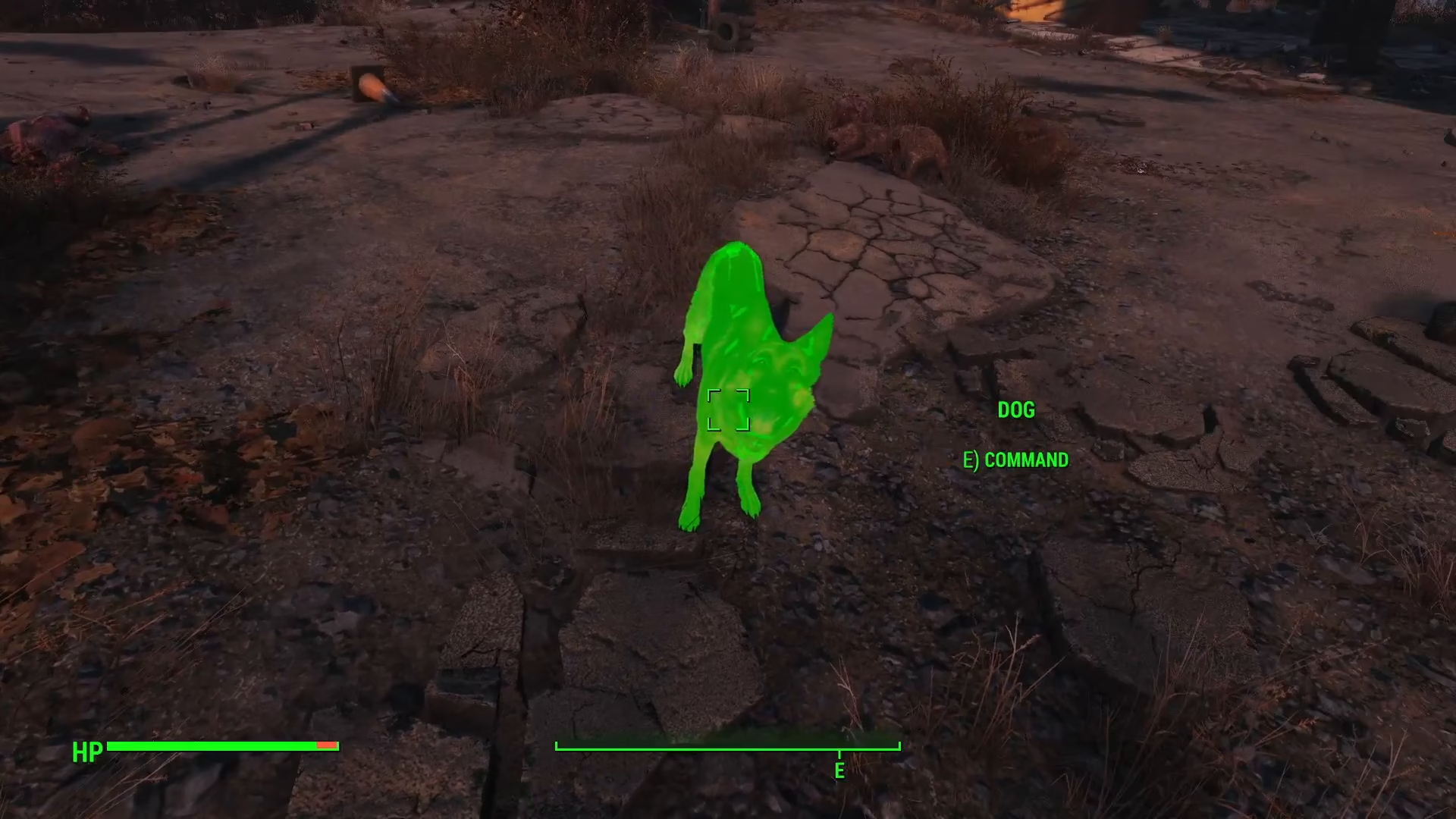
Sometimes when you teleport Dogmeat using the console command, he may appear with a green glow or highlight. This is a visual glitch that’s easy to fix.
To remove the green glow, open the console again and click directly on Dogmeat. This will deselect him and remove the green highlight.
Summary
While Fallout 4 lacks a built-in call command, PC players have a powerful alternative with console commands. Using PRID 0001D162 followed by moveto player will bring Dogmeat back to you instantly, no matter where he’s wandered off to. If a green glow appears, simply click on him in the console to clear it. Now you’re ready to continue your adventures with your trusty companion by your side.
— Want to Support? —
If you would like to help us continue making these guides – please consider joining our patreon here – https://www.patreon.com/c/JaviHeals
Alternatively – you can join our discord here – https://discord.gg/zD7Gjt6MHF