






How To Change Fov In Fallout 4
How to Change FOV in Fallout 4
Fallout 4, like many Bethesda games, doesn’t include a Field of View (FOV) slider in its graphics options menu. Fortunately, there are several straightforward methods to adjust your FOV to your preference, whether you prefer using mods or console commands. This guide will walk you through both approaches so you can find the perfect viewing angle for your gameplay.
Why FOV Isn’t in Graphics Settings
For some reason, this appears to be a trend in Bethesda games—there is no native FOV slider in the graphics options. However, you have multiple workarounds available to customize your field of view.
Method 1: Using an FOV Changer Mod
The easiest and most user-friendly method is to install an FOV Changer mod. You can find these mods on either the Creation Club or Nexus Mods. These mods typically add a special item to your inventory that brings up a menu where you can adjust FOV values directly without touching console commands.
This approach is recommended because it’s straightforward and doesn’t require typing commands. Plus, using mods from the Creation Club means you won’t lose achievements.
Method 2: Using Console Commands (PC Only)
Opening the Console
If you prefer not to use mods, you can adjust FOV on PC using the in-game console. Open the console by pressing the tilde key (~), which is located under the Escape key.
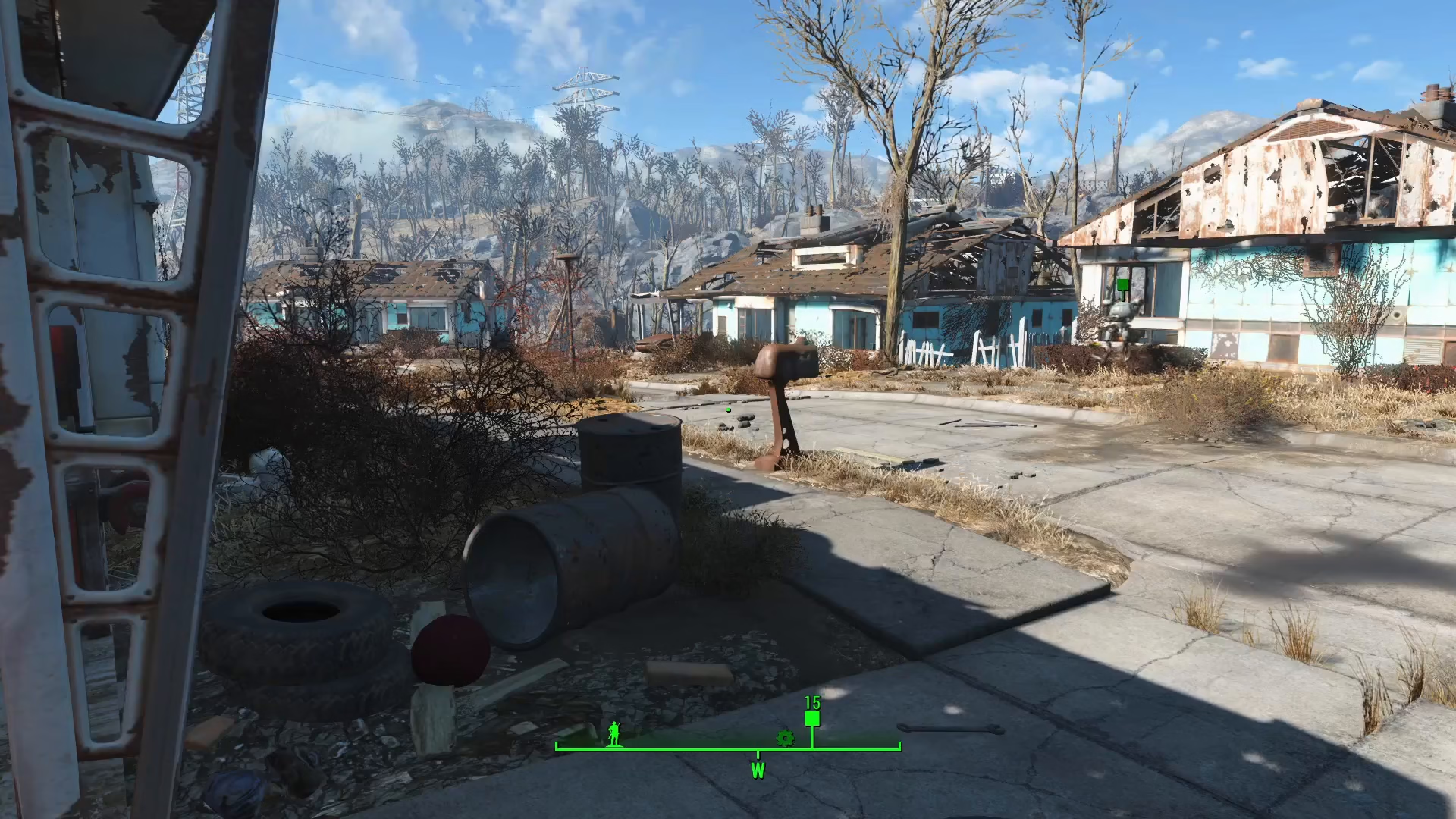
Entering FOV Commands
Once the console is open, you’ll use two commands to set your FOV:
First command: Type fov followed by your desired PipBoy FOV value
Second command: Type fov followed by your desired first-person FOV value
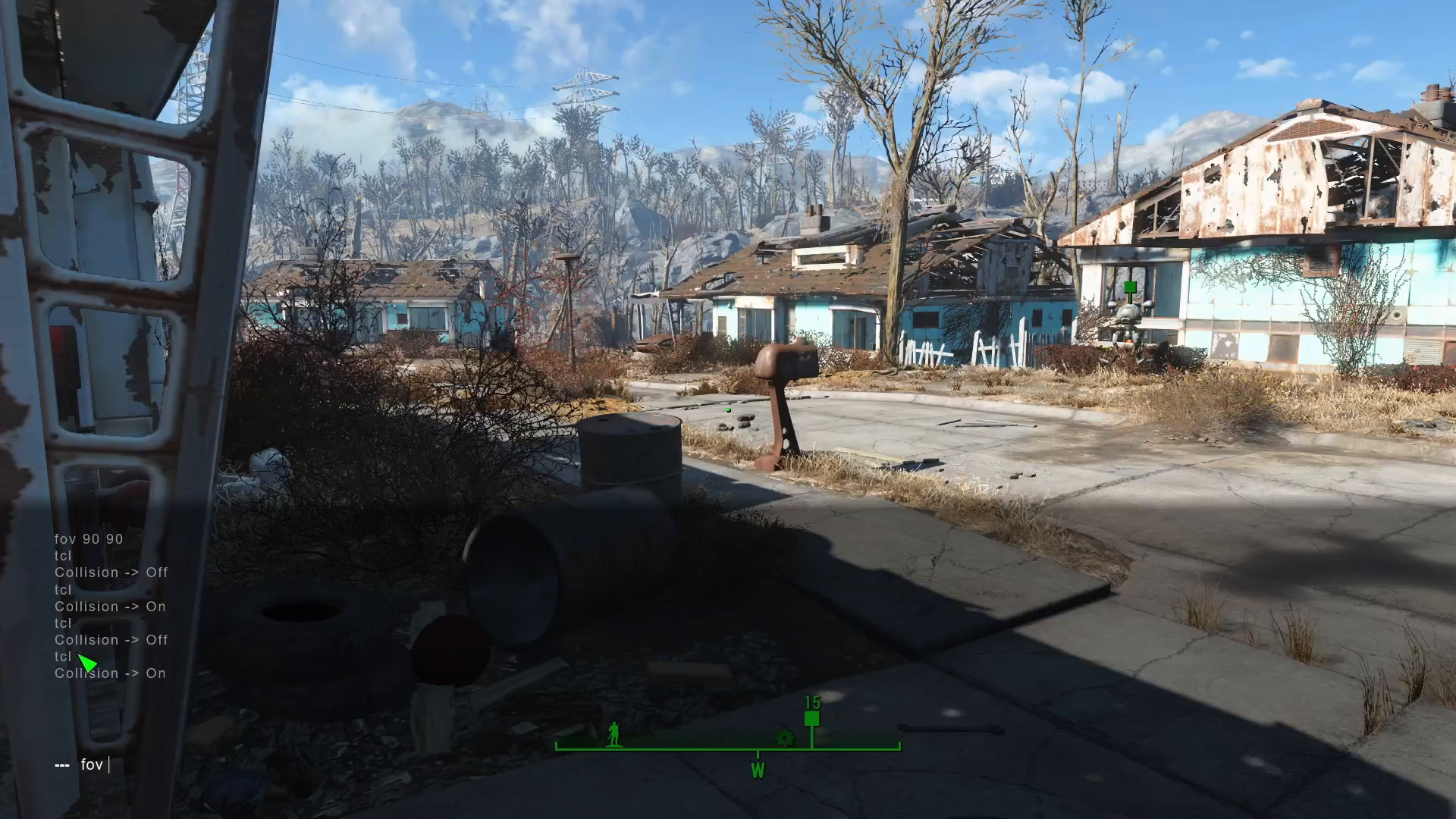
Example FOV Values
For example, if you want to set both values to 110, you would enter:
fov 110 (for PipBoy FOV)
fov 110 (for first-person FOV)
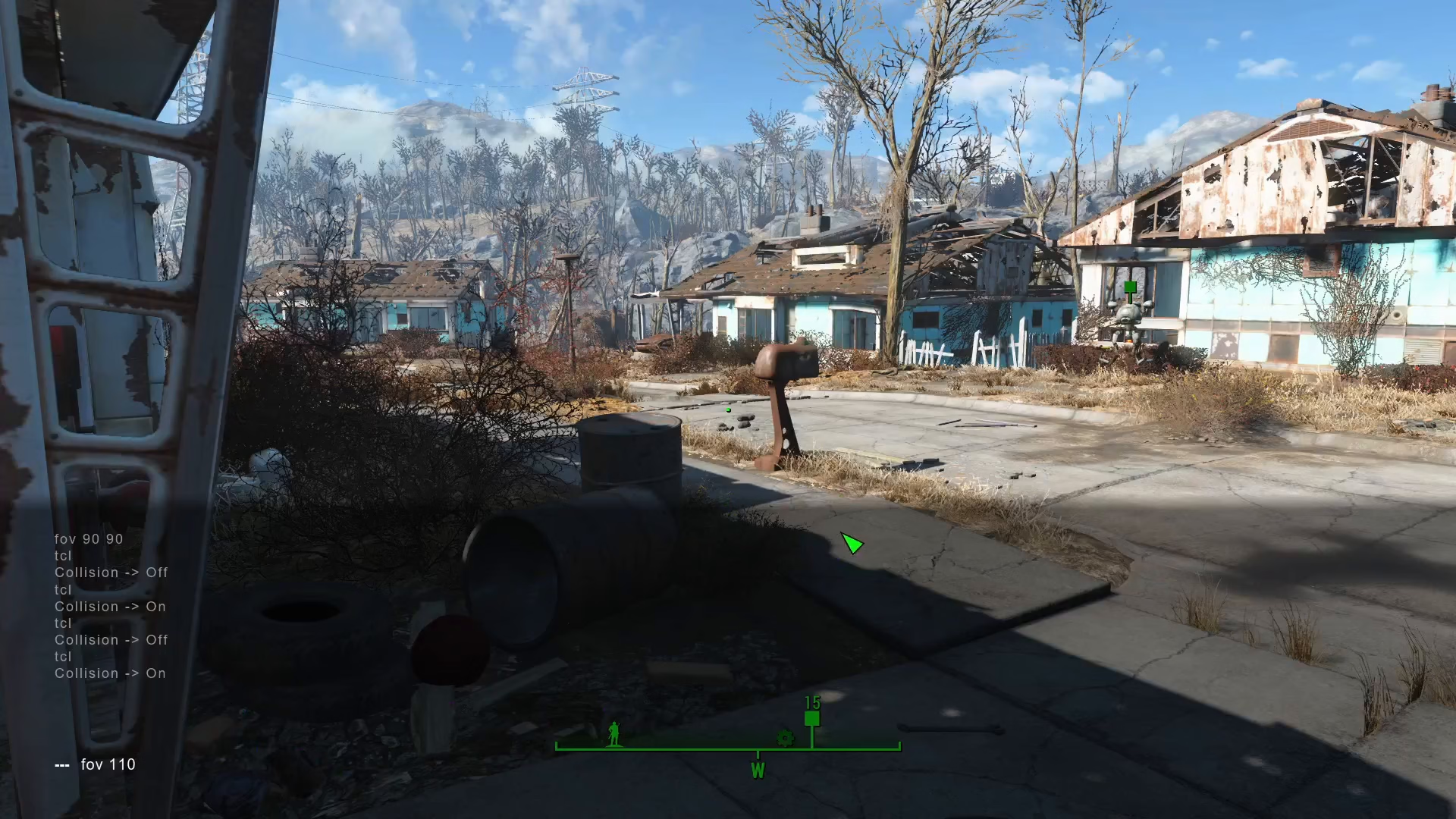
Be aware that extremely high FOV values (like 110) will make the view very zoomed out, and your PipBoy will appear very far from the screen. This might feel strange initially, so experiment to find a comfortable setting.
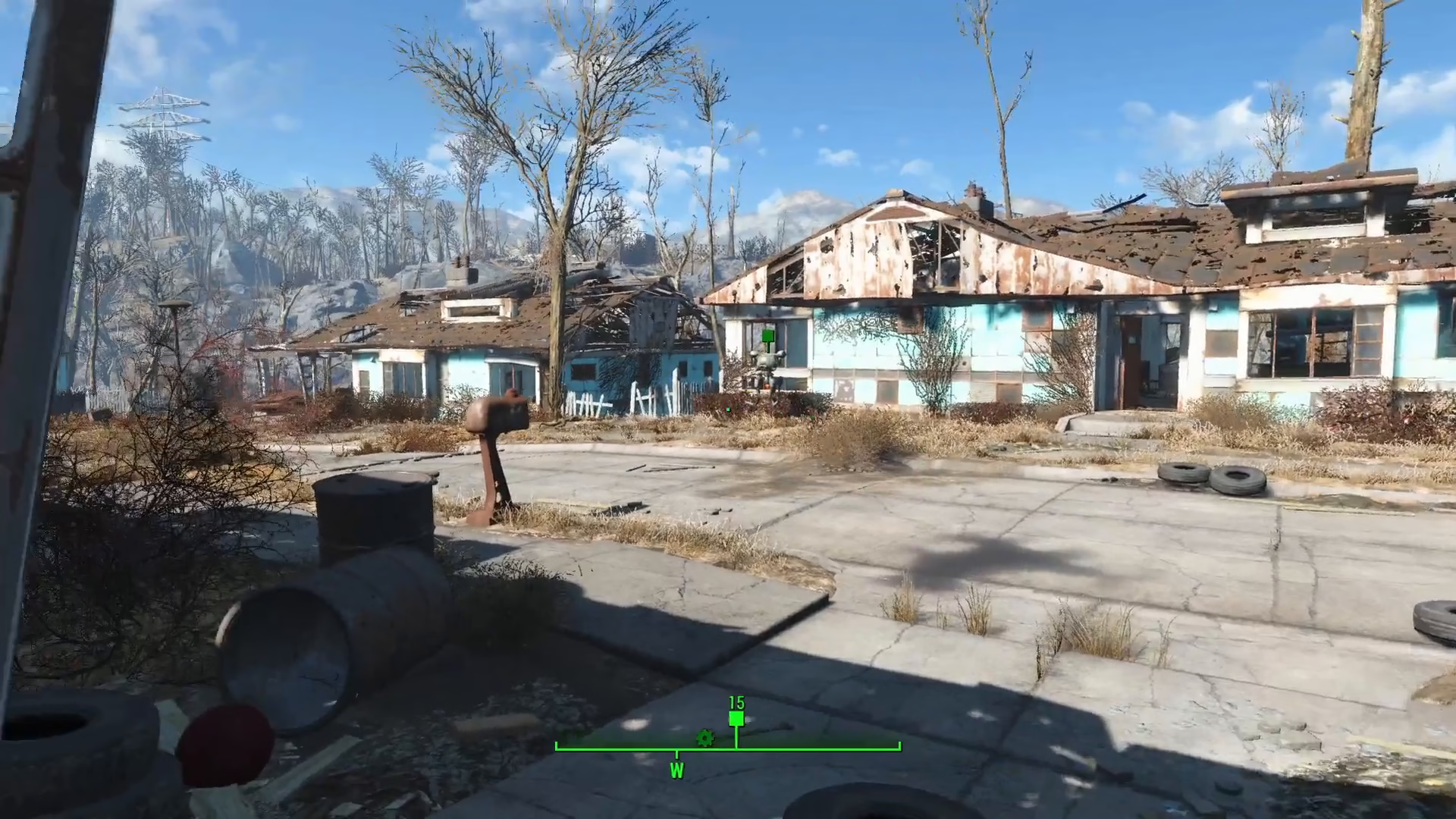
Saving Your FOV Settings Between Sessions
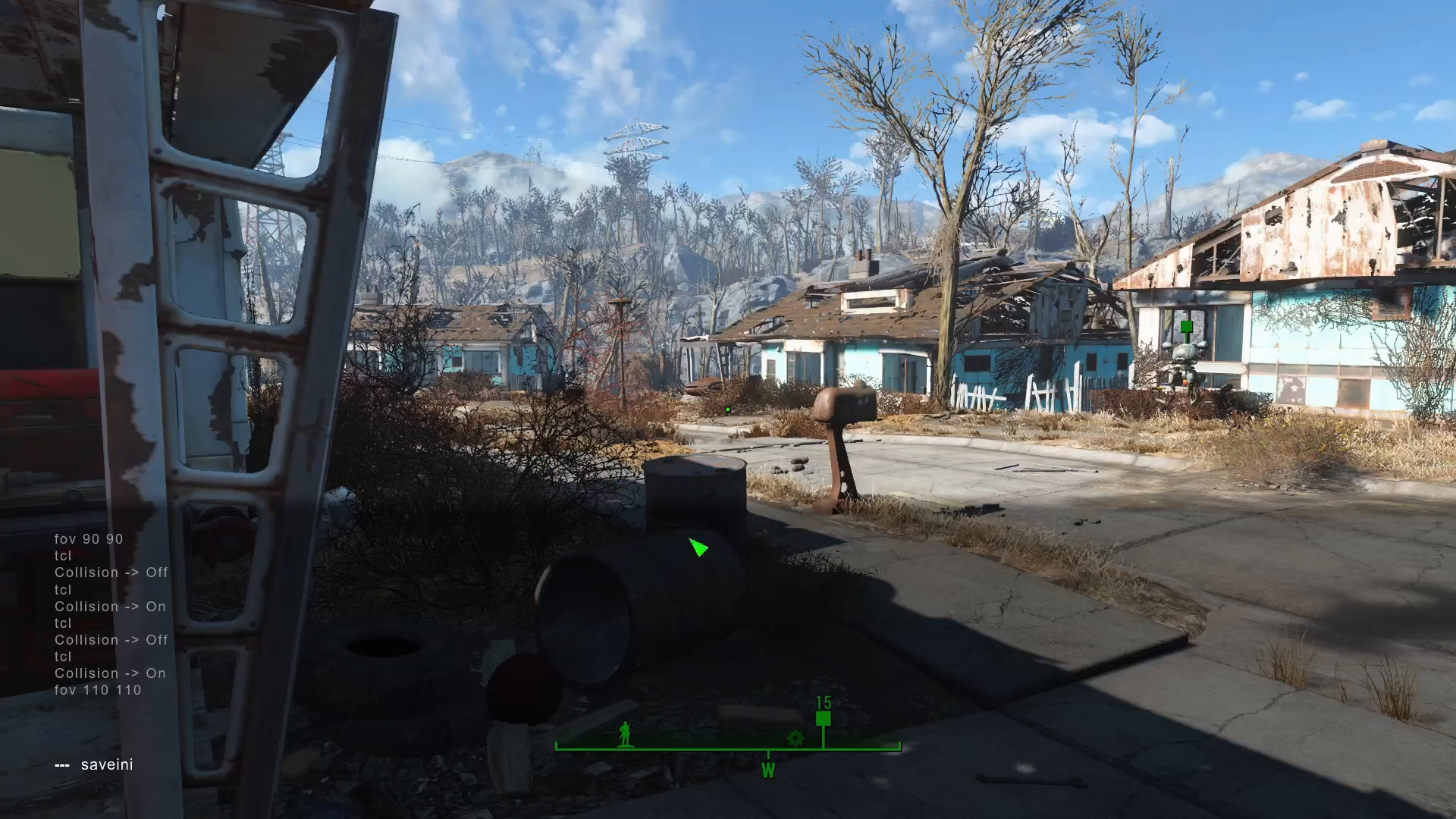
To keep your FOV changes after closing the game, type Save I.I in the console and press Enter.
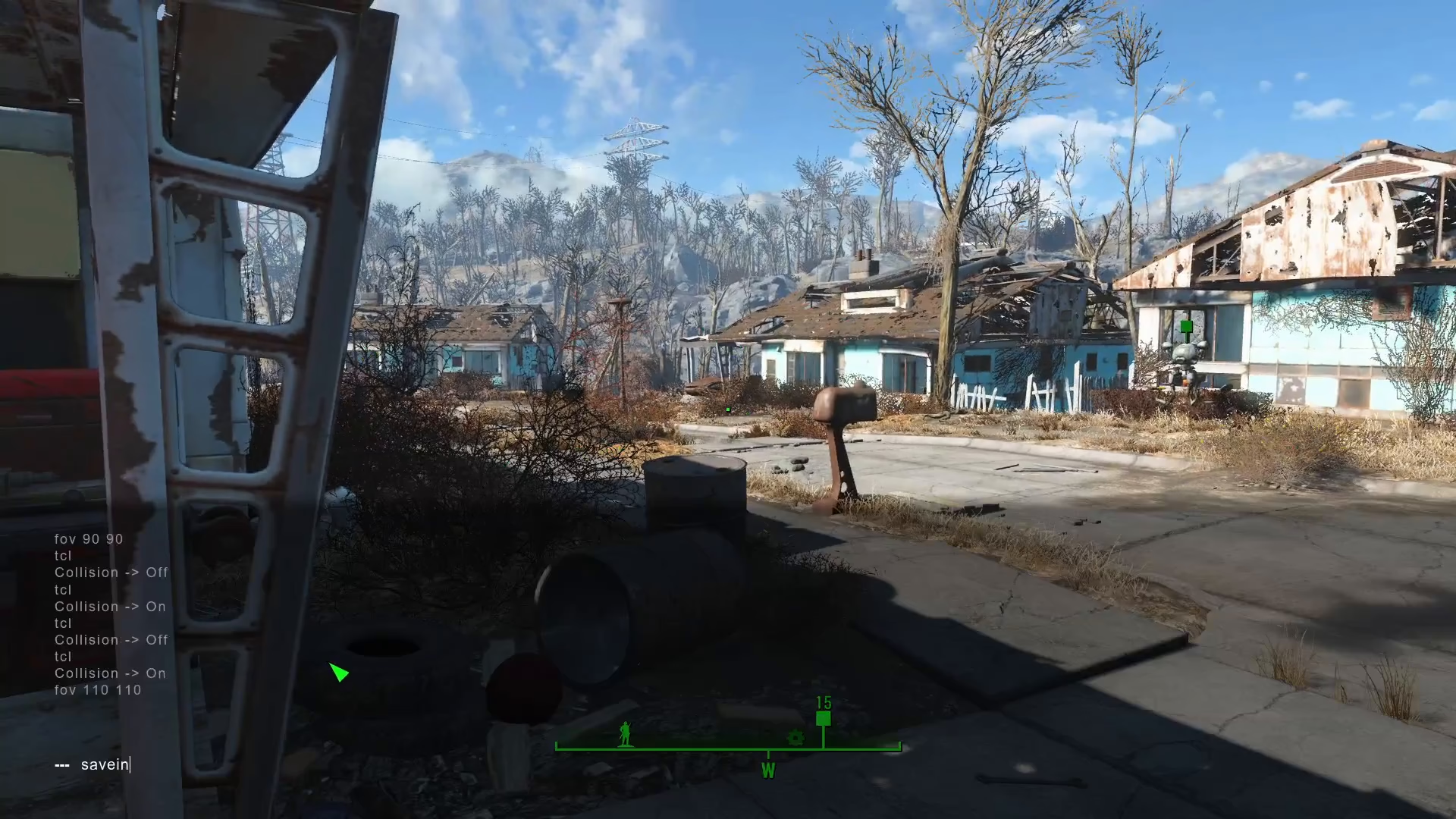
This command will save your FOV settings to your game’s configuration file. Be patient—this process may take a minute as it temporarily locks the game while writing all your options and miscellaneous values to the config. Once complete, your FOV will persist between gaming sessions.
Which Method Should You Choose?
While console commands work, the modding approach is generally recommended for most players. Installing an FOV Changer mod from the Creation Club is especially ideal if you don’t want to lose out on achievements, as mods from the official Creation Club maintain achievement compatibility.
Conclusion
Changing your FOV in Fallout 4 is simple once you know your options. Whether you choose the convenience of an FOV Changer mod or the direct control of console commands, you can easily customize your viewing angle to enhance your gaming experience. Find the setting that feels most comfortable for you and enjoy exploring the Commonwealth with your preferred perspective.
— Want to Support? —
If you would like to help us continue making these guides – please consider joining our patreon here – https://www.patreon.com/c/JaviHeals
Alternatively – you can join our discord here – https://discord.gg/zD7Gjt6MHF