






How To Enter Workshop Mode In Fallout 4
How To Enter Workshop Mode In Fallout 4
Workshop mode is essential for building and customizing your settlements in Fallout 4. Whether you’re a new player or returning to the Commonwealth, knowing how to quickly access workshop mode will streamline your building experience. This guide walks you through the two primary methods to enter workshop mode in your settlements.
Method 1: Using the Keyboard Shortcut
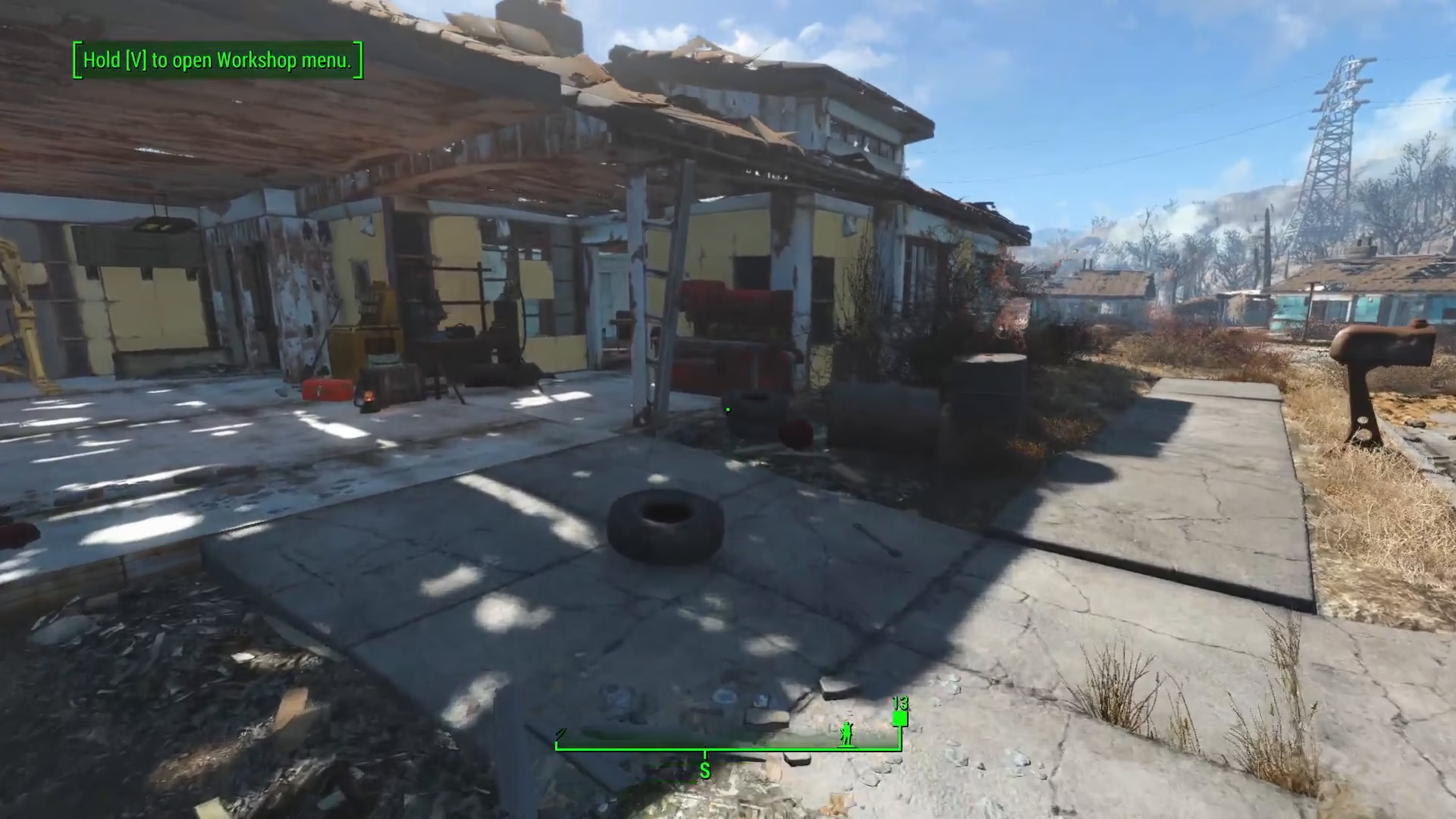
The quickest way to enter workshop mode is by using a keyboard shortcut. Once you’re in a settlement where you’ve already discovered its workbench and have building permissions, simply press V on your keyboard. This will immediately activate workshop mode, allowing you to begin building and customizing your settlement.
Method 2: Interacting Directly With the Workbench
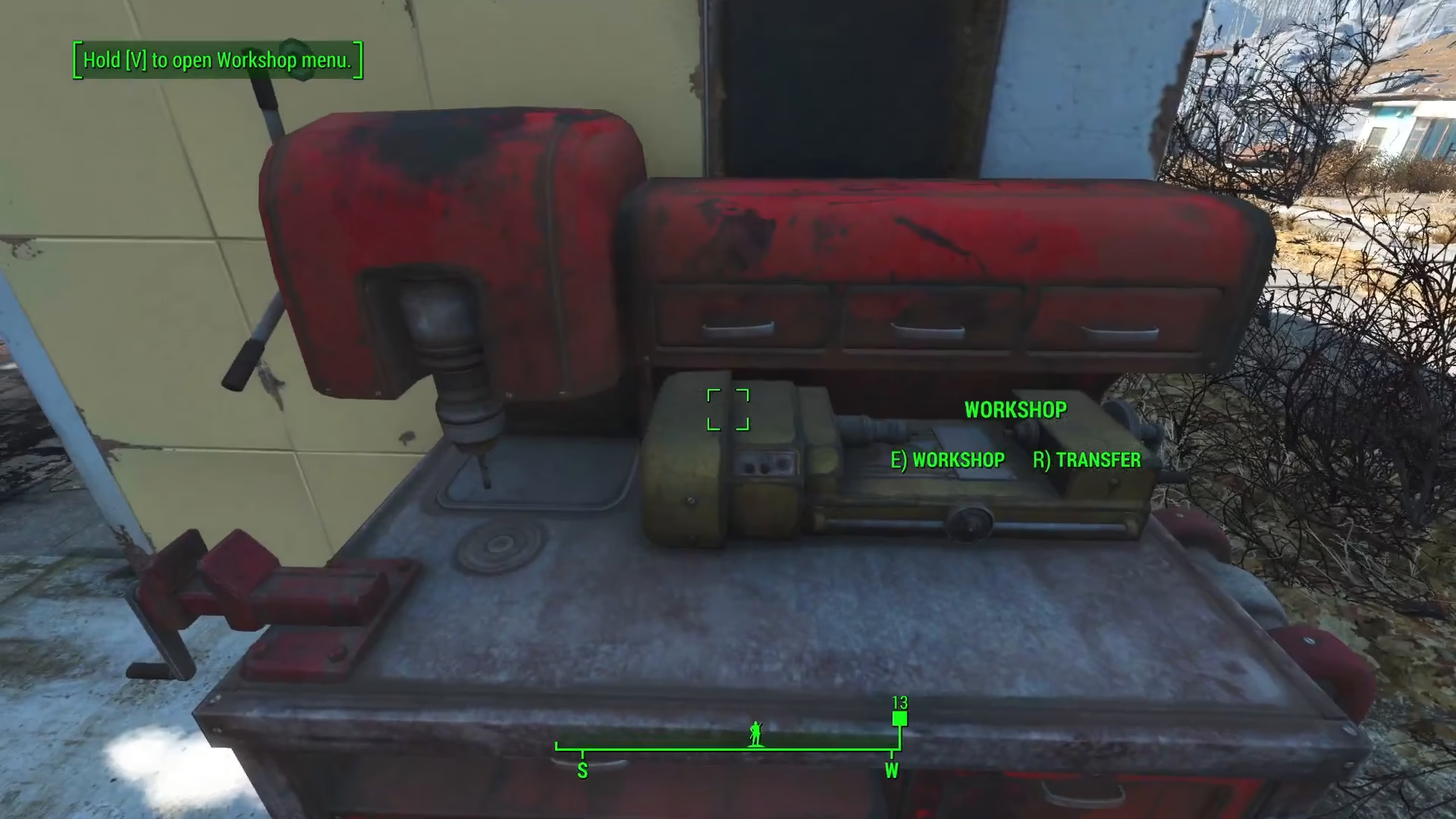
Alternatively, you can physically approach the actual workbench in your settlement and press E to interact with it. This will also put you into workshop mode. This method is useful if you prefer a more deliberate approach or want to ensure you’re working from the workbench location.
Summary
Entering workshop mode in Fallout 4 is straightforward with two reliable methods at your disposal. Press V for the quickest access anywhere in your discovered settlement, or approach the workbench directly and press E for a more traditional interaction. Both methods require that you’ve already discovered the settlement’s workbench. With workshop mode activated, you’re ready to build, modify, and customize your settlement to your liking.
Want to Support?
If you would like to help us continue making these guides – please consider joining our patreon here – https://www.patreon.com/c/JaviHeals
Alternatively – you can join our discord here – https://discord.gg/zD7Gjt6MHF