






How To Give Yourself Caps In Fallout 4
How To Give Yourself Caps In Fallout 4
Want to instantly boost your in-game currency in Fallout 4? This quick tutorial shows you how to use the console command to add caps to your inventory in just a few simple steps. Whether you’re looking to skip the grind or test out expensive gear, this method works on normal difficulty and with mod support on survival mode.
Opening the Console
The first step is to open up the console by pressing the utility key. This is the key located below the Escape key on your keyboard. A small console panel should appear on your screen.
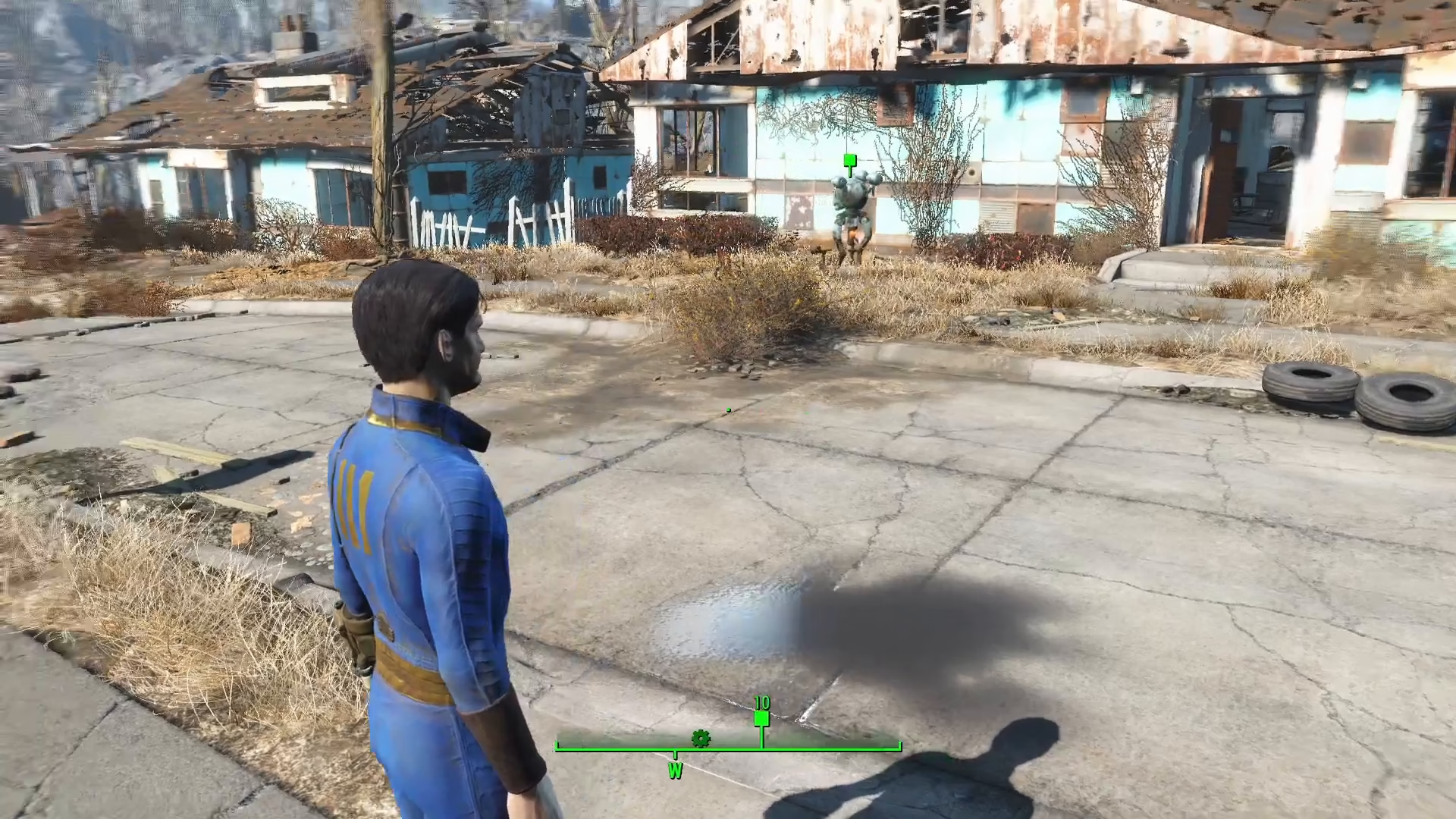
Important Note: If you are playing on survival difficulty, the console may not appear without an external mod to re-enable it. Keep this in mind if you’re running a survival playthrough.
Using the Add Item Command
Once the console is open, you’ll use a simple command to add caps to your inventory. Type the following command:
player.additem F [amount]
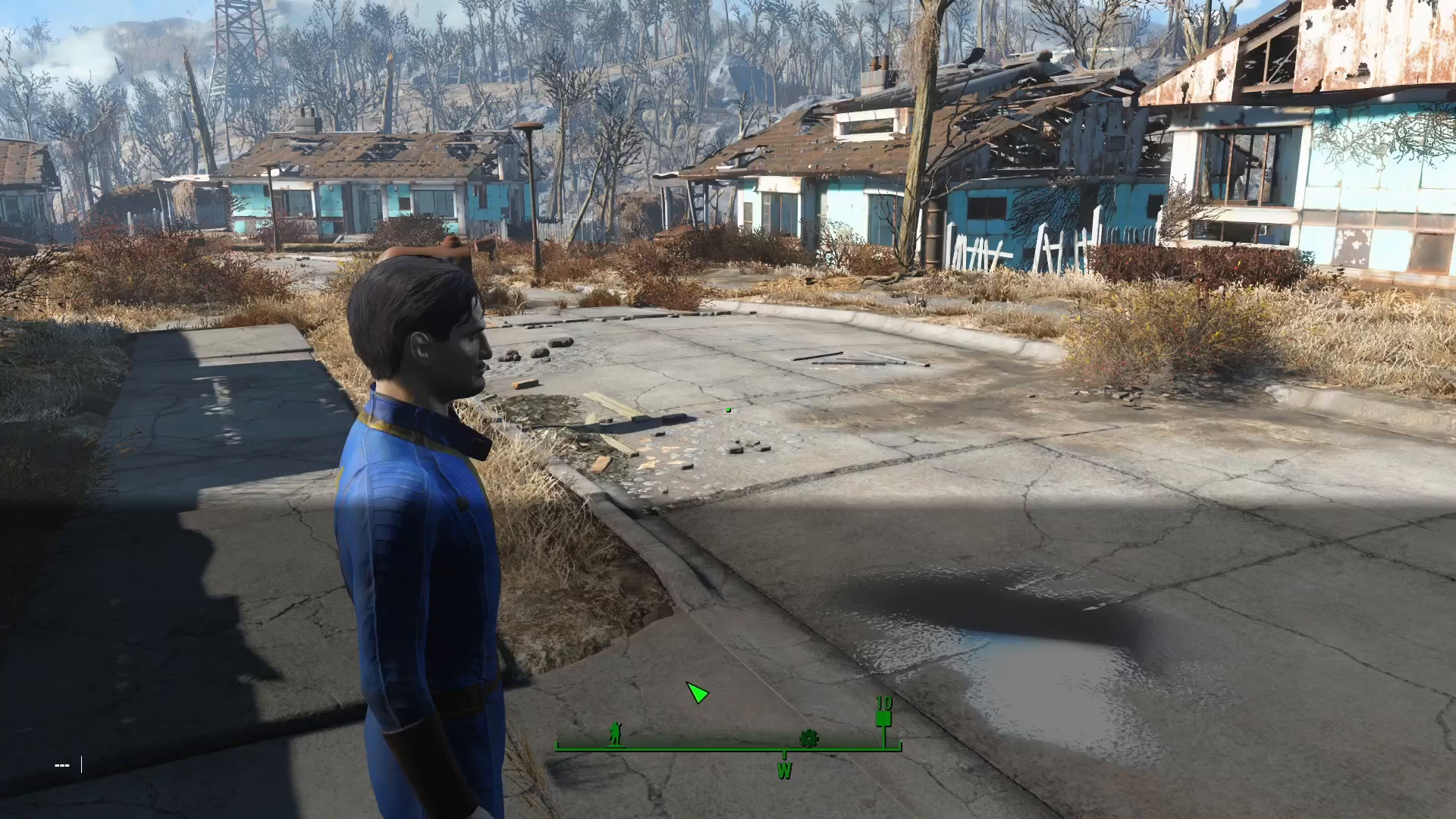
Replace [amount] with the number of caps you want to add. For example, typing player.additem F 100000 will give you 100,000 caps.
Confirming Your Caps Were Added
After you’ve entered your command, press Enter to execute it. You should hear a distinctive cap sound effect play, confirming that the transaction was successful.
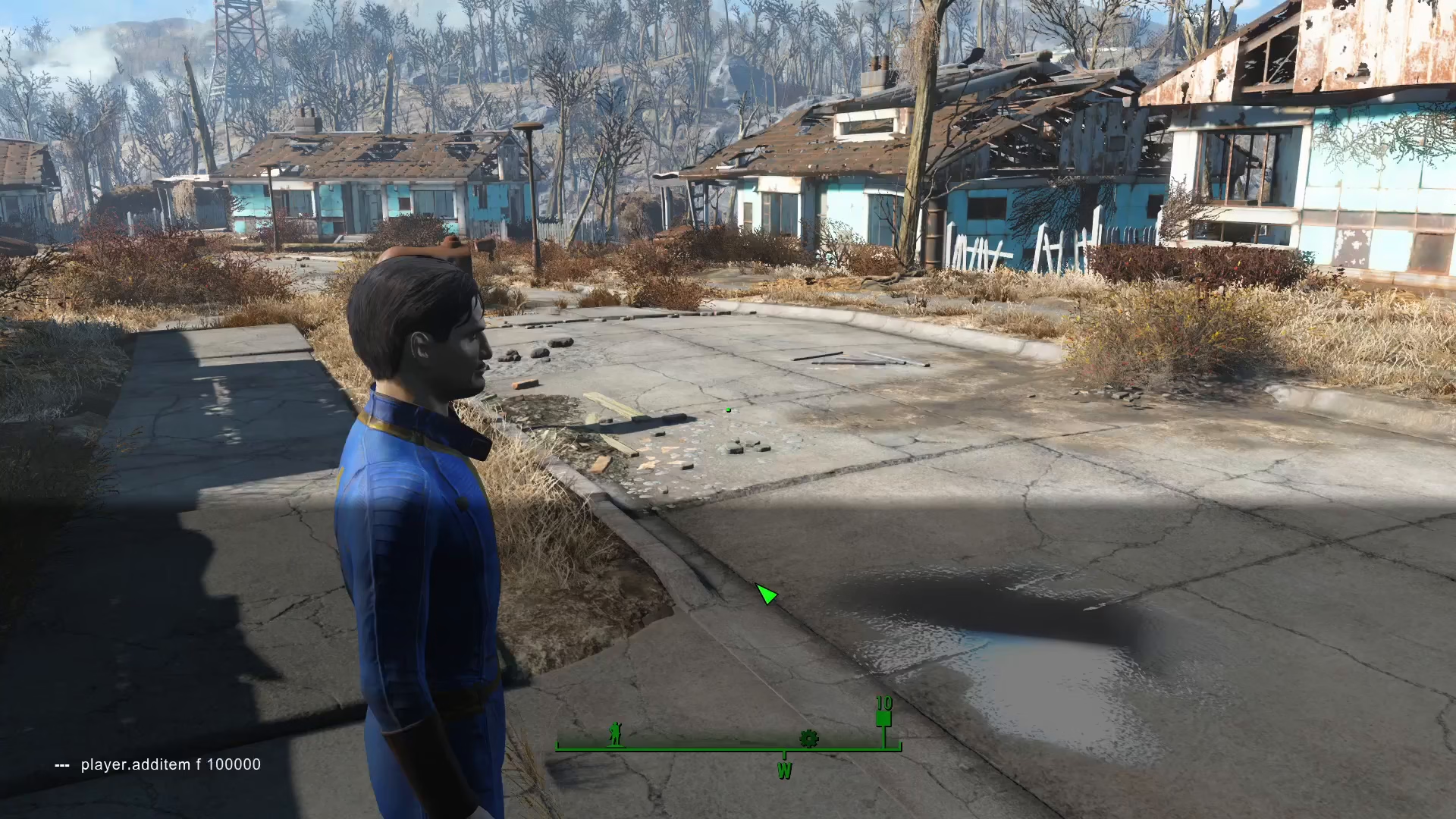
To verify that the caps were added to your inventory, close the console by pressing the tilde key again. Check the top left corner of your screen—you should see a notification showing the amount of caps that were added.
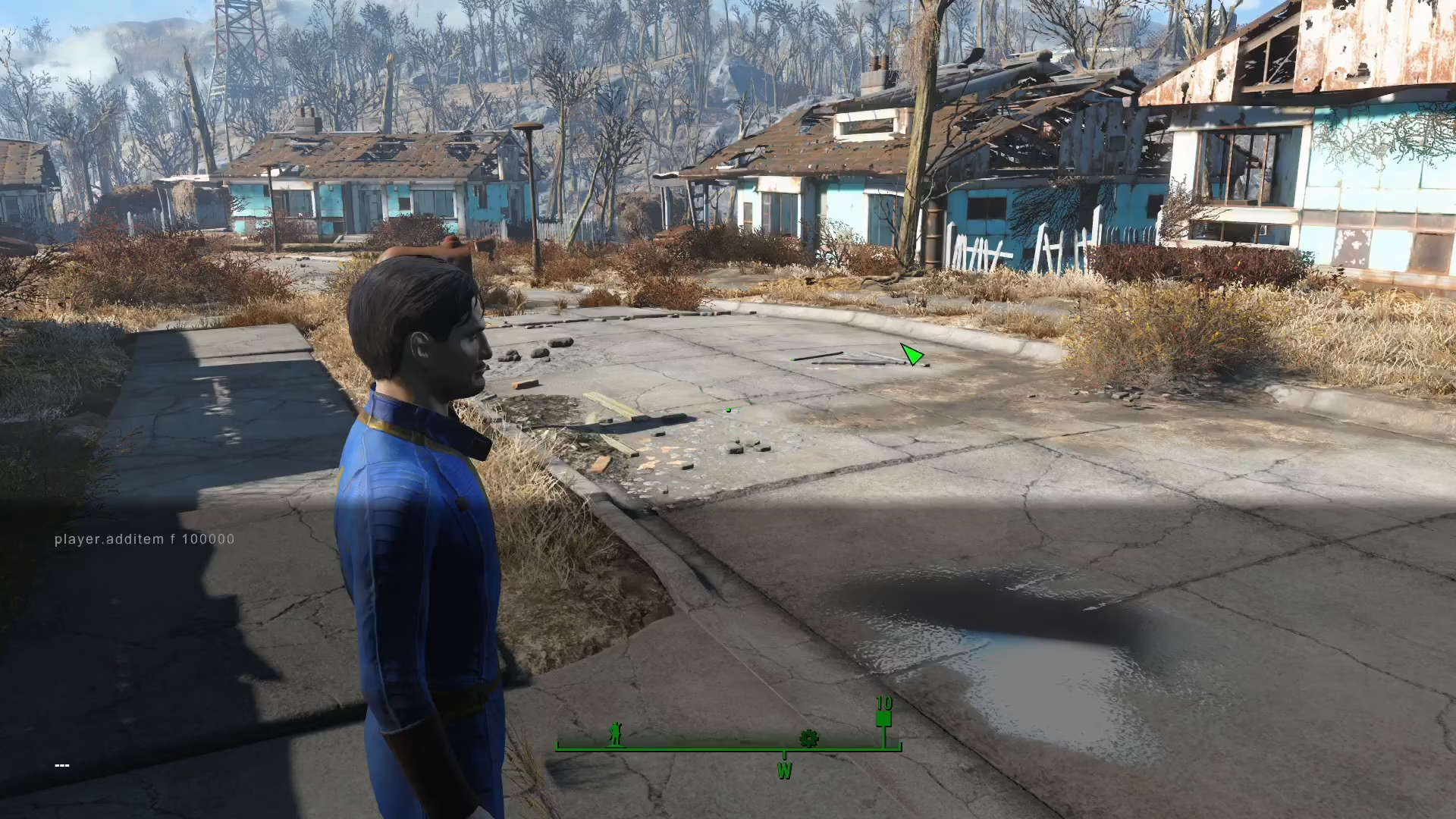
You can also open your inventory to confirm that your cap count has increased, though the display may not always update immediately on screen.
Summary
Adding caps to your Fallout 4 inventory is straightforward using the console command. Simply open the console with the utility key, type player.additem F [amount], and press Enter. Remember that this method requires the console to be enabled—survival difficulty players may need a mod to access it. This is a great way to quickly obtain currency for purchases, upgrades, or experimenting with different playstyles.
Want to Support?
If you would like to help us continue making these guides – please consider joining our patreon here – https://www.patreon.com/c/JaviHeals
Alternatively – you can join our discord here – https://discord.gg/zD7Gjt6MHF