






How To Give Yourself Levels In Fallout 4
How To Give Yourself Levels In Fallout 4
Want to quickly advance your character in Fallout 4? Whether you’re testing builds, skipping tedious grinding, or just want to experience endgame content faster, using the in-game console commands is the easiest way to give yourself levels instantly. This guide walks you through the simple process step-by-step.
Check Your Current Level
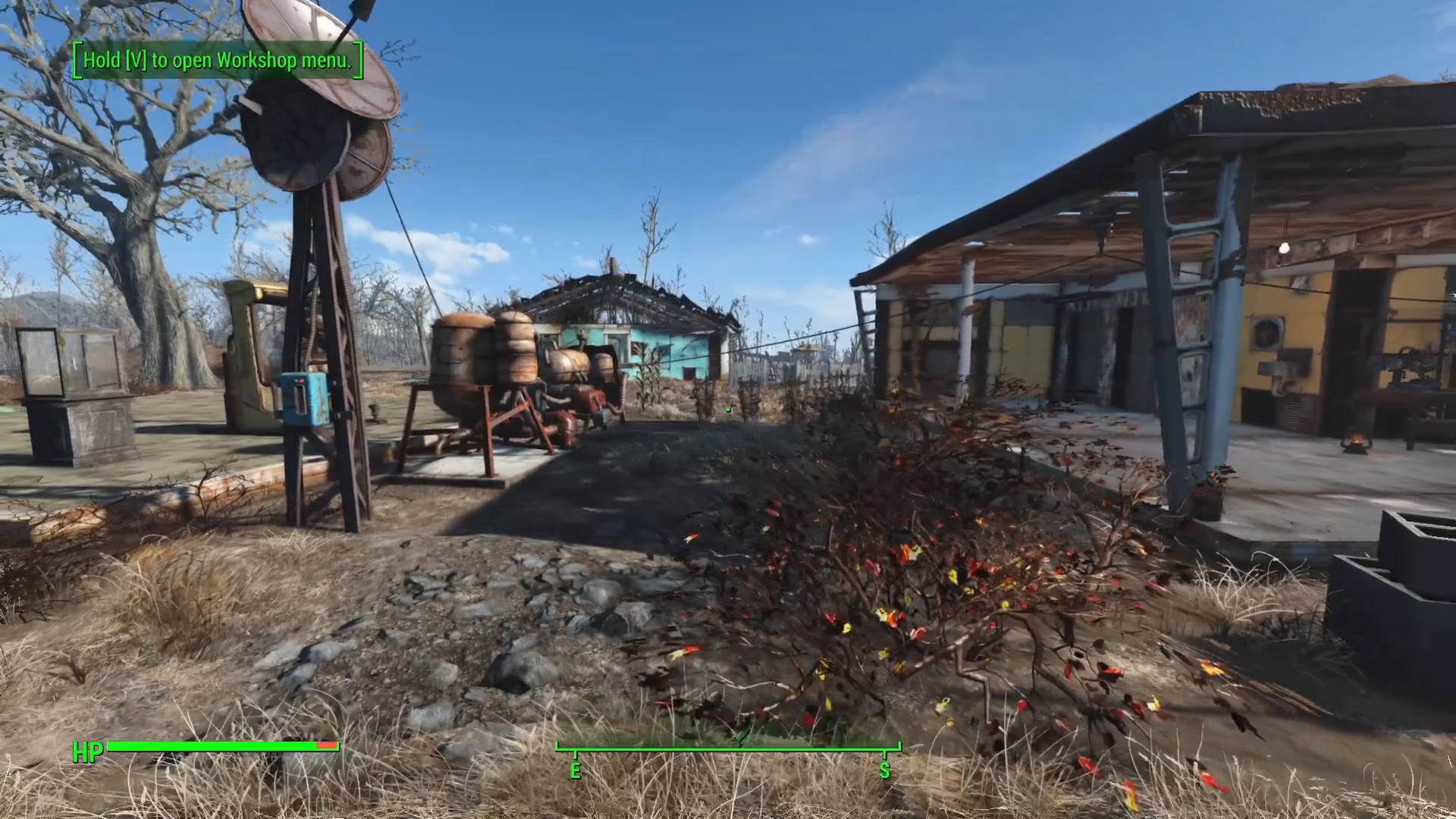
Before you can set a new level, you need to know what your current level is. This ensures you’re advancing your character the right amount. In this example, the character is level 11.
Open the Console
To access console commands in Fallout 4, press the tilde key (~), which is located directly below the Escape key on your keyboard. This will open the developer console.
Enter the Level Command
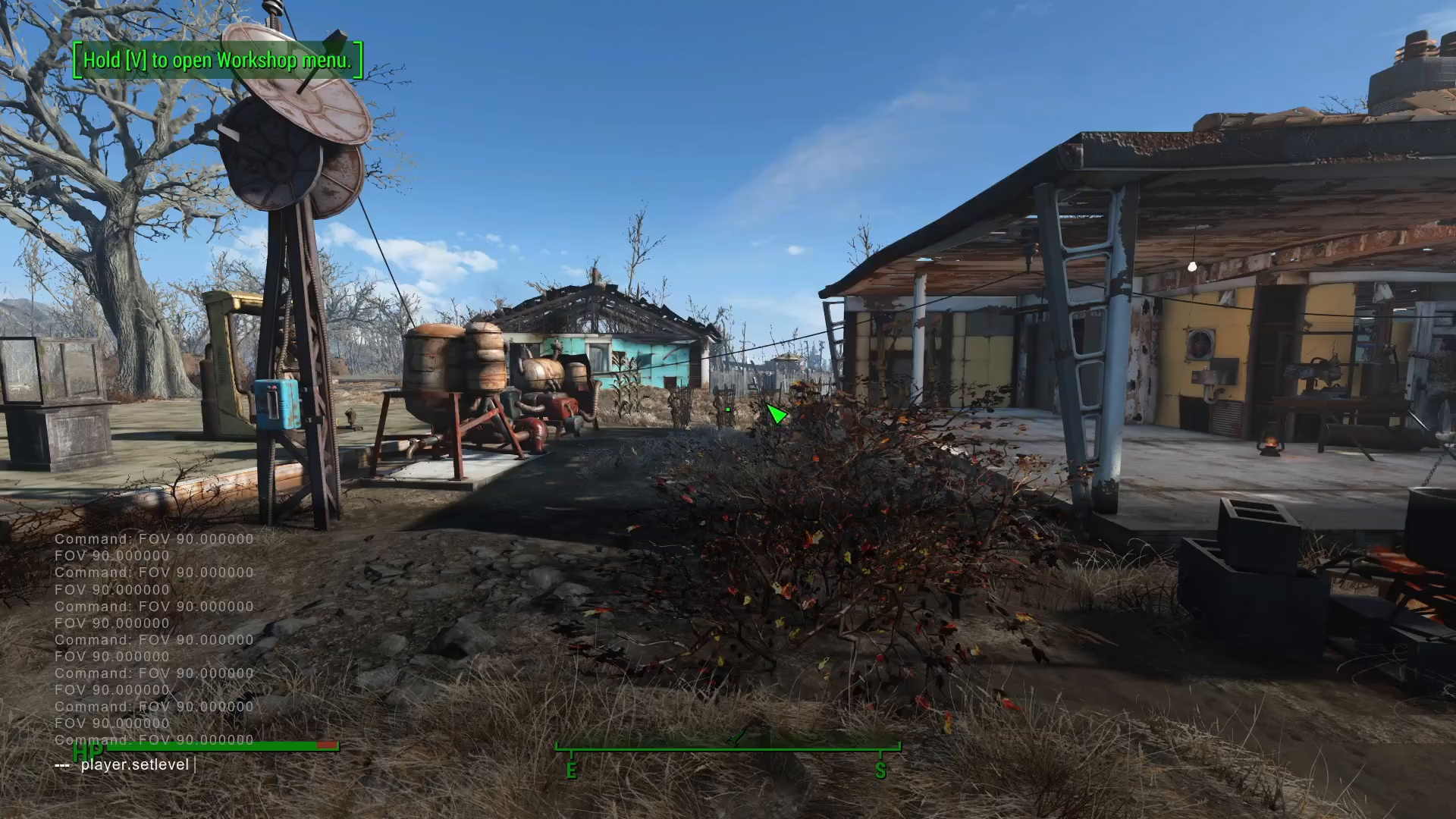
Once the console is open, type the following command:
player.setlevel [value]
Replace [value] with whatever level you want to reach. For example, if you’re level 11 and want to reach level 20, you would type:
player.setlevel 20
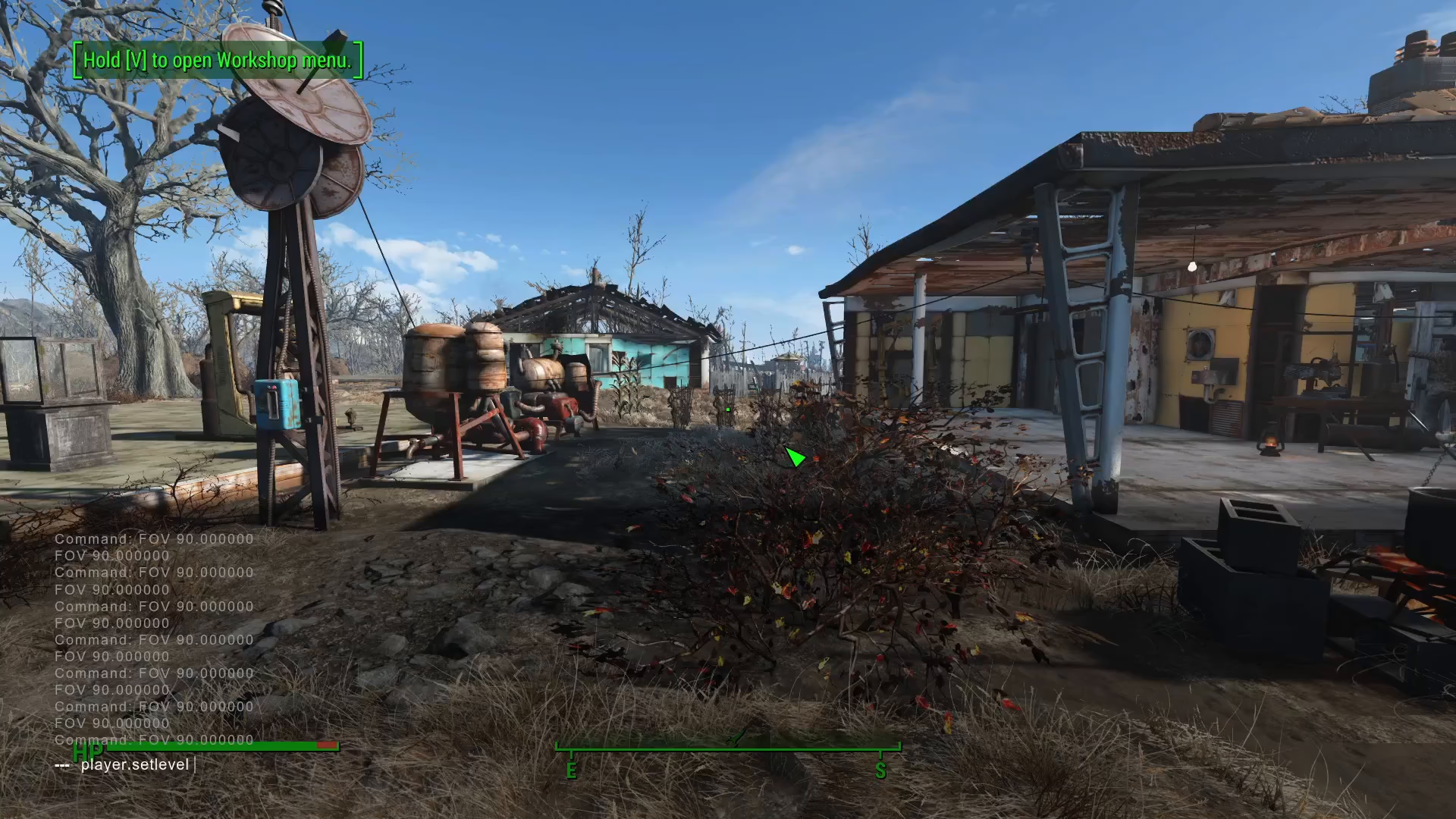
Execute the Command
After typing your command with the desired level value, press Enter to execute it. Your character’s XP bar will immediately begin filling up.
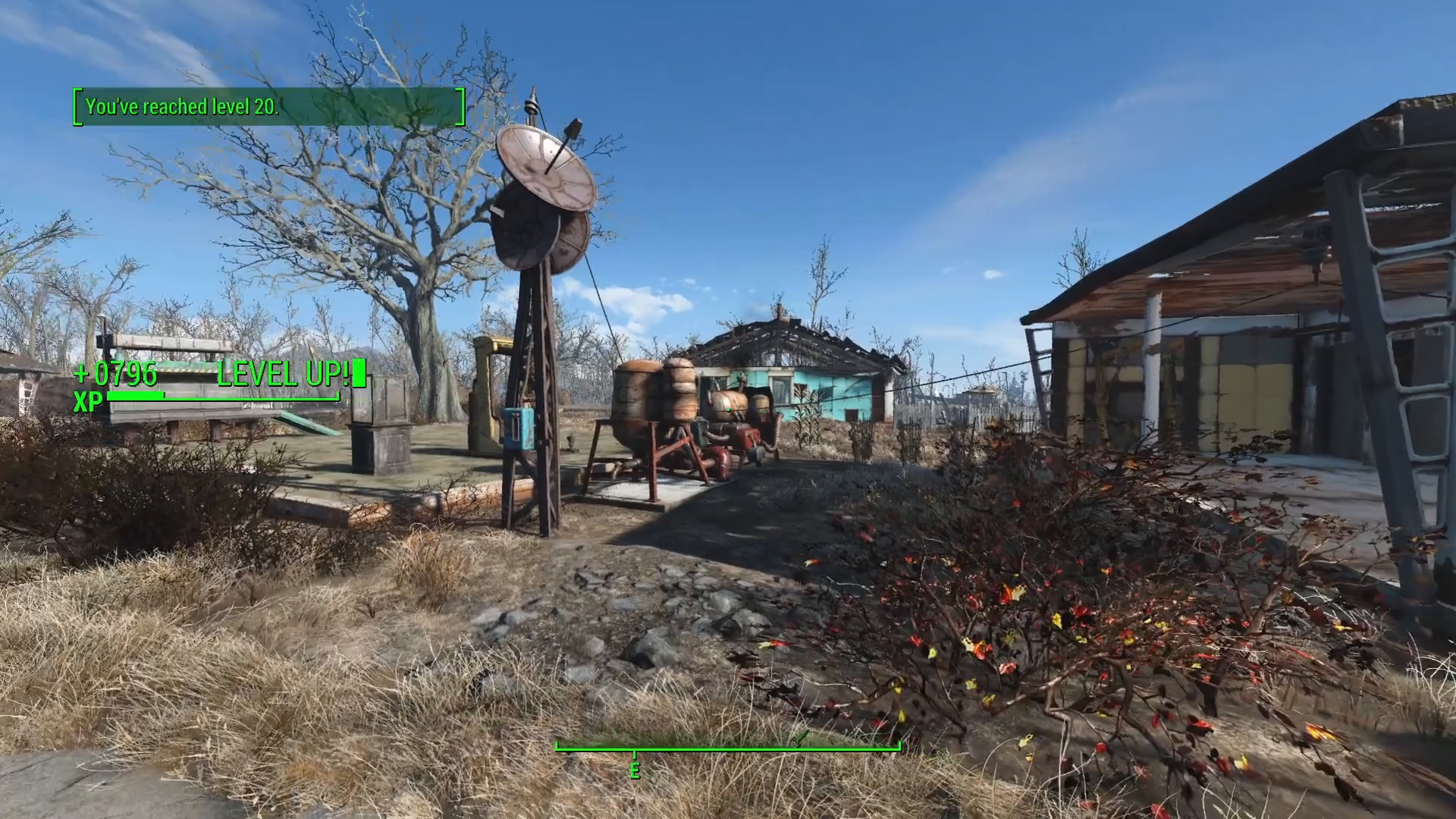
Confirm the Level Change
Within moments, your character will reach the level you specified. You’ll see the XP bar complete its animation, and your character will now be at the new level. You can now use your perk points to invest in perks and skills.
Summary
Giving yourself levels in Fallout 4 is incredibly simple thanks to the console command system. Just remember: open the console with the tilde key, type player.setlevel followed by your desired level number, and press Enter. Your character will instantly advance to that level, complete with all the perks and benefits that come with it. This is a great way to experiment with different build combinations or skip past early-game content.
Want to Support?
If you would like to help us continue making these guides – please consider joining our patreon here – https://www.patreon.com/c/JaviHeals
Alternatively – you can join our discord here – https://discord.gg/zD7Gjt6MHF