






How To Run A Wire From A Generator In Fallout 4
How To Run A Wire From A Generator In Fallout 4
Learn the essential skill of running wires from generators in Fallout 4 to power your settlement structures and devices. This step-by-step guide walks you through the workshop menu, wire attachment, and connection techniques to get your settlement’s electrical systems up and running.
Accessing the Workshop Menu and Generator
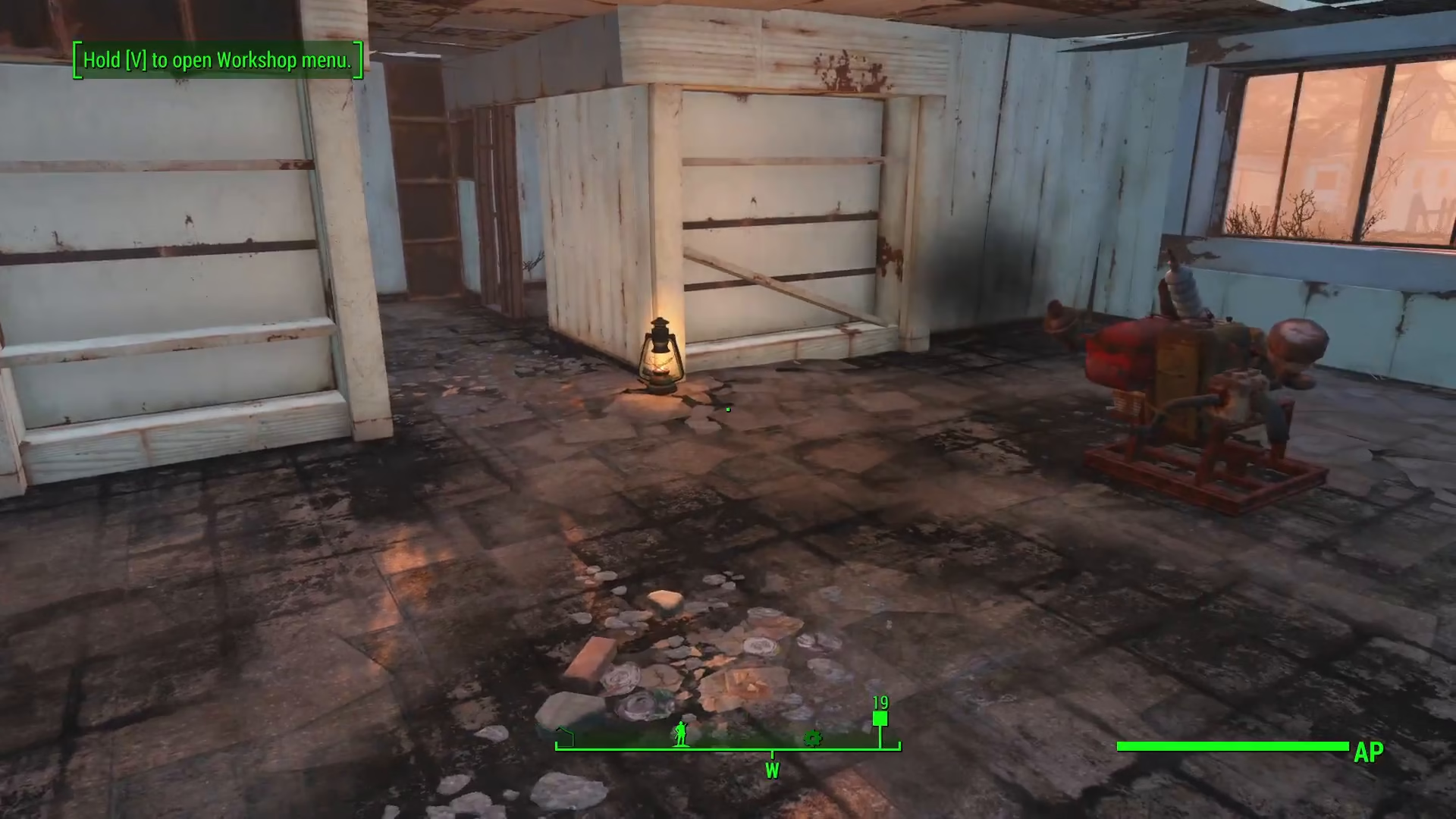
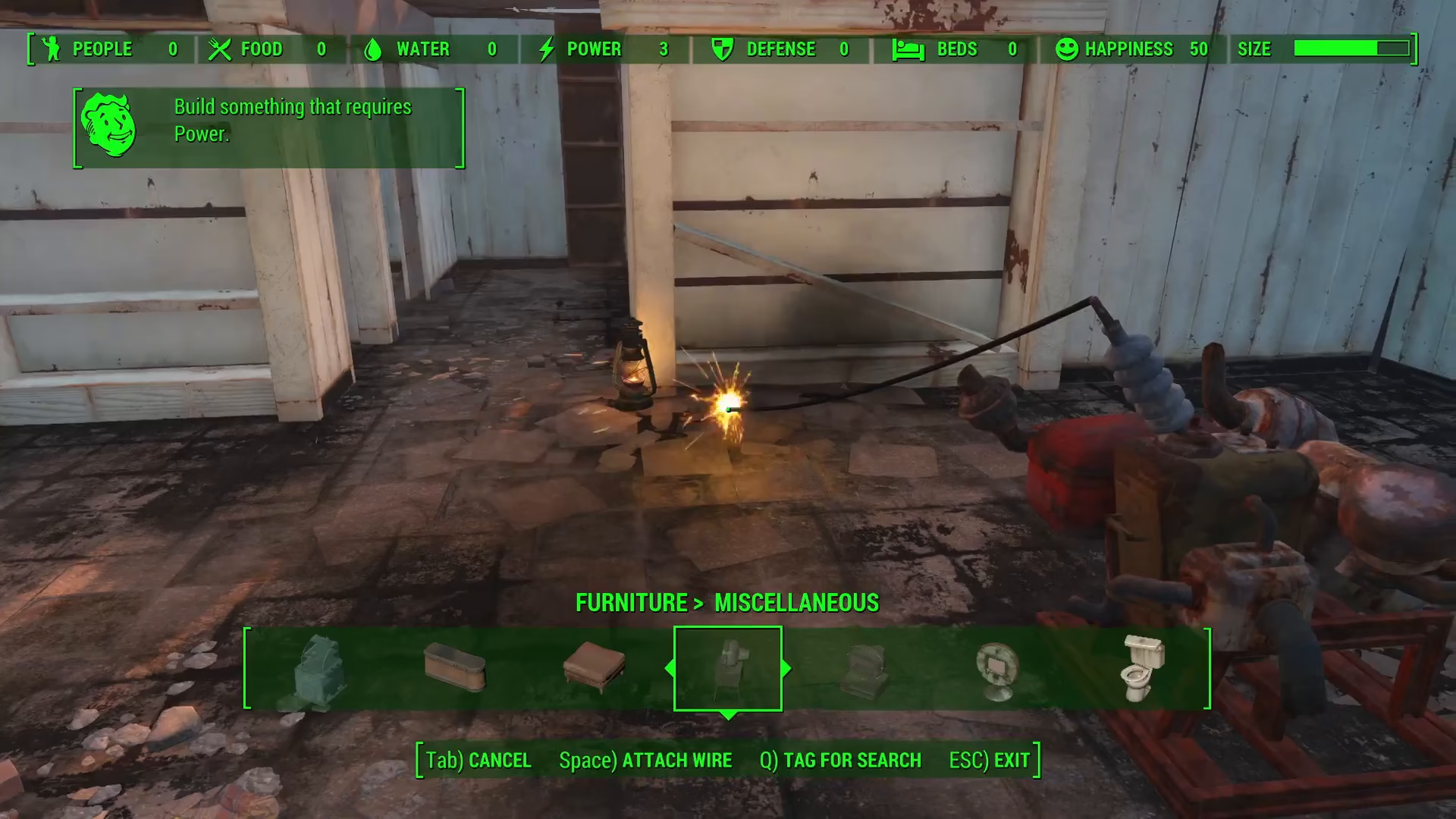
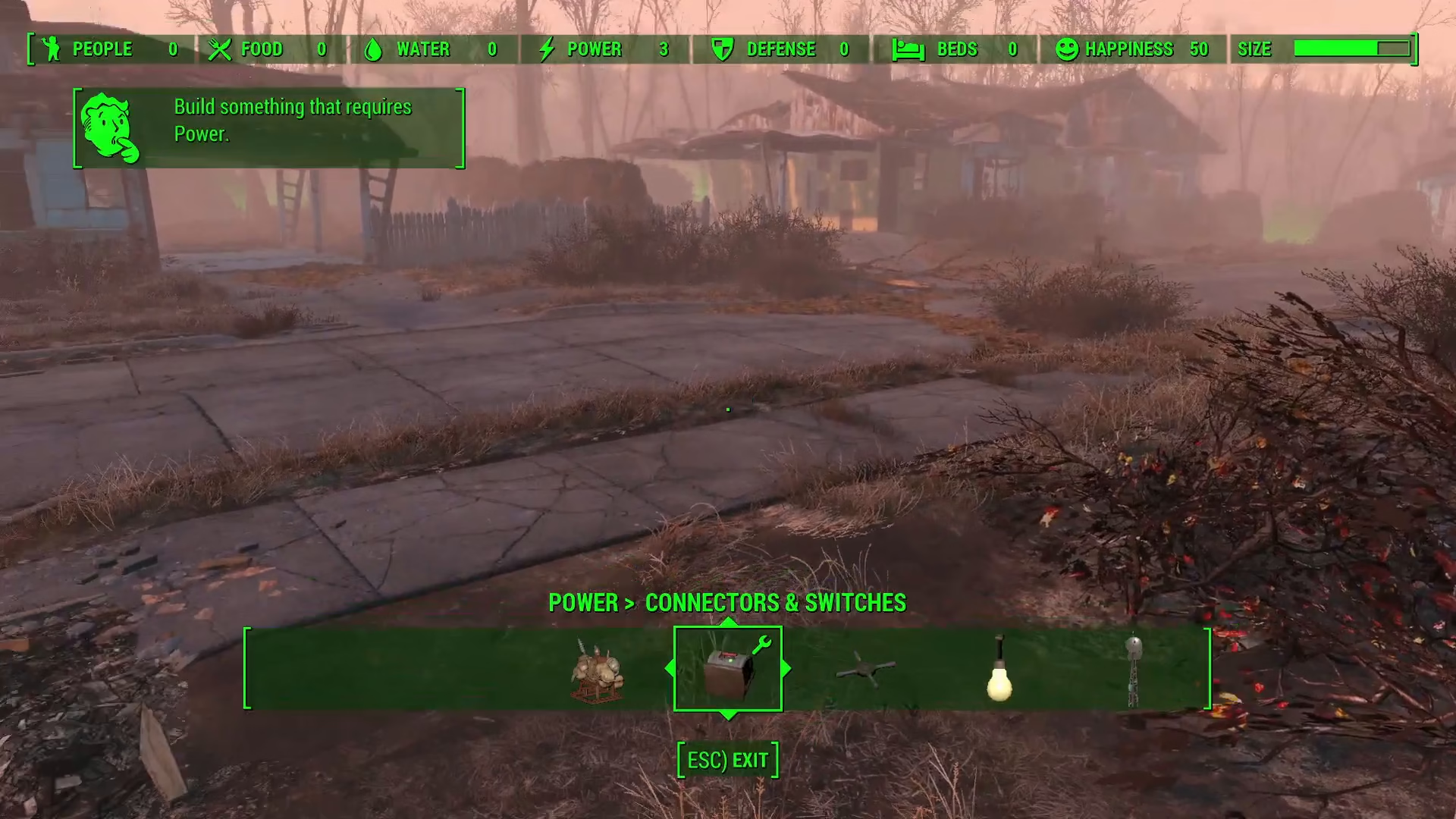
To begin, enter the workshop menu for your settlement. Navigate to your generator and look at the bottom of your screen. You’ll see a prompt that says “space to attach a wire” (note: console players may see a different button prompt). Press the designated button to initiate wire placement.
Once activated, you’ll see a wire now leading from the generator toward the center of your screen. This wire is ready to be connected to any powered device in your settlement.
Connecting Wires to Specific Devices
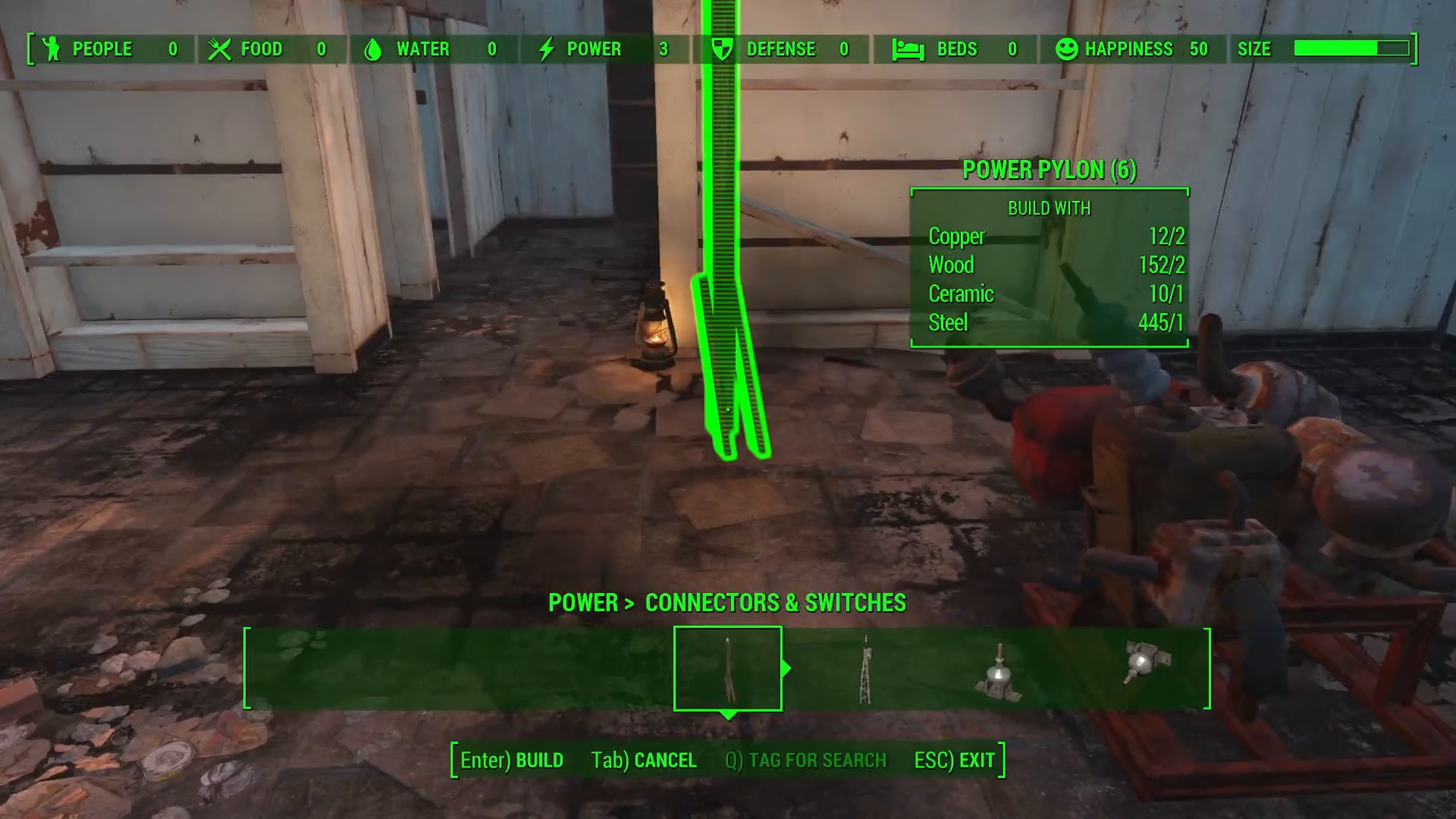
To connect power to a specific device like a TV, you’ll first need to place a power pylon close to that device’s location. This pylon serves as an intermediary connection point between your generator and the device you want to power.
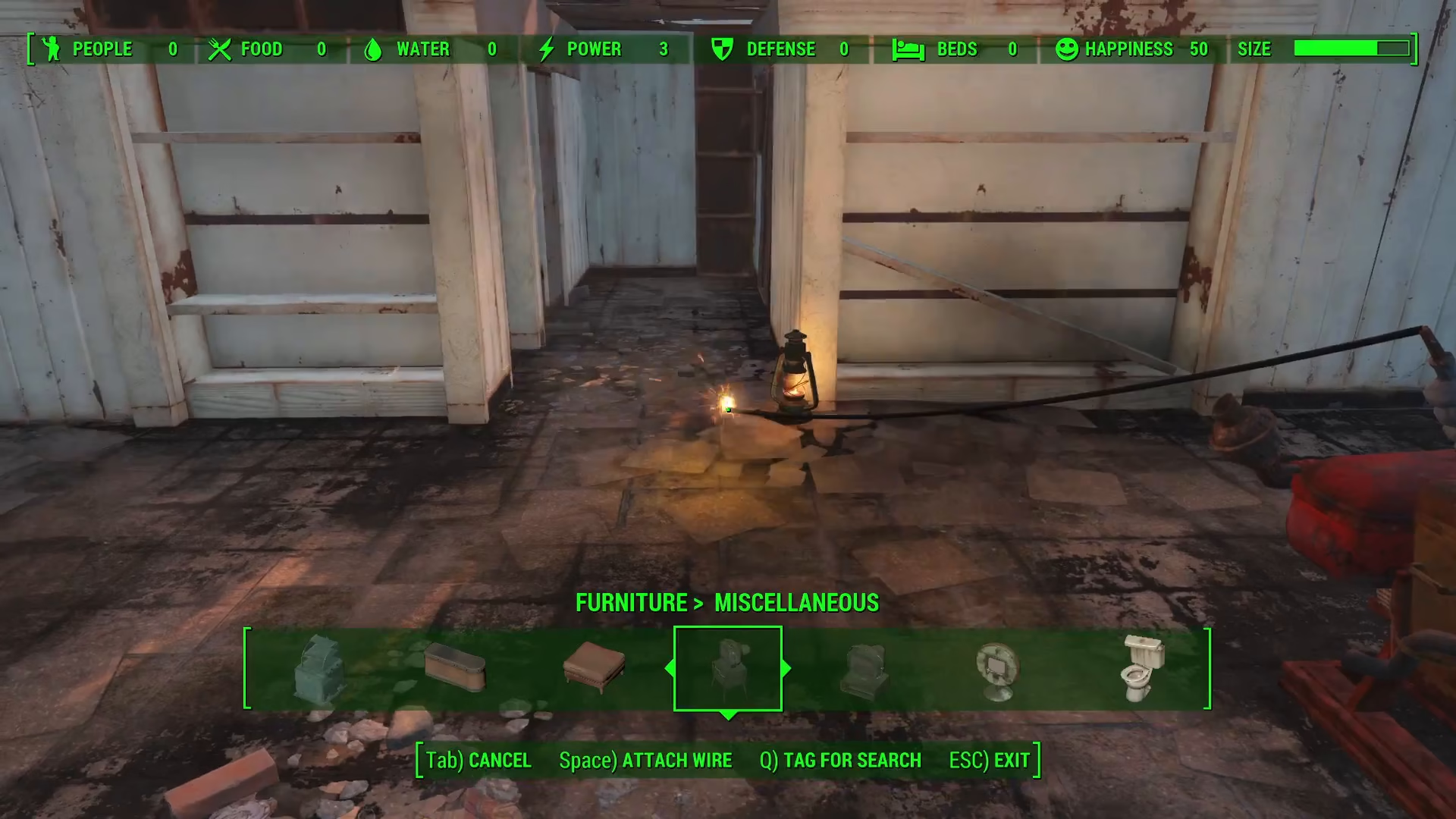
Once the pylon is positioned, cancel the current placement and attach the wire to the pylon. When properly connected, you’ll see your device—such as the TV—power on, confirming the electrical connection is working.
Building Complex Power Networks
For more complex electrical networks throughout your settlement, consider running power lines outside and along the perimeter. Power pylons can be placed on ceilings, walls, and other surfaces throughout your settlement, providing the same functionality as ground-level installations.
Summary
Running wires from generators in Fallout 4 is straightforward once you understand the basic steps: access the workshop menu, attach a wire from your generator, place power pylons near your target devices, and connect the wires to complete the circuit. With this knowledge, you can build sophisticated power distribution systems across your settlement and keep all your devices running smoothly.
— Want to Support? —
If you would like to help us continue making these guides – please consider joining our patreon here – https://www.patreon.com/c/JaviHeals
Alternatively – you can join our discord here – https://discord.gg/zD7Gjt6MHF