






How To Rest In Fallout 4
How To Rest In Fallout 4
Resting is an essential mechanic in Fallout 4 that allows you to restore health, manage fatigue, and pass time in the game world. Whether you’re looking to recover from a tough battle or simply want to advance the in-game clock, knowing how to rest properly is crucial for survival. This guide will walk you through the simple steps needed to find a bed and get some well-deserved rest.
Finding a Bed
The first requirement for resting in Fallout 4 is locating a bed. There are several ways to obtain one:
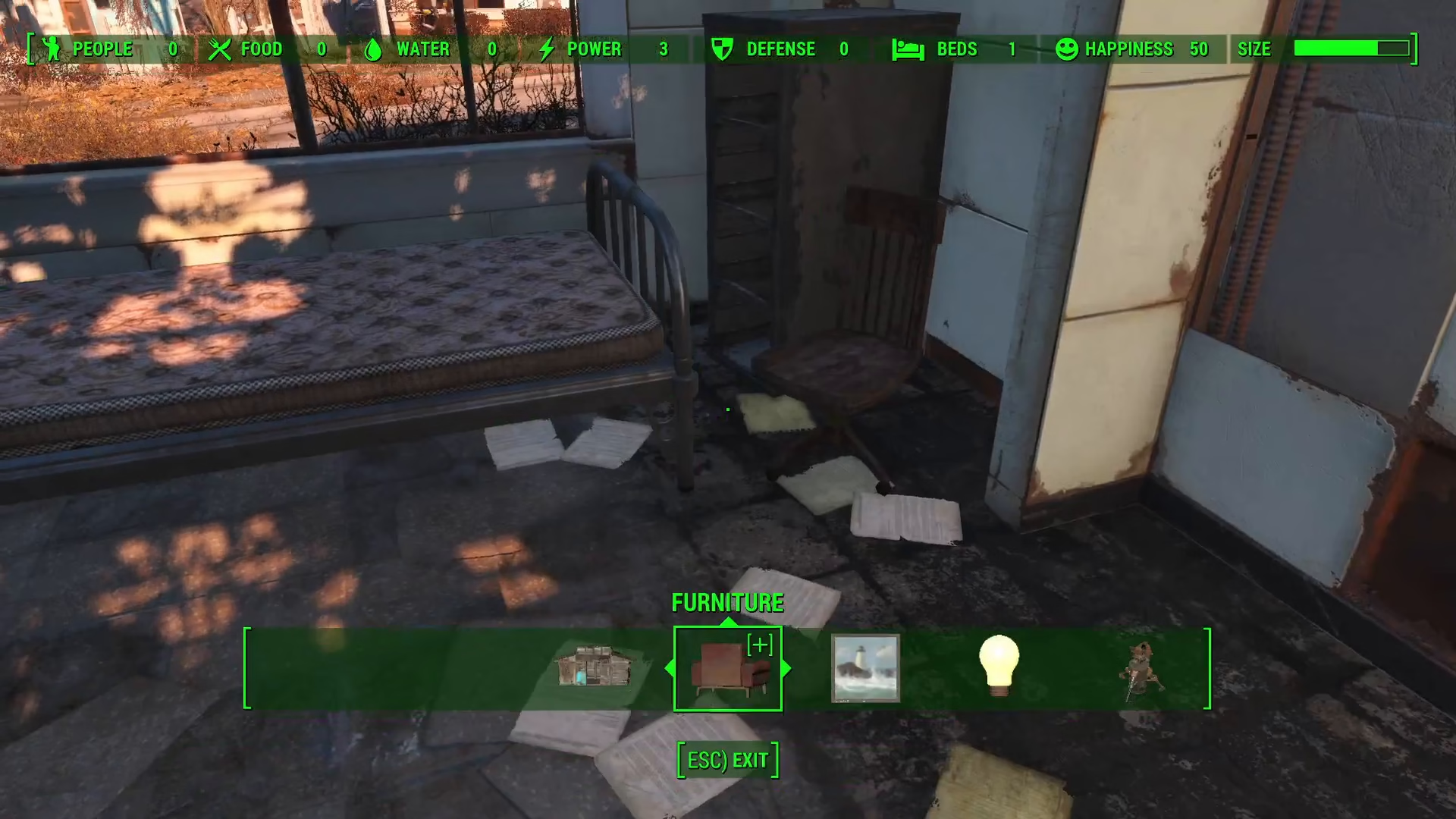
Place a bed in your settlement using the workshop menu
Find beds scattered throughout the world
Locate beds in other settlements you’ve established
Beds are typically inexpensive and can be easily accessed through the settlement building interface.
Placing a Bed in Your Settlement
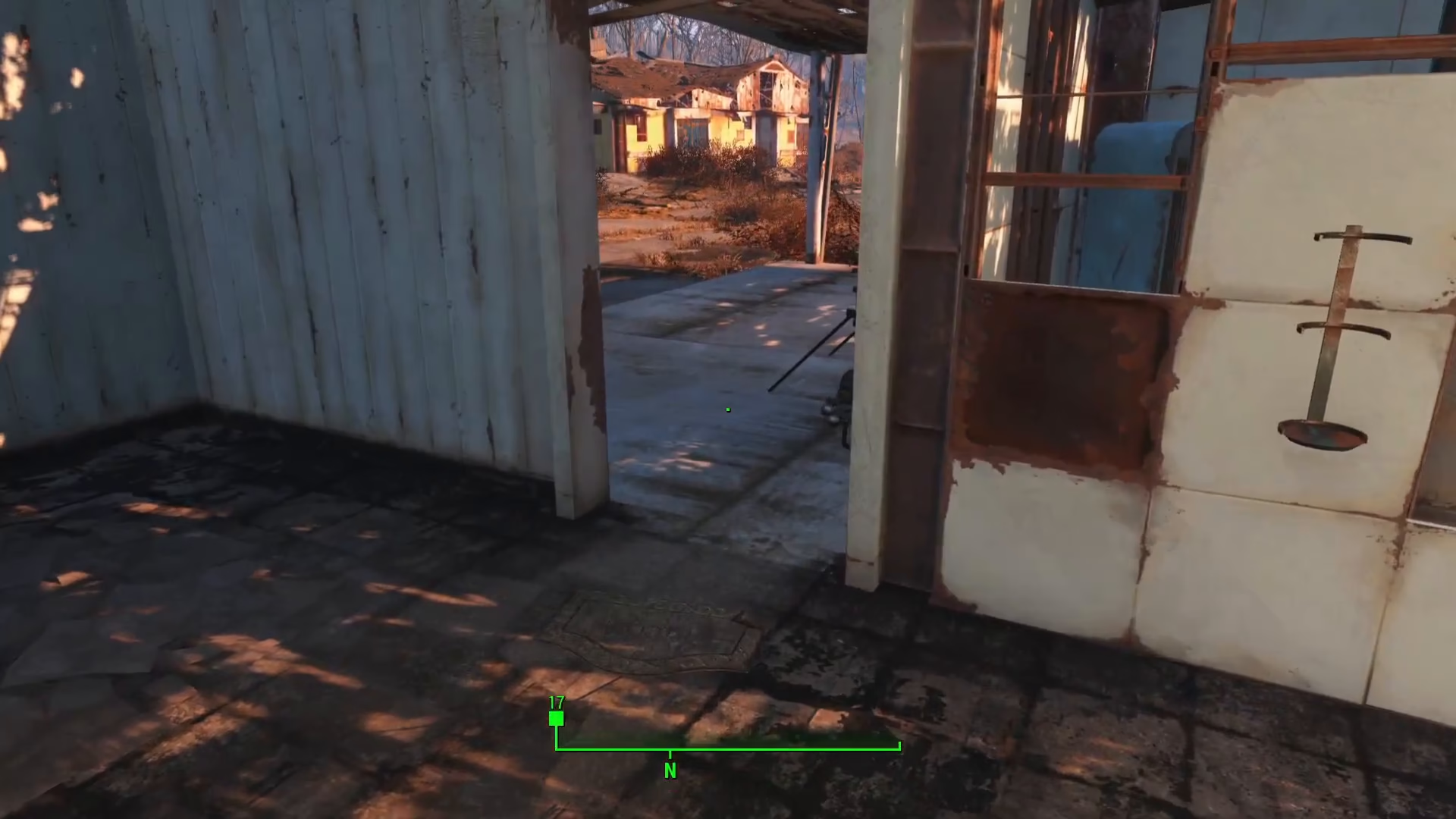
If you’re in a settlement like Sanctuary, you can place a bed using the workshop menu. Simply access the building interface and navigate to the furniture or beds section.
How to Sleep
Once you have located or placed a bed, resting is straightforward:
Approach the bed
Look for the interaction prompt on your screen
Press E to sleep
Getting the “Well Rested” Bonus
If you want to receive the “Well Rested” bonus buff, you’ll need to sleep for an extended period. This mechanic is similar to waiting in real-time, and longer sleep durations provide better benefits. The longer you rest, the greater the positive effects you’ll experience.
Summary
Resting in Fallout 4 is a simple yet vital part of your survival strategy. Remember that you need a bed to rest, approach it, and press E to sleep. For maximum benefits, sleep for longer periods to achieve the “Well Rested” status, which works similarly to the waiting mechanic but with the added benefit of actually using a bed. Now you’re ready to get some rest and recovery in the post-apocalyptic wasteland!
— Want to Support? —
If you would like to help us continue making these guides – please consider joining our patreon here – https://www.patreon.com/c/JaviHeals
Alternatively – you can join our discord here – https://discord.gg/zD7Gjt6MHF