






How To Turn On Headlamp In Fallout 4
How To Turn On Headlamp In Fallout 4
Need a light source while exploring the wasteland in Fallout 4? Activating your Power Armor’s headlamp is quick and easy. This guide will walk you through the simple steps to toggle your headlamp on and off whenever you need it.
Enabling Your Power Armor Headlamp
To turn on your headlamp, you’ll first need to ensure you’re wearing Power Armor. Once you’re suited up, simply hold down your Pip-Boy button.
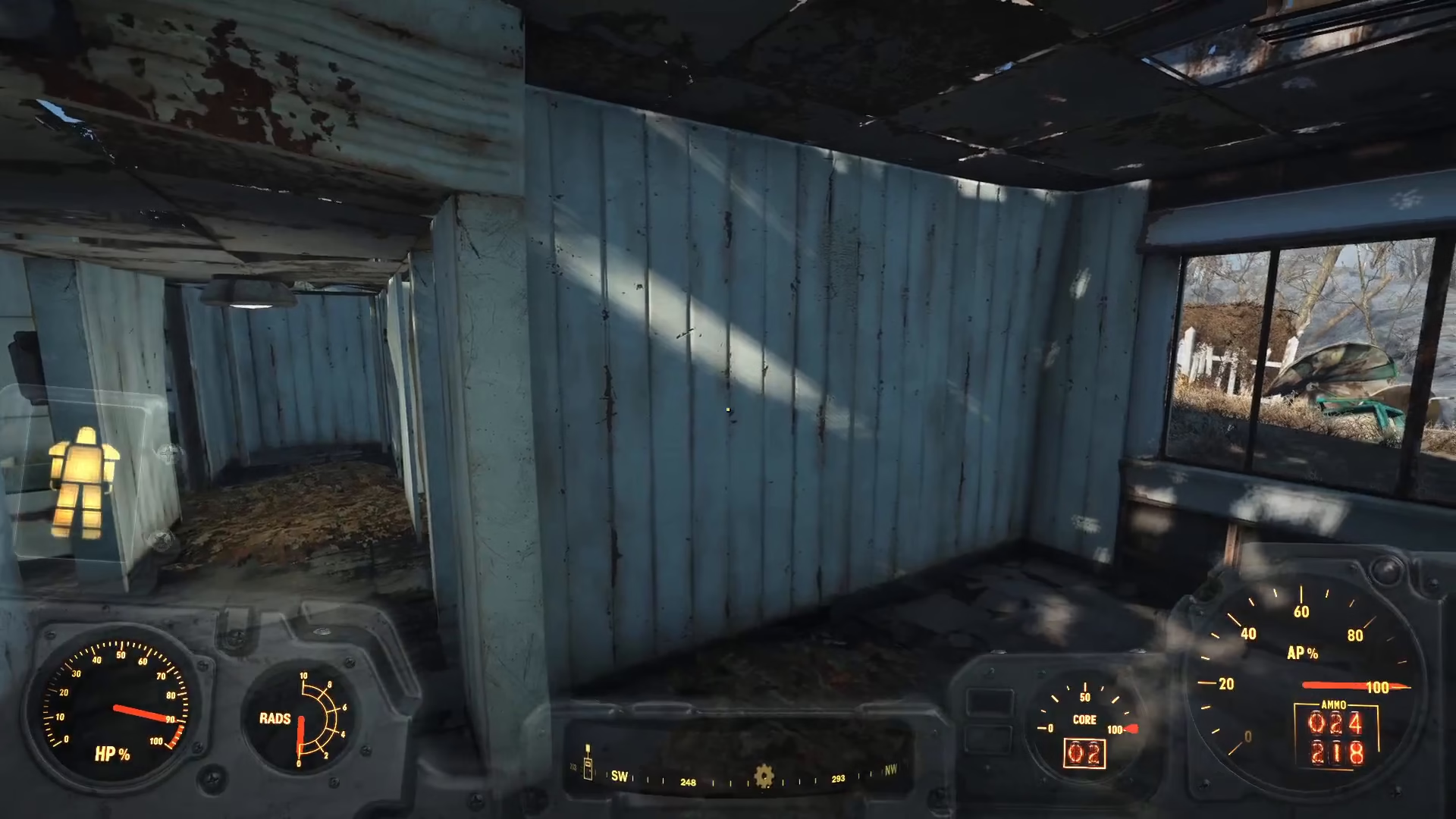
Your headlamp will activate immediately, providing illumination in dark areas and underground locations.
Turning Off Your Headlamp
If you want to disable the headlamp, the process is just as straightforward. Simply hold down the Pip-Boy button again, and your headlamp will turn off.
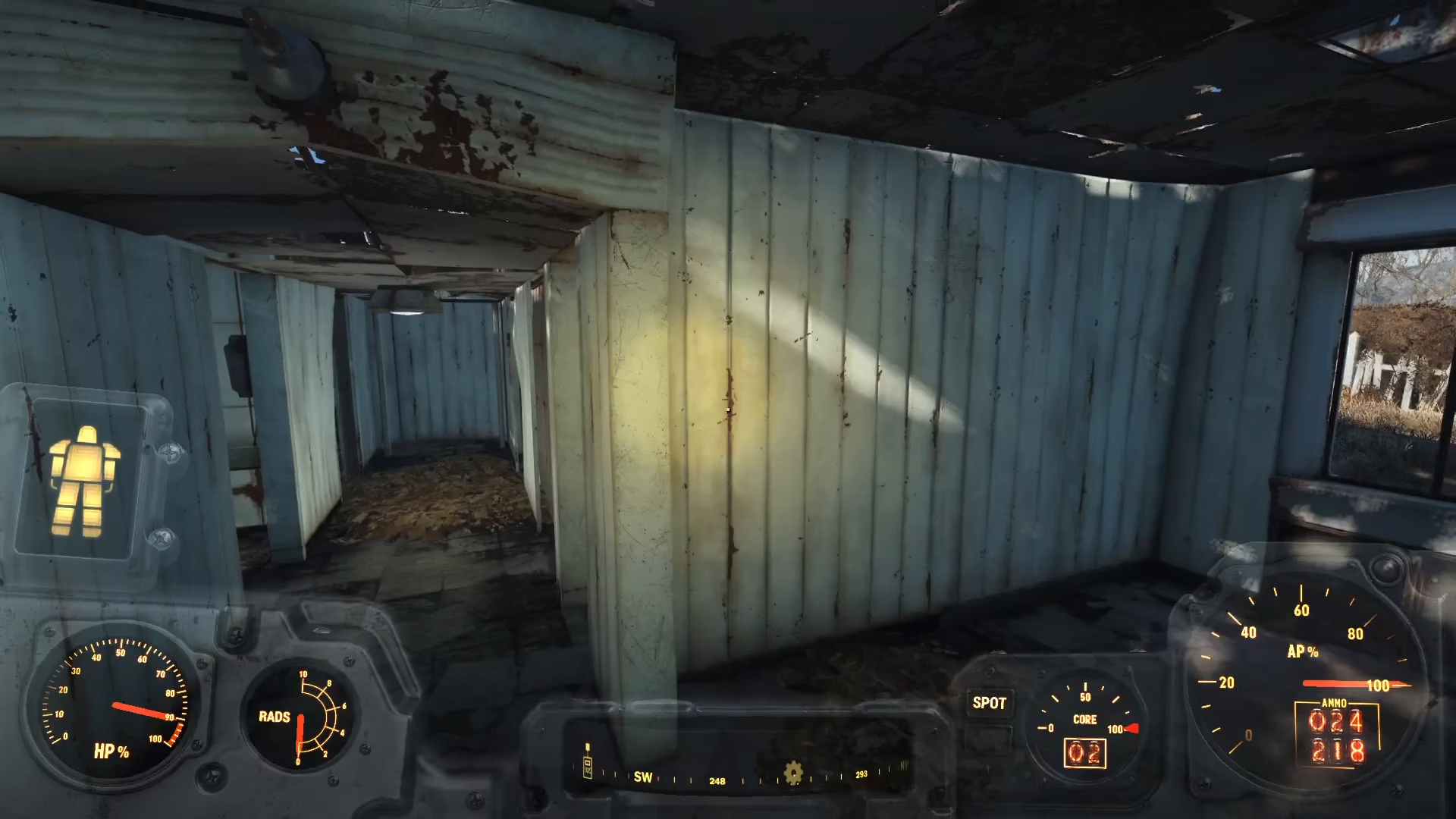
Summary
Controlling your Power Armor’s headlamp in Fallout 4 requires nothing more than holding down the Pip-Boy button. Press it once to activate your light source, and press it again to deactivate it. This quick toggle makes it easy to manage your visibility as you navigate through the Commonwealth’s darkest locations.
Want to Support?
If you would like to help us continue making these guides – please consider joining our patreon here – https://www.patreon.com/c/JaviHeals
Alternatively – you can join our discord here – https://discord.gg/zD7Gjt6MHF