





How to Change Language In Onimusha Way of the Sword
How to Change Language in Onimusha: Way of the Sword
Onimusha: Way of the Sword offers multiple language options to enhance your gaming experience. Whether you prefer playing with different display text or voice languages, this guide will walk you through the simple process of changing your language settings.
Accessing Language Settings
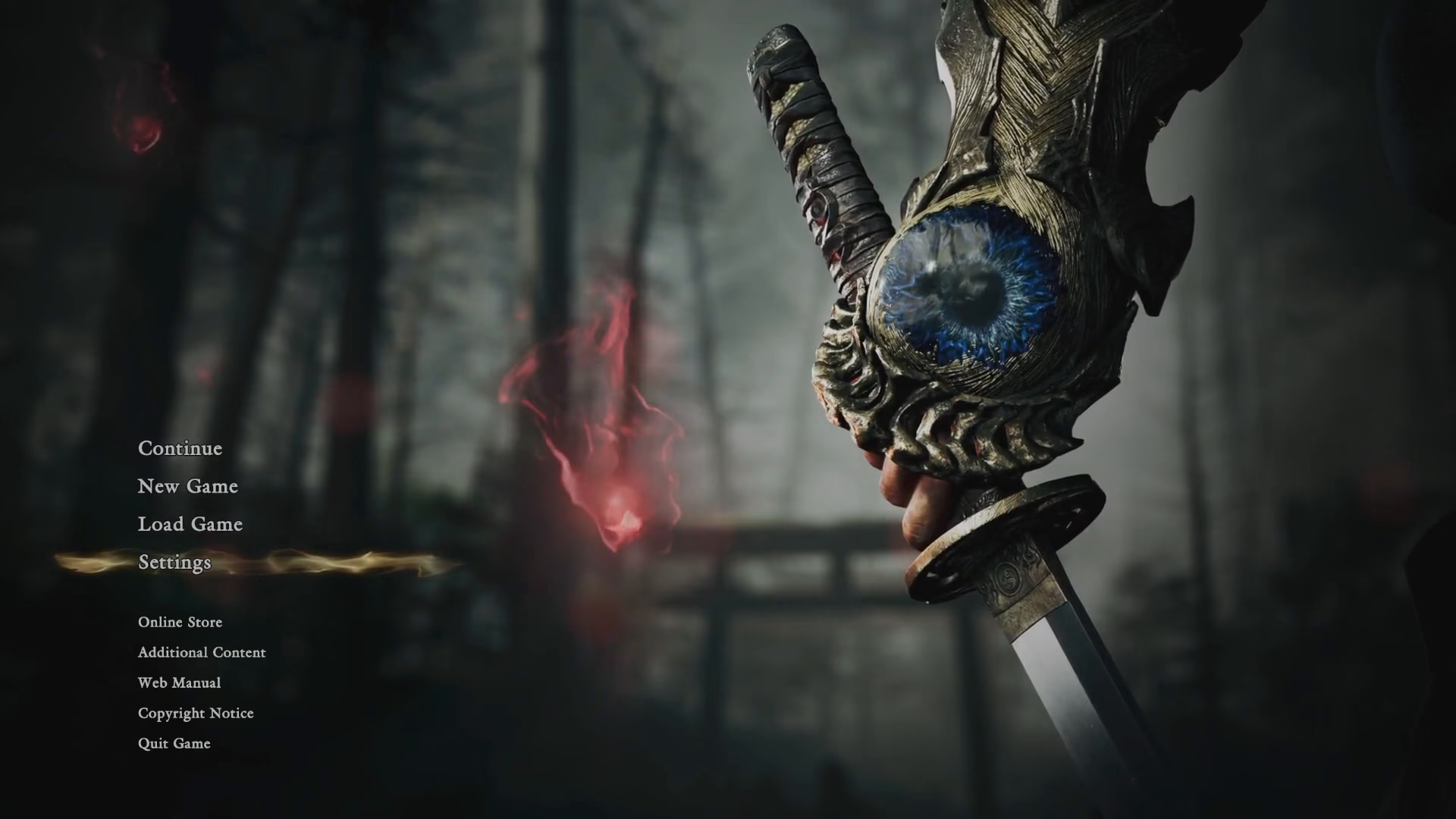
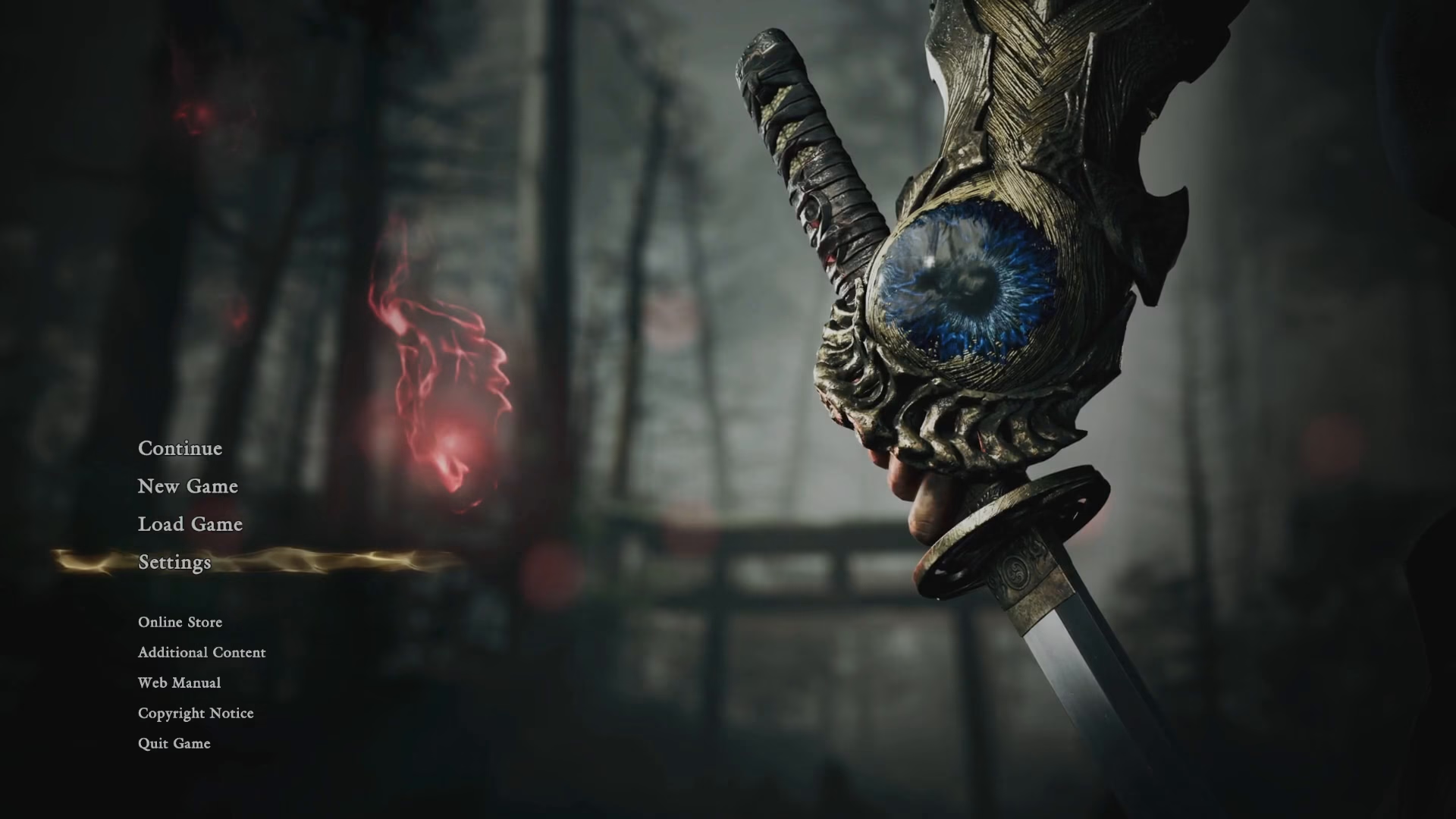
To begin, navigate to the title screen of Onimusha: Way of the Sword. From the main menu, select Settings.
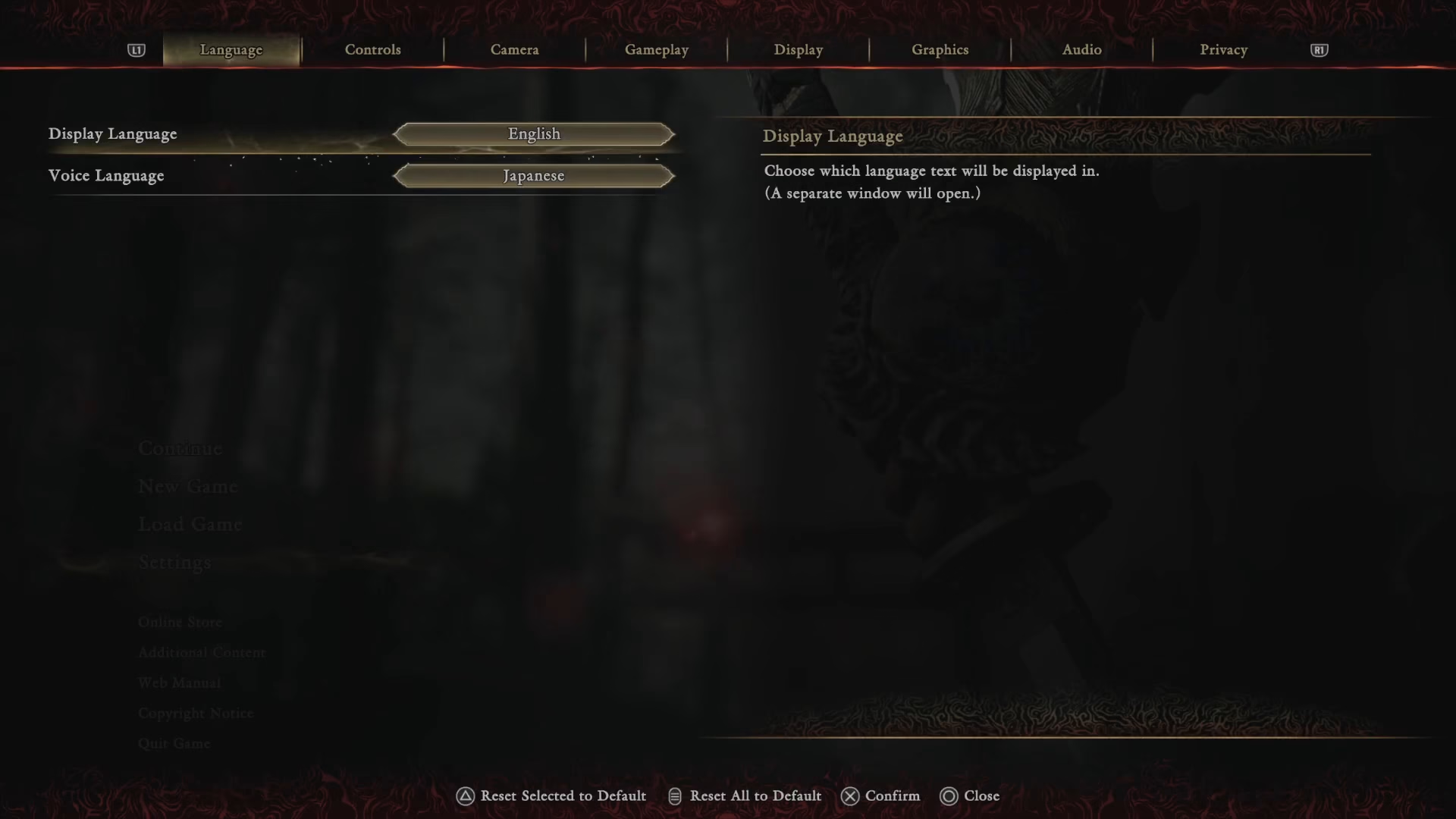
Once you’re in the Settings menu, you’ll notice options on the left side of the screen. Use the L1 button on your controller to navigate through the menu options until you reach Language.
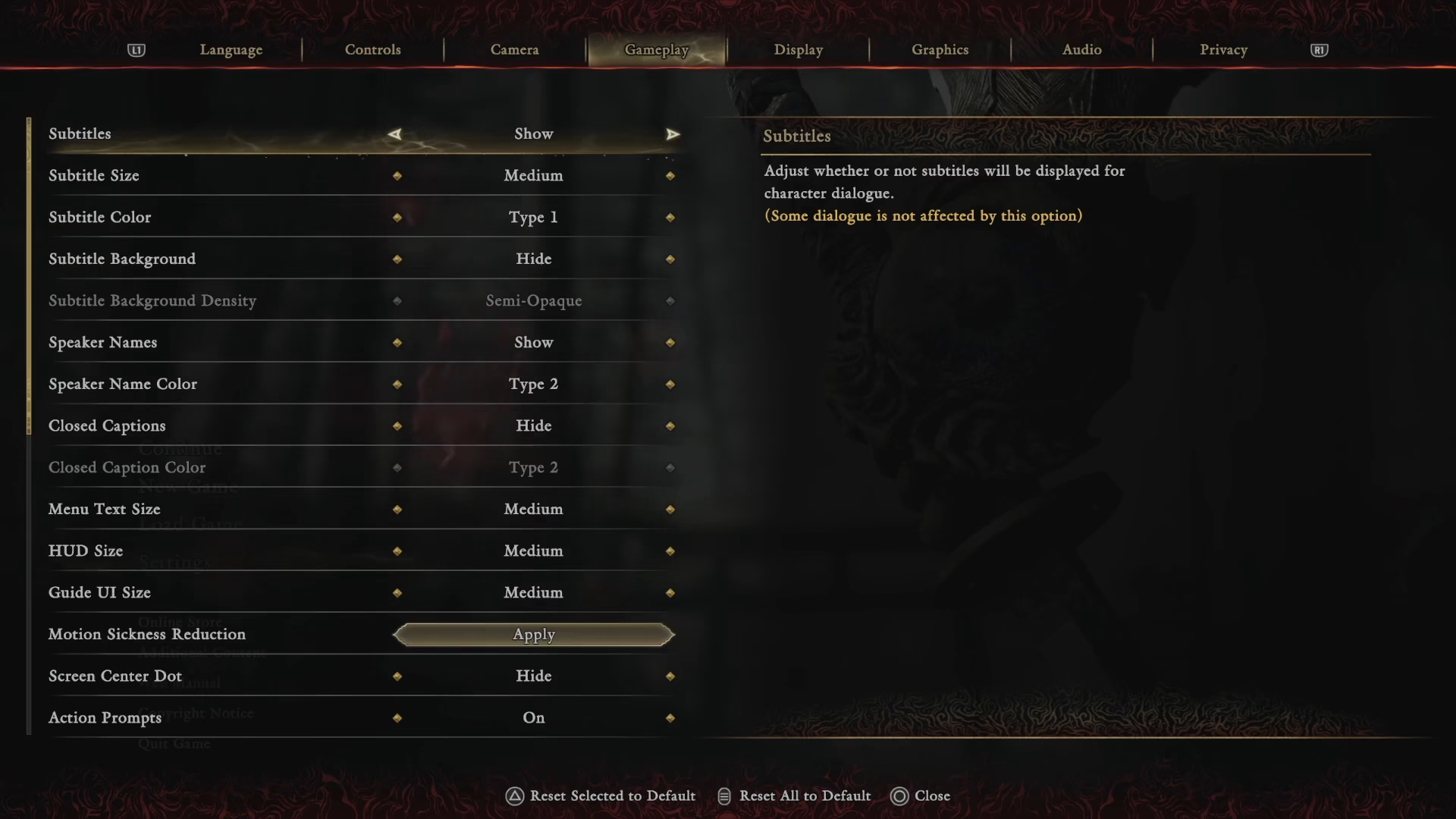
Selecting Your Preferred Language
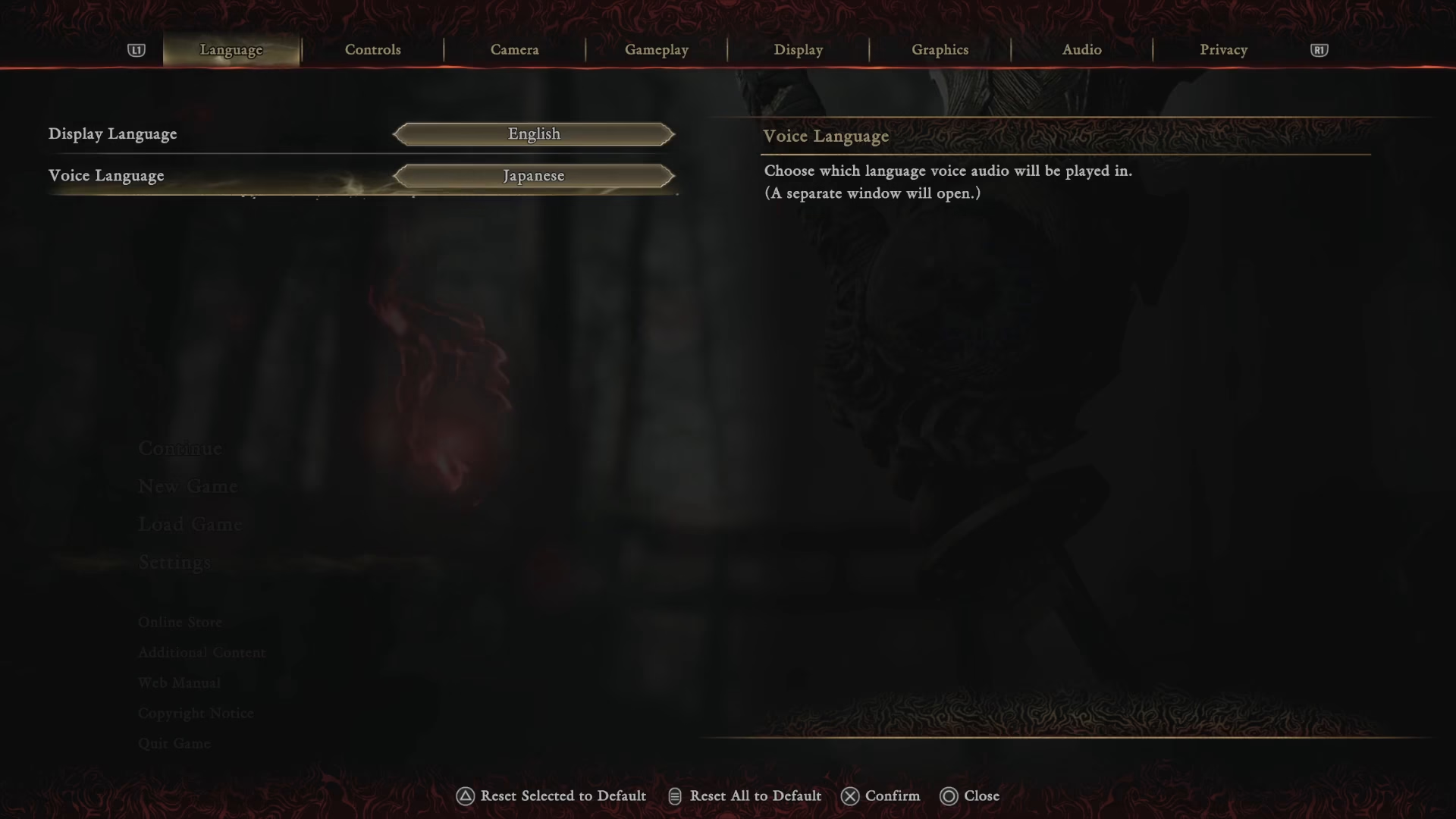
In the Language settings, you’ll find two distinct options:
Display Language — Controls the text language throughout the game
Voice Language — Controls the audio/voice acting language
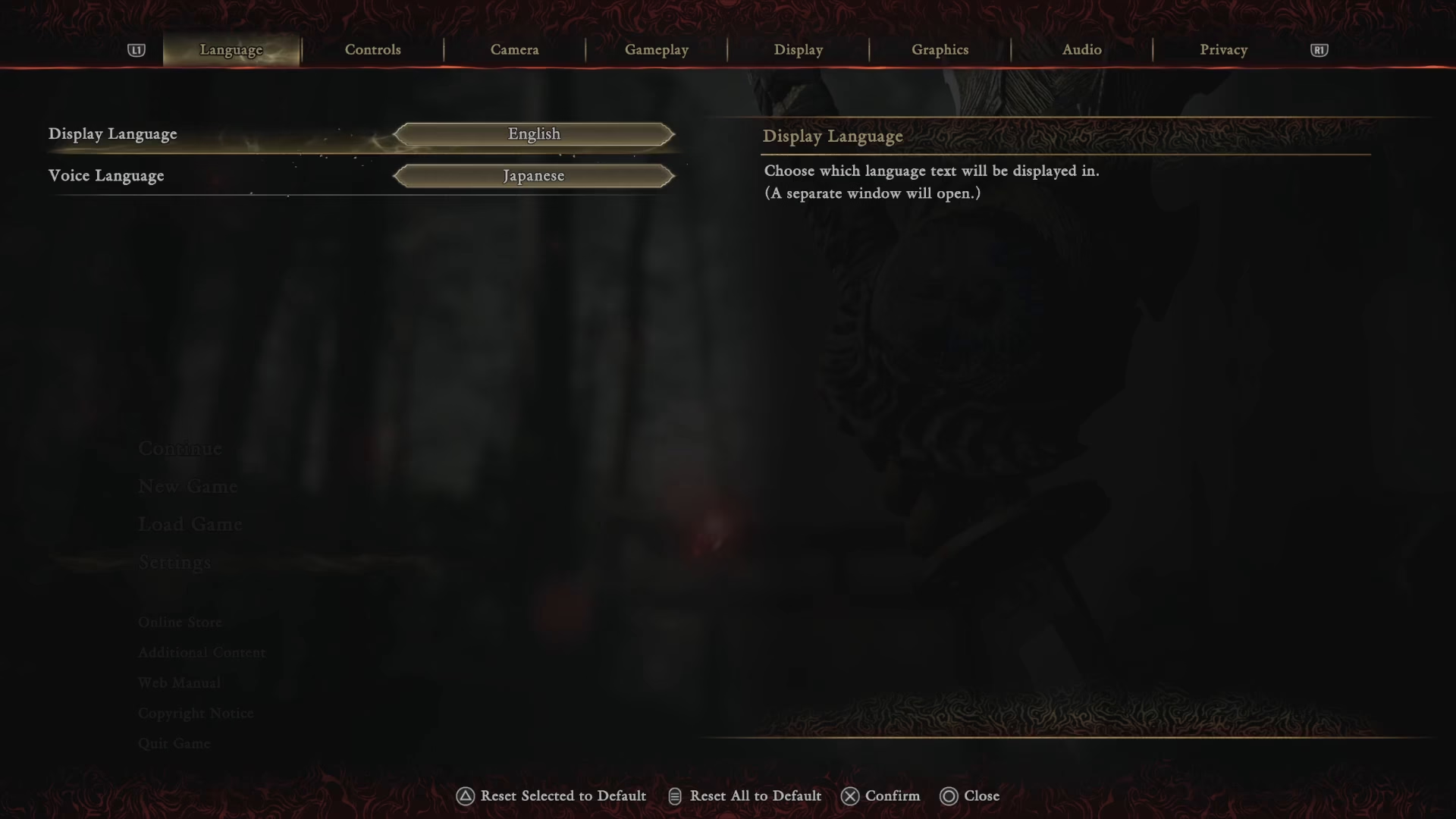
Choose your preferred language for each option. You can select different languages for display and voice independently, allowing for customization based on your preferences.
Applying Your Changes
After selecting your desired language settings, select Apply to save your changes.
Important Limitation
Note: Language changes can only be made from the title screen. If you’re currently in-game, you’ll need to quit and return to the title screen before you can modify your language settings. This ensures the changes take effect properly for your gaming session.
Summary
Changing the language in Onimusha: Way of the Sword is a straightforward process. Simply access the Settings menu from the title screen, navigate to Language using L1, select your preferred display and voice languages, and apply your changes. Remember that you must return to the title screen if you’re currently playing to make any adjustments.
— Want to Support? —
If you would like to help us continue making these guides – please consider joining our patreon here – https://www.patreon.com/c/JaviHeals
Alternatively – you can join our discord here – https://discord.gg/zD7Gjt6MHF



