





How to Turn off Action Prompts In Onimusha Way of the Sword
How to Turn Off Action Prompts in Onimusha: Way of the Sword
Action prompts can sometimes clutter your screen during combat in Onimusha: Way of the Sword. If you prefer a cleaner, more immersive experience without on-screen button indicators, this guide will show you exactly how to disable them in just a few simple steps.
Understanding Action Prompts
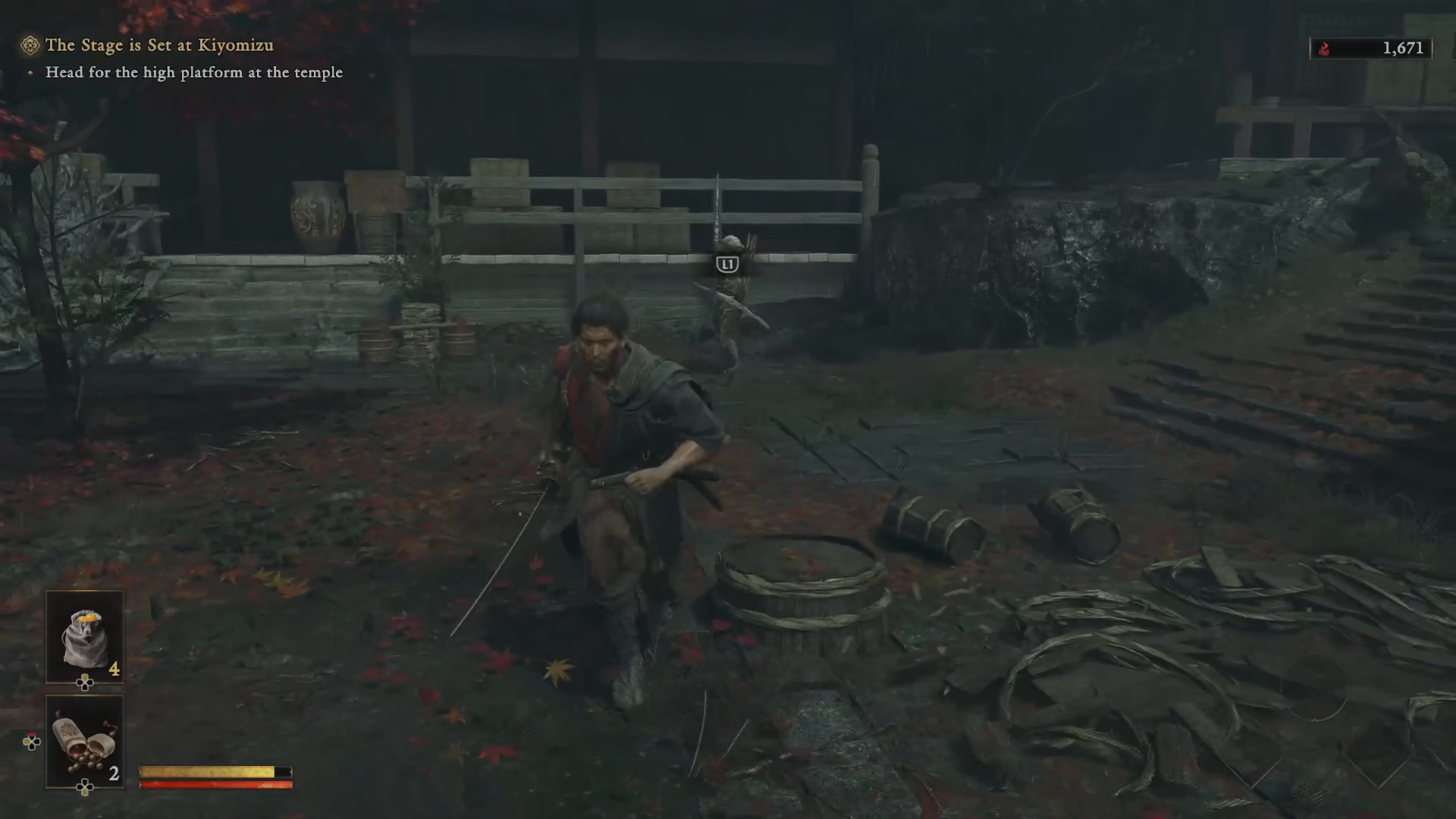
When enemies attack you in Onimusha: Way of the Sword, the game displays action prompts on screen. These prompts show you the block and dodge button inputs that appear above enemy heads during combat encounters. While helpful for newer players, many experienced gamers prefer to turn these off for a less intrusive gameplay experience.
How to Disable Action Prompts
Step 1: Pause the Game
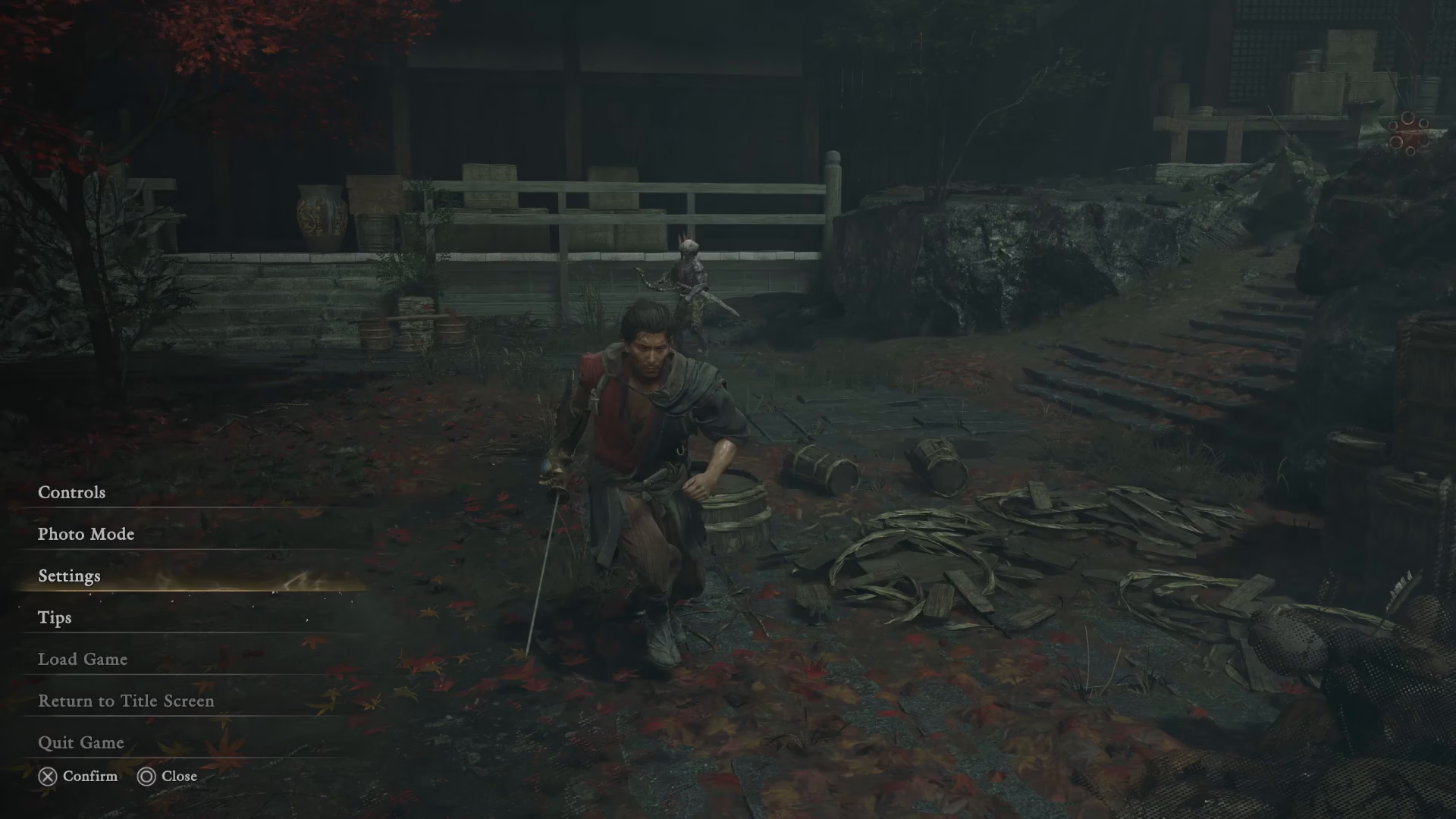
Start by pausing your current game session. This will bring up the main pause menu.
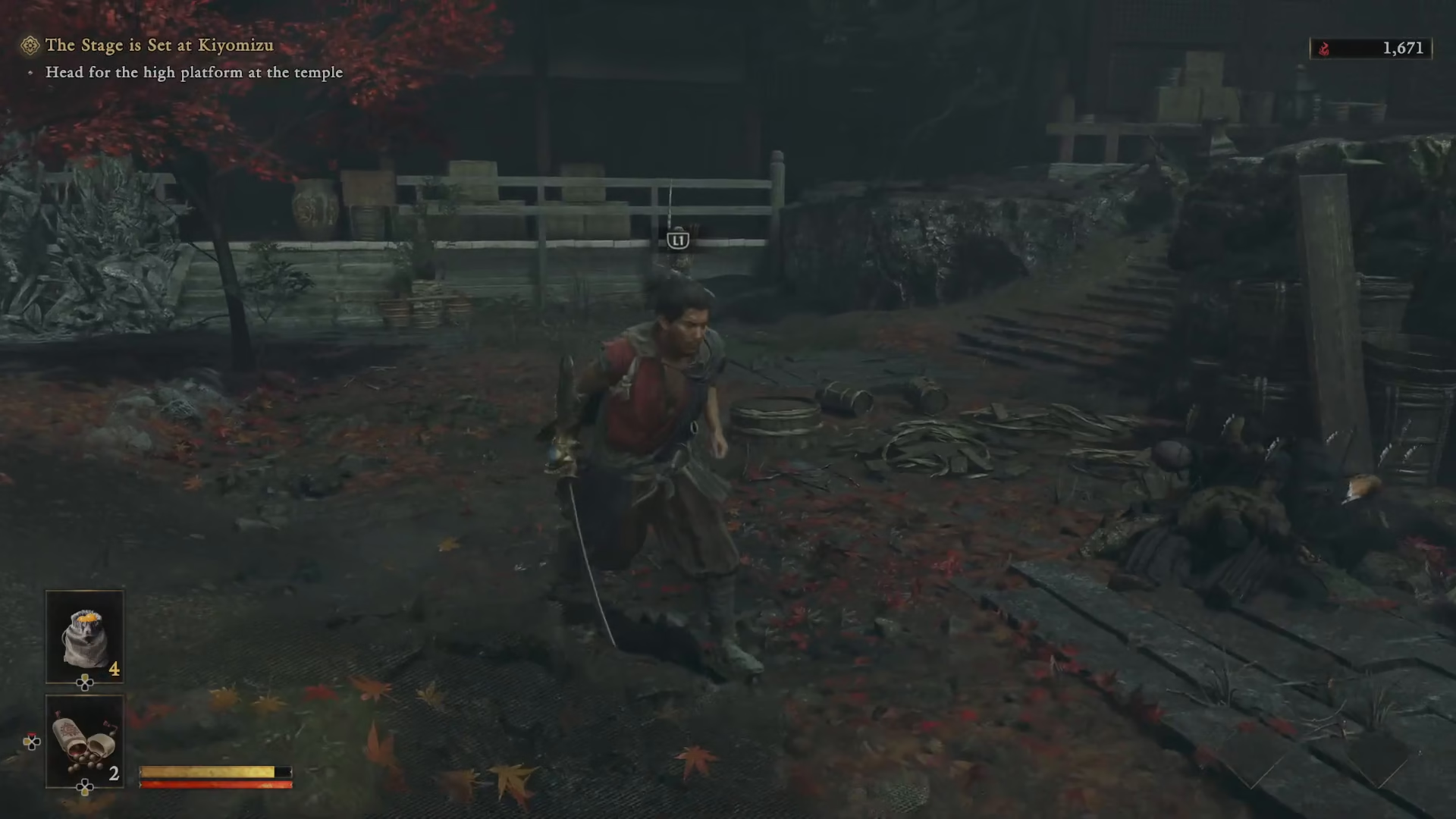
Step 2: Navigate to Settings
From the pause menu, select the Settings option.
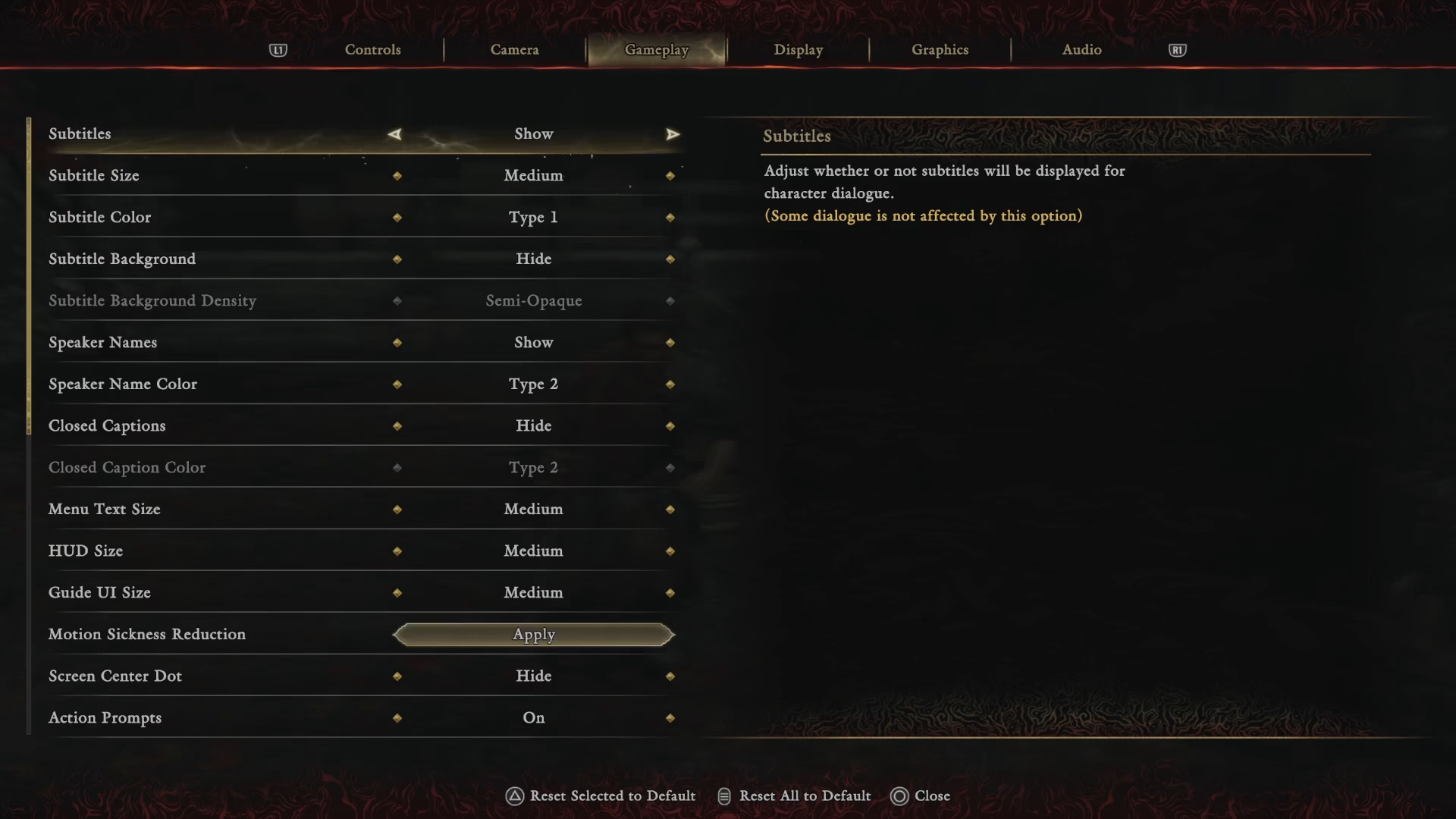
Step 3: Open Gameplay Settings
Within the Settings menu, locate and select the Gameplay tab.
Step 4: Turn Off Action Prompts
Scroll to the bottom of the Gameplay settings menu. You’ll find the Action Prompts option here. Simply toggle this setting off to disable on-screen button indicators.
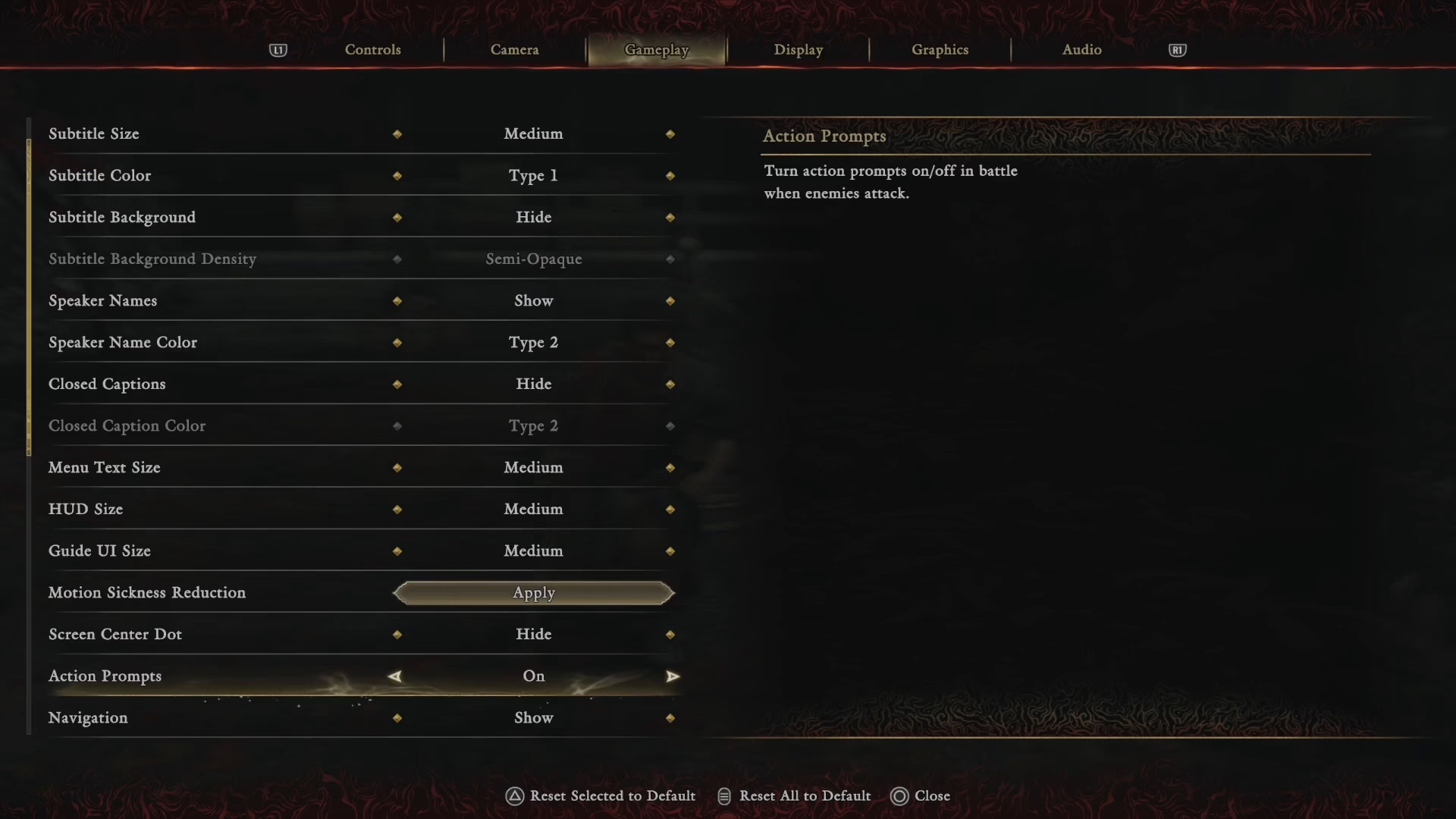
Step 5: Apply Changes
After turning off the action prompts, make sure to select Apply to save your changes.
Verification and Results
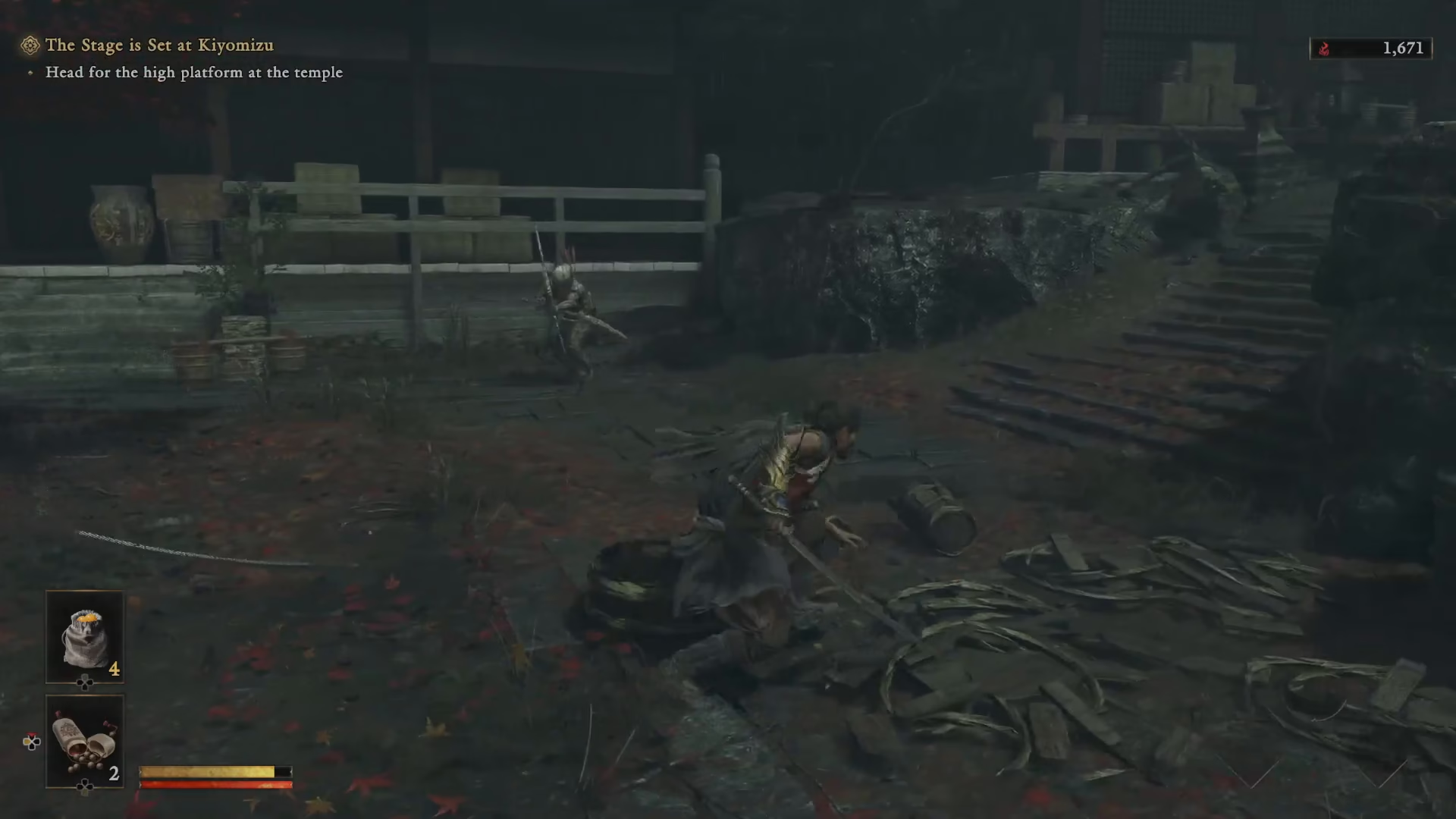
Once you’ve applied the settings and return to gameplay, you’ll notice that enemies no longer display button prompts on their heads during combat. Your screen will now be cleaner and less cluttered, allowing for a more immersive combat experience as you engage in battle.
Summary
Disabling action prompts in Onimusha: Way of the Sword is a straightforward process that takes less than a minute. Simply pause your game, navigate to Settings → Gameplay, toggle off Action Prompts, and apply your changes. Whether you’re looking for a more challenging experience or simply prefer a cleaner interface, this setting gives you full control over your gameplay experience.
— Want to Support? —
If you would like to help us continue making these guides – please consider joining our patreon here – https://www.patreon.com/c/JaviHeals
Alternatively – you can join our discord here – https://discord.gg/zD7Gjt6MHF



