








How To Play Hide And Seek In Among Us
How To Play Hide And Seek In Among Us
Want to try a fun twist on Among Us? Hide and Seek mode offers an exciting alternative gameplay experience. In this guide, we’ll walk you through the simple steps needed to find and join Hide and Seek lobbies so you can start playing right away.
Getting Started
To begin playing Hide and Seek in Among Us, you’ll need to go online first. Once you’re connected, you’re ready to search for available lobbies.
Finding Hide And Seek Lobbies
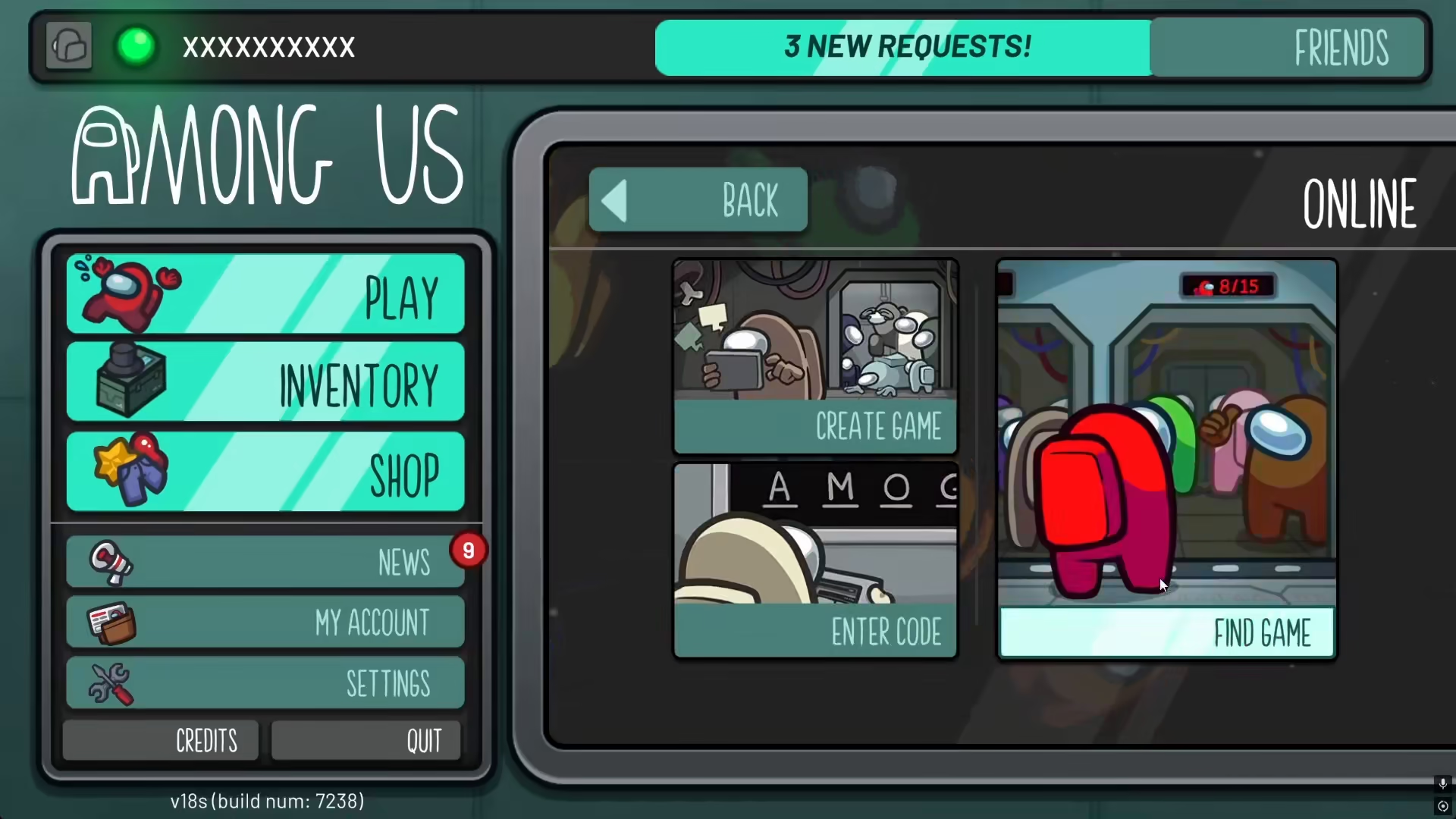
Step 1: Click Find Game
After going online, click on the “Find Game” button to start your search for available lobbies.
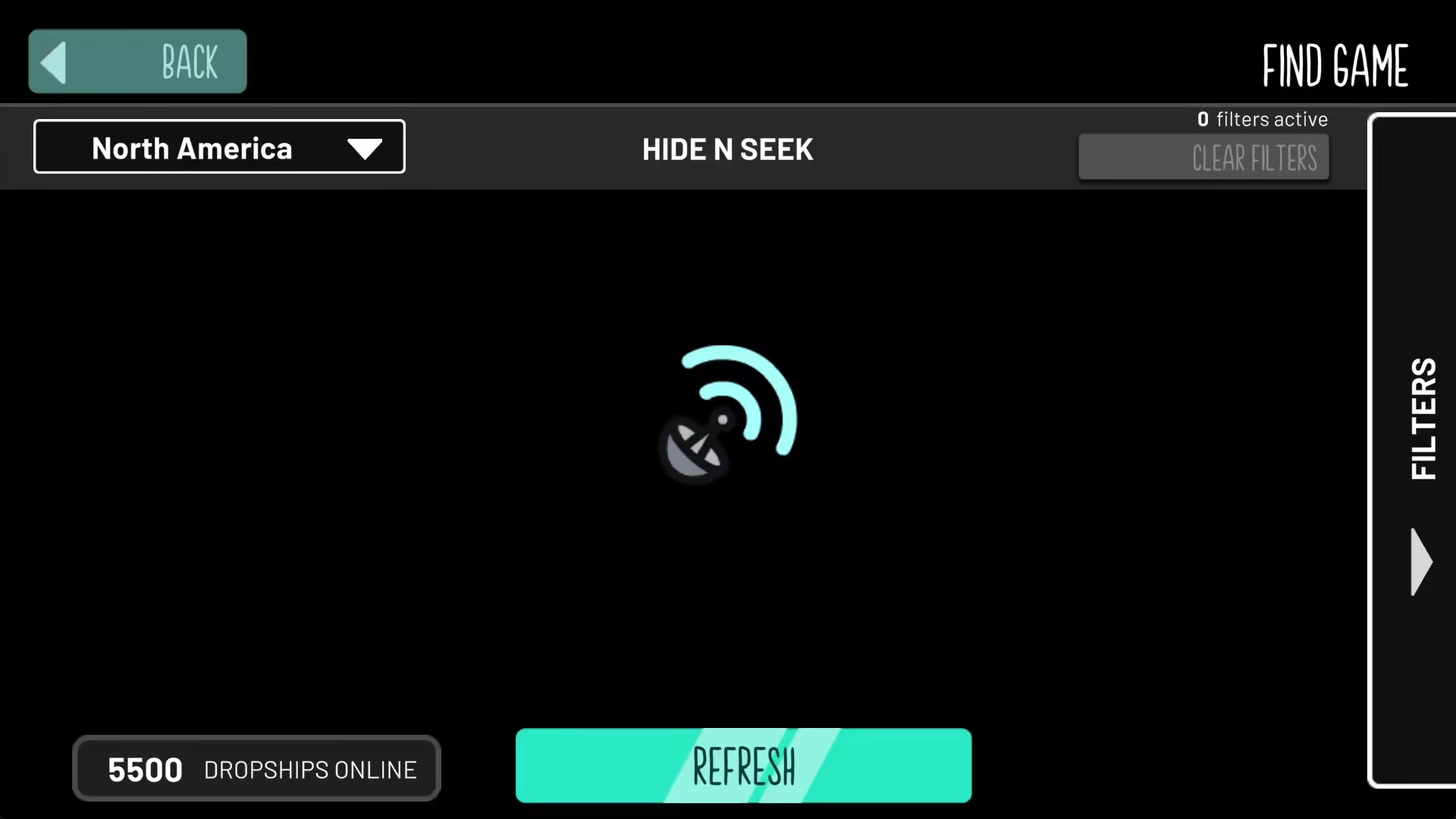
Step 2: Access the Filters
Within the Find Game menu, navigate to the filters section. This is where you can customize your lobby search preferences.
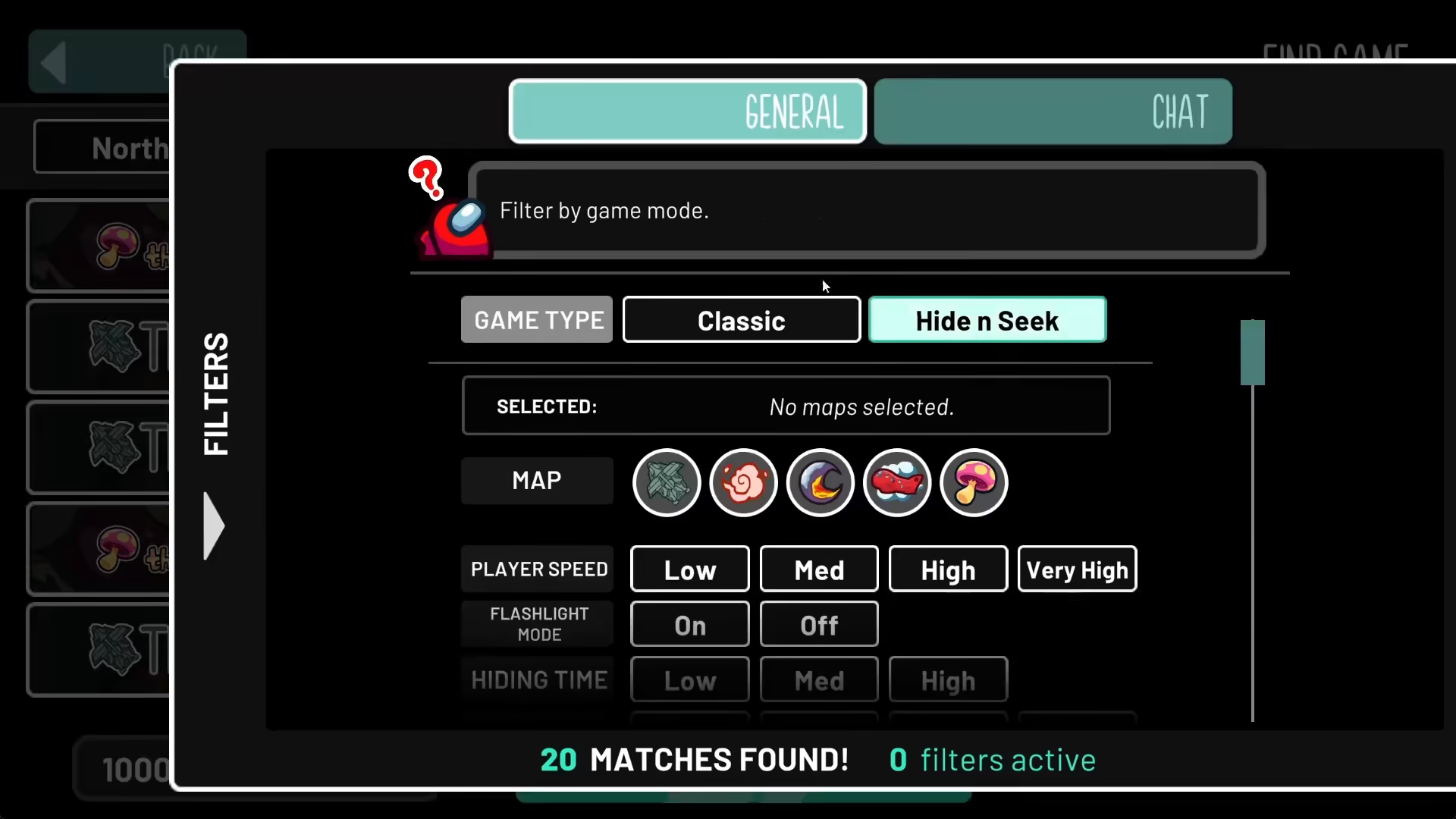
Step 3: Select Hide And Seek Filter
In the filters menu, select the Hide and Seek option. This will filter the available lobbies to show only Hide and Seek game modes.
Step 4: Browse Available Lobbies
After applying the Hide and Seek filter, you’ll be able to see all the Hide and Seek lobbies currently available. The list will display all active games waiting for players.
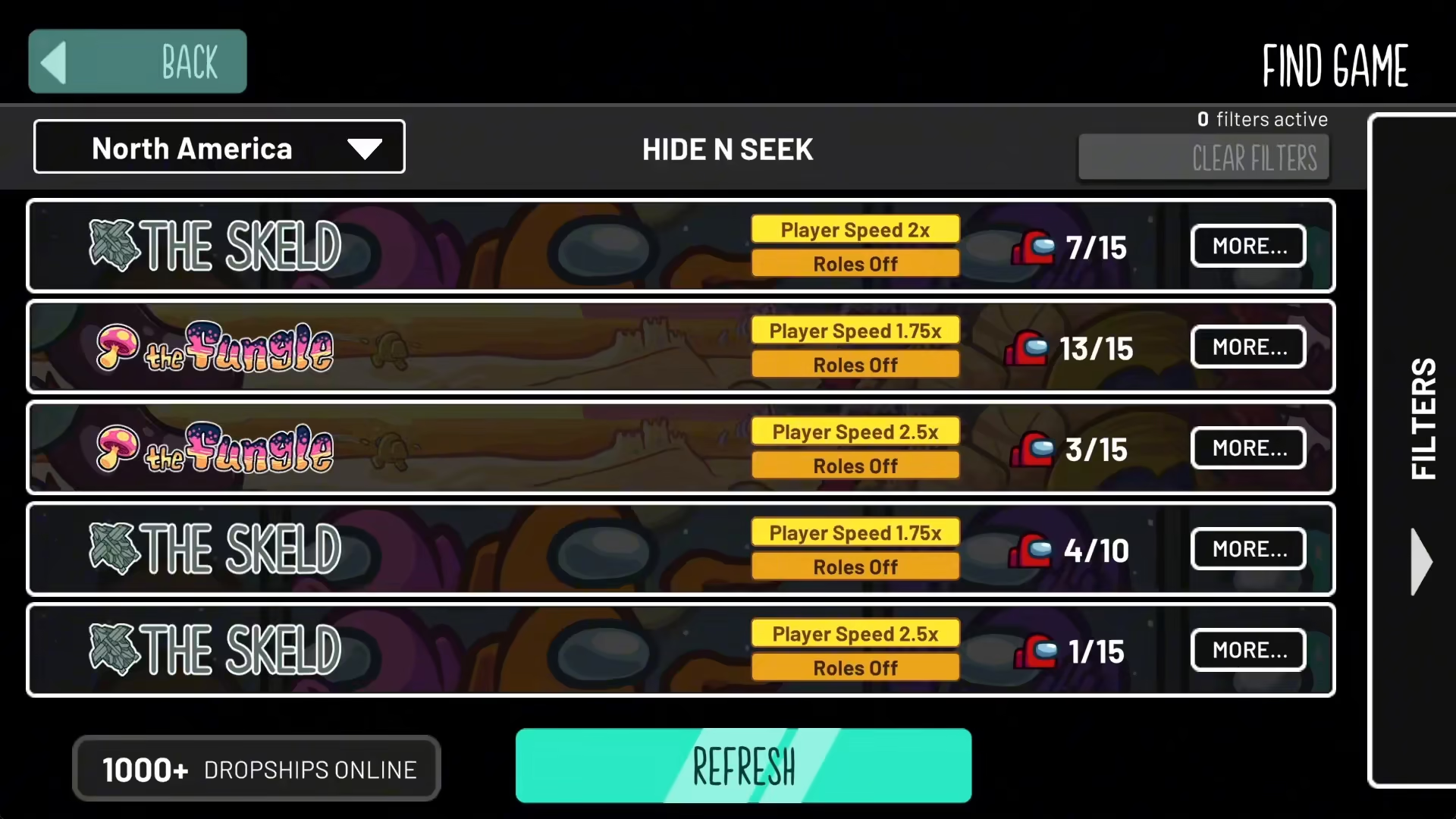
Step 5: Join a Lobby
Simply click on any Hide and Seek lobby from the list to join it. You’ll instantly be added to that game and can begin playing.
Summary
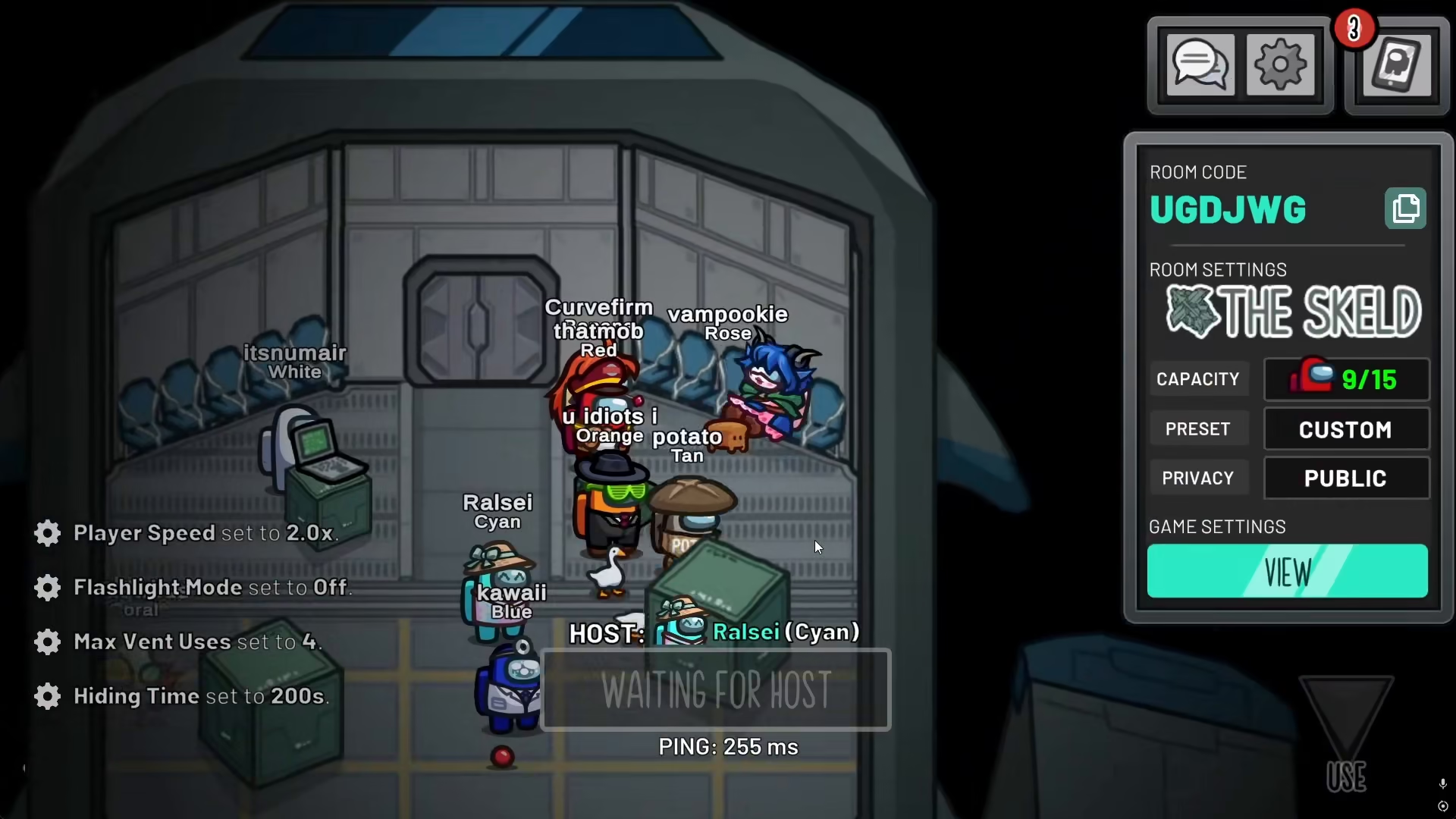
Playing Hide and Seek in Among Us is straightforward and fun. By following these steps—going online, clicking Find Game, navigating to filters, selecting Hide and Seek, and joining a lobby—you’ll be in the action in no time. Whether you’re new to the game mode or a seasoned player, this method will help you quickly connect with other Hide and Seek enthusiasts.
— Want to Support? —
If you would like to help us continue making these guides – please consider joining our patreon here – https://www.patreon.com/c/JaviHeals
Alternatively – you can join our discord here – https://discord.gg/zD7Gjt6MHF



