How to Unlock Formina In Vampire Survivors
How to Unlock Formina in Vampire Survivors
Formina is an exciting unlockable character in Vampire Survivors that requires a specific sequence of weapon evolutions to obtain. This guide will walk you through the exact steps needed to unlock this character and add them to your roster.
Step 1: Evolve Bonnie’s Punch Main Weapon
Begin by evolving Bonnie’s Punch main weapon a total of 3 times. This progression will unlock the Kick main weapon skin, which is essential for the next phase of unlocking Formina.
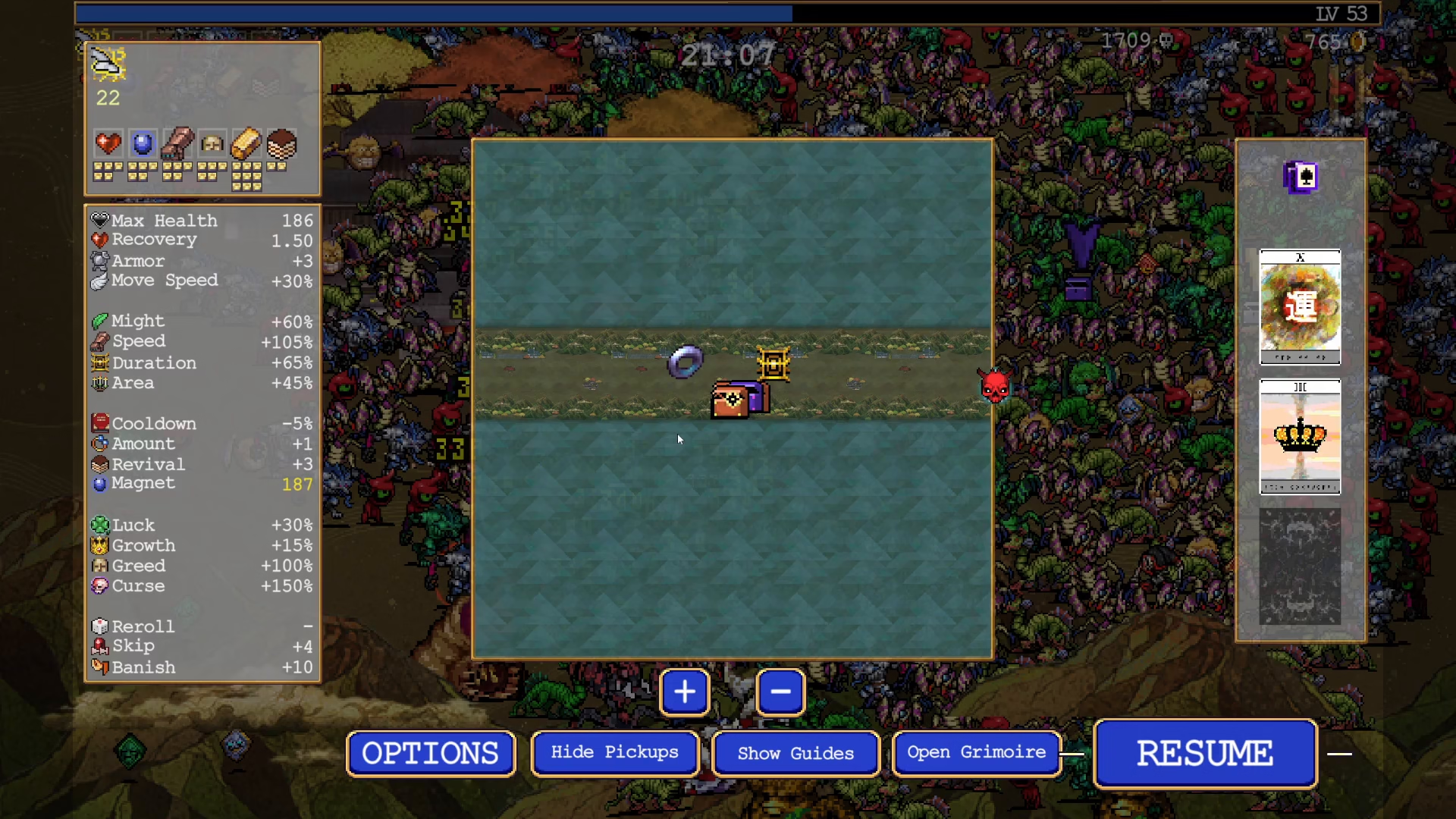
Step 2: Max Level the Kick Weapon and Puma Rolla
After successfully unlocking the Kick main weapon, proceed to max level it. Next, select Puma Rolla as your passive and max level that as well. These two upgrades are crucial for triggering the next evolution step.
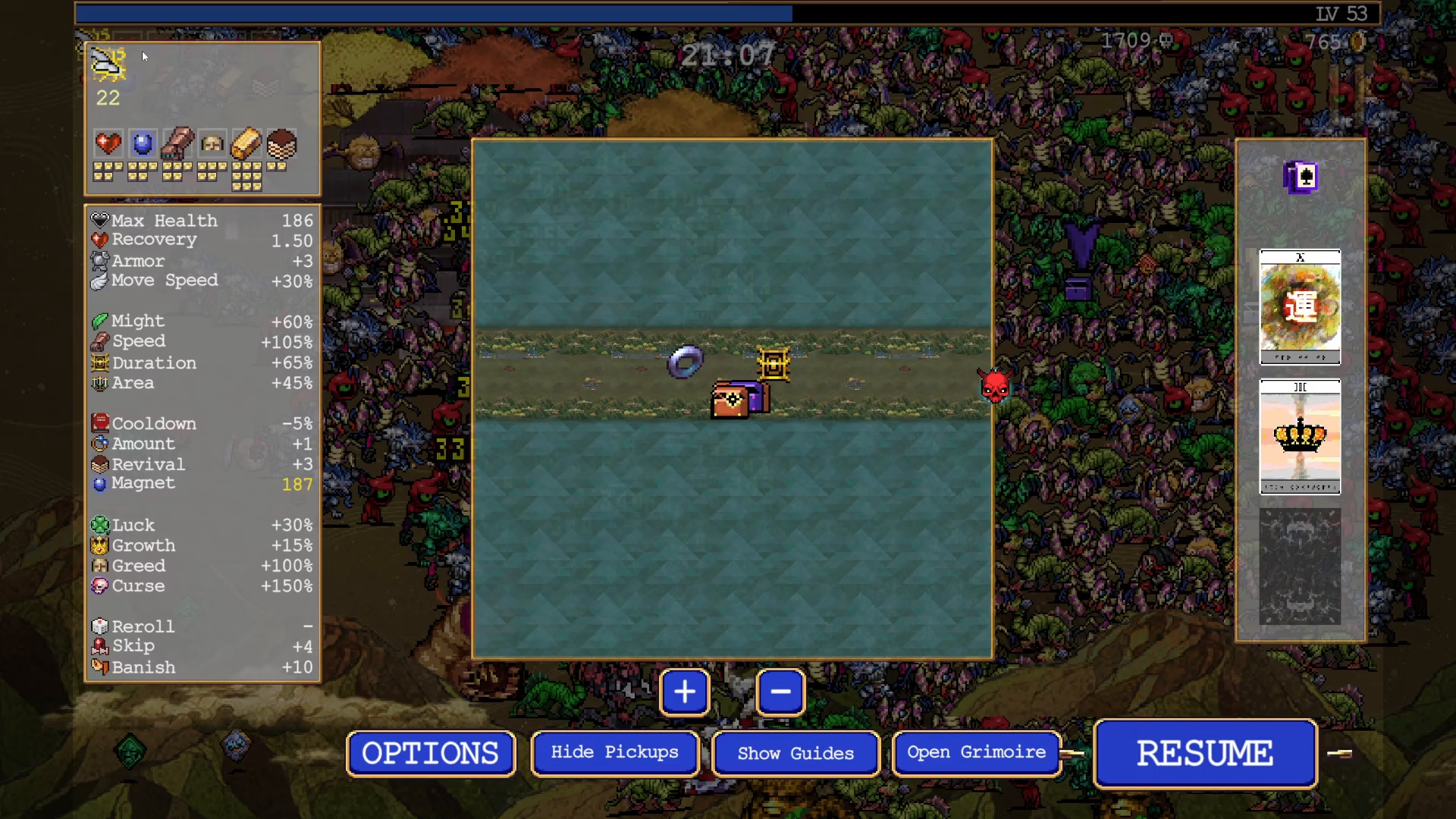
Step 3: Wait for Thunder Kick Passive to Proc
With both your Kick weapon and Puma Rolla maxed out, wait for the Thunder Kick passive to activate. Once the Thunder Kick passive procs, you’ll receive a treasure chest that contains the next evolution.
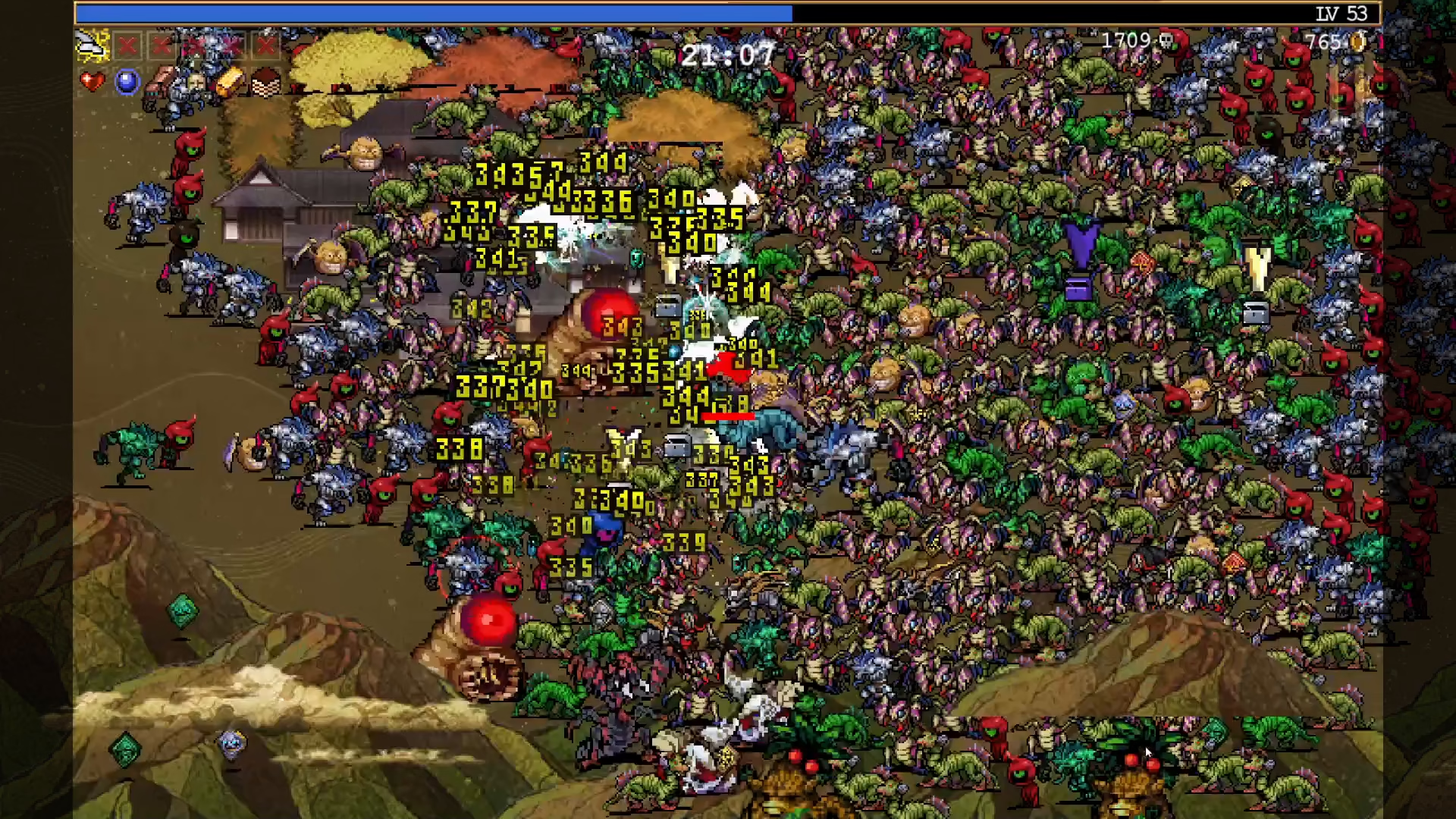
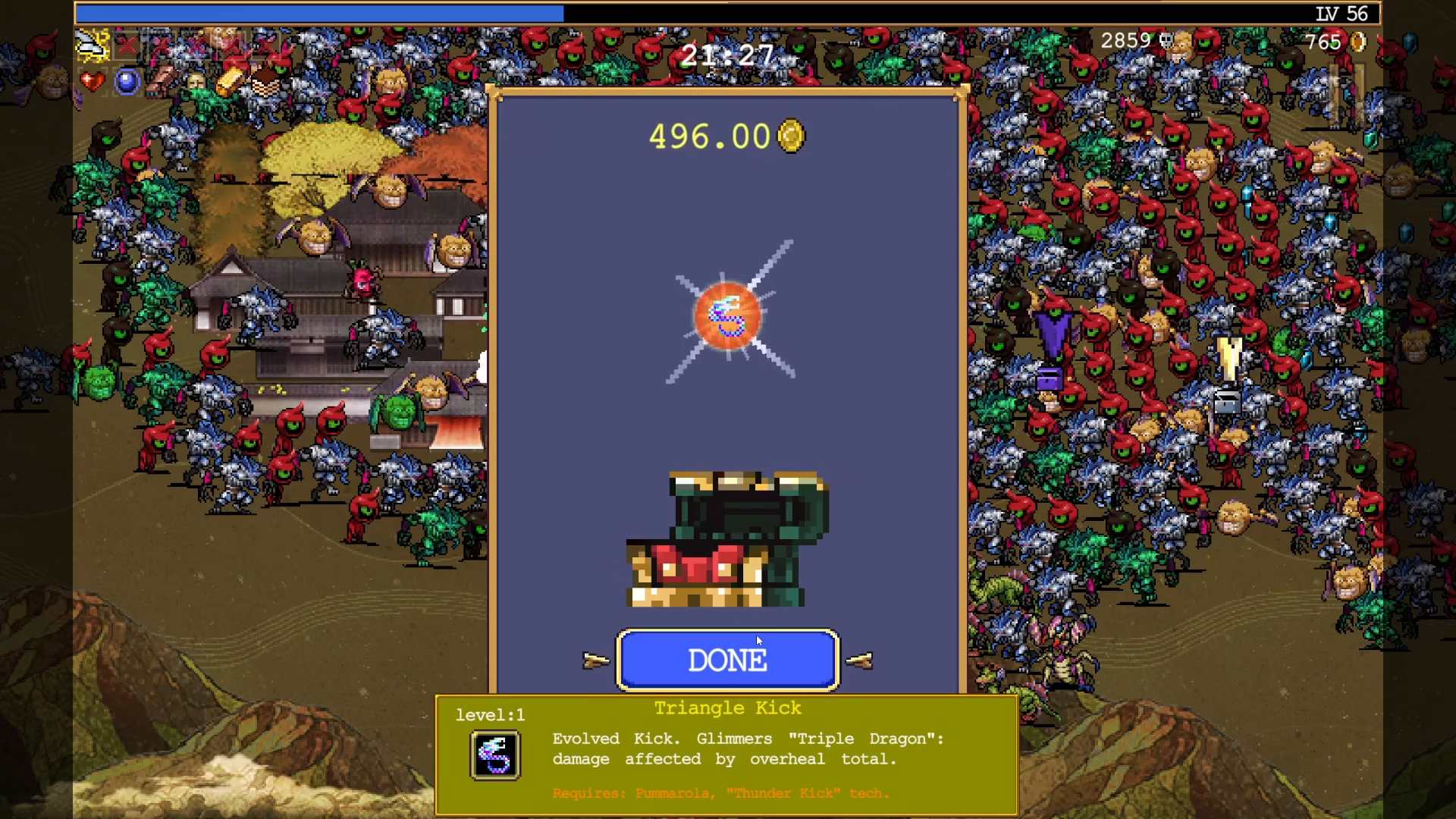
Step 4: Evolve to Triangle Kick
When the Thunder Kick passive triggers and the treasure chest appears, open it to evolve your Kick weapon into Triangle Kick. This is the final weapon evolution required to unlock Formina.
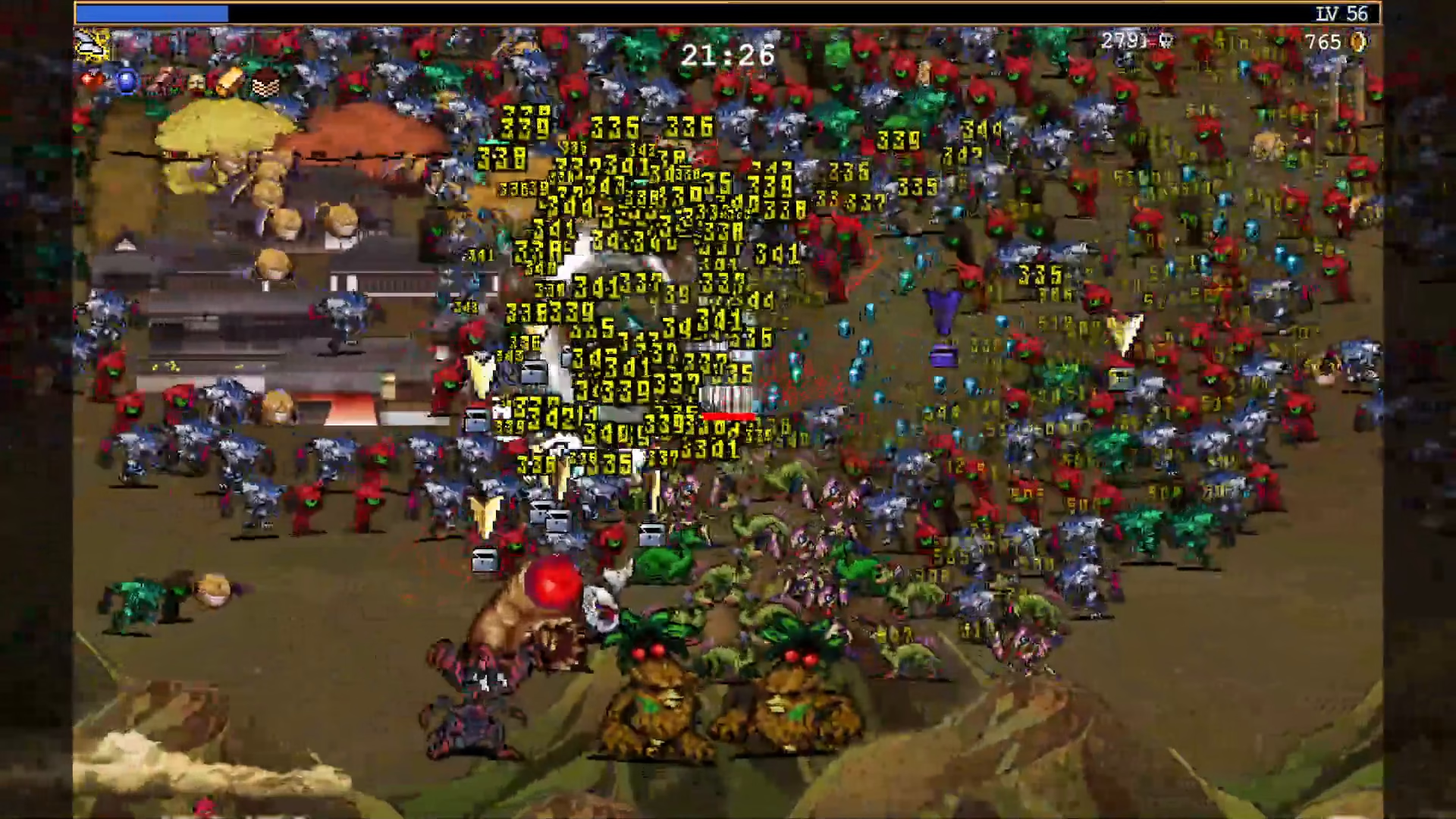
Step 5: Quit and Check Character Selection
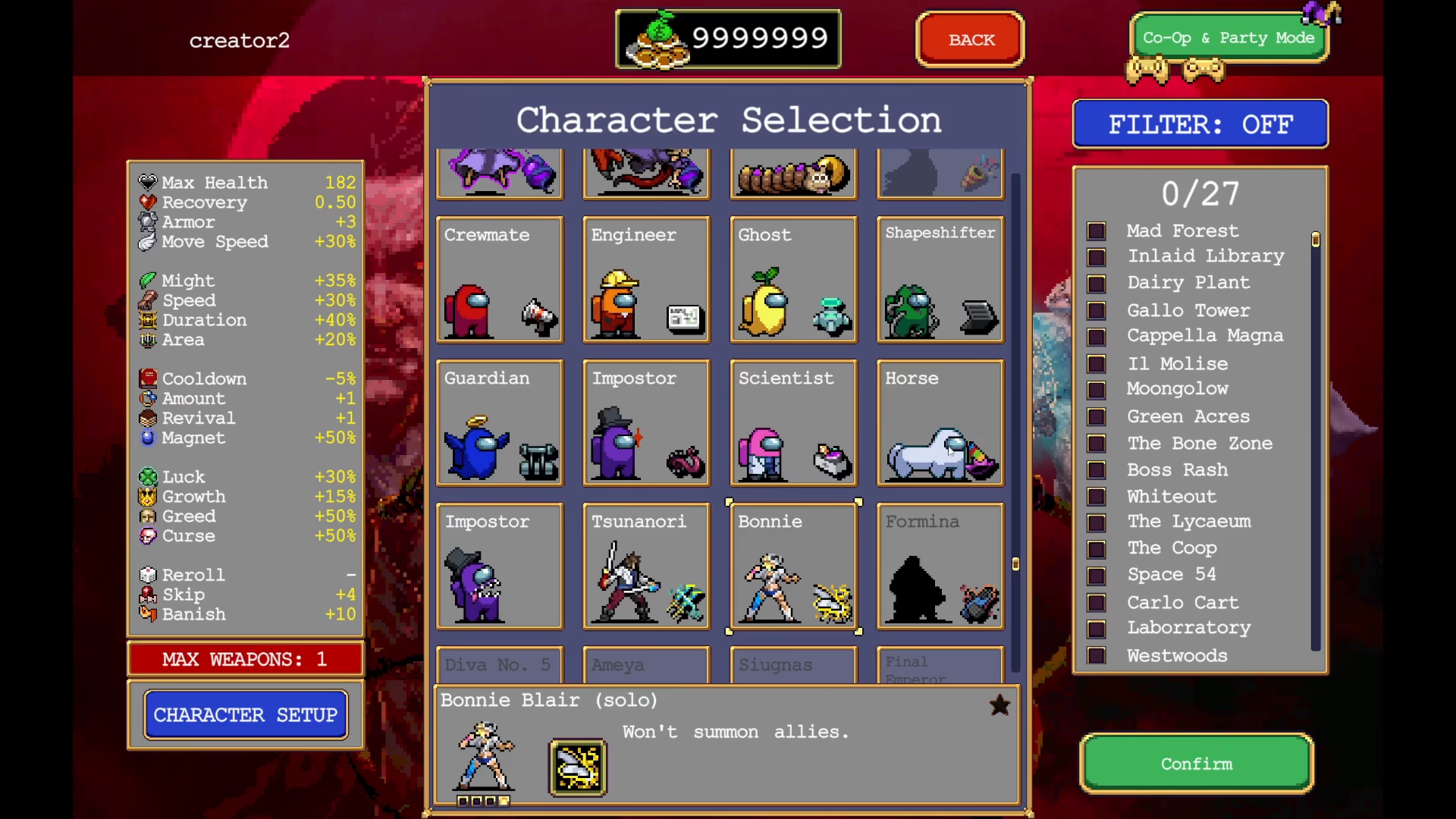
After evolving into Triangle Kick, you can quit your current run. Navigate to the character selection menu to confirm that Formina has been unlocked. She will appear on the right side of your available characters.
Step 6: Purchase Formina
To add Formina to your playable roster, you’ll need to purchase her from the character selection screen for 36,000 coins. Once purchased, she will be fully unlocked and ready to use.
Summary
Unlocking Formina in Vampire Survivors involves a straightforward progression: evolve Bonnie’s Punch three times to unlock Kick, max level Kick and Puma Rolla, trigger the Thunder Kick passive to evolve into Triangle Kick, and then purchase Formina for 36,000 coins from the character selection menu. Follow these steps and you’ll have successfully added this character to your collection.
— Want to Support? —
If you would like to help us continue making these guides – please consider joining our patreon here – https://www.patreon.com/c/JaviHeals
Alternatively – you can join our discord here – https://discord.gg/zD7Gjt6MHF