
How To Assign Jobs In Rimworld
How To Assign Jobs In Rimworld
Job assignment is one of the most fundamental mechanics in Rimworld, forming the backbone of your colony’s daily operations. While the basics are straightforward, the priority system can become quite complex as your colony grows. This guide will walk you through everything you need to know about assigning jobs to your colonists effectively.
Accessing the Work Tab
To begin assigning jobs, click on the Work tab located at the bottom of your screen. This will display all available colonists in your settlement. The Work tab is your command center for managing what tasks your colonists perform throughout their day.
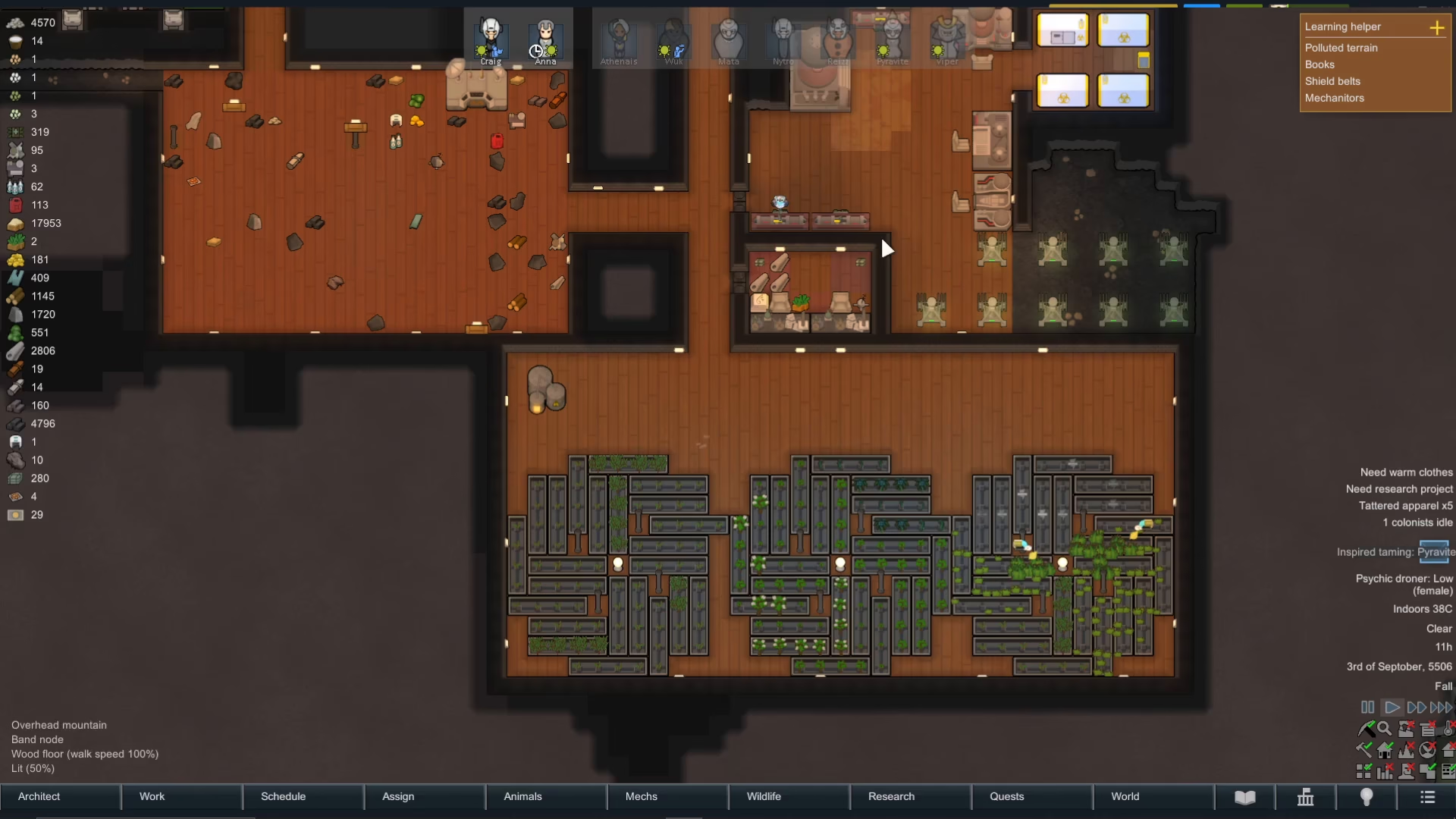
Understanding Manual Priorities
By default, you’ll see a “Manual Priorities” toggle at the top of the Work tab. When Manual Priorities is unchecked, the game uses automatic job assignment. When you tick this option, it displays priority numbers ranging from 1 to 4 for each job type.

Priority Levels Explained
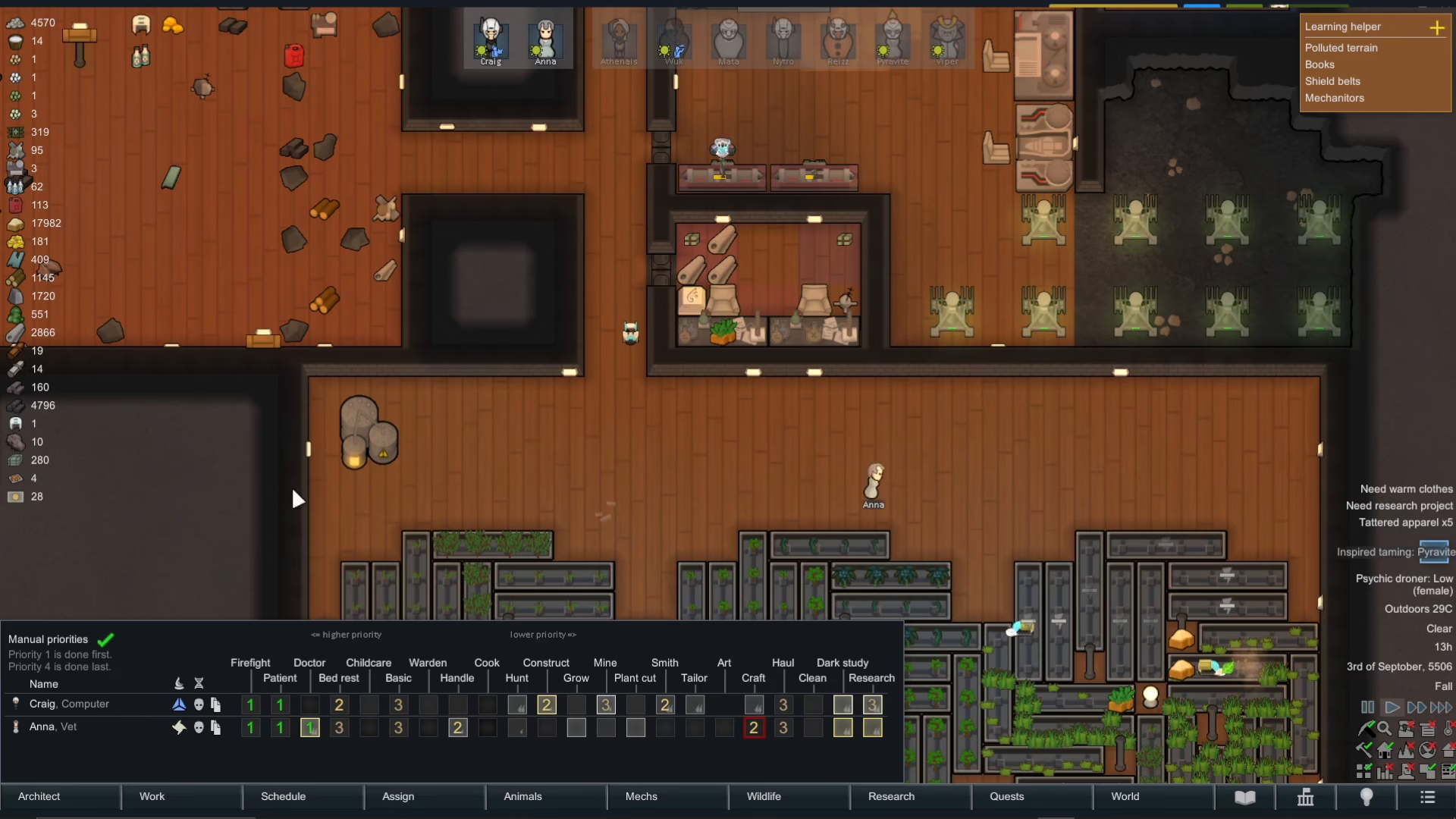
The priority system works as follows: Priority 1 is done first, Priority 2 is second, Priority 3 is third, and Priority 4 is done last. For example, jobs like Firefighter, Patient, and Doctor should typically be set to Priority 1. This ensures that if a colonist is dying, your other colonists will stop mining or hauling to provide medical attention rather than continuing lower-priority tasks.

Adjusting Job Priorities
Modifying job priorities is simple and intuitive. To remove a colonist from a job entirely, left-click the priority number to reduce it to nothing. To increase or adjust priority levels, right-click the job to cycle through Priority 1, 2, 3, or 4. This allows you to fine-tune which tasks are most important for each individual colonist.
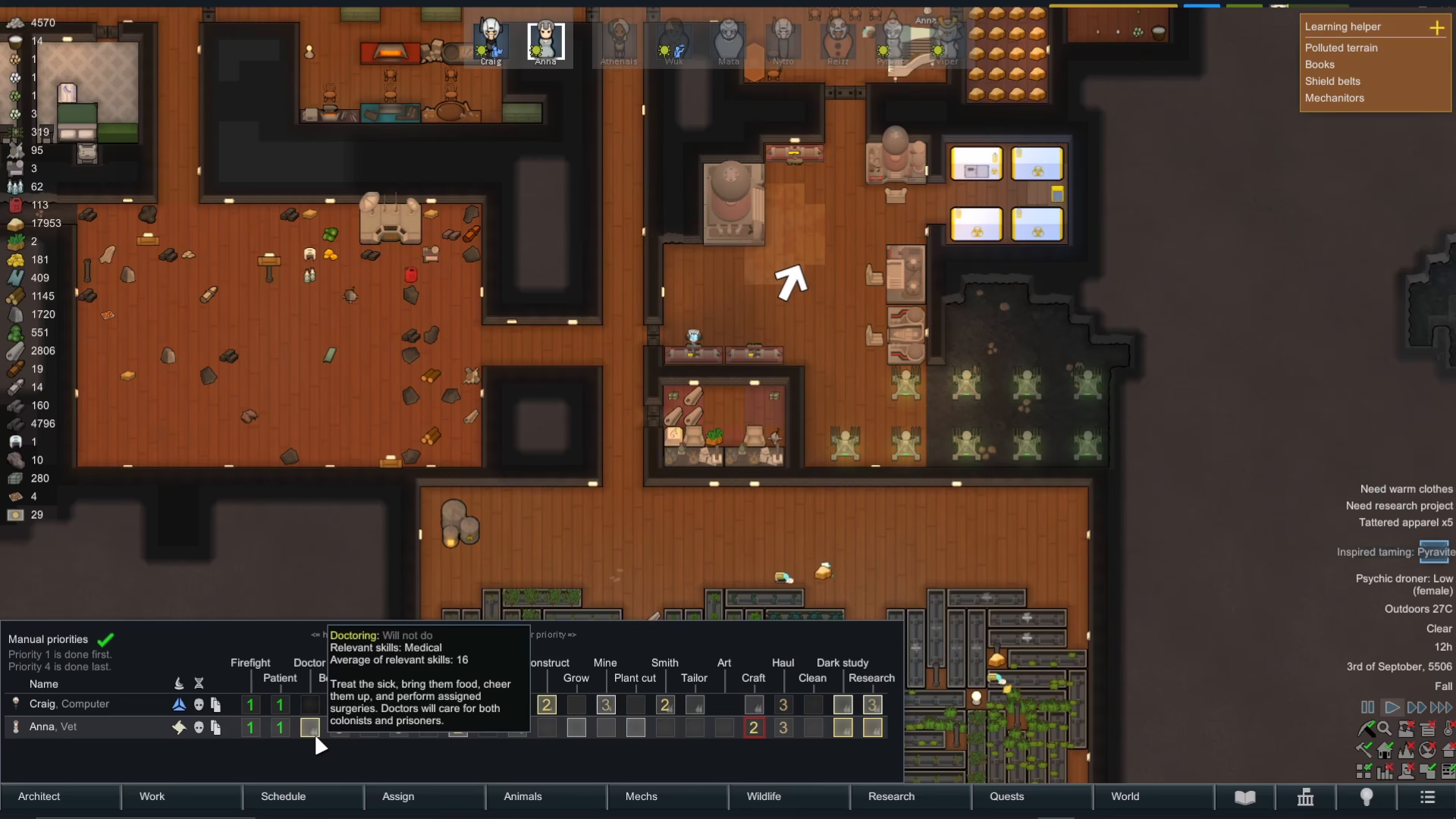
How Colonists Execute Job Priorities
Once you’ve set priorities—whether manually or through the automatic system—your colonists will automatically perform jobs in that designated order. They will complete Priority 1 tasks first, then move on to Priority 2, and so on. This creates a natural workflow that keeps your colony functioning smoothly without requiring constant micromanagement.
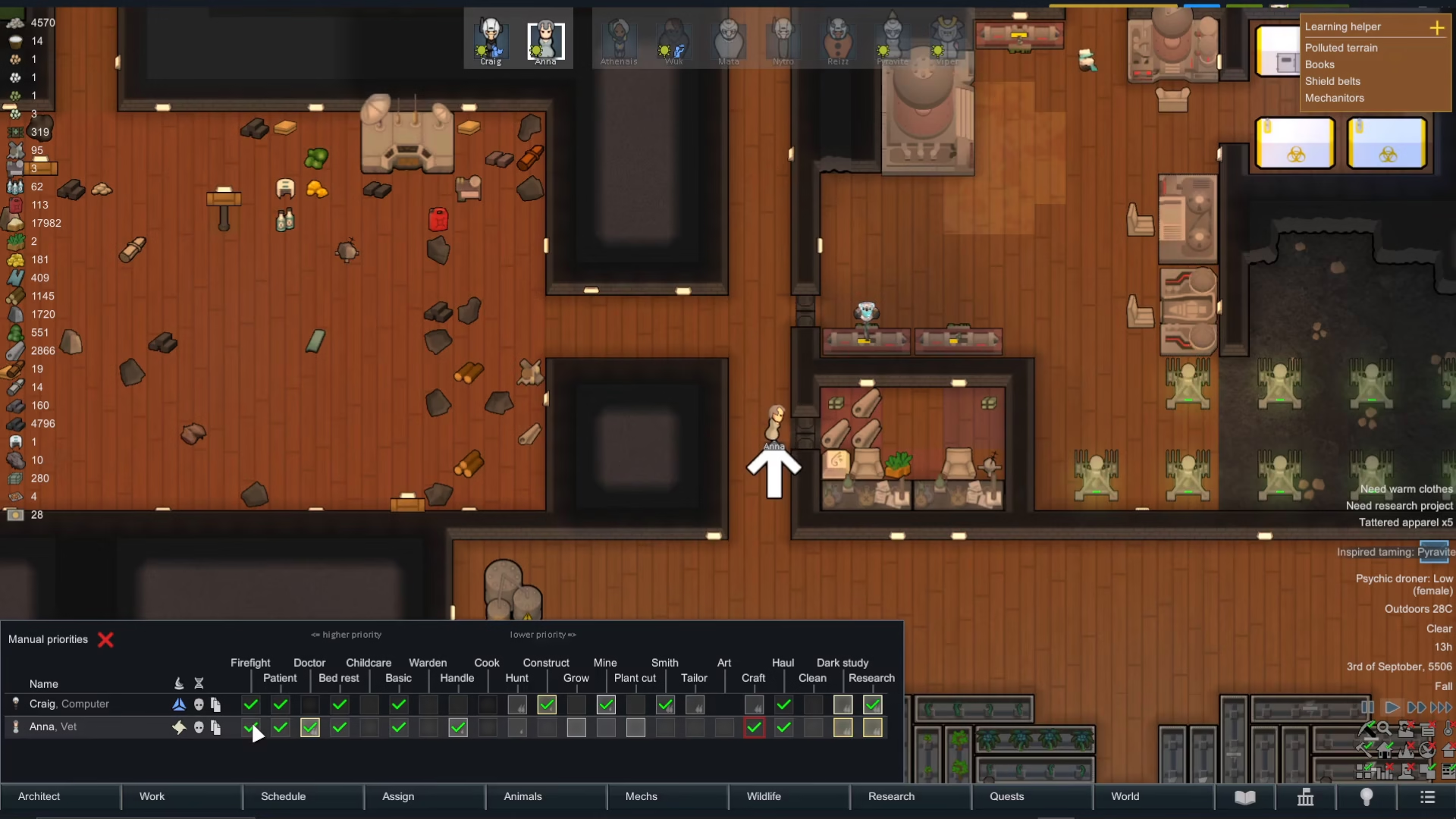
Using Skill Indicators
Rimworld provides helpful visual indicators to guide your job assignments. When you see one or two small flames next to a job, this indicates that the colonist will learn that skill significantly faster and should ideally be assigned to that task. A yellow border around a job means that colonist is already highly skilled in that area and is the best choice for that work. Use these indicators to optimize your colony’s efficiency and skill development.
Managing Colonist Policies in the Assign Tab
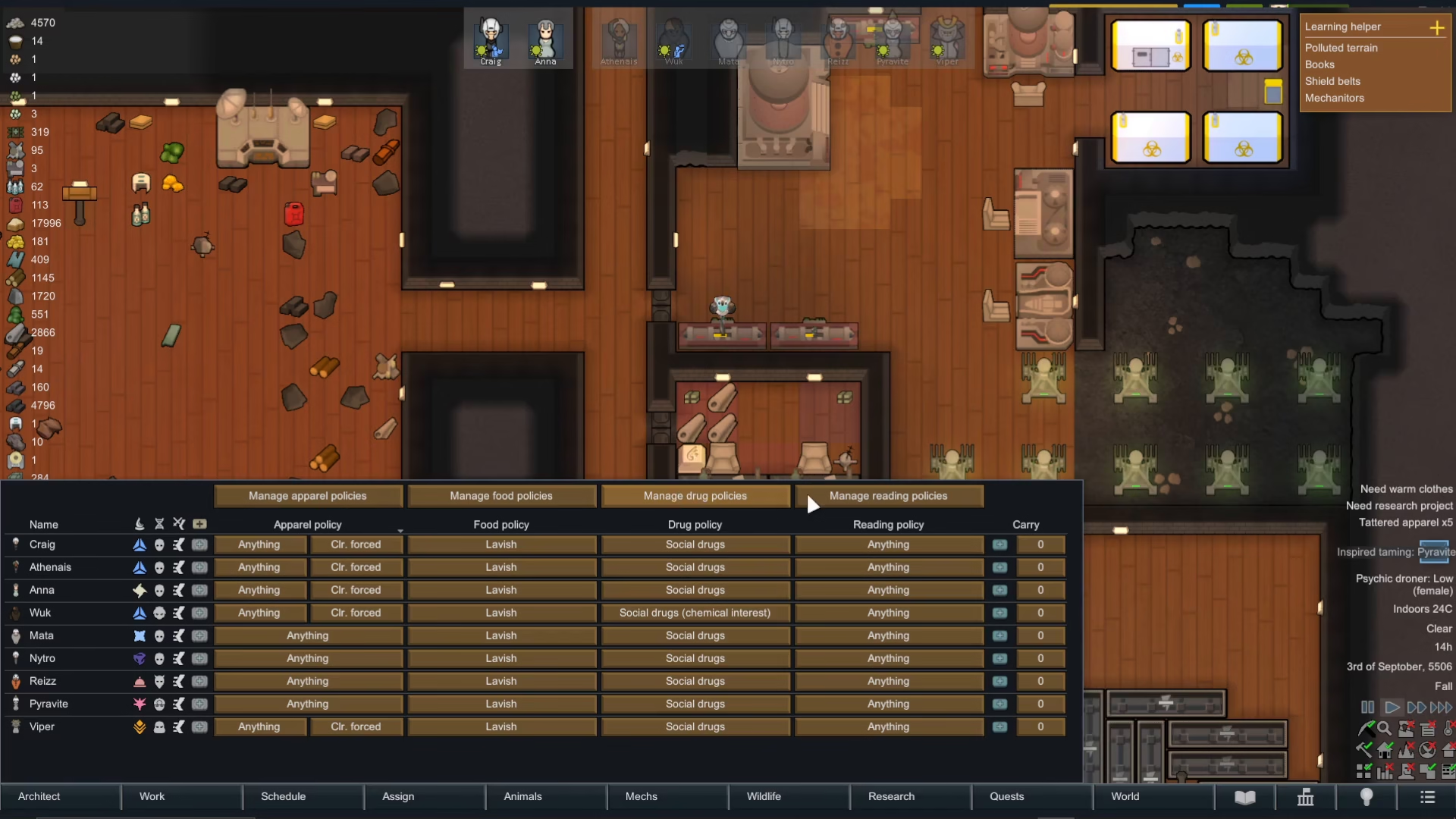
Beyond the Work tab, the Assign tab offers additional policy-based controls for your colonists. Here you can configure apparel policies, district worker assignments, permitted food types, allowed drugs, and reading permissions. These settings function similarly to work priorities and allow you to establish rules that govern your colonists’ behavior across multiple aspects of colony life.
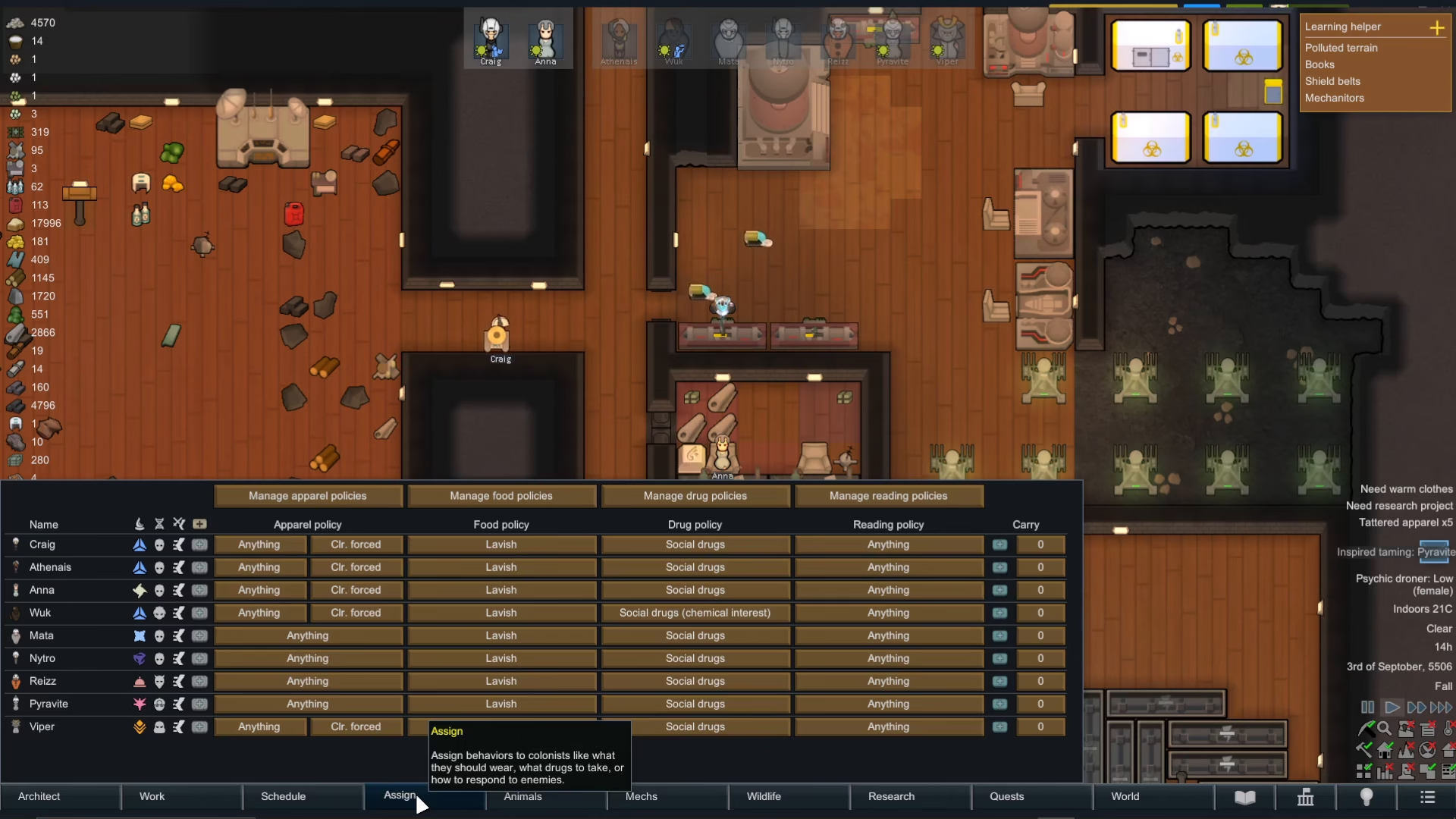
You can customize these policies on an individual colonist basis, just as you would with job priorities, giving you fine-grained control over your colony’s rules and regulations.
Conclusion
Assigning jobs in Rimworld is essential to keeping your colony productive and your colonists safe. Start with the Work tab, set your priority levels based on necessity, and use the skill indicators to assign tasks to your most capable colonists. As your colony expands, use the Assign tab to manage broader policies. Master these systems and you’ll have a well-oiled colony running smoothly.
Want to Support?
If you would like to help us continue making these guides – please consider joining our patreon here – https://www.patreon.com/c/JaviHeals
Alternatively – you can join our discord here – https://discord.gg/zD7Gjt6MHF