Complete Rimworld Trading Tutorial
Complete Rimworld Trading Tutorial
Trading is one of the most essential mechanics in Rimworld, allowing you to buy and sell goods with passing traders, visiting tribes, and distant settlements. This guide covers all three trading methods available in the game, so you’ll never struggle to find the resources you need.
Trading via Comms Console
The most reliable way to trade in Rimworld is through a comms console. This structure allows your colonists to communicate with traders passing by your planet, including combat suppliers and transport companies.
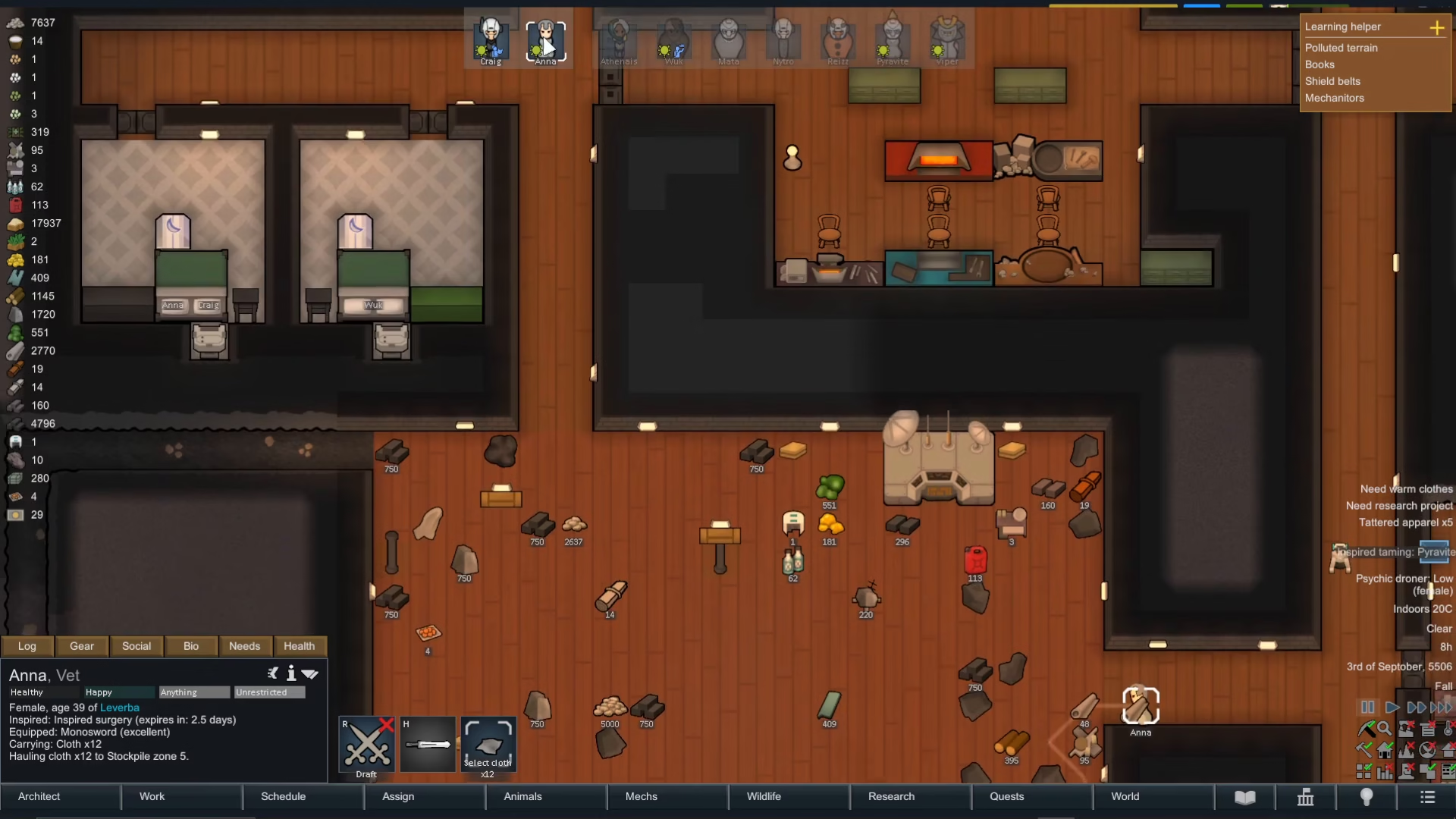
To get started, build a comms console on your base. Once it’s constructed, select one of your colonists and right-click on the comms console. You’ll see a list of available traders you can call. Select the trader you want to contact—for example, you might choose a transport company or combat supplier.
How to Buy and Sell Items
Once you’ve opened the trading screen, you’ll see two columns: one showing the trader’s inventory and one showing your own. Each item displays its price.
To sell an item to the trader, click the right arrow next to the item in your inventory. To buy an item from the trader, click the left arrow next to the item in their inventory. You can adjust quantities by either clicking the arrows multiple times or typing in the exact number you want to trade.
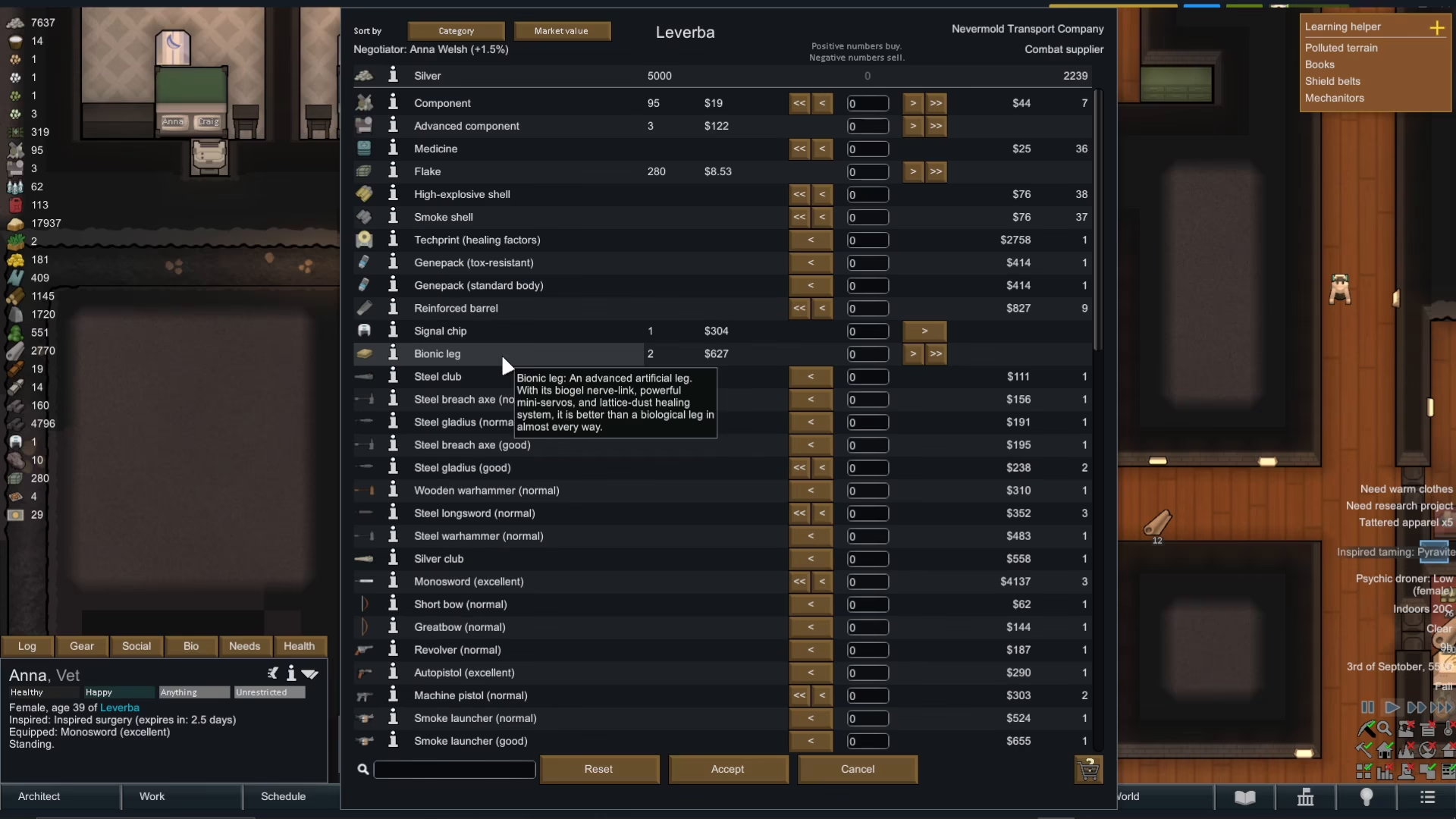
The trading screen also shows both your current money and the trader’s current money. As you add items to the trade, you’ll see the balance update in real-time. For example, if you sell a beg leg for $600, that amount will be added to your funds.
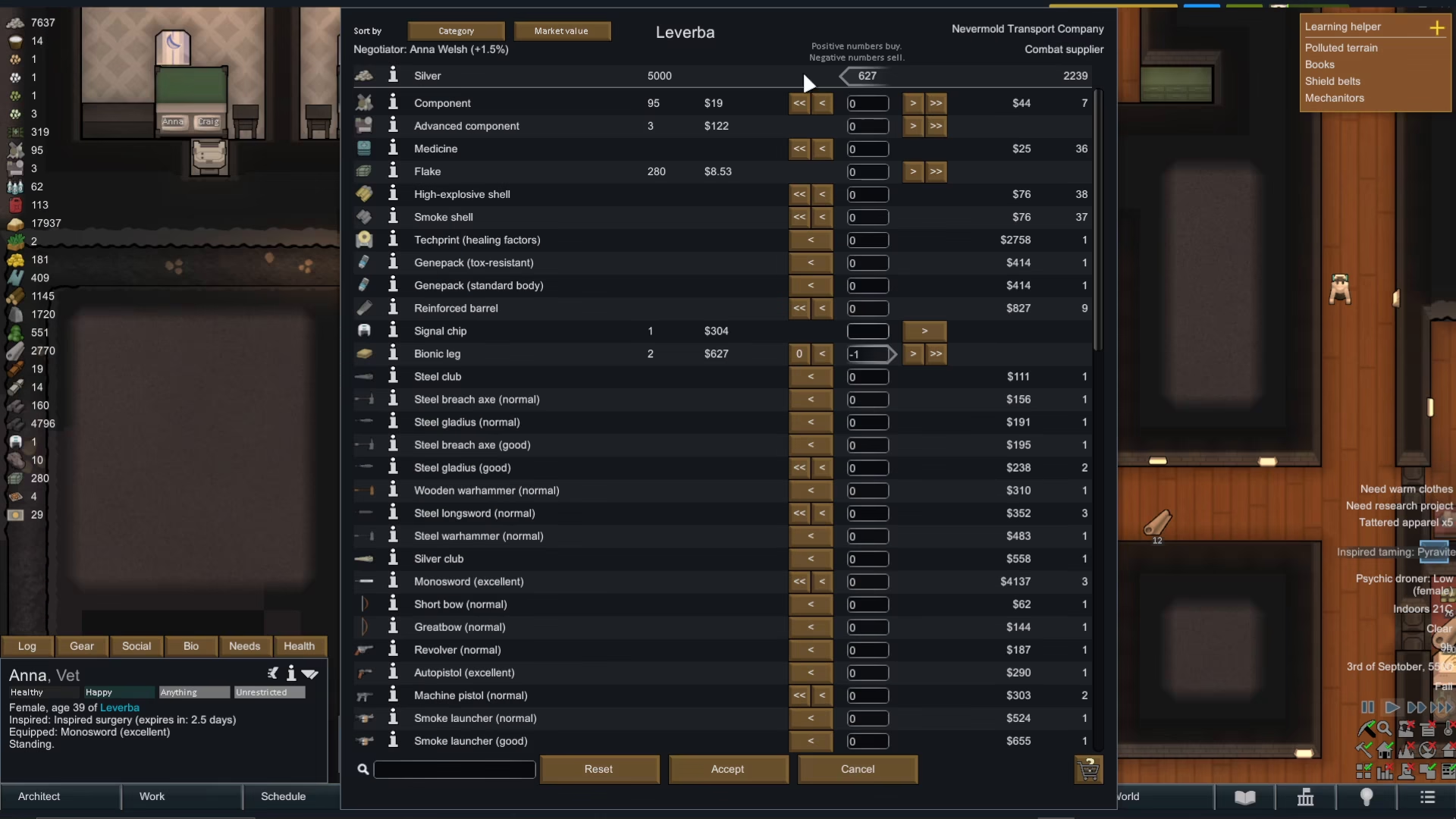
Sorting and Filtering Options
To make browsing easier, you can sort items by category, market value, quality, or name. This is especially helpful when dealing with traders who have large inventories. Once you’ve selected all the items you want to buy or sell, press the accept button to finalize the trade.
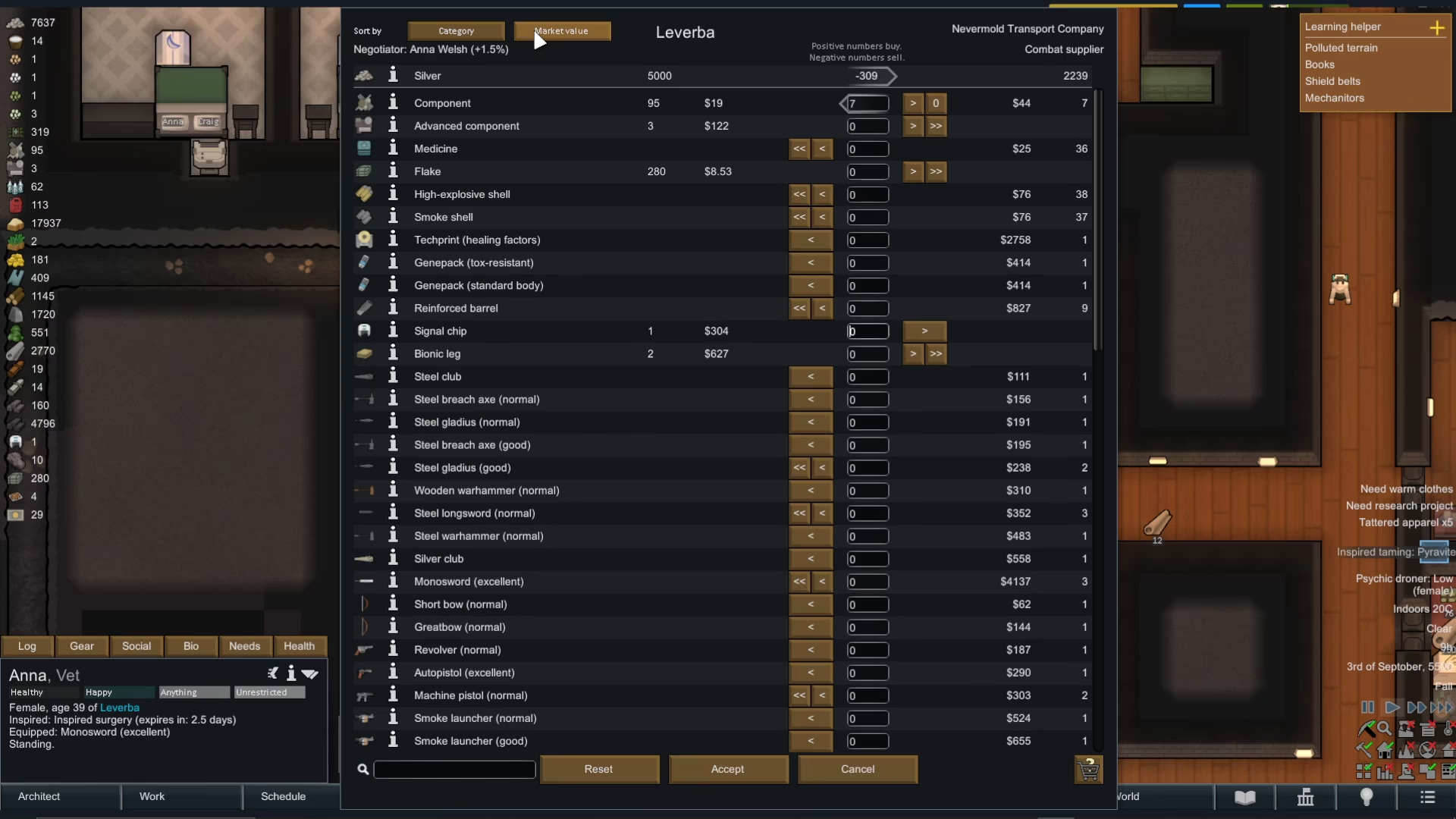
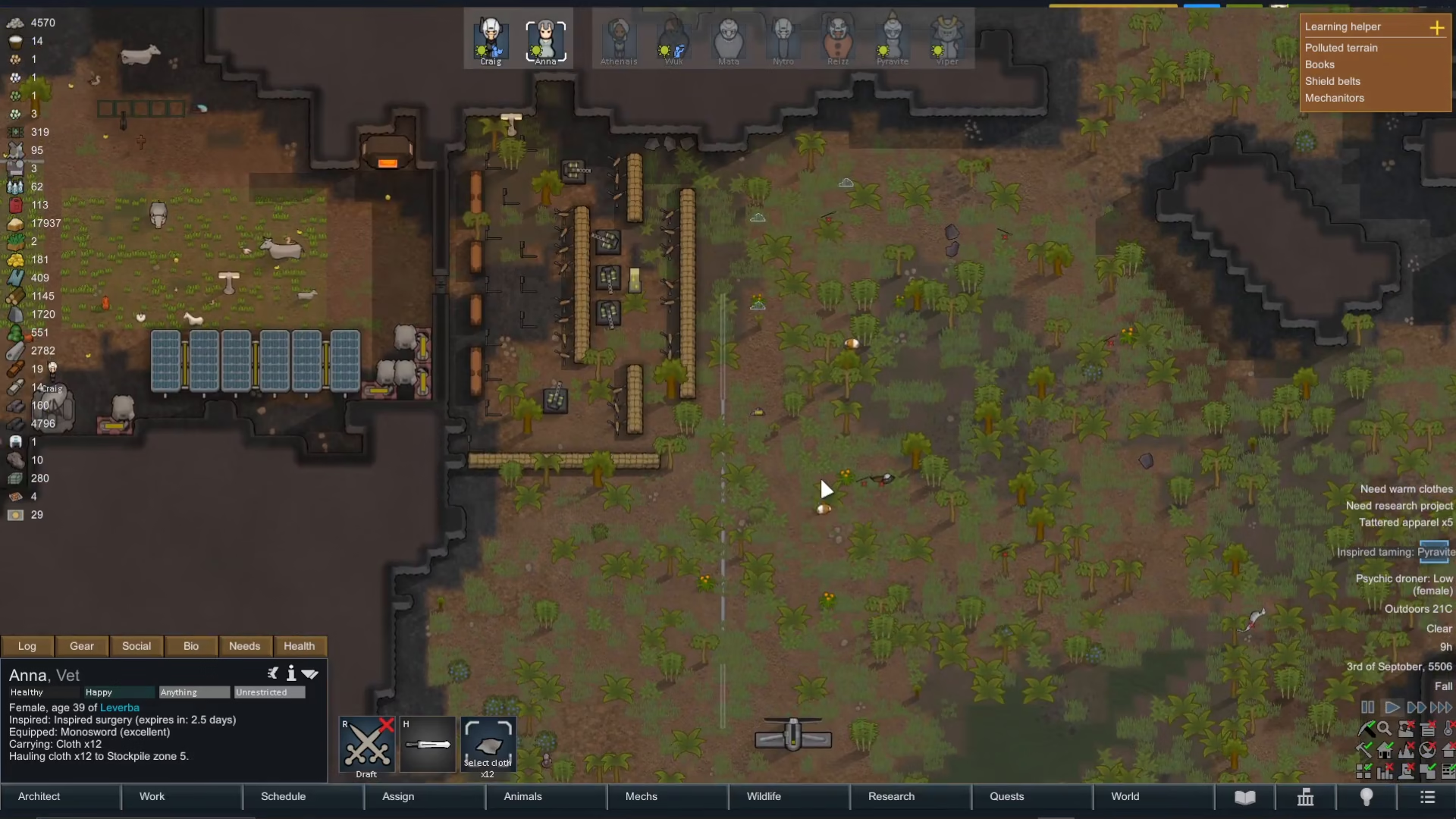
Items purchased from traders will be dropped somewhere in the vicinity of your base, and your colonists will automatically pick them up and transport them as needed.
Trading with Visiting Tribes
Sometimes a tribe will walk into your territory looking to trade. When this happens, you’ll see tribal members with a question mark icon above their head. Simply right-click on any of these traders to open the same trading interface you used with the comms console.
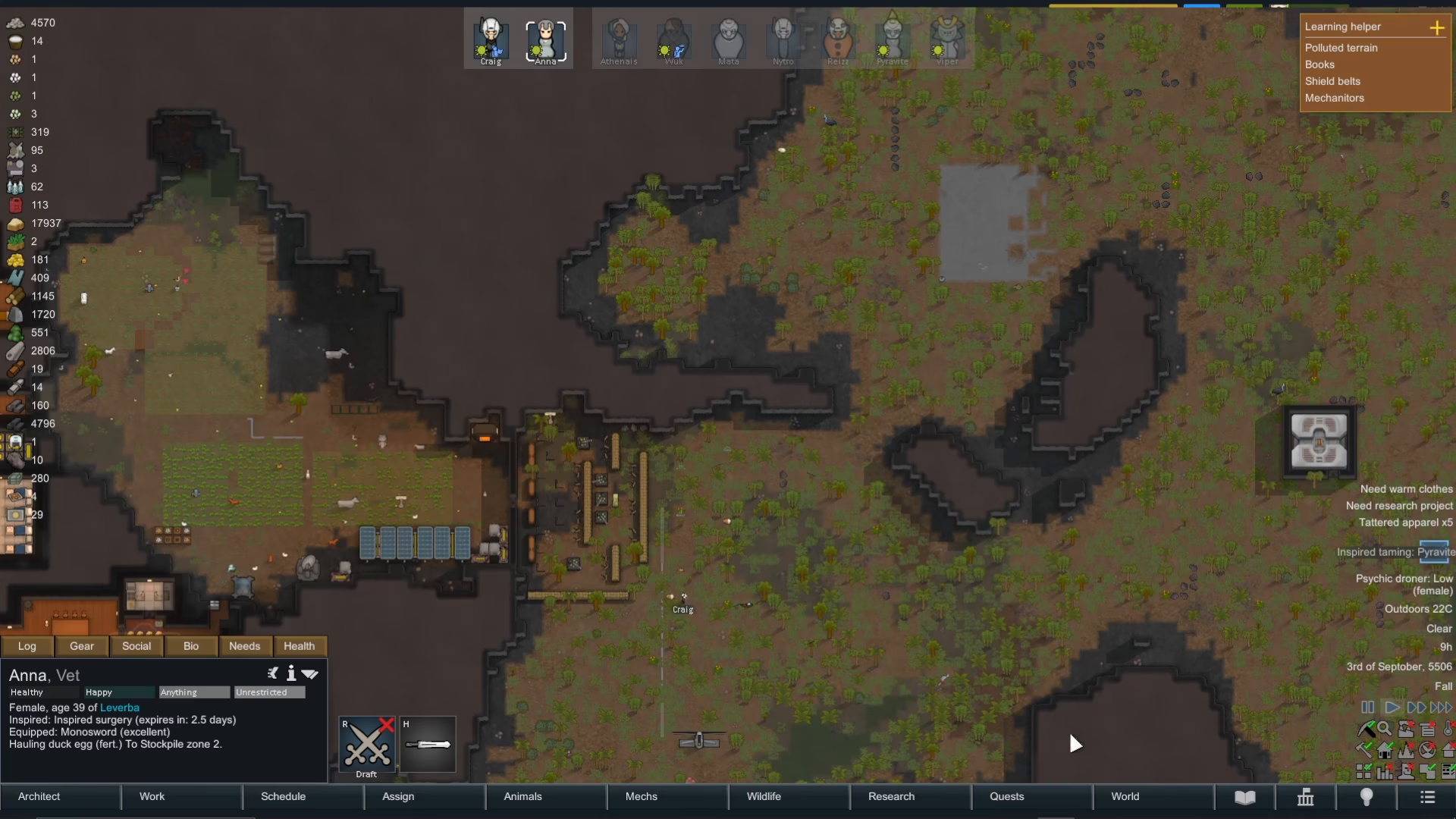
Trading with tribes works exactly the same way as trading with distant merchants—use the arrows to buy and sell items, adjust quantities as needed, and press accept to complete the trade.
Trading via Caravans
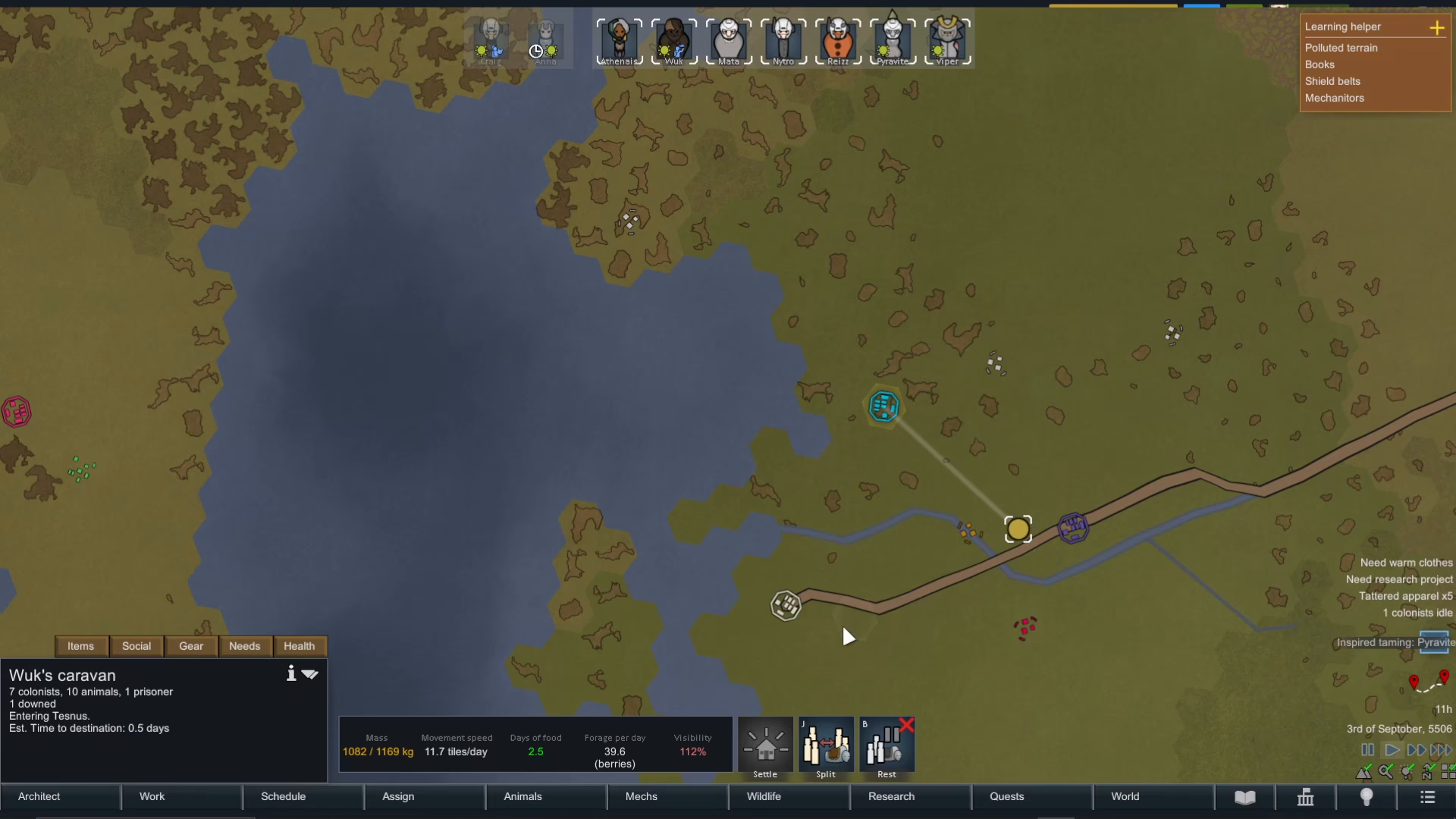
For a more proactive approach, you can send out a caravan from your settlement to visit other locations and trade directly. To do this, select a caravan and right-click on an area you want to visit, then choose the visit option.
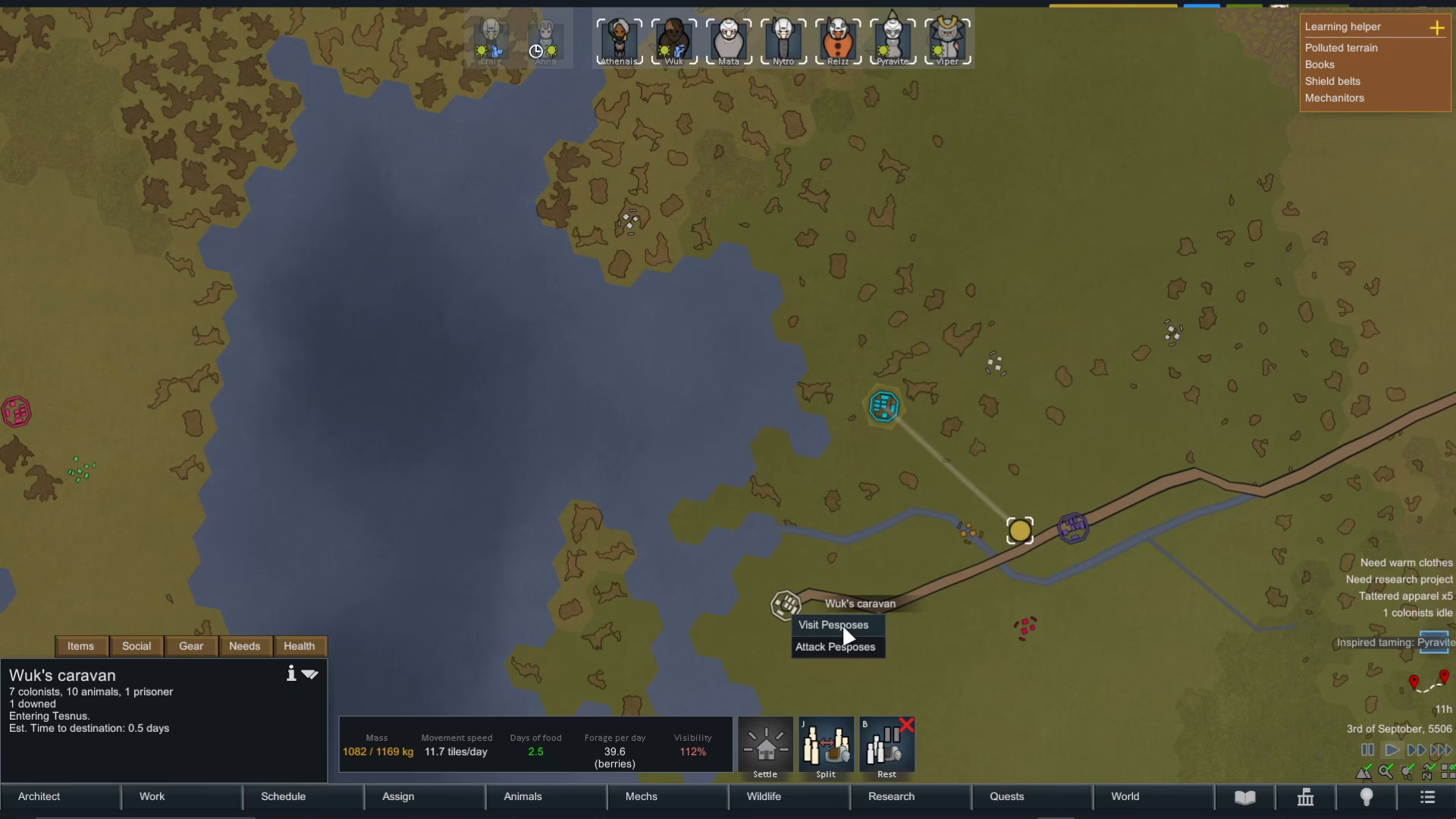
Once you arrive at the destination, you’ll have access to the same trading screen. This method is useful when you want to seek out specific items or traders that don’t naturally pass by your base.
Summary
Rimworld offers three main trading methods: using a comms console to call traders to you, trading directly with visiting tribes, and sending caravans to trade at other settlements. All three methods use the same intuitive trading interface, making it easy to buy and sell items once you understand the basics. Master these mechanics, and you’ll have no trouble keeping your colony well-supplied with essential resources.
Want to Support?
If you would like to help us continue making these guides – please consider joining our patreon here – https://www.patreon.com/c/JaviHeals
Alternatively – you can join our discord here – https://discord.gg/zD7Gjt6MHF