How To Get Creative Mode In Rimworld
How To Get Creative Mode In Rimworld
Want to build without limits in Rimworld? Creative Mode gives you access to powerful debug tools that let you spawn items, manage your colony freely, and experiment without resource constraints. This guide walks you through enabling Development Mode and using the debug menu to spawn anything you need.
Enable Development Mode
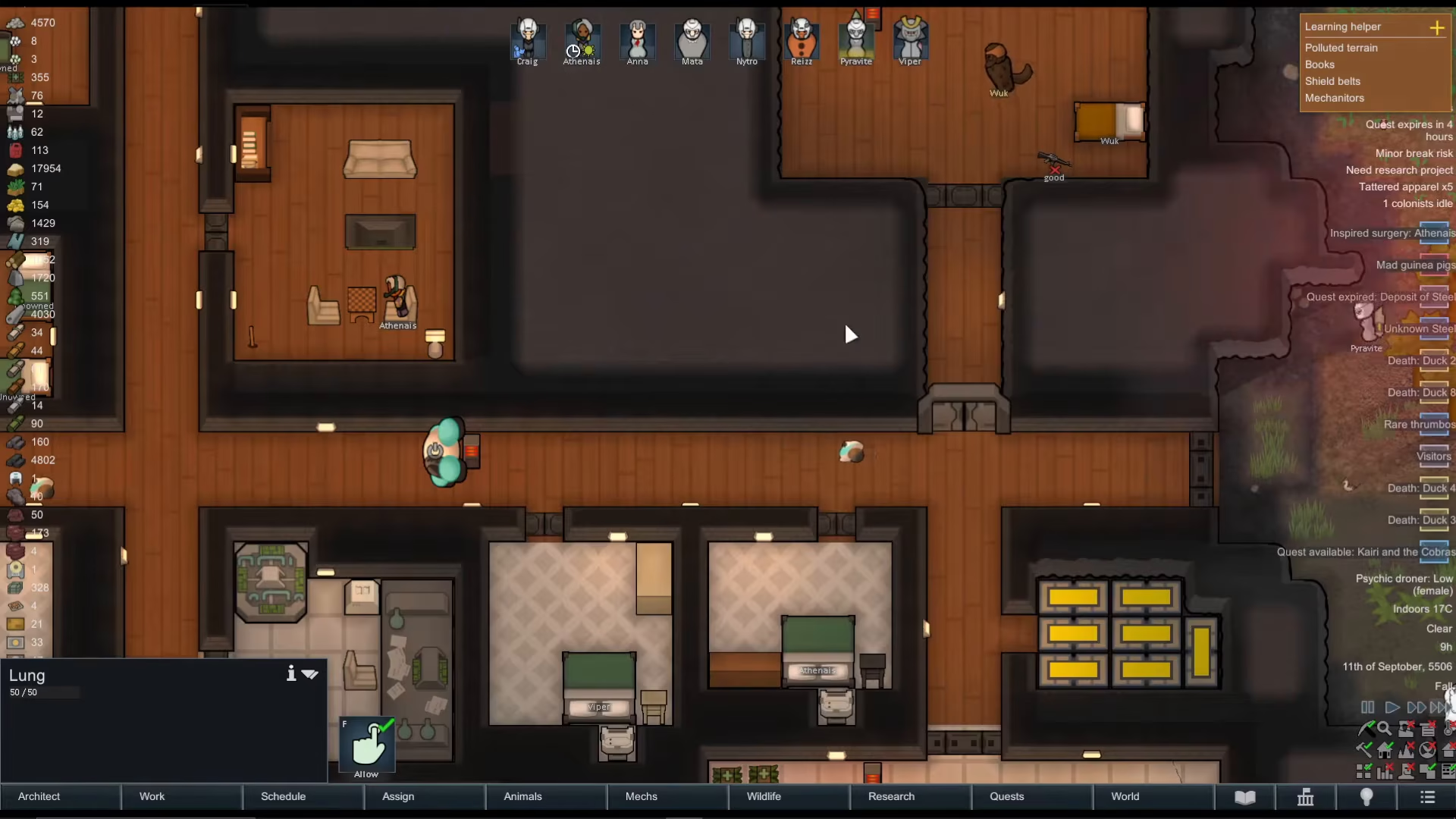
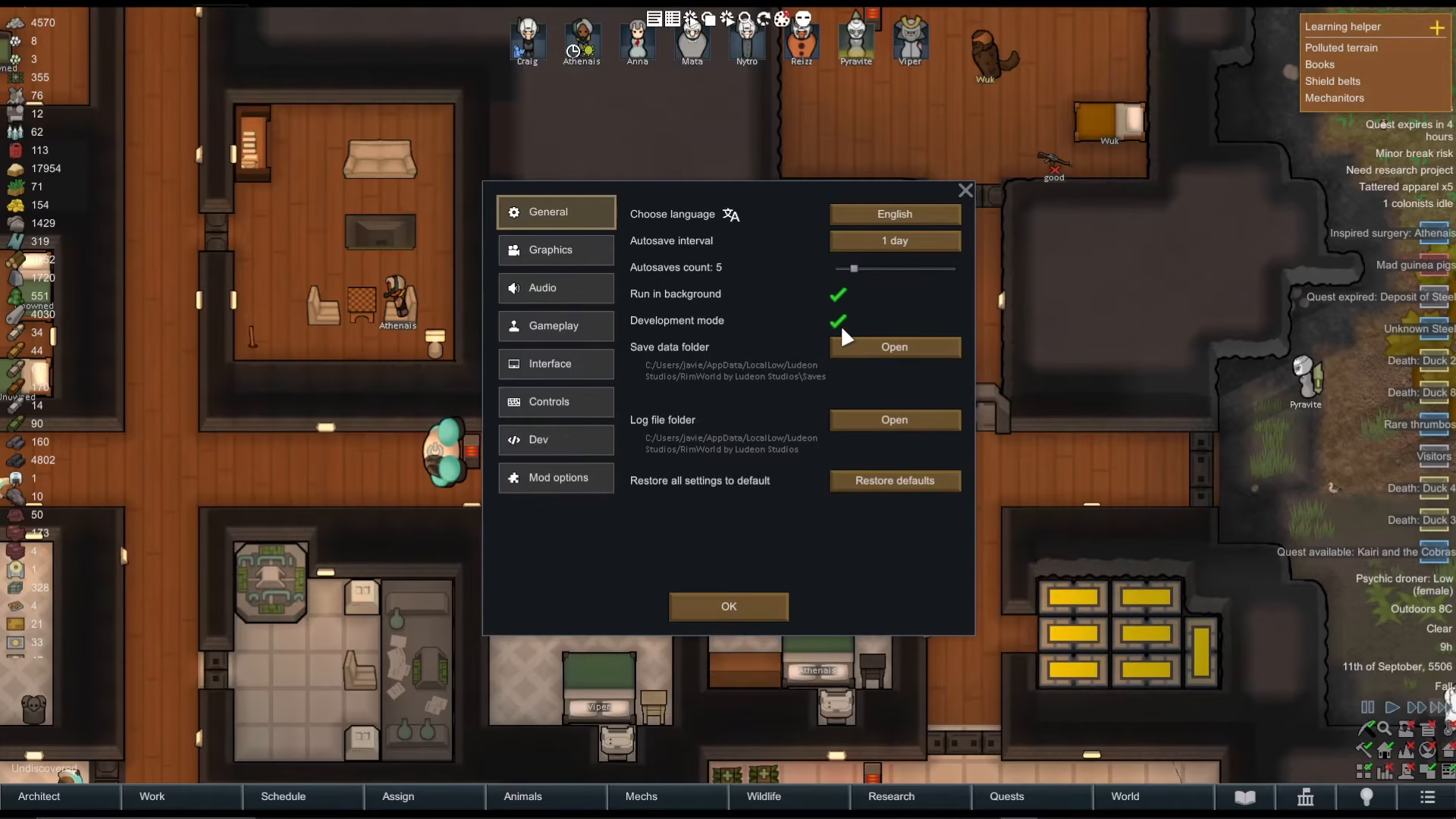
To unlock creative mode features in Rimworld, you’ll first need to enable Development Mode. Start by pressing the Escape key on your keyboard to open the main menu.
Navigate to Options and locate the Development Mode toggle. Click it to enable this feature.
Access the Debug Actions Menu
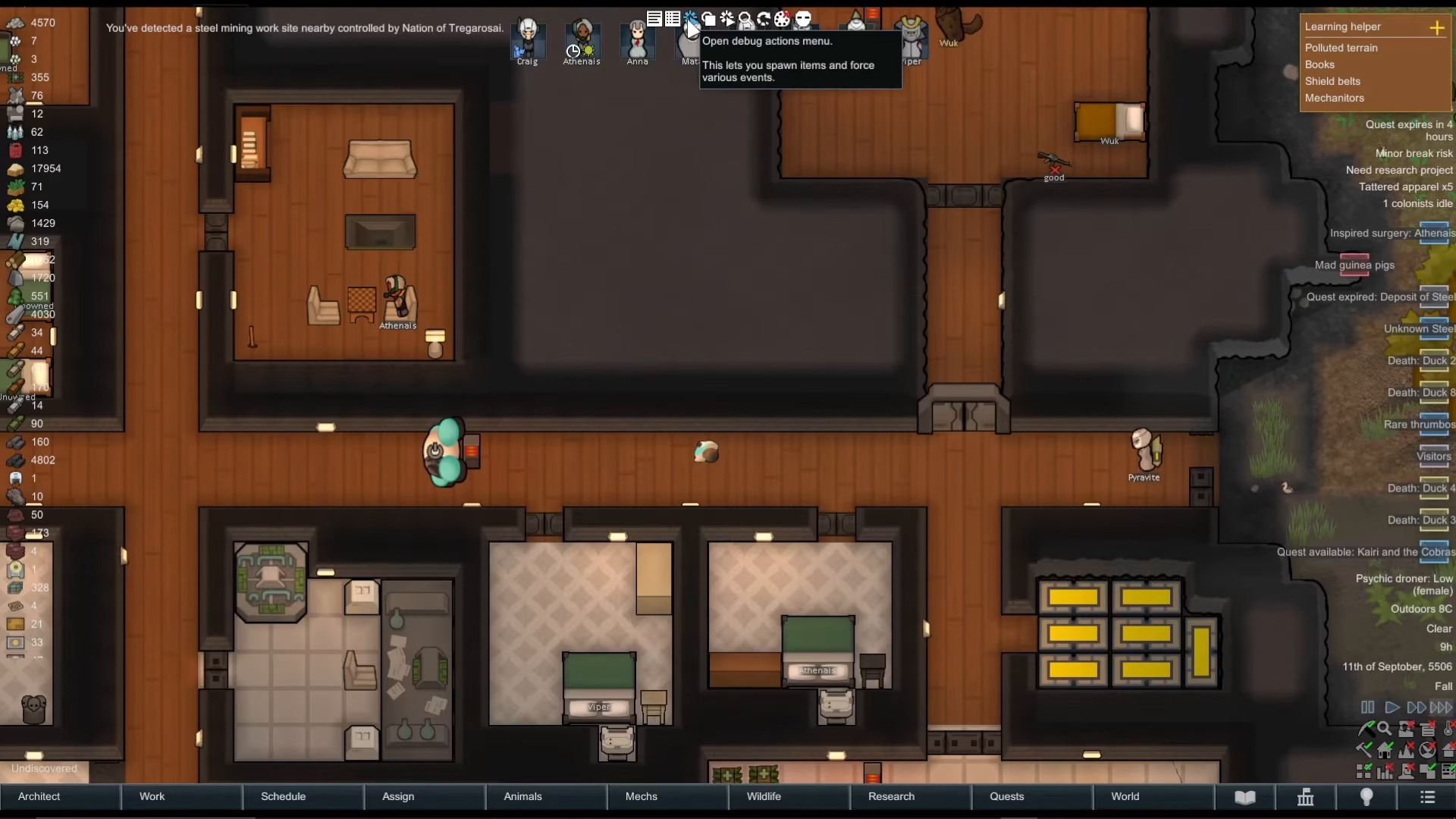
Once Development Mode is active, you’ll gain access to powerful debug tools. Click on the Open Debug Actions menu — this is the third button from the left in the Development Mode interface.
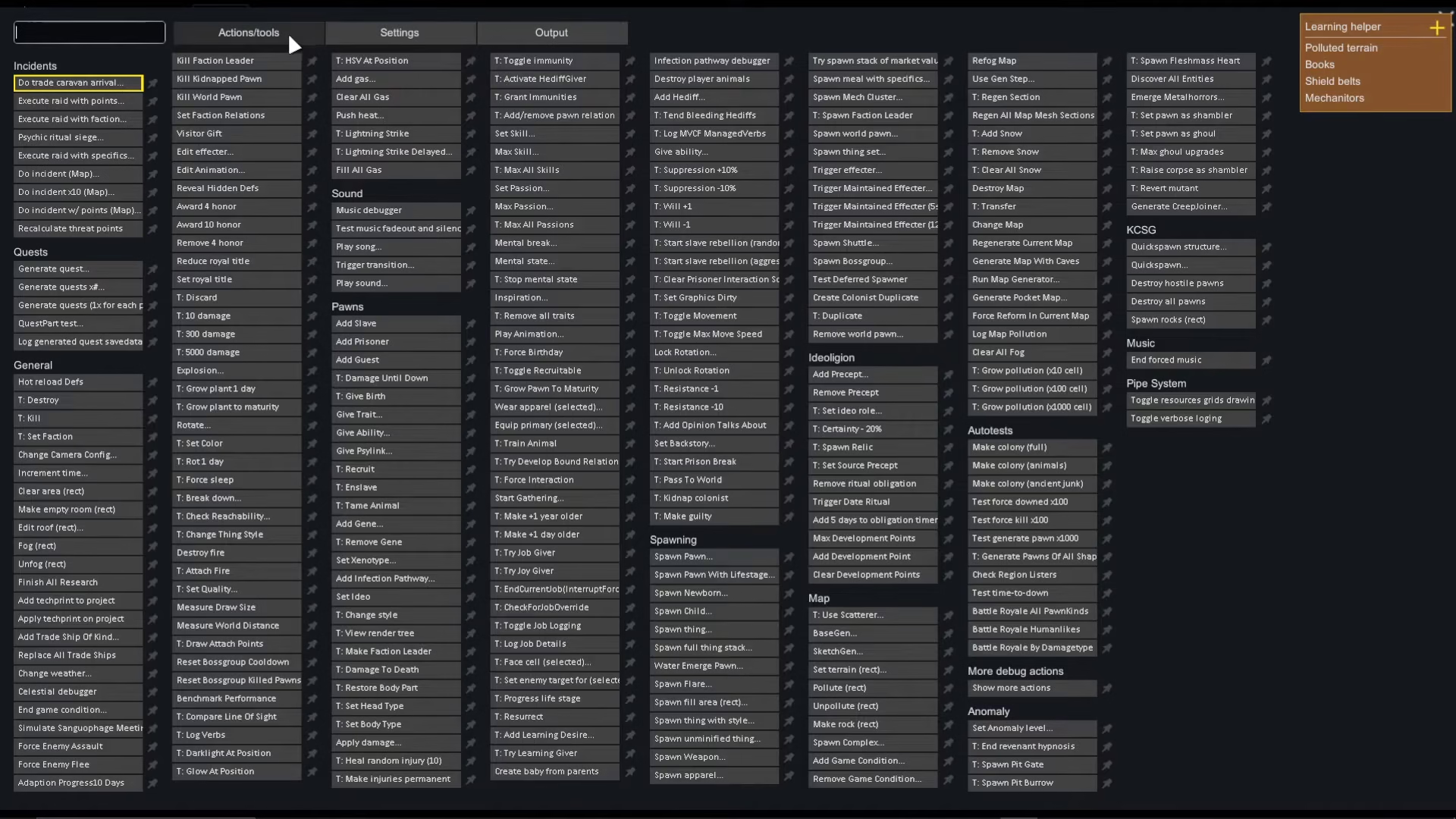
You’ll see an extensive list of options available in the debug menu. This is where all the creative mode functionality lives.
Spawn Items Using the Search Bar
The Debug Actions menu includes a search bar at the top. Type spawn into this search field to filter for spawning options.
Once you’ve searched for “spawn,” you’ll see the Spawn Thing option appear. Click on it to activate the spawning tool.
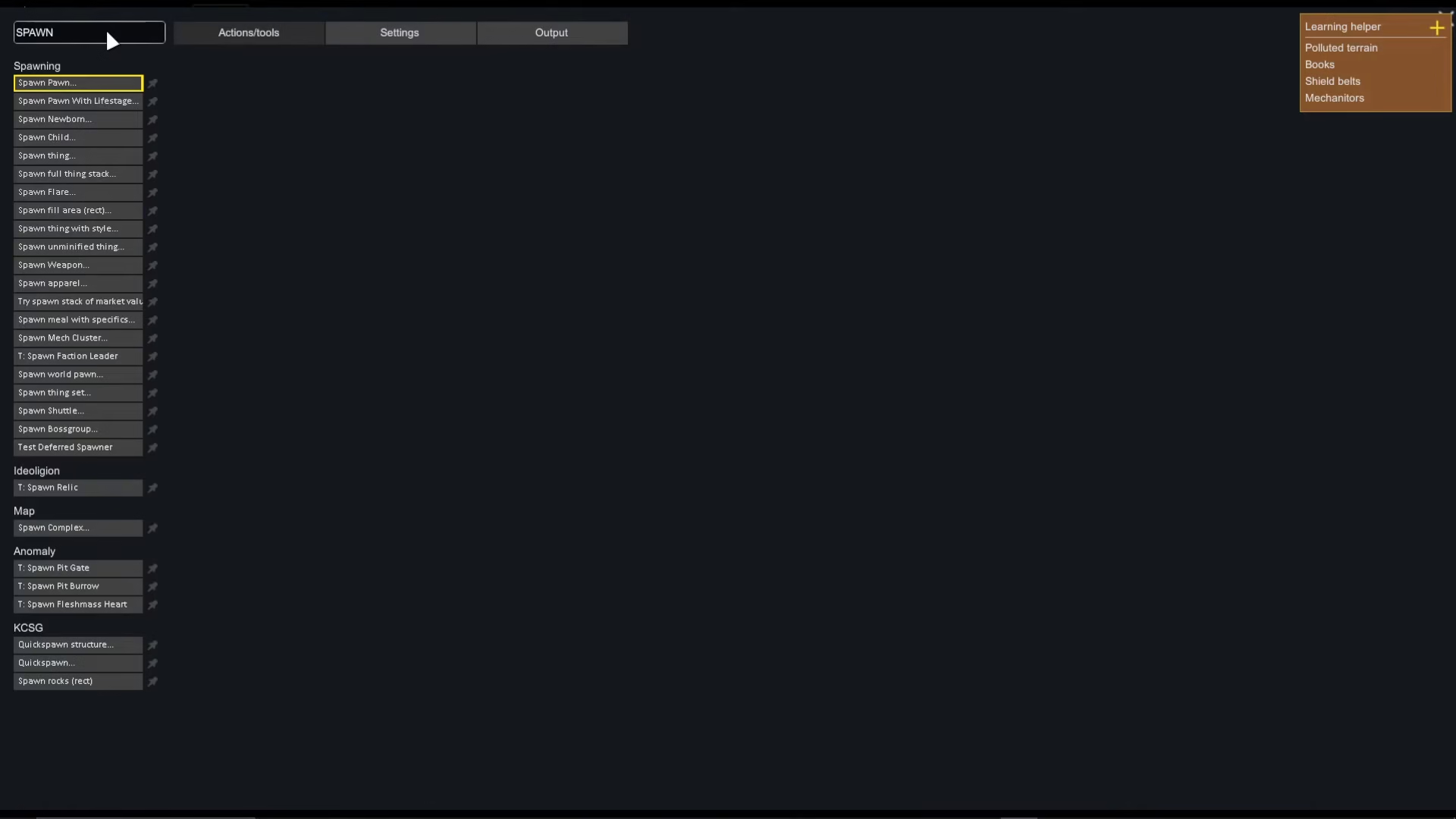
Spawning Items into Your Colony
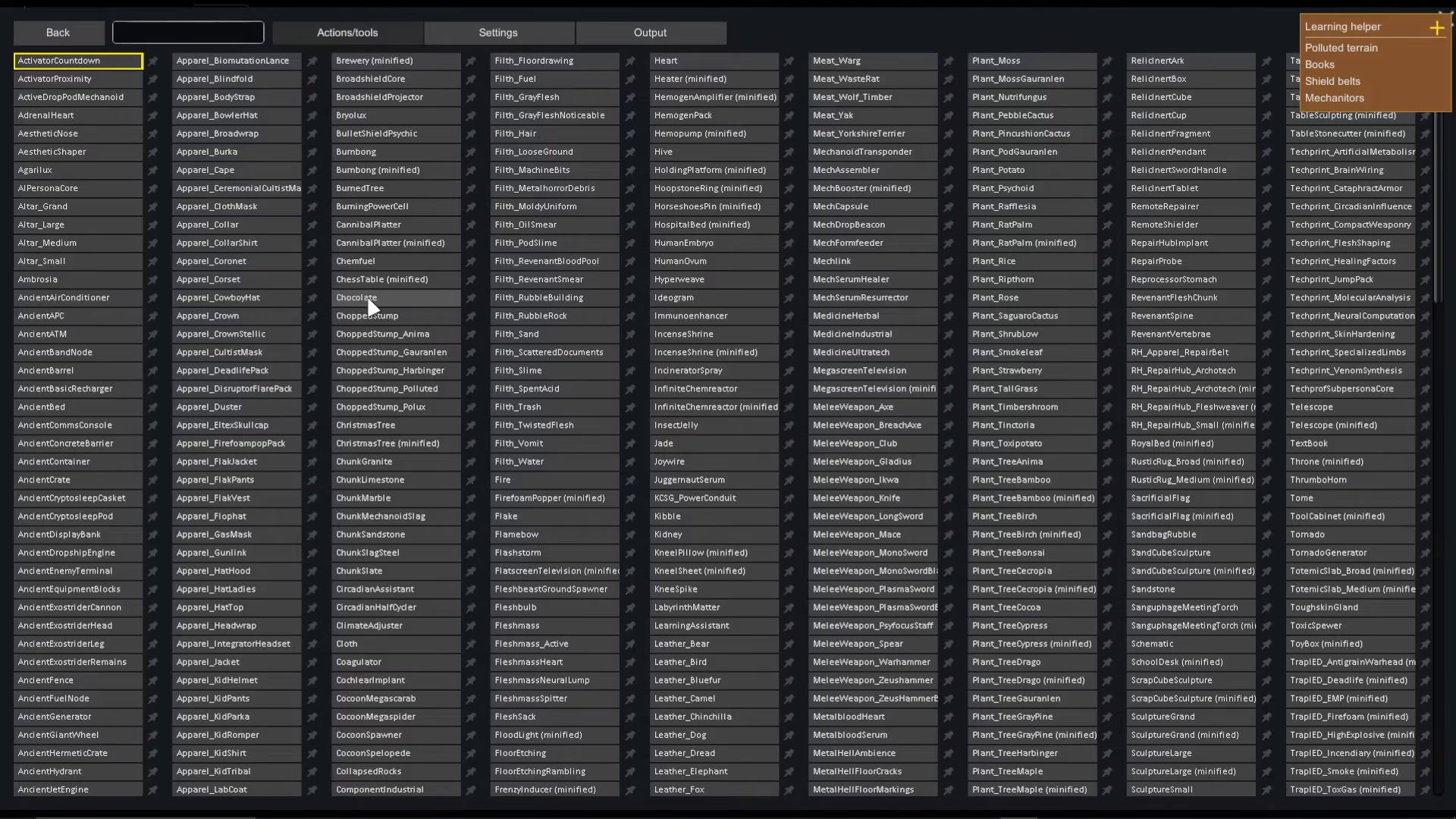
After selecting Spawn Thing, you can choose what item to spawn. For example, search for and click chocolate if you want to spawn chocolate into your colony.
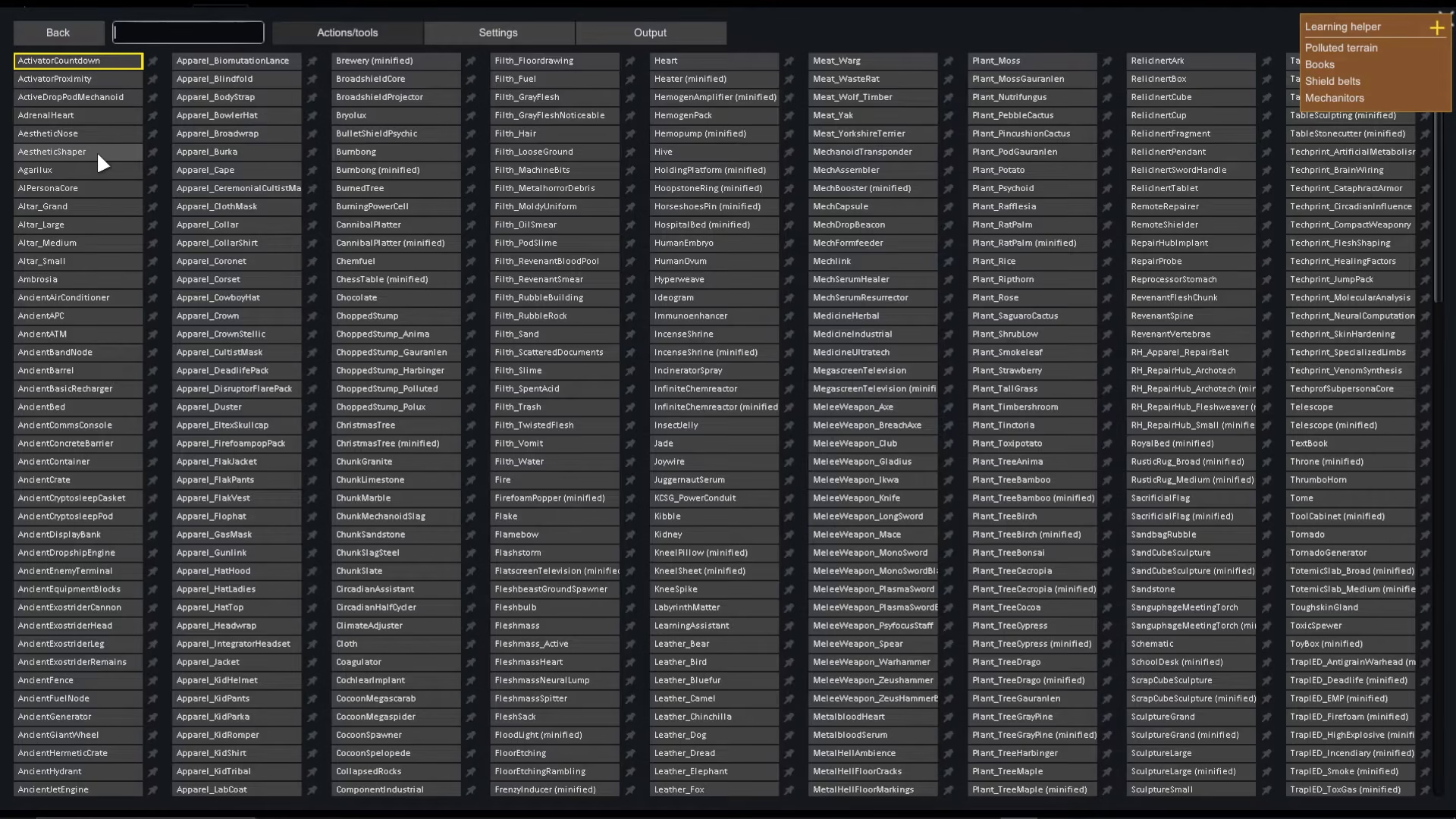
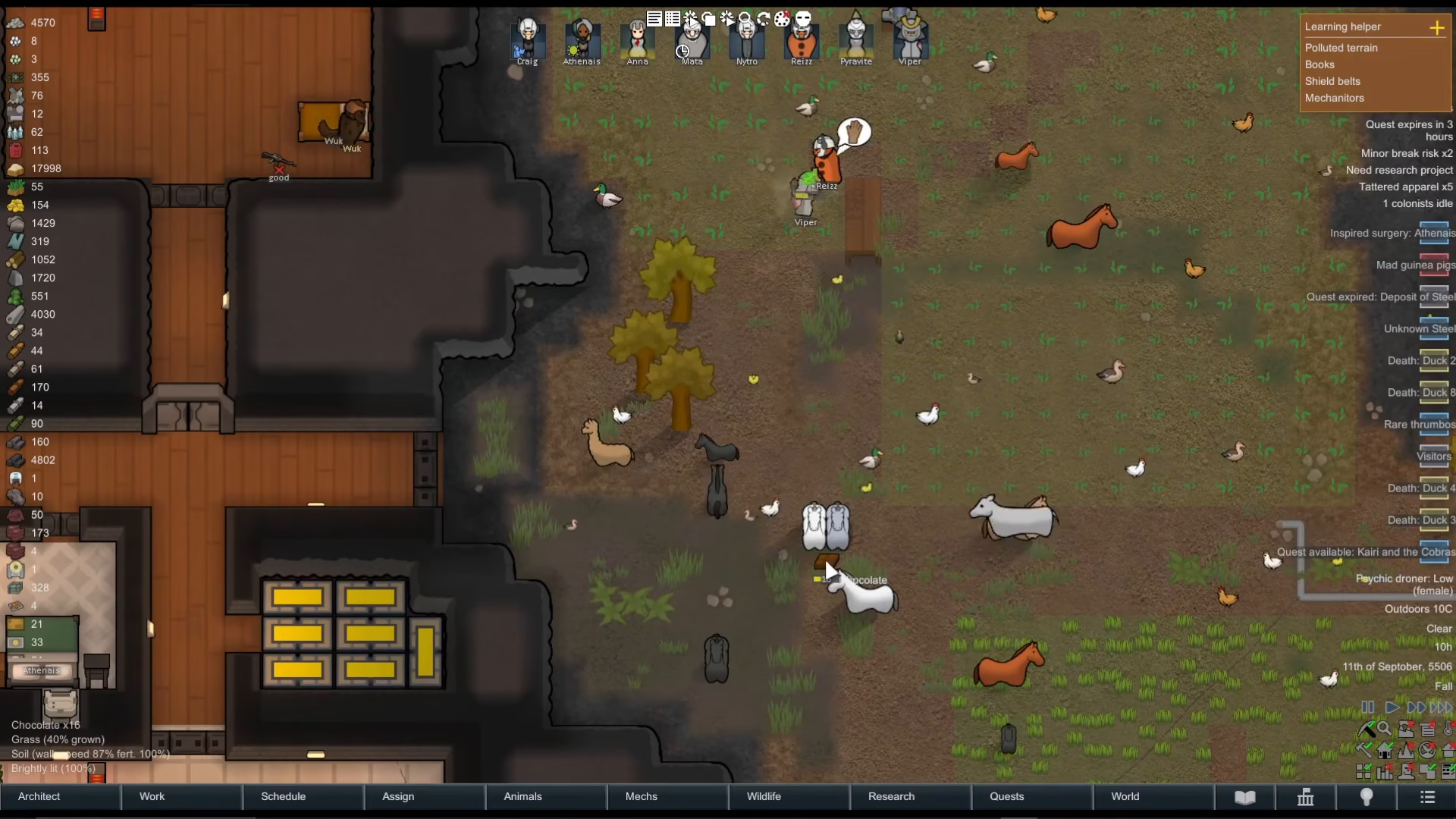
Once you’ve selected your desired item, simply left-click anywhere on the floor in your colony to place it. You can spawn multiple instances of the same item by clicking multiple times in different locations.
This spawning system works with any item in the game — resources, food, equipment, and more. Be aware that your colonists and animals will react to spawned items (for example, animals may become excited around food).
Summary
Enabling Creative Mode in Rimworld is straightforward: enable Development Mode from Options, open the Debug Actions menu, search for “spawn,” select your desired item, and left-click to place it in your colony. This gives you complete creative freedom to build and experiment without resource limitations.
Want to Support?
If you would like to help us continue making these guides – please consider joining our patreon here – https://www.patreon.com/c/JaviHeals
Alternatively – you can join our discord here – https://discord.gg/zD7Gjt6MHF