How To Lead Animals To Pens In Rimworld
How To Lead Animals To Pens In Rimworld
Accidentally destroyed your animal pen and now all your tamed animals are running loose? Don’t worry! This guide will walk you through the process of leading animals back into their pens in Rimworld. Whether you need to recover from a disaster or simply want to understand how animal handling works, we’ll cover everything you need to know to keep your livestock safely enclosed.
Understanding Pen Markers and Enclosures
The foundation of animal management in Rimworld is the pen marker. A pen marker designates an enclosed space where your tamed animals should be kept. To create a functional pen, you need to place the pen marker within walls or fencing that fully enclose the area. Once the pen is properly set up with complete walls, it becomes an active pen where animals can be directed.
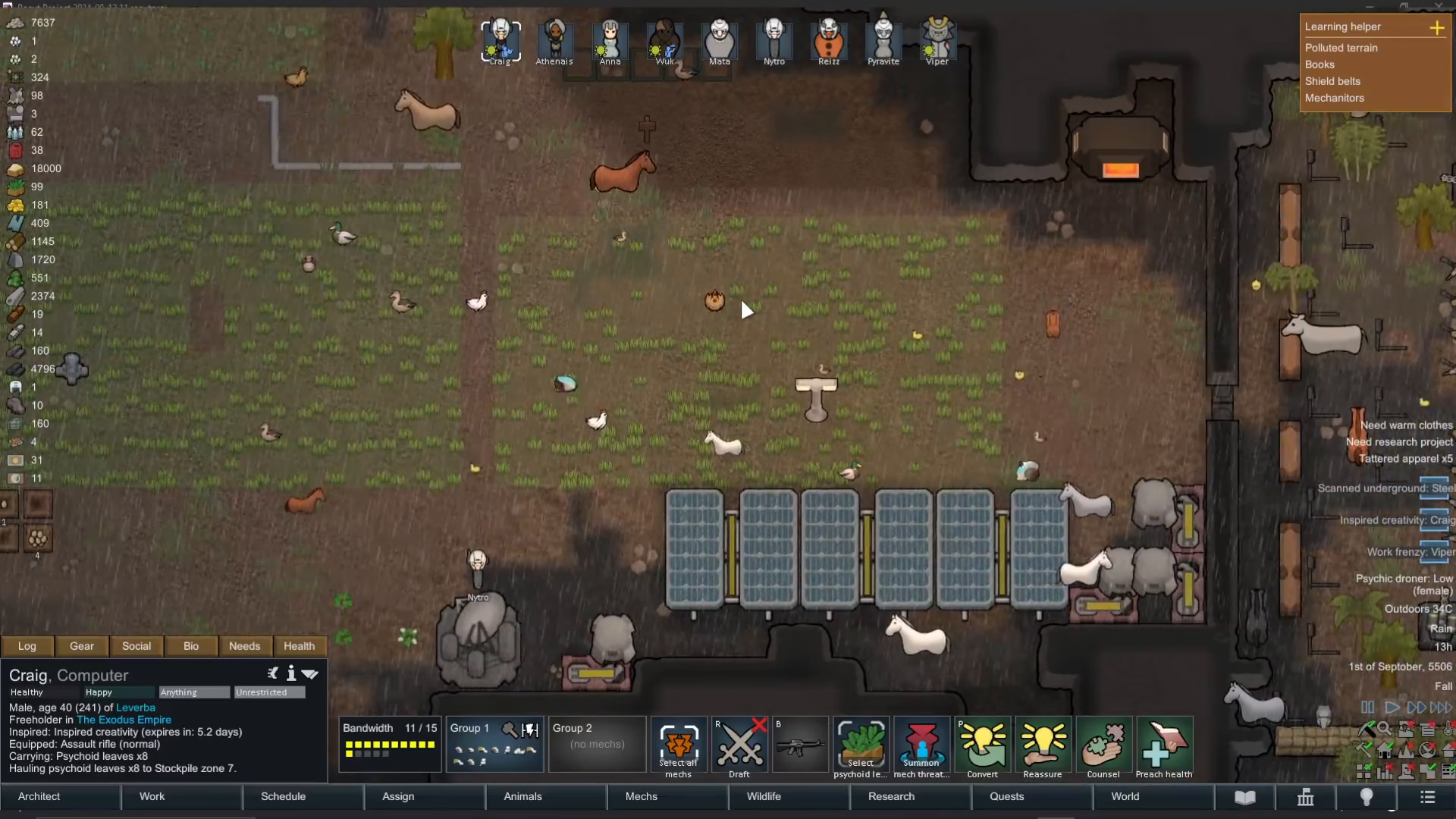
If your pen walls become damaged or destroyed, your animals will escape as though they were never penned at all. In such cases, your first priority should be to rebuild the walls immediately to prevent further losses.
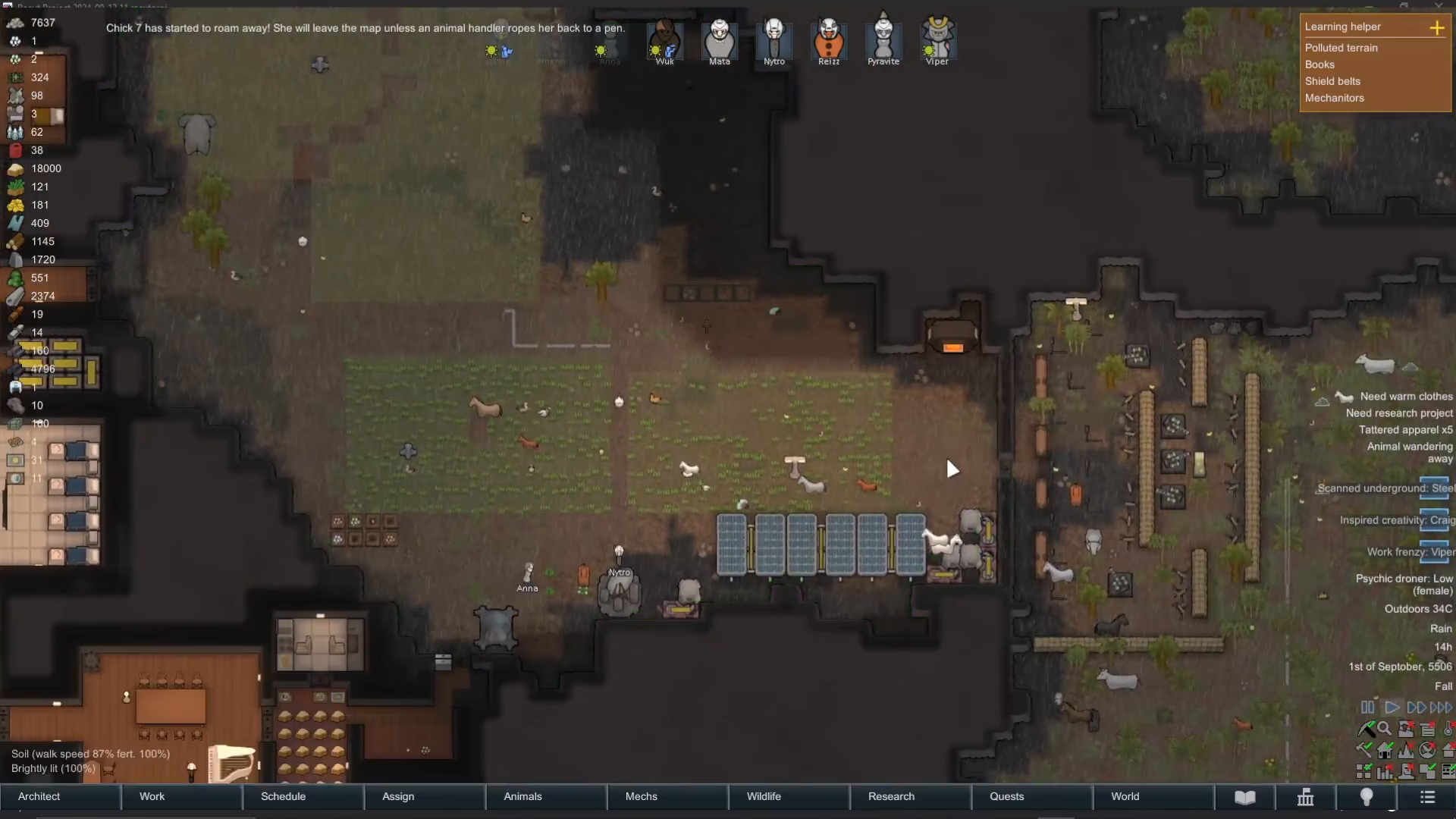
Using Animal Handlers for Automatic Penning
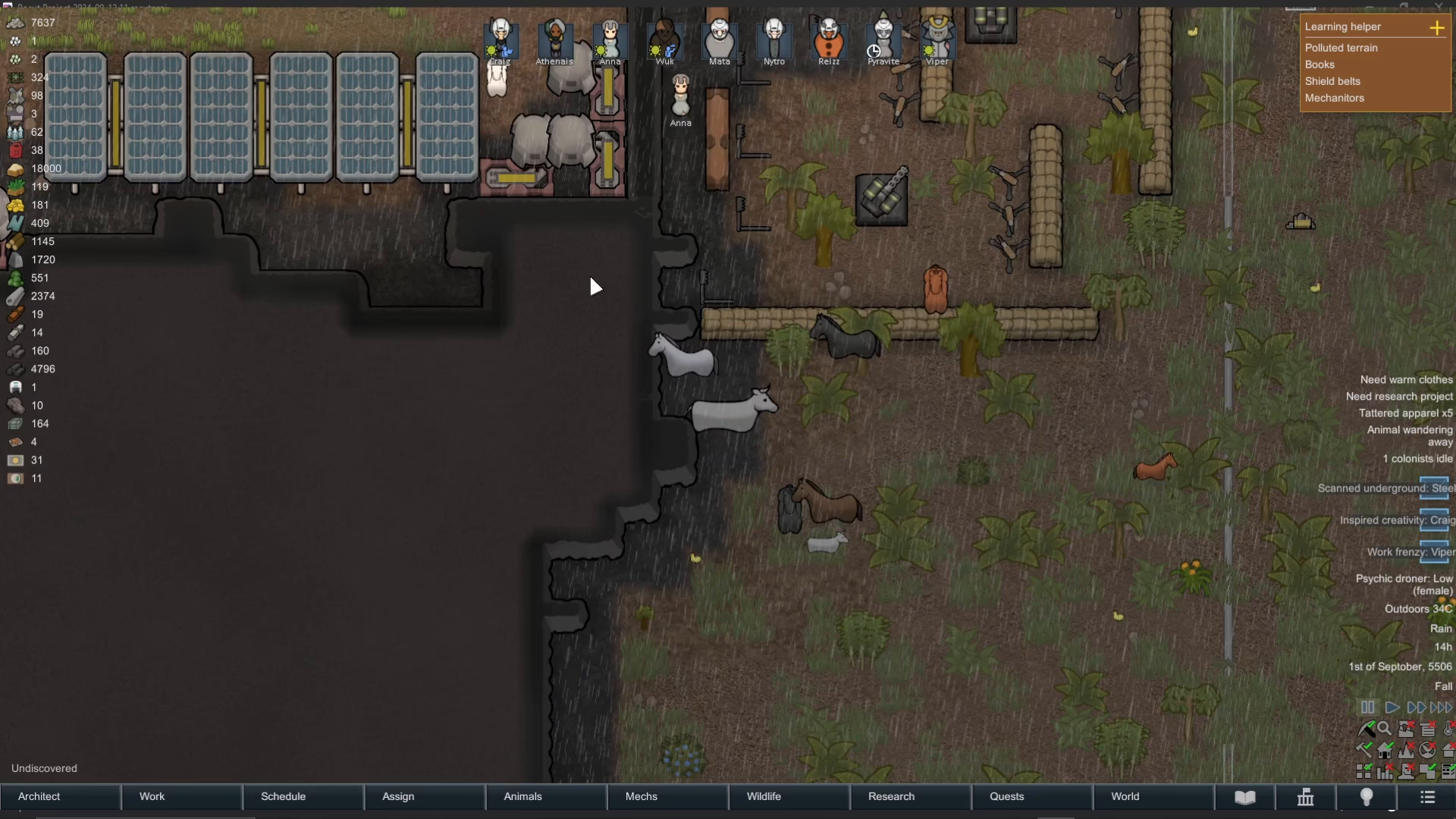
Your colonists with the “Animal Handling” designation will automatically bring escaped animals back to their designated pens. Look at your work schedule and ensure that your colonists have “Animal Handling” set as a priority work type. Handlers like Anna and Wuk will automatically move to nearby animals and lead them back to the pen without any additional commands needed.
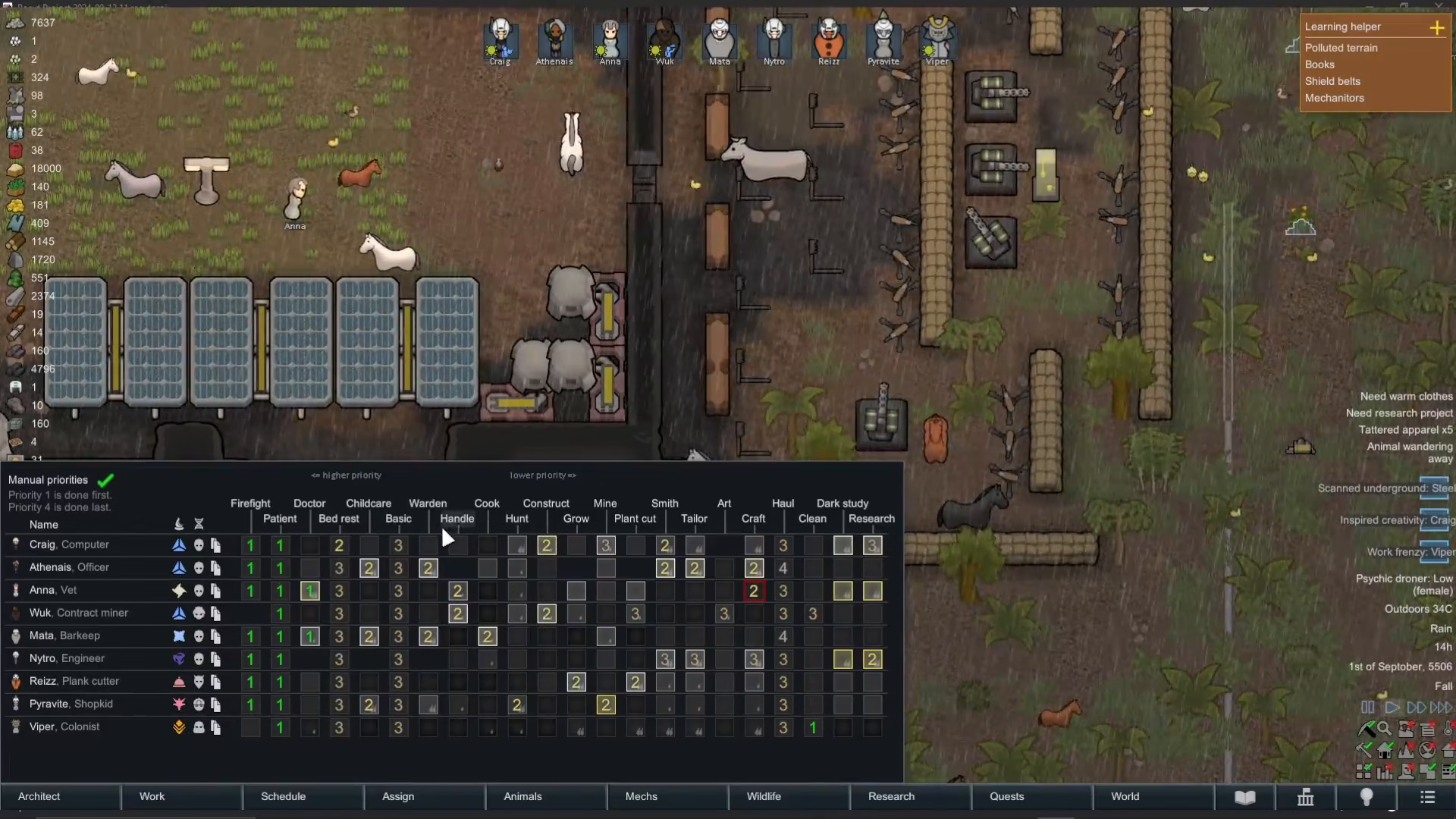
One of the impressive features of Rimworld’s animal handling system is that handlers can manage multiple animals simultaneously. Rather than leading them one at a time, your handlers will rope and guide several animals at once, making the process much more efficient.
Prioritizing Animal Penning Tasks
If your handlers are busy with other tasks and not immediately responding to escaped animals, you can manually prioritize the penning work. Simply right-click on any animal that needs to be penned and select “Prioritize roping [animal name]”. This command will force the selected colonist to immediately stop what they’re doing and focus on leading that animal back to the pen.
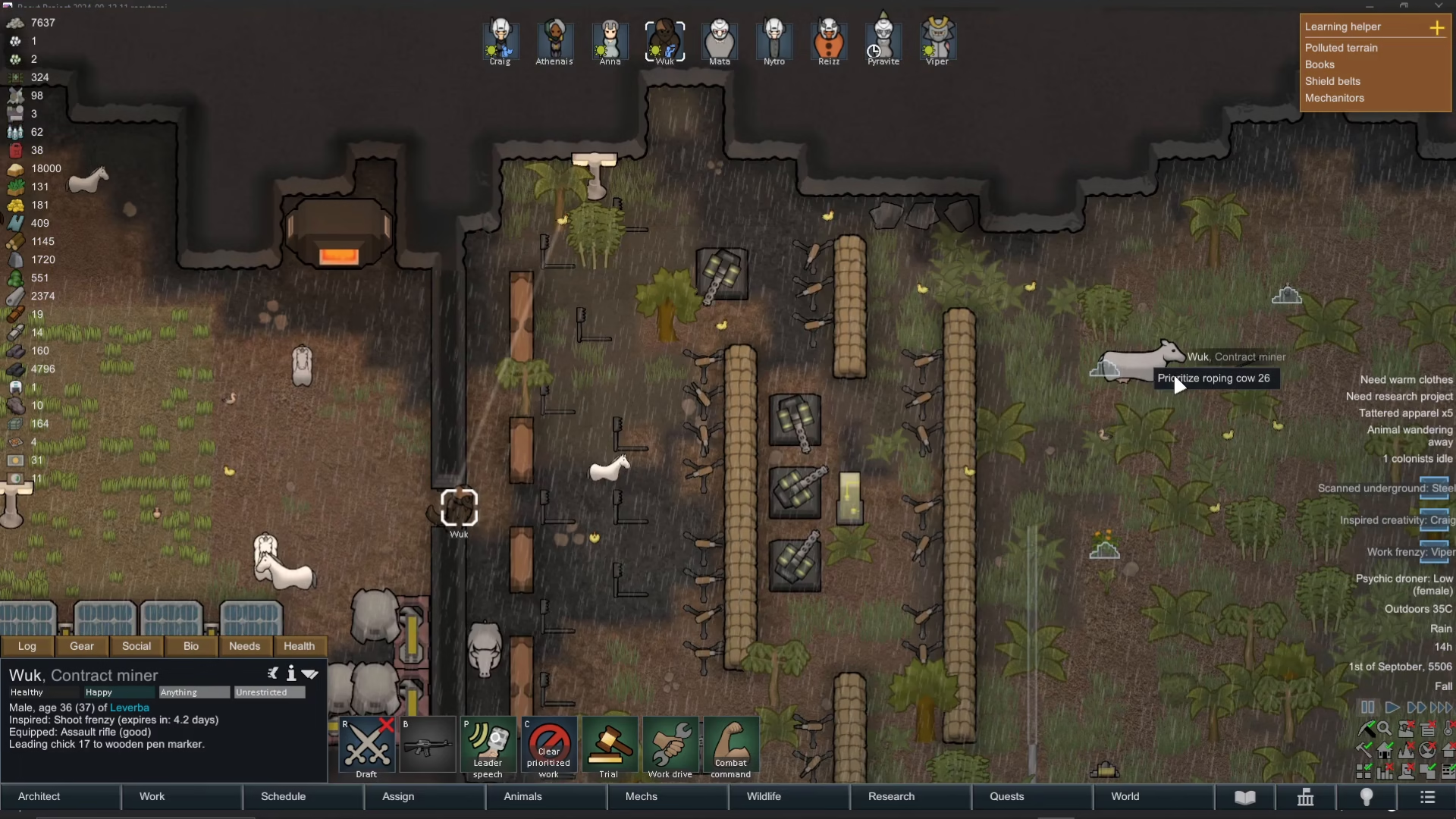
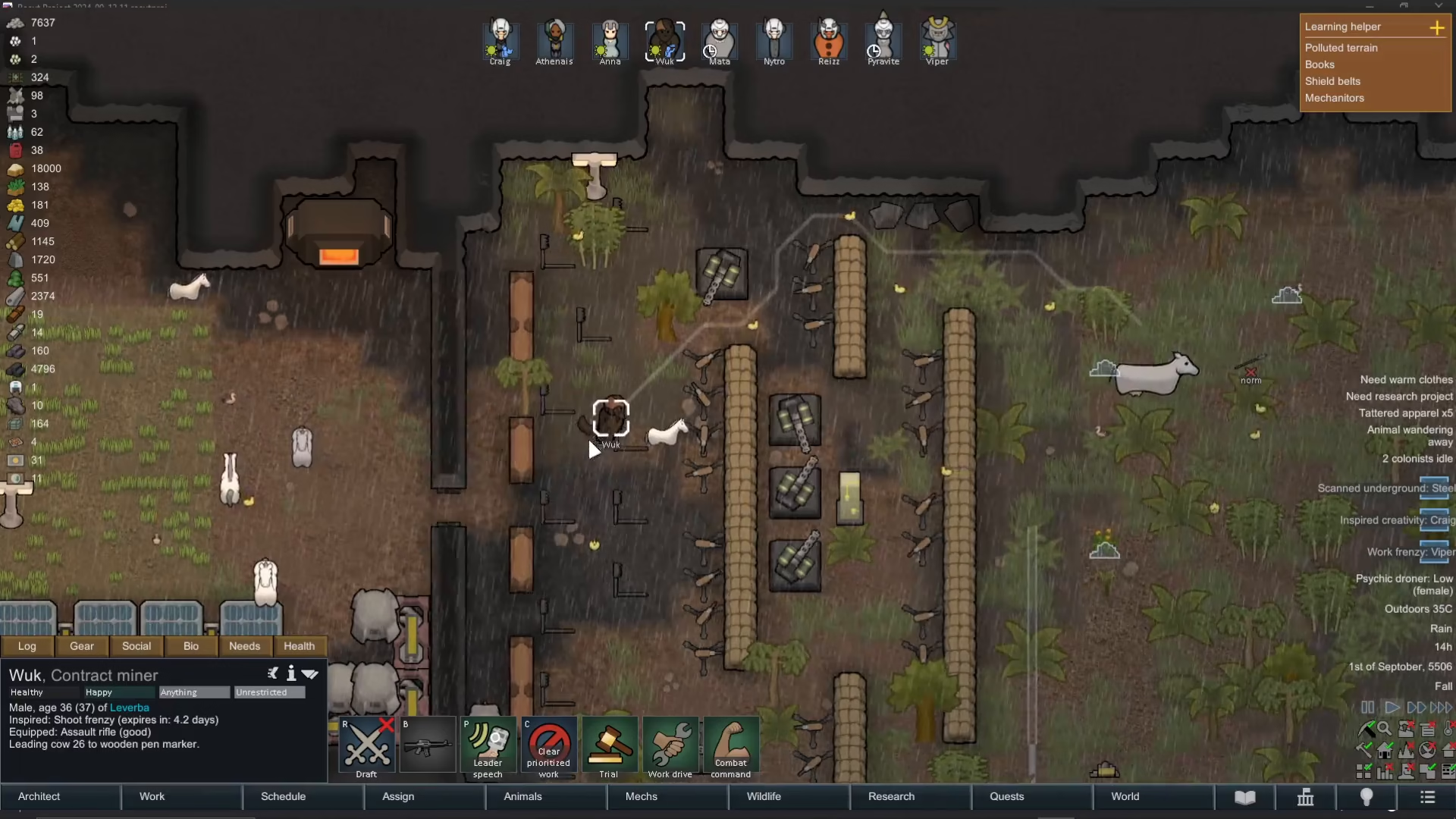
This manual prioritization is particularly useful during emergencies when time is critical. Your handlers will then proceed to collect and guide the animals back through any available doors into the pen.
Customizing Pen Settings for Multiple Animals
Rimworld allows you to customize which specific animals are allowed in each pen. By accessing the pen marker settings, you can configure different pens for different animal types. This means you can have separate enclosures for cattle, horses, and other livestock, directing each animal type to their designated pen.
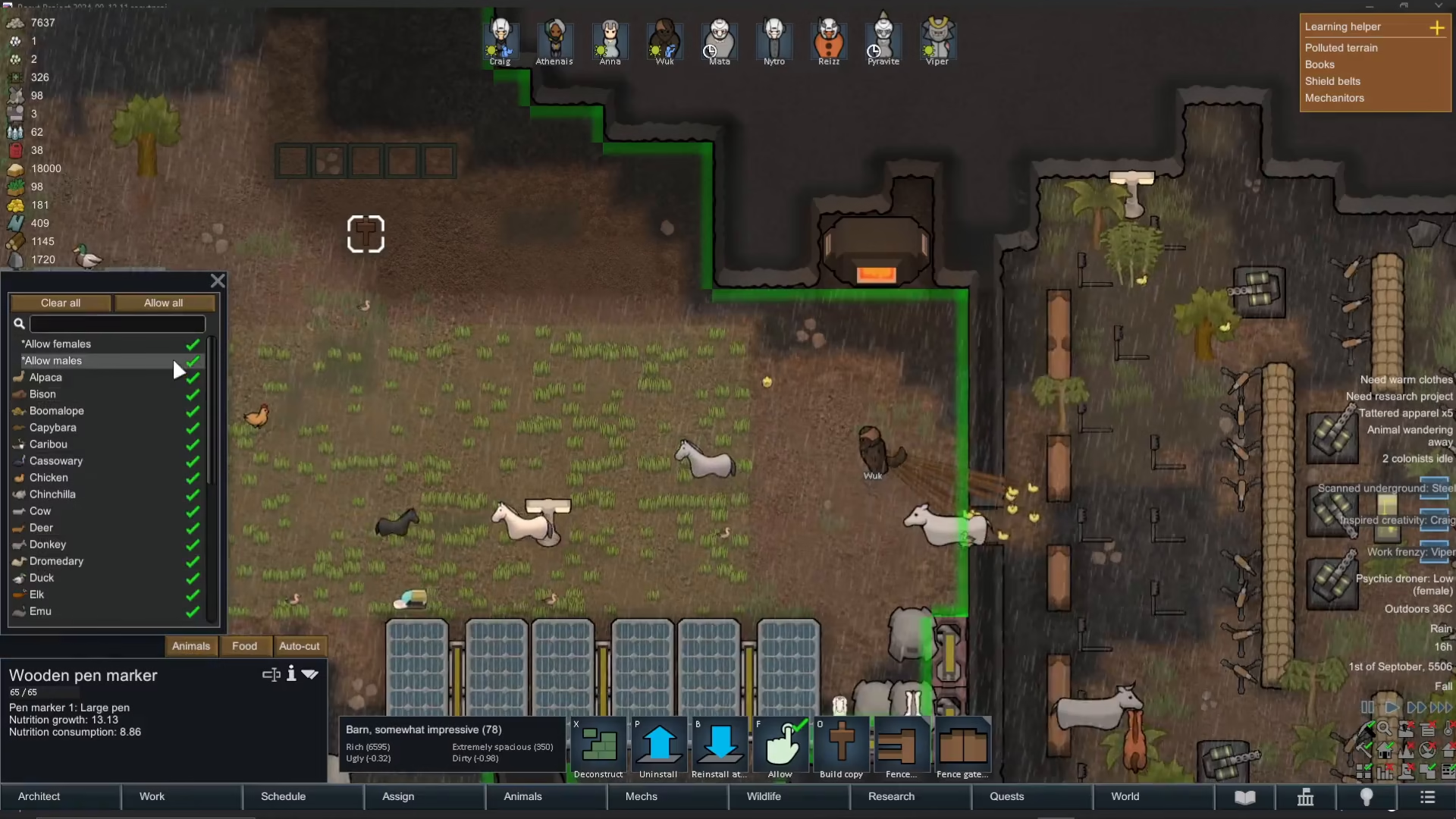
This flexibility is valuable for colony organization and allows you to manage large herds more efficiently by separating them into species-specific or purpose-specific pens.
Watching the Penning Process in Action
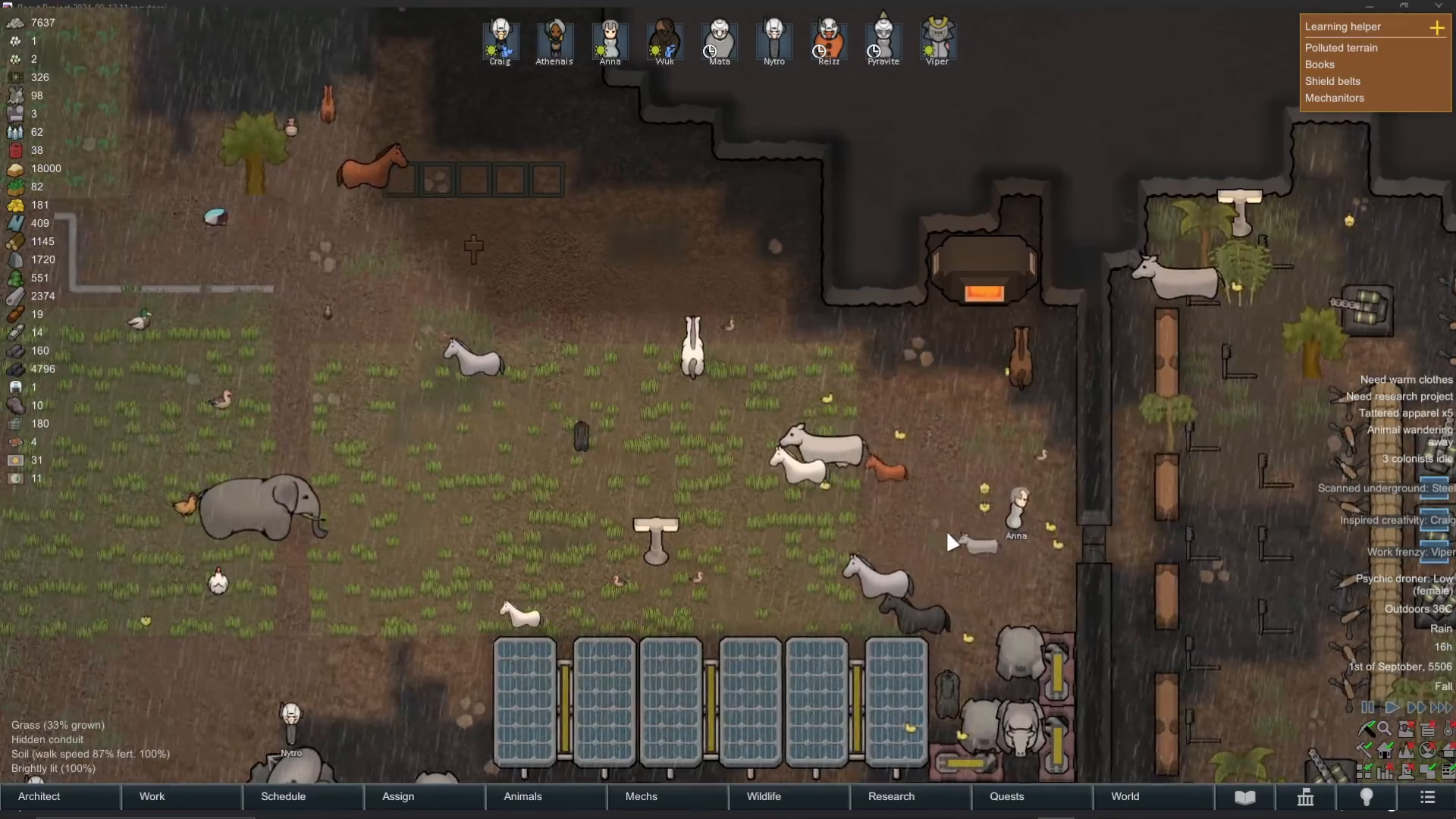
Once your handlers begin the penning process, you’ll see them moving toward the escaped animals with ropes. They will gather multiple animals and lead them back through pen doors to safety. Speeding up the game time allows you to watch the process more quickly and see your handlers efficiently collecting and returning all escaped animals to their proper enclosure.
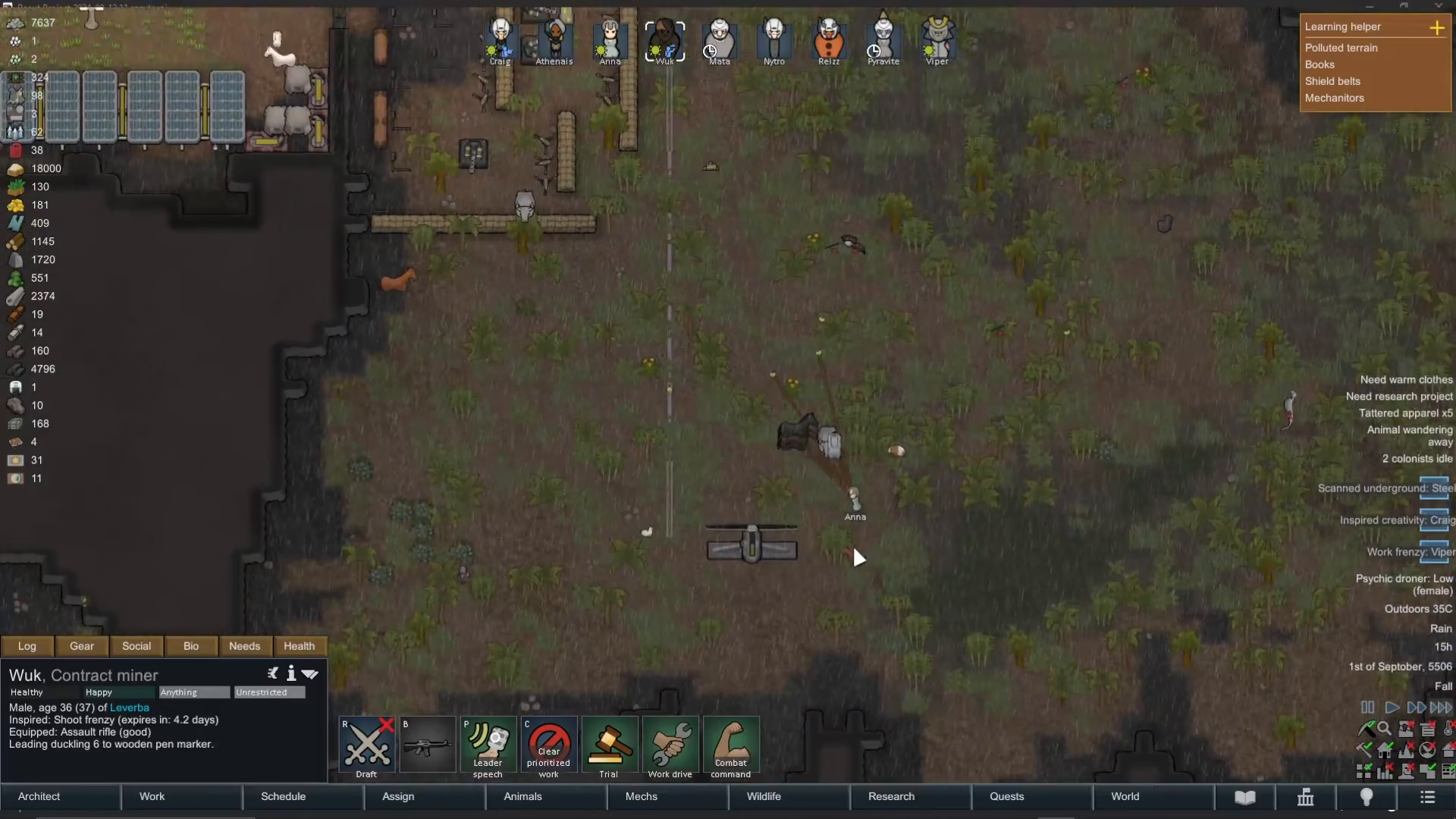
By the time the process is complete, all your tamed animals will be safely back in their pen, no longer wandering the wilderness uncontrolled.
Summary
Leading animals back into pens in Rimworld is a straightforward process that relies on your colonists’ Animal Handling designation. Keep your pen walls intact, designate colonists to handle animals, and let the system work automatically. When needed, manually prioritize penning tasks to speed up the process. With proper pen setup and active handlers, your livestock will always find their way home—even after disasters.
Want to Support?
If you would like to help us continue making these guides – please consider joining our patreon here – https://www.patreon.com/c/JaviHeals
Alternatively – you can join our discord here – https://discord.gg/zD7Gjt6MHF