





How to Build Storage Chests in Grounded
How to Build Storage Chests in Grounded
Storage chests are one of the most essential structures you’ll build in Grounded. They provide massive inventory space to help you organize and manage the loot you collect throughout your adventure. In this guide, we’ll walk you through the simple process of crafting and placing your first storage chest.
Accessing the Construction Menu
To begin building a storage chest, press B on your keyboard to open the building menu. This will bring up the construction tab in the middle of your screen.
Locating the Storage Chest Blueprint
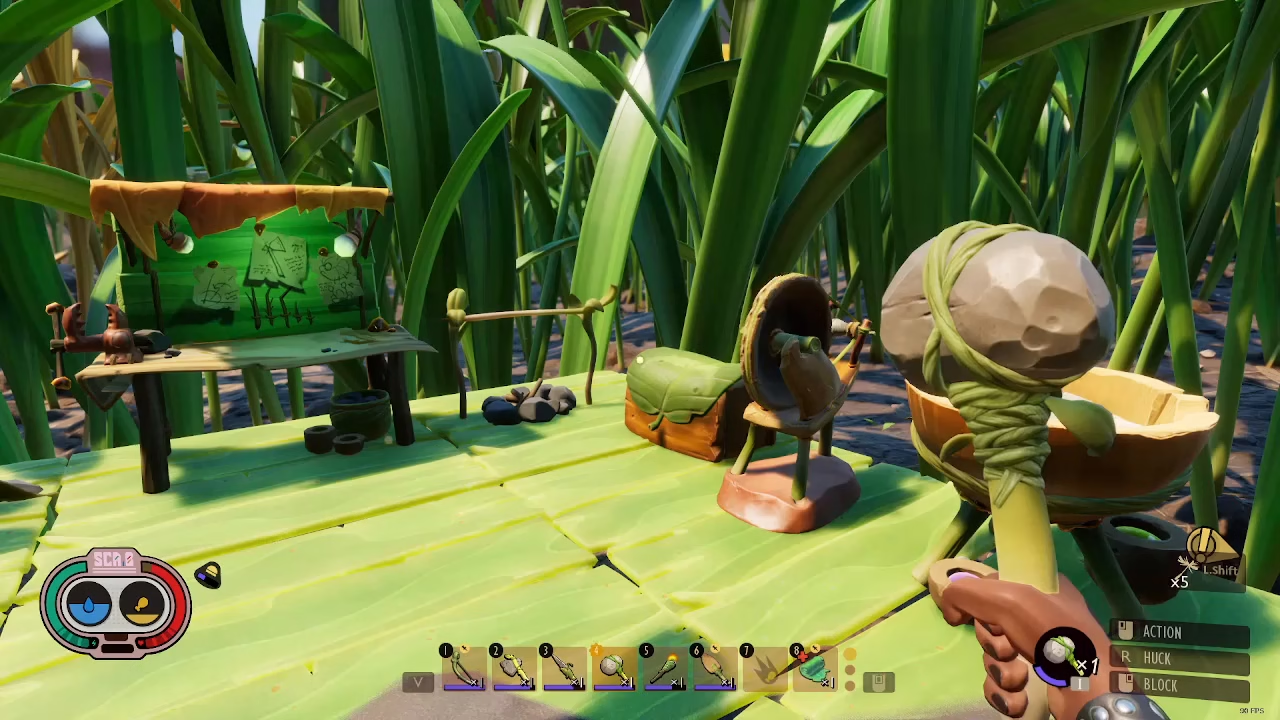
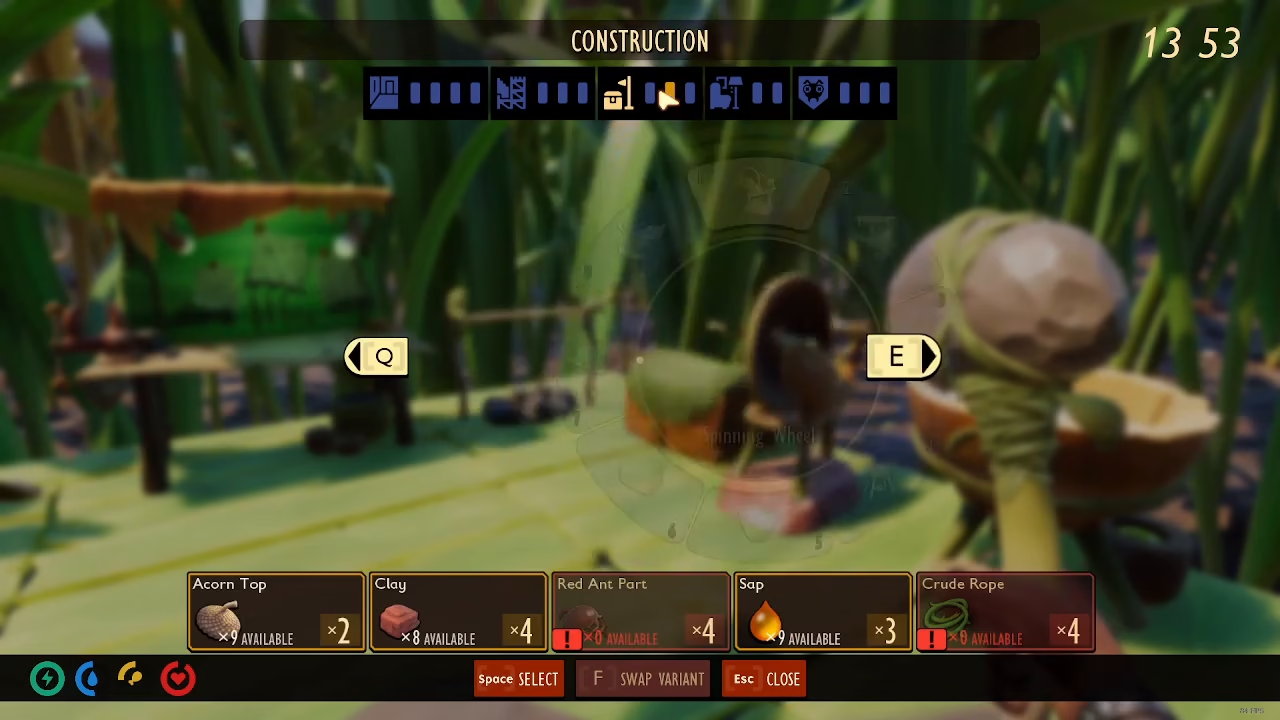
Once you have the construction menu open, navigate to option number six. This is your storage chest blueprint.
Storage Chest Capacity
The storage chest is exceptionally spacious and practical for inventory management. It offers storage capacity equal to your entire character inventory, providing tons of space for you to sort and organize all the different loot you will pick up throughout the game.
Crafting Requirements
Before you can place a storage chest, you’ll need to gather the following materials:
2 Clover Leafs
Acorn Shells
SAP Superbuilt
Placing Your Storage Chest
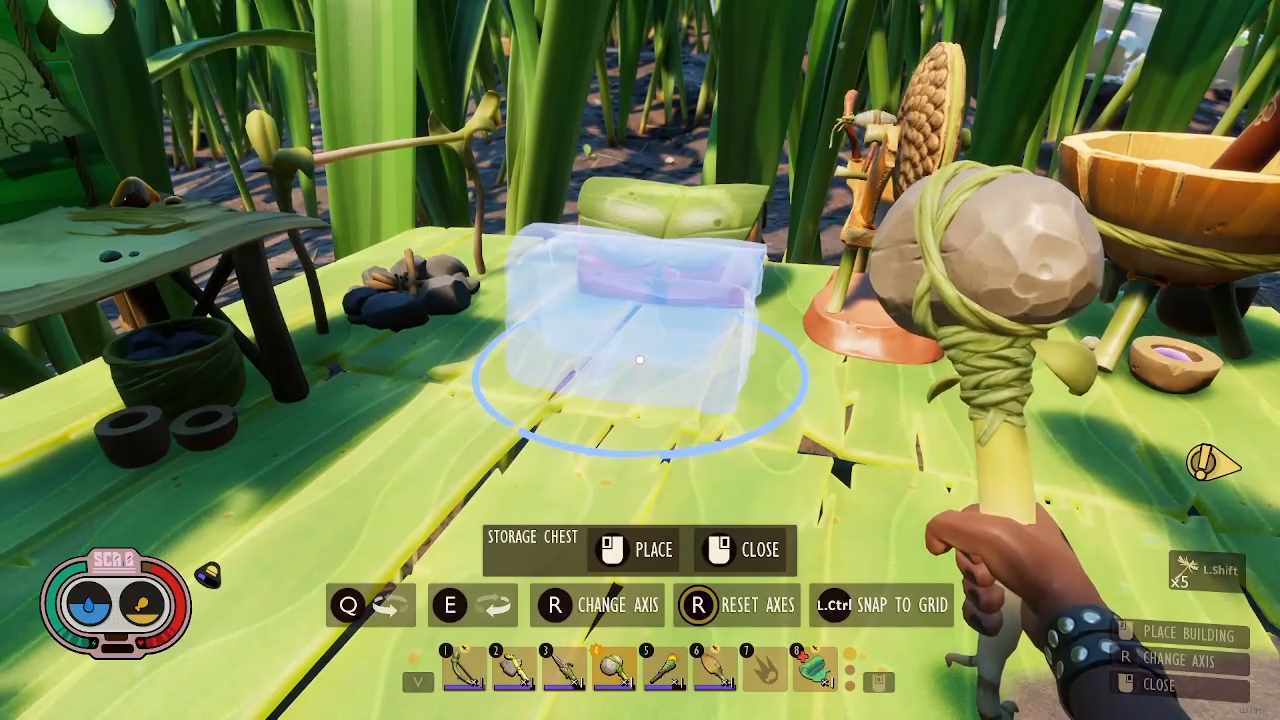
Once you have all the required materials, simply left click to place your storage chest in your desired location. The chest will be instantly built and ready to store your items.
Conclusion
Building storage chests in Grounded is straightforward and essential for efficient gameplay. With the massive inventory space these chests provide, you’ll have no trouble managing all your collected resources and items as you progress through the game. Start gathering those materials and construct your first storage chest today!
— Want to Support? —
If you would like to help us continue making these guides – please consider joining our patreon here – https://www.patreon.com/c/JaviHeals
Alternatively – you can join our discord here – https://discord.gg/zD7Gjt6MHF



