





How to Find & Get Soil In Astroneer
How to Find & Get Soil in Astroneer
In this guide, we’ll walk you through the complete process of finding and collecting soil in Astroneer. Soil is an essential resource for various crafting and farming operations, and learning how to efficiently gather it early on will give you a significant advantage. Follow these simple steps to start collecting soil right away.
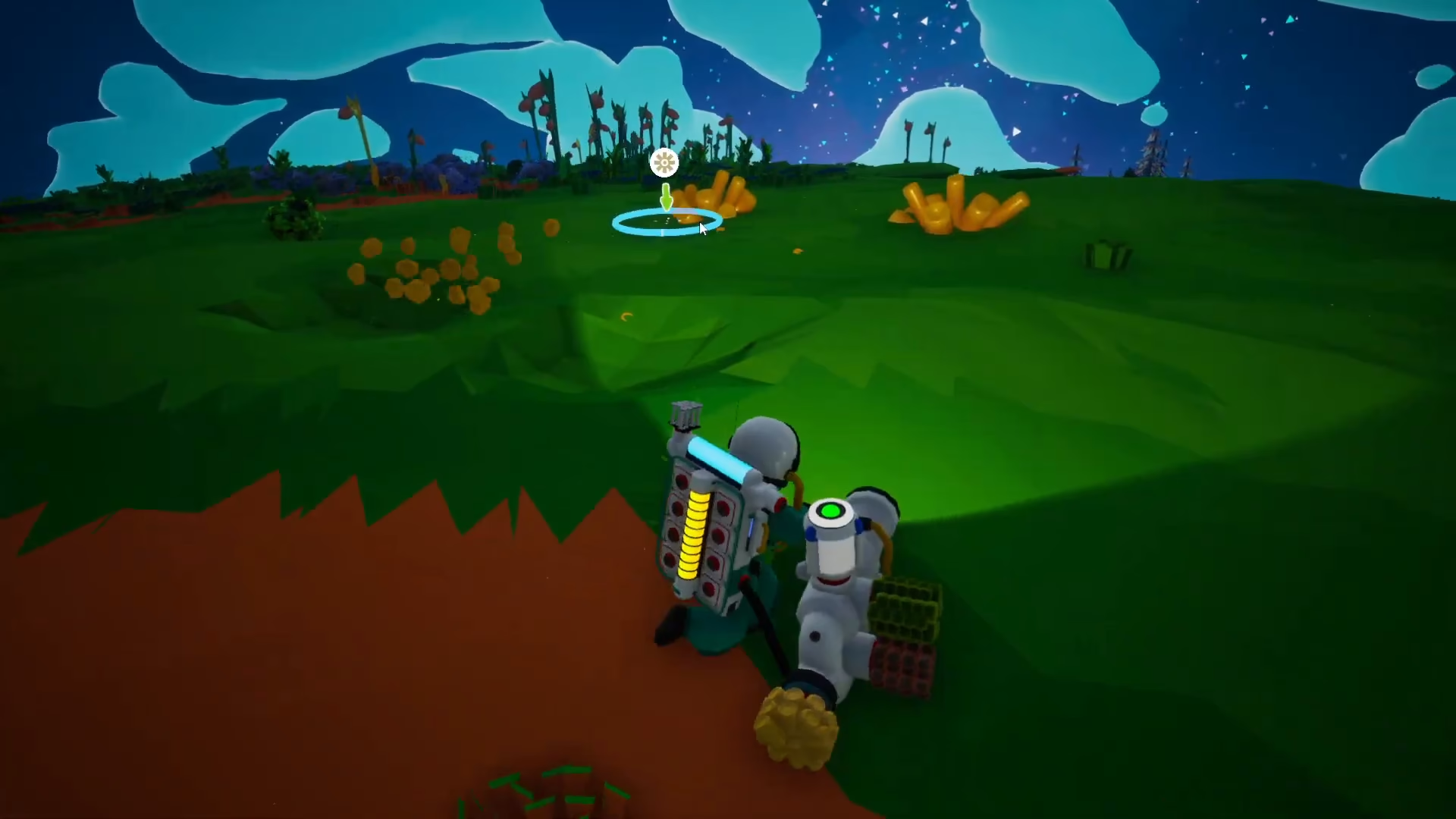
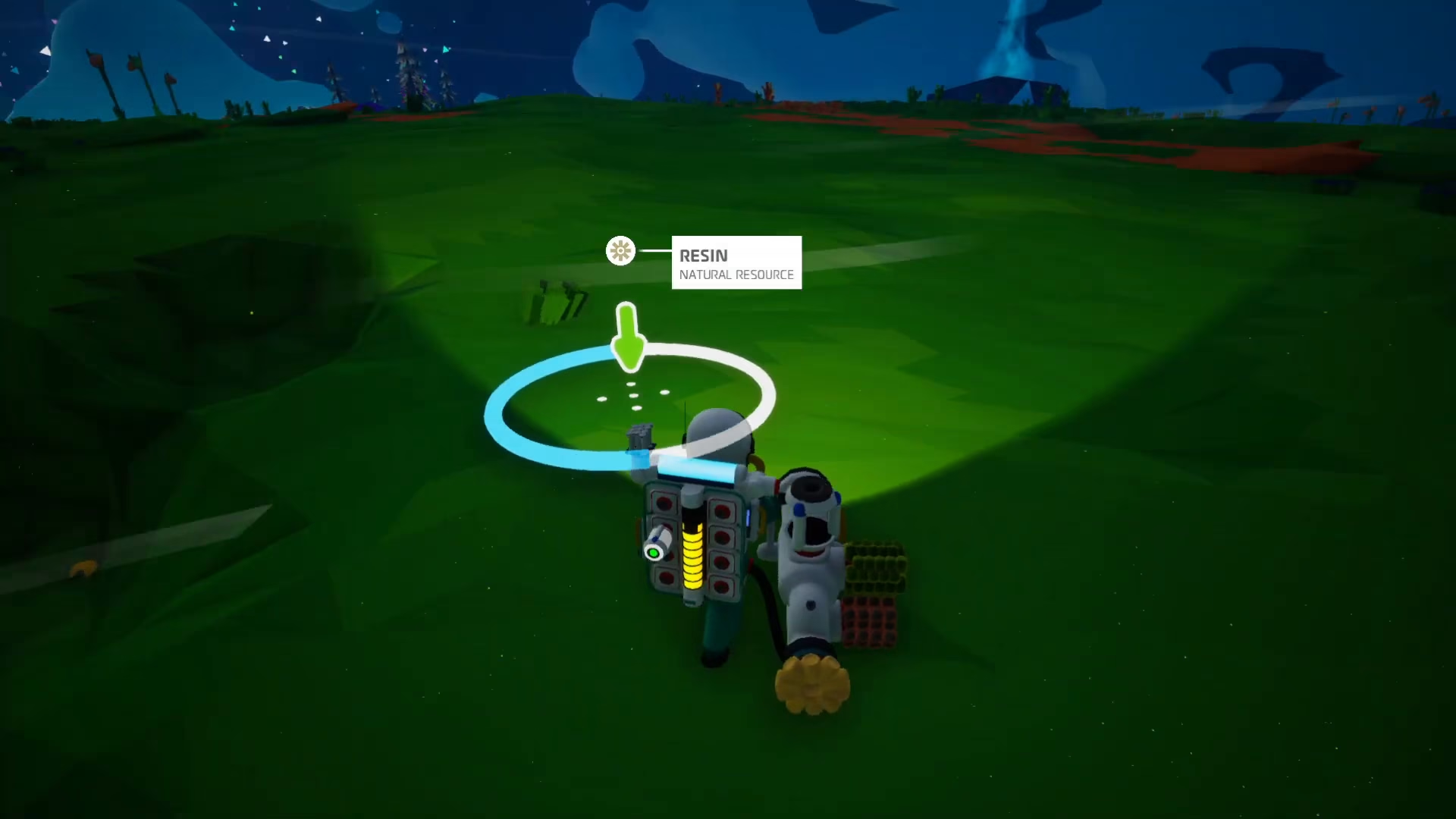
Getting Started: Mining Resin
The first step in collecting soil is to gather resin, which you’ll need to craft a small canister. Look for resin deposits in your environment and mine them up by interacting with them.
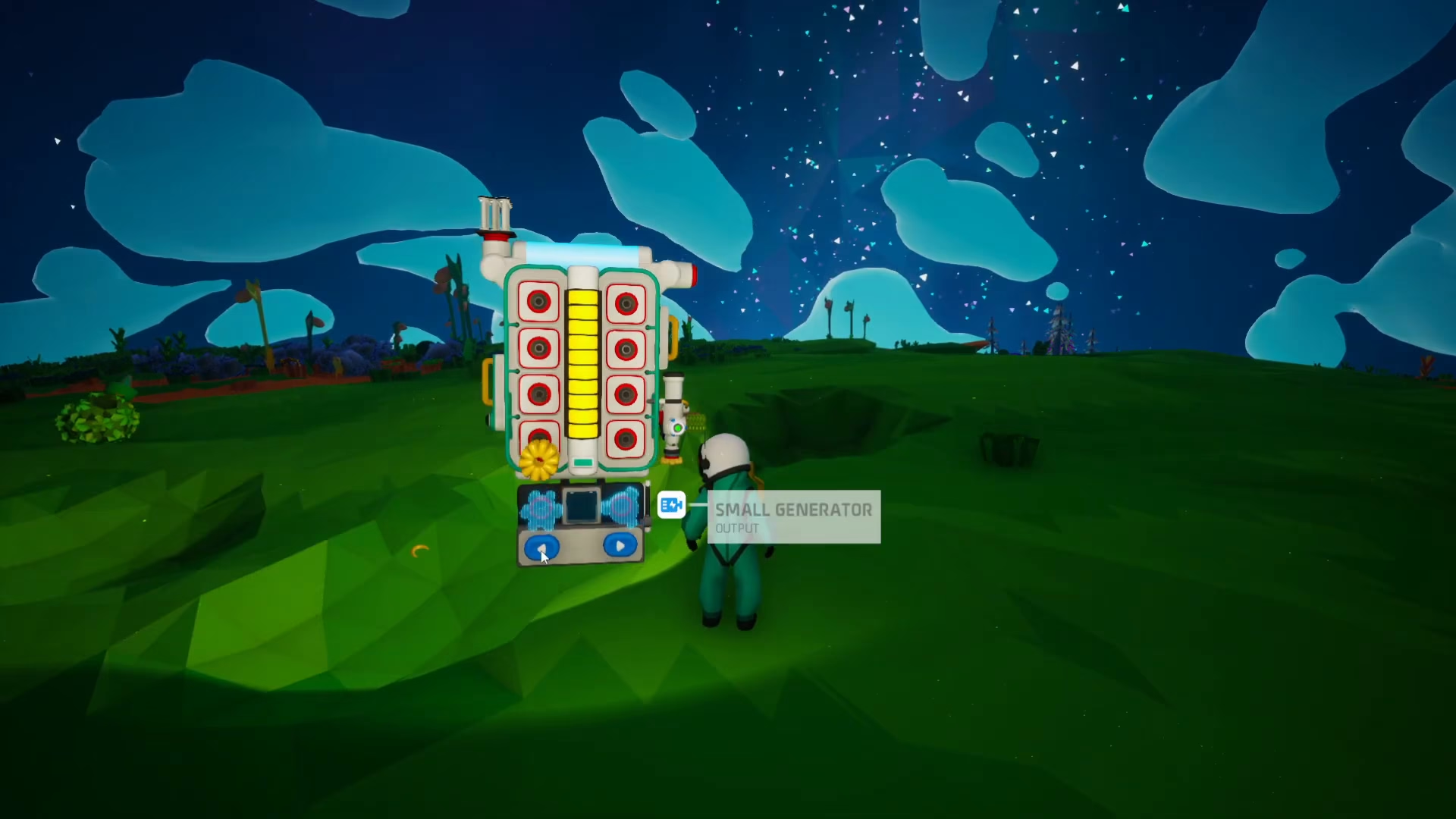
Crafting Your Small Canister
Once you have resin in your inventory, you can craft a small canister directly from your backpack. Open your backpack menu and navigate to the crafting options. You’ll see the small canister recipe, which requires just one resin to craft. Click the green button to begin the crafting process. The canister will be created quickly and added to your inventory.
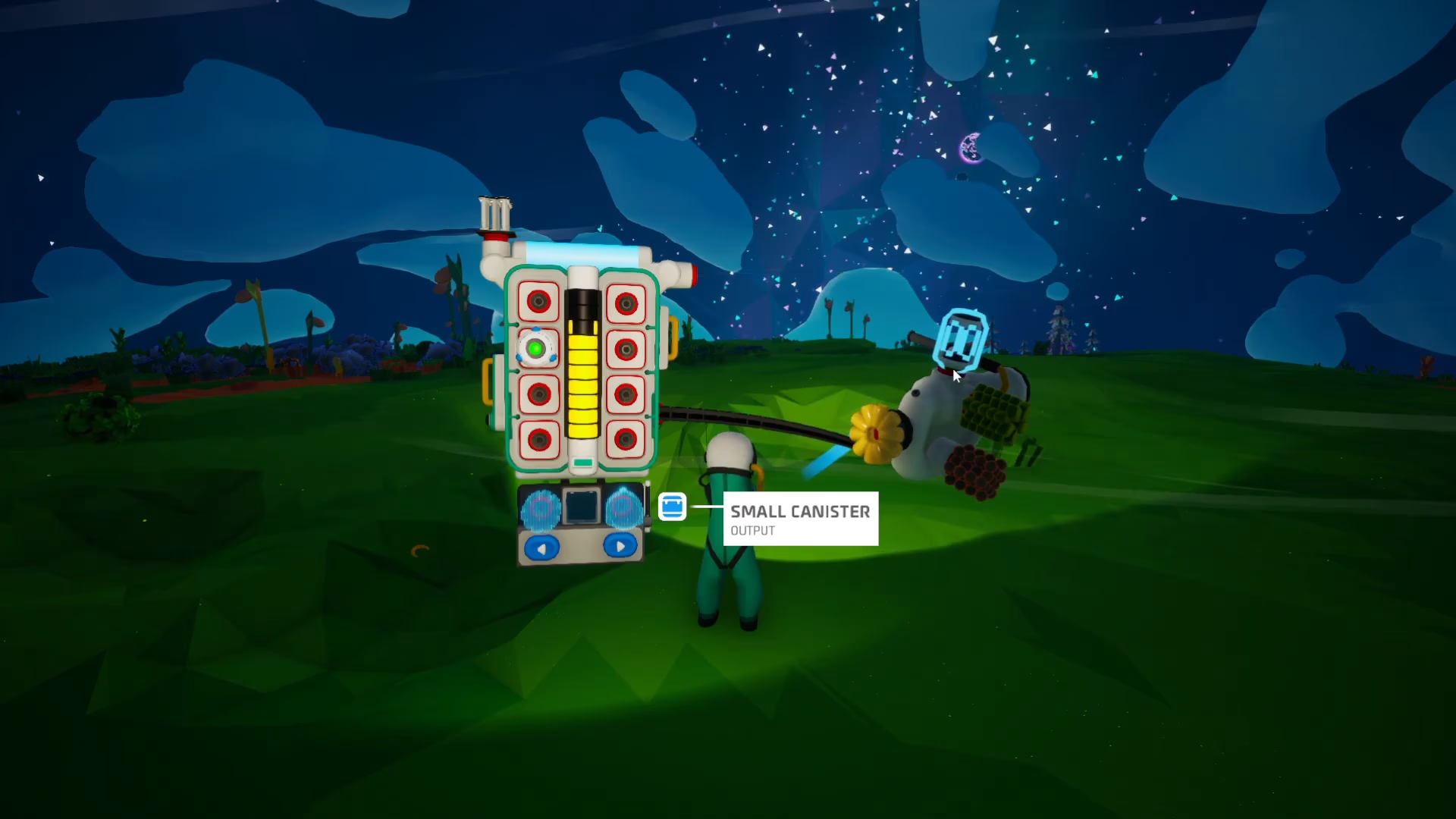
Attaching the Canister to Your Tool
Next, you’ll need to equip your terrain tool (gun). Click on your terrain tool to select it, then attach the small canister to the top of it. You do this by clicking on the small canister and positioning it on the gun’s attachment point.
Extracting Soil from the Ground
With your terrain tool equipped and the small canister attached, you’re ready to extract soil. Press the E key and then click directly on the ground to begin collecting soil. As you do this, you’ll notice the canister starts filling up with a gray substance—this is the soil you’re collecting.
Monitoring the Collection Progress
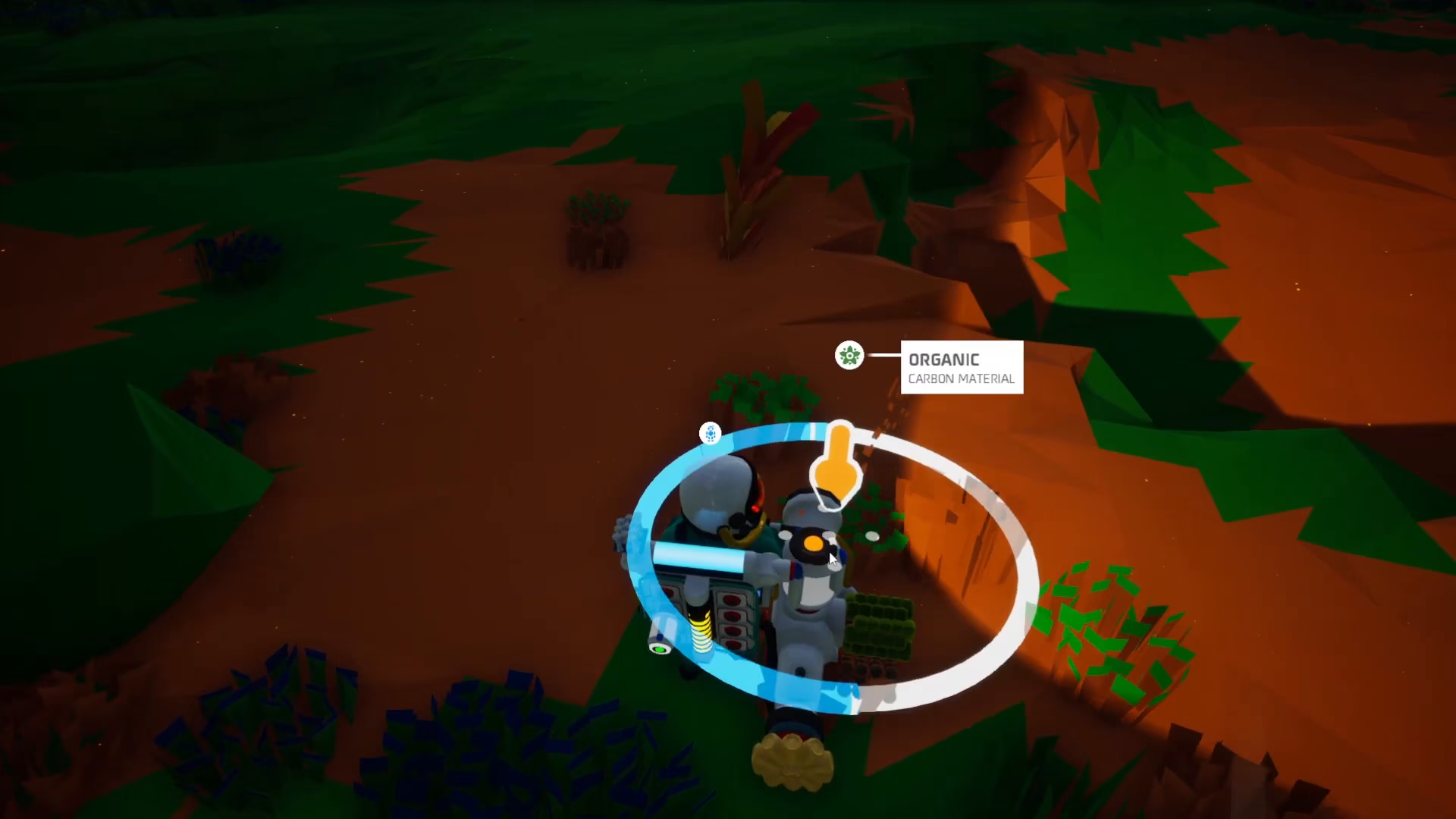
As you continue collecting, watch the canister fill gradually. You’ll see an orange indicator light on top of the canister that shows the filling progress. The canister will slowly become full as you continue to hold down the collection action and aim at the ground.
Completing the Collection
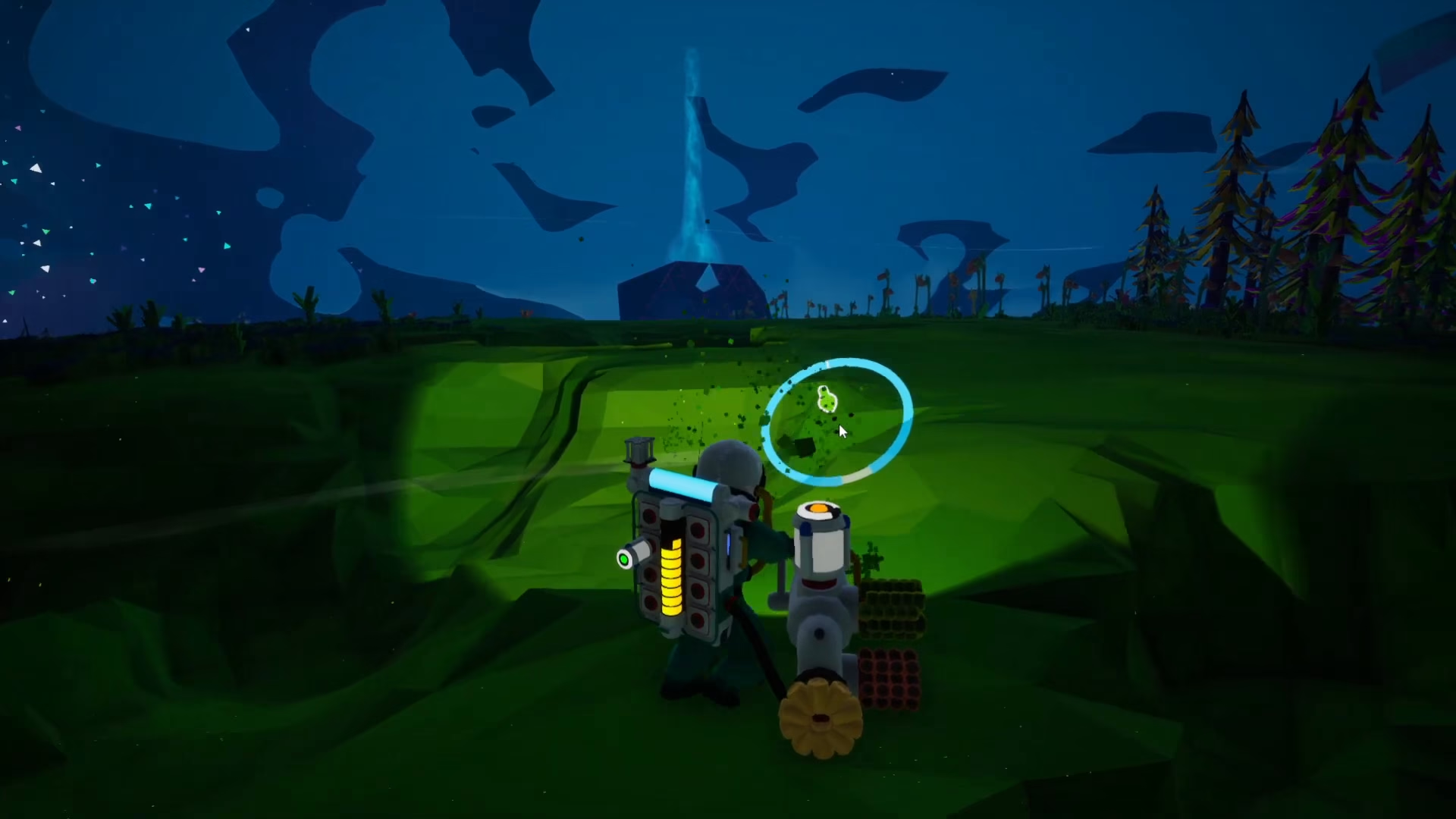
When the canister reaches full capacity, the orange indicator light will turn green, signaling that it’s completely filled with soil. At this point, you can stop the collection process.
Storing and Using Your Soil
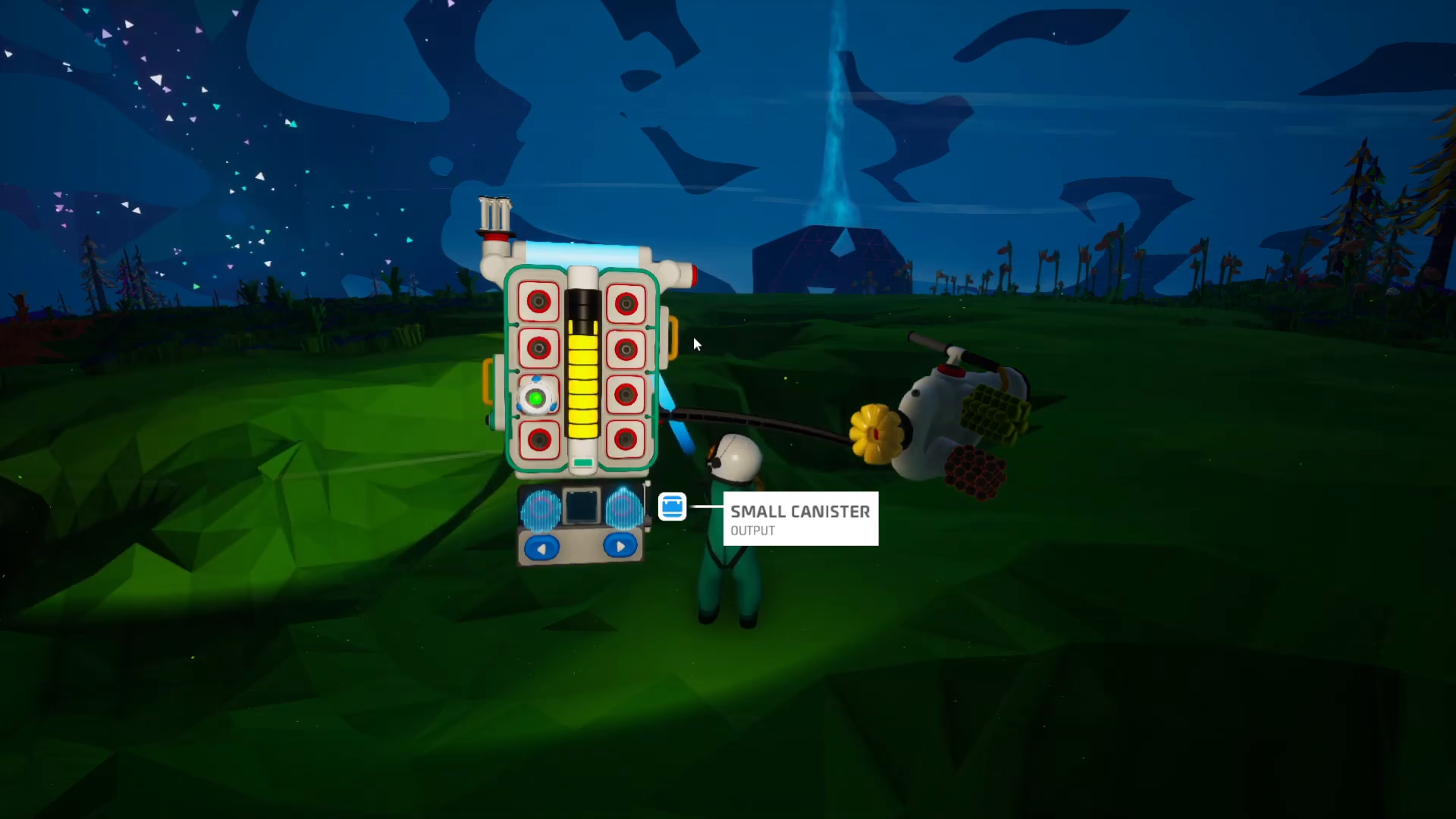
Once your soil canister is full, open your backpack and remove the canister from your terrain tool. You can then place the soil canister in storage or directly into any machines that require soil for crafting, farming, or other operations.
Summary
Collecting soil in Astroneer is straightforward once you have the right tools. Simply gather resin, craft a small canister in your backpack, attach it to your terrain tool, and extract soil directly from the ground by holding E and clicking the terrain. Monitor the orange indicator light until it turns green, then remove the full canister and store it or use it as needed. With this method, you’ll be able to efficiently gather all the soil you need for your projects.
— Want to Support? —
If you would like to help us continue making these guides – please consider joining our patreon here – https://www.patreon.com/c/JaviHeals
Alternatively – you can join our discord here – https://discord.gg/zD7Gjt6MHF



