





How To Advance to the Next Area in Civ 6
How To Advance to the Next Area in Civilization 6
Expanding your civilization’s territory in Civilization 6 is essential for growth and progress. If you’re looking to advance into new areas and expand your empire, the process is straightforward but requires planning. This guide walks you through the exact steps needed to expand to the next area in Civ 6.
Understanding Territory Expansion
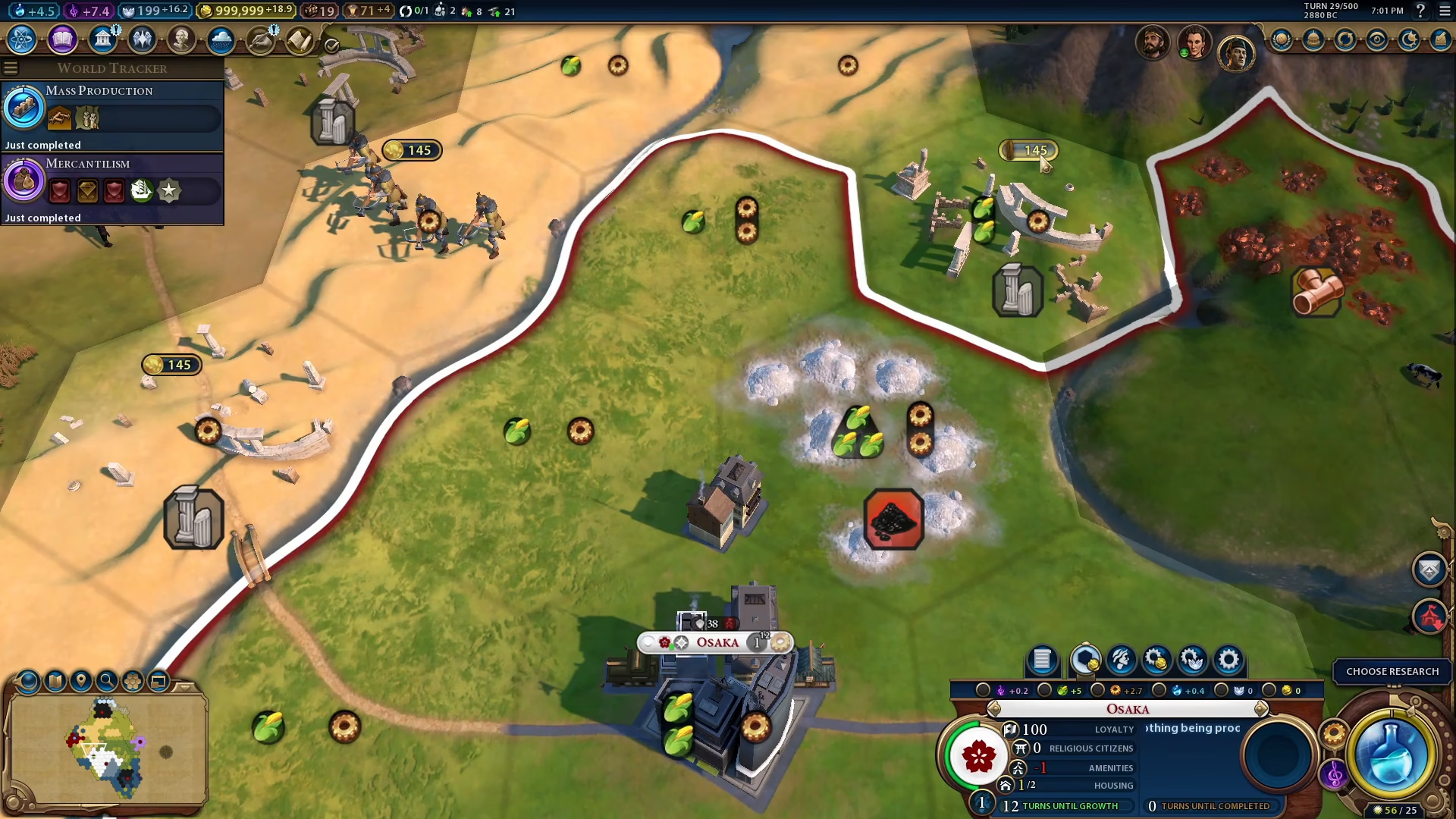
When you look at your current territory in Civilization 6, you’ll notice that adjacent tiles are available for expansion. If you try to purchase another tile beyond your current borders, you’ll see the expansion options available to you.
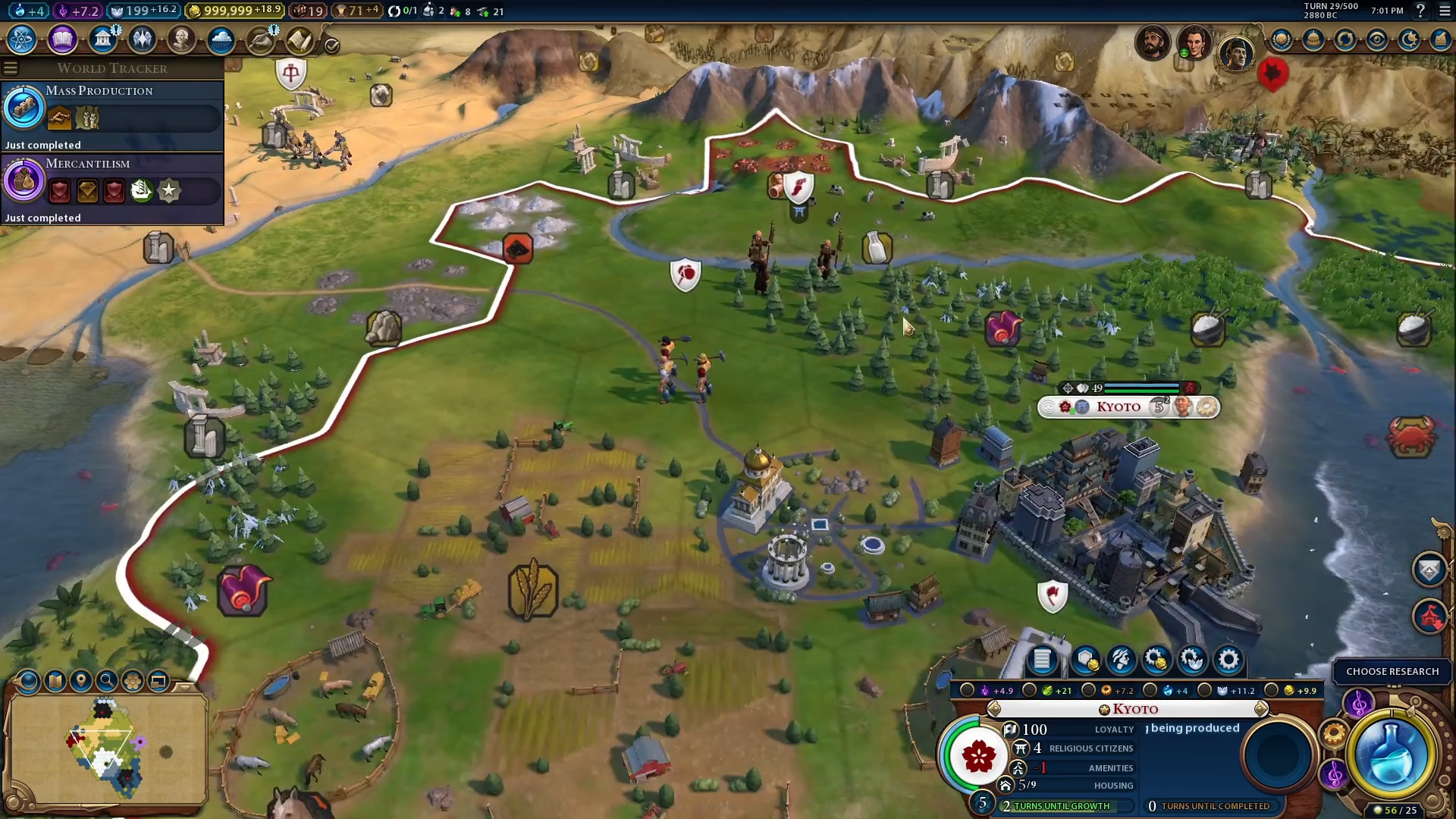
How to Advance to the Next Area
Create a Settler
To advance to a new area in Civilization 6, the first step is to create a settler unit. This unit will be responsible for establishing your new city in the target territory.
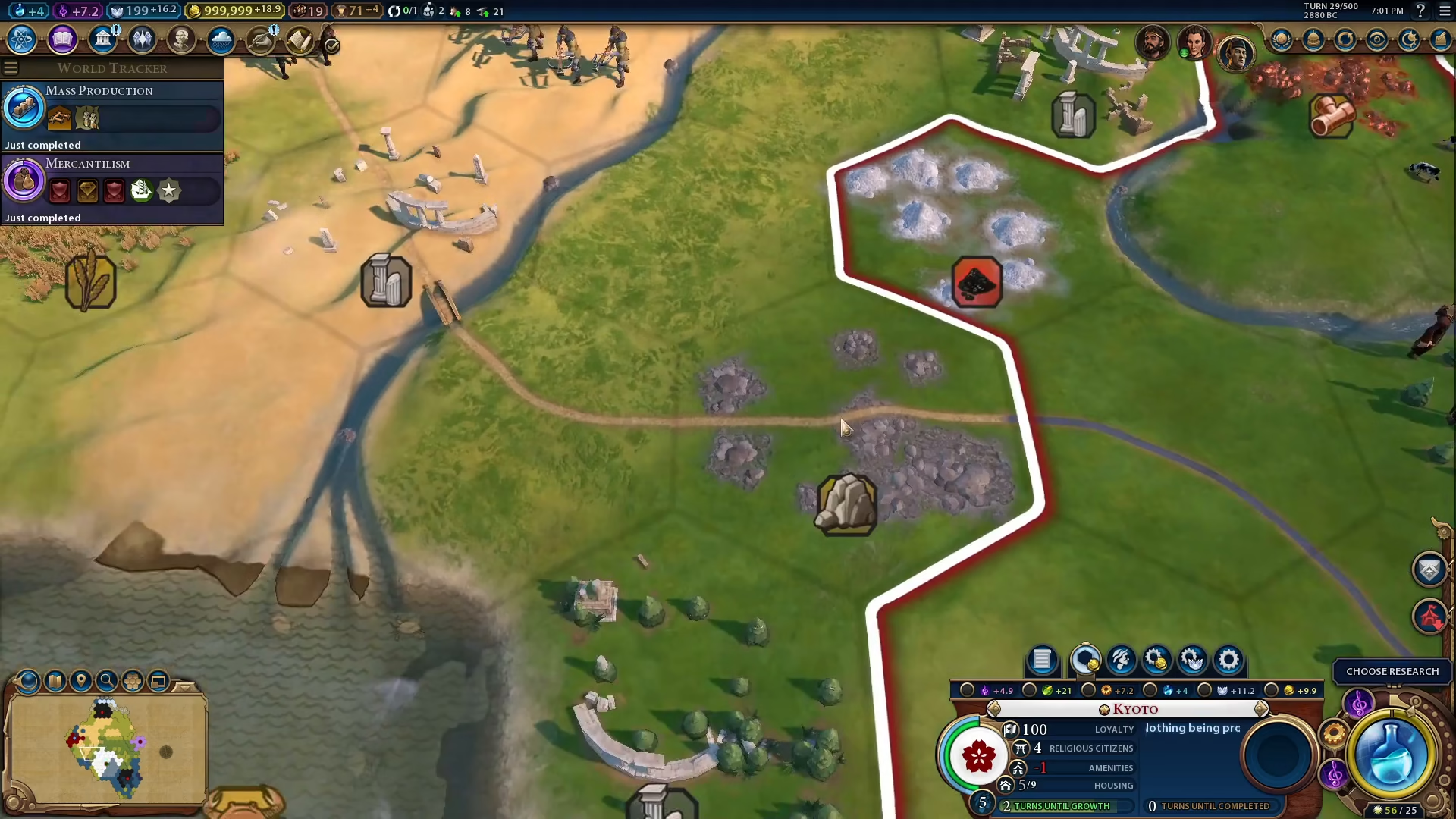
Found Your City
Once you have your settler positioned in the area you want to expand to, select the “Found City” command. This action establishes a new city in that location and immediately advances your civilization into that new area.
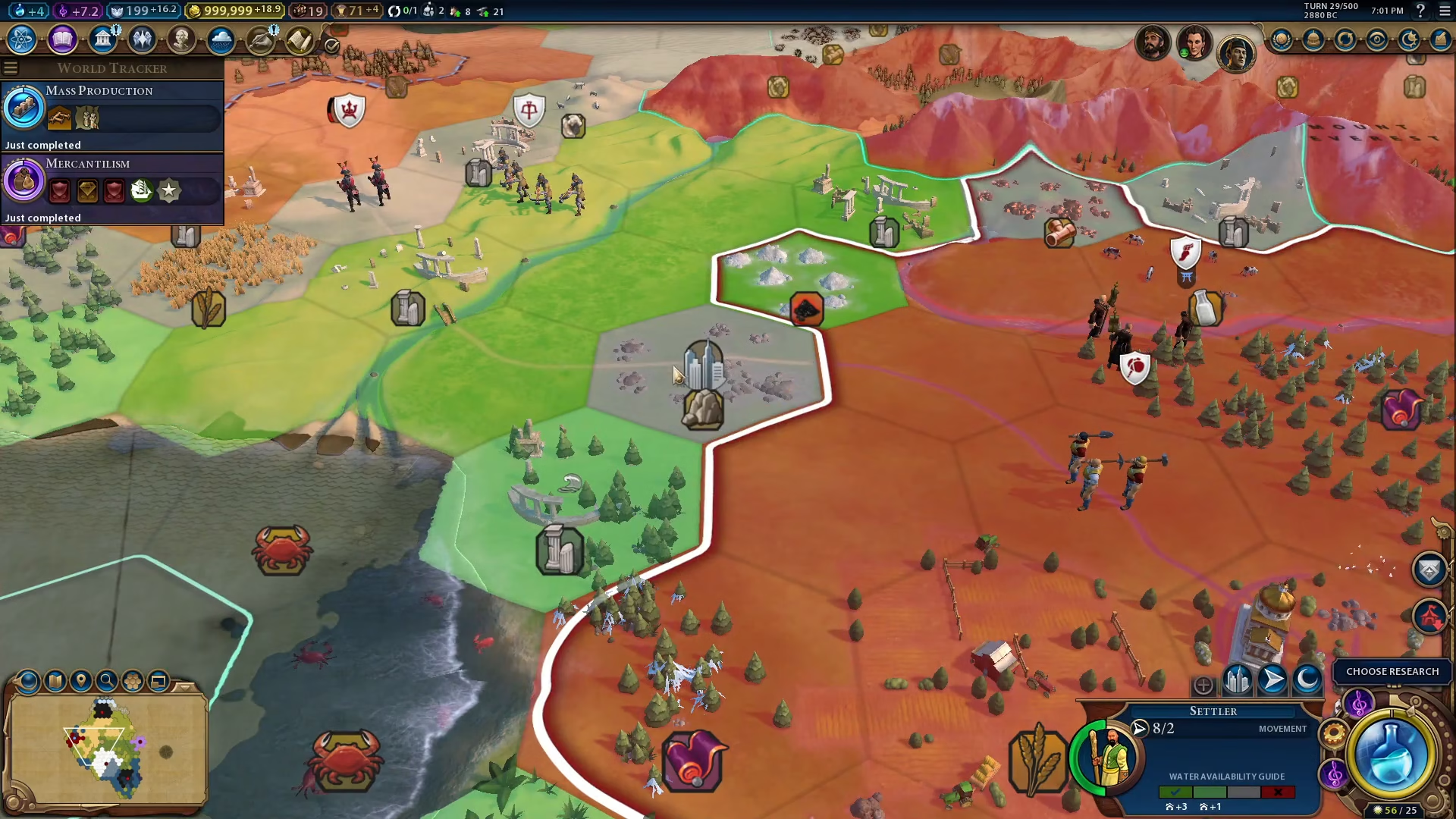
After founding your city, you will have successfully advanced to the next area in Civilization 6.
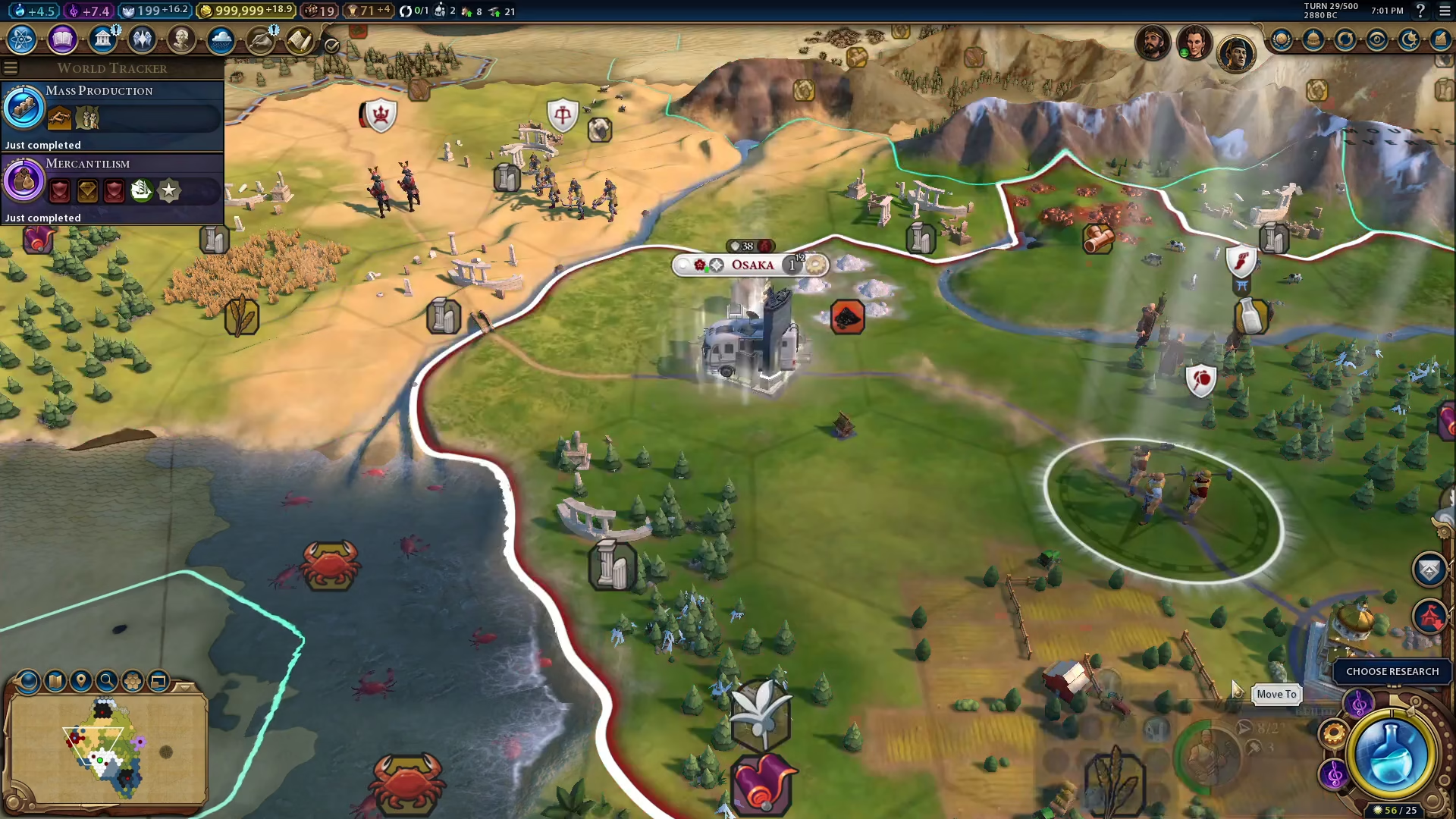
Expanding Your New Territory
Once your new city is established, you can use it to purchase and expand the surrounding tiles. This allows you to grow your territory even further and maximize the resources available in that region.
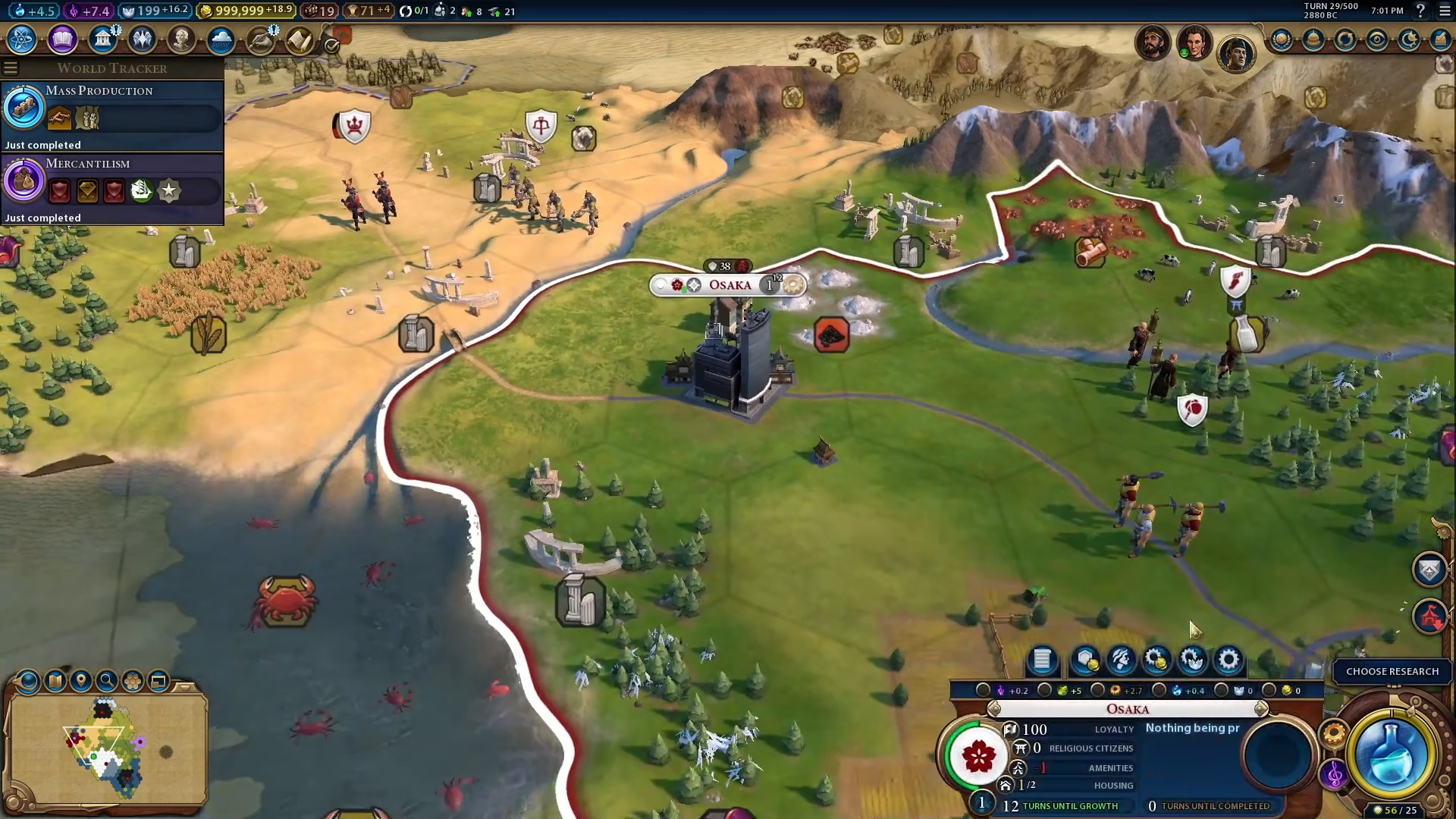
By continuously purchasing adjacent tiles through your new city, you’ll be able to expand your territory and establish dominance in the area.
Summary
Advancing to the next area in Civilization 6 is simple: create a settler, move it to your desired location, and found a city. Once established, use that city to purchase surrounding tiles and expand your territory. With these steps, you’ll be expanding your empire in no time!
Want to Support?
If you would like to help us continue making these guides – please consider joining our patreon here – https://www.patreon.com/c/JaviHeals
Alternatively – you can join our discord here – https://discord.gg/zD7Gjt6MHF