





How To Build Helipad In Prison Architect
How To Build a Helipad in Prison Architect
In this guide, we’ll walk you through the simple steps to construct a helipad in Prison Architect. This is a useful addition to your prison facility, and we’ll show you exactly where to find it and how to place it on your map.
DLC Requirement
To build a helipad in Prison Architect, you’ll need to own the Islandbound DLC. Make sure you have this expansion installed before proceeding with the following steps.
Building Your Helipad
Accessing the Objects Menu
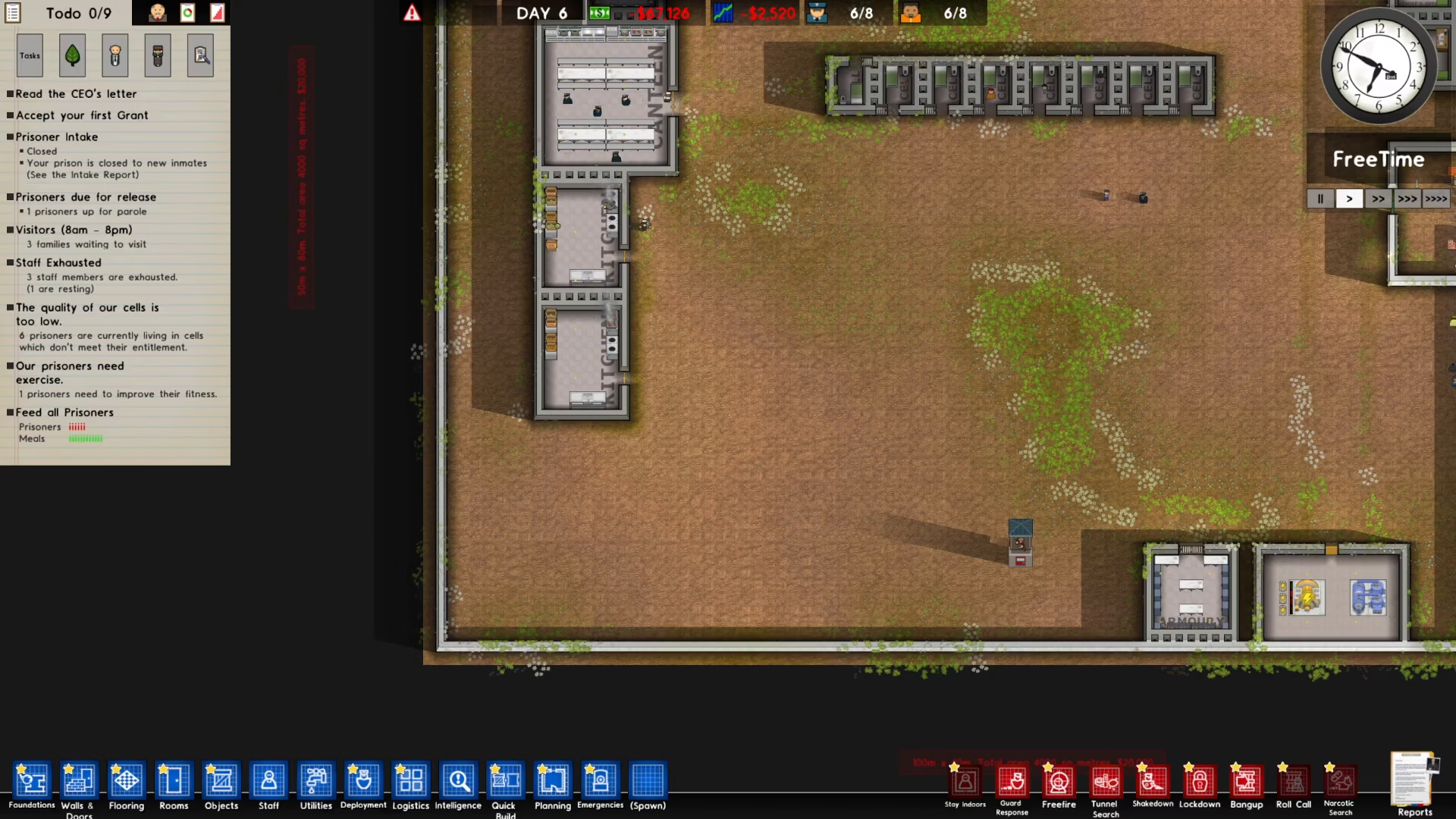
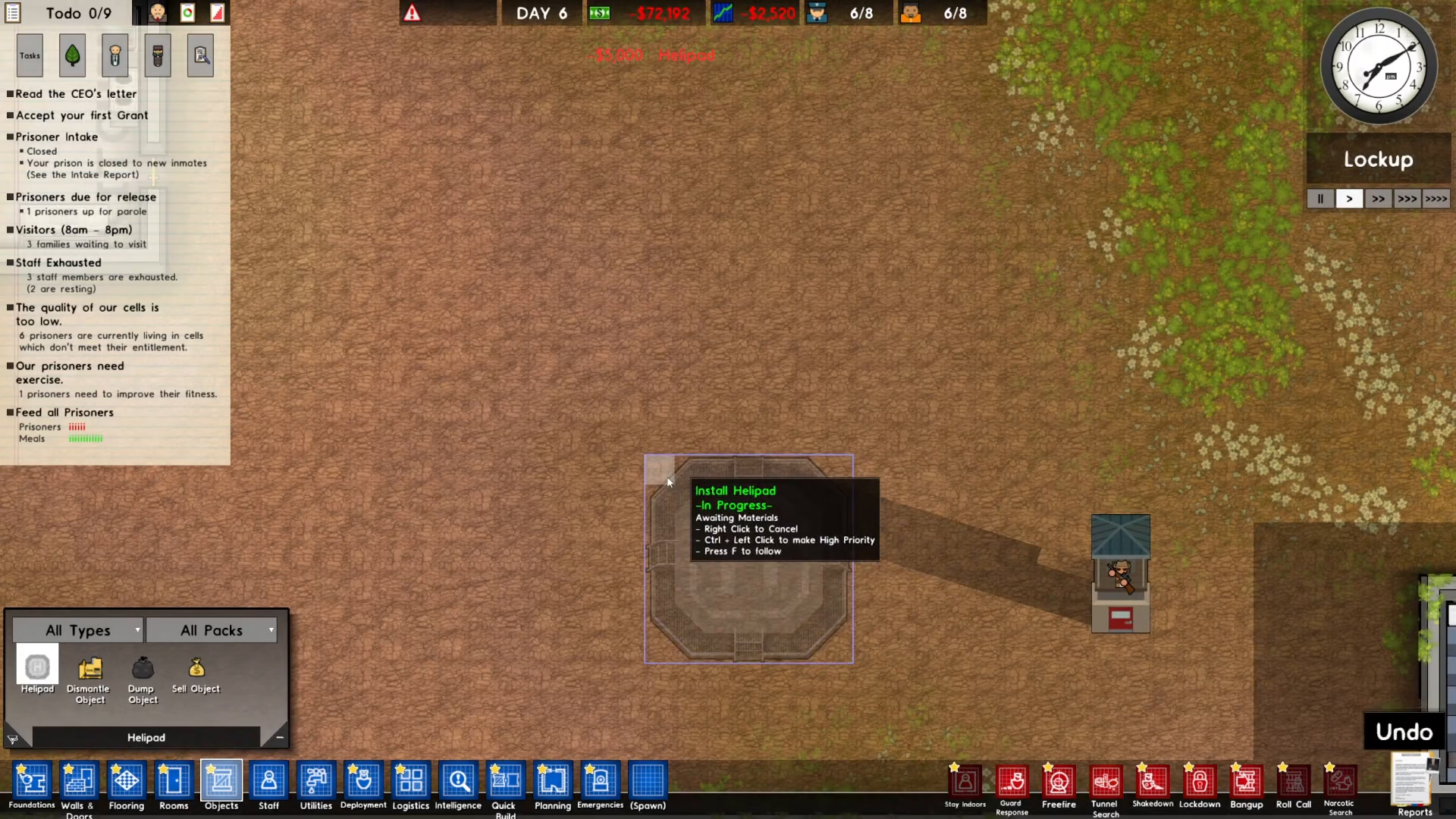
Start by clicking on Objects in the bottom left corner of your screen.
Finding the Helipad
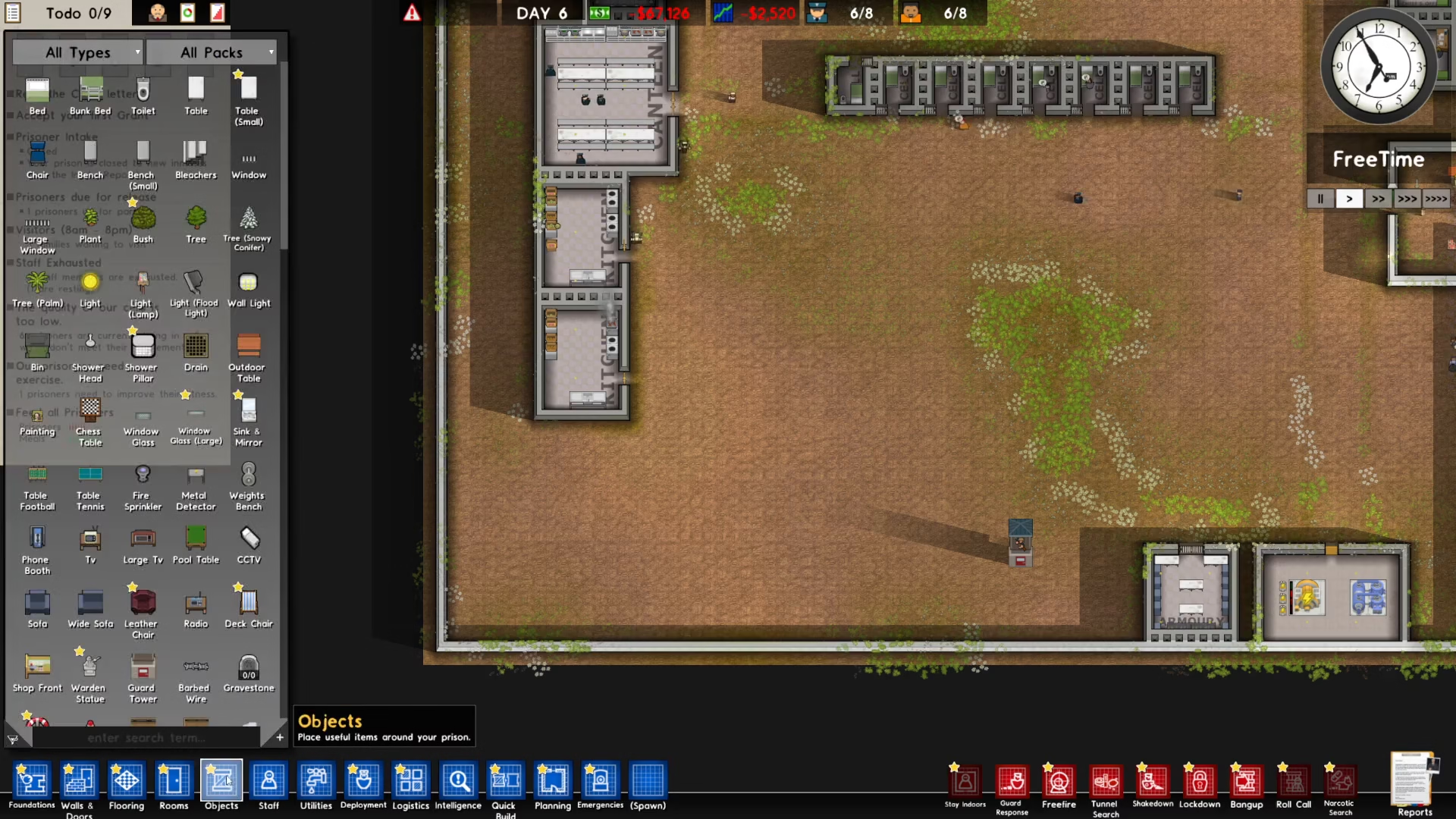
Once the Objects menu is open, search for “helipad” and you’ll see it appear on the left side of the menu.
Placing the Helipad
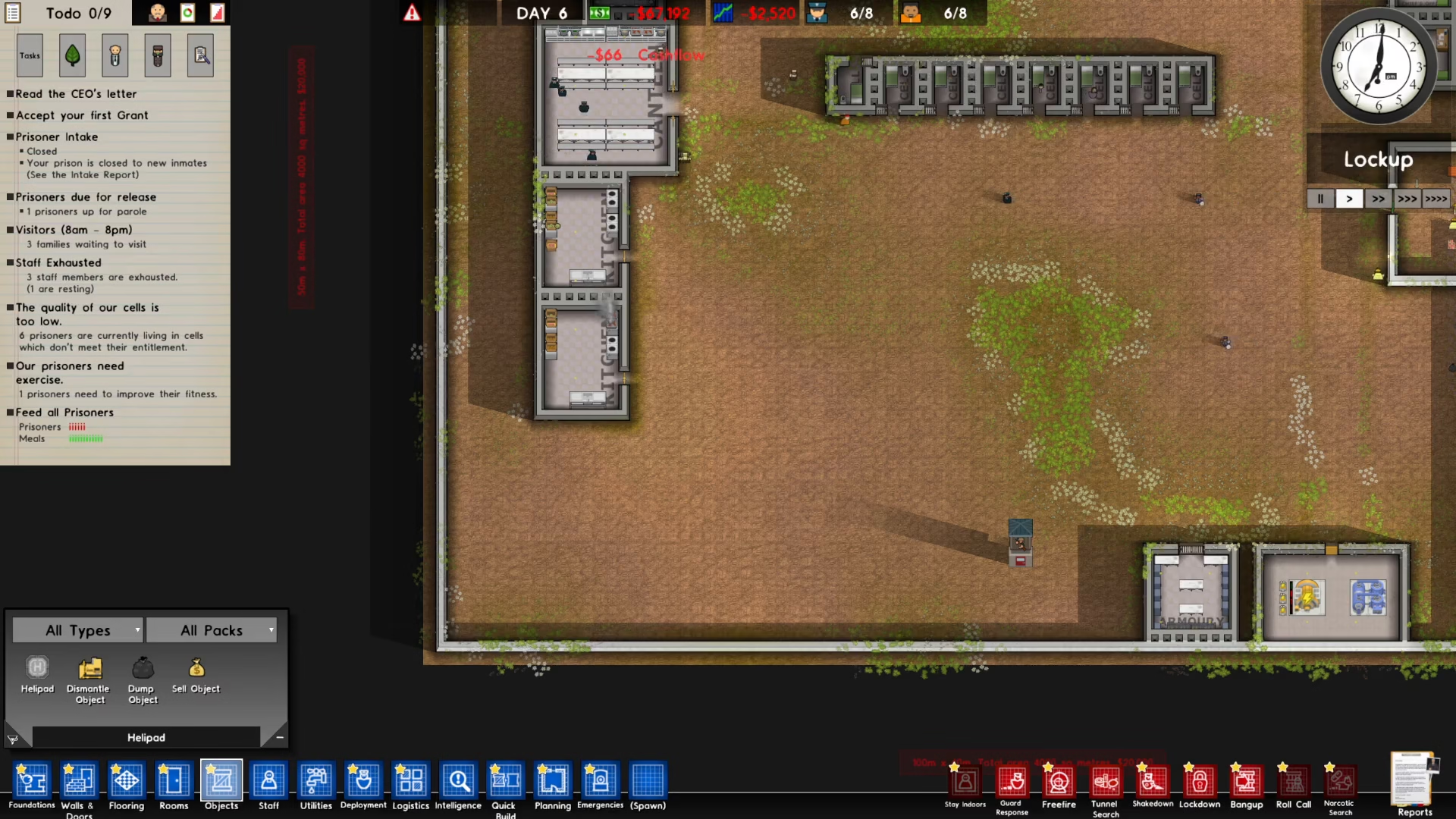
Click on the helipad option and then click anywhere on your prison map where you’d like to place it. Choose a location that works best for your facility layout.
Completion
Wait for the helipad to be constructed, and that’s it! Your helipad is now complete and ready to use in your prison.
Summary
Building a helipad in Prison Architect is straightforward: ensure you have the Islandbound DLC, access the Objects menu, search for and select the helipad, place it on your map, and wait for construction to finish. With these simple steps, you’ll have a functional helipad integrated into your prison facility.
— Want to Support? —
If you would like to help us continue making these guides – please consider joining our patreon here – https://www.patreon.com/c/JaviHeals
Alternatively – you can join our discord here – https://discord.gg/zD7Gjt6MHF