





How To Build Sanctuary In Fallout 4
How To Build Sanctuary In Fallout 4
Building settlements is one of the most rewarding aspects of Fallout 4. Sanctuary is your first settlement hub, and mastering the basics of construction here will set you up for success throughout the game. This guide walks you through the essential steps to enter workshop mode and start building your dream settlement in Sanctuary.
Getting Started at Sanctuary
When you first arrive at Sanctuary, head down the street and look for a small area that contains a power generator on a stand and several other stations. This is your settlement hub and the starting point for all your building projects.
Accessing Workshop Mode
Approach the workshop in the settlement area. Once you’re in position, press E on your keyboard to interact with the workshop.
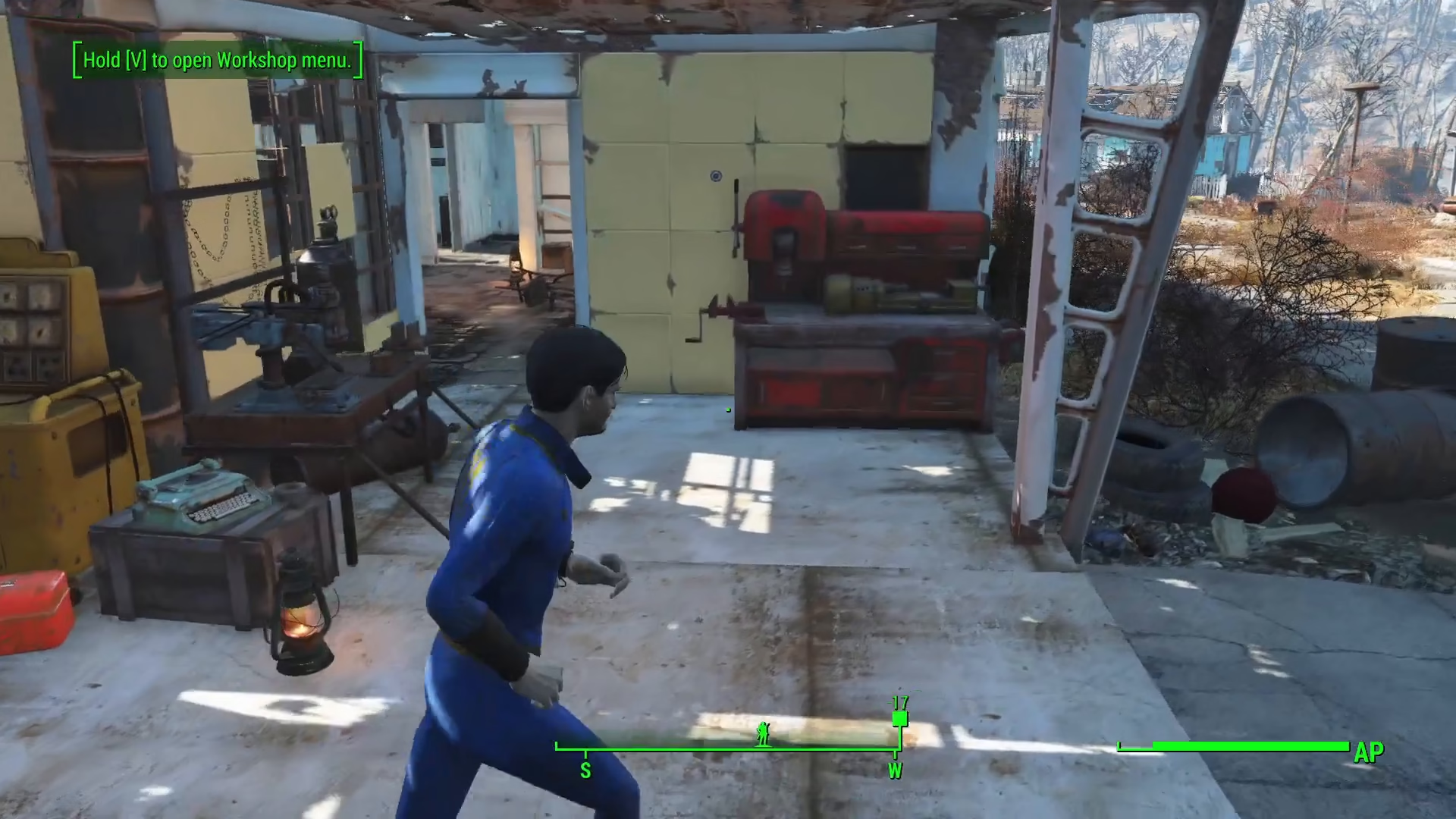
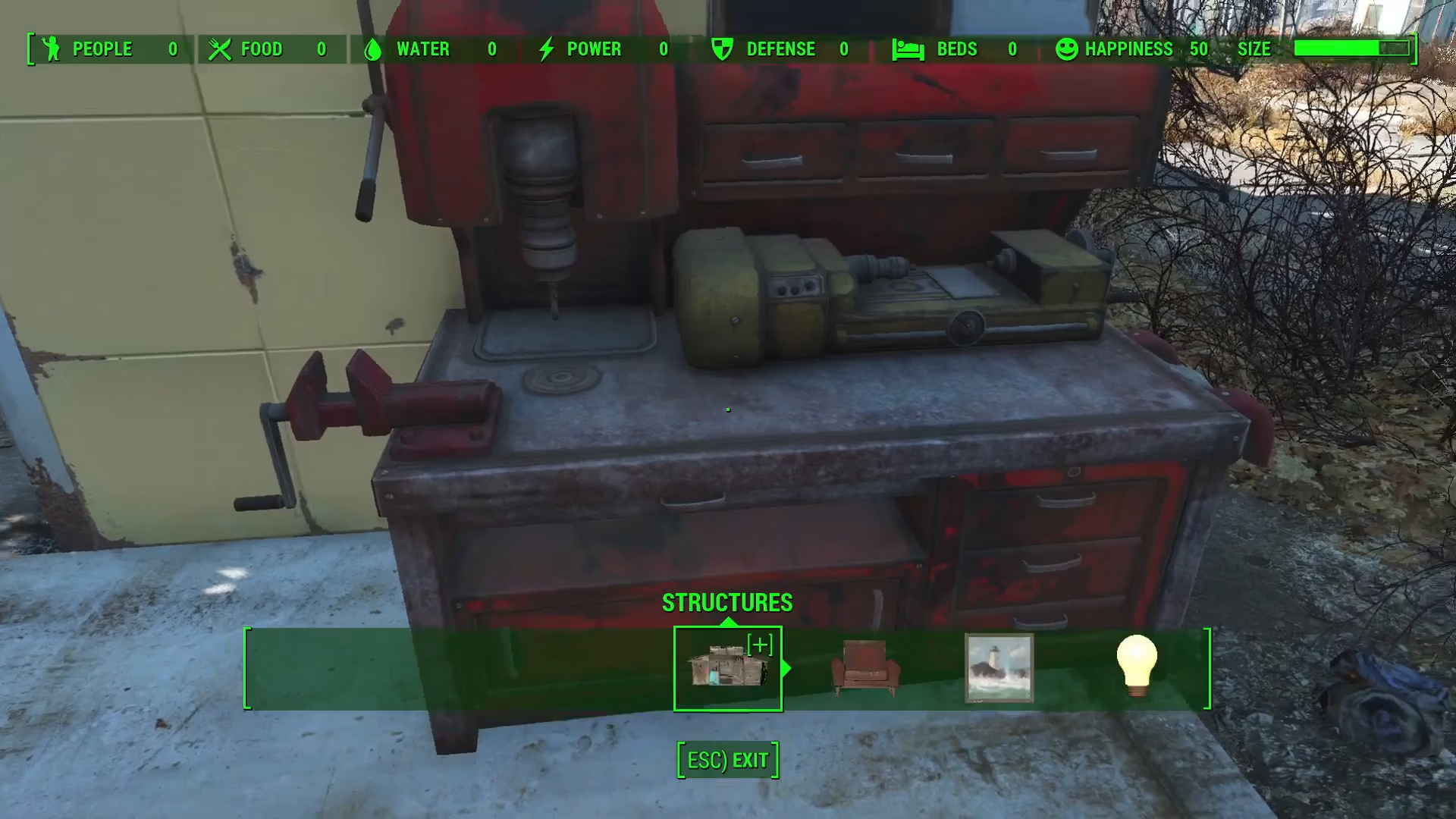
This action will enable workshop mode, granting you access to all building and construction tools available in Sanctuary. You are now ready to begin building and customizing your settlement.
Summary
Building in Sanctuary is simple once you know where to look. Find the workshop in the central settlement area, press E to enter workshop mode, and you’ll have full access to construction features. From here, you can begin expanding your settlement and creating the perfect post-apocalyptic home.
Want to Support?
If you would like to help us continue making these guides – please consider joining our patreon here – https://www.patreon.com/c/JaviHeals
Alternatively – you can join our discord here – https://discord.gg/zD7Gjt6MHF