





How to Build Streets In Frostpunk
How to Build Streets in Frostpunk
Streets are a fundamental component of city planning in Frostpunk. Your buildings must be constructed on streets and connected to the generator to function properly. The good news? Building streets is simple, quick, and costs you nothing. Follow this guide to master street construction and expand your settlement efficiently.
Understanding Street Basics
In Frostpunk, all buildings require placement on streets, and these streets must connect to your generator to maintain functionality. This might sound restrictive, but the street-building system is actually very straightforward and intuitive once you know where to look.
Accessing the Construction Menu
To begin building streets, open the construction tab. You can do this by clicking the construction menu or pressing B on your keyboard.
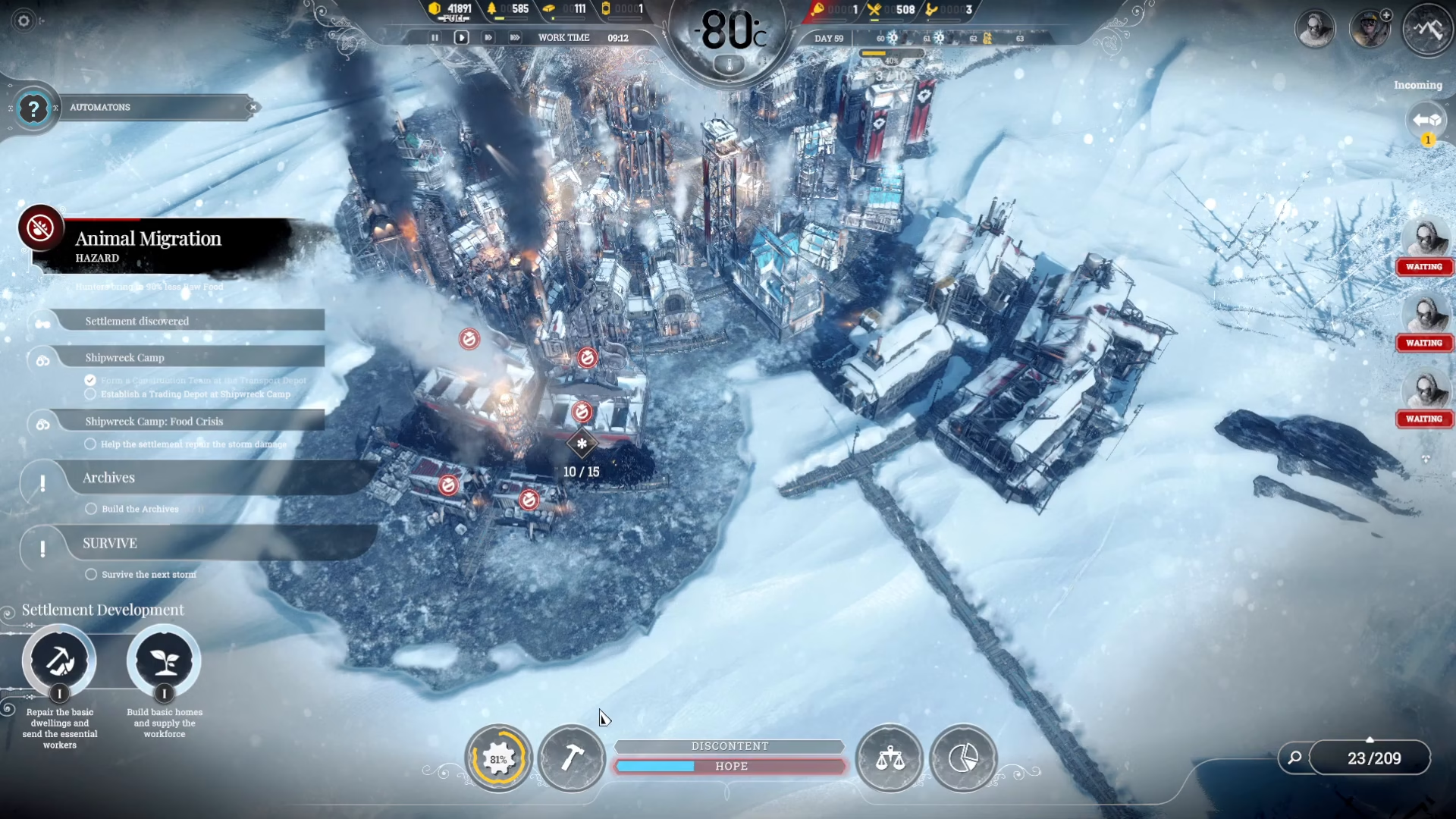
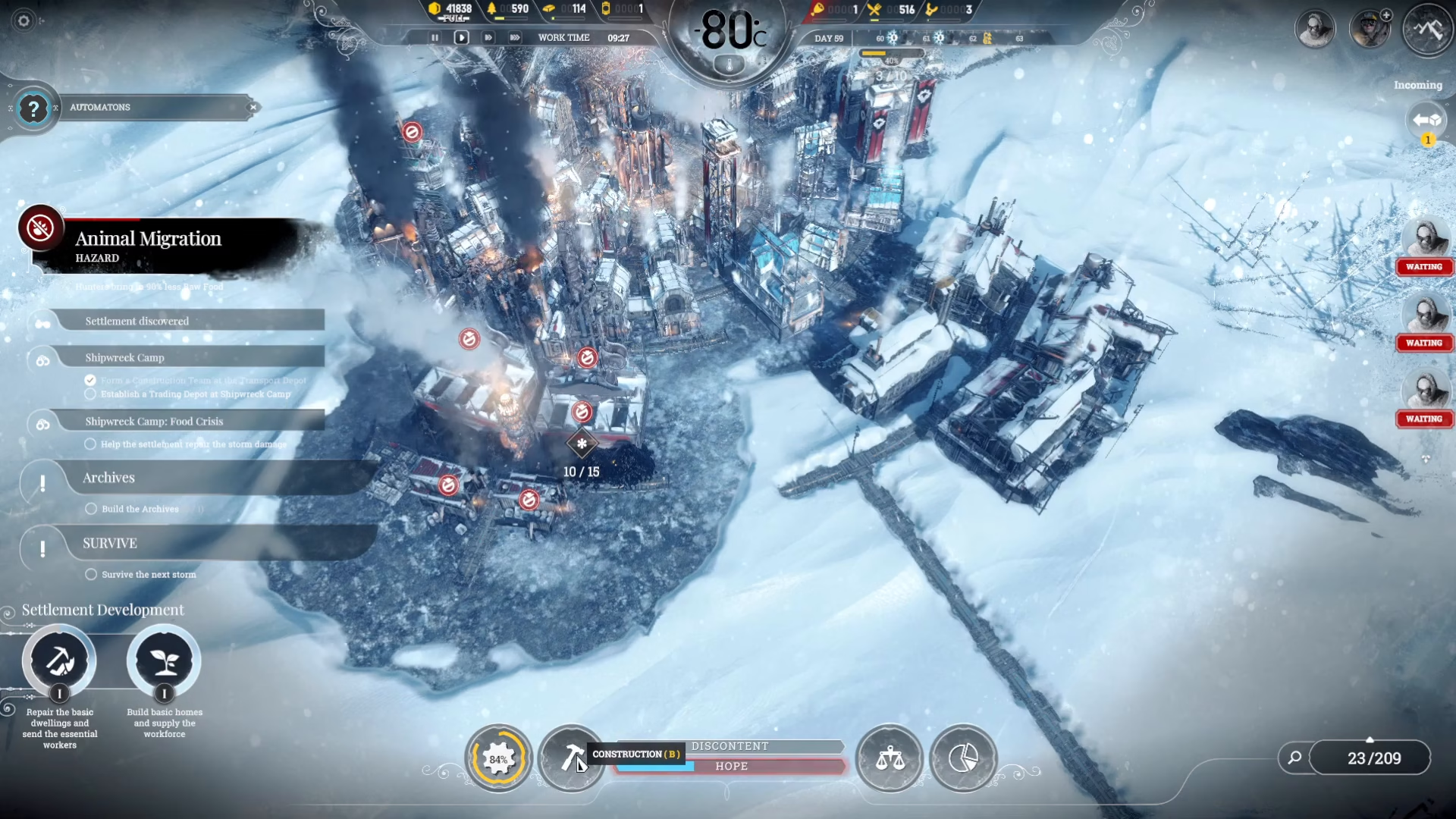
Once the construction menu opens, you’ll see multiple tabs available. However, you don’t need to navigate into any of these tabs. Instead, look for the street-building options located at the bottom of the menu.
Street Building Options
The construction menu provides three main street-related commands:
Build Streets — Create new street sections
Dismantle Streets — Remove existing streets
Disable Buildings — Temporarily deactivate structures
Identifying Available Street Locations
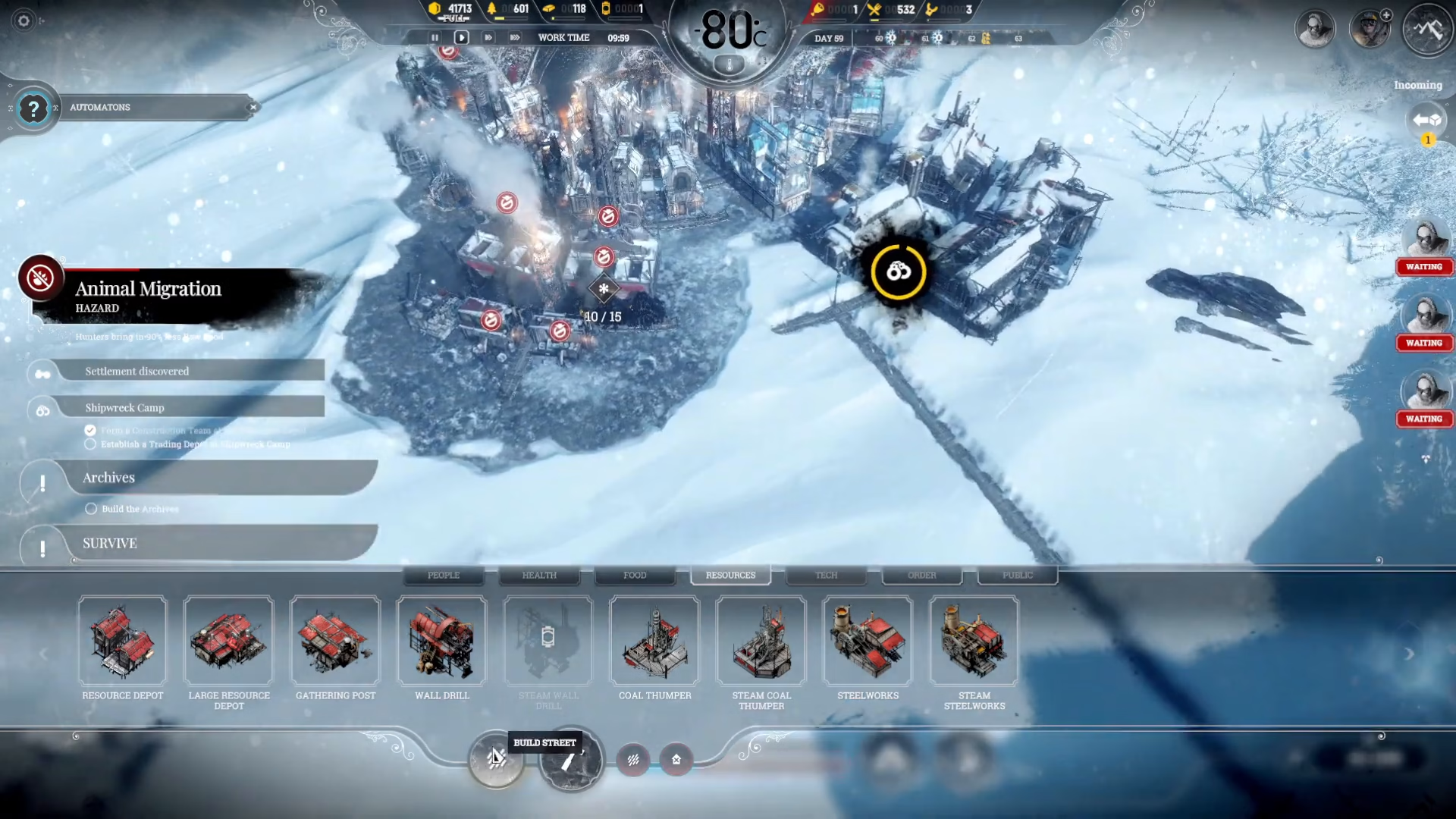
When you select the “build streets” option, the map will display visual indicators showing where you can build:
Green highlighted areas — Streets you already own
White lines — Building edges where new streets can be constructed
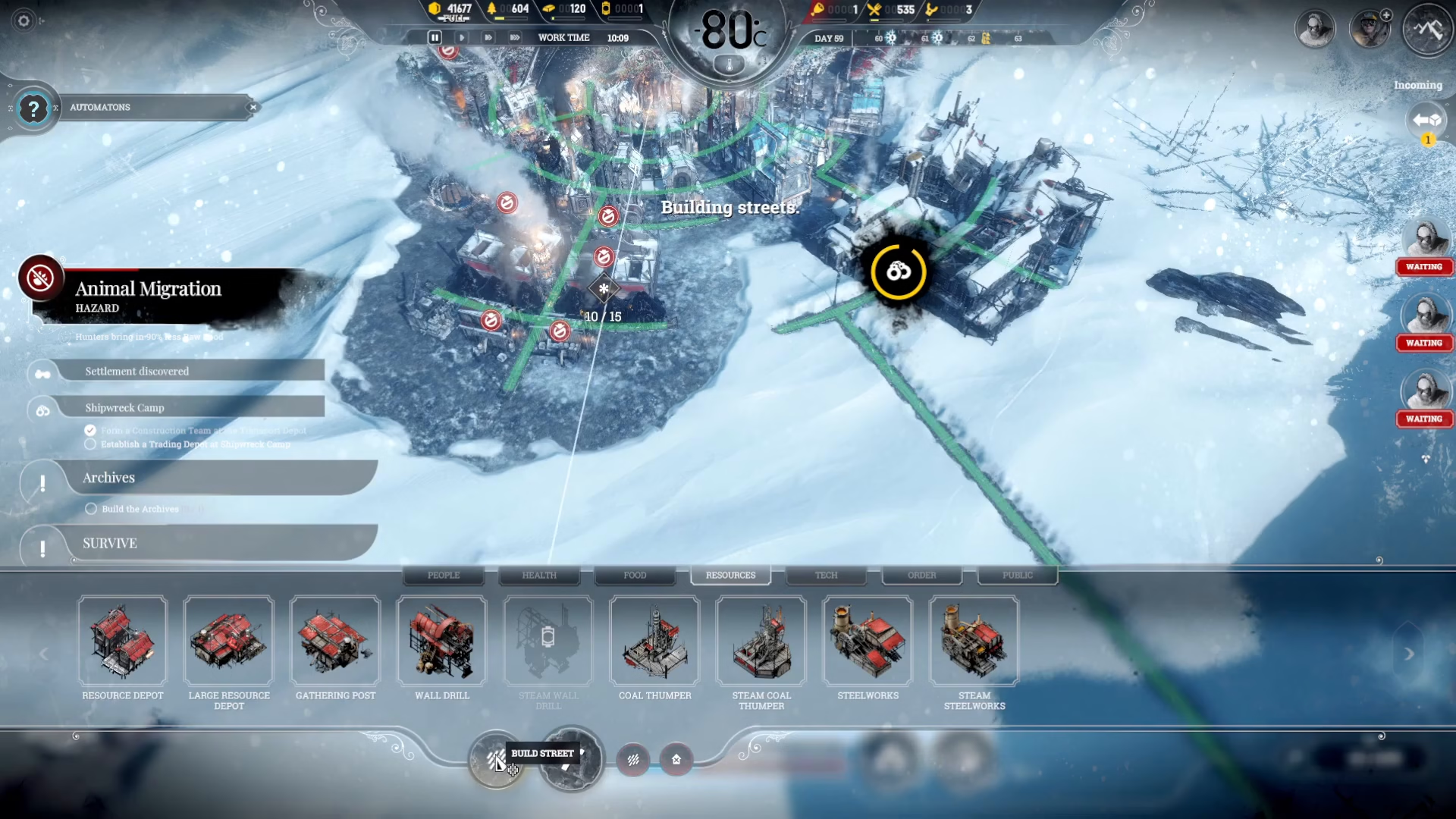
These white lines represent all the valid locations where you can expand your street network. Buildings cannot be placed in areas without adjacent streets, so understanding this visual system is critical for proper city layout.
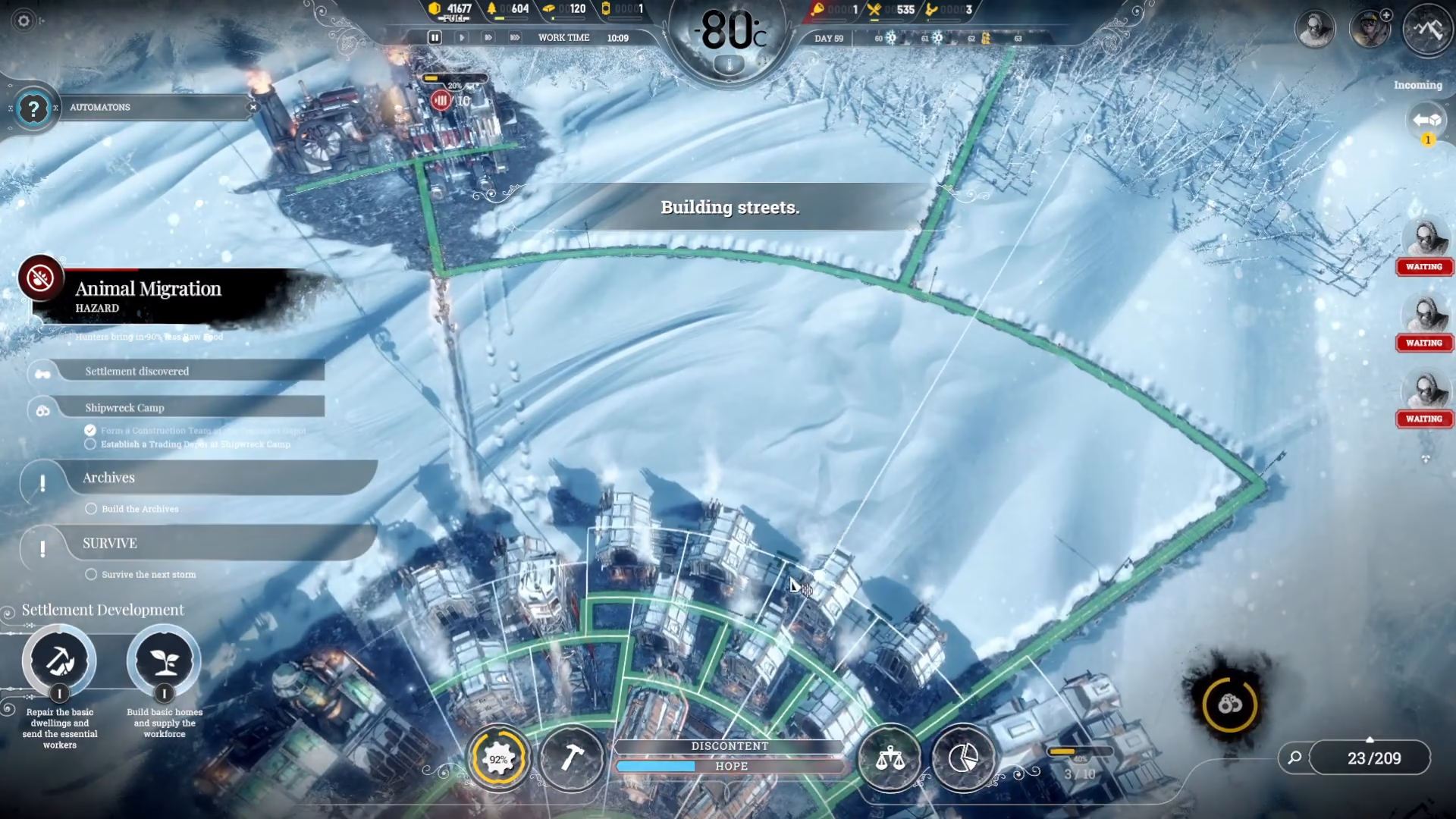
Building Streets: Step-by-Step
Building a street is as simple as clicking and dragging. When you click and drag from one location to another, the path will turn green, indicating that you’re successfully connecting it to an existing street network.
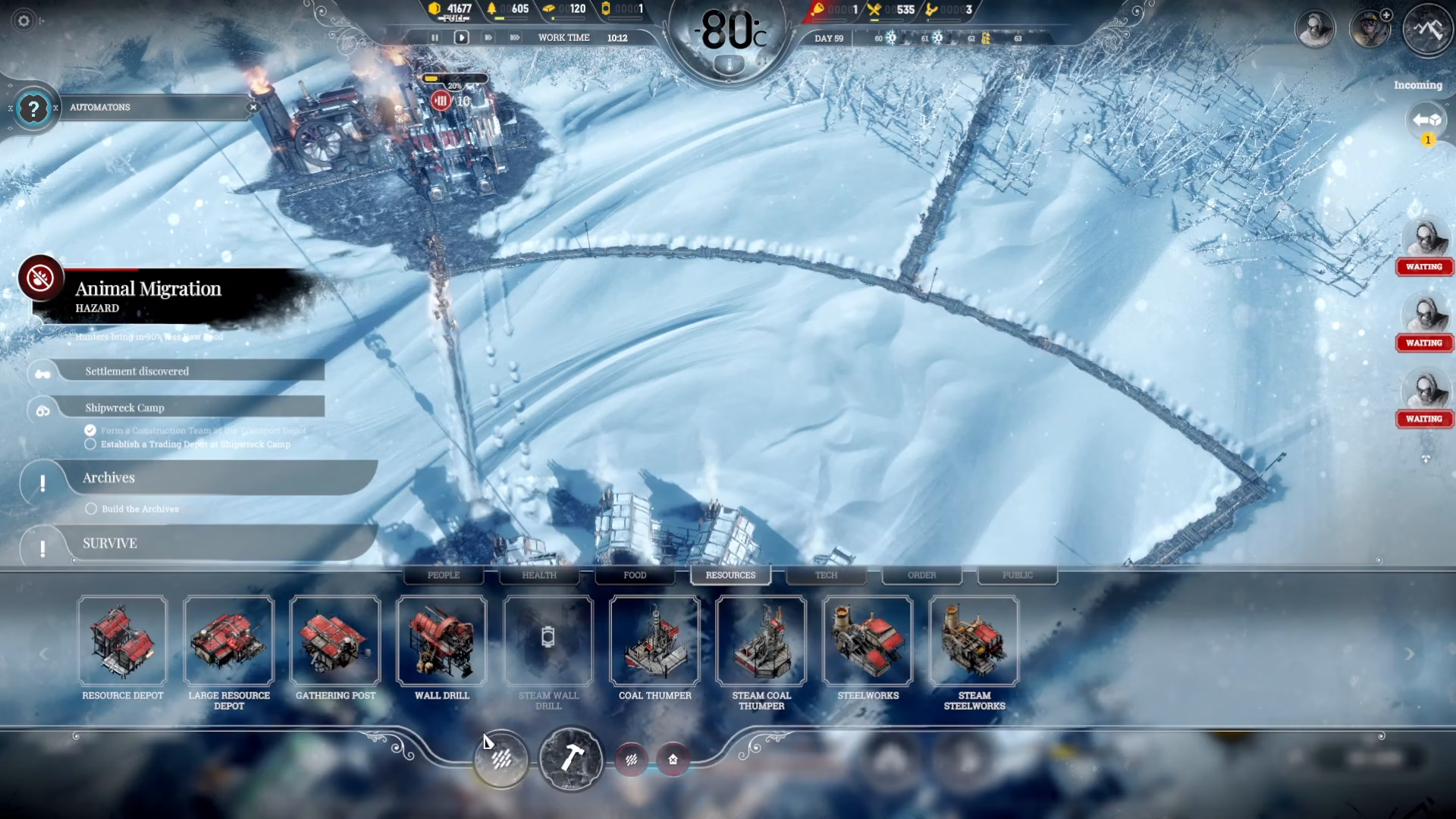
You have complete freedom in how you expand your streets. Whether you want to build a street in a specific direction or branch out to a new area, the process remains the same: click, drag, and confirm the connection.
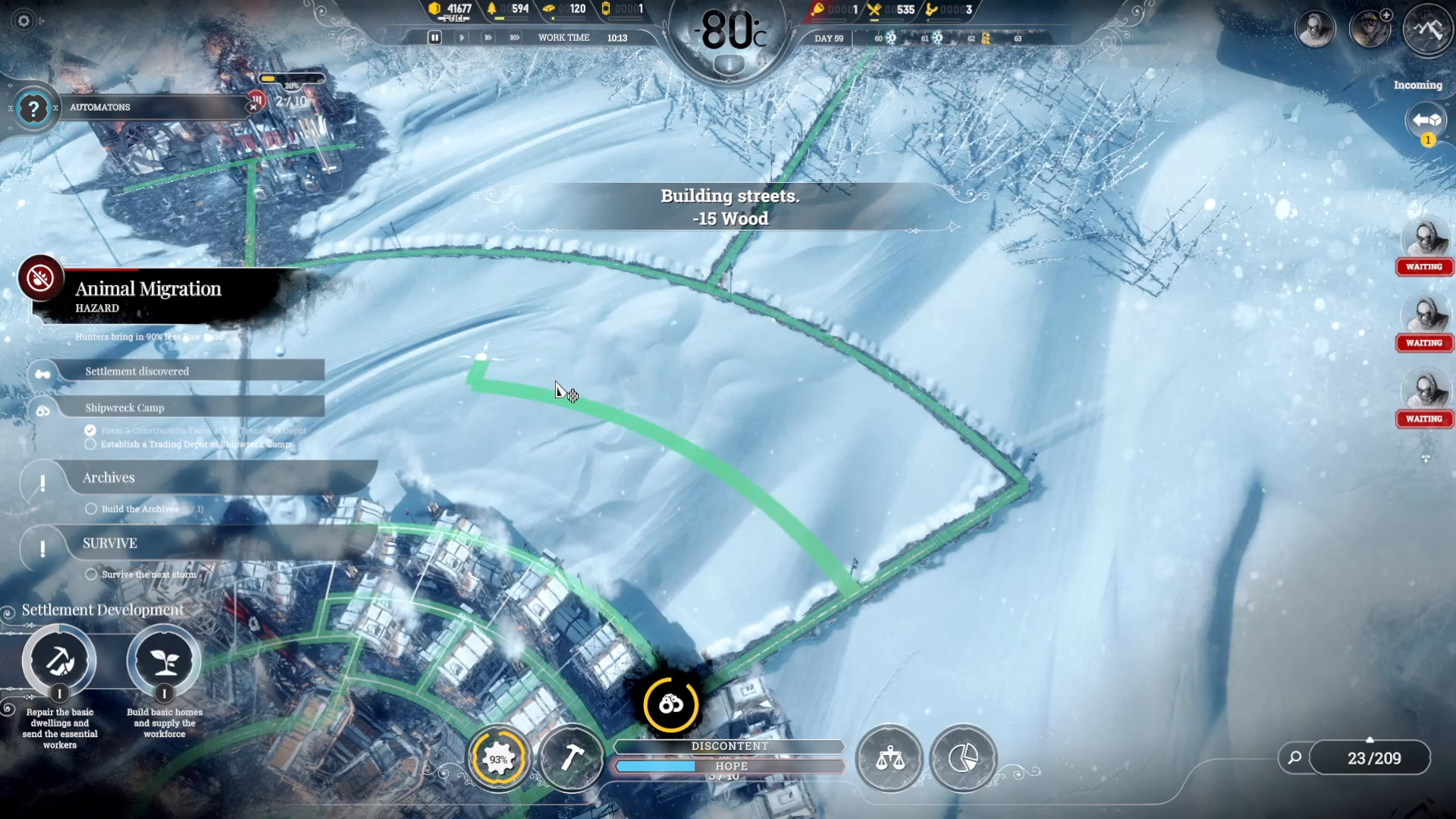
Multiple Expansion Strategies
Streets can be expanded in various directions and patterns depending on your settlement’s needs. For example, you might extend streets to connect to utility buildings like transport depots, or create branching paths to develop new residential and industrial zones.
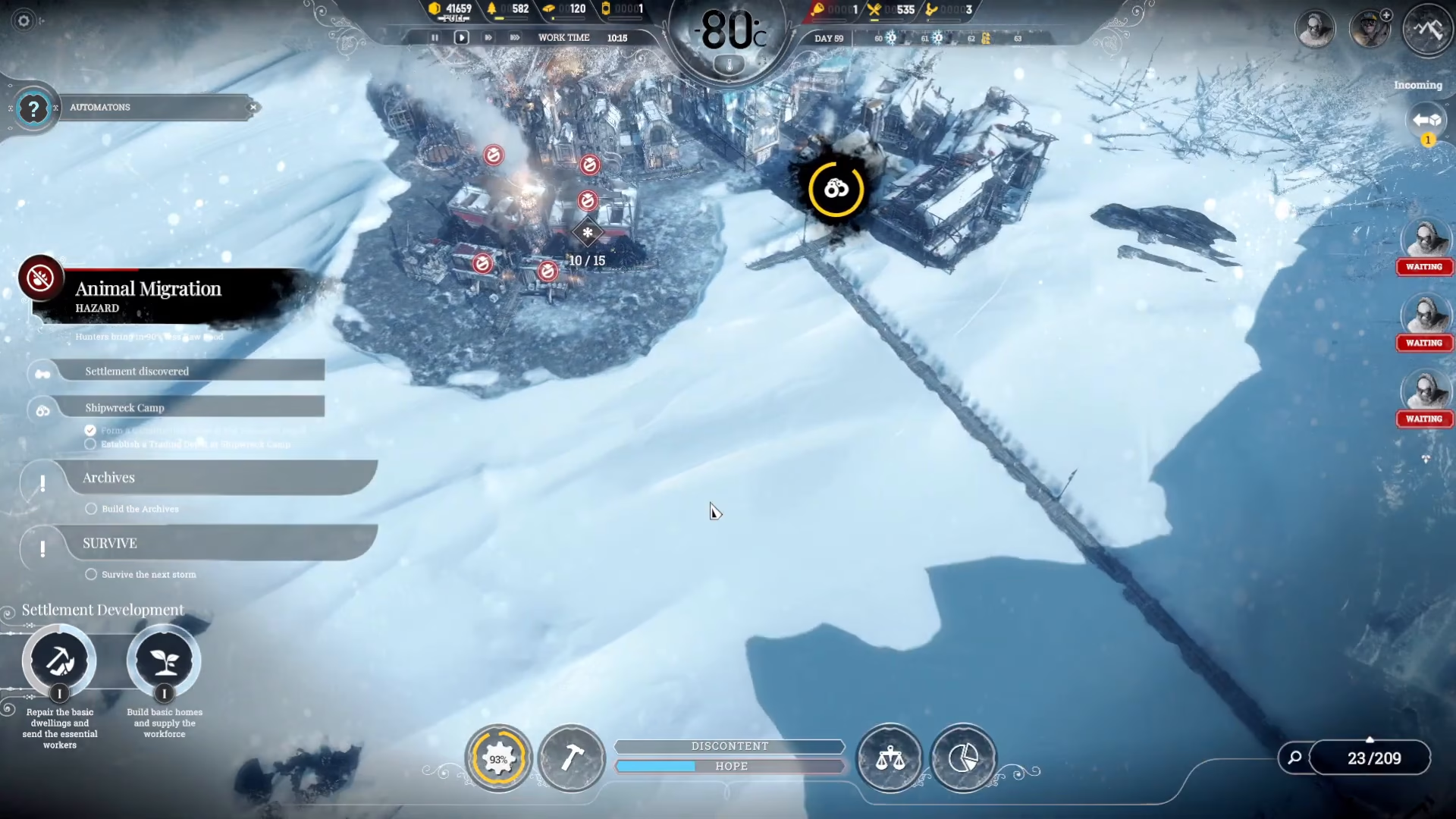
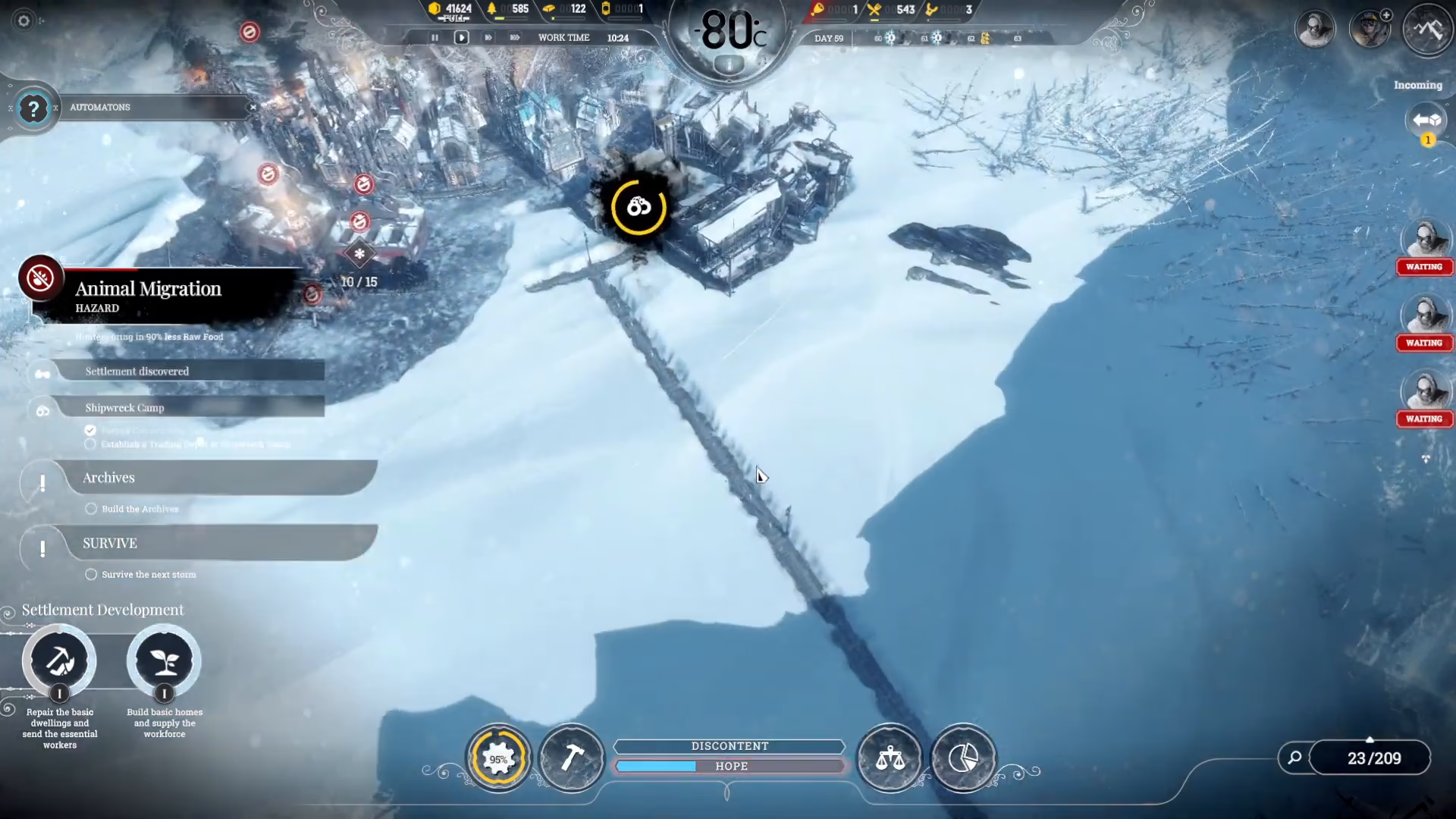
As you can see from the transport depot example, there are multiple ways to plan and execute your street network. The flexibility of the system allows you to adapt to your unique city layout and expansion goals.
Summary
Building streets in Frostpunk is straightforward and cost-free. Simply open the construction menu (or press B), select “build streets,” identify the white line indicators showing valid locations, and click-drag to create connections. Streets form the backbone of your settlement’s infrastructure, so plan ahead and build strategically to accommodate future growth. Master this fundamental skill, and you’ll be well on your way to building a thriving frozen city.
Want to Support?
If you would like to help us continue making these guides – please consider joining our patreon here – https://www.patreon.com/c/JaviHeals
Alternatively – you can join our discord here – https://discord.gg/zD7Gjt6MHF