






How To Change Meal Quality In Prison Architect
How To Change Meal Quality In Prison Architect
In Prison Architect, managing your inmates’ meals is a crucial part of running an efficient prison. Meal quality directly affects prisoner satisfaction and behavior. This guide will walk you through the simple steps needed to adjust meal quality and frequency in your facility.
Understanding Meal Quality
In Prison Architect, meal quality is determined by the number of times per day you feed your inmates. This metric directly impacts prisoner morale and contentment. By adjusting meal quality settings, you can find the right balance between inmate happiness and your budget constraints.
How to Change Meal Quality
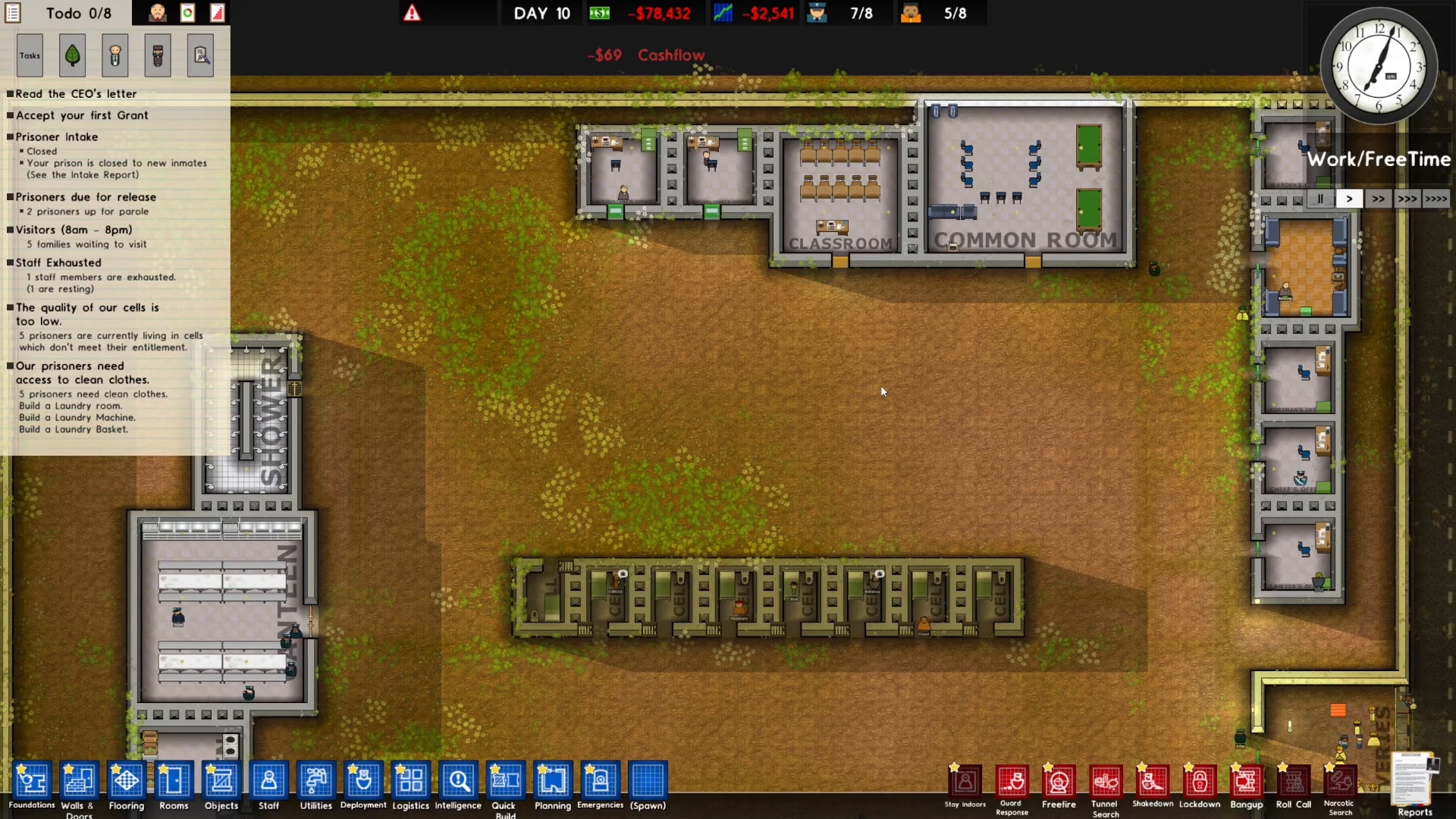
Step 1: Access the Reports Menu
Start by locating the Reports button in the bottom right corner of your screen and click on it.
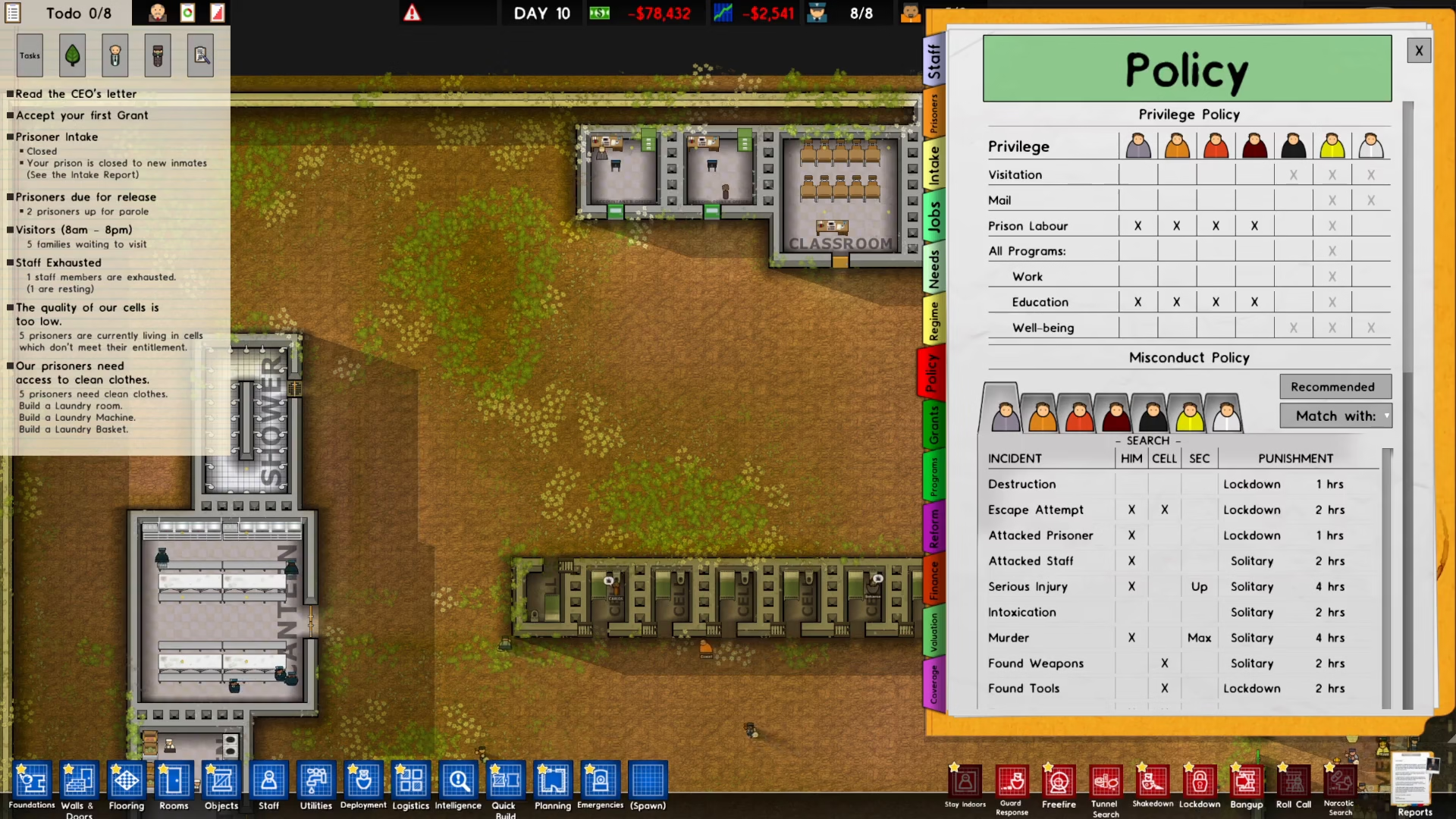
Step 2: Navigate to Policy
Once the Reports menu opens, select the Policy option.
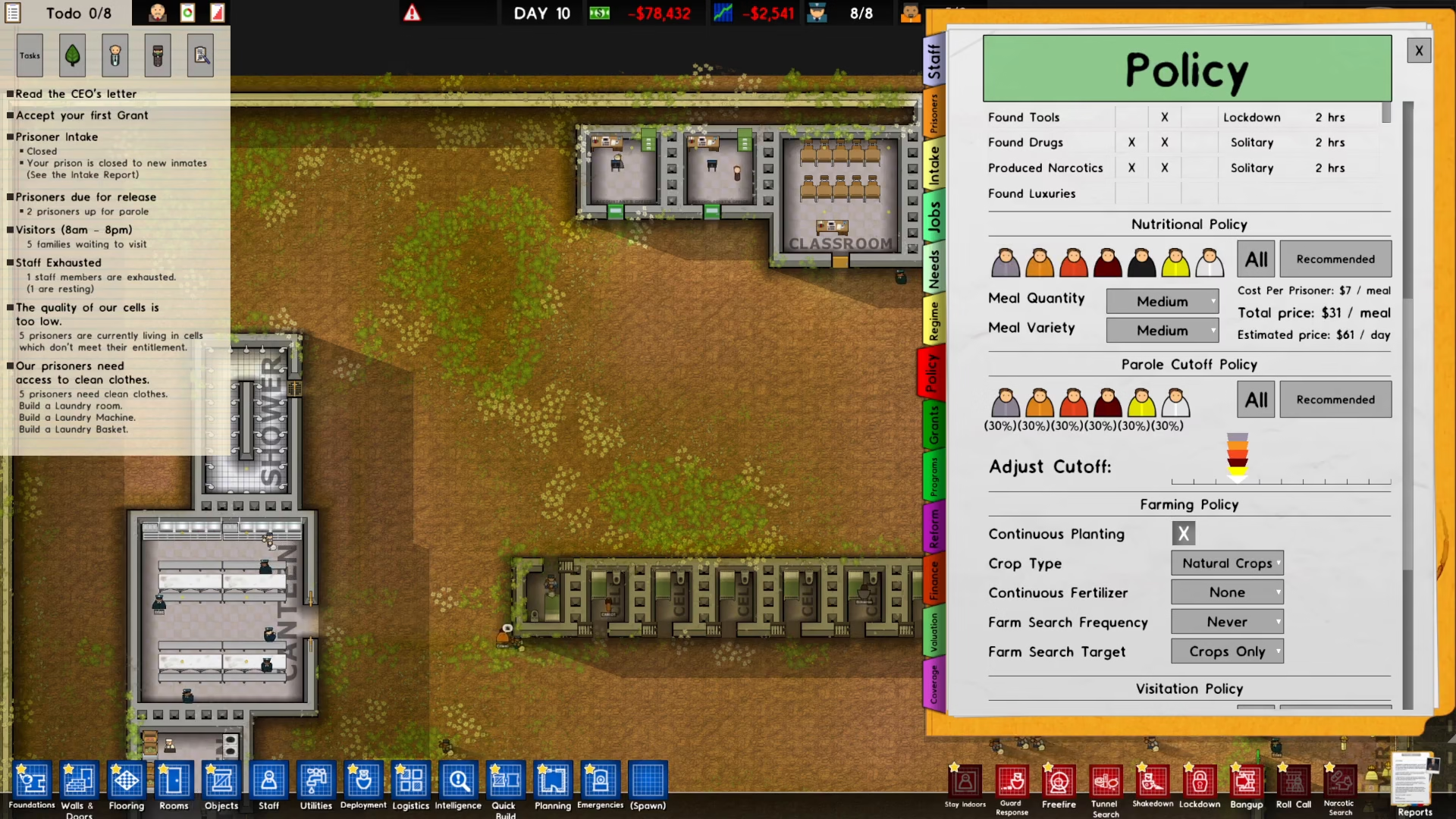
Step 3: Find the Nutritional Policy
Scroll down through the Policy menu until you locate the Nutritional Policy section.
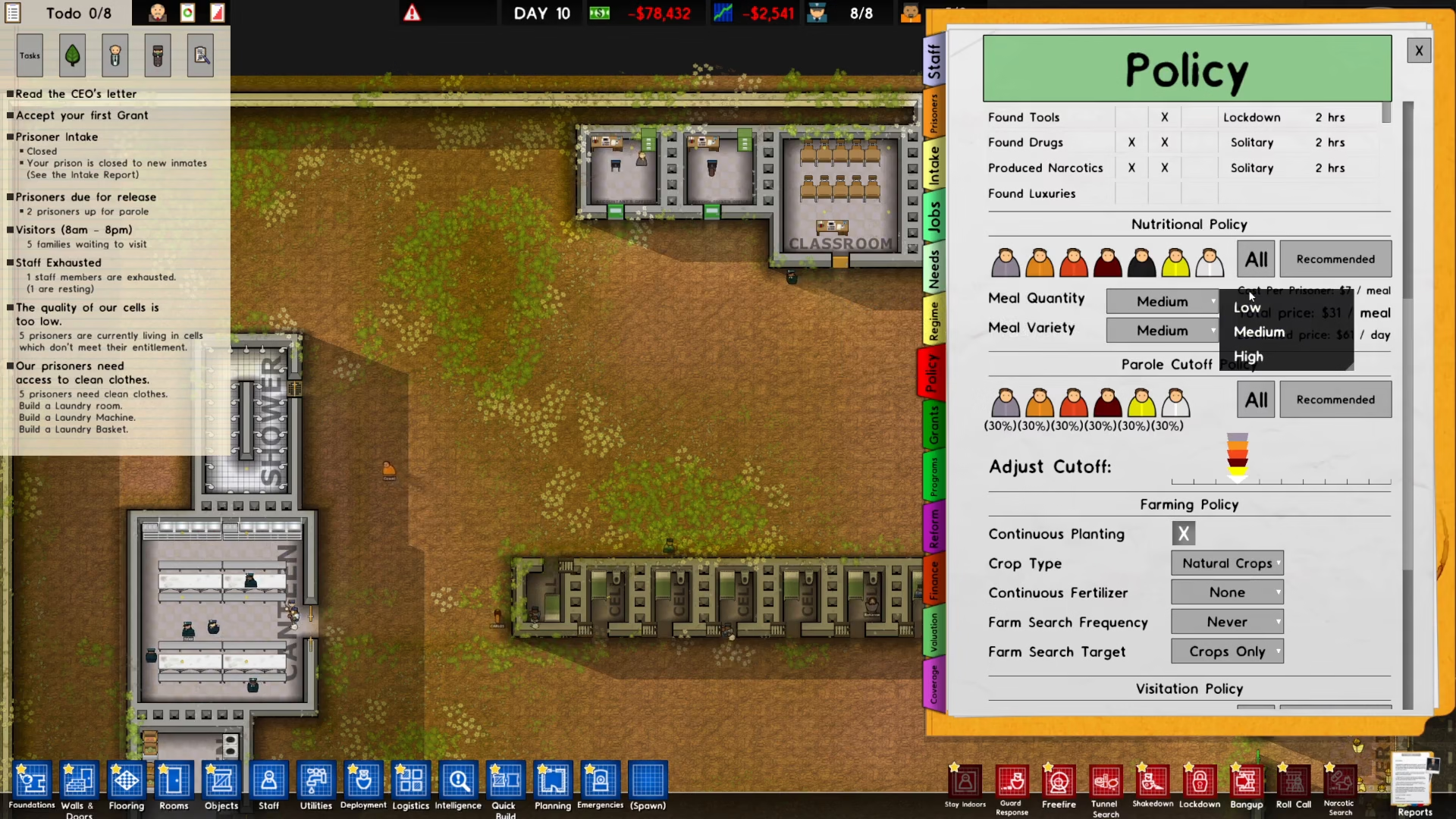
Step 4: Adjust Meal Quantity and Variety
Click on the dropdown menu within the Nutritional Policy section. From here, you can select your desired meal quantity (the number of times per day inmates are fed) and meal variety (the diversity of meals offered).
Conclusion
Changing meal quality in Prison Architect is straightforward once you know where to look. By navigating to Reports > Policy > Nutritional Policy, you can easily adjust both meal quantity and variety to suit your prison’s needs. Experiment with different settings to find the perfect balance that keeps your inmates content while managing your budget effectively.
— Want to Support? —
If you would like to help us continue making these guides – please consider joining our patreon here – https://www.patreon.com/c/JaviHeals
Alternatively – you can join our discord here – https://discord.gg/zD7Gjt6MHF