
How to Delete Items in Pokopia
How to Delete Items in Pokopia
Struggling with a cluttered inventory in Pokopia? Whether you’ve accumulated unwanted items or simply need to free up space, we’ve got you covered. This guide walks you through three practical methods to delete and dispose of unwanted items in Pokopia, from trading at a Poké Center to incinerating organic matter.
Method 1: Trade Items at the Poké Center
The most straightforward way to get rid of unwanted items is to visit a completed Poké Station (also called a Poké Center). Once you’re inside, talk to the NPC present and initiate a trade conversation.
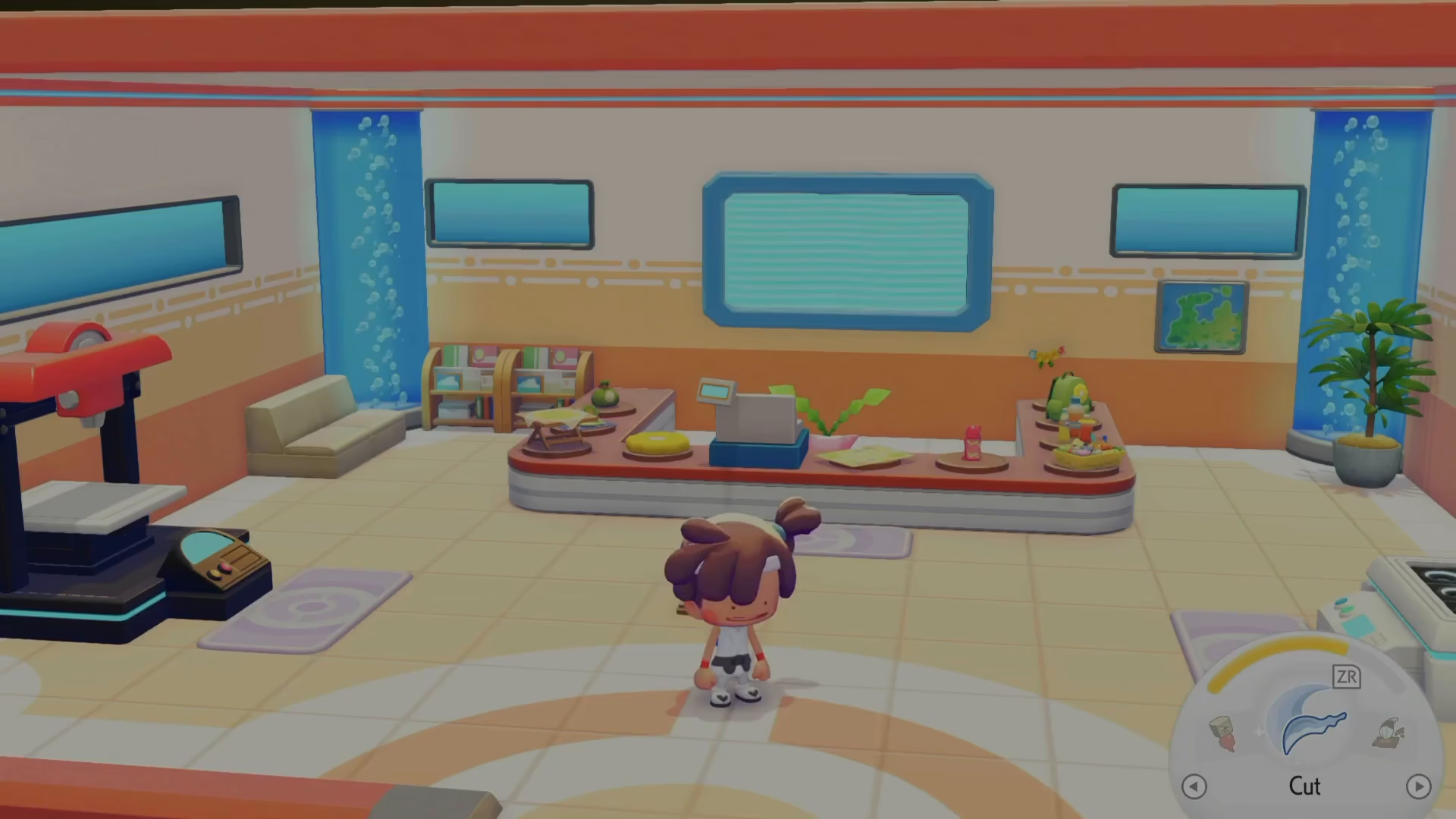
For example, if you want to trade away a flower table, you can propose a trade like: “Would you be willing to trade 10 clusters of cotton spores for my flower table?” Normally, you can trade with standard NPCs to exchange your unwanted items for Pokémon and other valuable goods. However, you’ll need to provide items that meet a certain value threshold to complete the trade.
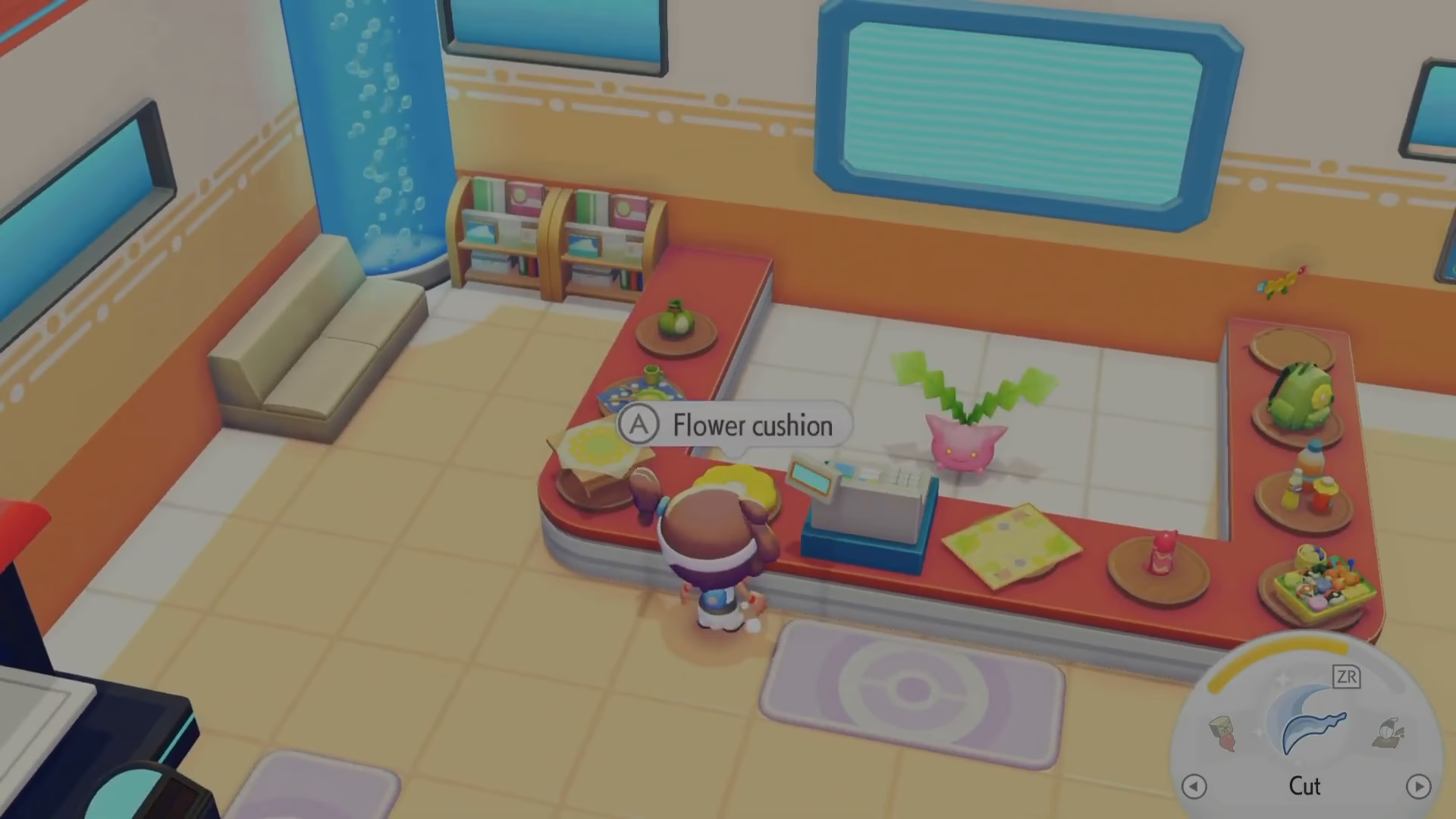
In locations like the Withered Wasteland, you can trade items exclusively for Poké Metal, but again, you must provide items of sufficient value. This method allows you to trade large quantities of unwanted items at once.
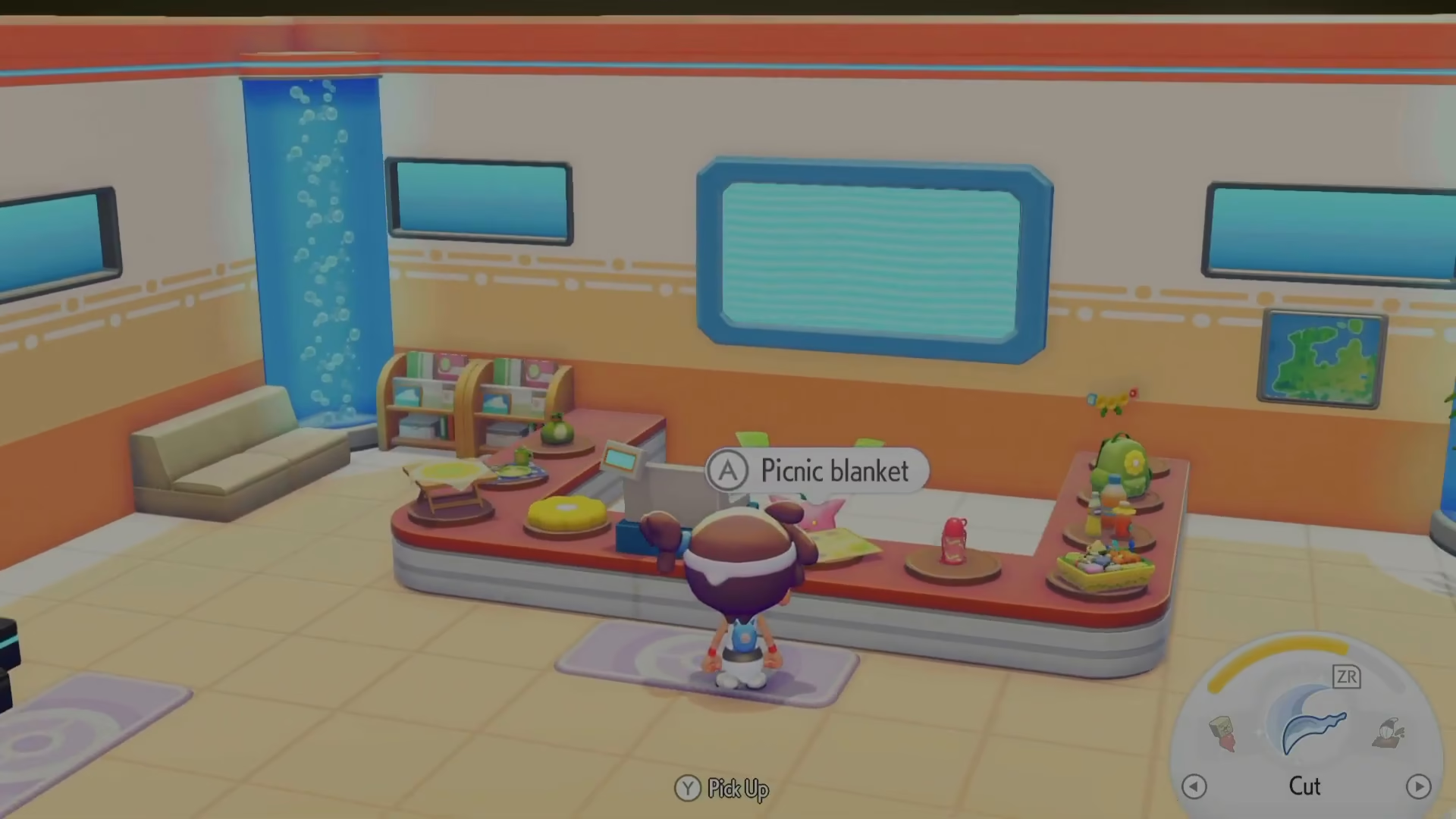
Important Note: This method works best when no special hop-up events are active, as active events may prevent you from trading for certain items like Poké Metal.
Method 2: Drop Items in a Hole
If you’re in a hurry or prefer a quick solution, simply drop unwanted items directly onto the ground. Access your inventory and select the items you wish to discard, then drop them by creating a hole and tossing the items inside.
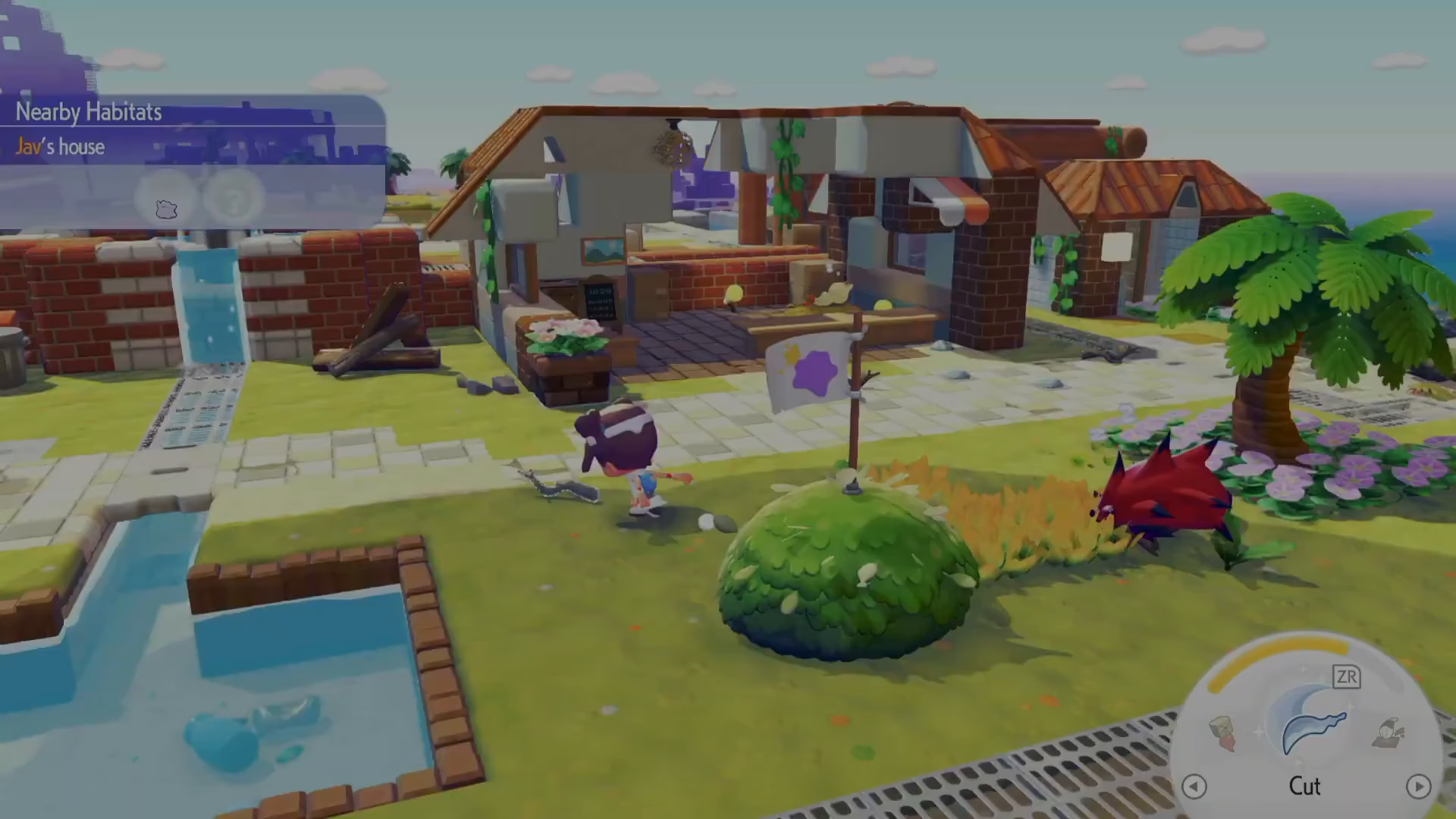
While this method is fast, it’s not the most elegant solution since items will remain visible on the ground. Use this approach only when other methods are unavailable.
Method 3: Incinerate Items
For a more permanent and practical solution, use an incinerator to burn your unwanted items. You’ll find the first incinerator on an island accessible early in the game. To use it, you’ll need to have a Fire-type Pokémon with you.
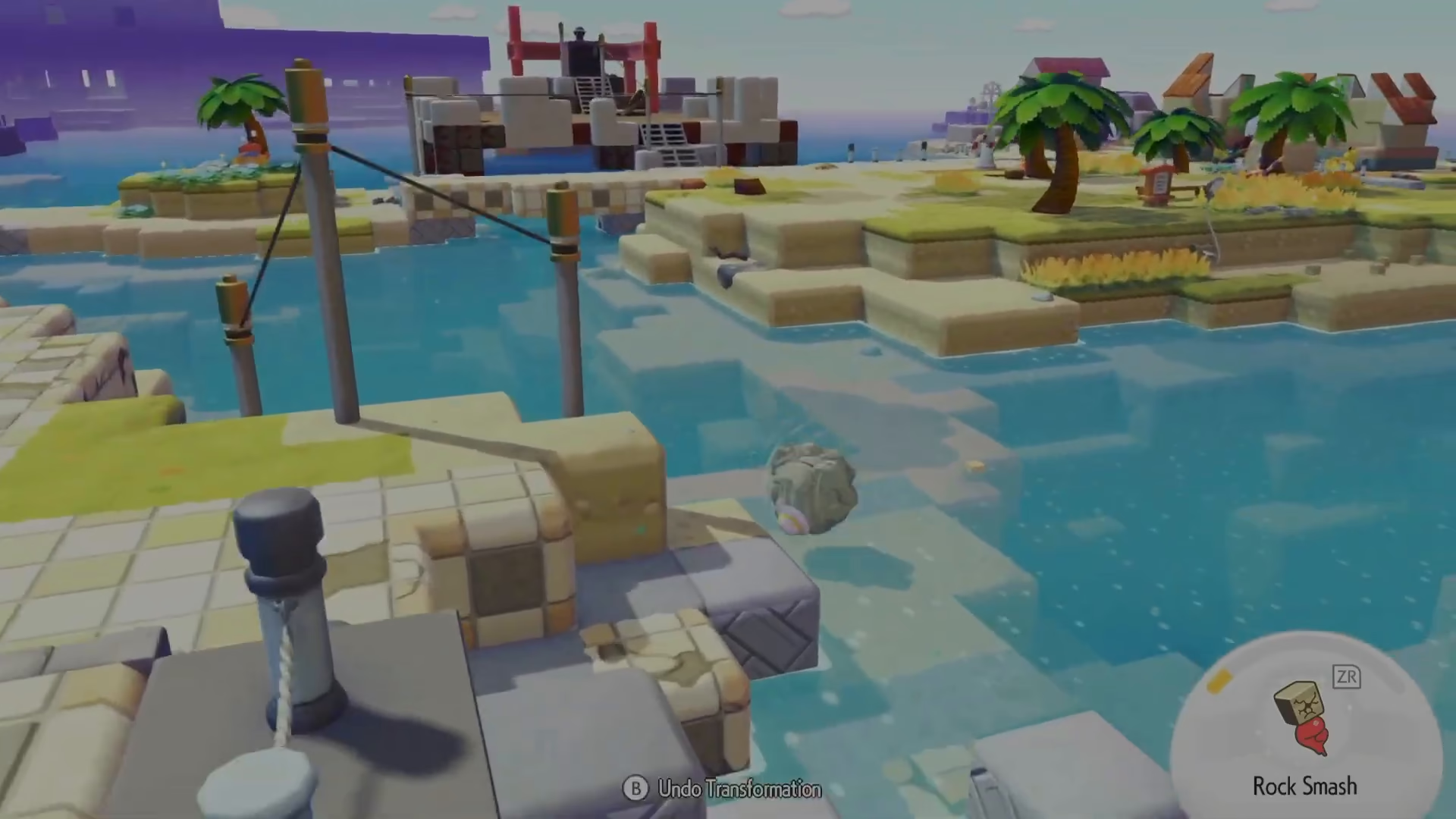
The incinerator serves a dual purpose: it destroys unwanted items while generating electricity for your facility. This is especially useful for disposing of organic materials.
What Can You Incinerate?
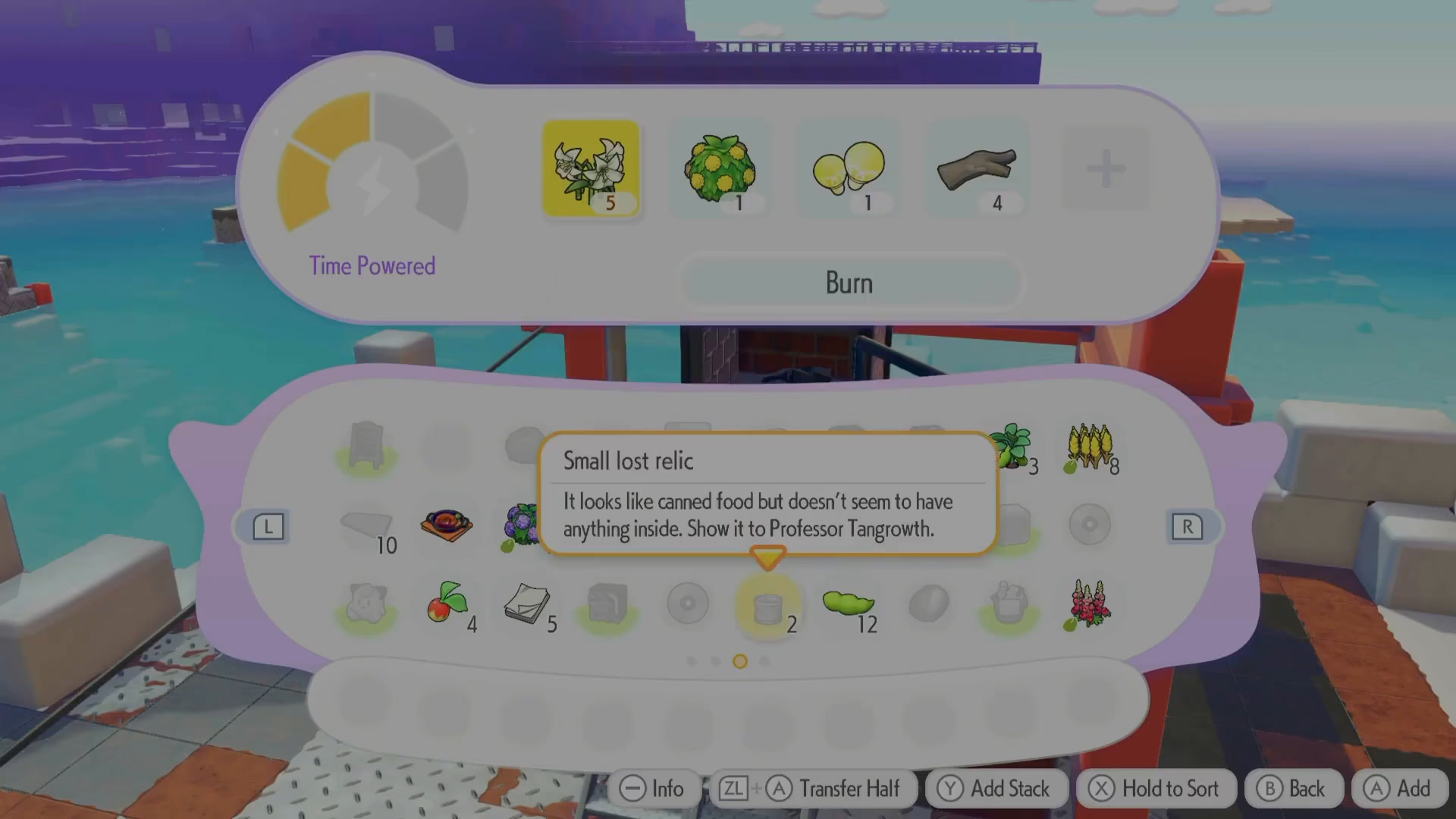
You can burn the following types of items:
Elegant flower seeds
Bushes
Mushrooms
Vines
Sturdy sticks
Any organic matter
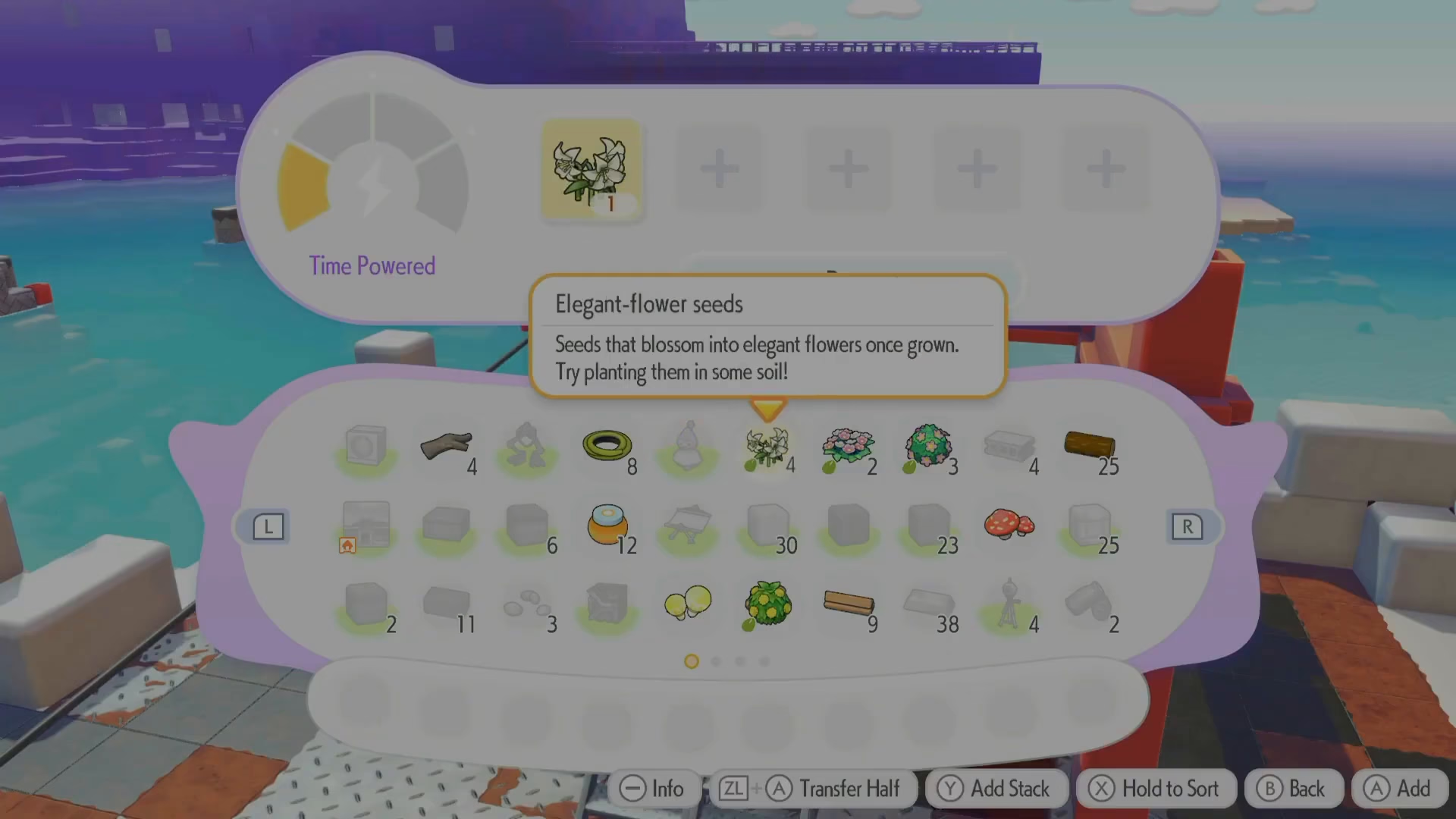
To incinerate items, simply interact with the incinerator and select “burn.” Your unwanted organic items will be converted into electricity, effectively removing them from your inventory while providing a useful benefit to your facility.
Summary
You now have three reliable methods to delete unwanted items in Pokopia:
Trade at Poké Center: Exchange items for Pokémon or other goods (best when no hop-up events are active)
Drop in a Hole: Quick inventory clearing, though items remain visible on the ground
Incinerate: Permanent disposal of organic items while generating electricity for your facility
Choose the method that best fits your situation. For regular item management, the incineration method is highly recommended since it provides the added benefit of electricity generation.
Want to Support?
If you would like to help us continue making these guides – please consider joining our patreon here – https://www.patreon.com/c/JaviHeals
Alternatively – you can join our discord here – https://discord.gg/zD7Gjt6MHF