





How To Delete Streets In Frostpunk
How To Delete Streets In Frostpunk
Managing your city layout in Frostpunk requires flexibility, and knowing how to delete streets is an essential skill. Whether you’re reorganizing your infrastructure or removing unwanted paths, this guide will walk you through the simple process of dismantling streets and what to watch out for.
Accessing the Dismantle Street Option
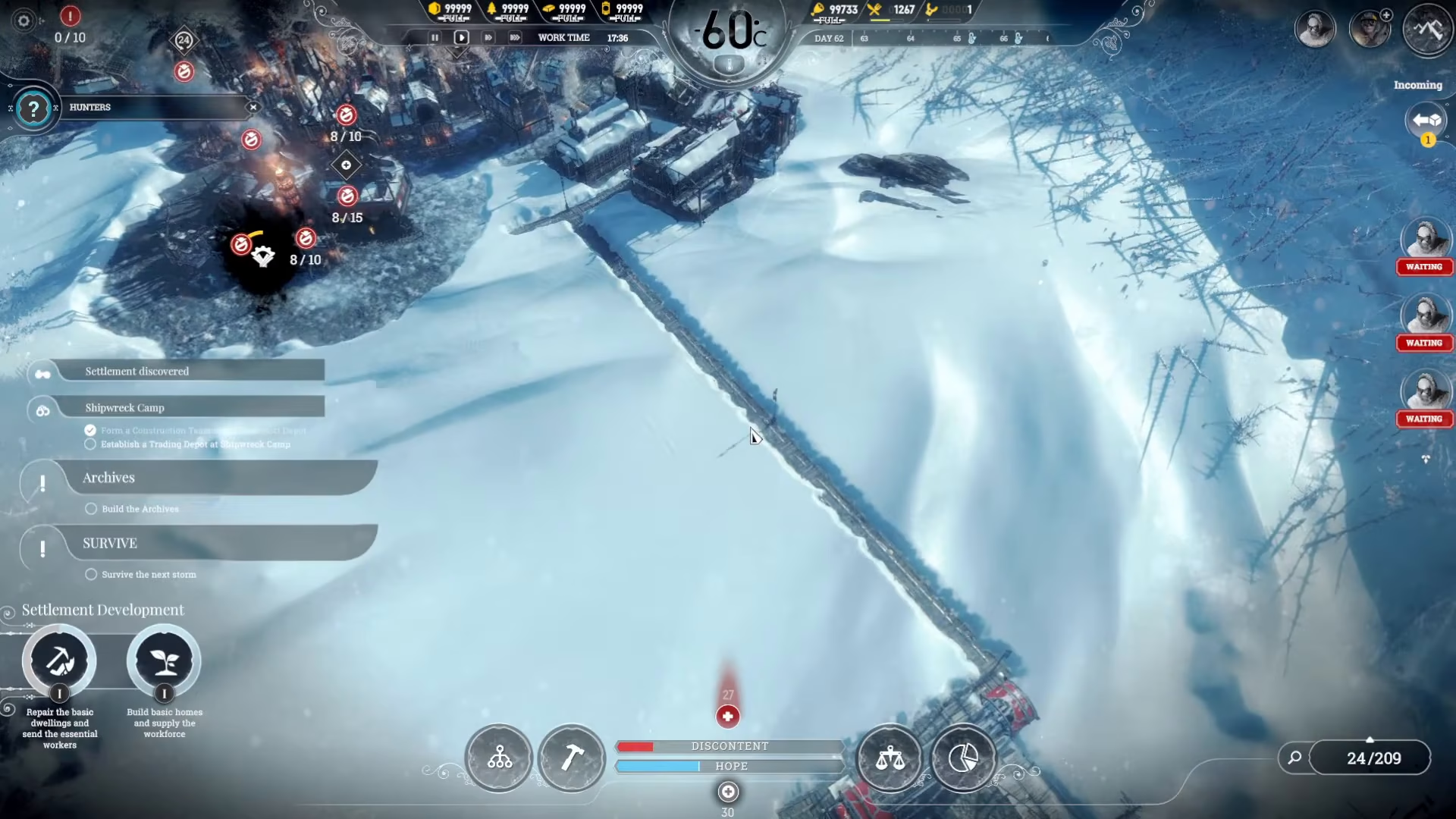
To delete streets in Frostpunk, begin by clicking on the construction menu. Once you’ve opened the construction interface, you’ll see a button labeled “dismantle street” available for selection.
How to Delete Streets
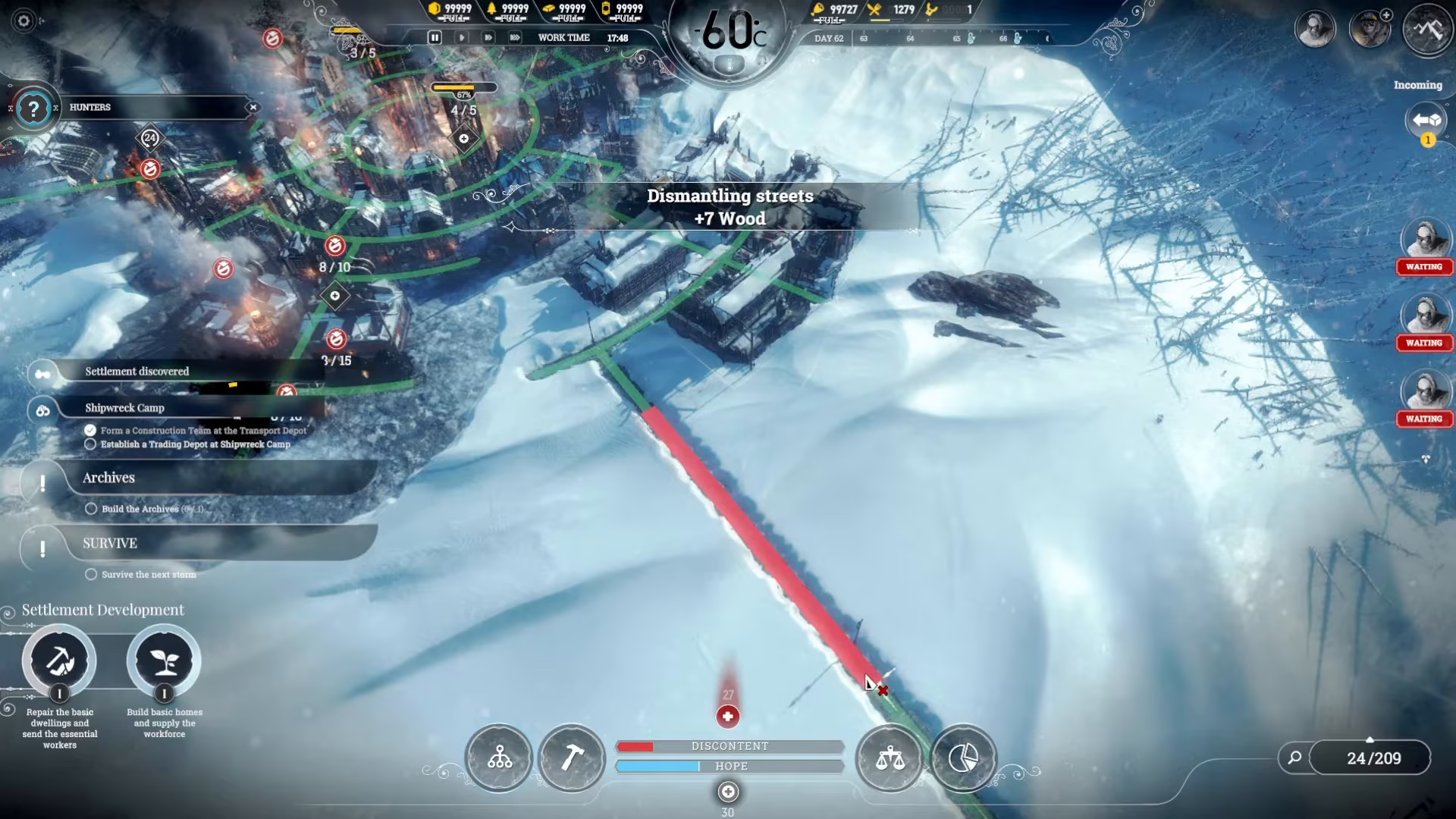
Once you’ve accessed the dismantle street function, the process is straightforward. Simply click on the street you want to remove, drag along it if needed, and click again. The street will be instantaneously deleted from your city layout.
Important Considerations: Connection Status
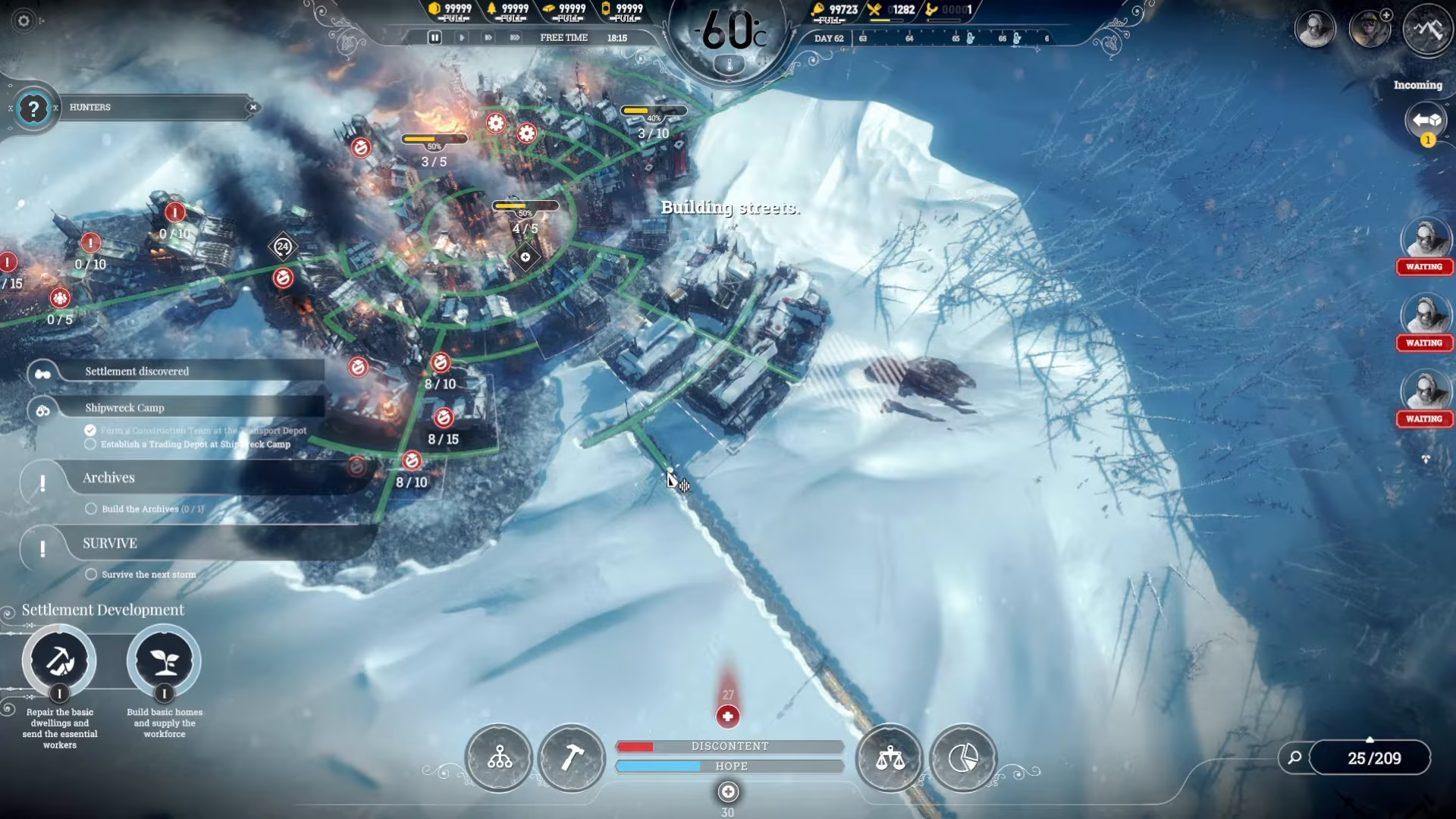
Before deleting streets, pay close attention to the color indicators on your street network. Streets display different colored lines that show their connection status to your generator. Green lines indicate streets that are properly connected to the generator, while yellow lines indicate streets that are not connected.
Ensuring Proper Generator Connection
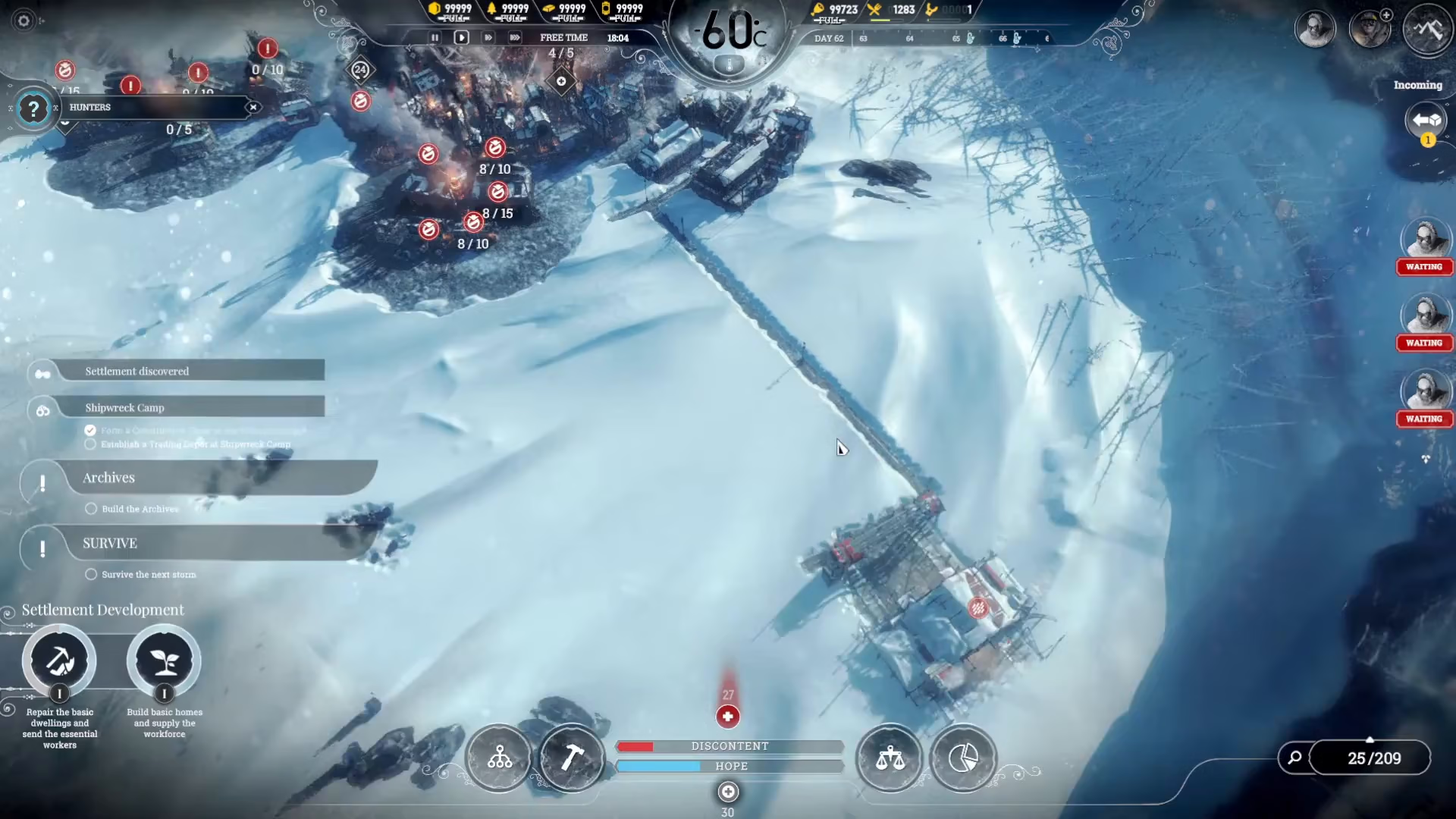
When dismantling streets, make sure you maintain connections from your settlements to the generator using green-lined streets. Before deleting any street, verify that you’re not cutting off essential pathways. If a street shows a yellow line, it means that section is disconnected from your generator — be cautious when removing streets near these disconnected areas to avoid further isolating your infrastructure.
Summary
Deleting streets in Frostpunk is a simple process: access the dismantle street button from the construction menu, click and drag along the street you want to remove, then click again to instantly delete it. Always monitor your street connection status — watch for green lines connected to the generator and be cautious of yellow disconnected lines. With this knowledge, you can confidently reorganize your city’s layout whenever needed.
Want to Support?
If you would like to help us continue making these guides – please consider joining our patreon here – https://www.patreon.com/c/JaviHeals
Alternatively – you can join our discord here – https://discord.gg/zD7Gjt6MHF