






How To Enable Cheats In Prison Architect
How To Enable Cheats In Prison Architect
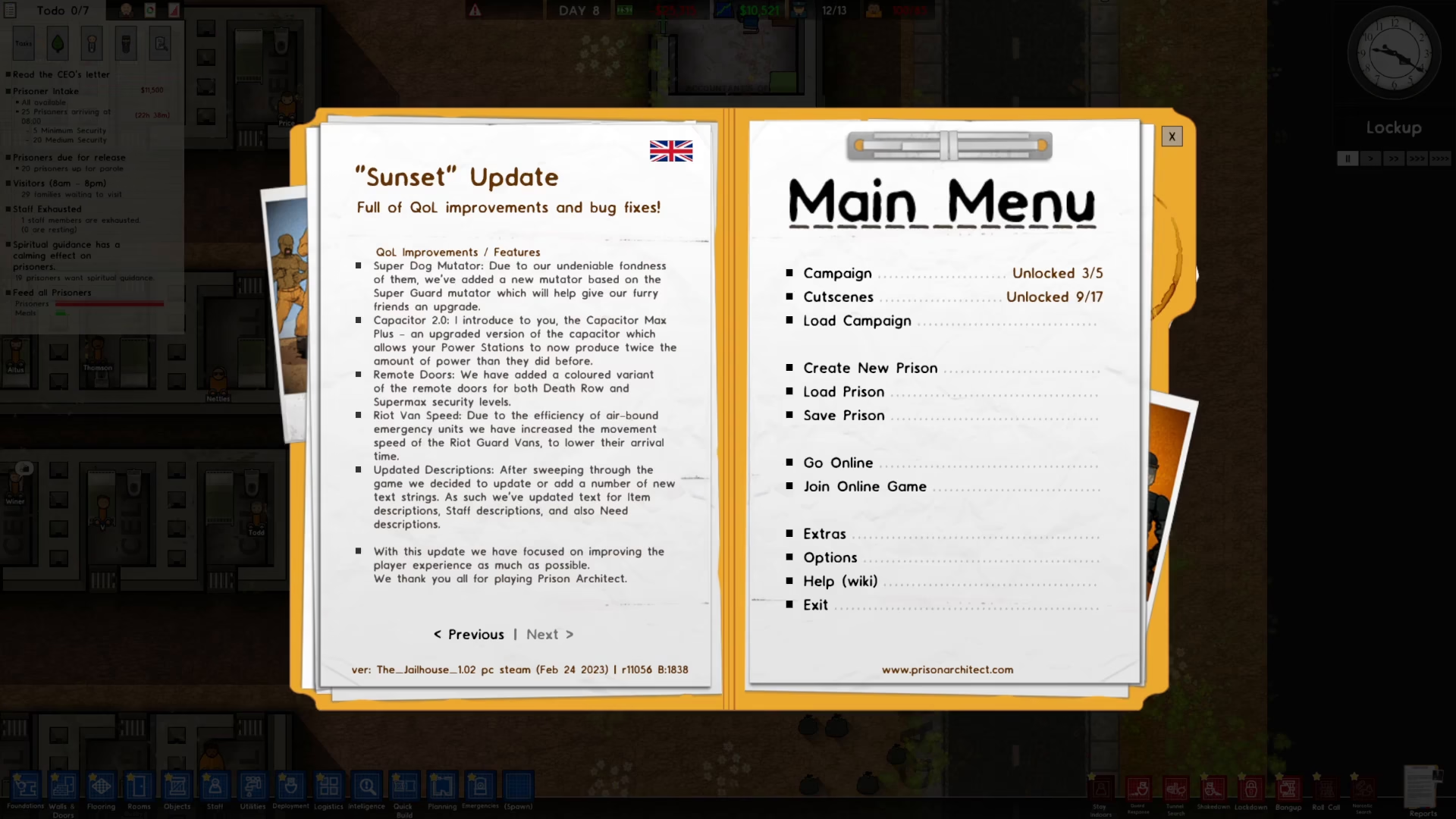
Want to unlock all the powerful cheat features in Prison Architect? This quick guide walks you through the simple steps needed to enable cheats and access the full range of debugging and development tools available in the game.
Creating a New Prison with Cheats Enabled
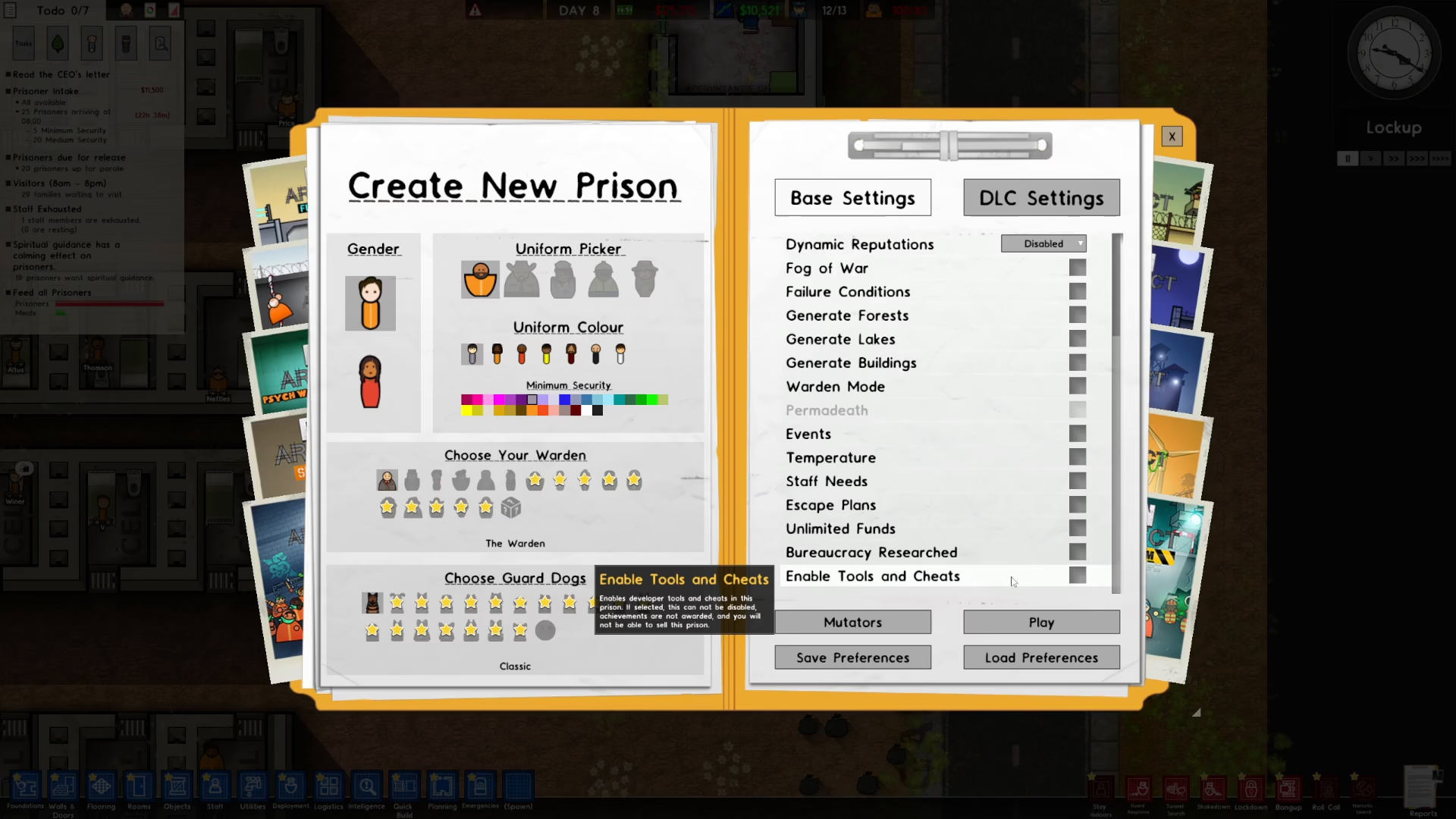
To enable cheats in Prison Architect, start by creating a new prison. Once you’re in the prison creation screen, look to the right side of your interface and scroll down through the available options.
You’ll find an option labeled “Enabled Tools in Cheats.” Toggle this setting on to activate cheat functionality for your prison.
After enabling this option, press Play to start your prison and access all the cheat features.
Accessing the Cheat Menu and Tools
Once your prison is loaded with cheats enabled, you can access various debugging and cheat tools using your keyboard. Several function keys will open different menus and options:
F1 – Opens one of the primary tool menus
F2 – Displays additional debugging options
F3 – Shows another set of tools and information
F9 – Activates the actual cheats menu where you can modify game parameters
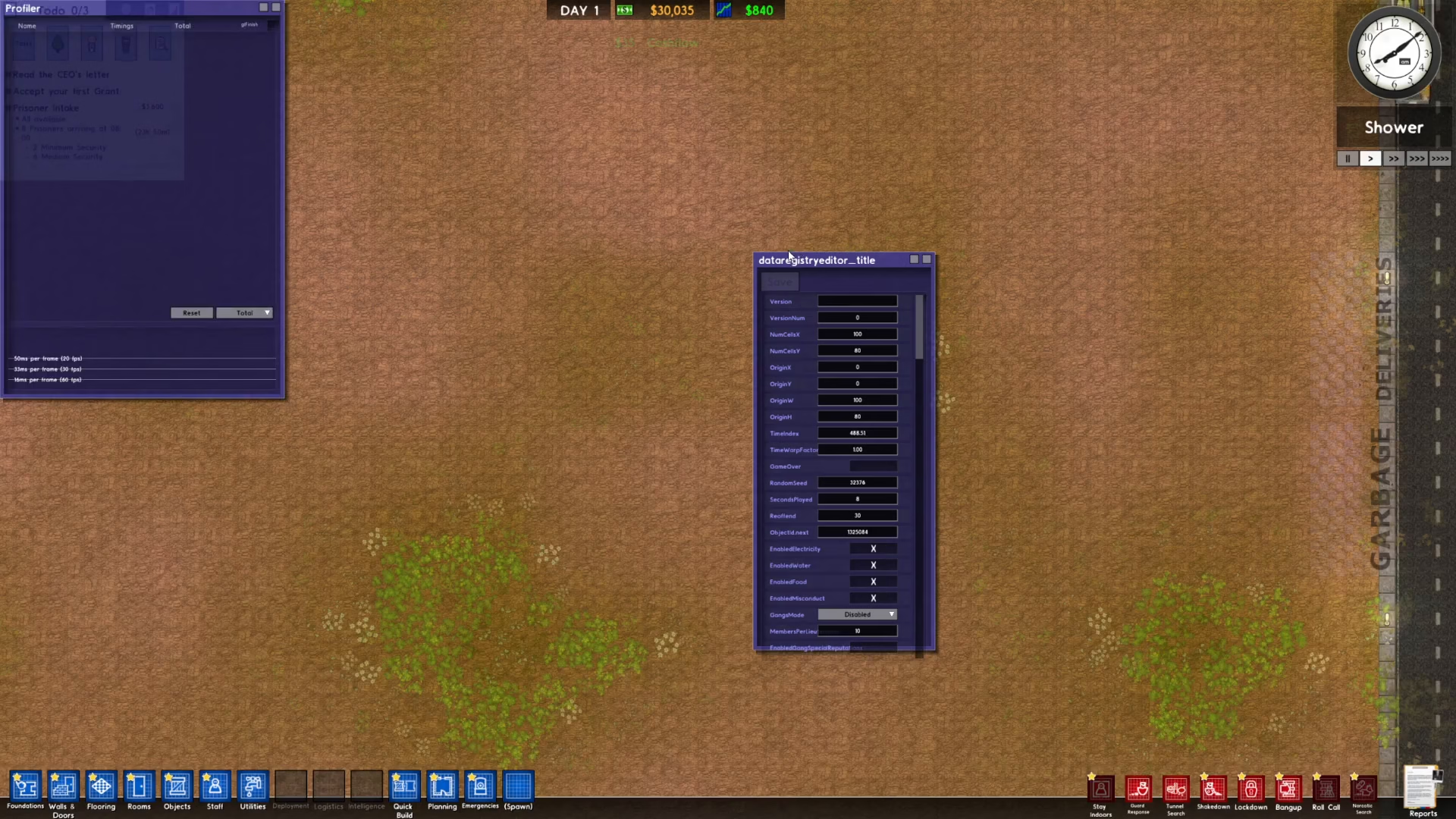
By pressing these function keys, you’ll be able to see everything the cheat system has to offer, giving you full control over your prison environment and gameplay experience.
Summary
Enabling cheats in Prison Architect is straightforward: create a new prison, scroll right in the creation menu, toggle on “Enabled Tools in Cheats,” press Play, and then use F1, F2, F3, and F9 to access the various cheat menus. With these tools at your disposal, you can fully customize and manipulate your prison for testing, building, or creative gameplay.
— Want to Support? —
If you would like to help us continue making these guides – please consider joining our patreon here – https://www.patreon.com/c/JaviHeals
Alternatively – you can join our discord here – https://discord.gg/zD7Gjt6MHF