How to Fast Travel in Pokopia
“`html
How to Fast Travel in Pokopia
Pokopia is an expansive game world, and navigating it efficiently is essential for any player. Fortunately, the game includes a fast travel system that allows you to quickly return to your homes. This guide will walk you through the fast travel mechanics and show you exactly how to set it up and use it.
Understanding Fast Travel in Pokopia
Fast travel in Pokopia works through a home return system accessible from your Pokédex menu. This feature allows you to instantly teleport between locations where you’ve established homes, making exploration and backtracking much more efficient.
How to Fast Travel: Step-by-Step
Accessing the Fast Travel Menu
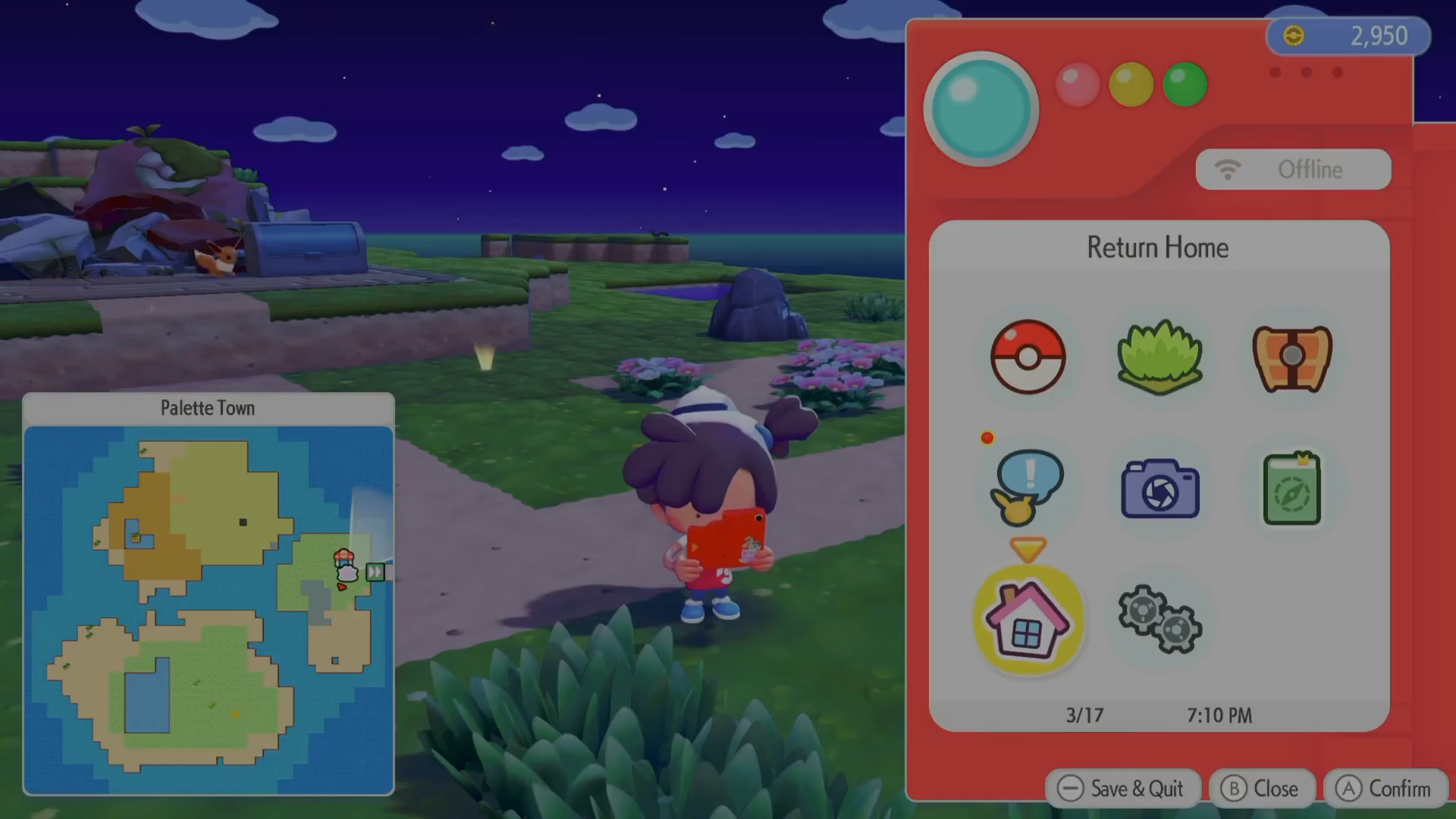
To begin fast traveling, open your Pokédex menu. Look for the home icon located at the bottom of the menu screen.
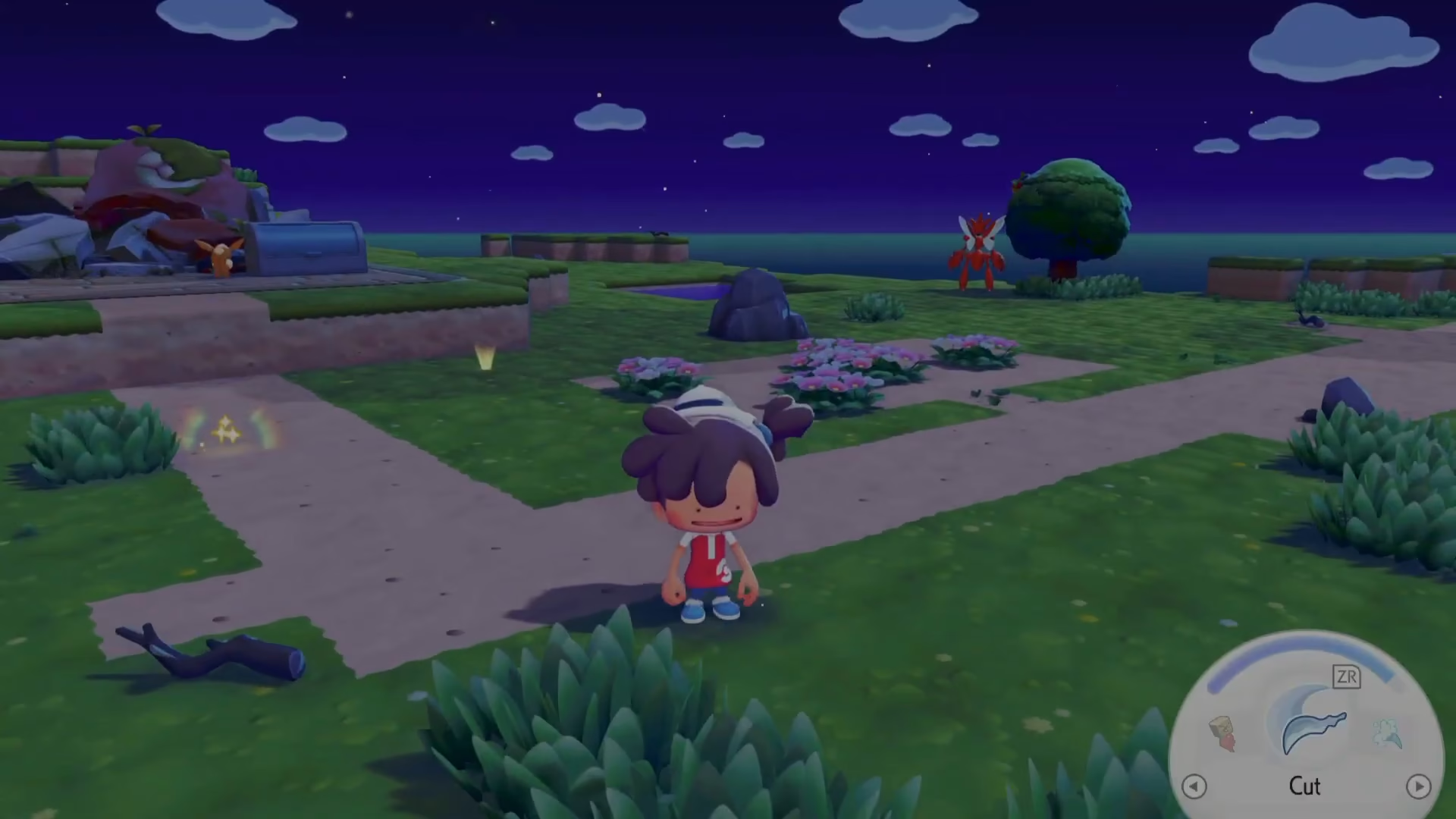
Once you click on the home icon, a menu will appear asking you which home location you’d like to return to. Simply select your desired destination from the available options.
Setting Up Your Homes
Before you can fast travel to a location, you need to establish a home there. If you haven’t created a home at your current location, the fast travel system won’t allow you to return to that area once you leave.
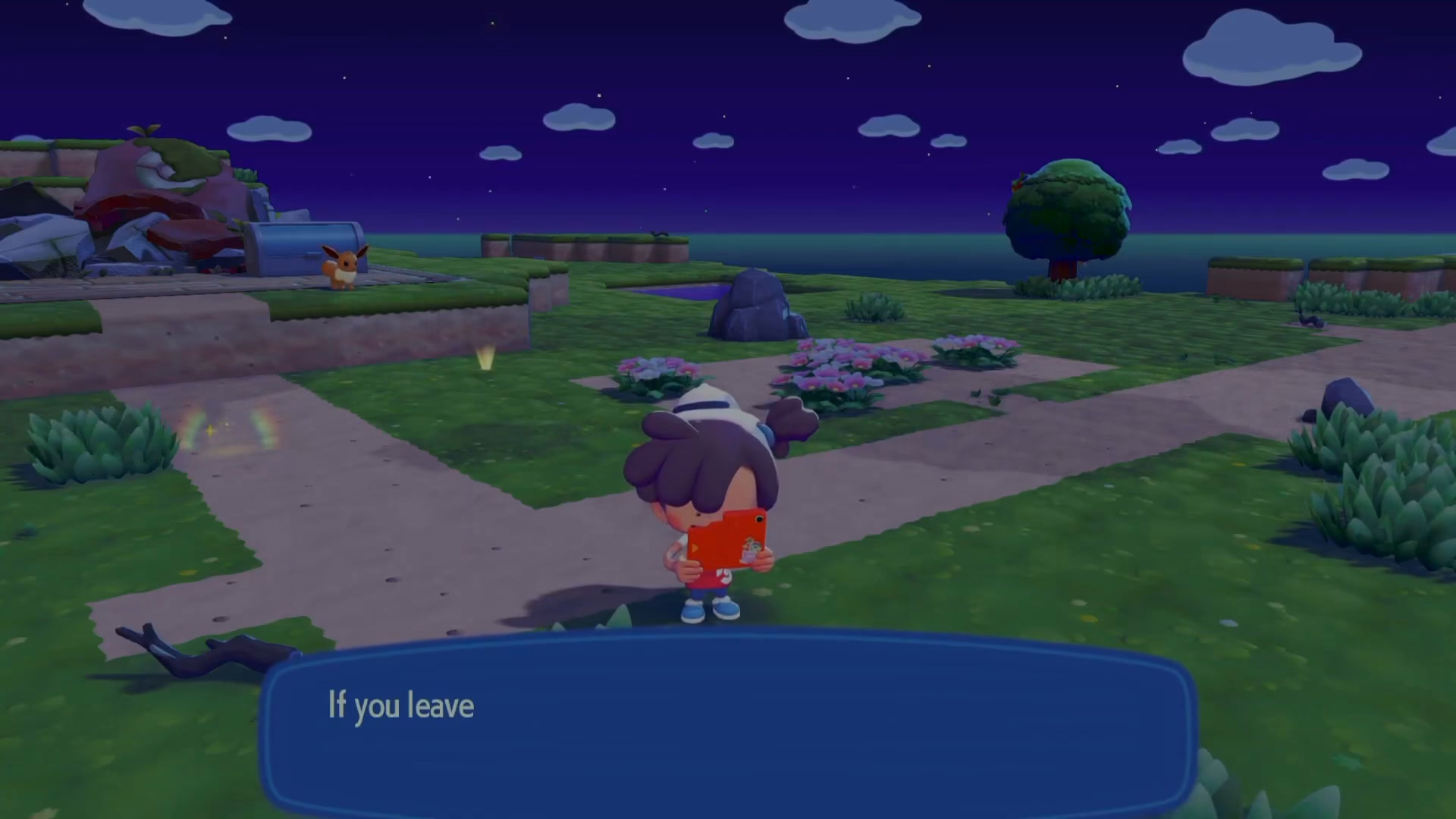
To create a home in a location like Palette Town, navigate to the appropriate structure and open it. You’ll find a workbench where you can build a home base.
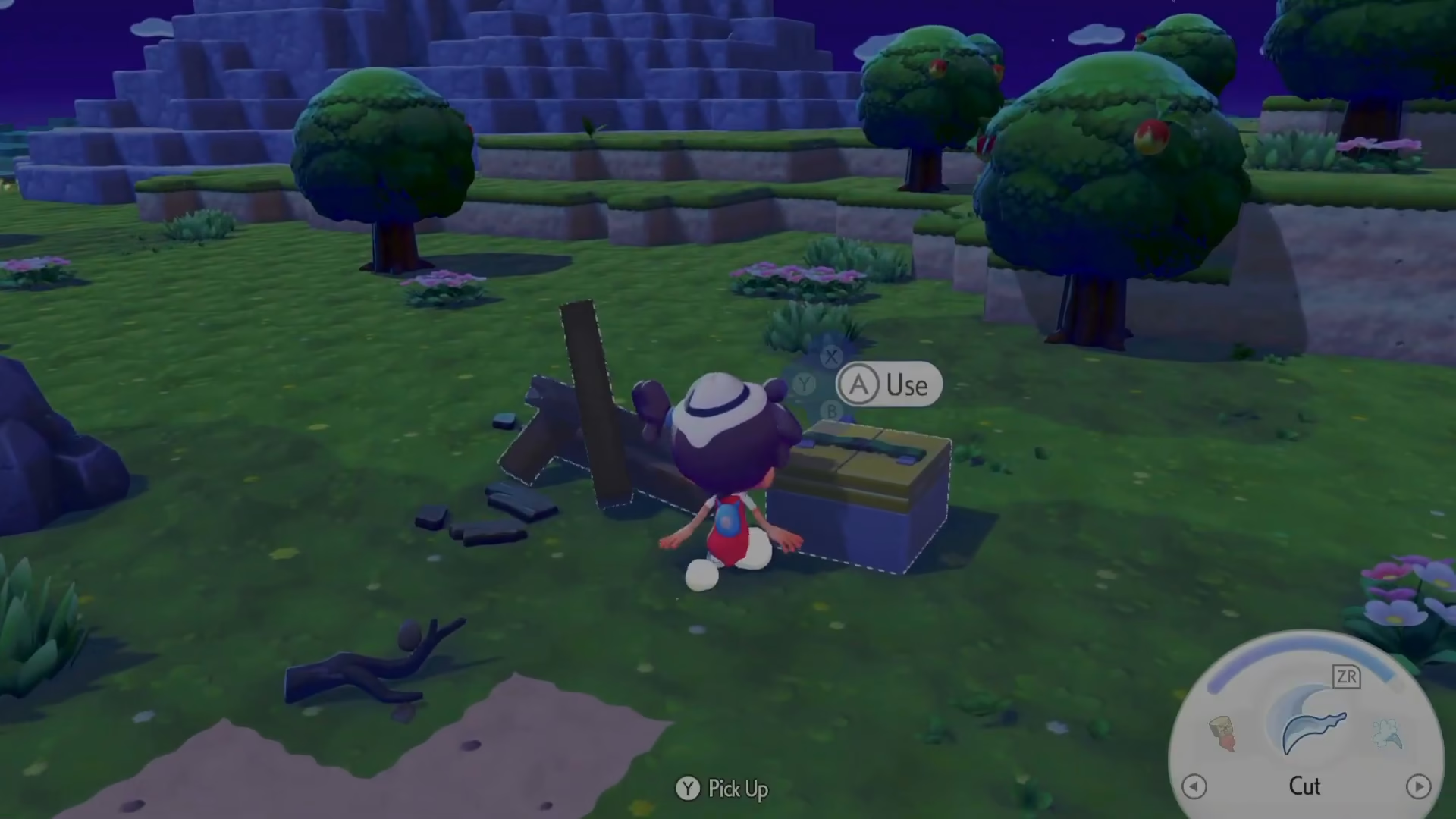
Once you’ve successfully built a home at a location, that area will be added to your fast travel destinations, and you can return to it at any time using the home icon in your Pokédex menu.
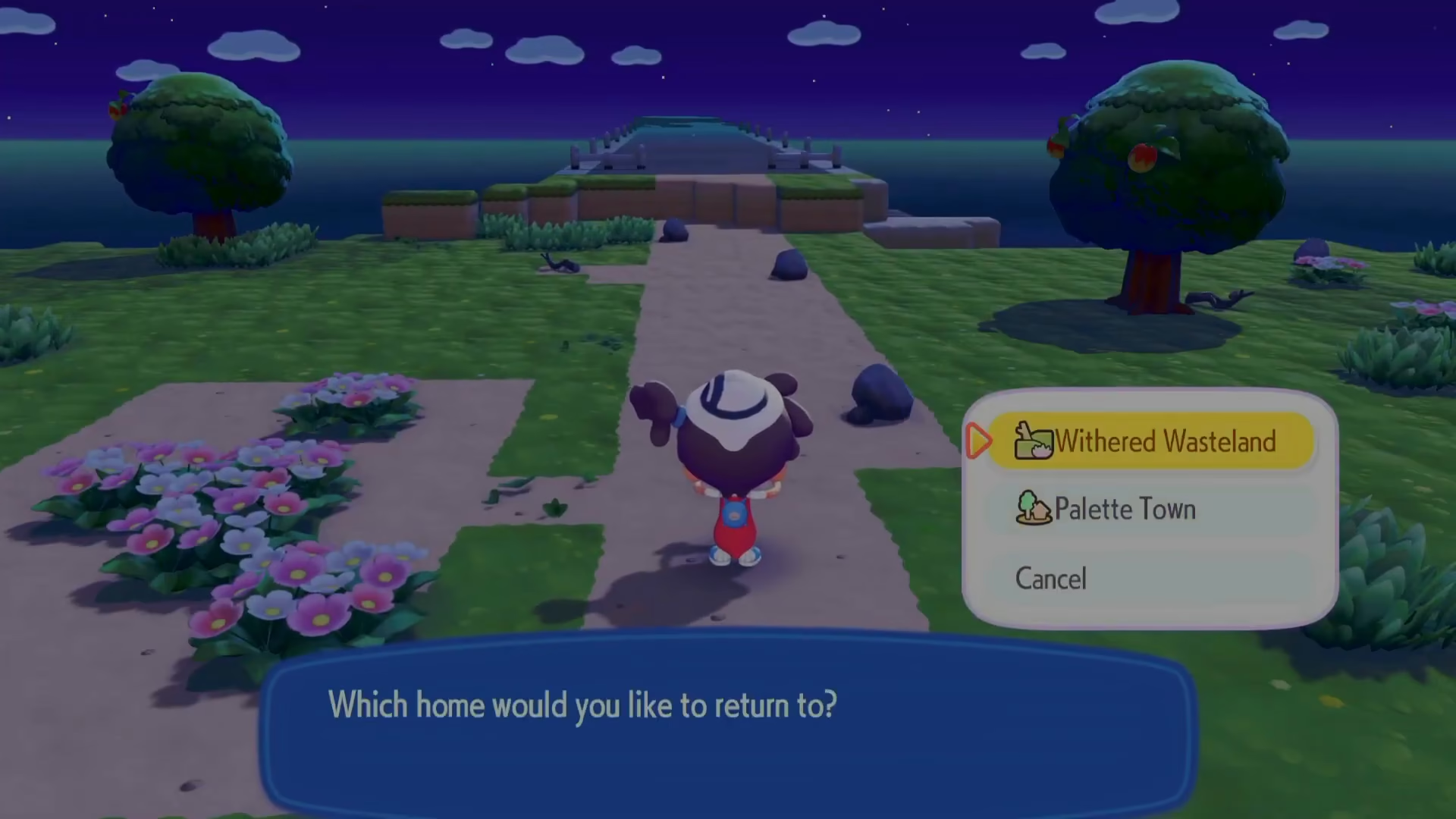
Fast Travel Example
In practice, if you have homes established in multiple locations—such as Palette Town and The Withered Wasteland—you can quickly jump between them. Simply access the home menu from your Pokédex, select your destination, and you’ll instantly return to that location.
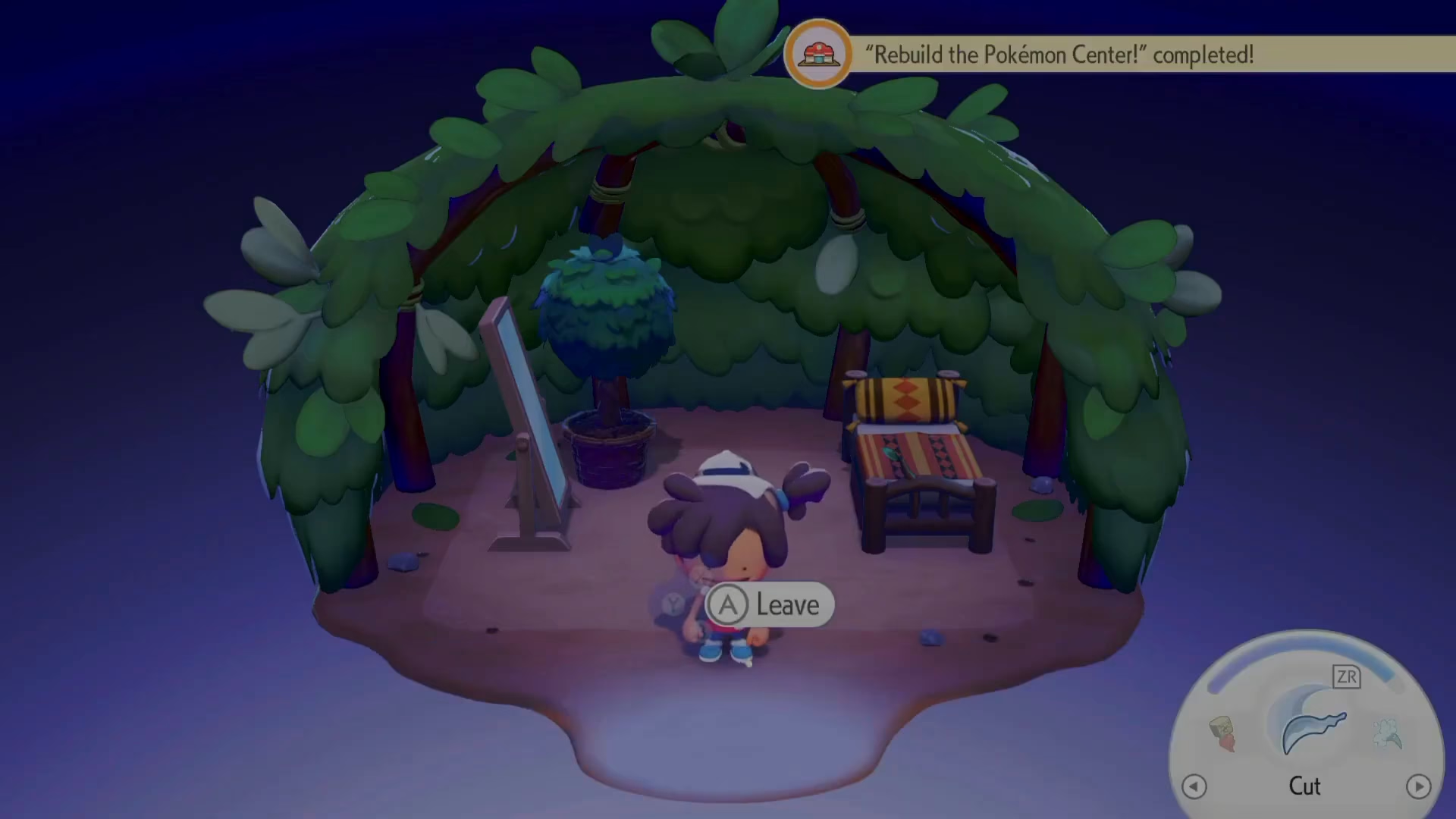
Summary
Fast traveling in Pokopia is straightforward once you understand the system. Remember to establish homes at key locations before you leave them, and you’ll be able to teleport around the world efficiently. Open your Pokédex, select the home icon, choose your destination, and you’re ready to go. This mechanic is essential for managing Pokopia’s vast world and will save you considerable travel time throughout your adventure.
Want to Support?
If you would like to help us continue making these guides – please consider joining our patreon here – https://www.patreon.com/c/JaviHeals
Alternatively – you can join our discord here – https://discord.gg/zD7Gjt6MHF
“`