






How To Get A Pet Cat in CyberPunk 2077
How To Get A Pet Cat in Cyberpunk 2077
Want to add a furry companion to your Cyberpunk 2077 experience? Getting a pet cat in your apartment is easier than you might think. This guide will walk you through every step required to bring a feline friend into your V’s home in Night City.
Prerequisites
Before you can get a pet cat, make sure you’ve completed the quest Playing for Time, which is part of Act 2. This quest allows you to explore Night City completely freely, which is necessary for acquiring the cat. You’ll also need to be using your default apartment (Mega Building H-10) rather than any other apartment you may purchase later.
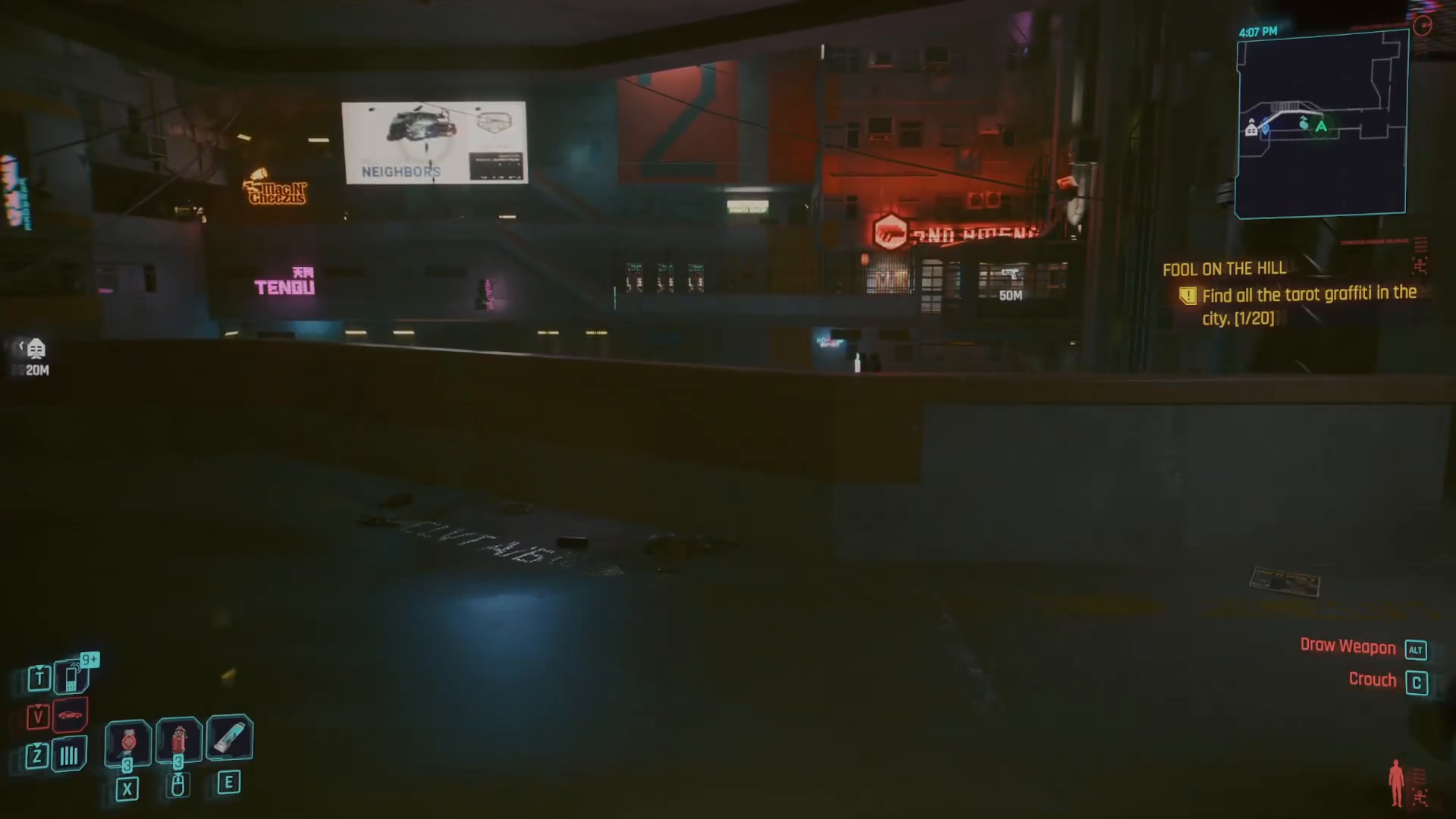
Step 1: Find the Cat Food Bowl in Your Apartment
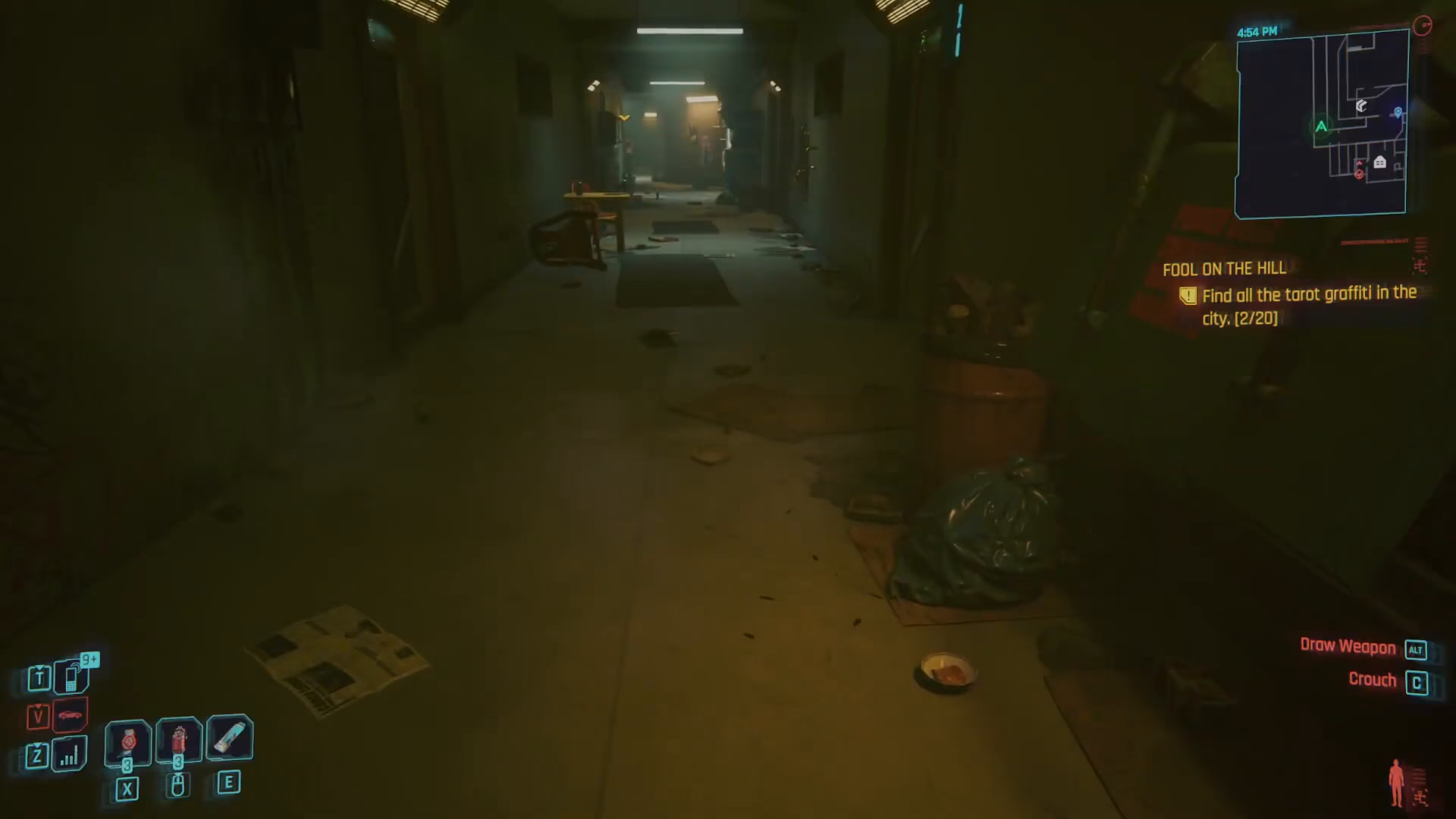
Start by exiting your apartment and following the corridor outside your unit. Head right down the hallway, and you’ll discover a feed to cat prompt. This marks the location of your cat food bowl. Read the prompt and close it—this is where you’ll eventually place food for your cat.
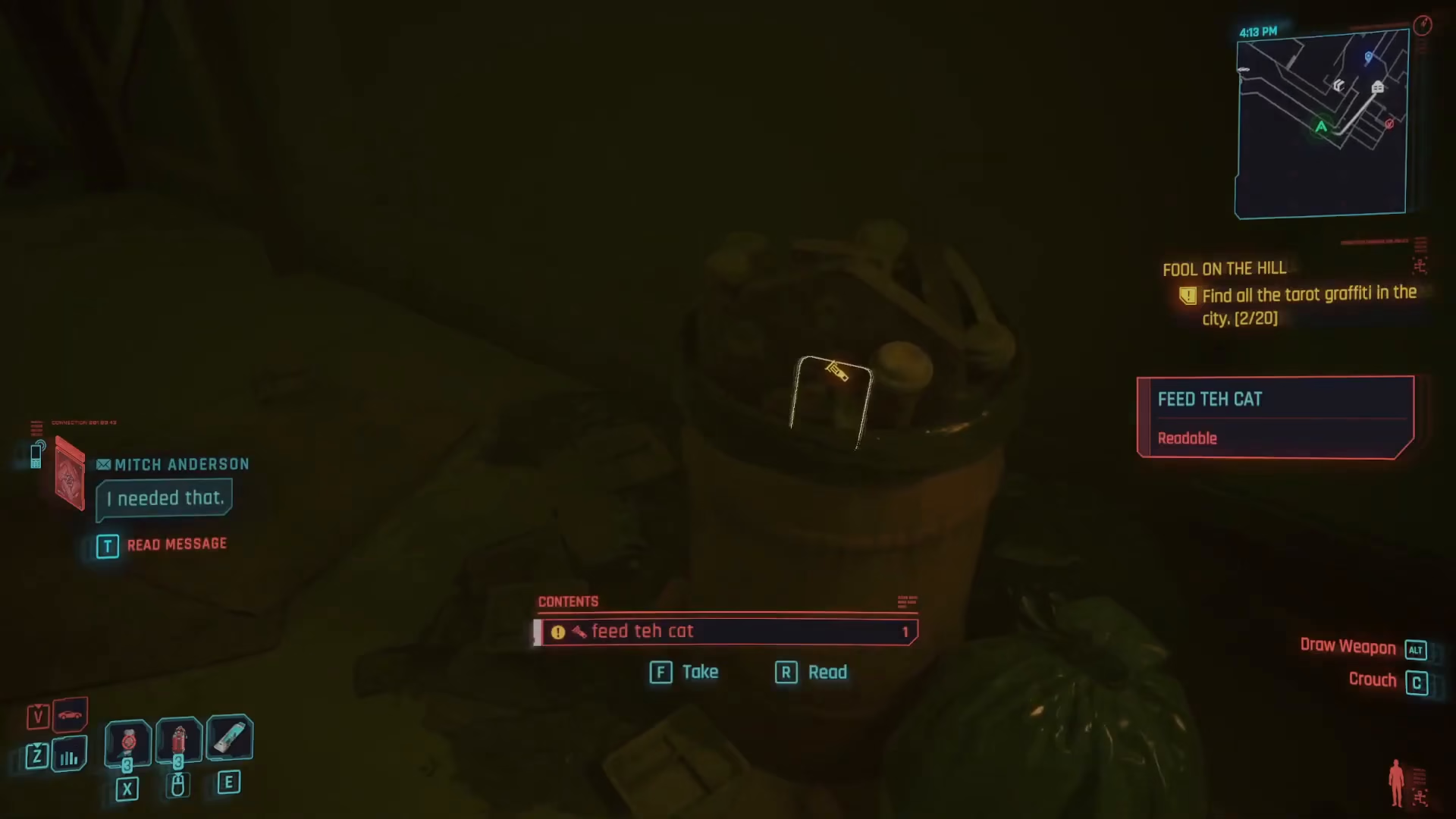
Step 2: Purchase Cat Food
Now you need to find cat food. Cat food is sold at a few vendors throughout Night City, but the easiest option is at K and J’s food vendor in Kabuki Market (located in the Watson district). Navigate to Kabuki Market and locate the vendor—specifically look for the vendor selling cat food. The item is listed as Buck A slice. Purchase at least one cat food.
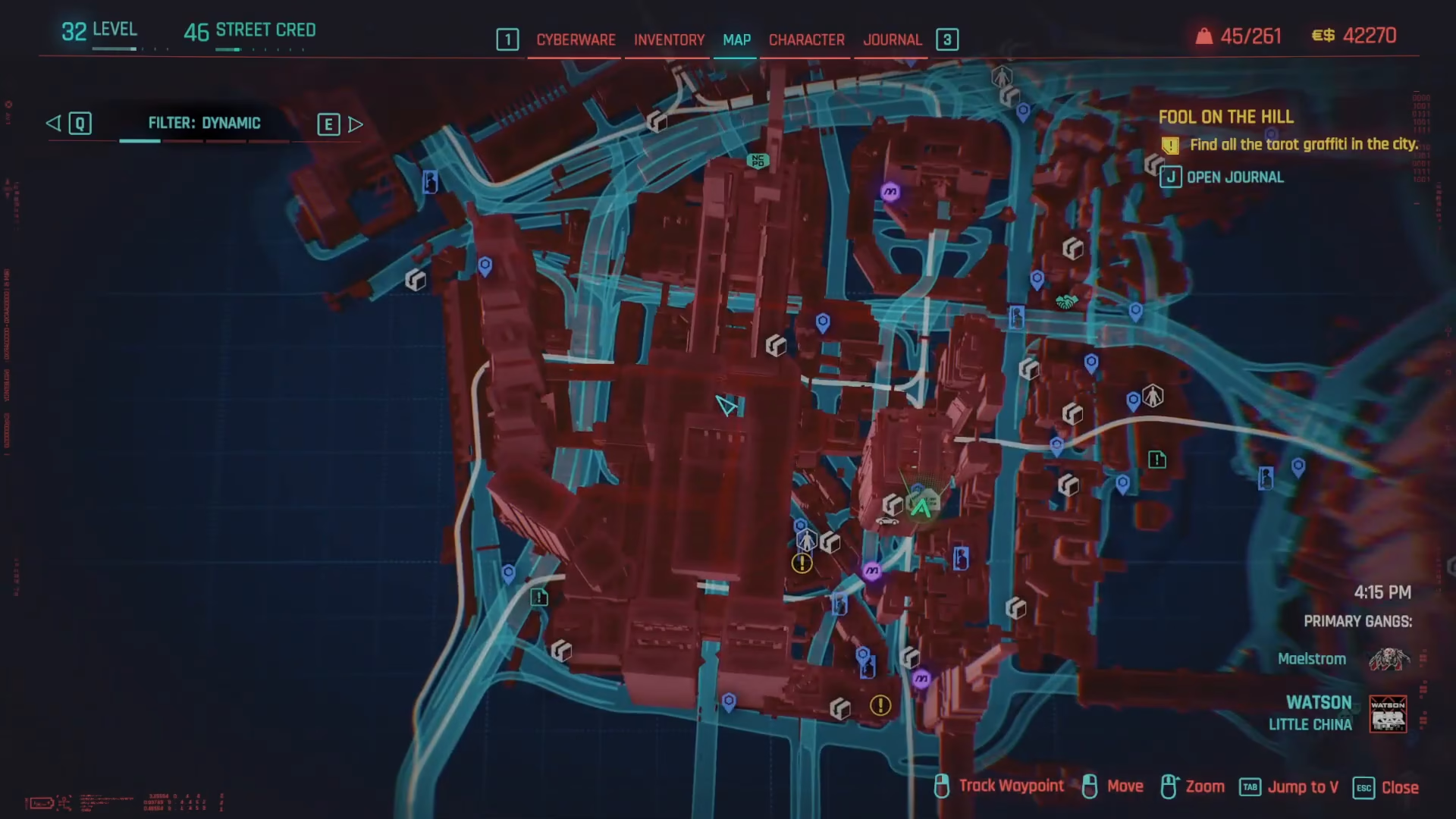
Step 3: Return to Your Apartment
Once you have the cat food, fast travel back to your apartment. Use the fast travel point to Mega Building H-10 Atrium, which will take you directly to the correct floor. Head to the cat food bowl location and place the cat food in it.
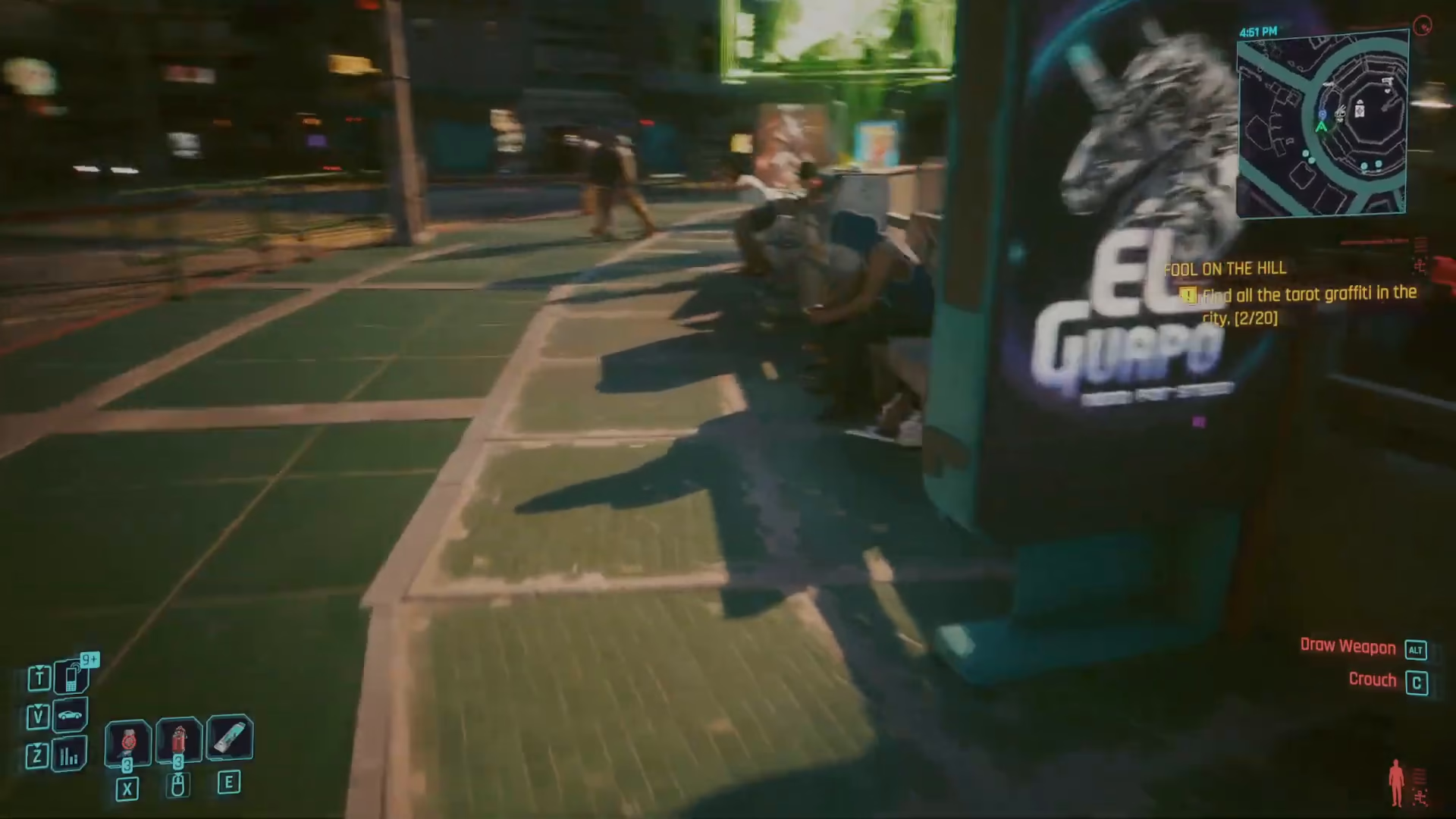
Step 4: Wait for the Cat to Arrive
After placing the cat food in the bowl, you need to wait approximately 12 hours for the cat to appear. You can skip time using your inventory screen, but here’s the important part: the cat may not appear if you skip time while in your inventory. Instead, go into your apartment and sleep on your bed to advance time. This method is more reliable for triggering the cat’s arrival.
Step 5: Adopt Your Pet Cat
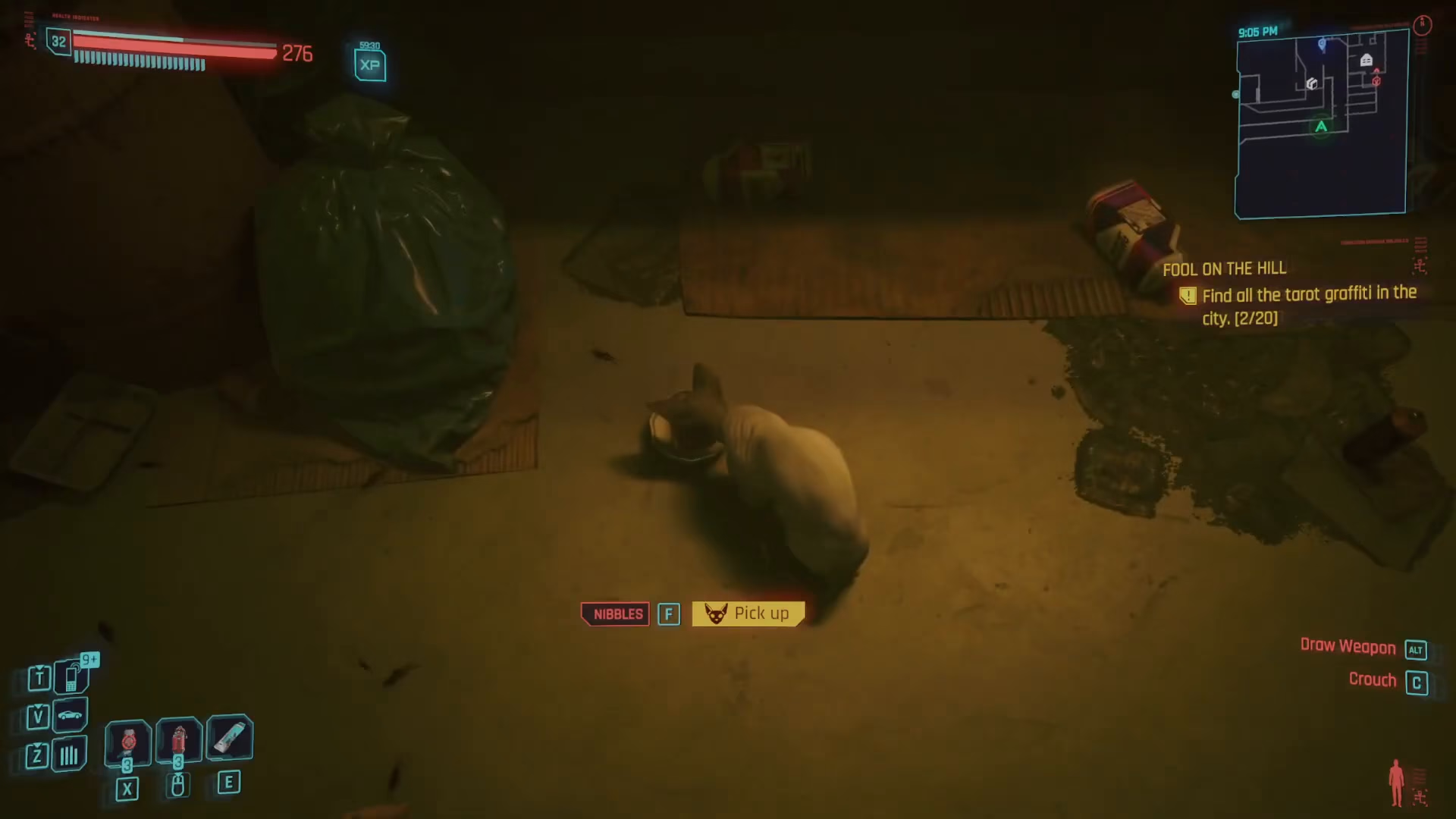
Once you’ve waited the required time and slept in your bed, return to the cat food bowl. The cat should now be there eating from the bowl. Simply interact with the cat to pick it up and bring it into your apartment. You now have a pet cat!
Important Notes About Your Pet Cat
Keep in mind that your cat will only live in the default apartment at Mega Building H-10. The cat will not appear in any other apartments you purchase later in the game. Once in your apartment, the cat will wander around freely, adding life to your living space.
Conclusion
Congratulations! You now have a pet cat in Cyberpunk 2077. Follow this guide step-by-step, and you’ll have a feline companion living in your apartment. Make sure to check back for more quick guides covering the latest games and all the tips you need to enhance your gaming experience.
Want to Support?
If you would like to help us continue making these guides – please consider joining our patreon here – https://www.patreon.com/c/JaviHeals
Alternatively – you can join our discord here – https://discord.gg/zD7Gjt6MHF