






How To Get Into The Dev Room In Fallout 4
How To Get Into The Dev Room In Fallout 4
The Developer Room in Fallout 4 is a hidden area packed with valuable items and every set of power armor in the game. While it may seem mysterious, accessing it is actually straightforward using console commands. This guide will walk you through the simple steps needed to enter this secret developer area.
Opening the Console
To access the Dev Room, you first need to open the game’s console. On a standard keyboard, press the tilde key (~), which is located just below the Escape key. This will bring up the console command interface.
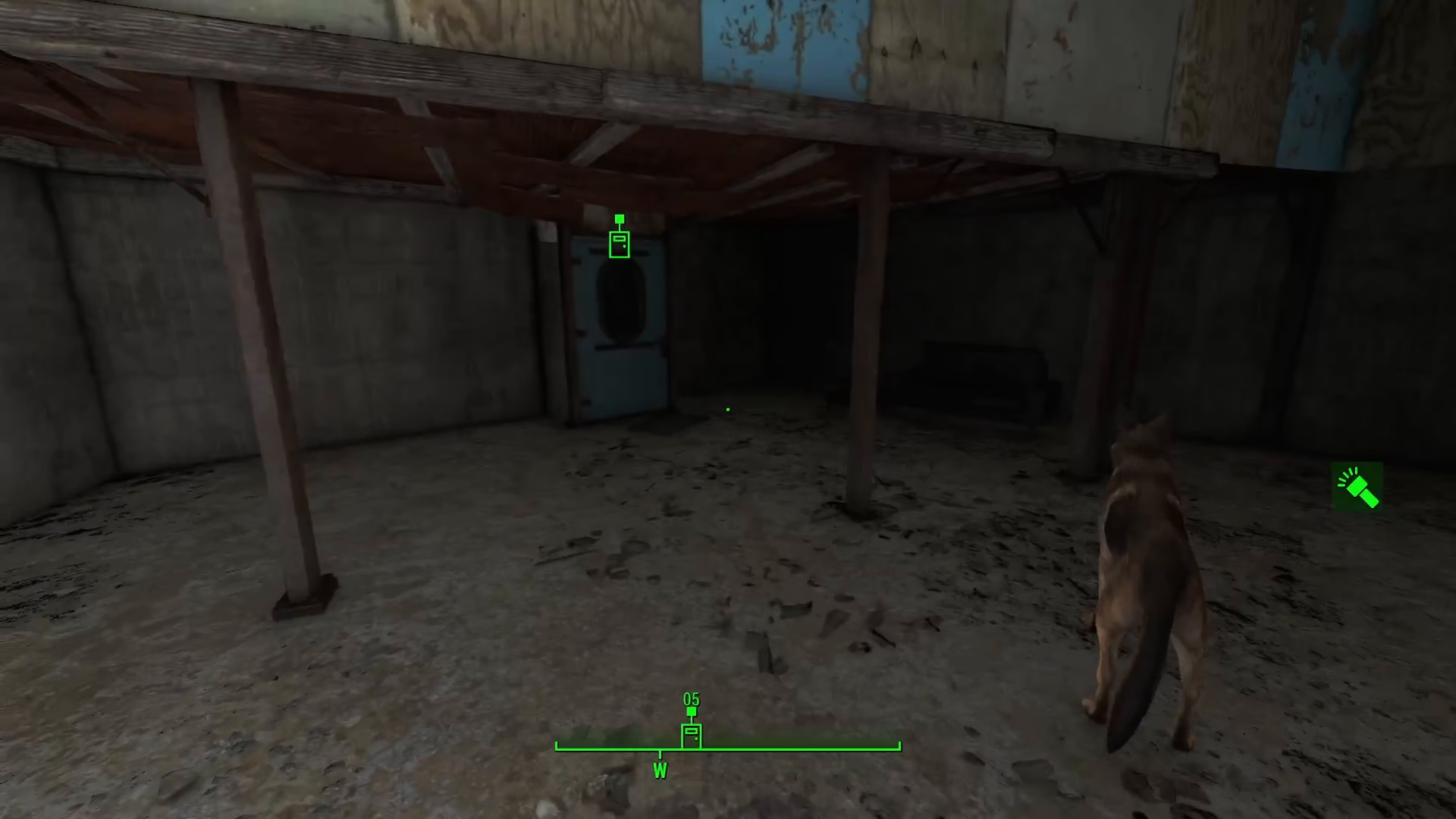
Entering the Command
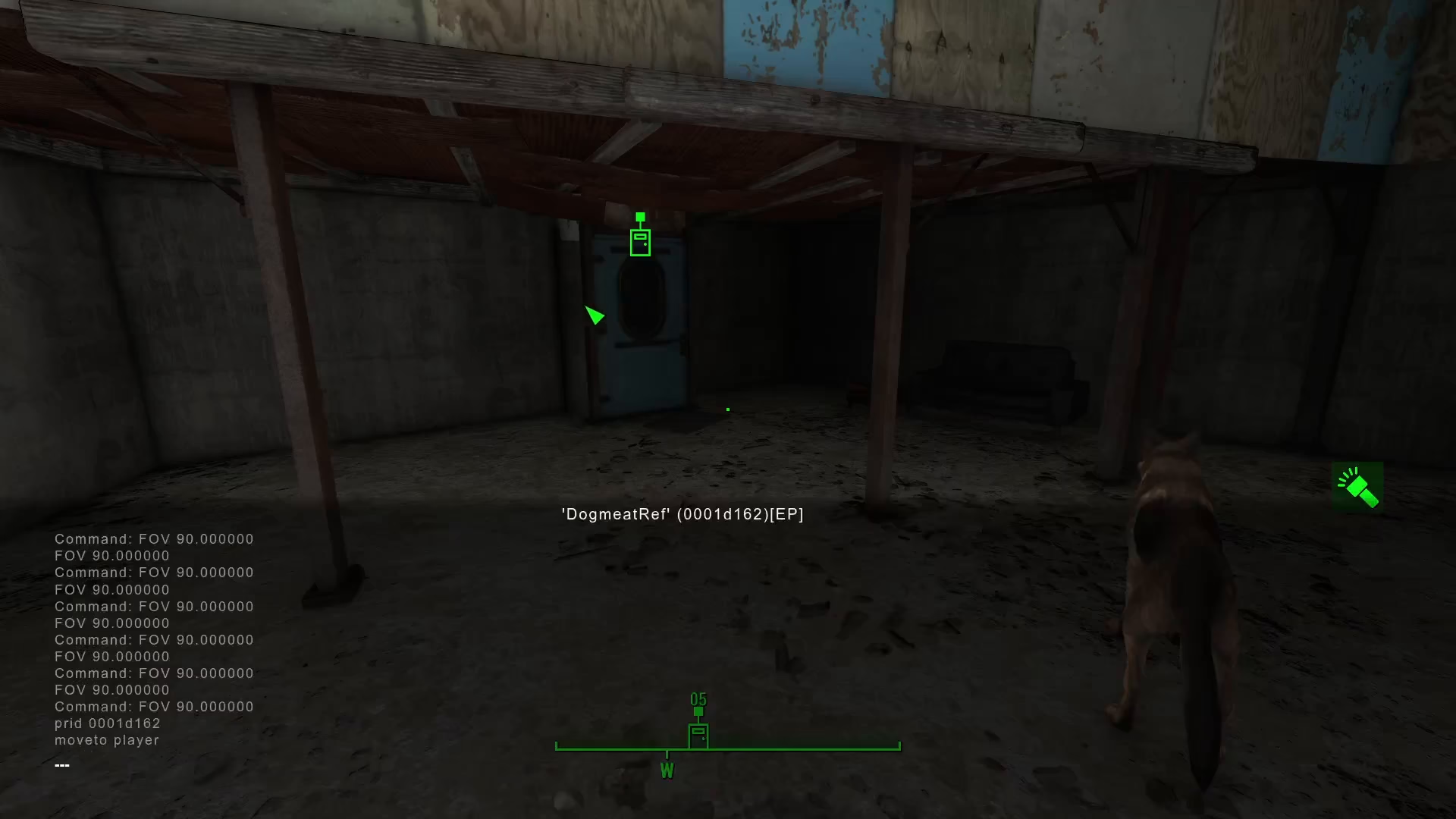
Once the console is open, type in the following command exactly as shown:
COC QA_Smoke
After typing the command, press Enter to execute it. The game will begin loading you into the Developer Room.
Exploring the Dev Room
Once you’ve loaded in, you’ll find yourself in the Developer Room. The environment may look unusual and somewhat eerie, but this is completely normal. The Dev Room contains every set of power armor available in Fallout 4, along with a bunch of other useful items and equipment. Feel free to explore and take whatever you need.
Summary
Accessing Fallout 4’s Developer Room is easy once you know the steps. Simply press the tilde key to open the console, type COC QA_Smoke, and press Enter. You’ll be transported to a room filled with every power armor set and numerous other items. This is a great way to gear up your character or experiment with different equipment in the game.
— Want to Support? —
If you would like to help us continue making these guides – please consider joining our patreon here – https://www.patreon.com/c/JaviHeals
Alternatively – you can join our discord here – https://discord.gg/zD7Gjt6MHF