






How To Get Out From Coc Qasmoke In Fallout 4
How To Get Out From CoC Qasmoke In Fallout 4
If you’ve found yourself stuck in QA Smoke, the developer cell in Fallout 4, don’t worry — getting out is straightforward. This guide will walk you through the simple console command you need to escape and return to the main game world.
Understanding QA Smoke
QA Smoke is Fallout 4’s developer cell, a testing environment that contains all kinds of in-game assets and tools. You may have ended up here accidentally through console commands or mods. Fortunately, escaping is easy once you know the right command.
How To Escape QA Smoke
Step 1: Open the Console
The first thing you need to do is open the Fallout 4 console. Simply press the Tilde key (~) on your keyboard to bring up the console command interface.
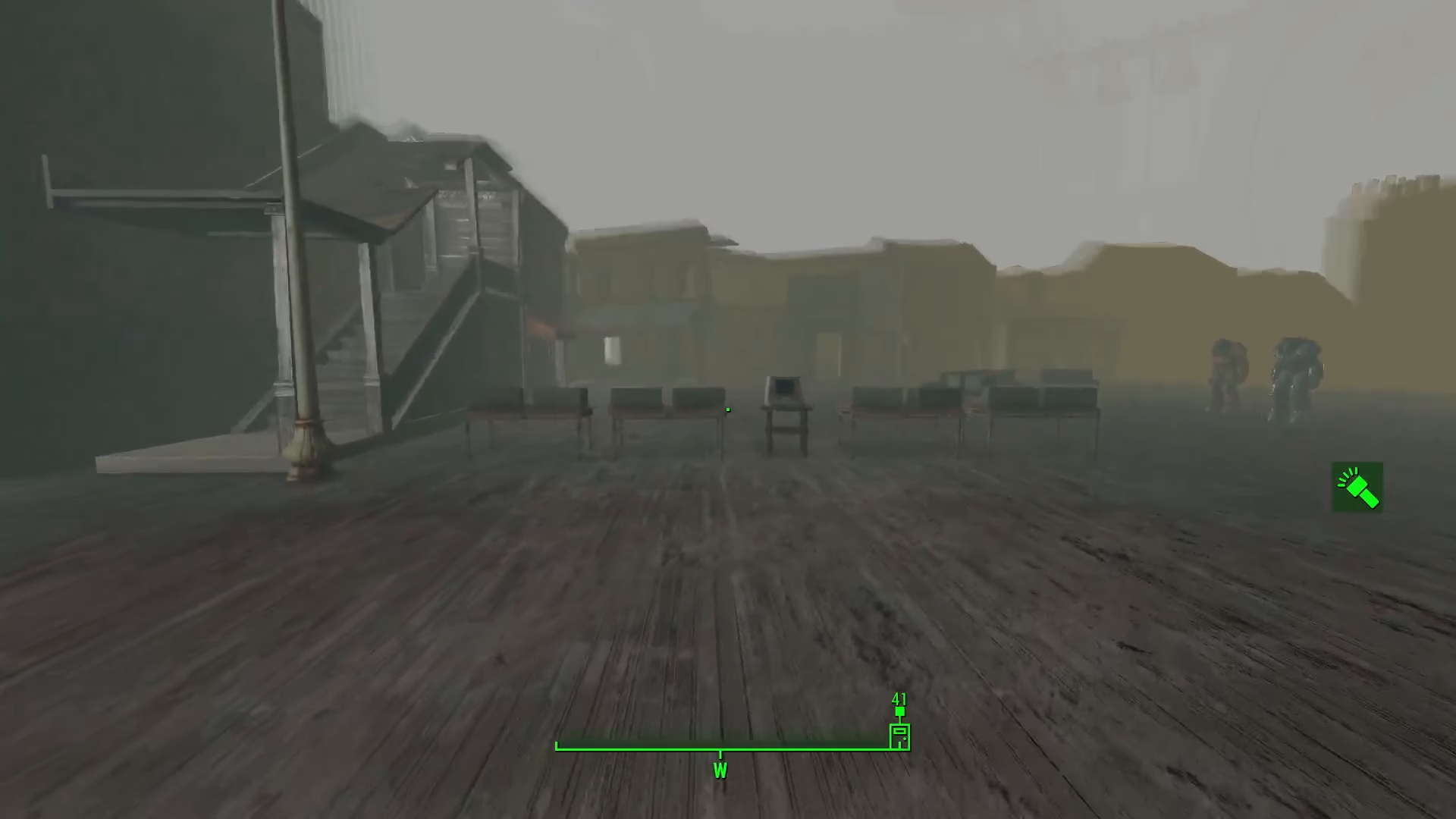
Step 2: Enter the CoC Command
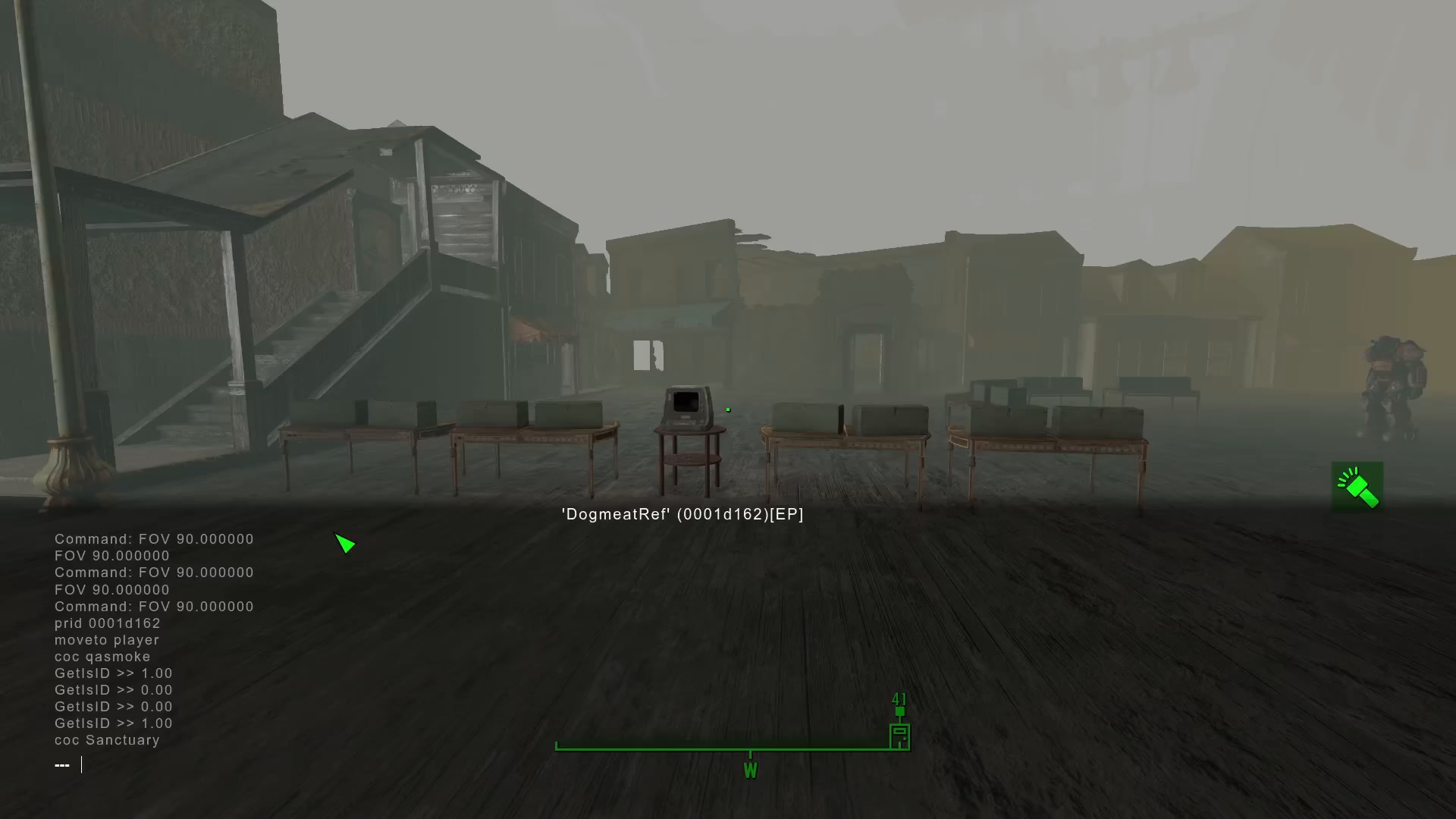
Once the console is open, type the following command:
COC Red Rocket 01
This command will teleport you directly inside the main settlement area at Red Rocket. The CoC command stands for “Center On Cell” and is the primary method for traveling between locations using the console.
Step 3: Exit the Settlement Interior (If Needed)
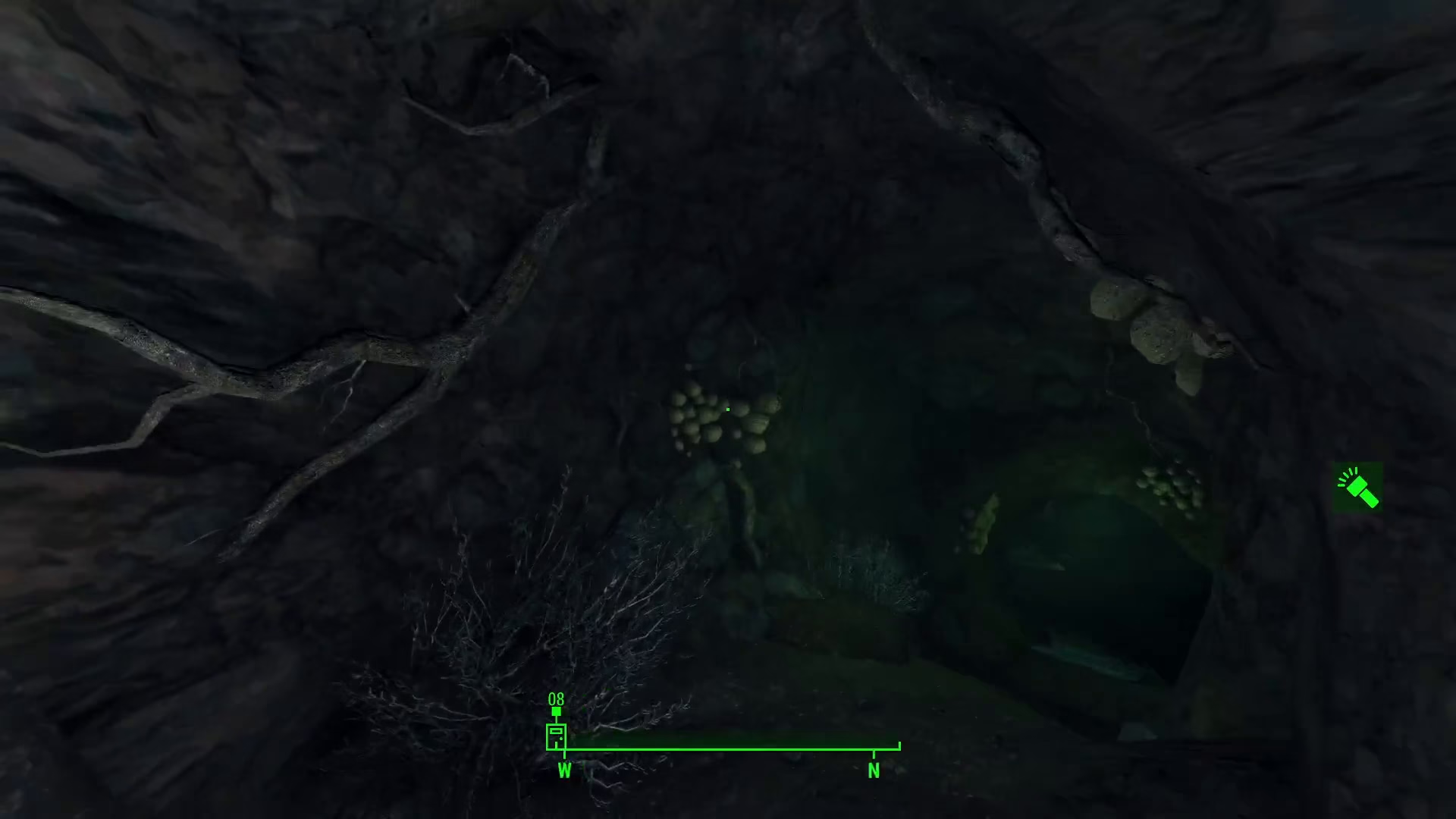
After using the CoC command, you’ll spawn inside the Red Rocket settlement structure. If you find yourself inside the Morat Cave or another interior location, simply walk outside and you’ll be able to access the main game world without any issues.
Summary
Getting out of QA Smoke in Fallout 4 is quick and easy. Just open your console with the Tilde key (~), type COC Red Rocket 01, and press Enter. You’ll immediately be transported to Red Rocket, and from there you can explore the rest of the Commonwealth as normal. If you end up in an interior cell, simply walk outside to continue your adventure.
— Want to Support? —
If you would like to help us continue making these guides – please consider joining our patreon here – https://www.patreon.com/c/JaviHeals Alternatively – you can join our discord here – https://discord.gg/zD7Gjt6MHF