





How To Get Started In Frostpunk
How To Get Started In Frostpunk
Welcome to Frostpunk! This comprehensive beginner’s guide will walk you through everything you need to know to survive your first days in the New Home scenario. Whether you’re managing your generator, establishing food production, or making critical decisions through the Book of Laws, we’ve got you covered with step-by-step instructions to get you started on the right foot.
Understanding the New Home Scenario
The New Home scenario is the main campaign you’ll be playing when you first start Frostpunk. This introductory mode teaches you all the core mechanics you’ll need to survive the frozen wasteland and manage your settlement.
Getting Your Generator Running
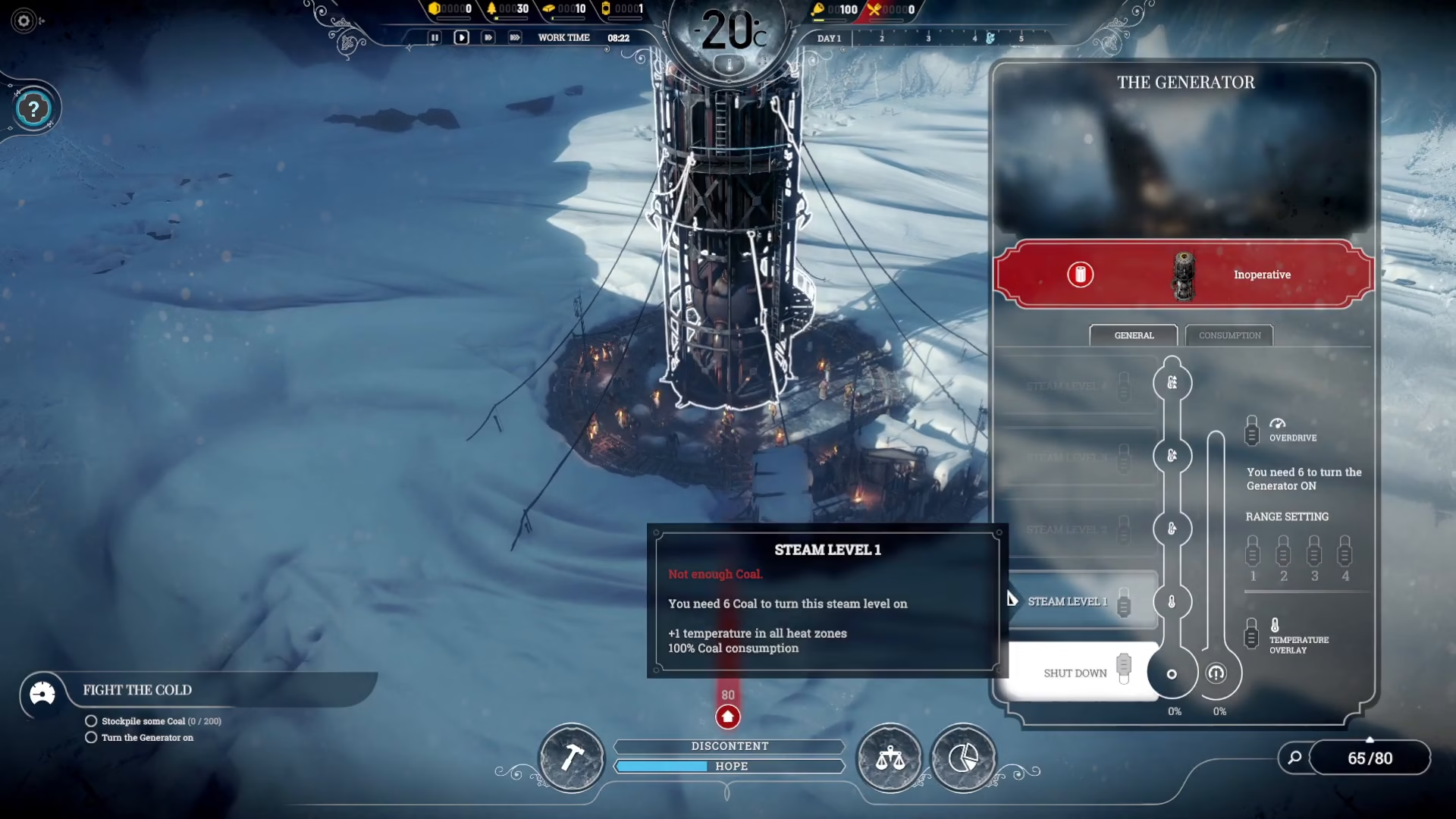
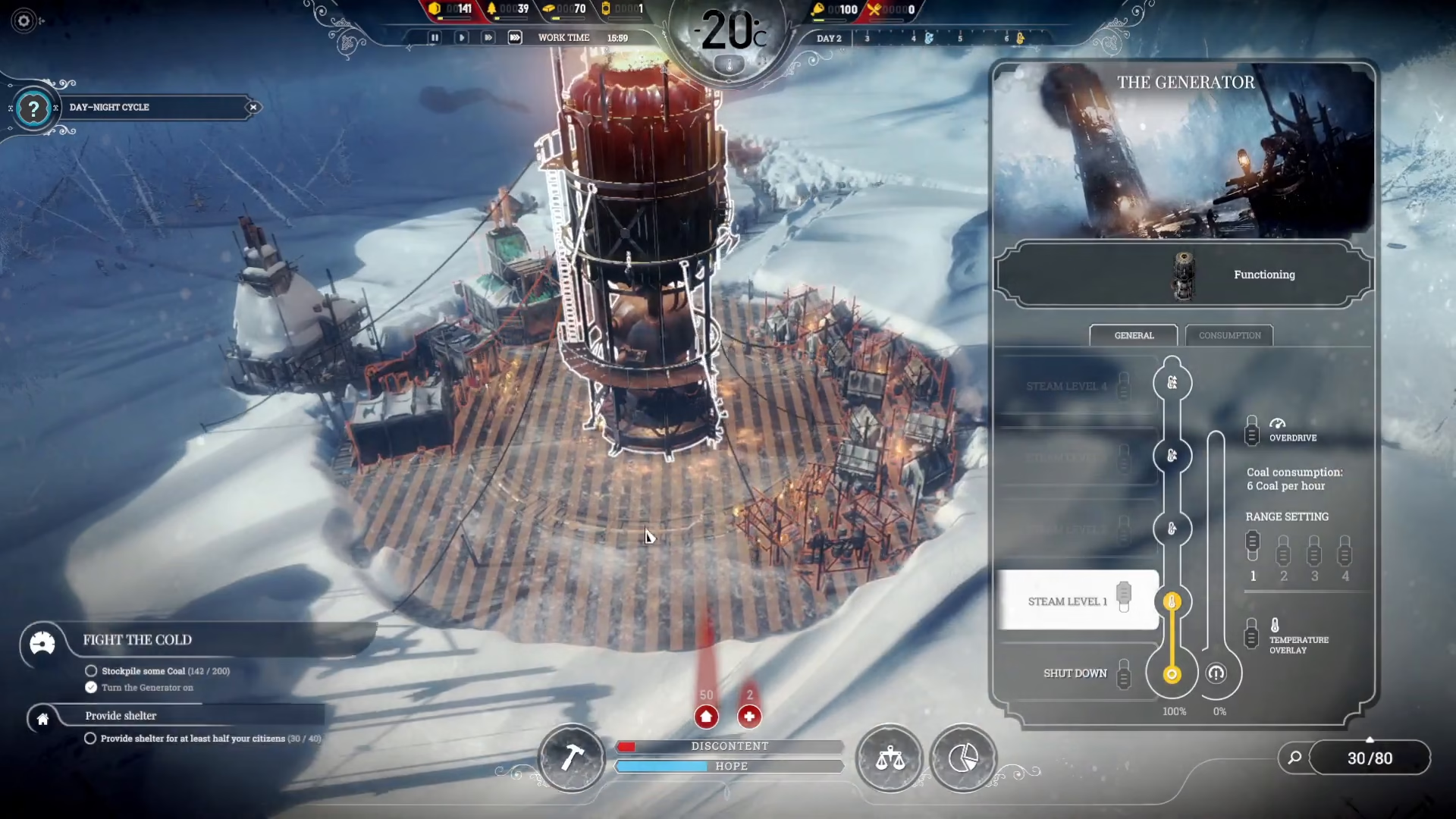
Your generator is the heart of your settlement. The first critical task is to activate it and keep it running. To do this, start by clicking on Steam Level 1 to turn on your generator. However, you’ll quickly realize you don’t have any coal yet, which is essential for operation.
Collecting Initial Resources
Around your starting location, you’ll find several resource piles including coal, wood, steel, and steam cores. For now, you can ignore the steam cores. You’ll also have access to raw food and food rations.
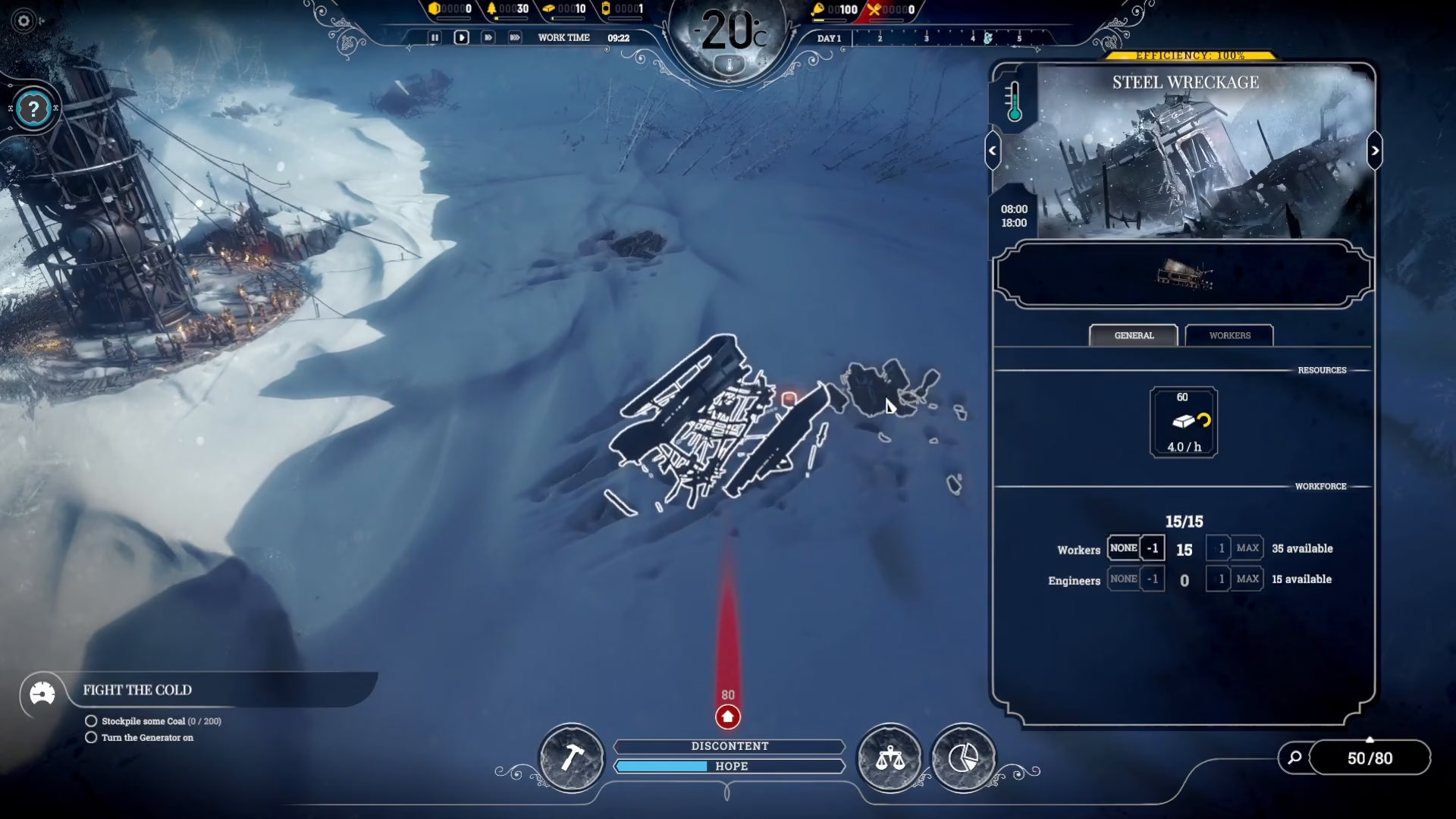
To gather these resources, click on the resource piles around your settlement. You’ll see wood crates and steel wreckage available. Assign 15 workers to both the wood and steel wreckage by clicking on them and selecting “add workers.” Do the same for the coal piles—assign 15 workers there as well. Your workers will run out and collect these resources automatically.
Your First Objective
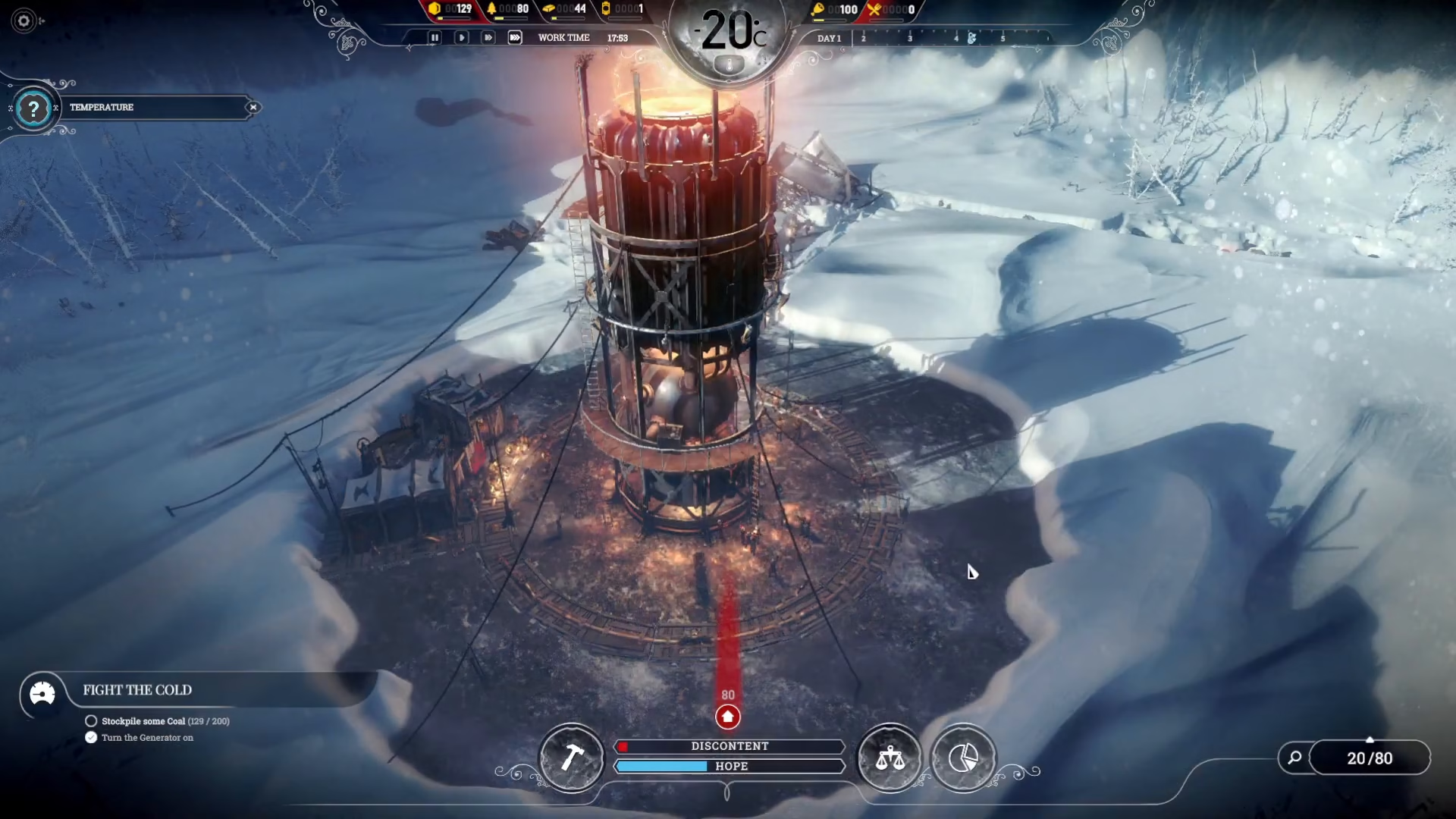
As coal comes into your stockpile, turn on the generator to Level 1. Your main first objective is to “Fight the Coal” and turn the generator on while stockpiling 200 coal. This will keep your people warm, which is the primary goal of the game.
Building Homes for Your People
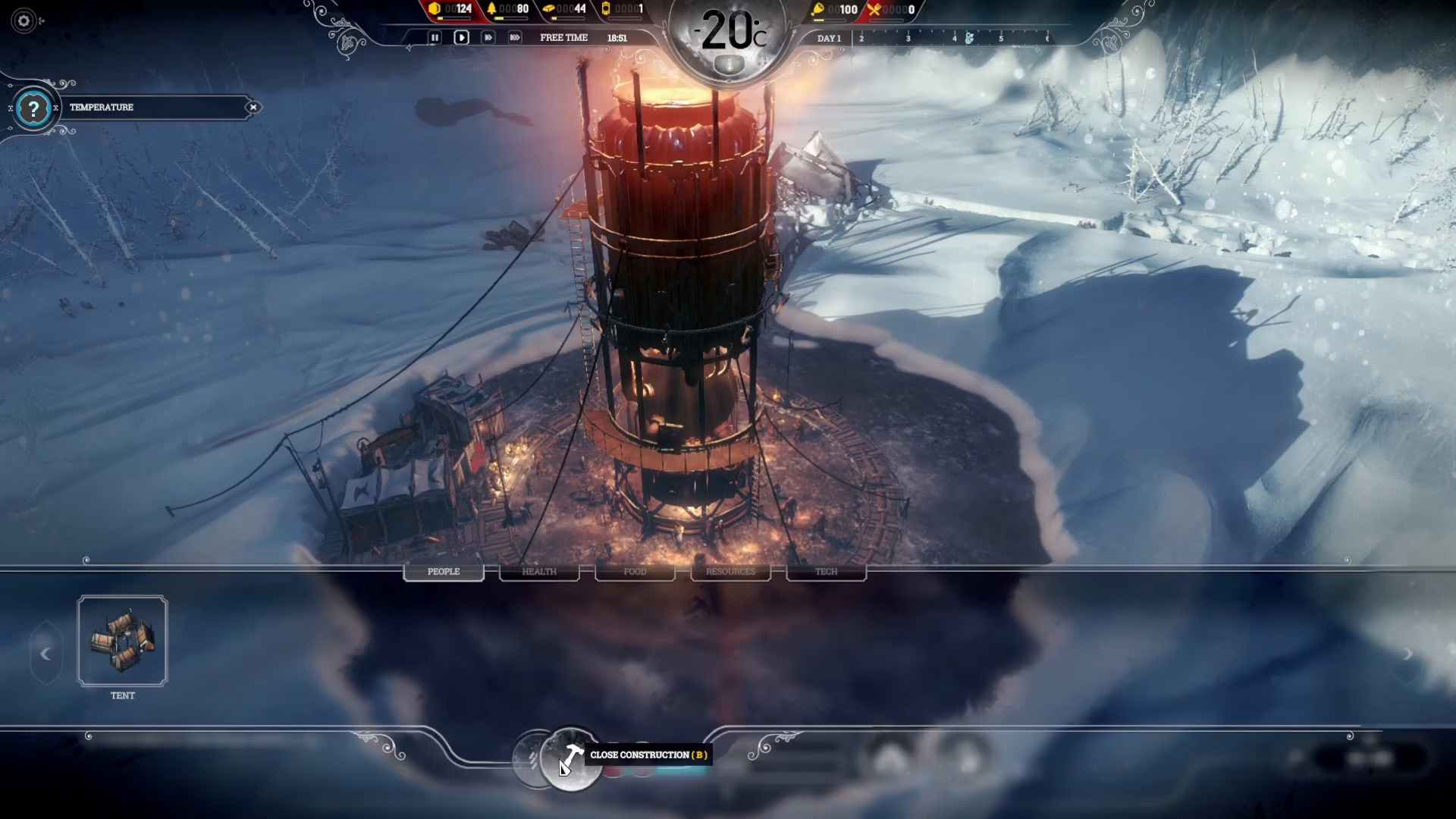
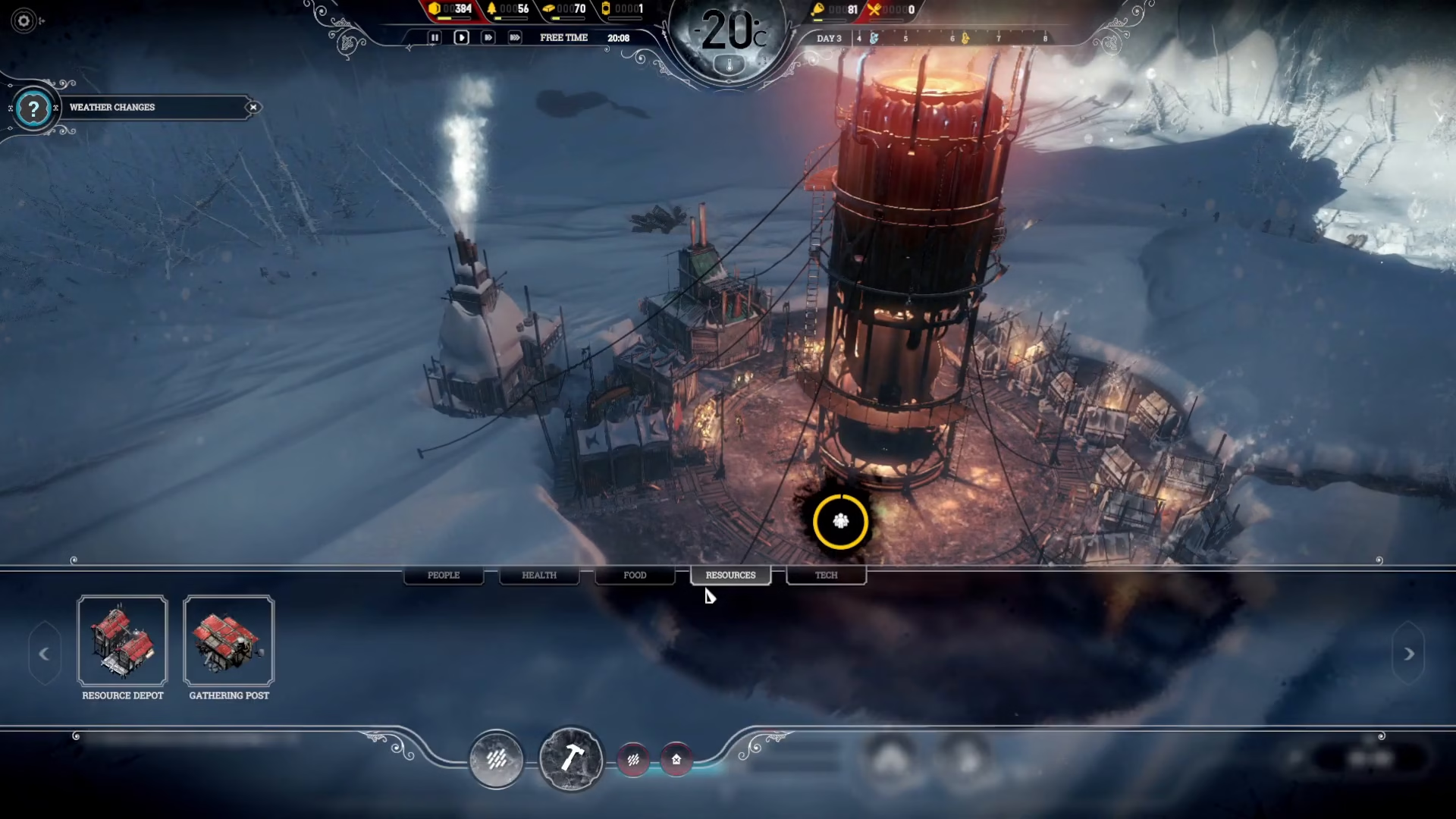
Your settlers will need homes to survive. Navigate to the construction tab to access building options. Click on “Tents” to build housing—the game uses a grid system that makes placement straightforward.
Place tents around your generator in a logical layout. If you want to expand further outward, use the “Build Streets” button. When a street placement turns green, it indicates the street is properly placed. All your buildings must be positioned against streets, and critically, your streets must connect back to the generator in one way or another.
Establishing Food Production
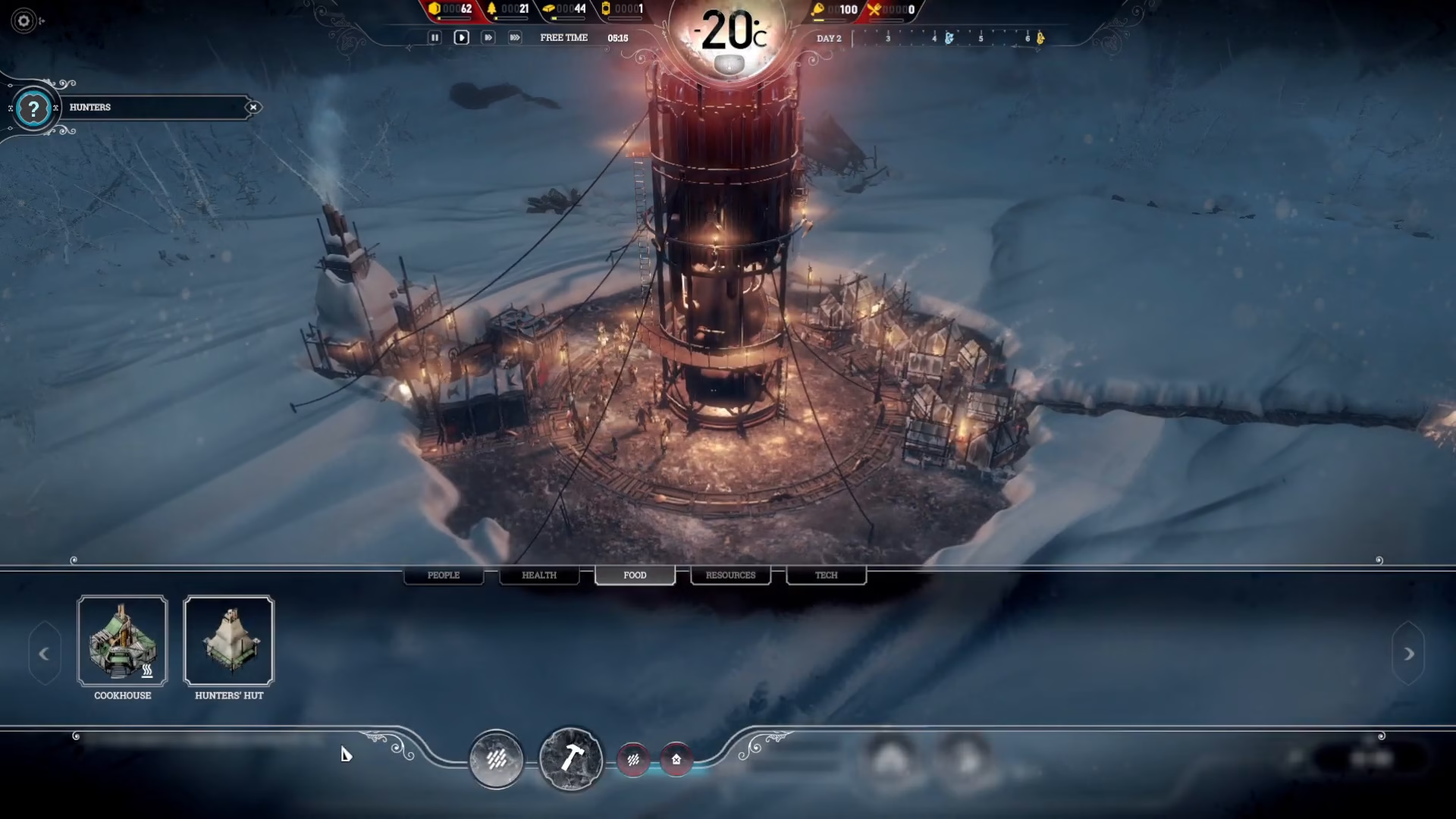
To keep your people fed, you’ll need a two-step food production system. First, build a Hunter’s Hut from the construction menu. Once constructed, assign workers to this building. During nighttime hours, these hunters will venture out and collect raw food from the surrounding environment.
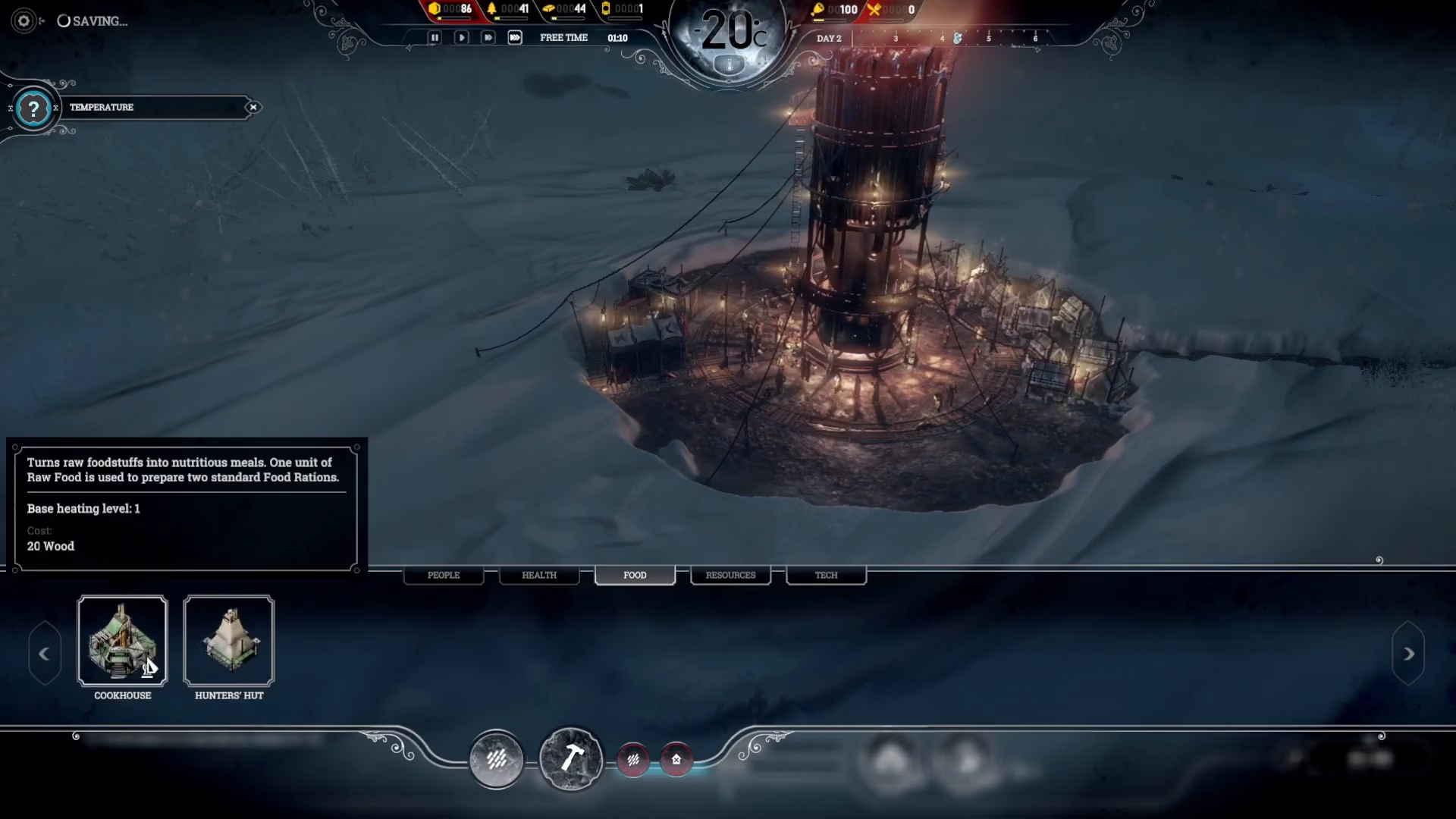
Raw food alone isn’t enough—your people need prepared meals. Build a Cookhouse next to or near your Hunter’s Hut and assign workers there as well. The Cookhouse converts raw food into meals that your population can actually consume.
Using the Book of Laws
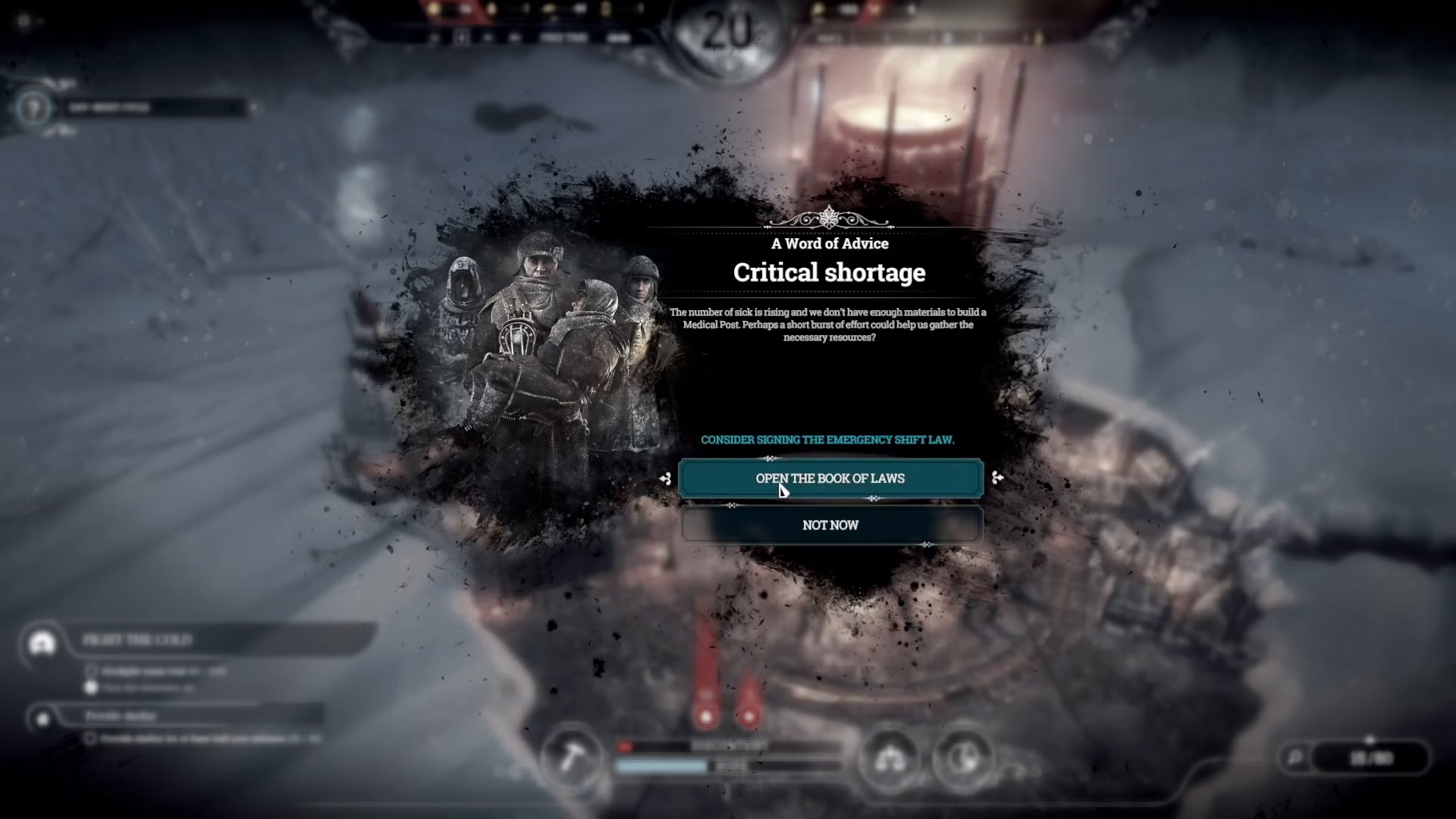
Periodically, you’ll receive notifications about critical shortages and your inhabitants will ask for things. When these moments arise, you can access the Book of Laws—your decision-making hub for making critical moral and survival choices. You’ll find the Book of Laws button at the bottom of your screen.
Critical Decisions
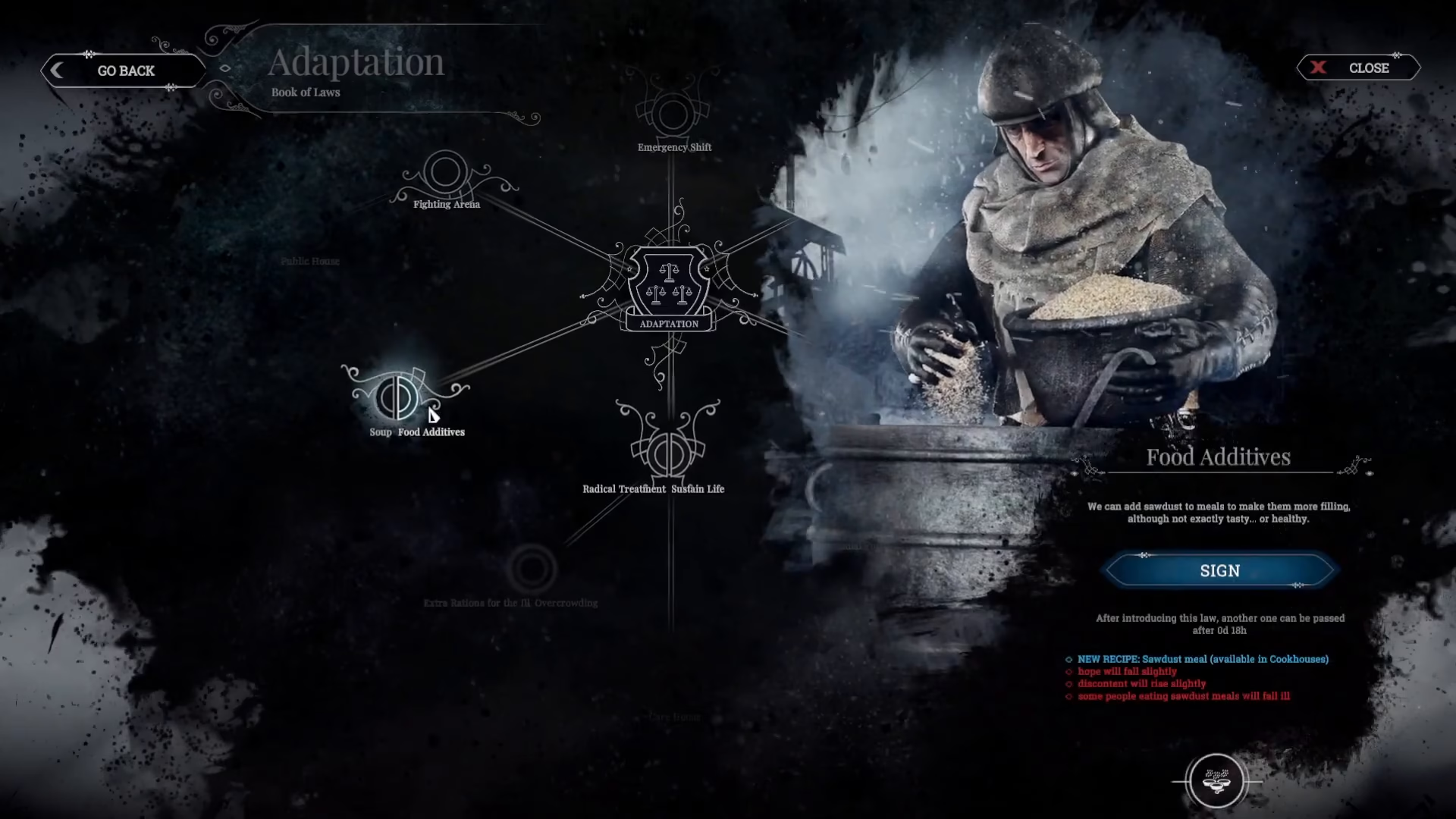
The Book of Laws presents you with difficult choices that affect your settlement. For example, regarding food, you can choose between:
Food Additives: This stretches your meals further, meaning food will go further. However, this choice causes hope to fall and discontent to rise.
Soup: An alternative where you cook soup instead of four separate meals, allowing you to feed more people with less food.
Another critical choice involves medical treatment:
Radical Treatment: Your doctors will take extreme measures, including amputation if necessary, to keep people alive and functional.
Sustained Life: A more conservative approach where people remain in beds untreated. This is a gentler option but less effective.
Remember, you can typically only choose one option from each law pair, so choose wisely based on your settlement’s needs.
Understanding the Heat Grid
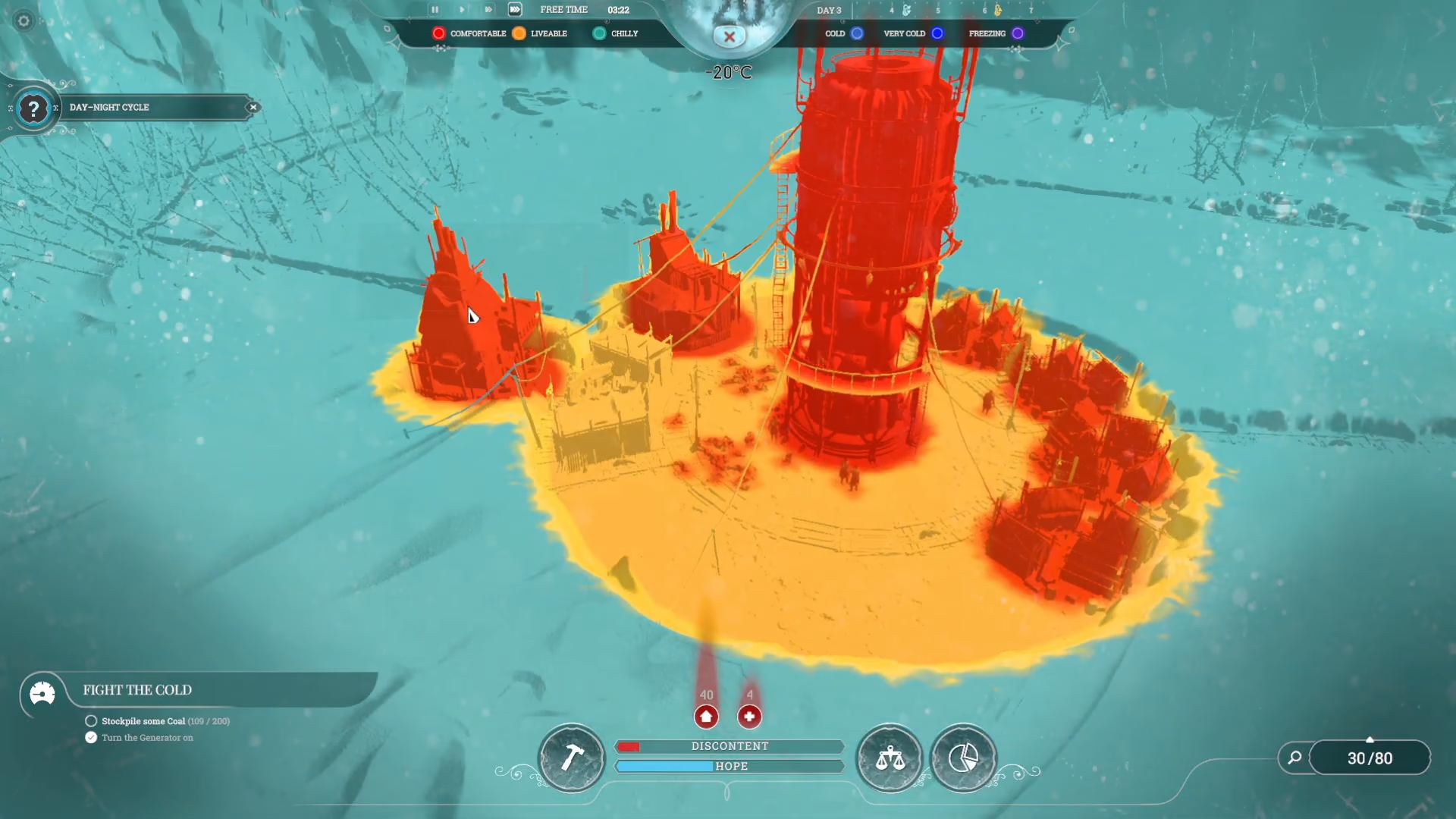
Temperature management is critical to survival. You’ll notice a heat grid around your generator and buildings. Any buildings outside this heat grid are extremely cold, which increases the risk of illness among your workers. The grid indicates how far heat from your generator reaches.
Pay attention to the temperature forecast at the top of your screen. You’ll see notifications like “Day 4: Temperature will drop 2 levels” (for example, from -20°C to -40°C). The forecast will also show when temperatures improve.
Heat Indicator Levels
Hover over buildings or areas to see heat status indicators:
Very Low Risk of Falling Ill: This area is comfortable and warm.
Livable: Safe enough for survival but not optimal.
Cold: Your people are at risk of getting sick and ill.
The colder the environment, the higher the chance your population will fall ill and sicken. Don’t forget to actually staff your buildings—click on them and assign workers to keep them operational.
Researching Technology
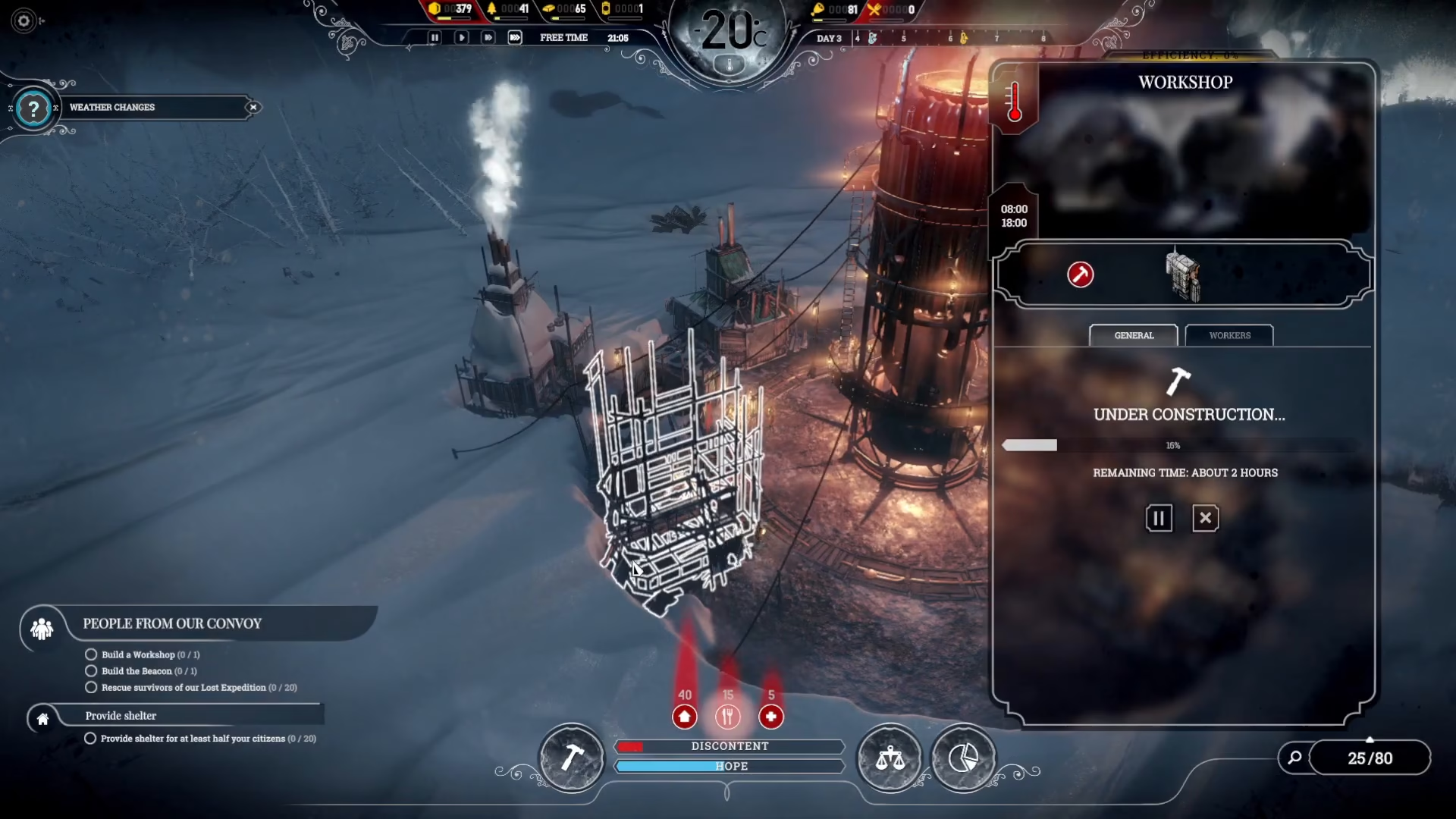
As temperatures drop and you face new challenges, you’ll need to research new technologies. Build a Workshop from the construction menu—this is your research facility where all technological advancement happens.
Building and Staffing the Workshop
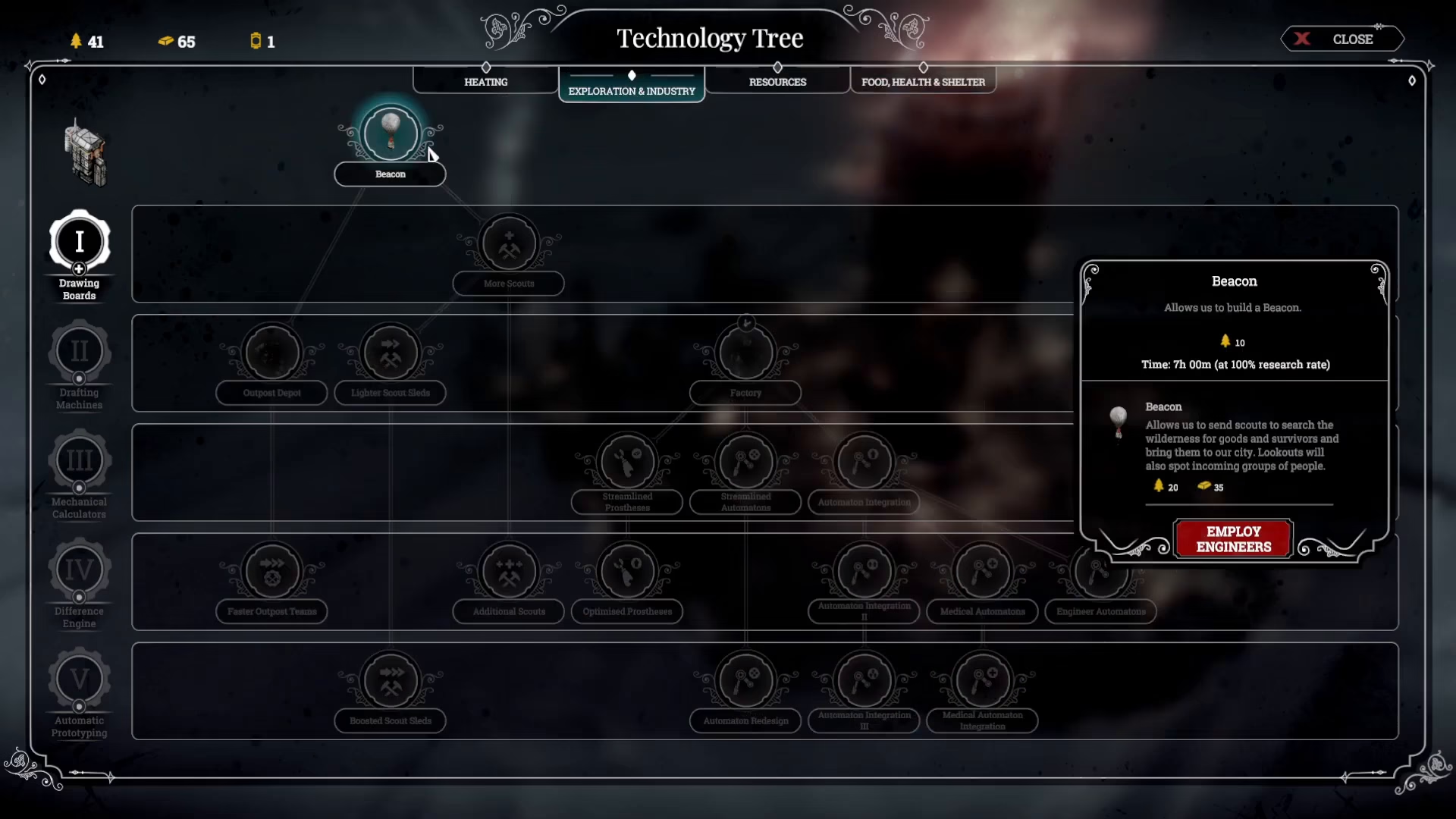
Once your Workshop is constructed, your research screen will open. You can access the full technology tree from the left side of your screen. Don’t forget to assign workers to your Workshop so research can progress.
Your First Priority: The Beacon
One of the first technologies worth researching is the Beacon. This building unlocks scouting missions, which are crucial for exploration and resource discovery. Note that workshops operate on a schedule—workers research from 8 AM to 6 PM daily, as all engineers sleep at night.
Watch your Workshop progress bar as your engineers work. You’ll also notice that discontent and hope metrics affect research speed. Hover over these stats to see what’s causing discontent or maintaining hope in your settlement.
Unlocking Scouting Missions
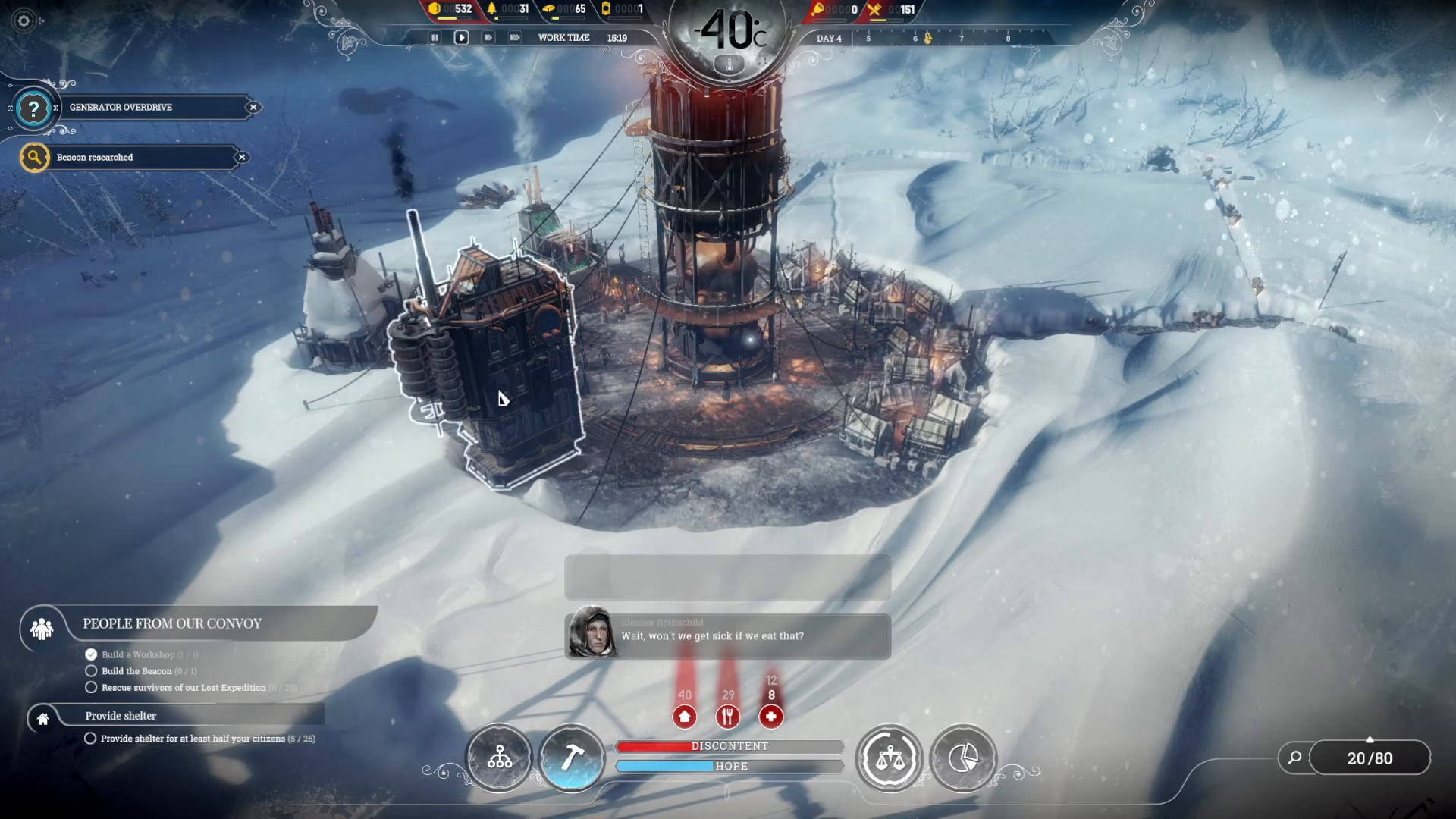
Once your Beacon research completes, you can construct the Beacon building from the construction menu. A small cutscene will play showing your research balloon ascending, unlocking scouting capabilities for your settlement.
Creating Scout Expeditions
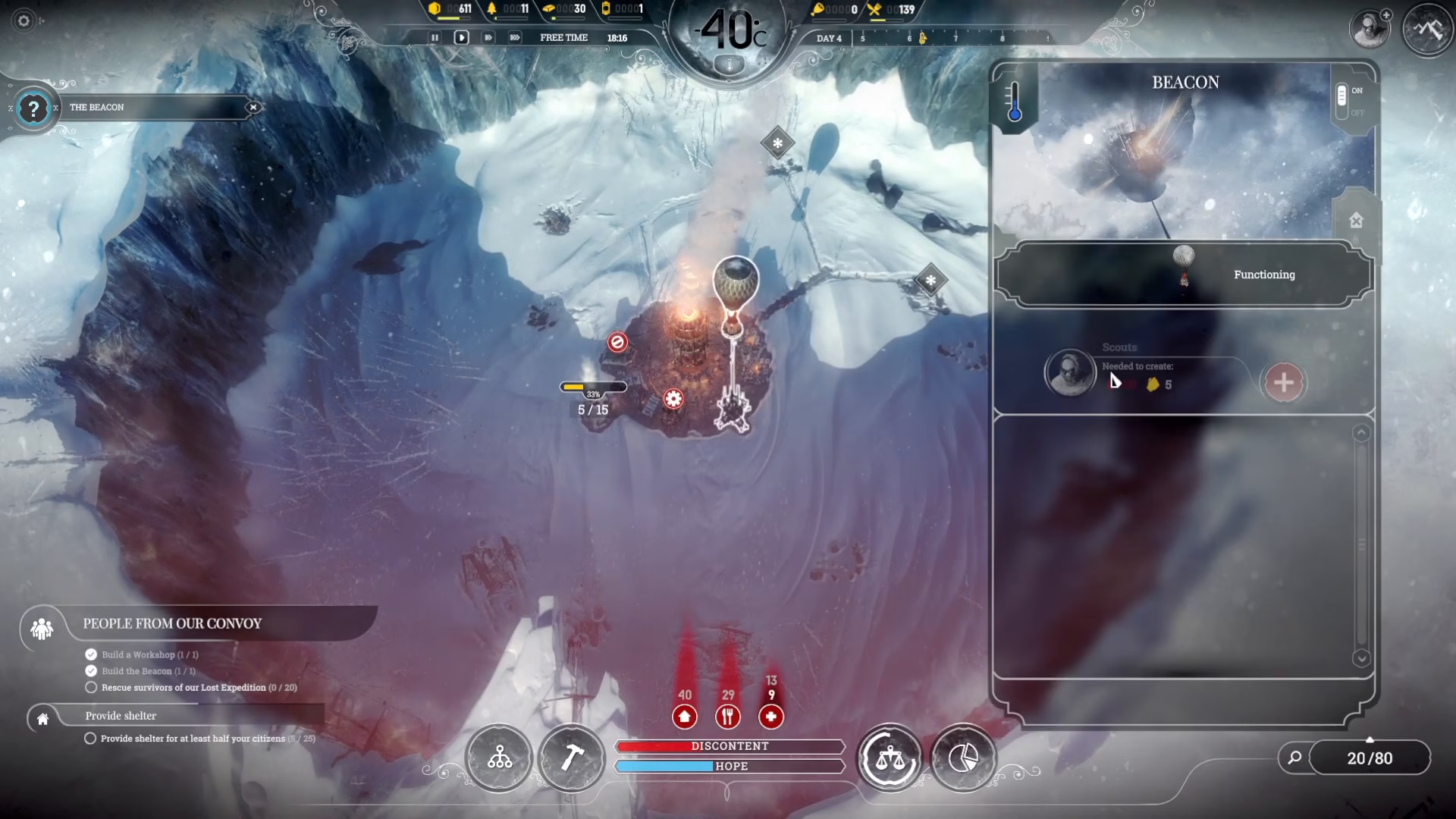
With your Beacon built, zoom out from your settlement using your mouse wheel (or your game’s zoom controls). Click on the Beacon and you’ll see the option to create scouts. You’ll need wood and workers to send out a scouting expedition.
Once ready, press the plus button to initiate a scout team. You can then send them to explore locations like the Lost Expedition (where your original people originated) and crash sites scattered throughout the map. Scouting is how you discover valuable Steam Cores, which are essential for researching advanced technologies later in the game.
Monitoring Your Settlement Status
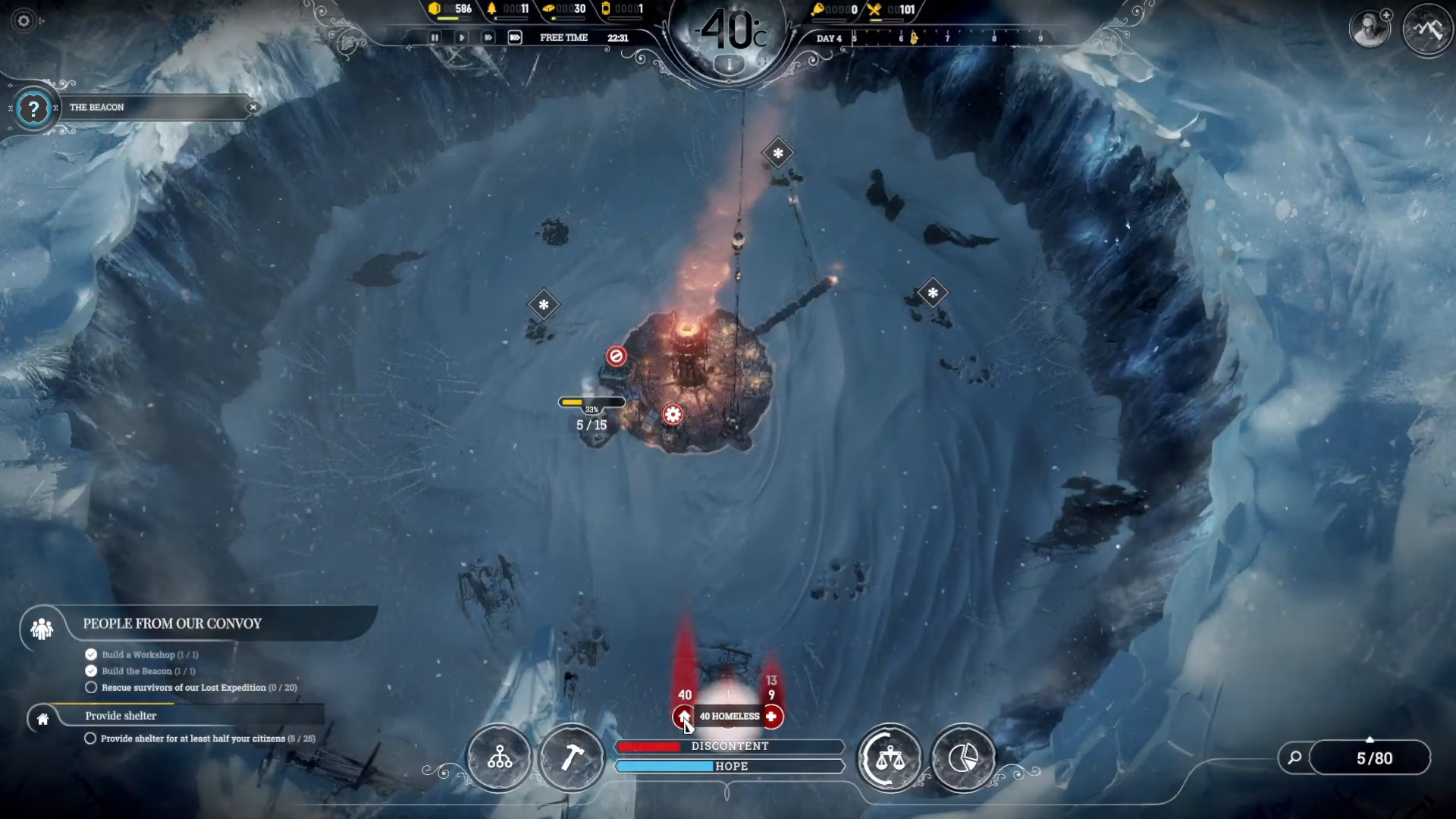
Keep an eye on the status indicators on the right side of your screen. These show critical information such as:
Number of homeless people
Number of sick individuals
Number of gravely ill people
Hunger status
These metrics help you prioritize what needs attention next in your settlement management.
Conclusion
You now have the essential knowledge to get started in Frostpunk! Focus on these key priorities: activate your generator and stockpile coal, build housing for your people, establish food production through a Hunter’s Hut and Cookhouse, pay attention to heat distribution, make wise decisions through the Book of Laws, and begin researching critical technologies like the Beacon for scouting missions. Remember, you don’t need to rush—take your time learning the systems and managing your settlement efficiently. The key to survival is balancing immediate needs with long-term planning. Good luck, and welcome to the frozen world of Frostpunk!
For more in-depth tutorials and advanced strategies, check out our full Frostpunk playlist—we have tons of guides to help you master every aspect of the game.
— Want to Support? —
If you would like to help us continue making these guides – please consider joining our patreon here – https://www.patreon.com/c/JaviHeals
Alternatively – you can join our discord here – https://discord.gg/zD7Gjt6MHF