How To Get Unstuck In Phasmophobia
How to Get Unstuck in Phasmophobia
Getting stuck in Phasmophobia can be frustrating, but fortunately, there are simple solutions to free yourself quickly. This guide walks you through the most effective methods to escape being stuck in any location on the map.
Method 1: Movement and Crouching
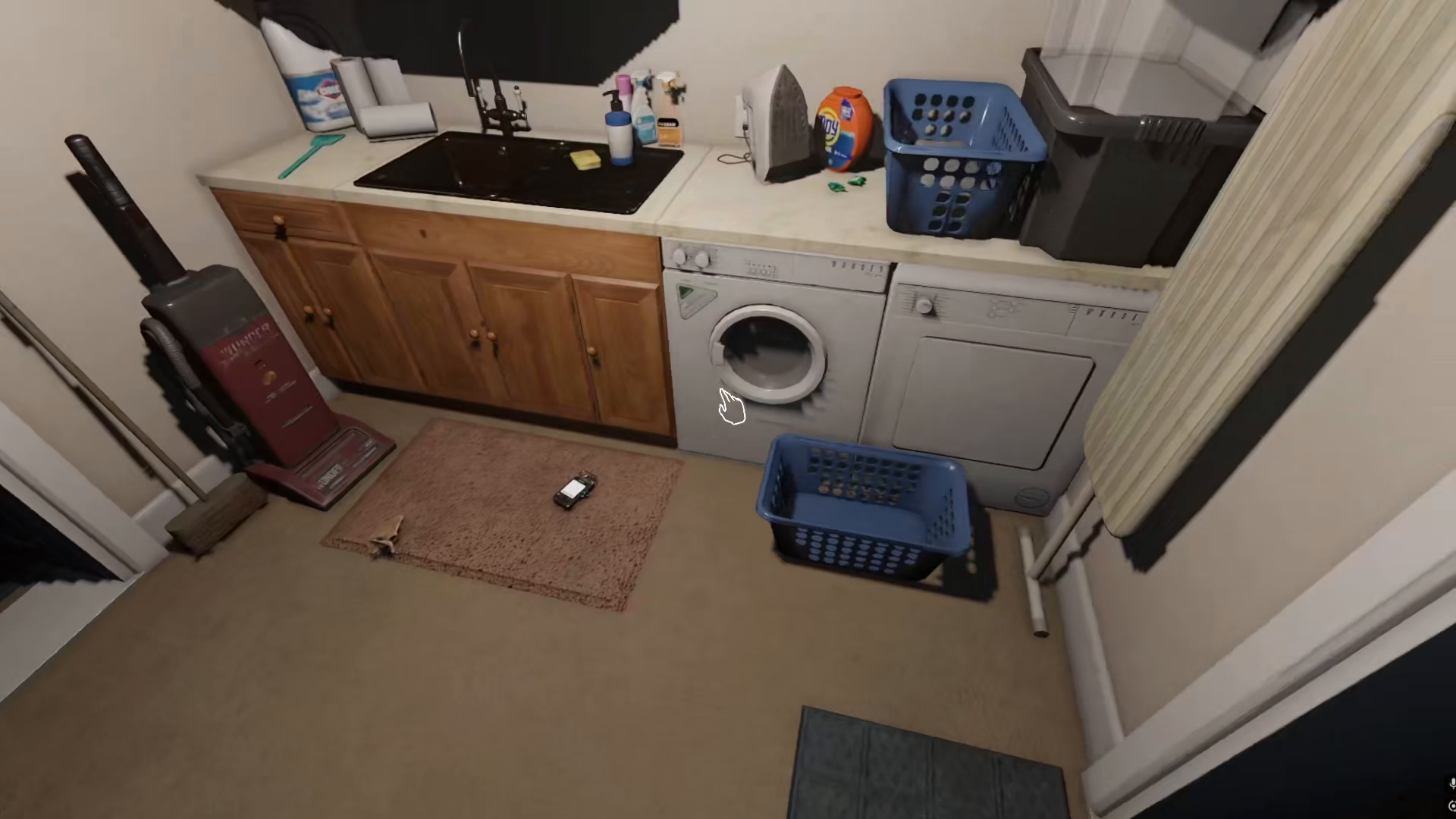
The first and easiest method to try is using basic movement controls. Press the W, A, S, and D keys on your keyboard repeatedly to move in different directions. This simple jiggling motion often helps you escape being stuck in the environment. While moving, also try crouching simultaneously—this combination frequently resolves the issue without requiring any further action.
Method 2: Game Restart
If basic movement and crouching don’t work, your next option is to restart the game. This will reset your position and should resolve the stuck status. A full restart is usually effective for clearing any collision or positioning issues you’re experiencing.
Why Getting Stuck Is Rare
It’s worth noting that getting stuck is not a common occurrence in Phasmophobia. The game is generally well-optimized with minimal bugs, so you may never encounter this issue during your gameplay. However, it’s helpful to know these solutions in case the rare situation does occur.
Summary
Follow this simple two-step approach if you find yourself stuck in Phasmophobia: first, try moving and crouching with your keyboard controls, and if that doesn’t work, restart the game. These methods should get you unstuck and back to your ghost-hunting adventure in no time.
— Want to Support? —
If you would like to help us continue making these guides – please consider joining our patreon here – https://www.patreon.com/c/JaviHeals
Alternatively – you can join our discord here – https://discord.gg/zD7Gjt6MHF