How to Get & Use the Community Box in Pokopia
How to Get & Use the Community Box in Pokopia
The Community Box is a valuable automation tool in Pokopia that allows you to streamline resource gathering and processing. In this guide, we’ll walk you through exactly how to set up and use the Community Box effectively with your Pokémon.
What is the Community Box?
The Community Box is a storage container that serves as a central collection and processing hub for your Pokémon. Once placed in your environment, any Pokémon with the GAVA specialty will automatically gather items and place them inside the box. Additionally, if a Pokémon with material processing abilities is nearby, they will process those materials independently.
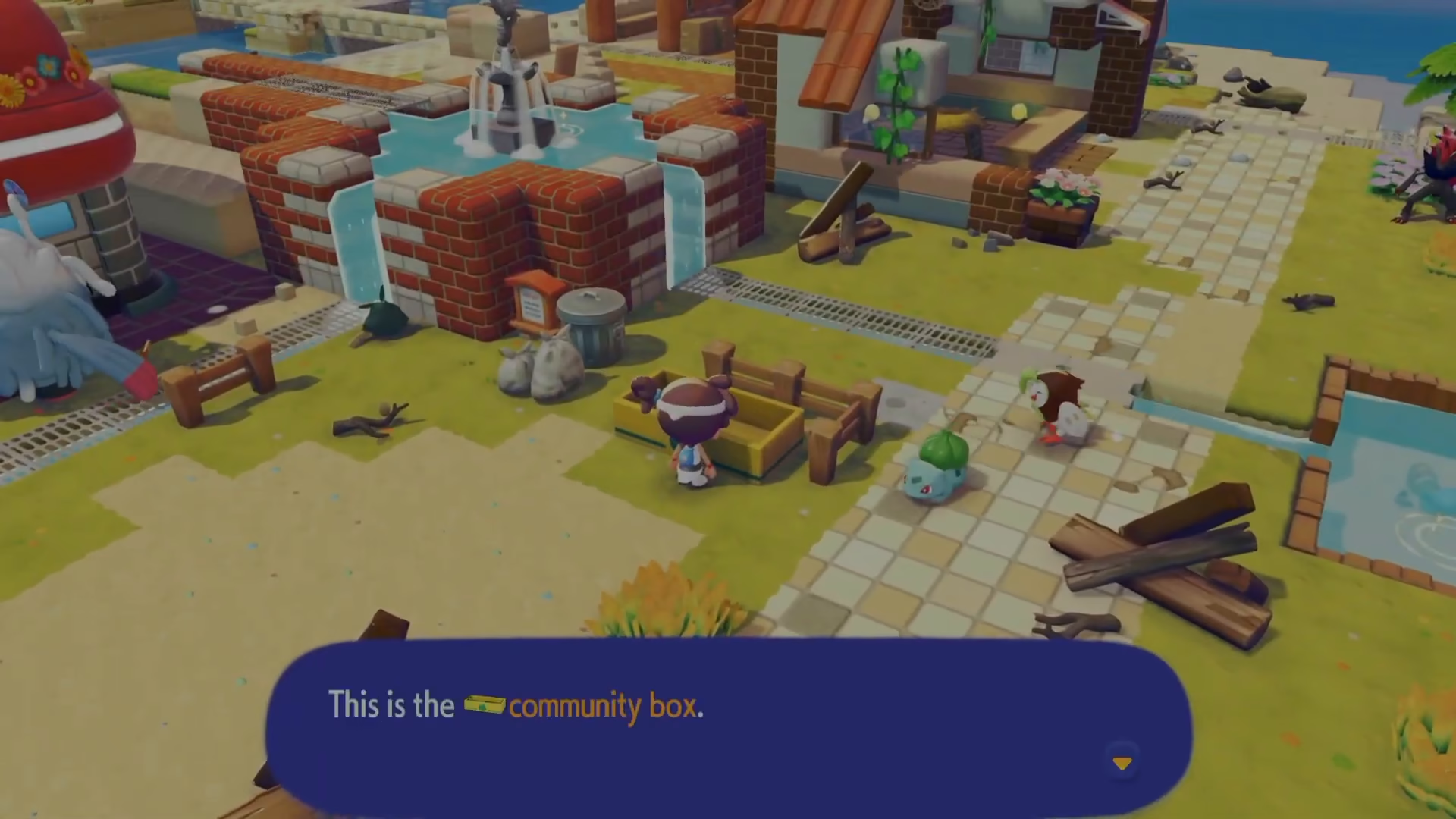
How to Use the Community Box
Setting Up Your Community Box
Start by placing items into the Community Box. The box has generous internal storage space, allowing you to stock multiple types of materials at once. For example, you can place:
Waste paper (for Trubbish to process)
Logs
Cipher
Clay (for Tortoise)
Other specialty materials
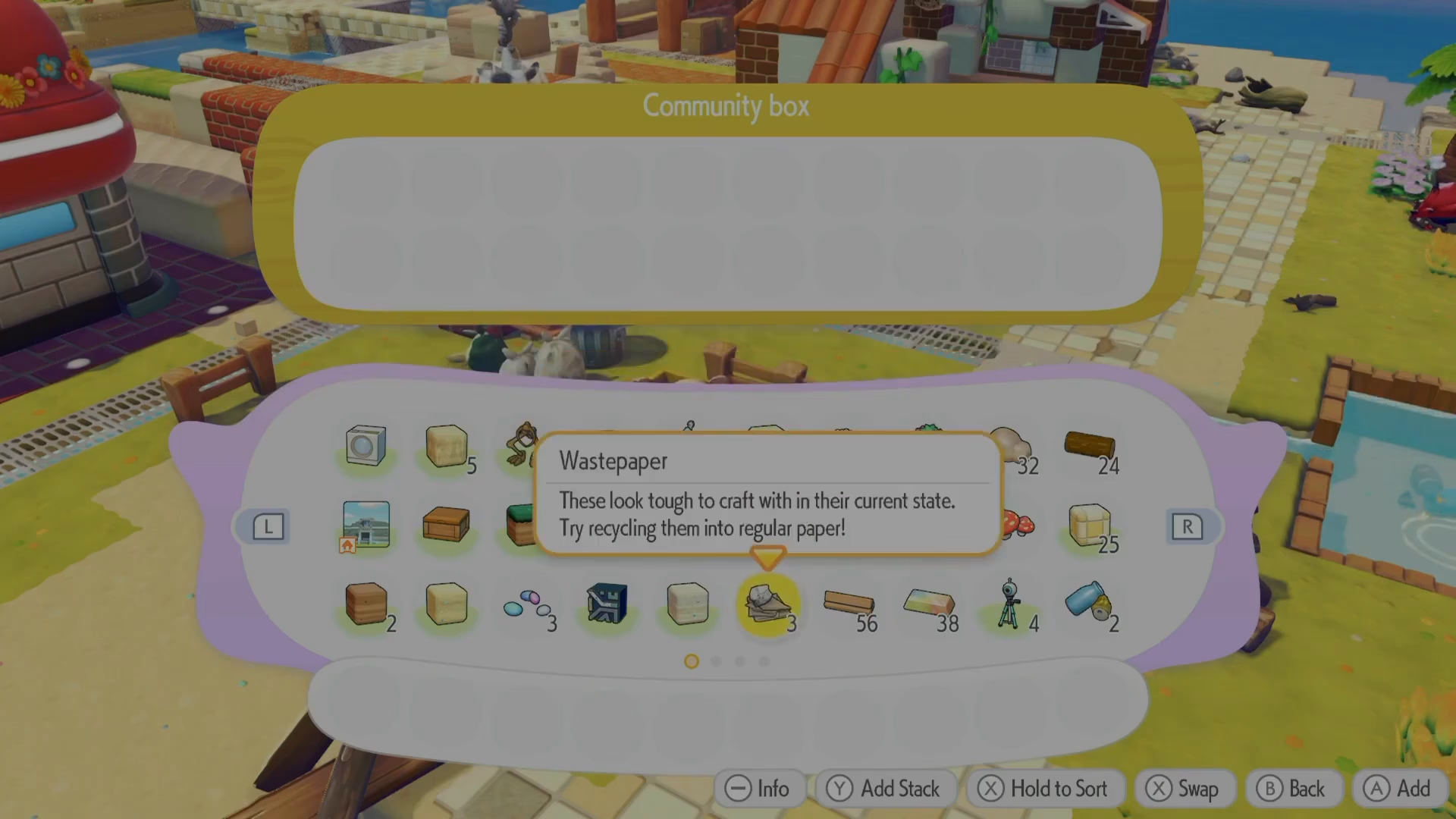
Automatic Processing
Once items are placed in the Community Box, Pokémon with the appropriate processing abilities should automatically approach the box and begin working on the materials. For instance, Trubbish will process waste paper on their own, and any GAVA specialty Pokémon will gather additional items like fluff left by Marie.
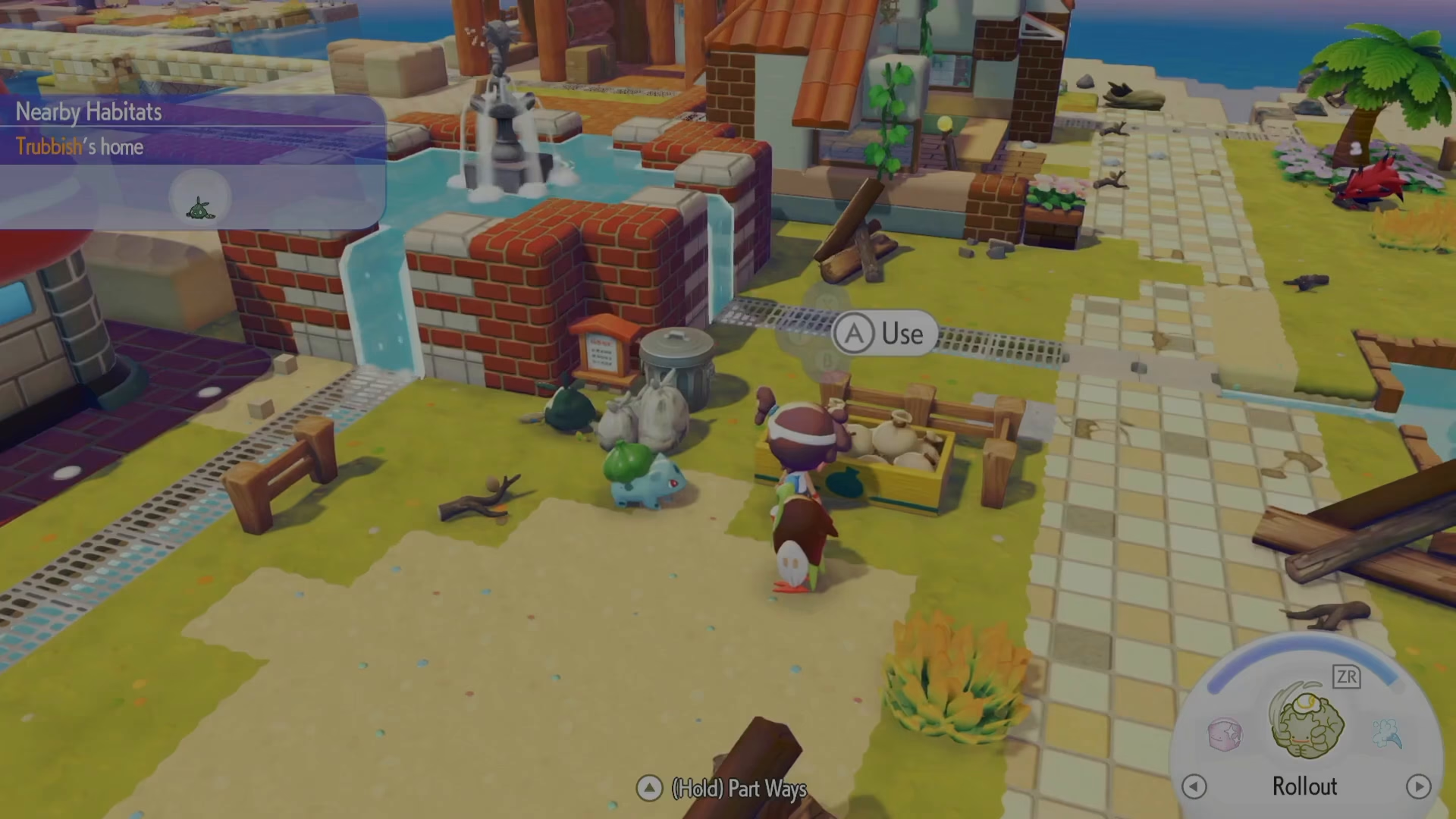
What’s Inside the Community Box
The Community Box features extensive internal storage capacity. You can organize different material types inside and assign different Pokémon to process different resources. The goal is to create a self-sustaining automation system where all processing happens without your direct intervention.
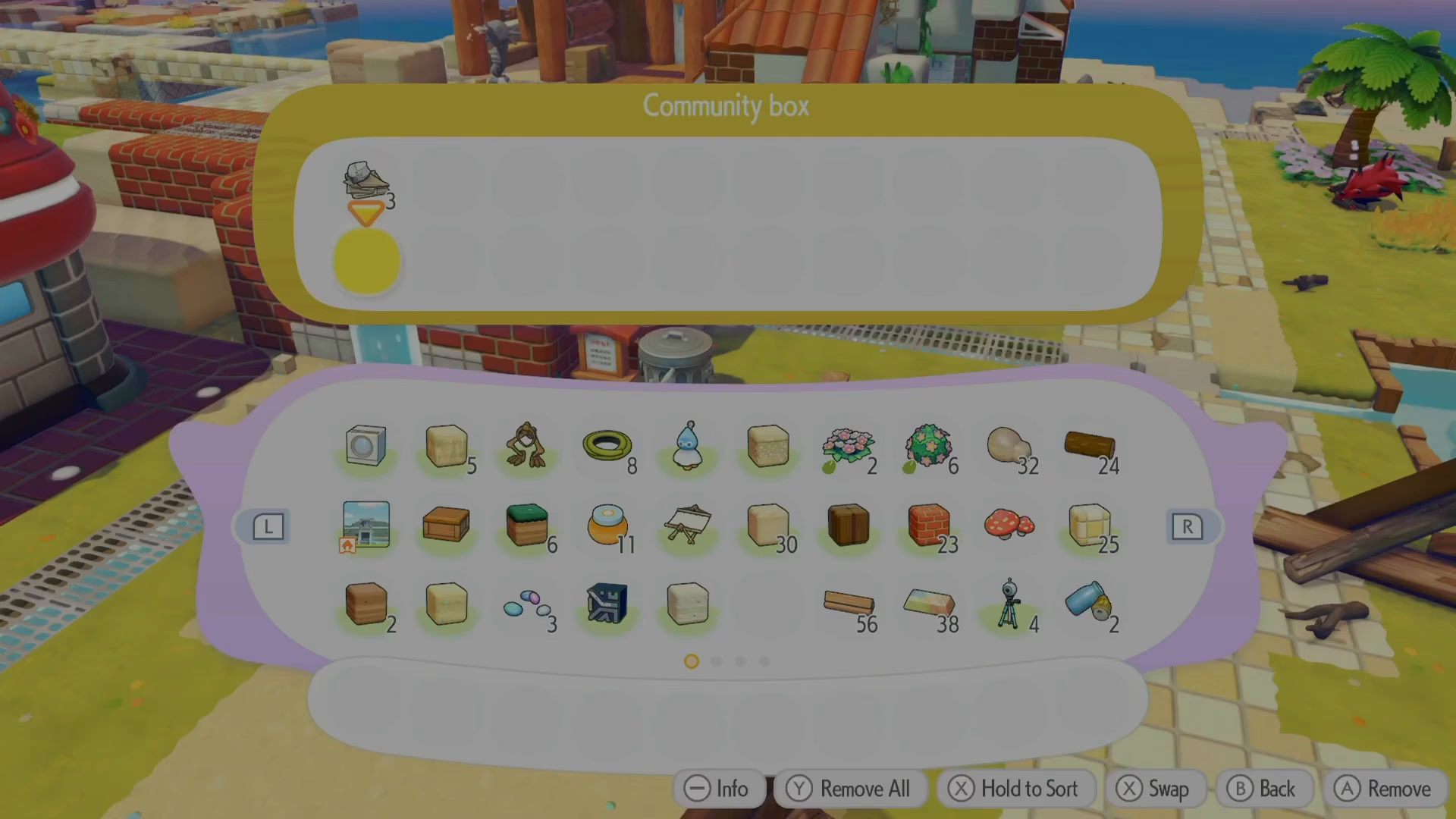
Current Limitations and Workarounds
It’s important to note that the Community Box has some implementation issues. In practice, Pokémon don’t always automatically engage with items in the Community Box as intended. Some users report that Pokémon take a considerable amount of time before they begin processing, which can defeat the purpose of automation.
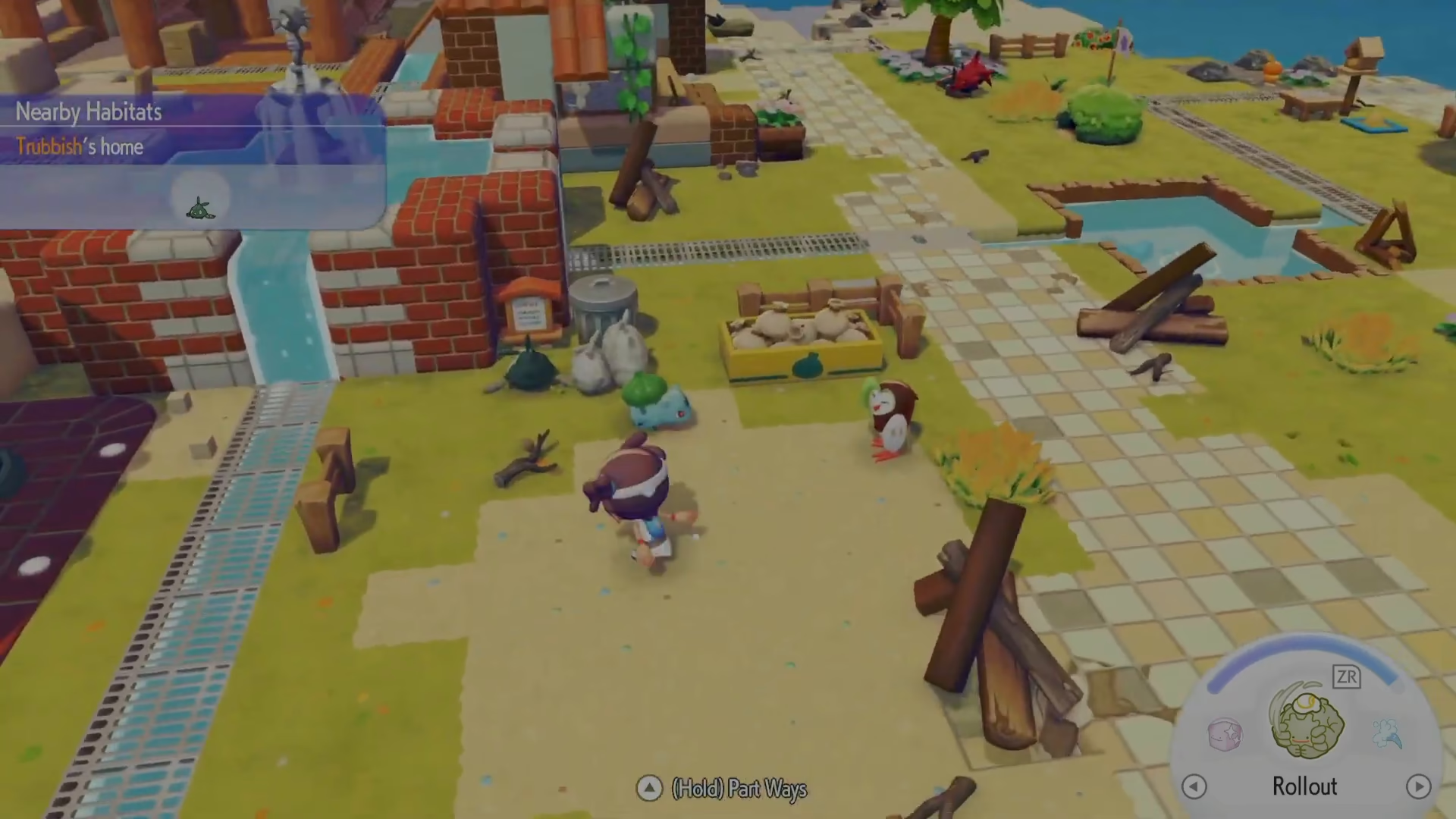
Making It Work: The Follow Command Solution
If you’re experiencing issues with automatic processing, try asking the Pokémon to follow you. Once you have Trubbish (or your processing Pokémon) following you, they will automatically start processing materials from the Community Box. They’ll take the item out, process it, and return the finished product to you.
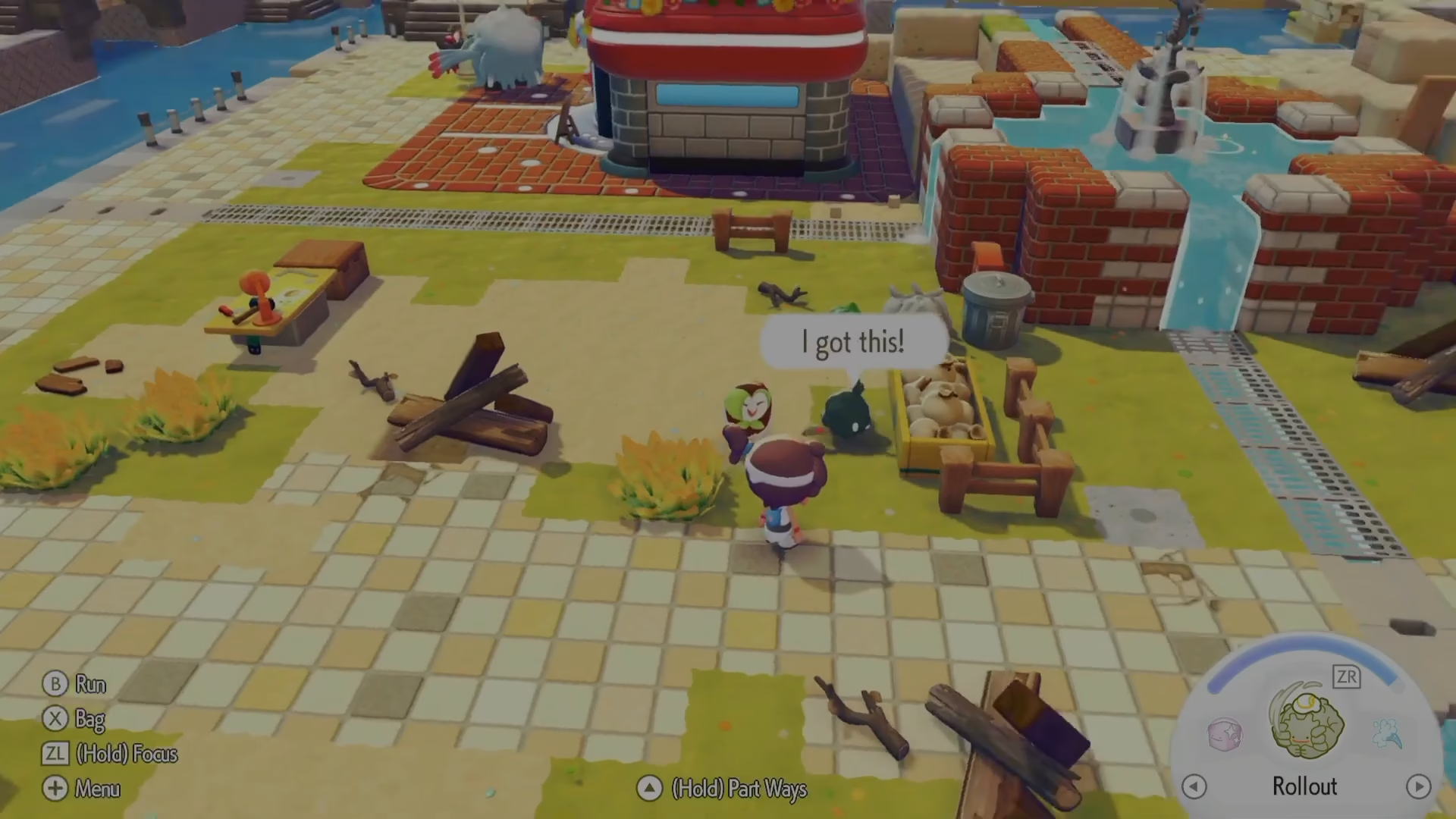
However, this workaround somewhat undermines the automation benefit of the Community Box, since you could simply hand the material directly to Trubbish for processing without using the box at all.
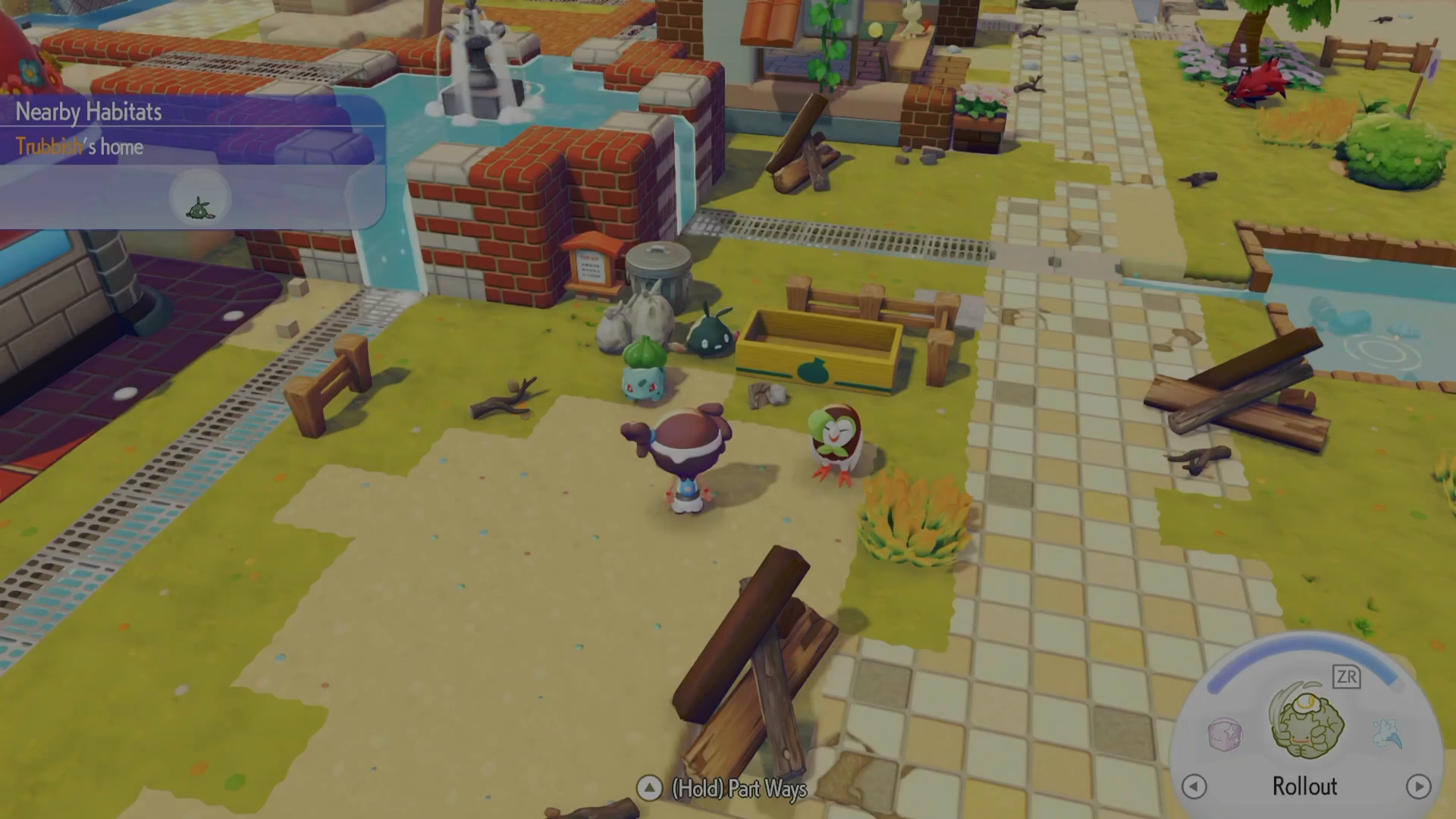
Quality of Life Considerations
The Community Box concept is excellent in theory, but the current implementation needs quality of life improvements. If you’re finding that the Community Box isn’t working as expected, you’re likely not doing anything wrong—the feature simply isn’t fully optimized yet. Many players encounter the same issues with automatic processing, so don’t assume you’ve made a setup mistake.
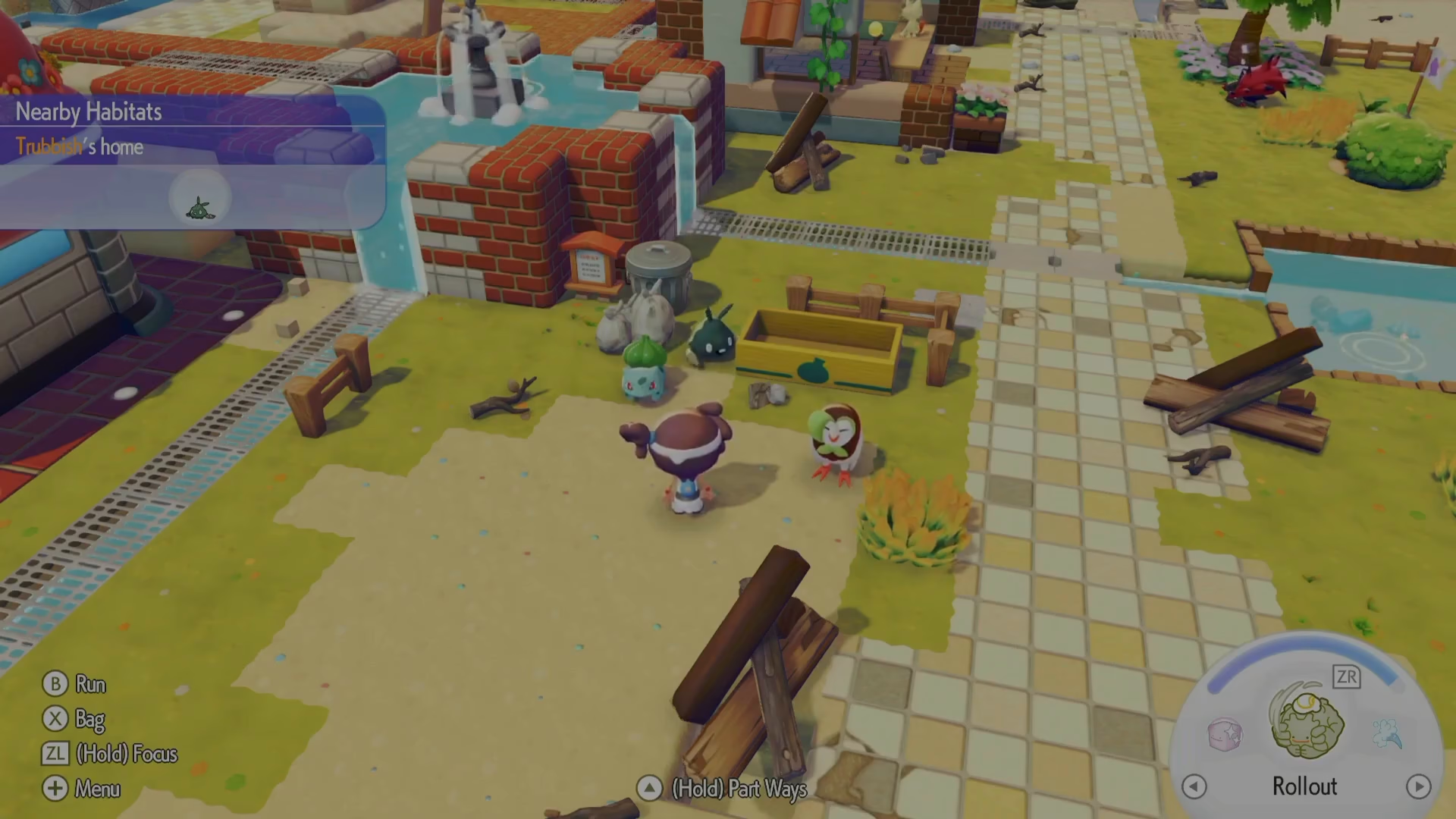
Summary
The Community Box in Pokopia is designed to automate resource gathering and processing by centralizing materials and allowing specialty Pokémon to work independently. While the concept is solid, current implementation quirks mean you may need to use workarounds like the follow command to achieve reliable processing. As the feature receives updates and quality of life improvements, it should become a more seamless automation tool for your Pokopia gameplay.
Want to Support?
If you would like to help us continue making these guides – please consider joining our patreon here – https://www.patreon.com/c/JaviHeals
Alternatively – you can join our discord here – https://discord.gg/zD7Gjt6MHF