How to give Gifts – Fields of Mistria
How to Give Gifts in Fields of Mistria
Gifting is an important mechanic in Fields of Mistria that helps you build relationships with villagers and increase your reputation. This guide will walk you through the exact steps to give gifts, how to identify which gifts villagers love or like, and how to track your gifting progress.
The Basic Gifting Process
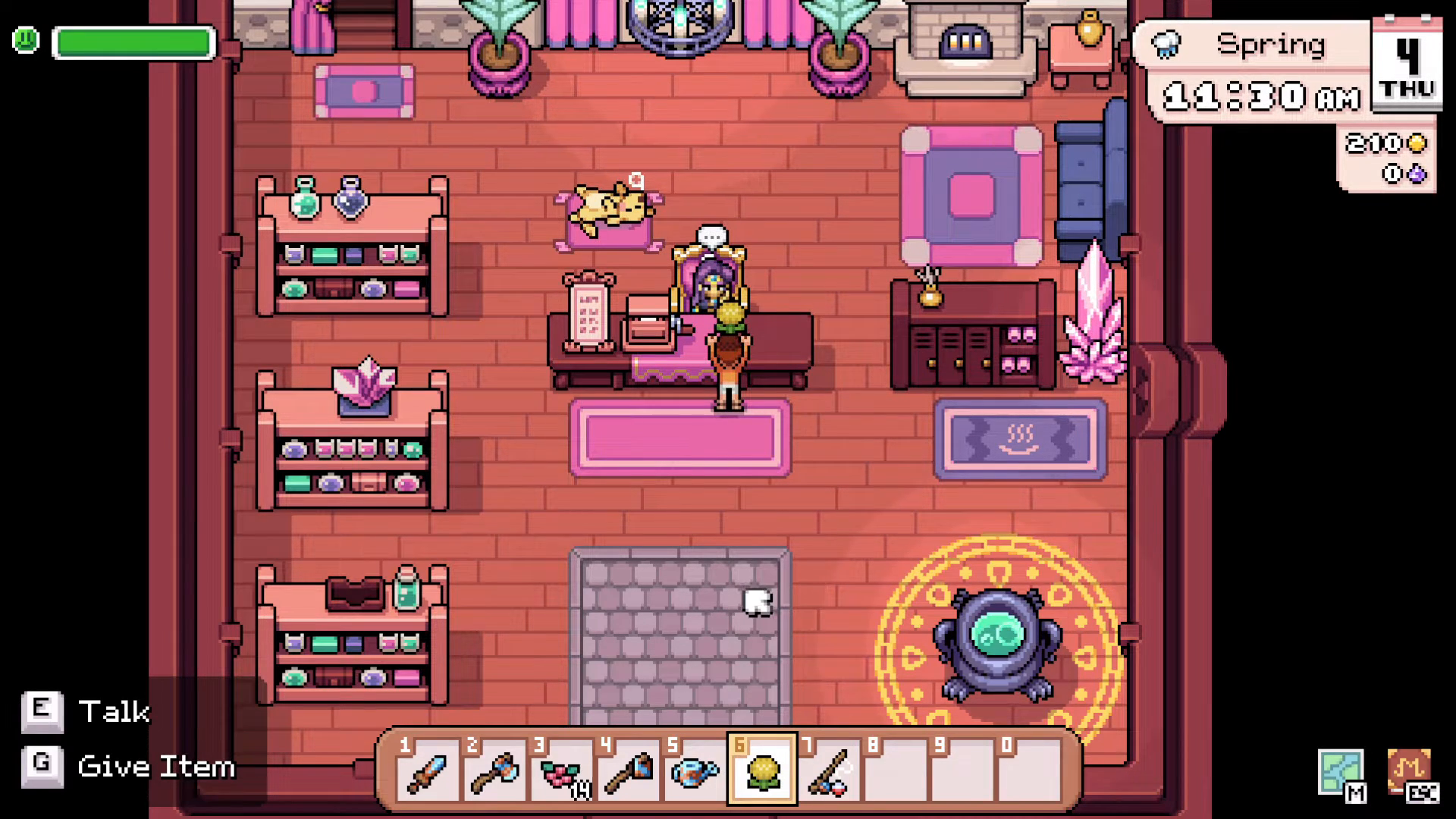
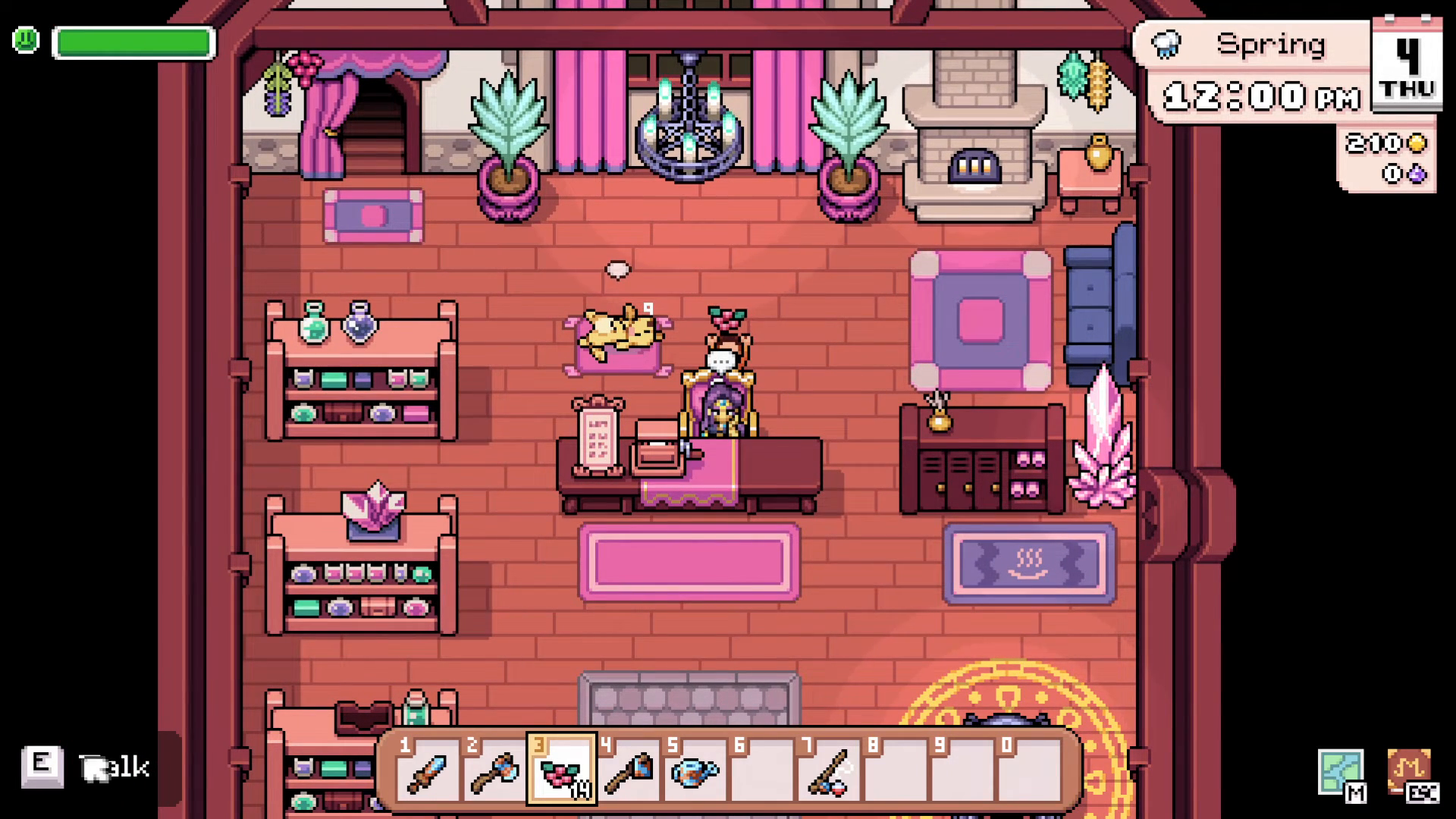
Giving a gift to a villager is straightforward once you know the mechanics. First, approach the villager you’d like to gift to while carrying the item you want to give them. Next, select the gift from your action bar—for example, press 6 if your gift is mapped to that slot. You’ll see a prompt at the bottom left of your screen that says “talk or give item.”
To complete the gift, press G on your keyboard. The villager will acknowledge the gift with a response, and the gift will be transferred to them.
Finding Out Which Gifts Villagers Prefer
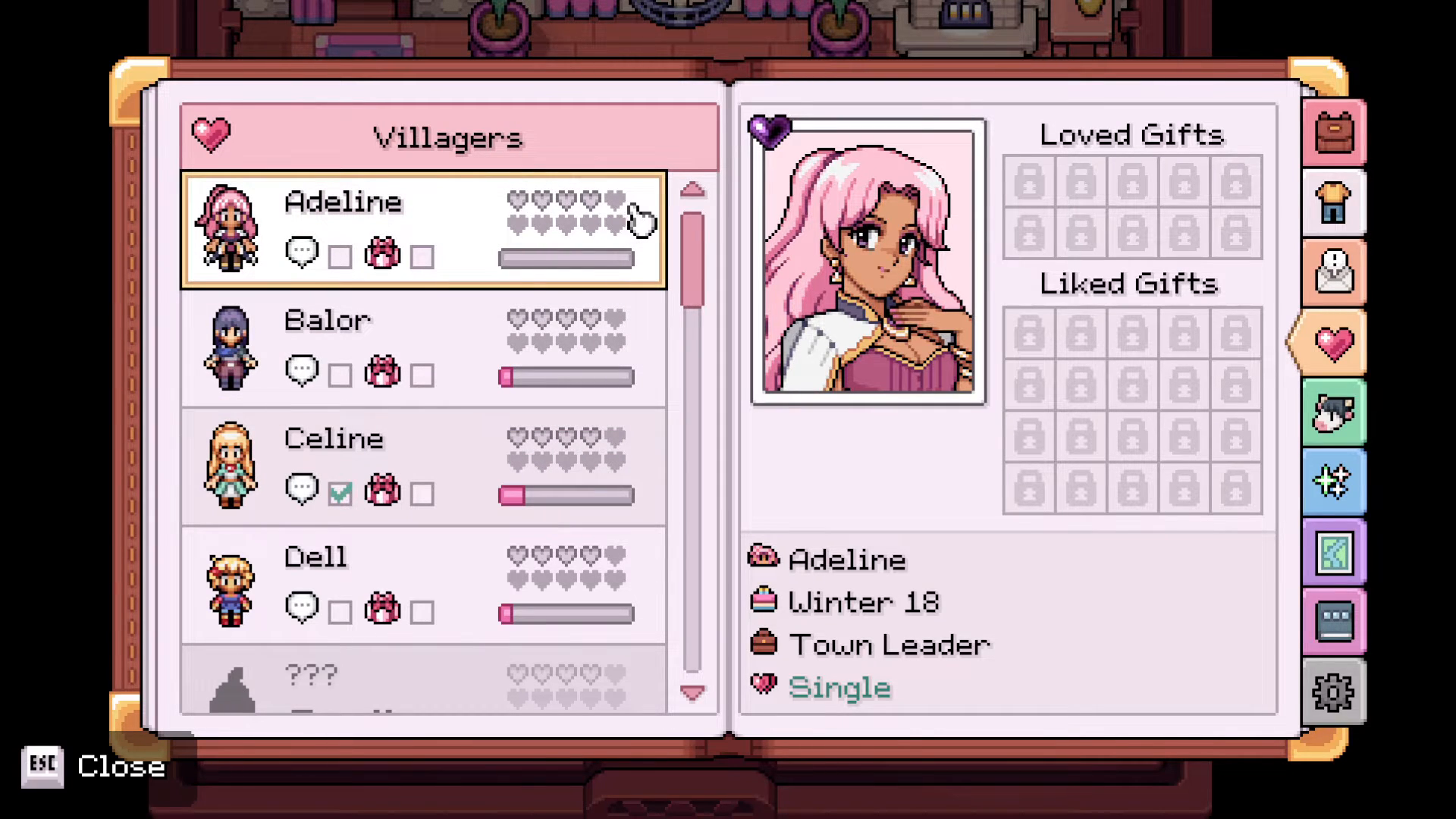
Not all gifts are created equal in Fields of Mistria. Each villager has specific preferences that affect how much they appreciate your gift. To see what gifts villagers love and like, open your journal and navigate to the heart icon on the right side.
Understanding Gift Preferences
The heart icon in your journal displays crucial information about each villager’s gift preferences. Using Adeline as an example, you can see there are certain gifts that she loves and certain gifts that she likes. Each villager also has a hated gift, though this information is not displayed in the journal—you’ll need to discover these through trial and error or community guides.
Tracking Your Gifting Progress
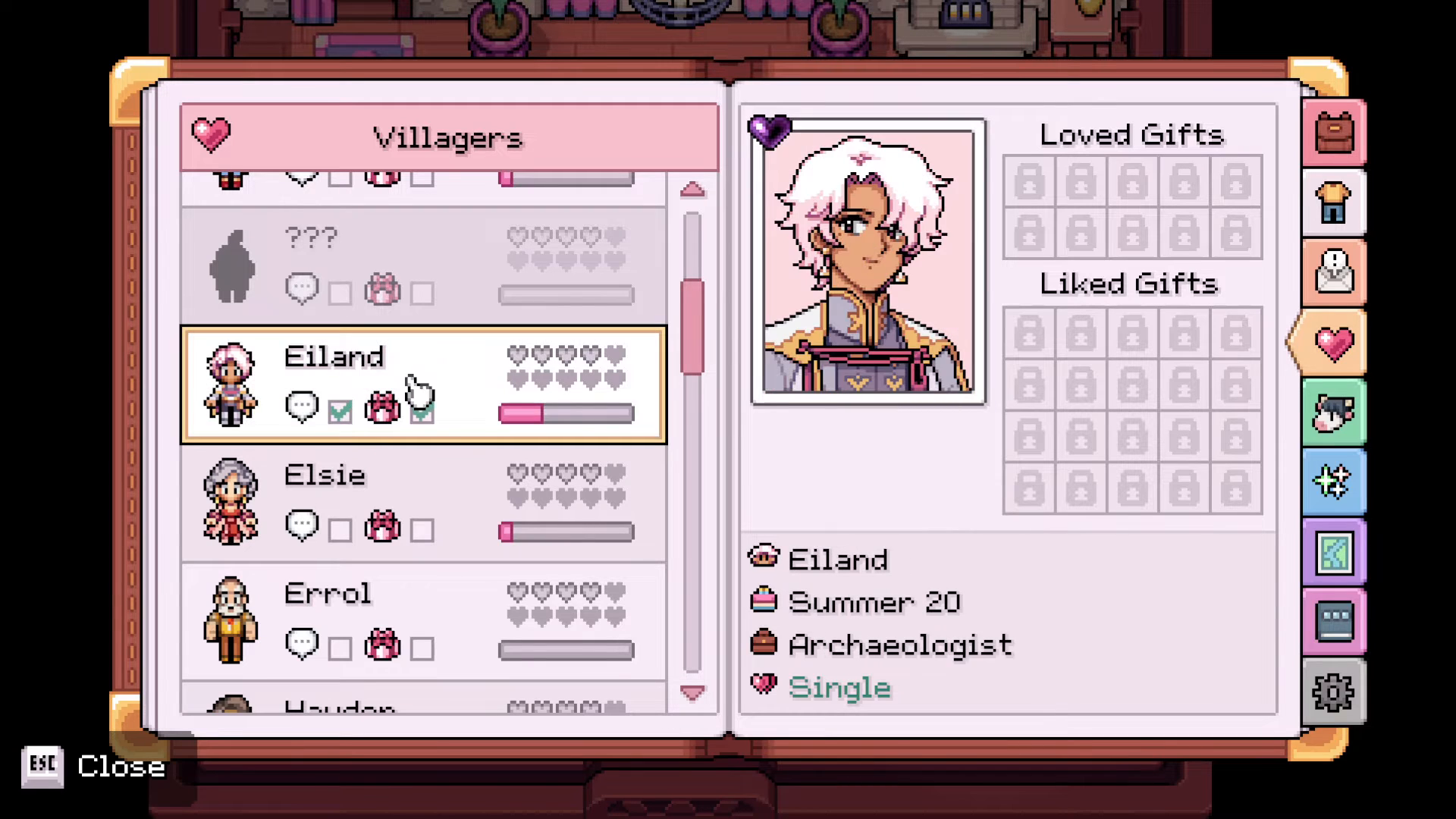
The journal keeps track of your interactions with each villager. If you’ve already gifted or spoken to a villager recently, you’ll see checkmarks next to the “talk” option and the “gift” icon. These checkmarks indicate that you’ve already completed those interactions for the current period.
When you’ve successfully gifted a villager, their journal entry will display both the gifts they like and the gifts they love. This makes it easy to plan future gifts to maximize reputation gains.
Important Gifting Limitations
Keep in mind that you can only gift to each villager once per day (or per gifting cycle, depending on the game’s mechanics). Once you’ve given a gift to someone, you won’t be able to give them another gift until the next opportunity. If you find yourself holding a gift that a particular villager doesn’t accept, you can give it to another villager instead.
Dropping Unwanted Items
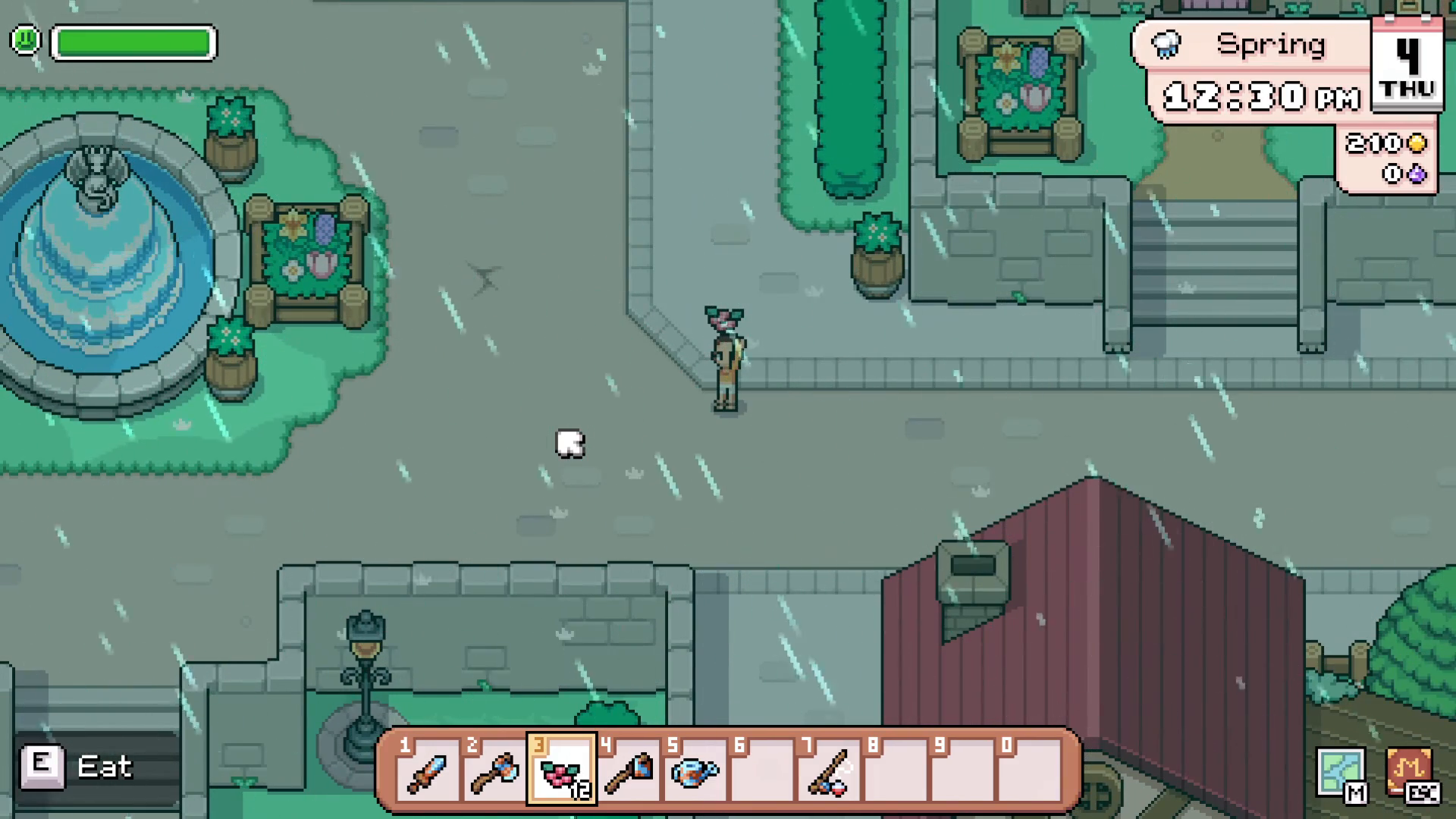
If you’re carrying items you no longer want to give, you can drop them directly by pressing G on your keyboard. This is useful if you accidentally picked up an item or want to clear inventory space while managing your gifts.
Summary
Gifting in Fields of Mistria is a simple but rewarding system. By approaching villagers, selecting your gift from the action bar, and pressing G, you can quickly build relationships and increase your reputation. Always check your journal’s heart icon to see which gifts each villager loves or likes, and remember that each villager can receive one gift per cycle. With these tips in mind, you’ll be on your way to becoming everyone’s favorite visitor in Fields of Mistria.
— Want to Support? —
If you would like to help us continue making these guides – please consider joining our patreon here – https://www.patreon.com/c/JaviHeals
Alternatively – you can join our discord here – https://discord.gg/zD7Gjt6MHF