





How To Host Multiplayer In Prison Architect
How to Host Multiplayer in Prison Architect
Prison Architect offers a fun multiplayer experience that allows you to play with friends and other players online. This guide will walk you through the simple steps needed to host your own multiplayer game, manage players, and invite friends to join your prison.
Getting Started with Multiplayer
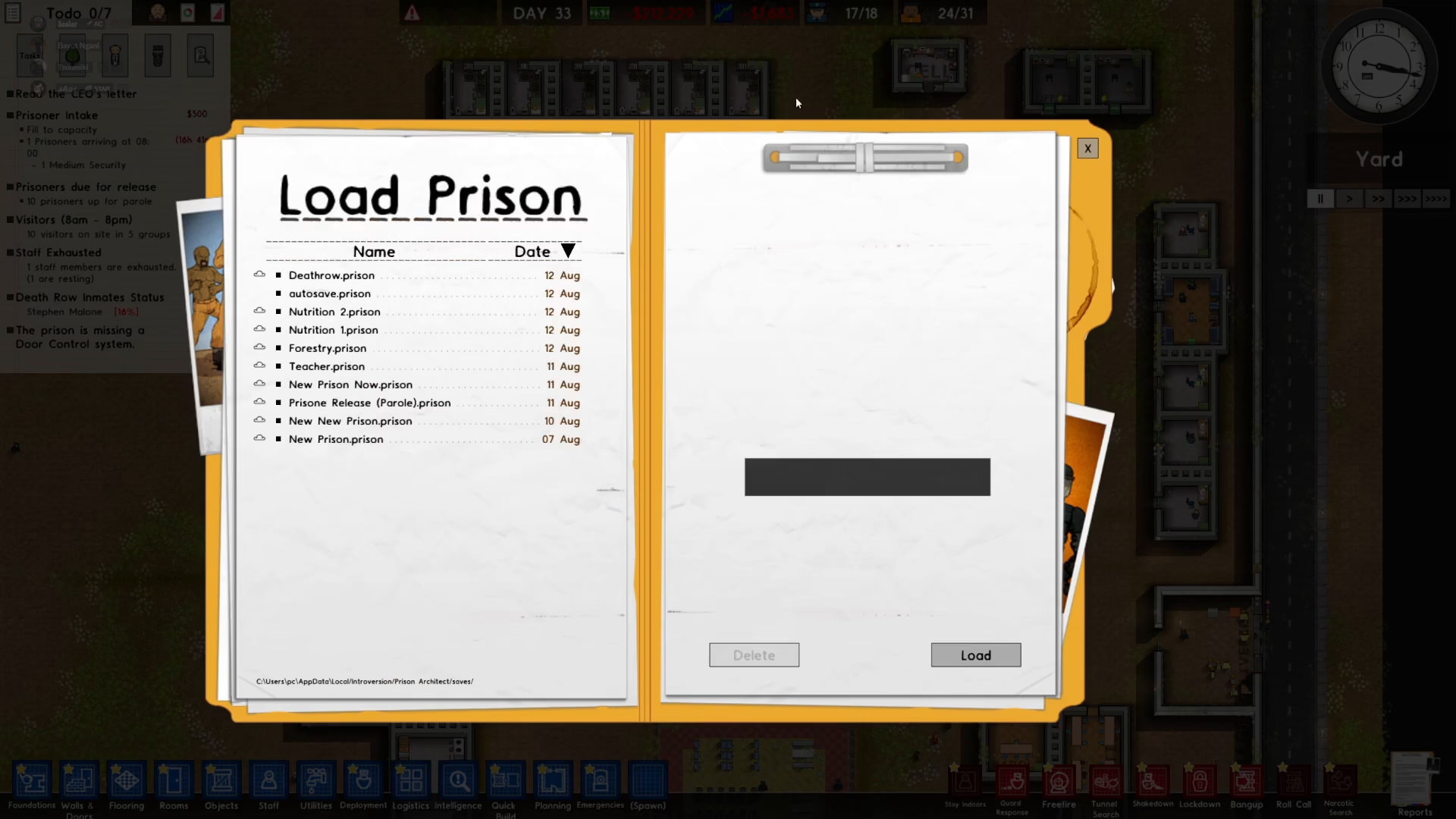
From the main menu, you have two options: create a new prison or load an existing one. For this guide, we’ll be loading a prison that’s already in progress.
Once your prison is loaded, press Escape to access the main menu.
Creating Your Online Game
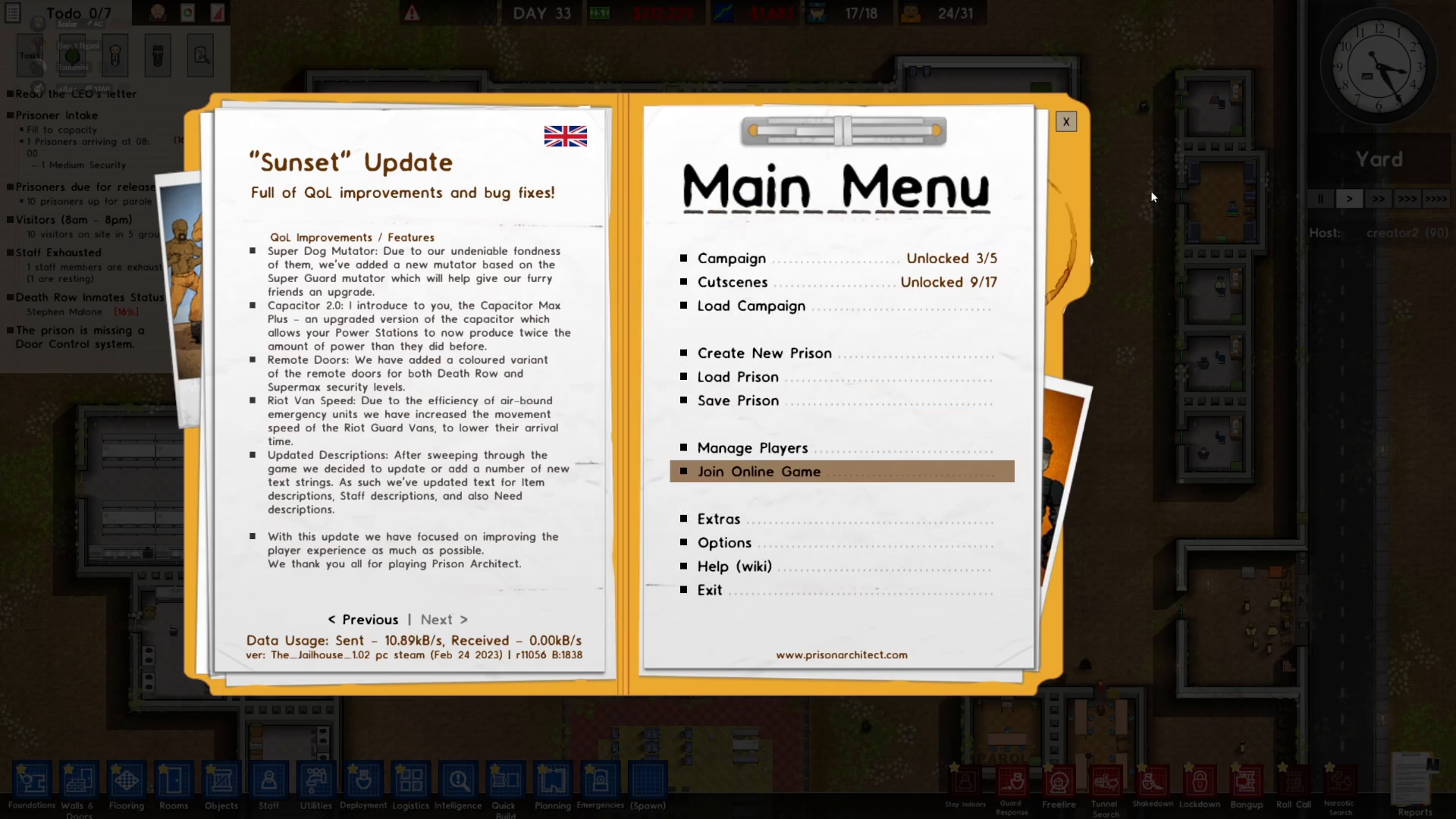
After pressing Escape, select the “Go Online” option to begin hosting your multiplayer game.
Setting Up Game Details
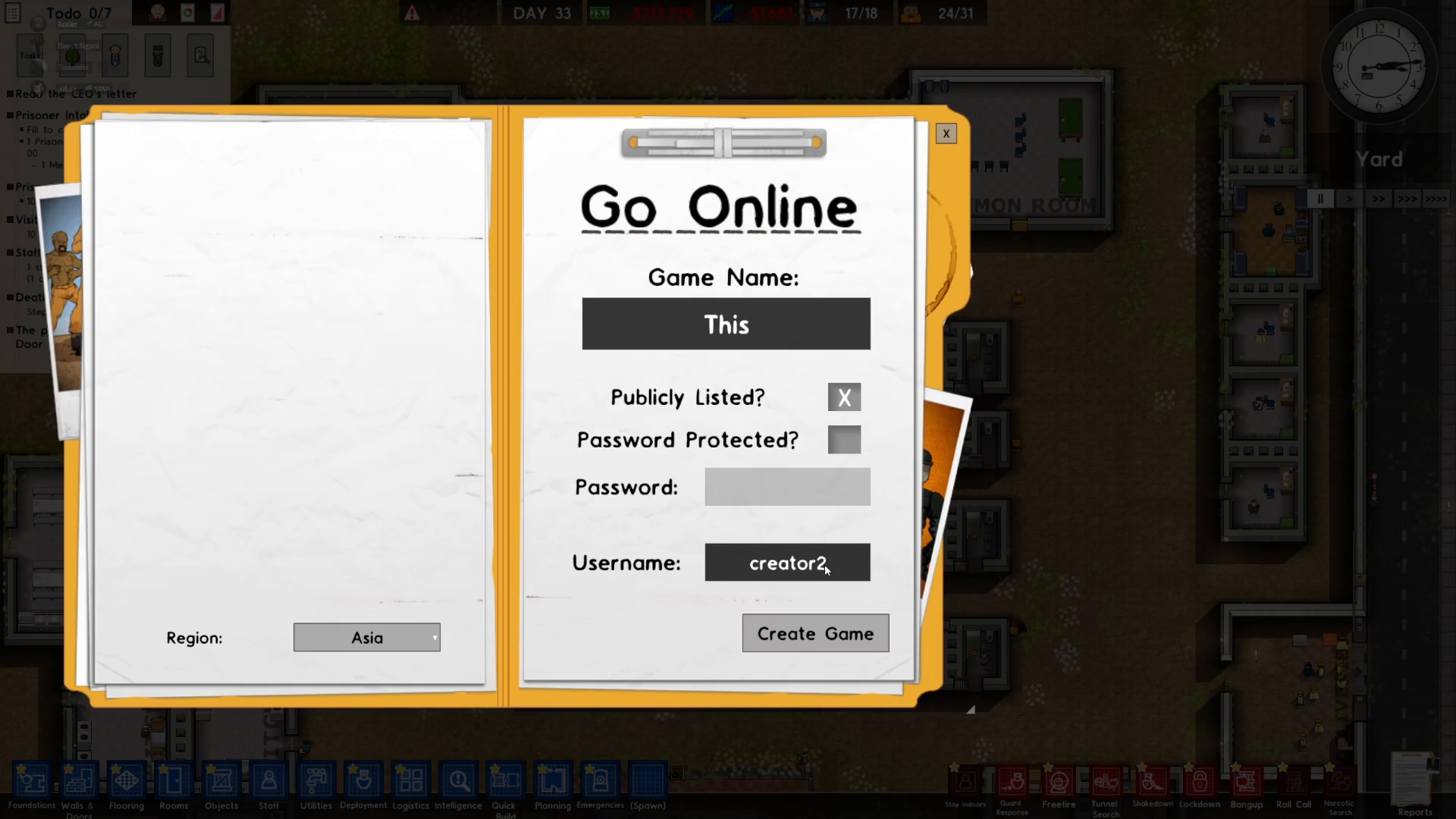
You’ll be prompted to enter a game name for your multiplayer session. This is how your game will appear in the public lobby.
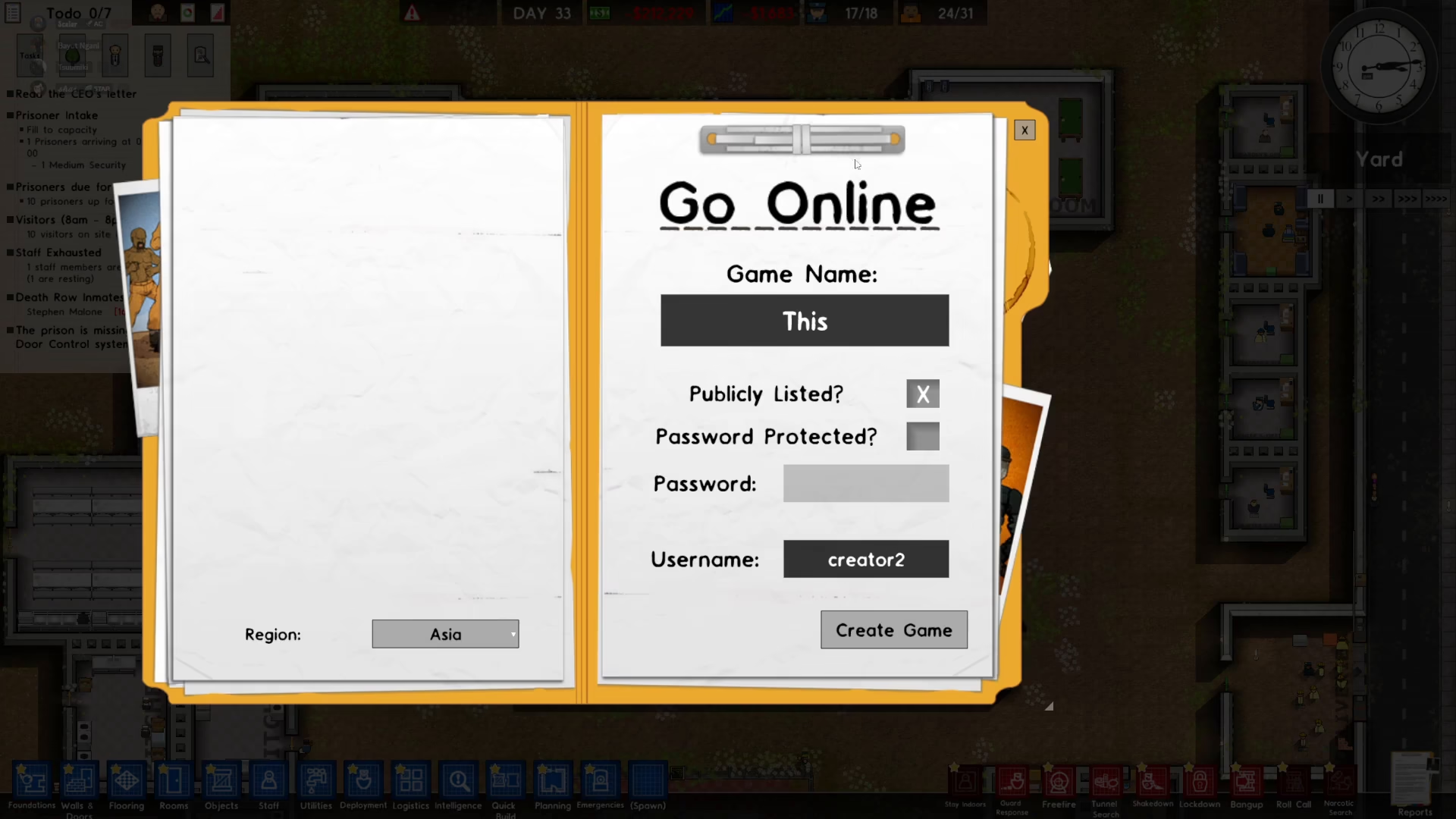
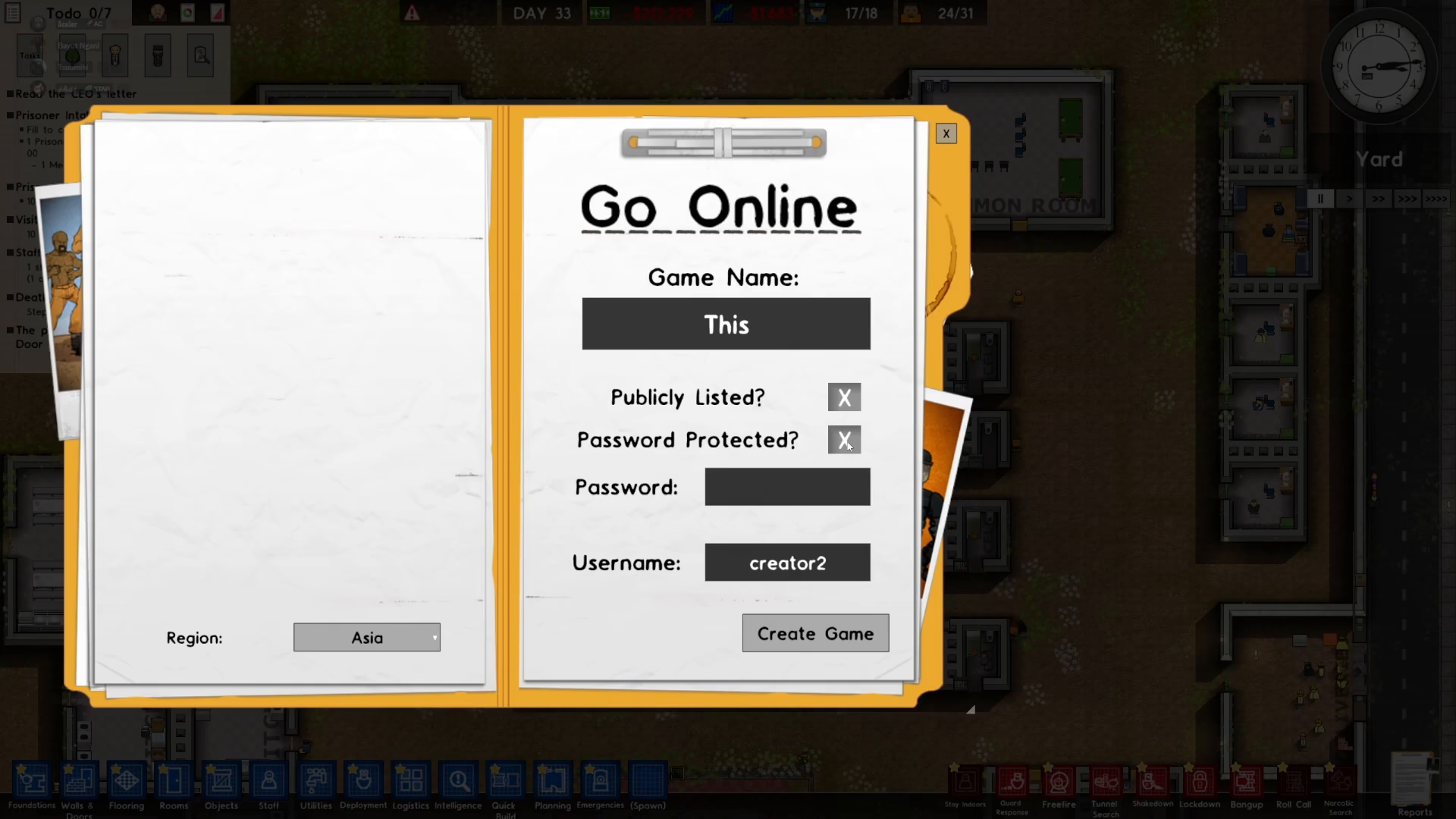
Next, you can set a password to protect your game. If you want your prison to be accessible to anyone, simply leave this field blank. Password protection ensures only invited players or those who know the password can join.
Choosing Your Username
Select a username that will represent you during the multiplayer session. This username is customizable and can be changed if desired.
Creating the Game
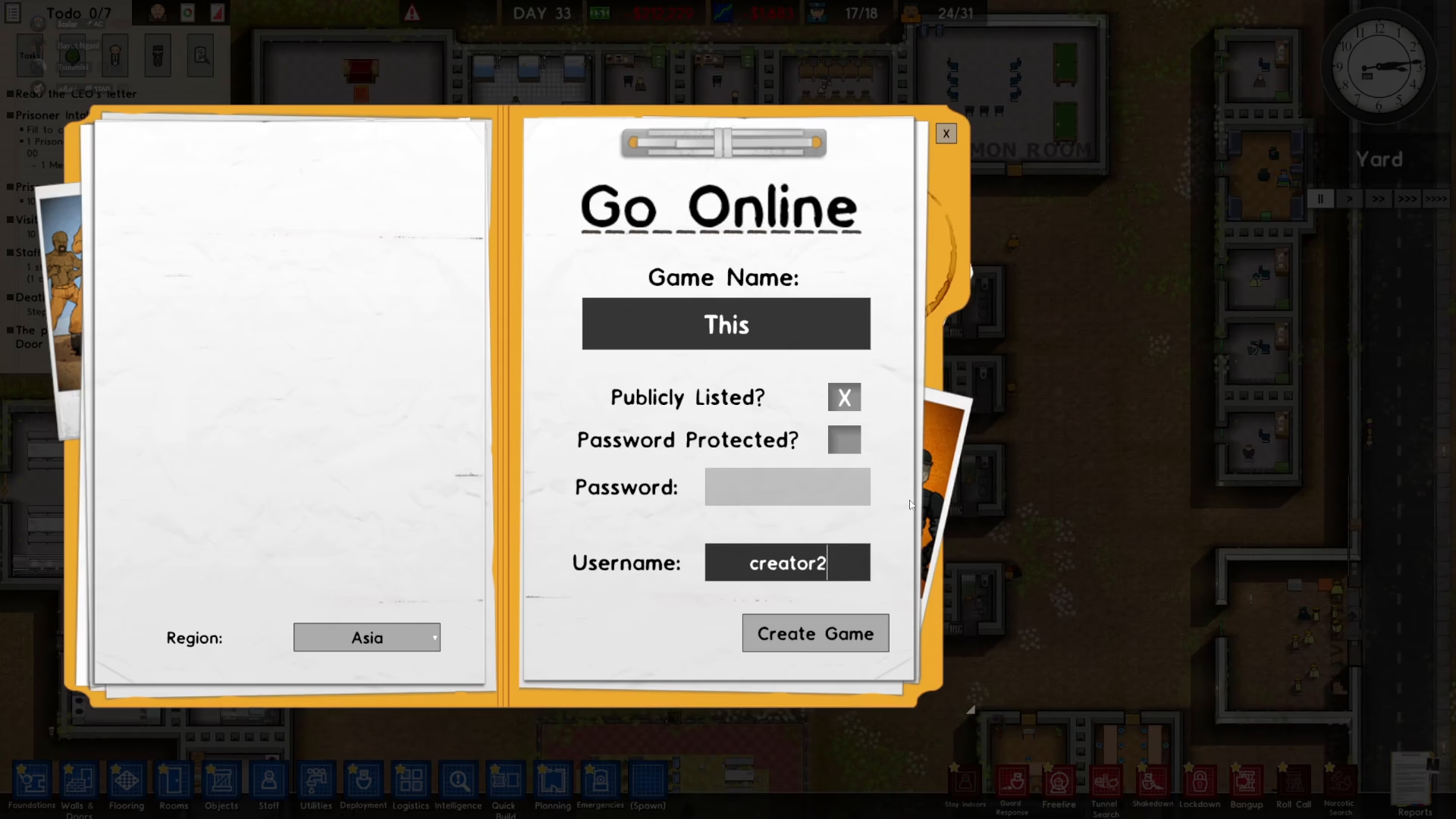
Once you’ve entered your game name, password (optional), and username, click the “Create Game” button to launch your multiplayer session.
Inviting Players to Join
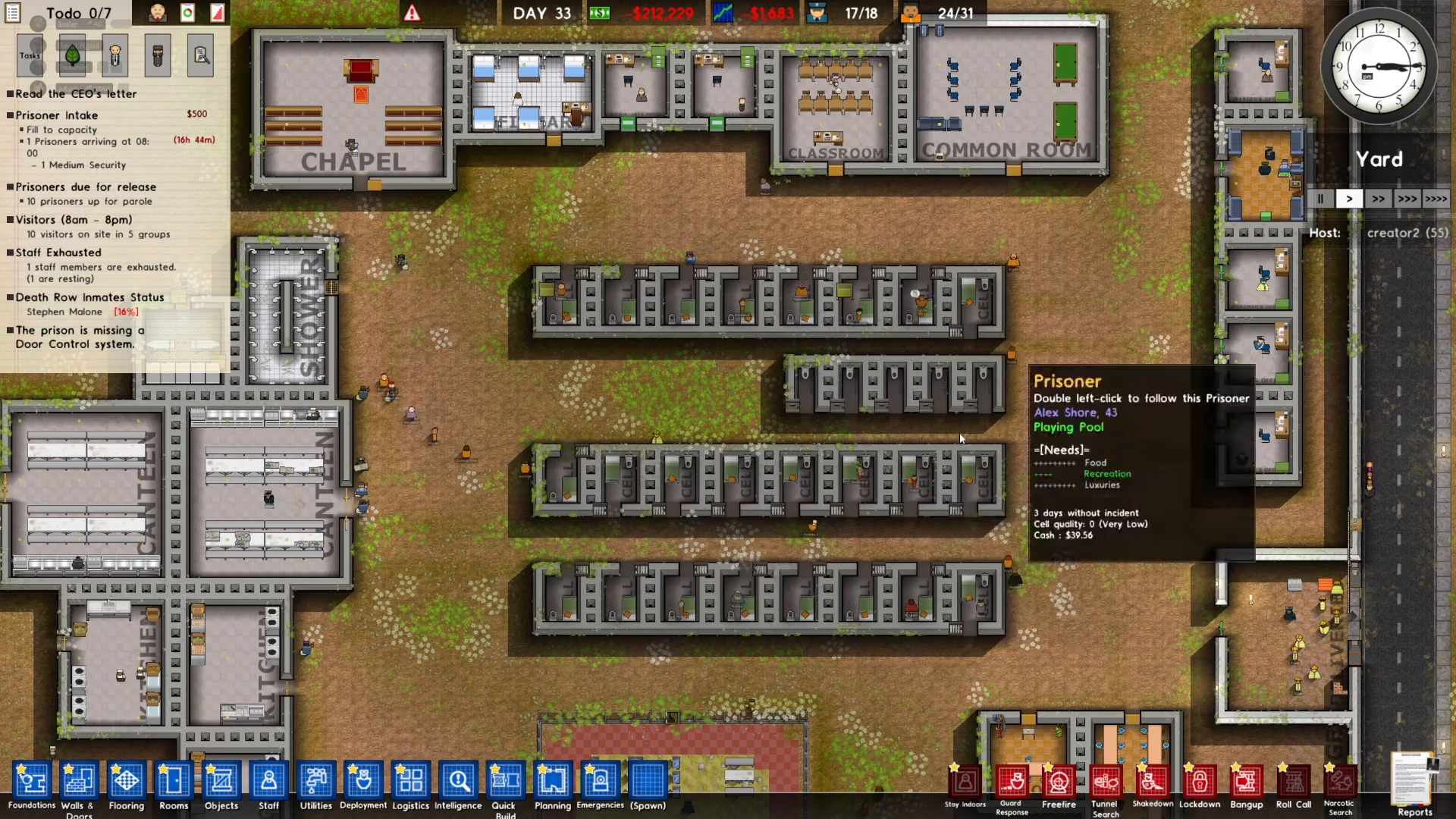
After creating your game, it will appear in the public lobby under “Join Online Game,” allowing friends and other players to discover and join your prison.
Inviting Friends via Steam
If you’re playing on Steam, you can use the Steam overlay to quickly invite friends to your game. Simply press Shift+Tab to open the Steam overlay and send invitations directly to your friends list.
Managing Players in Your Game
As the host of your multiplayer game, you have control over who can play in your prison. You can kick or ban players as needed.
Kicking or Banning Players
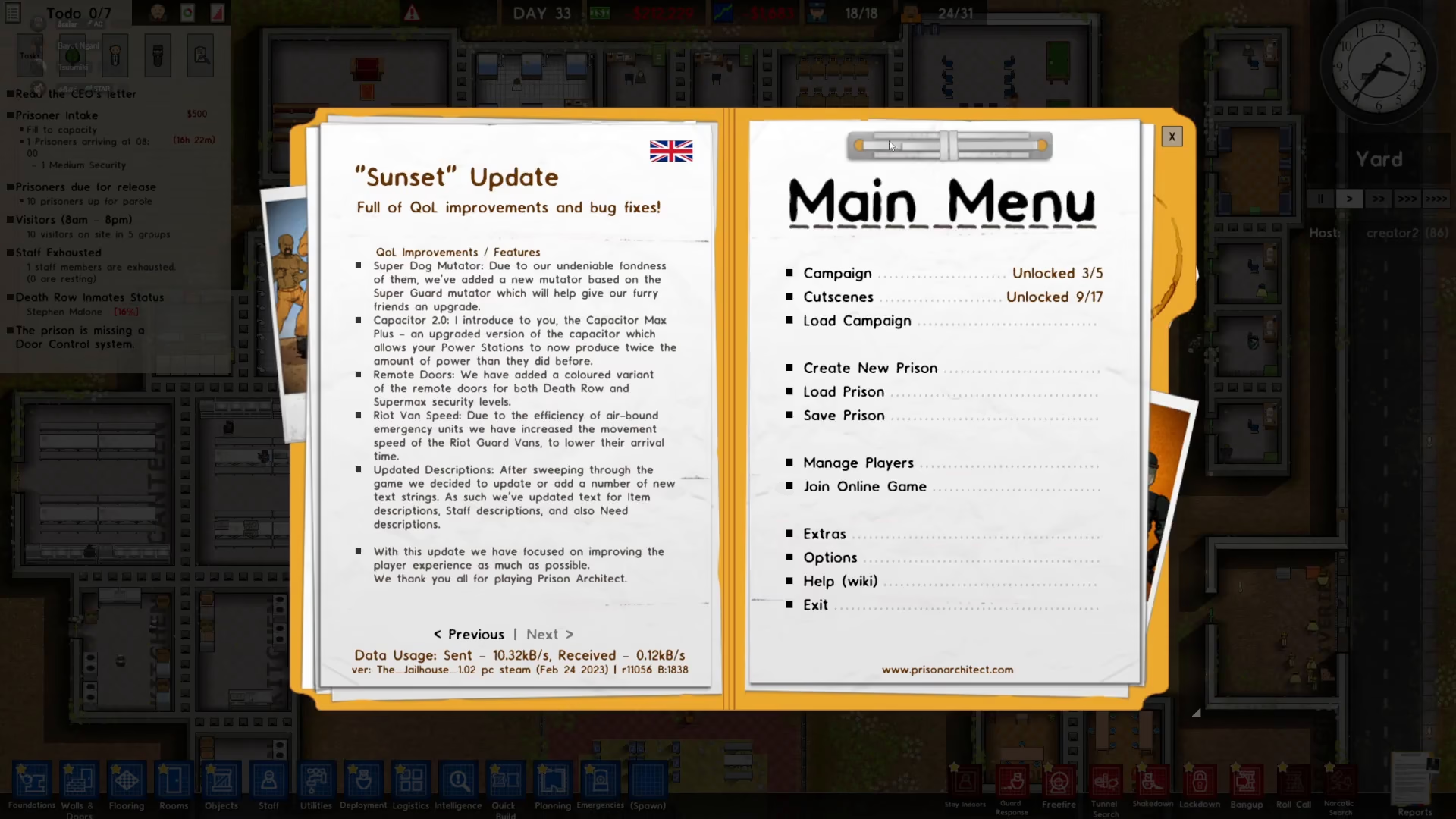
To manage players, press Escape during gameplay to access the menu. Select “Manage Players” to view all connected players.
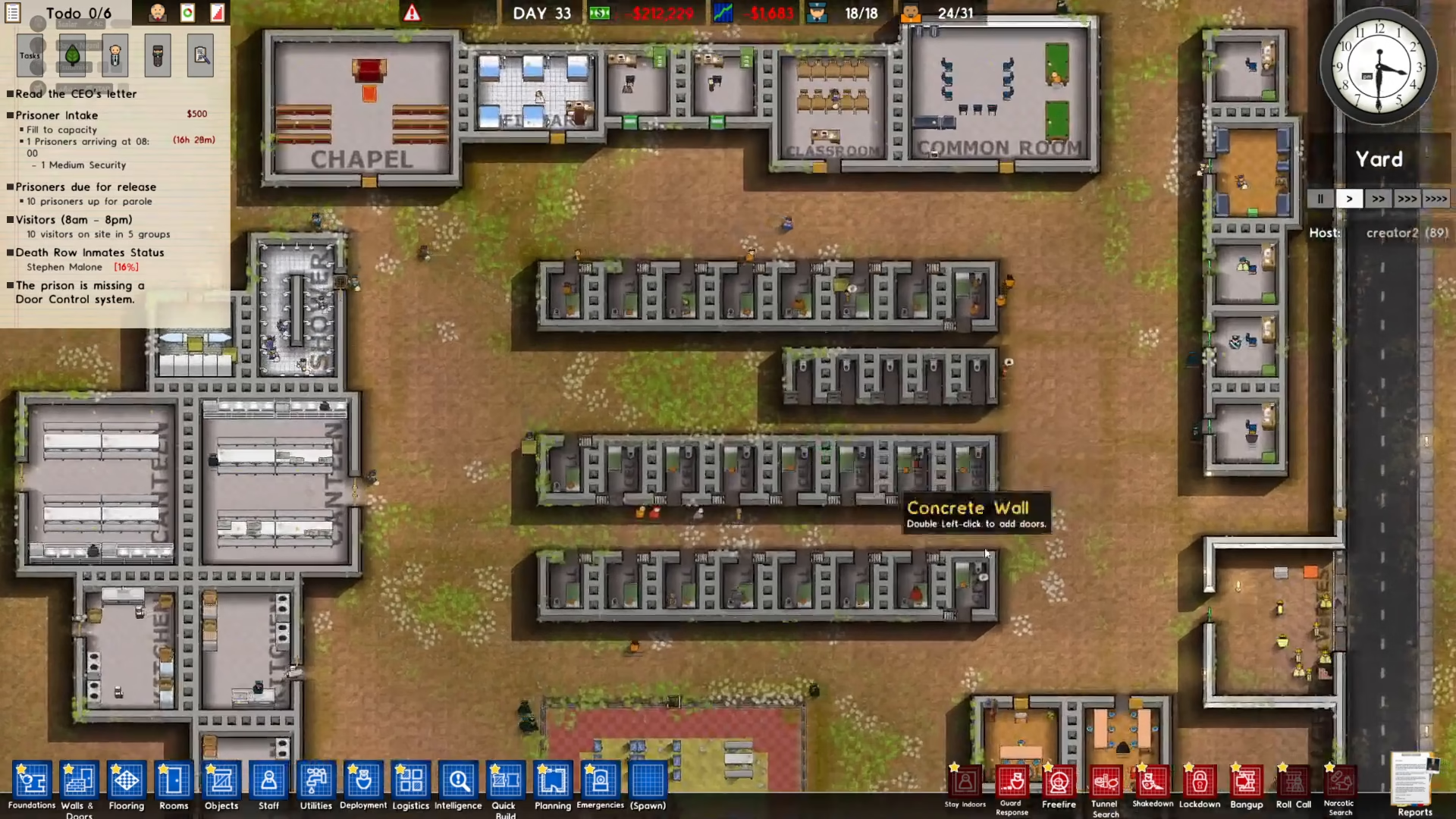
From the player management screen, you can select any player and choose to kick them from the game. If a player has been problematic, you also have the option to ban them before kicking them out. This prevents them from rejoining your game in the future.
Summary
Hosting multiplayer in Prison Architect is straightforward and user-friendly. Load your prison, go online, create a game with a name and optional password, choose your username, and click create. Your game will appear in the public lobby for others to join, or you can invite Steam friends directly. Use the Manage Players option to control who plays in your prison by kicking or banning players as needed. Now you’re ready to enjoy Prison Architect with friends and build the ultimate correctional facility together!
— Want to Support? —
If you would like to help us continue making these guides – please consider joining our patreon here – https://www.patreon.com/c/JaviHeals
Alternatively – you can join our discord here – https://discord.gg/zD7Gjt6MHF