






How To Listen To Holotapes In Fallout 4
How To Listen To Holotapes In Fallout 4
Holotapes are an important storytelling element in Fallout 4, containing valuable lore, side quest information, and audio logs from the post-apocalyptic world. Learning how to access and play these holotapes is essential for any player wanting to fully experience the game’s narrative. This guide will walk you through the simple steps needed to listen to holotapes on your Pip Boy device.
Accessing Your Holotapes
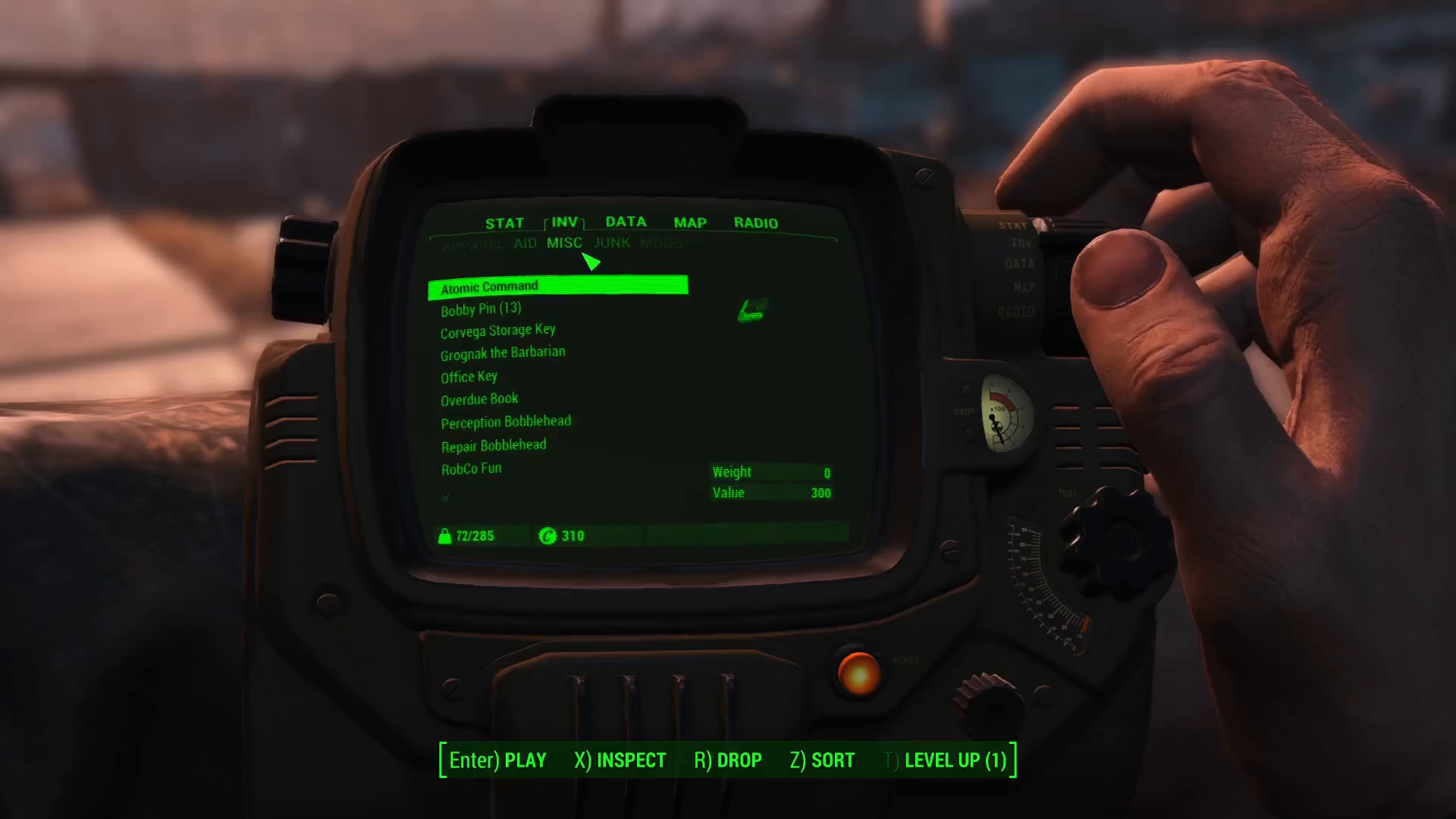
To begin listening to holotapes, you’ll need to open your Pip Boy menu. Once the Pip Boy interface is displayed on your screen, navigate to the Inventory tab.

From the Inventory tab, select the Misc category. This section contains all miscellaneous items you’ve collected throughout your journey, including notes and holotapes.
Playing a Holotape
Within the Misc section, you’ll see a complete list of all the various notes and holotapes you’ve collected during your adventures. To listen to a specific holotape, simply locate the one you want and select it by clicking on it.
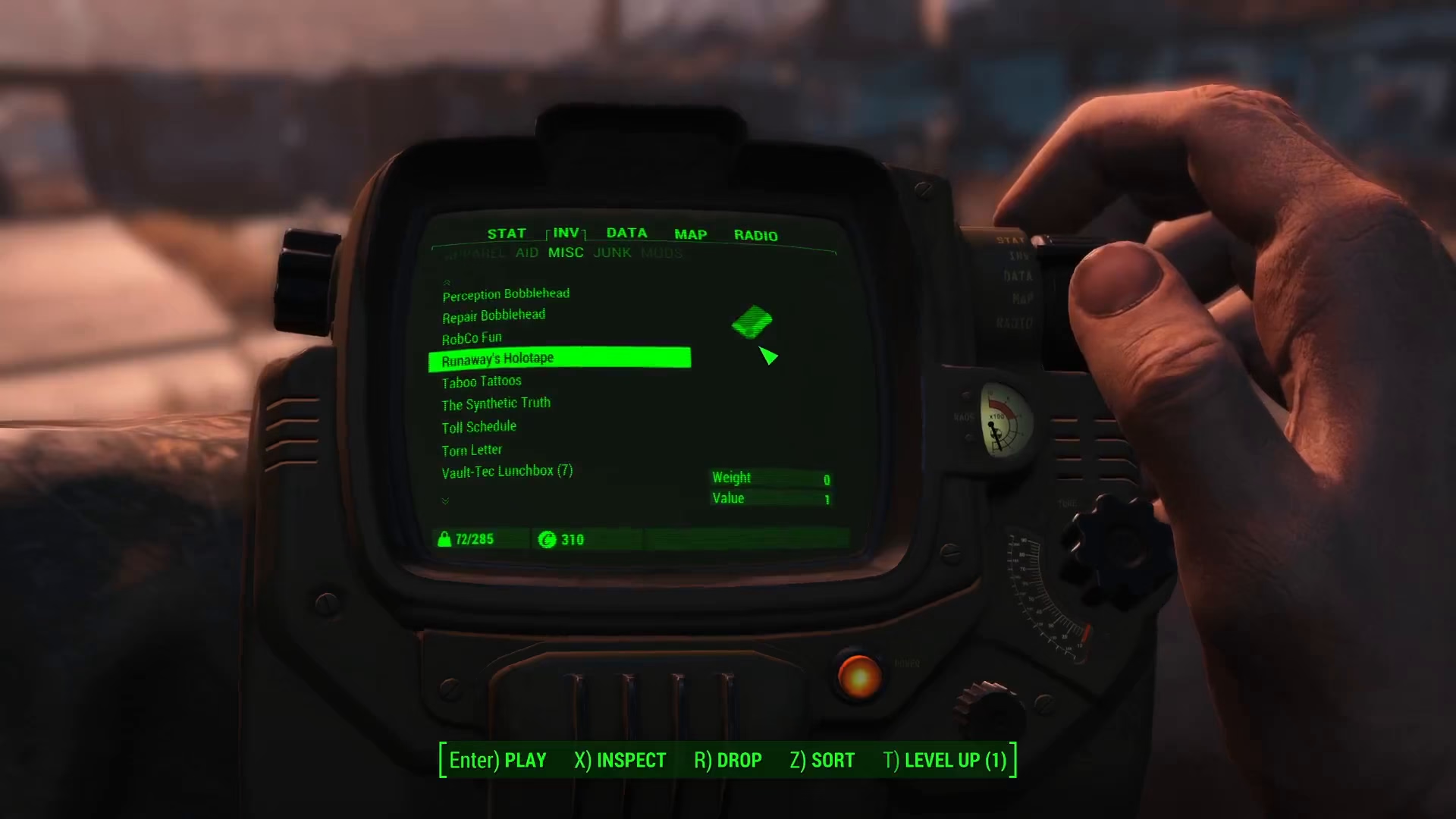
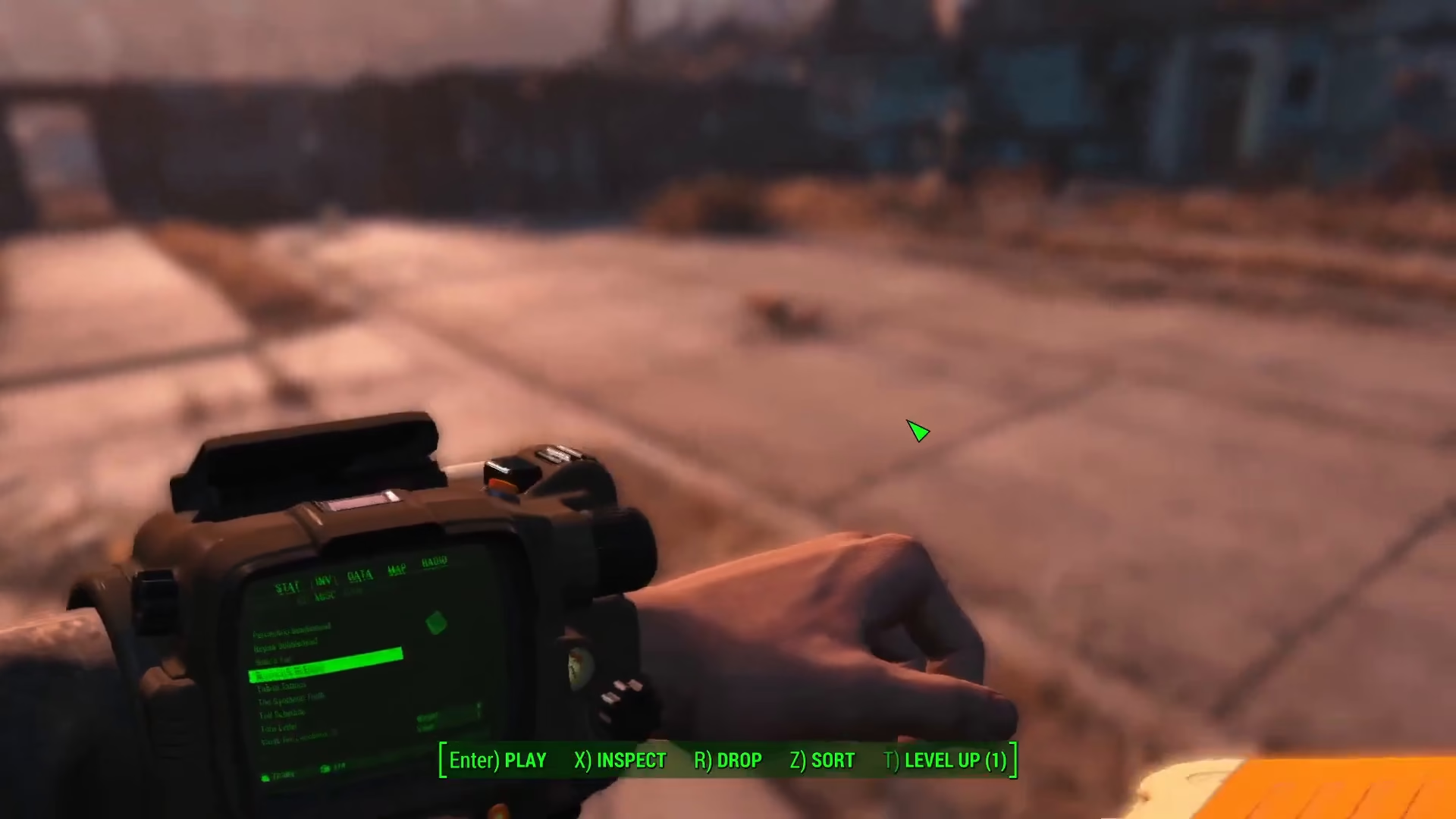
Once you’ve selected a holotape, your player character will automatically insert it into the Pip Boy device. The audio will begin playing, and you’ll hear the contents of the holotape through your speakers.
Stopping a Holotape
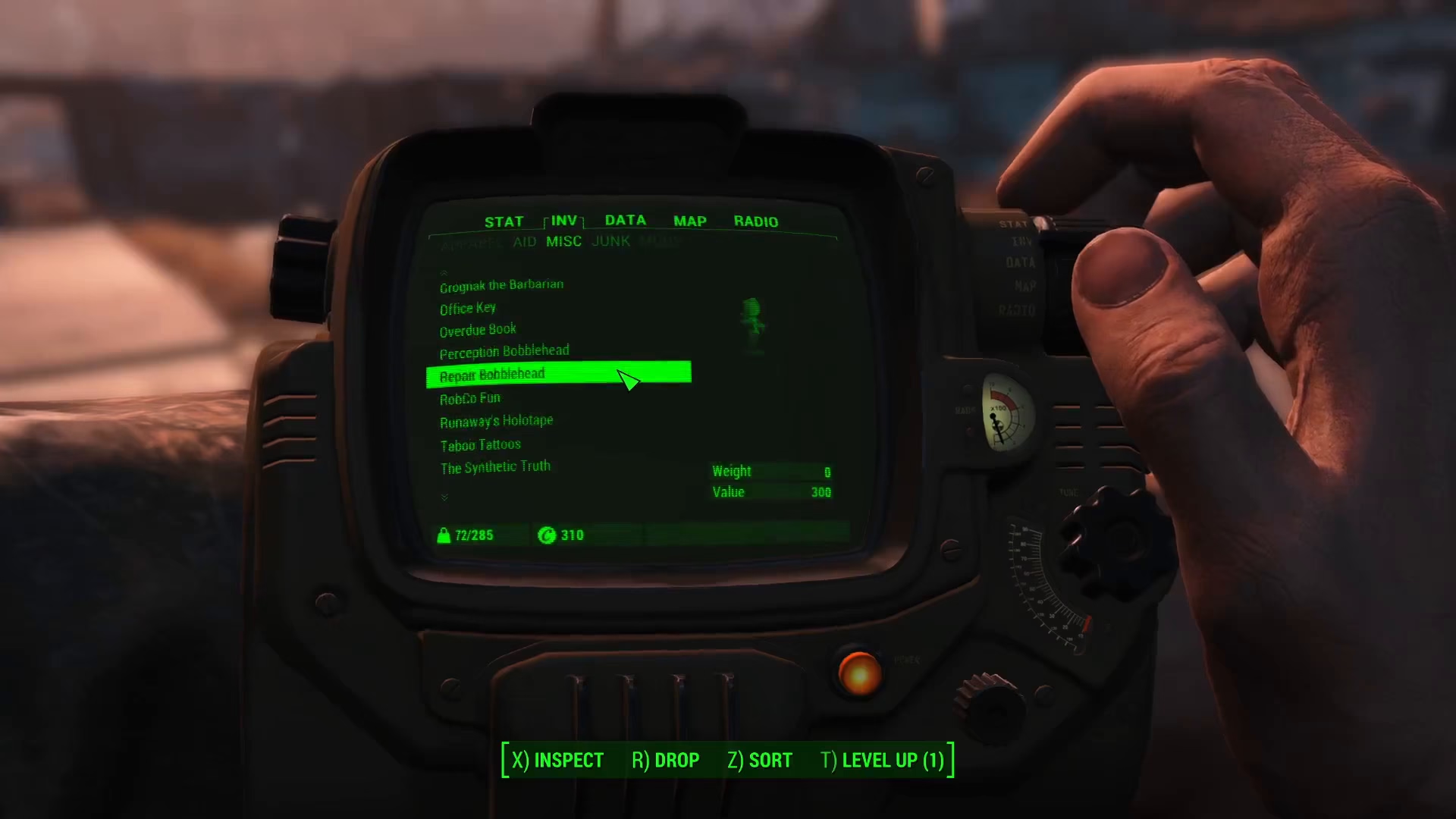
If you want to stop listening to a holotape at any time, simply navigate back to the holotape you’re currently playing and click on it again. This will stop the playback immediately.
Summary
Listening to holotapes in Fallout 4 is straightforward: open your Pip Boy, go to Inventory, select Misc, find the holotape you want, and click it to play. To stop playback, simply click the same holotape again. Now you’re ready to explore all the audio logs and stories that the Commonwealth has to offer!
— Want to Support? —
If you would like to help us continue making these guides – please consider joining our patreon here – https://www.patreon.com/c/JaviHeals
Alternatively – you can join our discord here – https://discord.gg/zD7Gjt6MHF