





How To Make A Room Indoors In Prison Architect
How To Make A Room Indoors In Prison Architect
In Prison Architect, creating indoor rooms is essential for meeting facility requirements and expanding your prison. This guide walks you through the simple process of building indoor rooms using foundations, doors, and floors to satisfy the “indoors” requirement for rooms like common areas.
Understanding the Indoor Requirement
Many rooms in Prison Architect, such as the common room, have a specific requirement: they must be indoors. You cannot simply place these rooms anywhere—they need to be enclosed within a properly constructed building.
Getting Started: Accessing Foundations
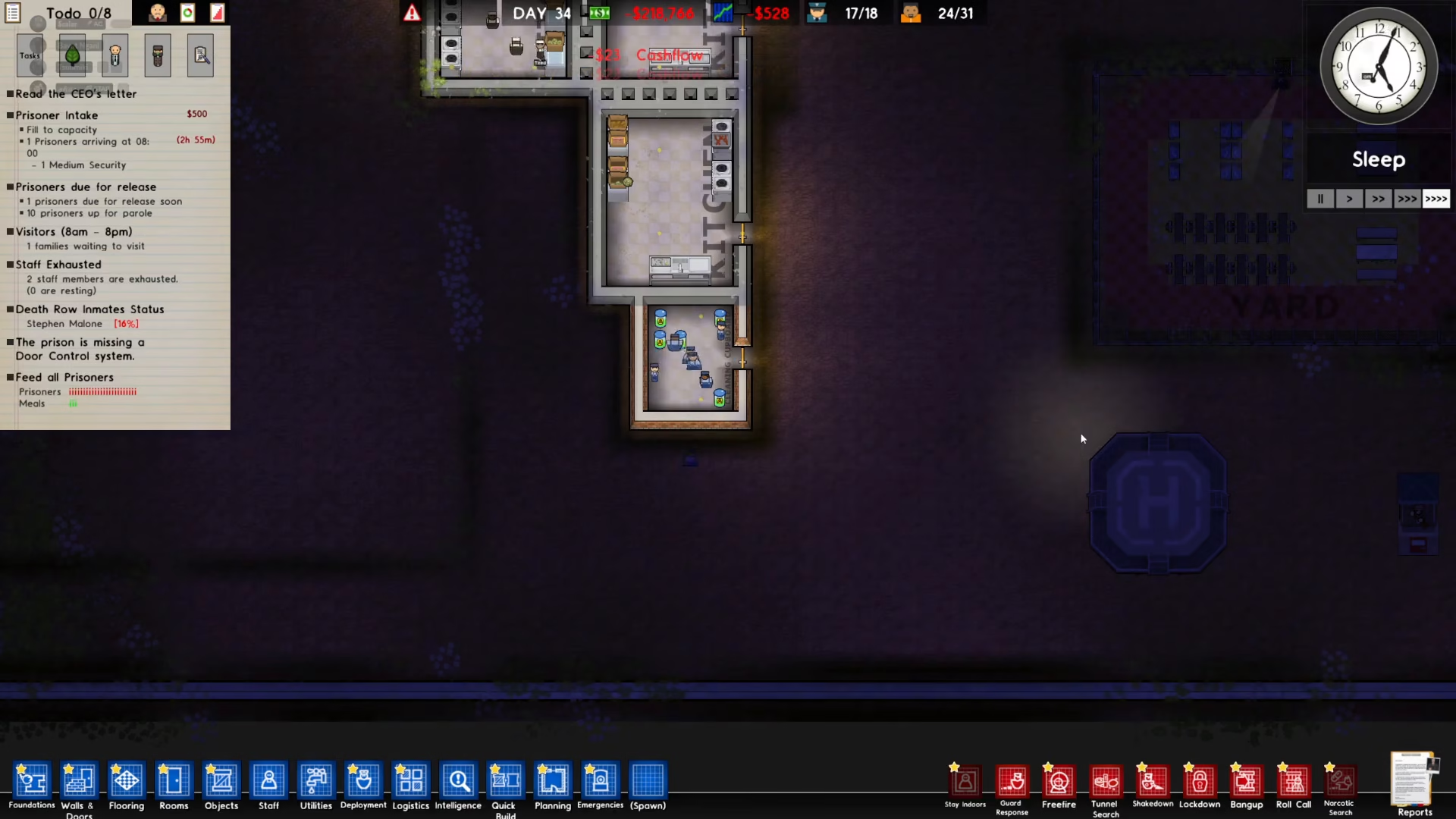
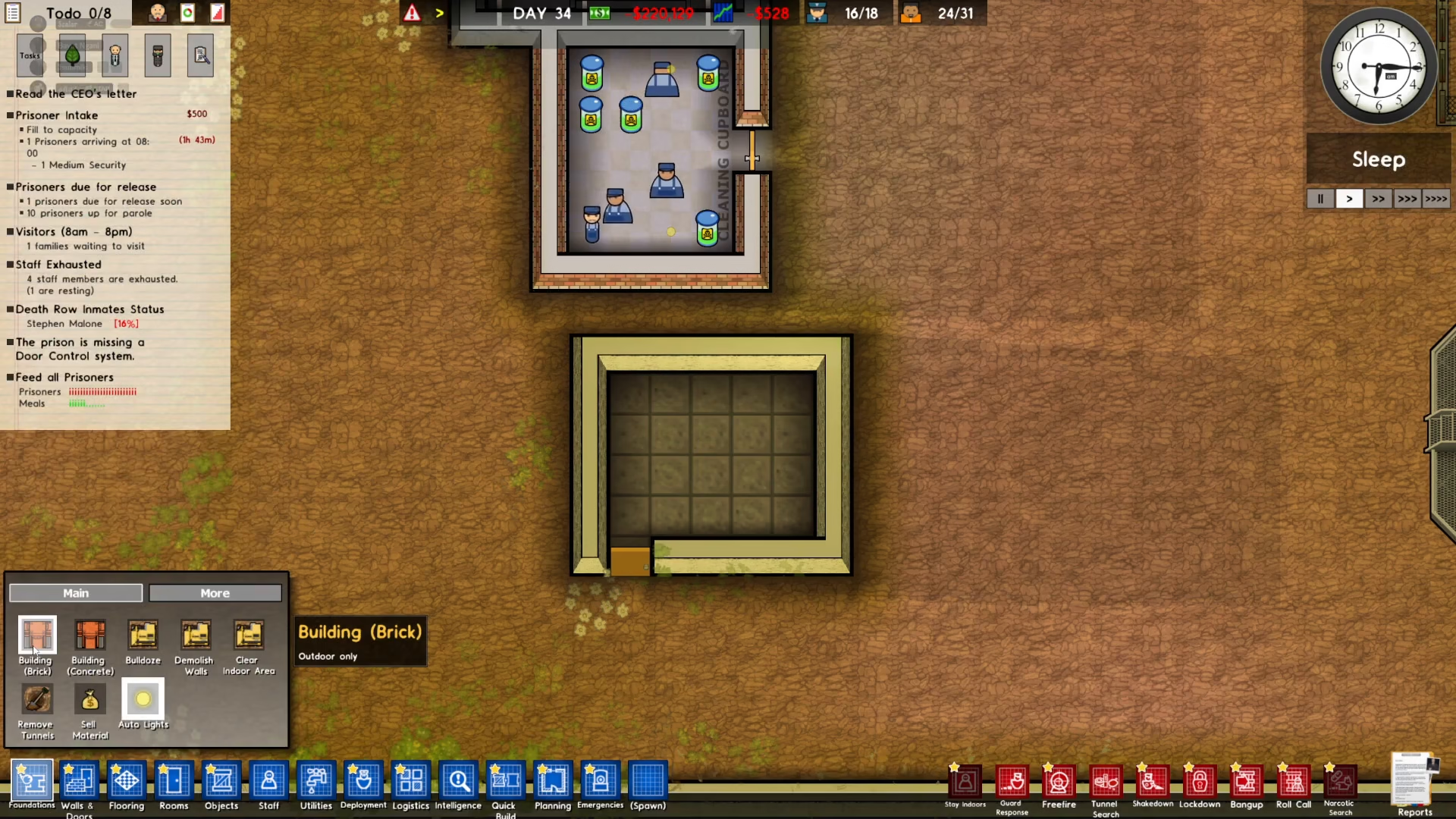
To begin building an indoor room, locate the Foundations tool in the bottom left corner of your screen. Foundations are the building blocks you’ll use to create the structure that will house your room.
Building Your Indoor Room Structure
Step 1: Choose Your Building Material
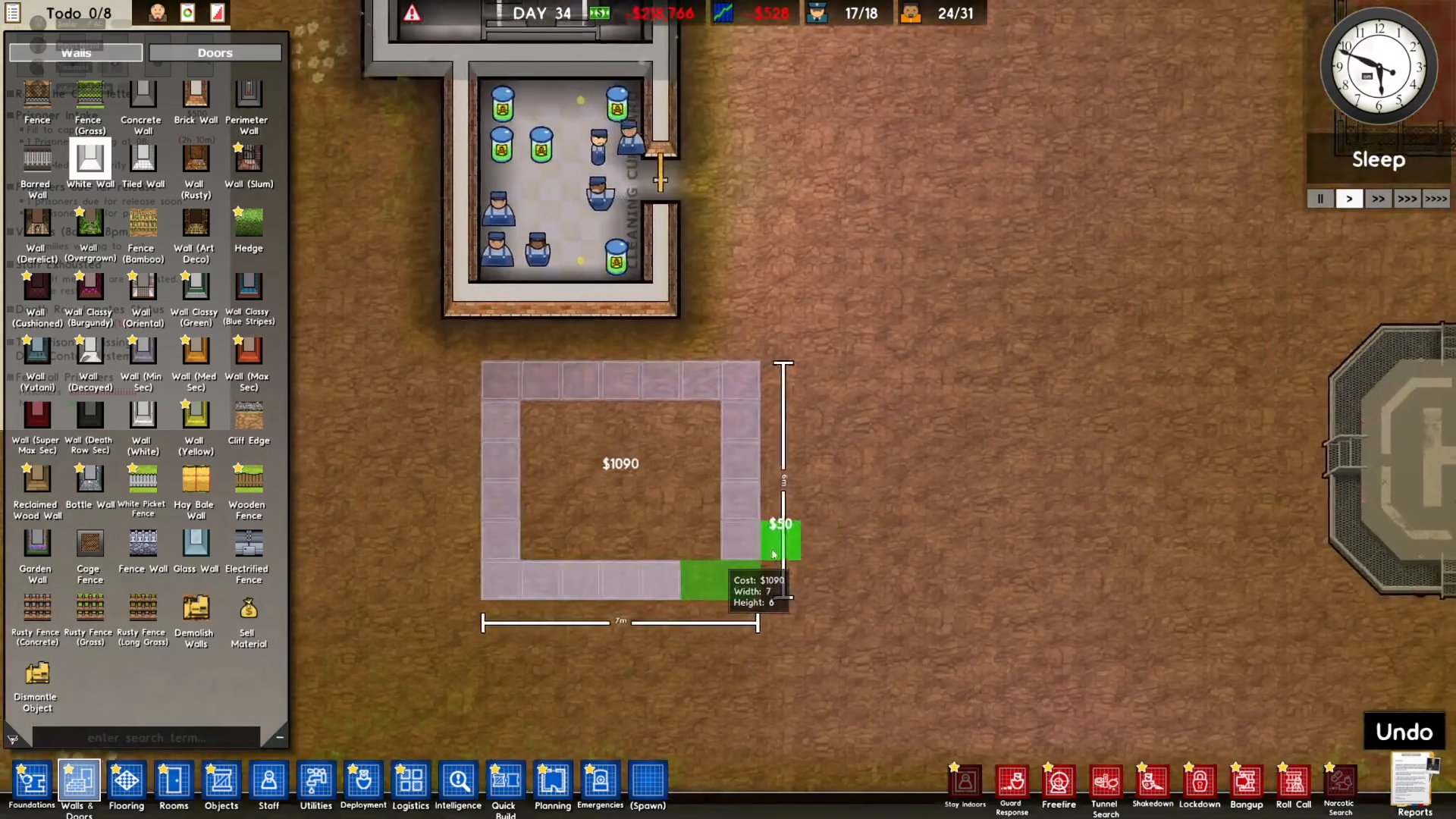
When using Foundations, you’ll need to select a building material. You have two options available: Building Brick or Building Concrete. For this example, we’ll use concrete.
Step 2: Construct the Walls
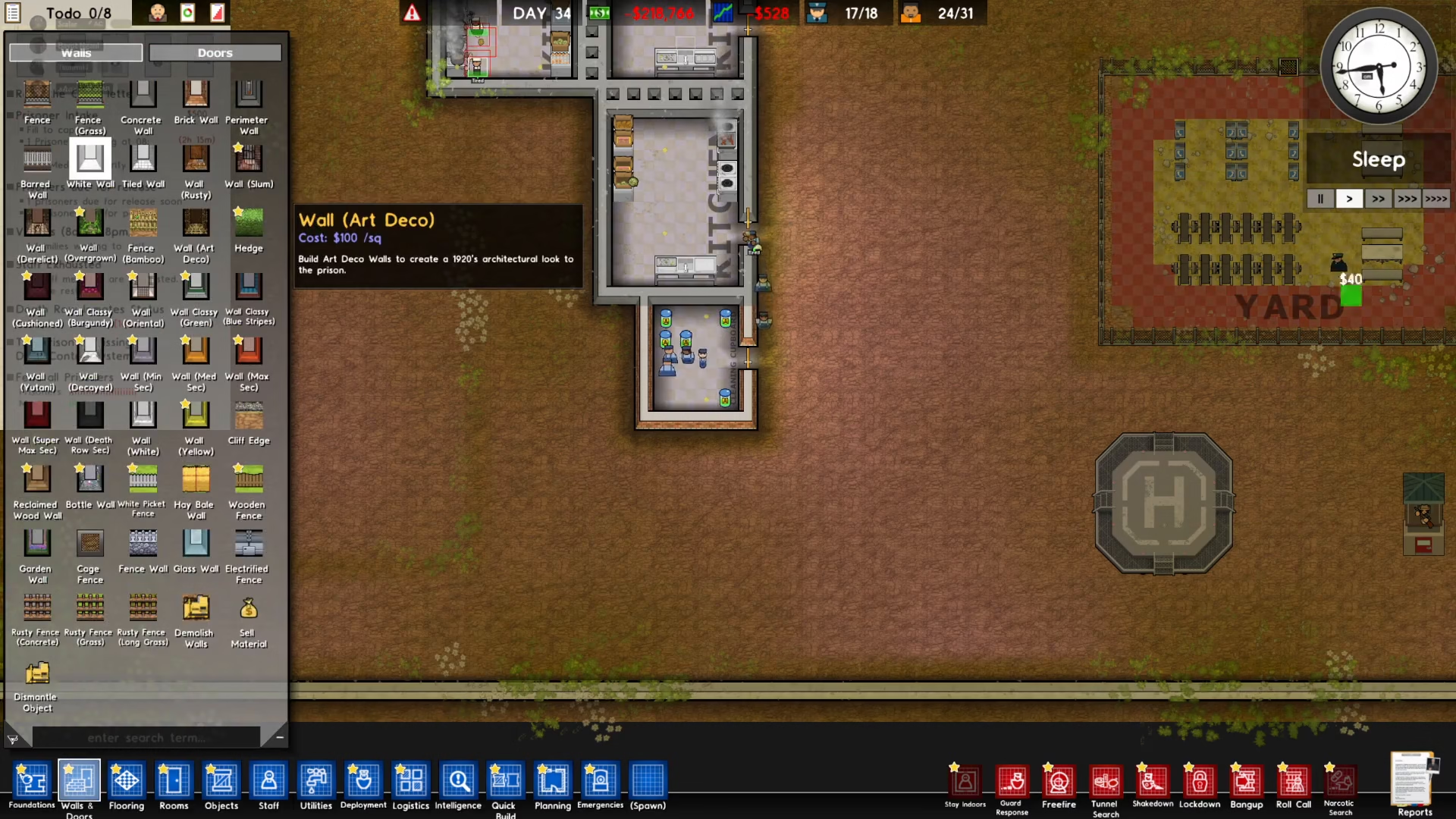
Begin by placing walls around your designated room area. These walls will form the structure of your indoor space. Place them carefully to create an enclosed area.
Step 3: Install a Door
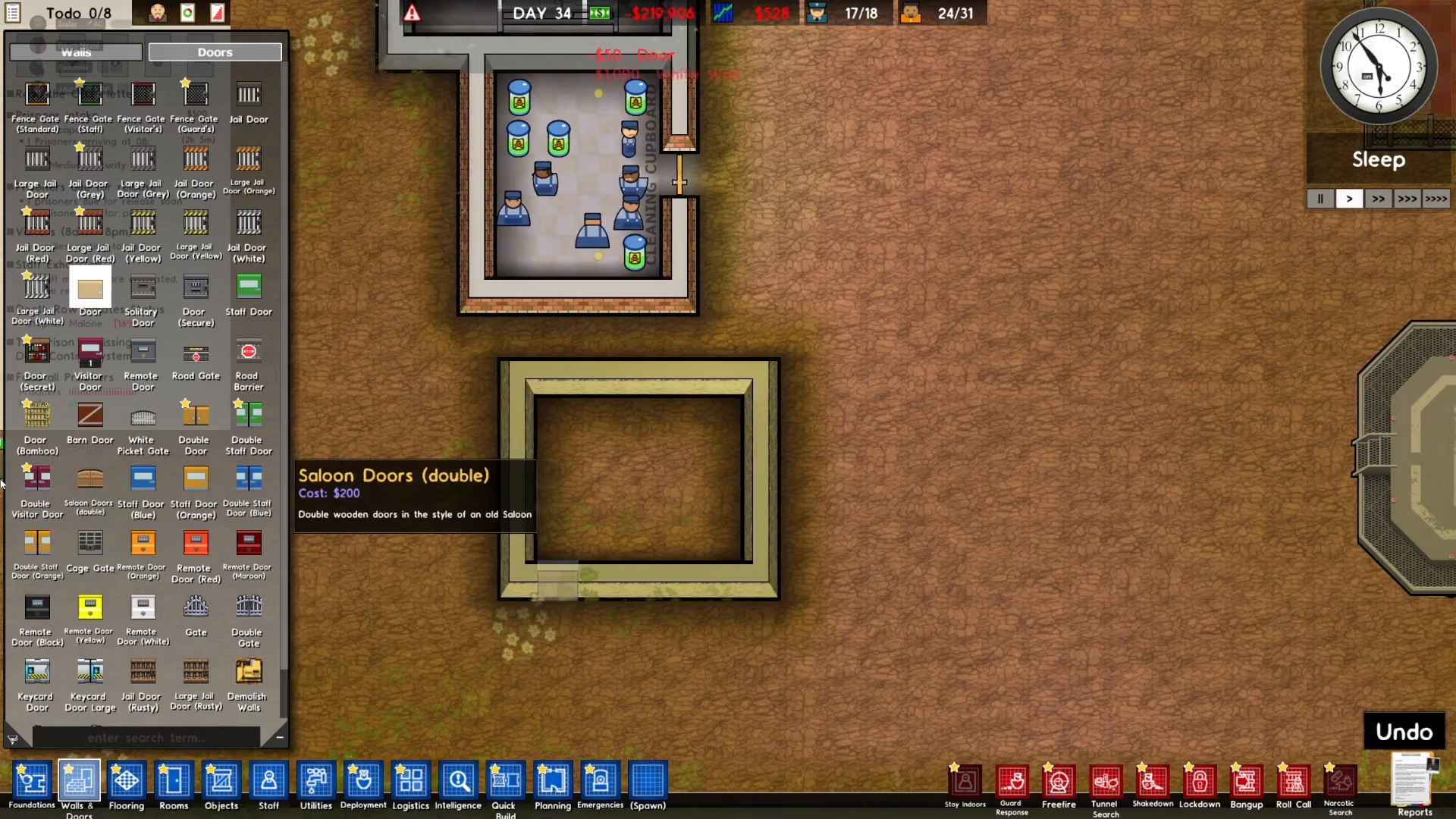
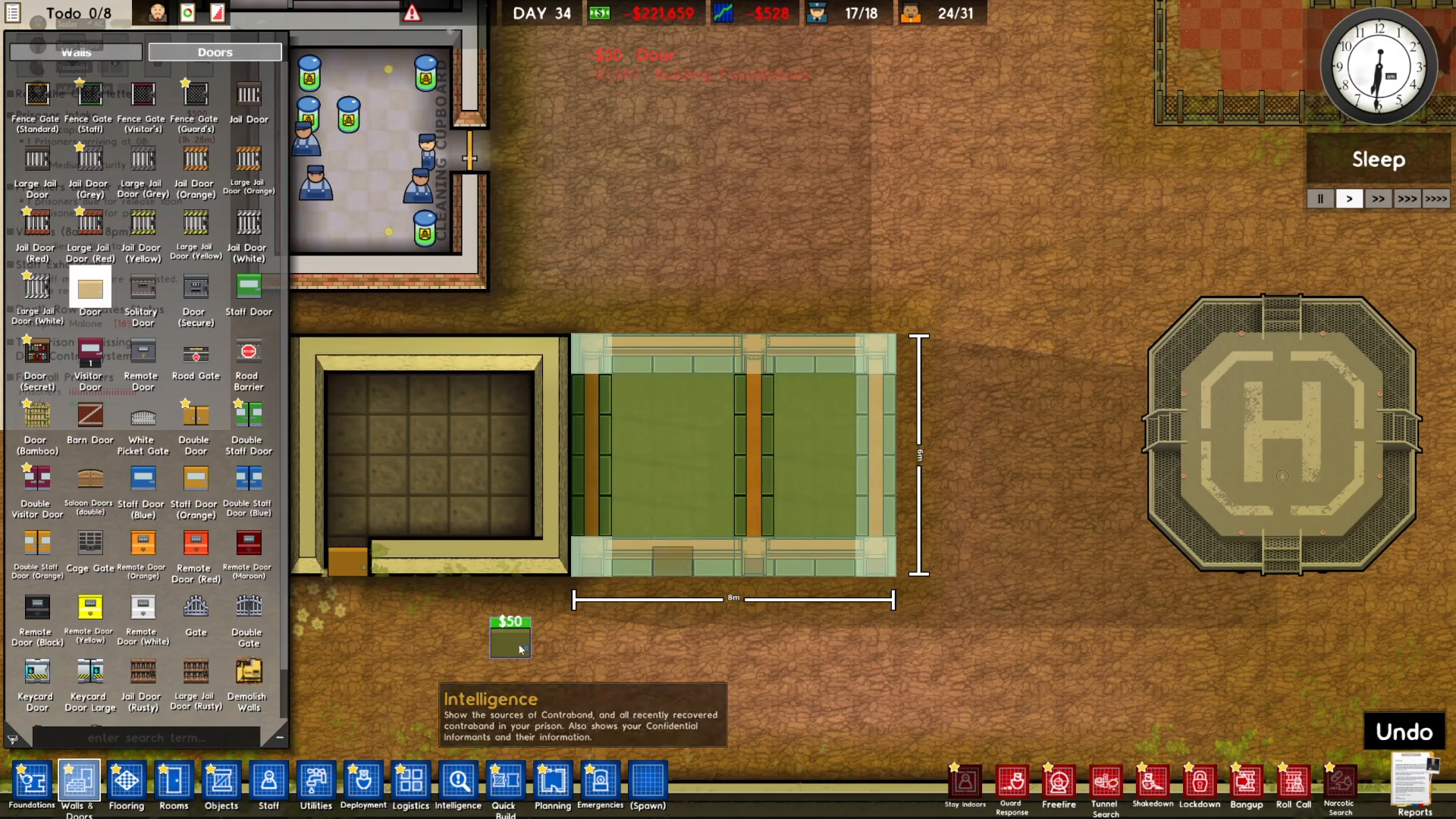
A door is crucial for your room to function properly. Place a door in your structure—this allows workers to access the room and begin construction on it. Without a door, workers won’t be able to complete the build.
Step 4: Add the Floor
Complete the basic structure by adding a floor to your enclosed area. This finalizes the “indoors” requirement for your room.
Designating Your Room
Once your structure is complete, access the Rooms menu and select the type of room you want to create. In this example, we’re selecting a common room. Now that the space is properly enclosed with walls, doors, and a floor, you’ll be able to successfully place the room designation.
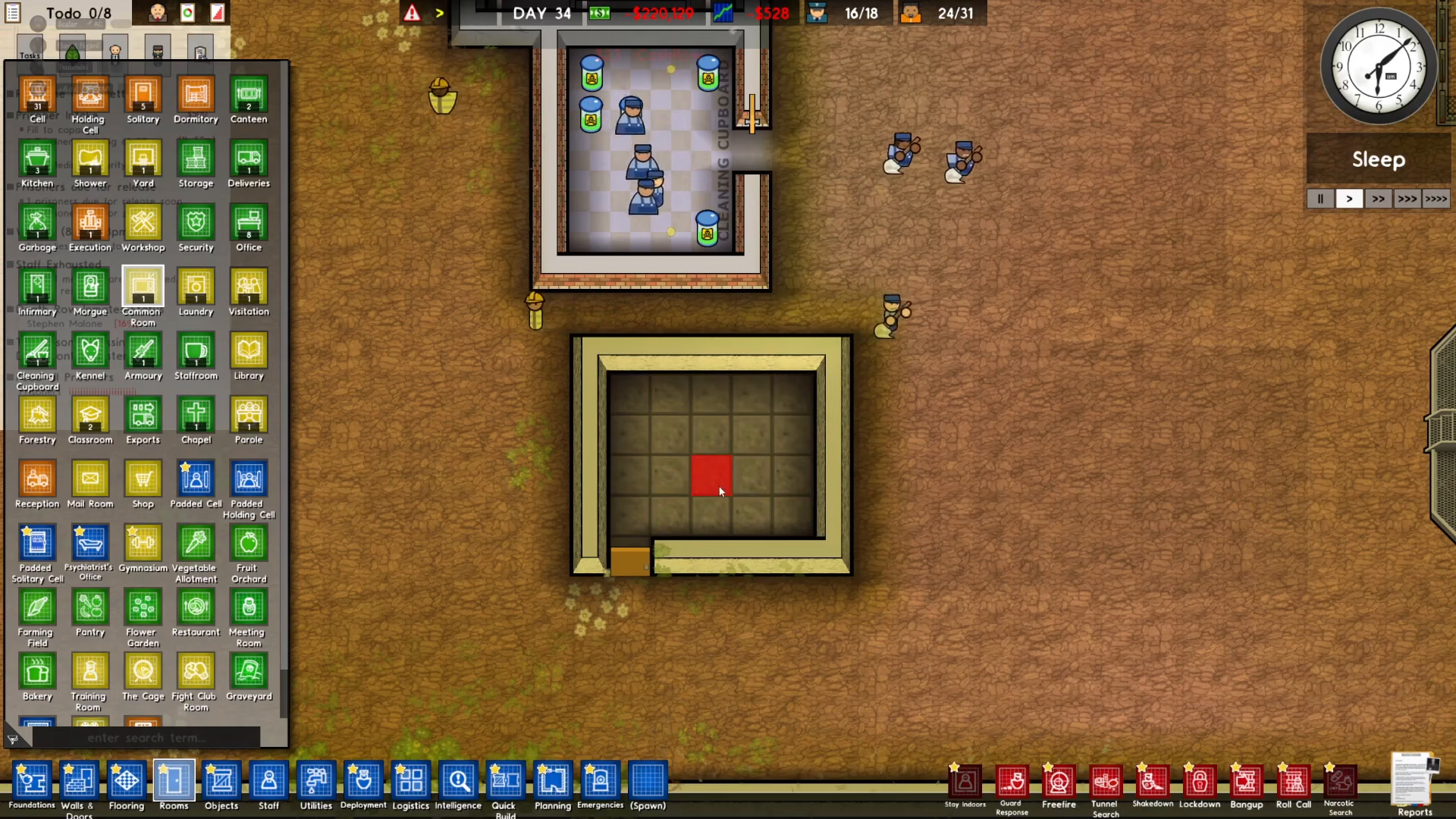
Click on Rooms from the main menu, then select the room type you wish to place—such as common room. Your newly constructed indoor space will now accept the room designation.
Waiting for Construction
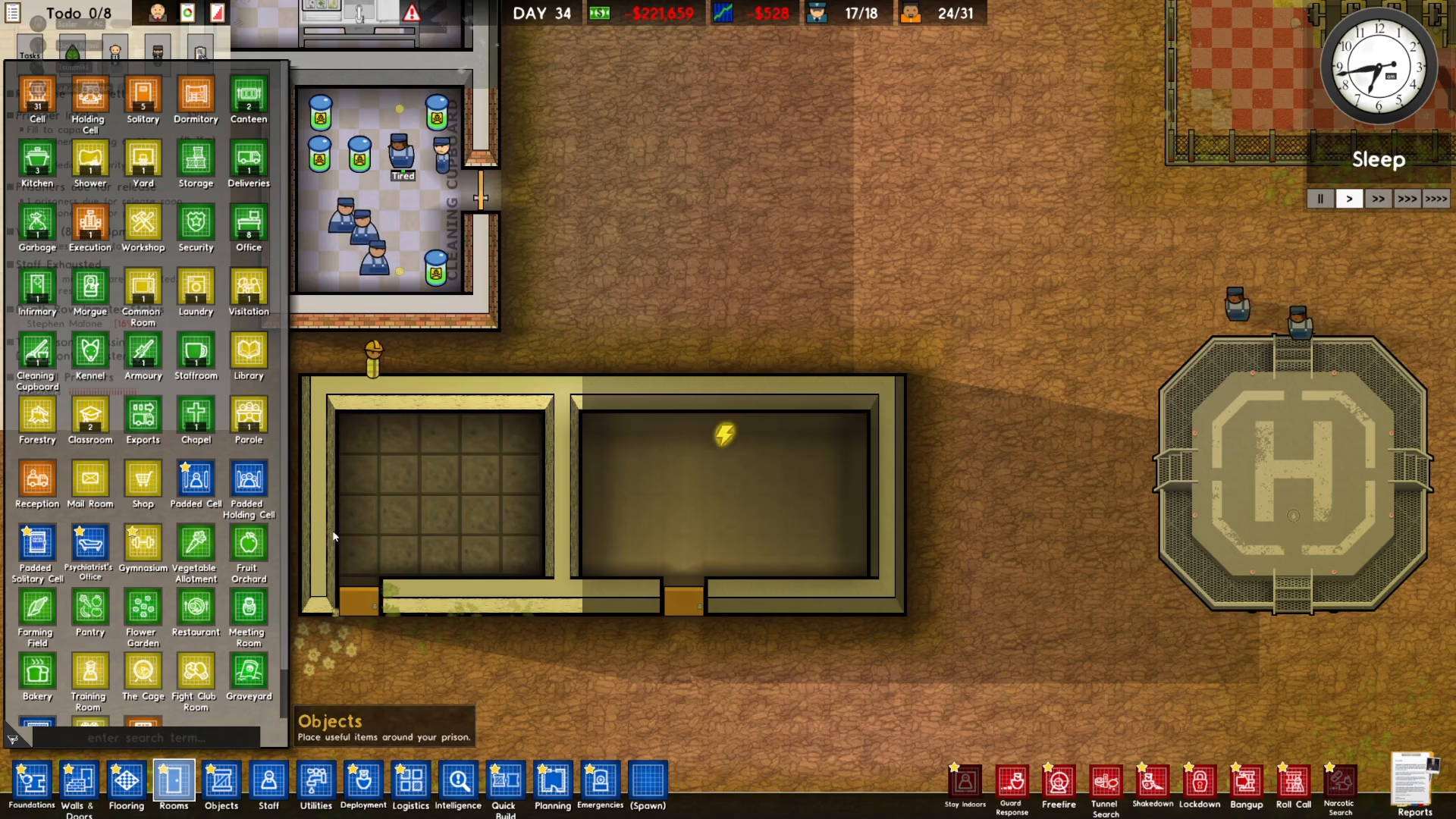
After placing the room designation, your workers will begin construction. Allow time for them to complete the project. Once finished, your indoor room will be fully operational and meet all facility requirements.
Summary
Making a room indoors in Prison Architect is straightforward: use Foundations with either brick or concrete, construct walls around your space, install a door for worker access, add a floor, and then designate your desired room type. This simple four-step process ensures that your rooms meet the indoor requirement and function properly within your prison facility.
Want to Support?
If you would like to help us continue making these guides – please consider joining our patreon here – https://www.patreon.com/c/JaviHeals
Alternatively – you can join our discord here – https://discord.gg/zD7Gjt6MHF